Home / Cultural and Aesthetic / Islamic Geometric
Islamic Geometric CSS Template, Free with Live Demo
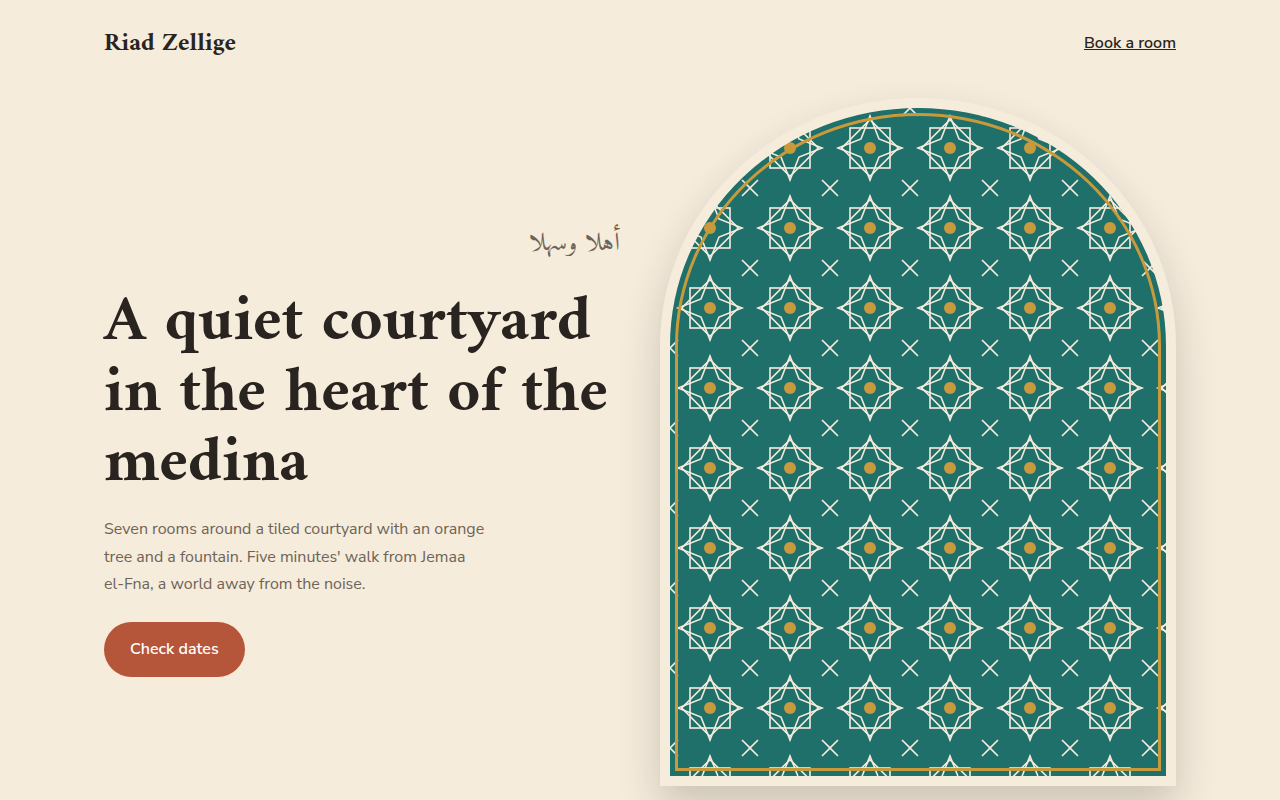
Free Islamic geometric pattern template for a riad in Marrakech. Eight point star tiles, pointed arches and zellige colors made with SVG and CSS. Live demo. The example is Riad Zellige, a guesthouse in Marrakech.
What is islamic geometric?
Islamic geometric patterns are built from stars and polygons that repeat forever, as seen in the zellige tiles of Morocco and the mosques of Andalusia and Persia. They are calm, precise and endlessly detailed.
The tile here is a small SVG with an eight point star made from two overlapping squares, repeated as a background. Arches are made with border-radius, and the colors come from Moroccan tiles: teal, blue, terracotta and gold.
Good for
- Riads, hotels and travel in North Africa and the Middle East
- Restaurants and spice shops
- Cultural centers and museums
- Ramadan and Eid campaigns
What you get in this template
- Eight point star tile pattern as an inline SVG
- Pointed arch frames with border-radius
- Gold zigzag band between sections
- Arabic greeting with correct lang and dir
- Room cards shaped like doorways
The key CSS
This is the part that makes the islamic geometric look work. Copy it into your own project.
.tile {
  background-color: #1f6f6b;
  background-image: url("data:image/svg+xml,...two rotated squares and a star...");
  background-size: 80px 80px;
}
.arch {
  border-radius: 50% 50% 0 0 / 36% 36% 0 0;
  border: 10px solid #f5ecdc;
  outline: 3px solid #c99a3b; outline-offset: -18px;
}
How to use it
- Click Download HTML file above.
- Open the file in any code editor, like VS Code.
- Change the text, colors and links to match your project. Colors are at the top of the style tag.
- Upload it to any host, such as GitHub Pages, Netlify or your own server. It is one file with no build step.
Questions people ask
How do you make an eight point star pattern?
Draw two squares of the same size, one rotated 45 degrees on top of the other. Repeat that tile as a background image.
How do I make an arch shape in CSS?
Use border-radius with separate horizontal and vertical values on the top corners, like 50% 50% 0 0 / 36% 36% 0 0.
How should I add Arabic text?
Wrap it in an element with lang="ar" and dir="rtl" and use a font that supports Arabic, such as Amiri.
More Cultural and Aesthetic designs
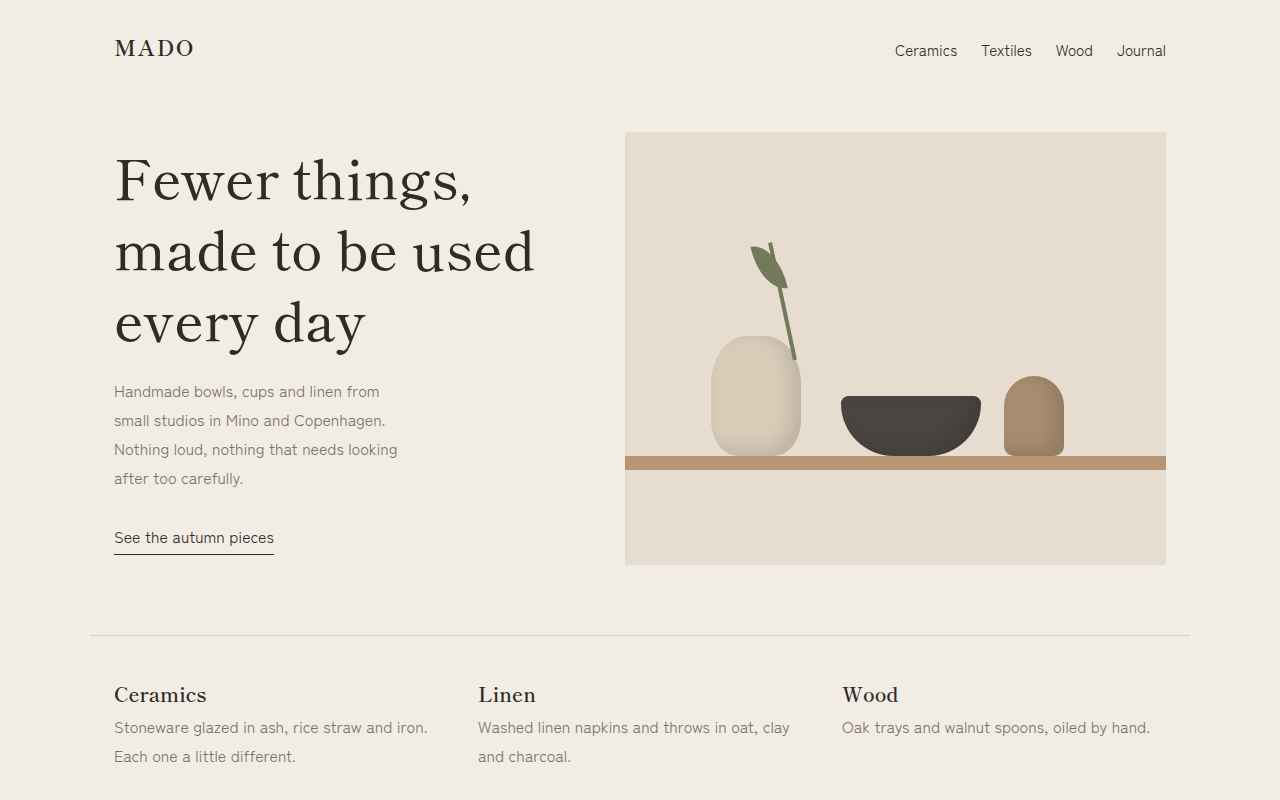
081. Japandi
Mado, a ceramics and homeware shop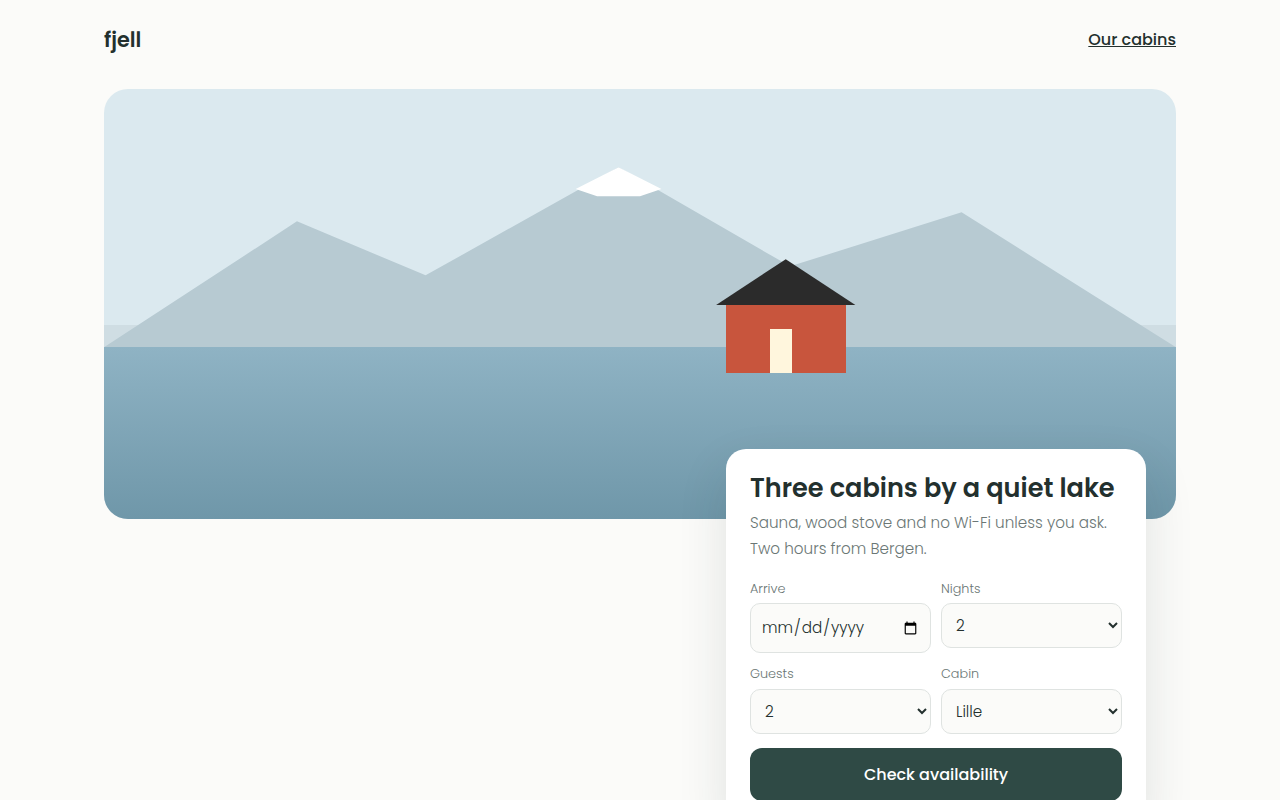
082. Scandinavian
Fjell, cabin rentals in Norway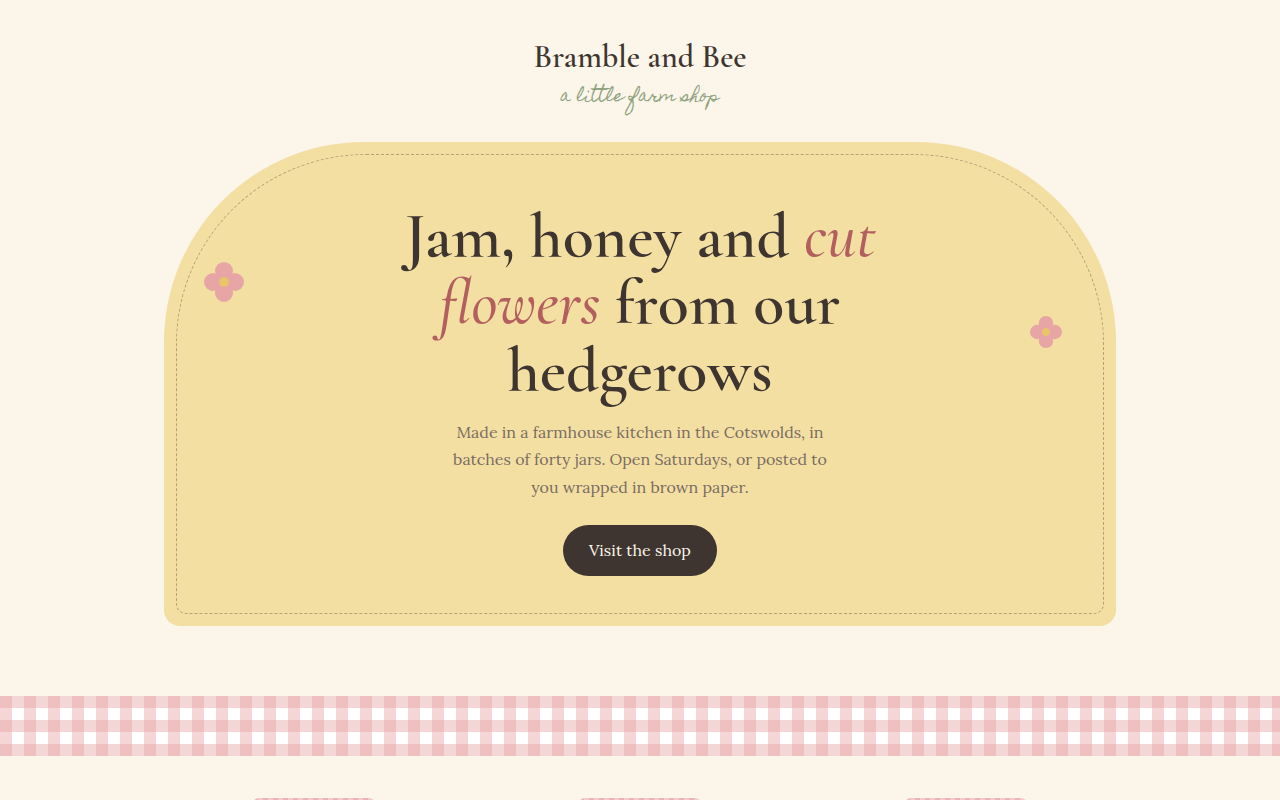
083. Cottagecore
Bramble and Bee, a farm jam shop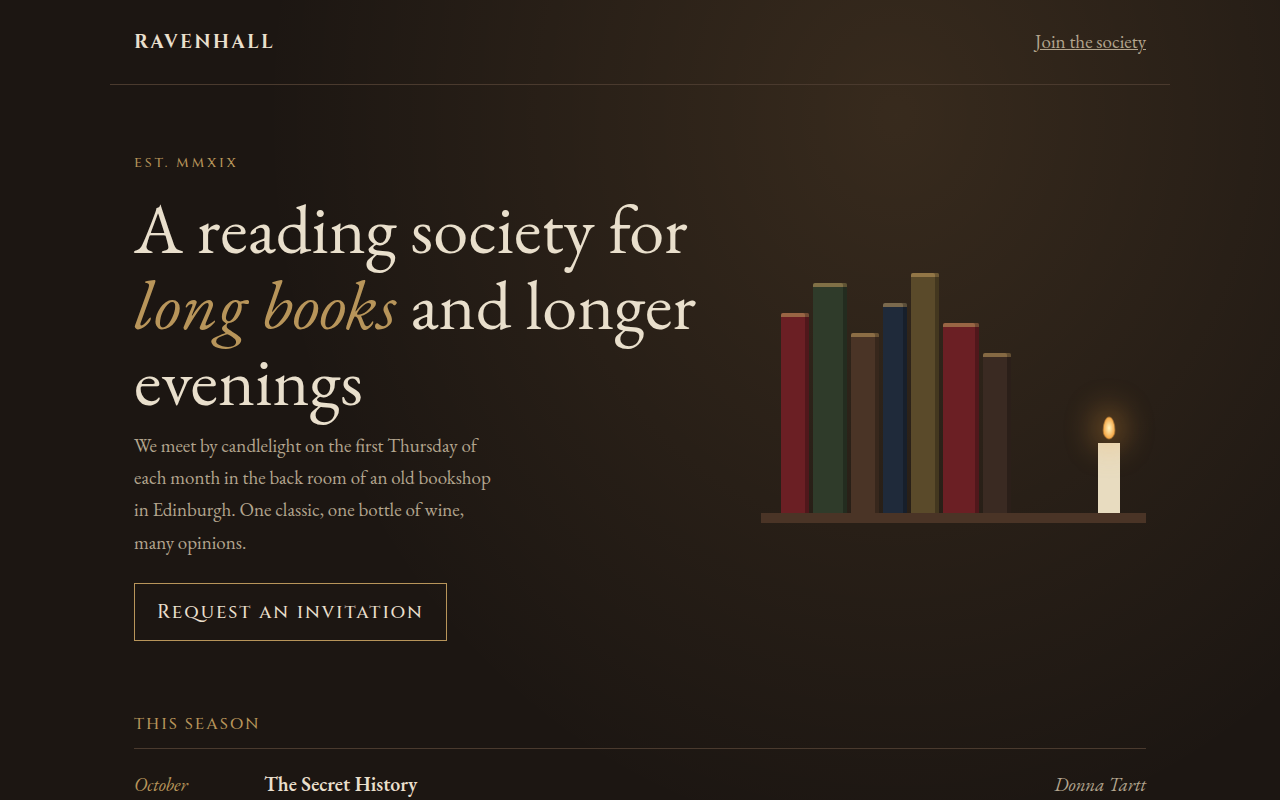
084. Dark Academia
Ravenhall, a reading society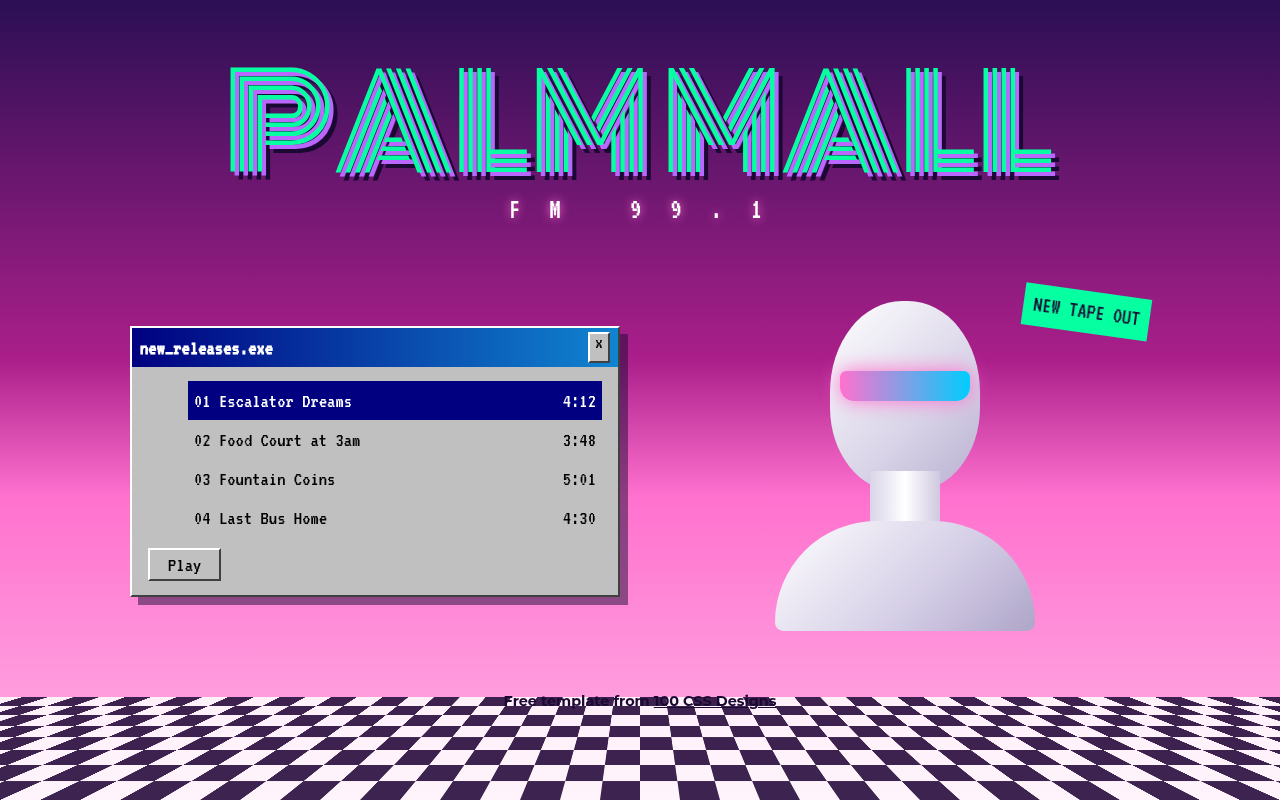
085. Vaporwave
Palm Mall FM, a synth music label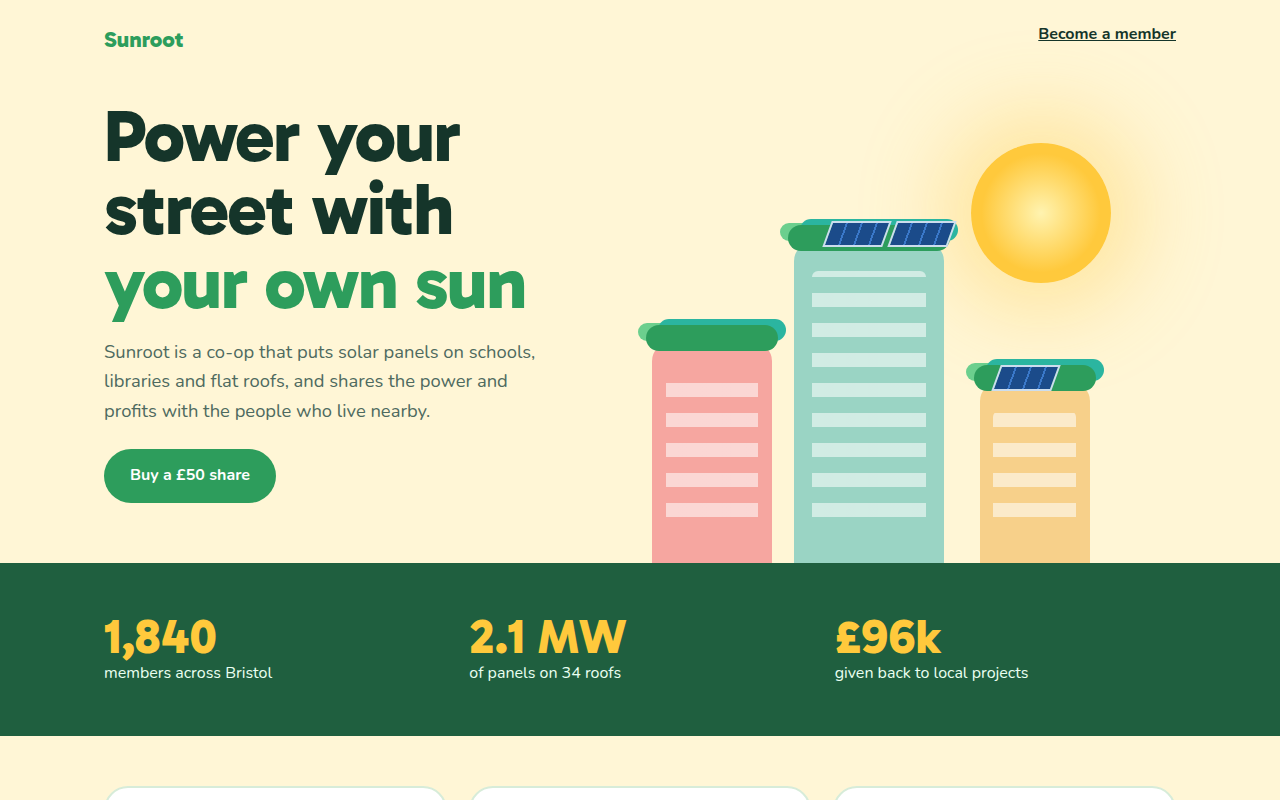
086. Solarpunk
Sunroot, a community solar co-op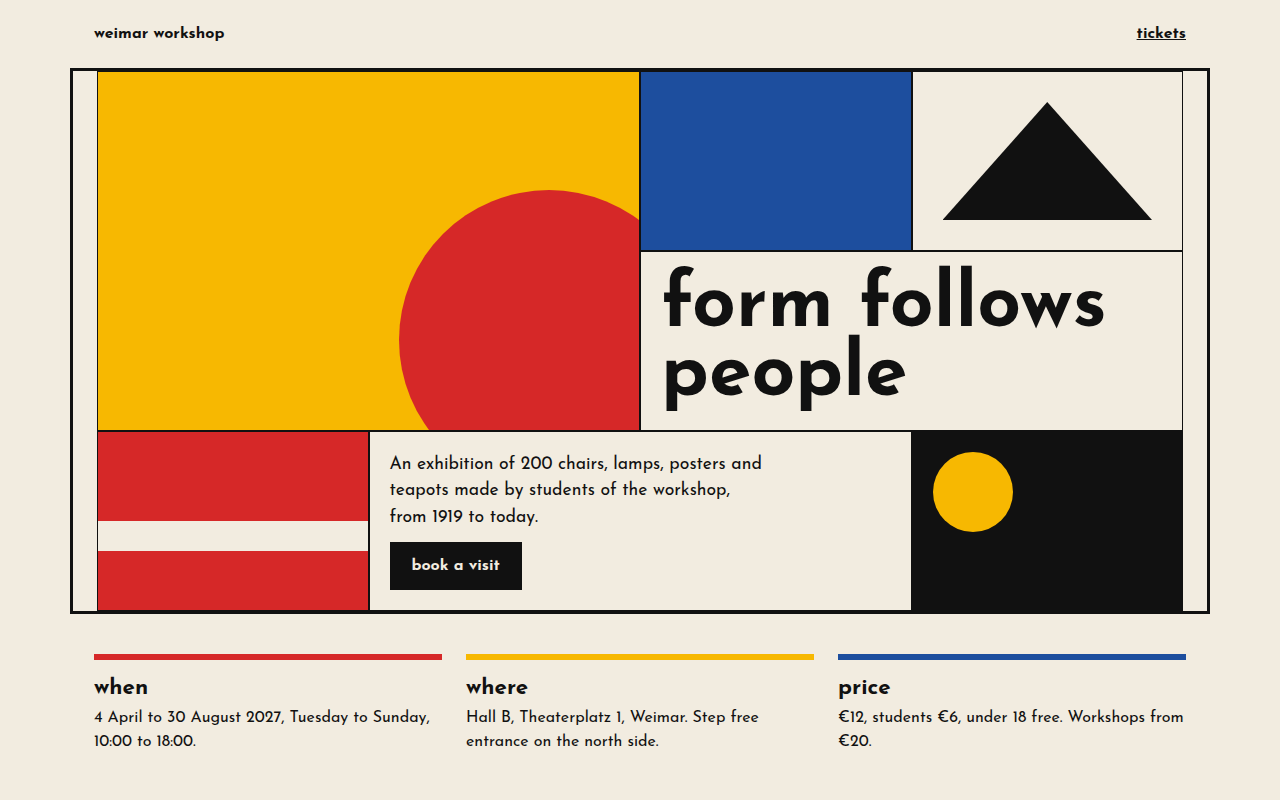
087. Bauhaus
Weimar Workshop, a design exhibition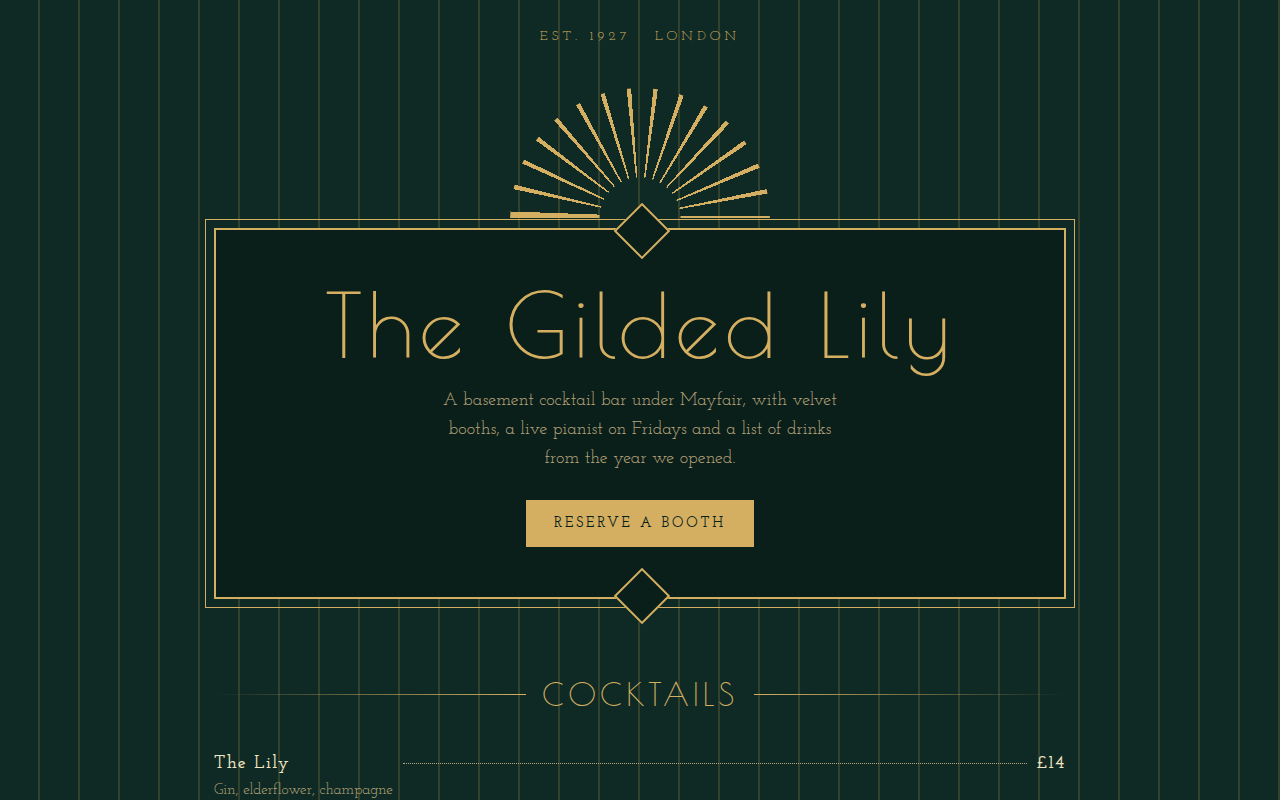
088. Art Deco
The Gilded Lily, a cocktail bar