Quizzly: Exams and Quizzes dashboard template
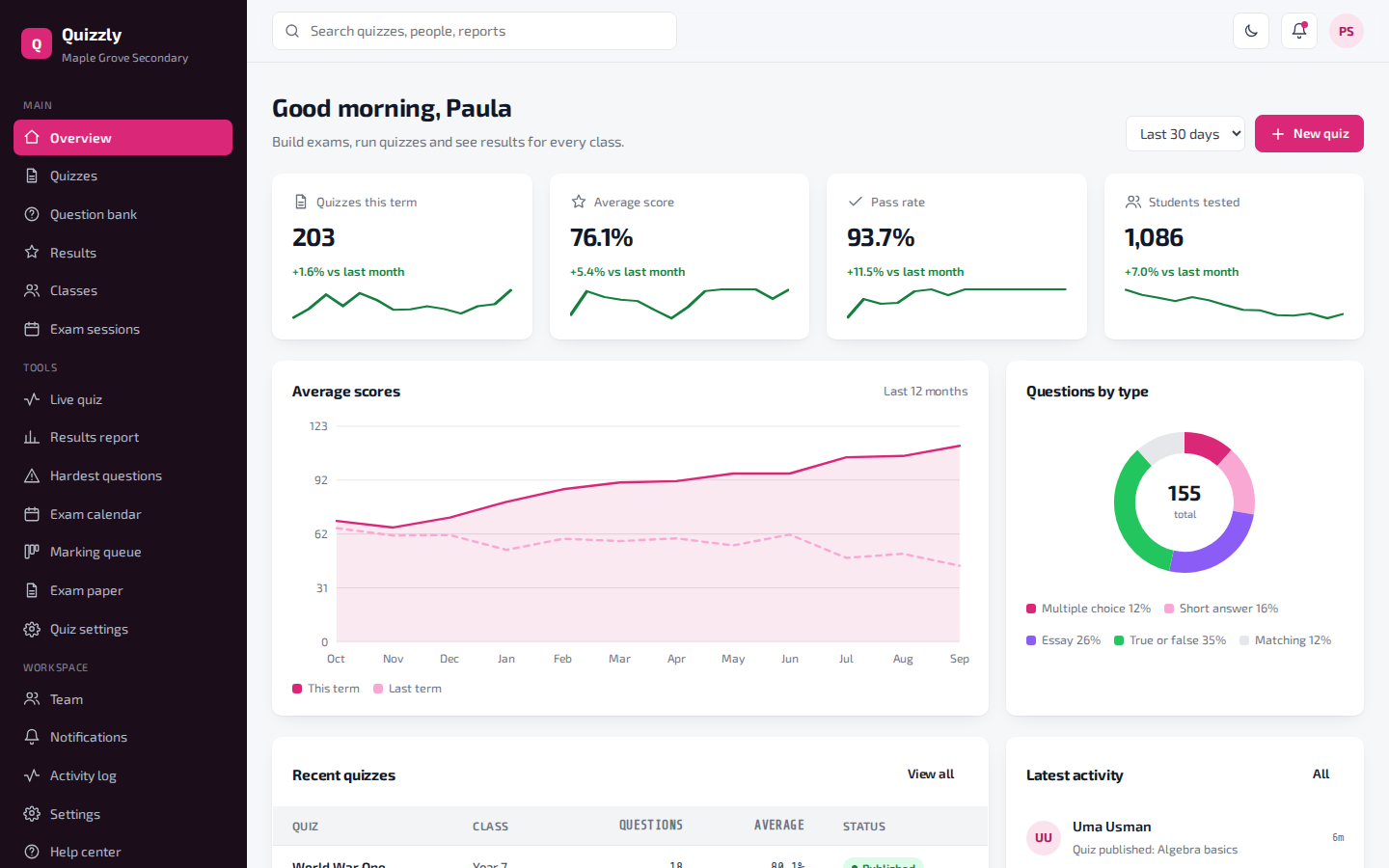
Build exams, run quizzes and see results for every class.
34 pages. Light and dark themes. MIT license, free for business use.
- 34pages included
- 5things you can manage
- 2themes, light and dark
- MITlicense
What you can manage
- Quizzes – Quizzes and exams.
- Question bank – Questions you can reuse.
- Results – Scores for each student.
- Classes – Classes and their results.
- Exam sessions – Scheduled exams.
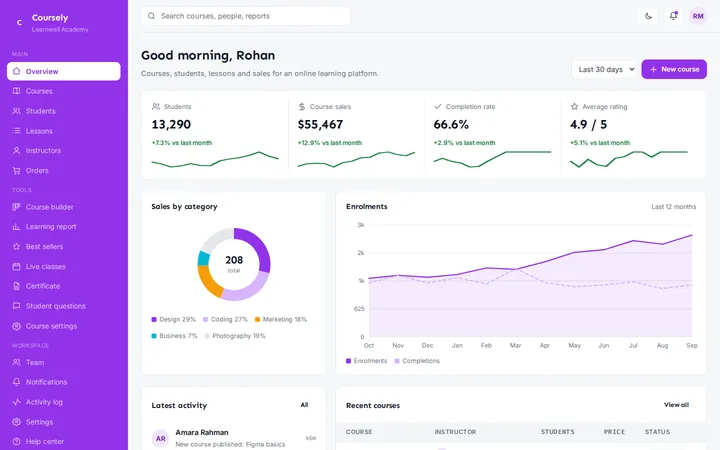
At a glance on the overview page
- Quizzes this term
- Average score
- Pass rate
- Students tested
Extra tools
- Live quiz – Students taking a quiz right now.
- Results report – Scores by class and topic.
- Hardest questions – Questions most students got wrong.
- Exam calendar – Exams and mock tests.
- Marking queue – Essays and answers waiting to be marked.
- Exam paper – A printable exam cover sheet.
- Quiz settings – How quizzes work.
What is inside the 34 pages
- Overview1 page
A live dashboard home with charts and key numbers.
- 5 record types15 pages
A list, a detail page and a form for each one.
- Special tools7 pages
A calendar, kanban board, report or similar view for each.
- Workspace7 pages
Team, notifications, activity log, settings, profile, help and a UI kit.
- Sign in4 pages
Login, sign up, forgot password and a 404 page.
Example organization used in the demo: Maple Grove Secondary.
More education dashboards
FAQ
Questions about this template
Is this dashboard free to use?
Yes. It uses the MIT license, so you can use it in personal, client and commercial projects at no cost.
Does it need a framework or build step?
No. It is plain HTML, CSS and JavaScript. Open a page in a browser, or upload the folder to any host.
Can I connect it to my own data?
The pages use realistic sample data so you can see every screen. Replace it with your own API or database when you build your app.
Can I change the colors and text?
Yes. Colors are CSS variables at the top of each stylesheet, and all text is plain HTML you can edit directly.