100Free HTML Templates
All templates / Landing Pages
FreeMIT license, no sign up

Free landing pages website templates

Single-purpose pages: coming soon, 404, link in bio, event tickets, product launches, webinars, ebook downloads and job boards. Each one does one job well, with a working countdown, form, picker or filter.

  • 8templates
  • 1HTML file each
  • MITlicense

8 free landing pages templates

Click a template to see the live demo, or download it straight away.
All 100 templates
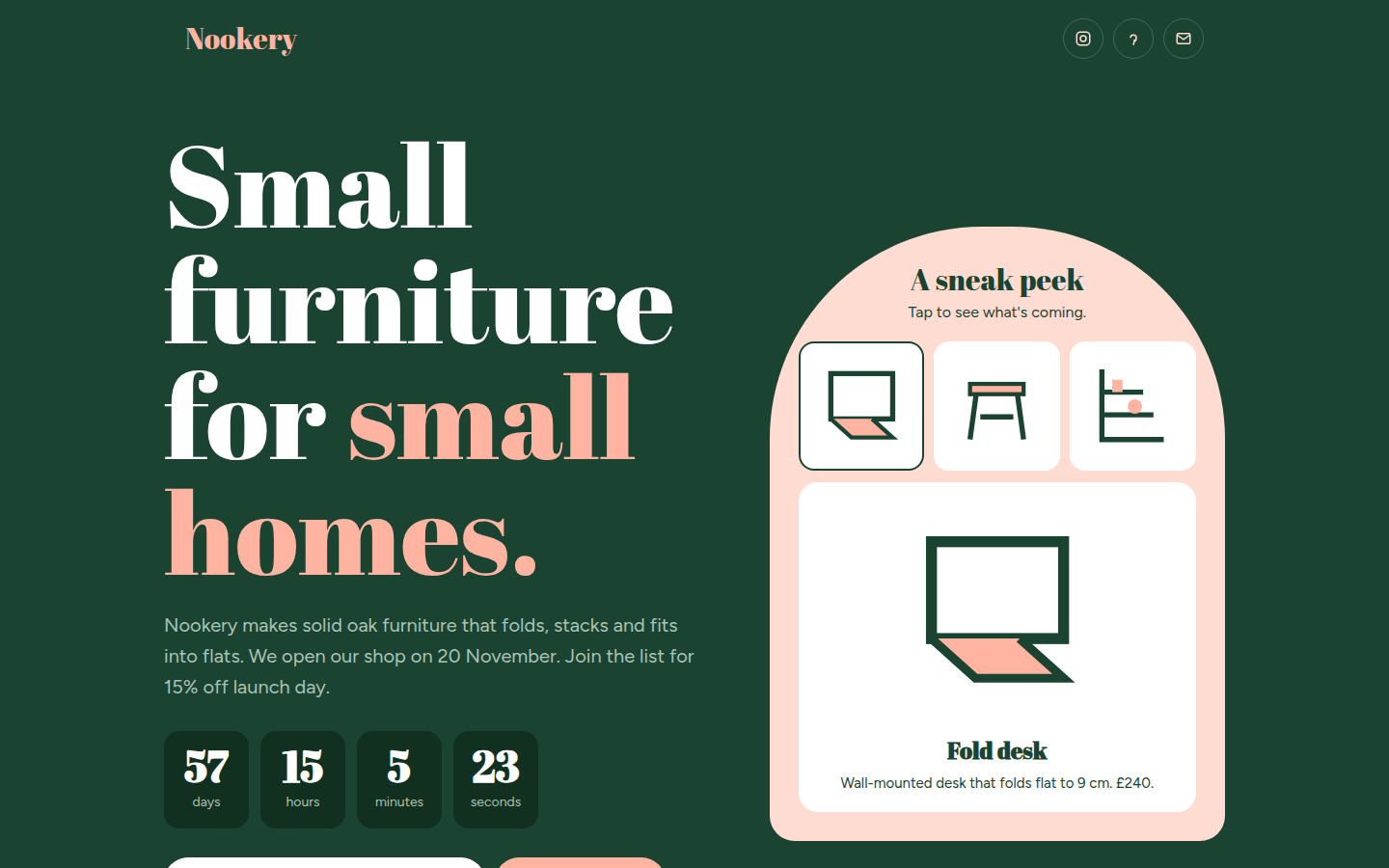
Nookery, free coming soon website template
Coming Soon

Nookery

A warm coming soon page in forest green and peach. It counts down to launch, shows your place in the waitlist after you sign up, and lets visitors tap through a sneak peek of the products.

Abril Fatface + Figtree
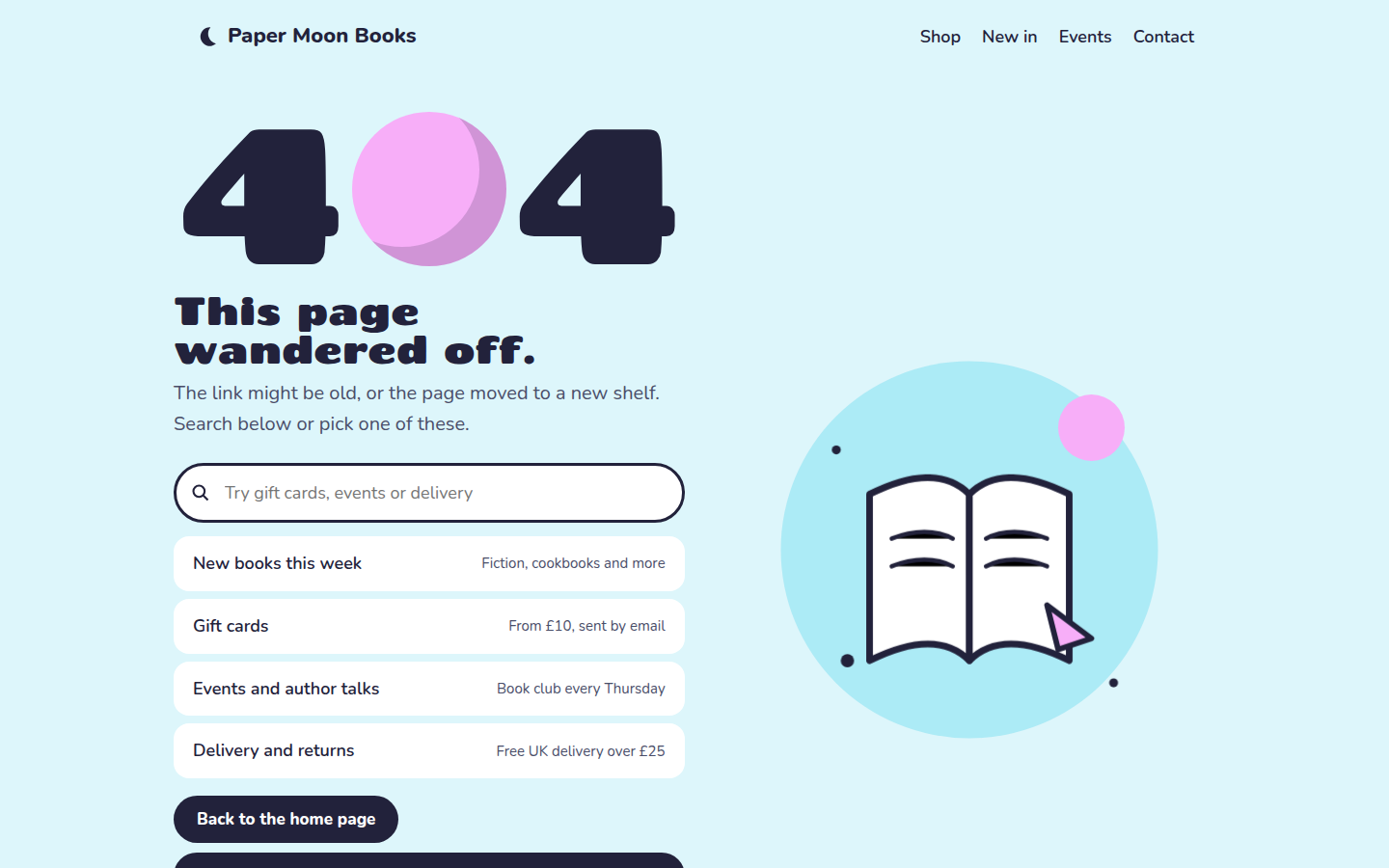
Paper Moon Books, free 404 error page website template
404 Error Page

Paper Moon Books

A playful 404 page for a bookshop in sky blue and pink. A floating book illustration, a search box that filters helpful links as you type, and a random book suggestion.

Chango + Nunito
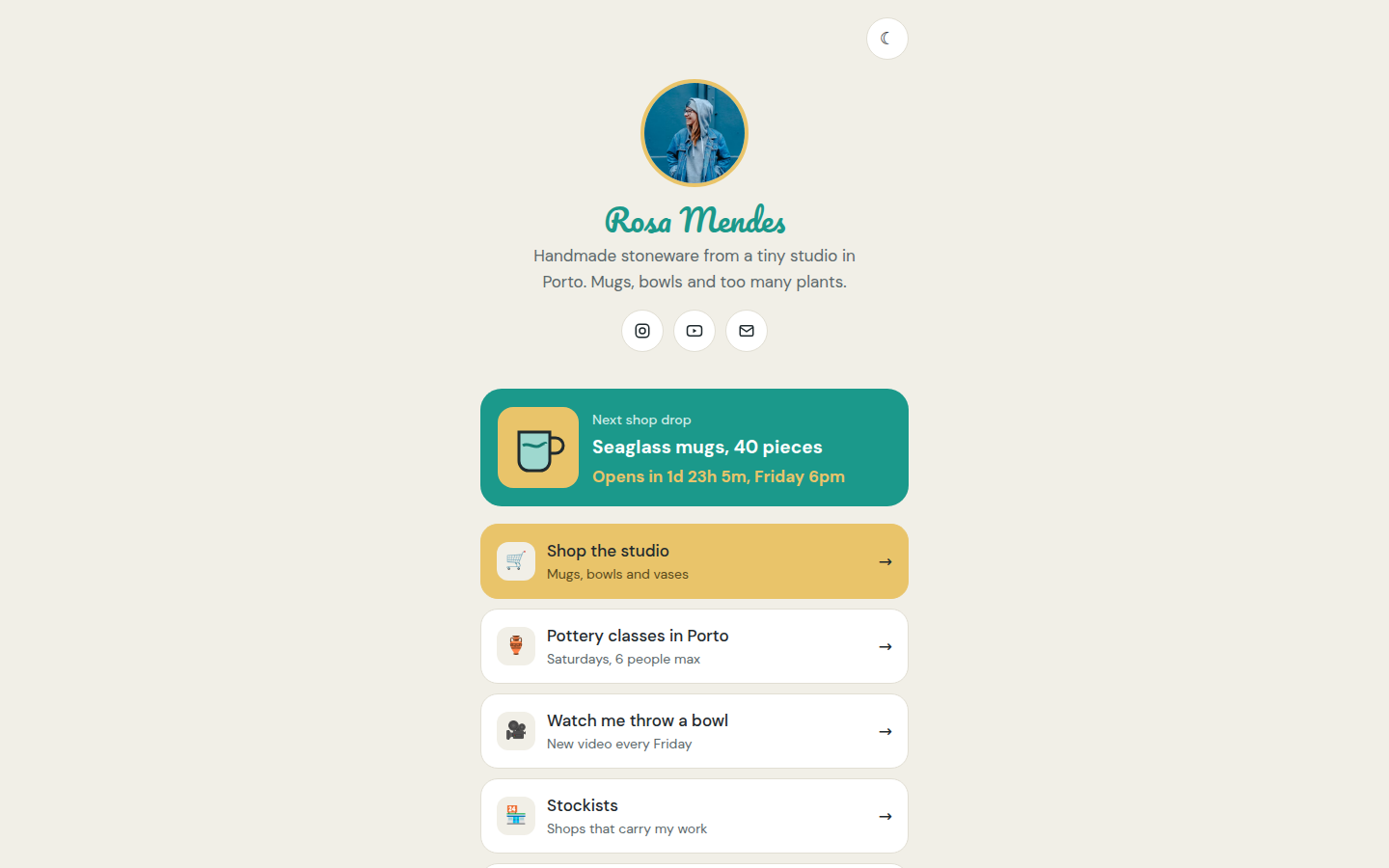
Rosa Mendes Ceramics, free link in bio website template
Link in Bio

Rosa Mendes Ceramics

A mobile-first link page for a ceramicist in glaze teal and mustard. Profile, link buttons, a countdown to the next shop drop, email signup, copy and share buttons, and a dark mode switch.

Pacifico + DM Sans
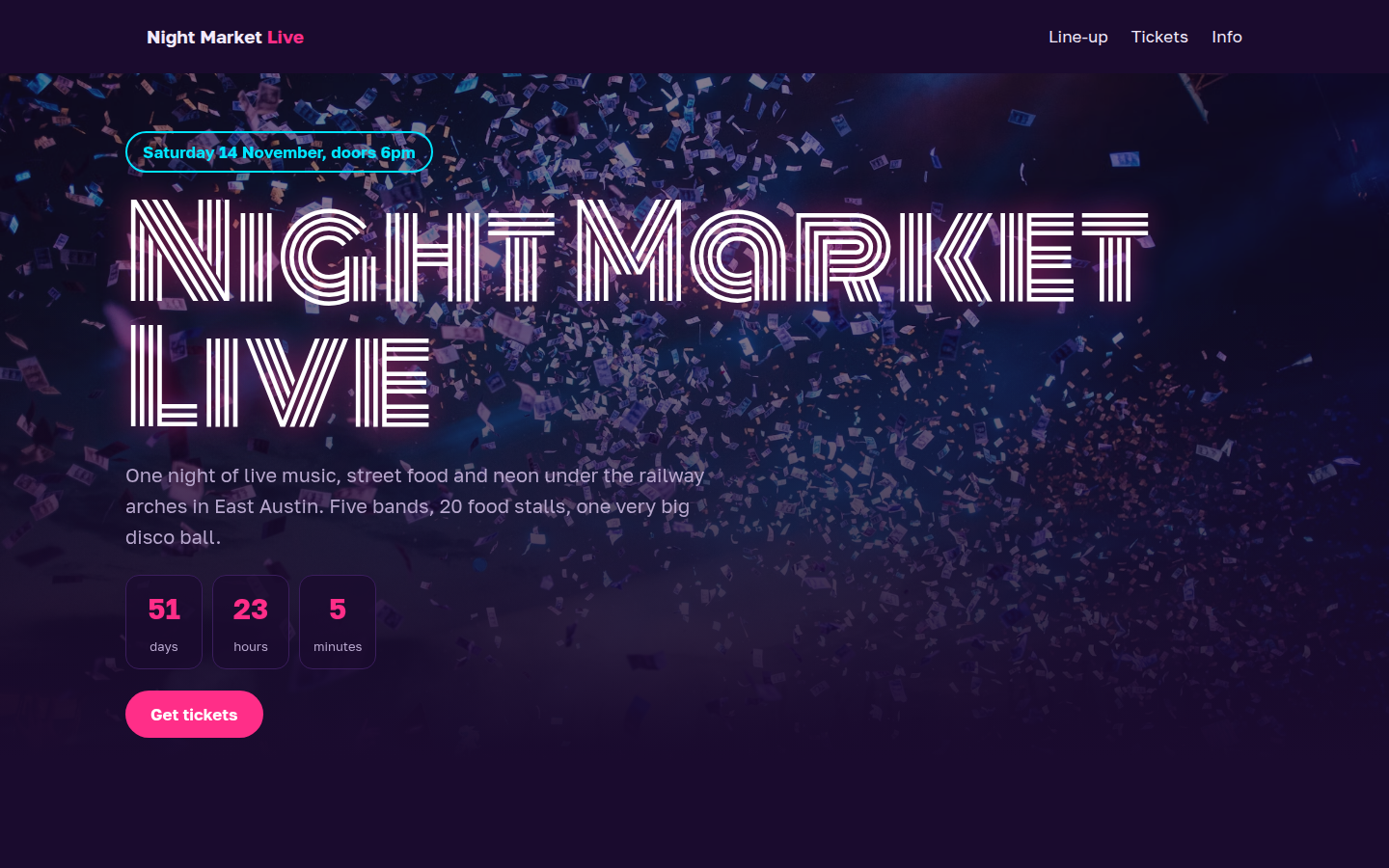
Night Market Live, free event ticket website template
Event Ticket

Night Market Live

A neon single-night event page in deep purple, pink and cyan. Count down to doors, see the line-up, pick ticket quantities across tiers with limits, try a promo code and watch the total with fees.

Monoton + Golos Text
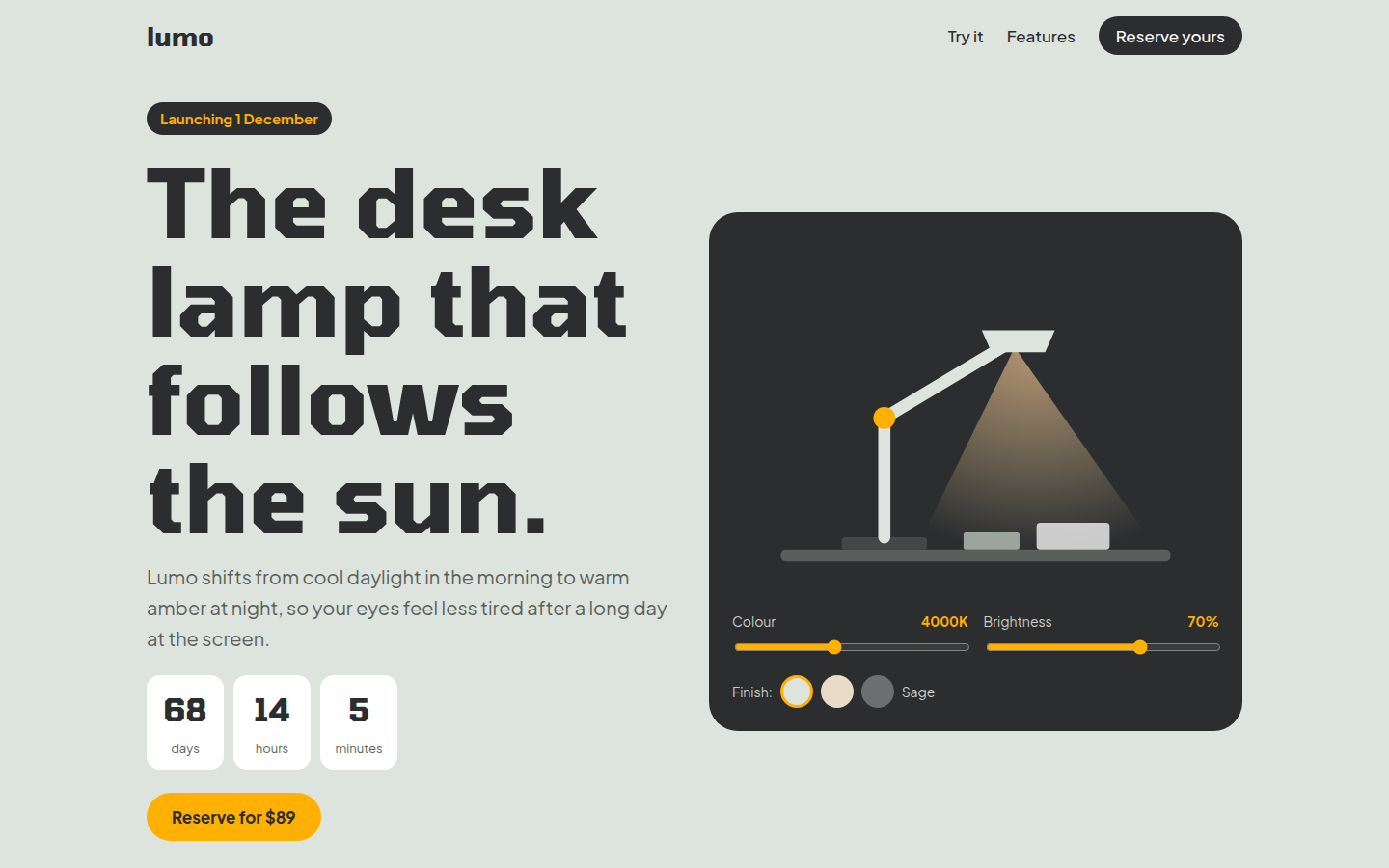
Lumo Desk Lamp, free product launch website template
Product Launch

Lumo Desk Lamp

A calm hardware launch page in sage, graphite and amber. Drag the colour and brightness sliders to light up the drawn lamp, switch its finish, tap through features and reserve an early bird unit.

Tomorrow + Plus Jakarta Sans
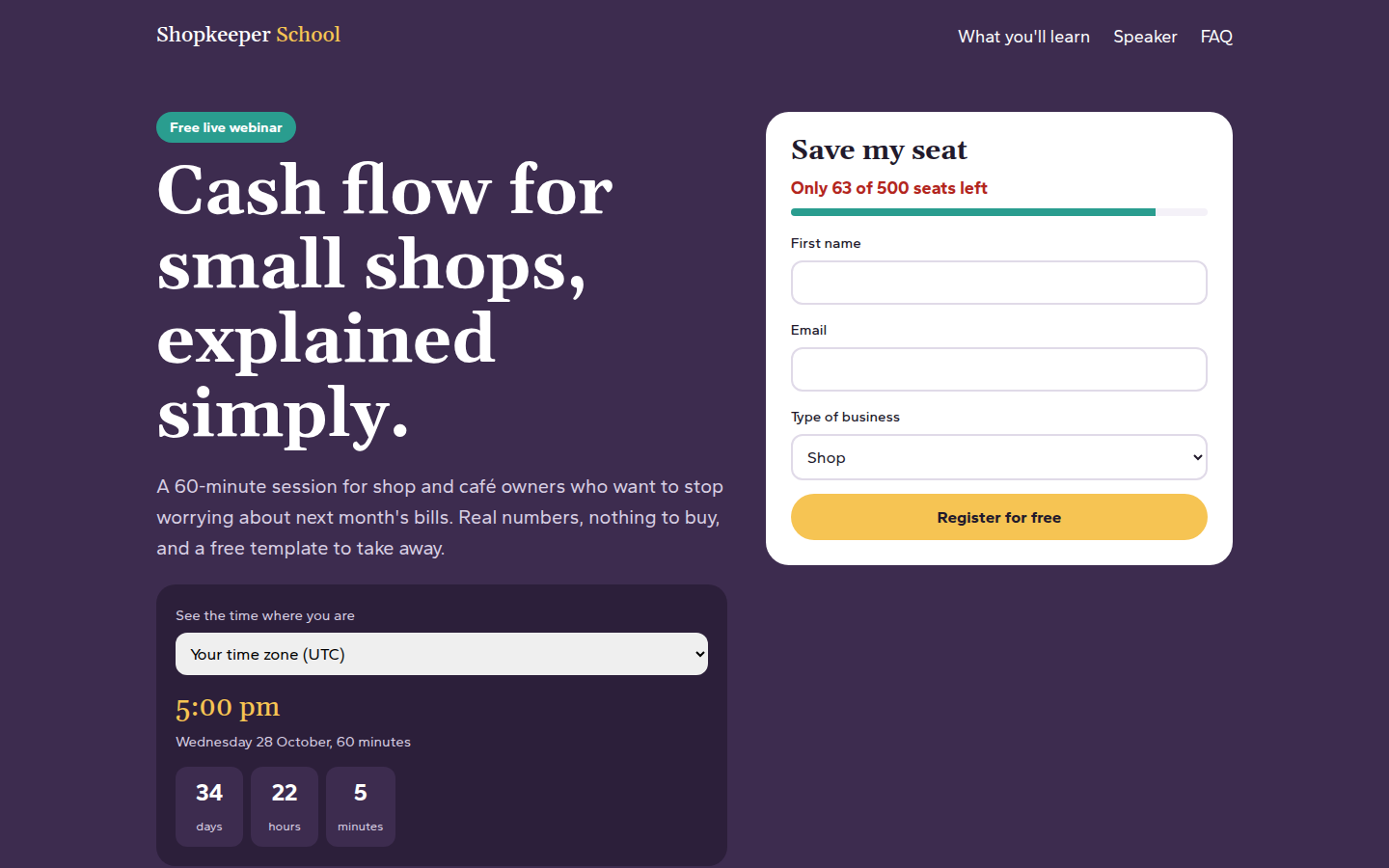
Cash Flow Class, free webinar signup website template
Webinar Signup

Cash Flow Class

A clear webinar signup page in plum, mint and yellow. Choose your city to see the start time where you are, watch seats run down as you register, and add the event to your calendar.

Gelasio + Gantari
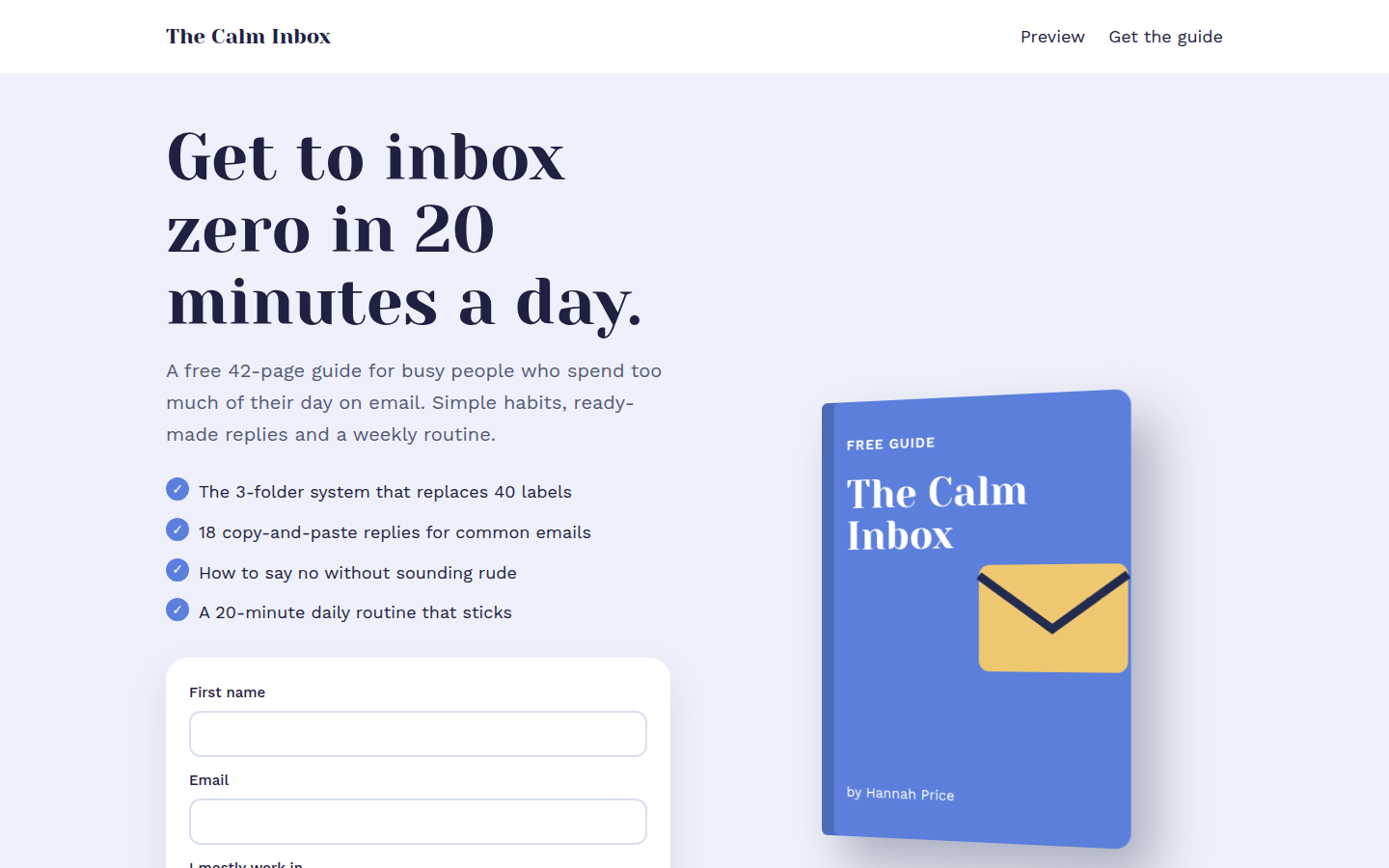
The Calm Inbox, free ebook download website template
Ebook Download

The Calm Inbox

A calm lead magnet page in cornflower blue with a drawn 3D book cover. Tap through chapter previews, and the download form gives a real sample file after signup.

Yeseva One + Work Sans
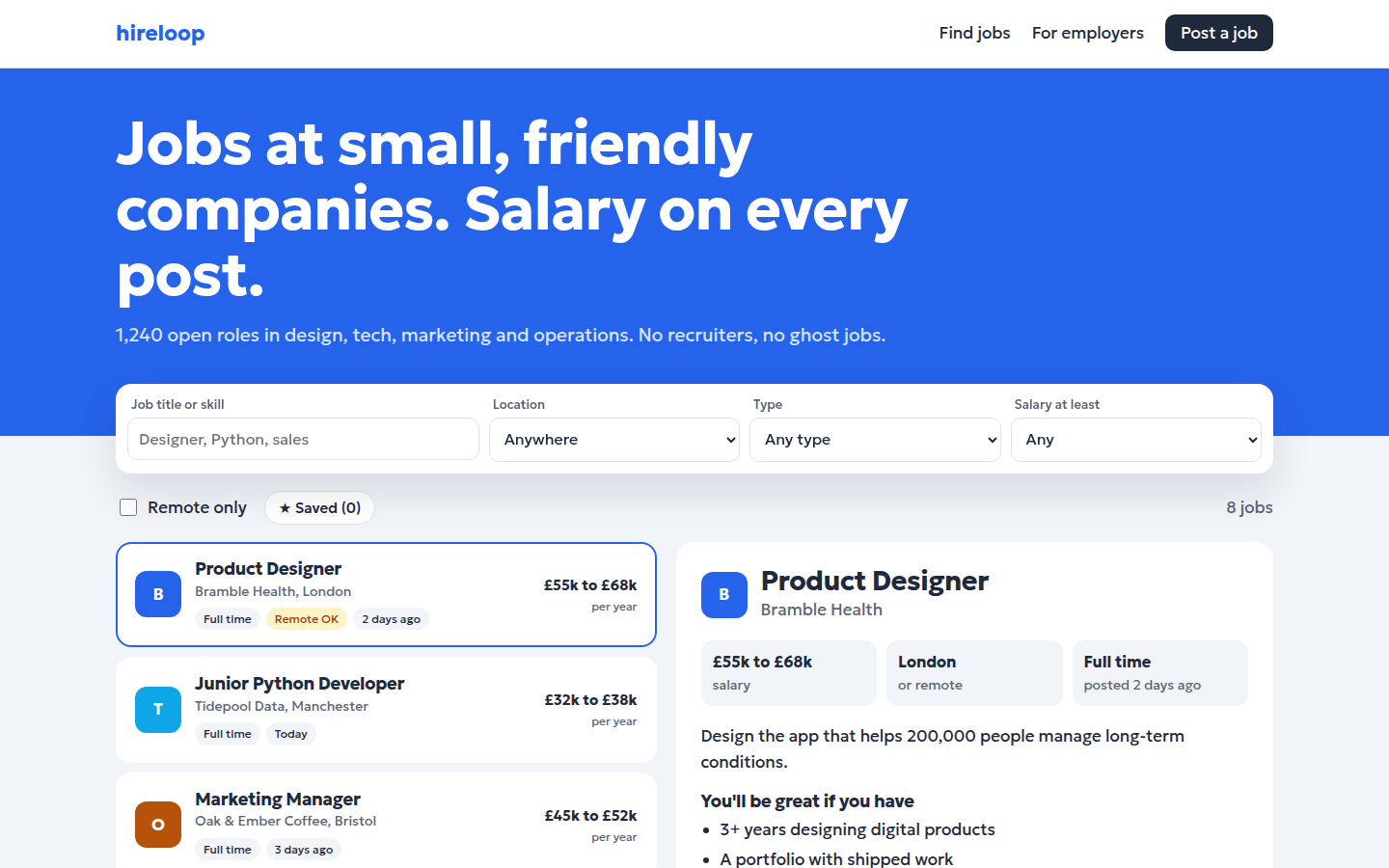
Hireloop, free job board website template
Job Board

Hireloop

A clean job board in bright blue and amber. Search and filter jobs by location, type, salary and remote, open any job in the detail panel, save it and apply.

Geologica

How to use a template

Three steps, no special software.

1Download

Pick a template, open the live demo and click Download. You get one HTML file.

2Edit

Open the file in any text editor and change the words, colours and photos to match your business.

3Publish

Upload the file to GitHub Pages, Netlify or your own web host. Your site is live.

Questions people ask

Are these HTML templates really free?

Yes. Every template is free for personal and commercial use under the MIT license. You don't need to sign up, pay or add a credit link.

Do I need to know coding to use them?

No. Basic editing is enough. Open the index.html file in a text editor such as VS Code or Notepad, change the words, phone numbers and image links, then save the file.

How do I put a template online for free?

Upload the index.html file to GitHub Pages, Netlify or Cloudflare Pages. All three have free plans and take about ten minutes to set up.

Can I use a template for a client's website?

Yes. The MIT license lets you use, change and sell websites built with these templates, including work you do for clients.

Are the templates good for SEO?

Yes. Each template has a page title and description, social sharing tags, schema markup, alt text on every image and a clear heading order, so Google can read and rank the page.

Will the templates work on mobile phones?

Yes. Every template adjusts to phones, tablets and desktop screens, and has been checked at common screen sizes.