Home / Bold and Raw / Retro Pixel
Retro Pixel CSS Template, Free with Live Demo
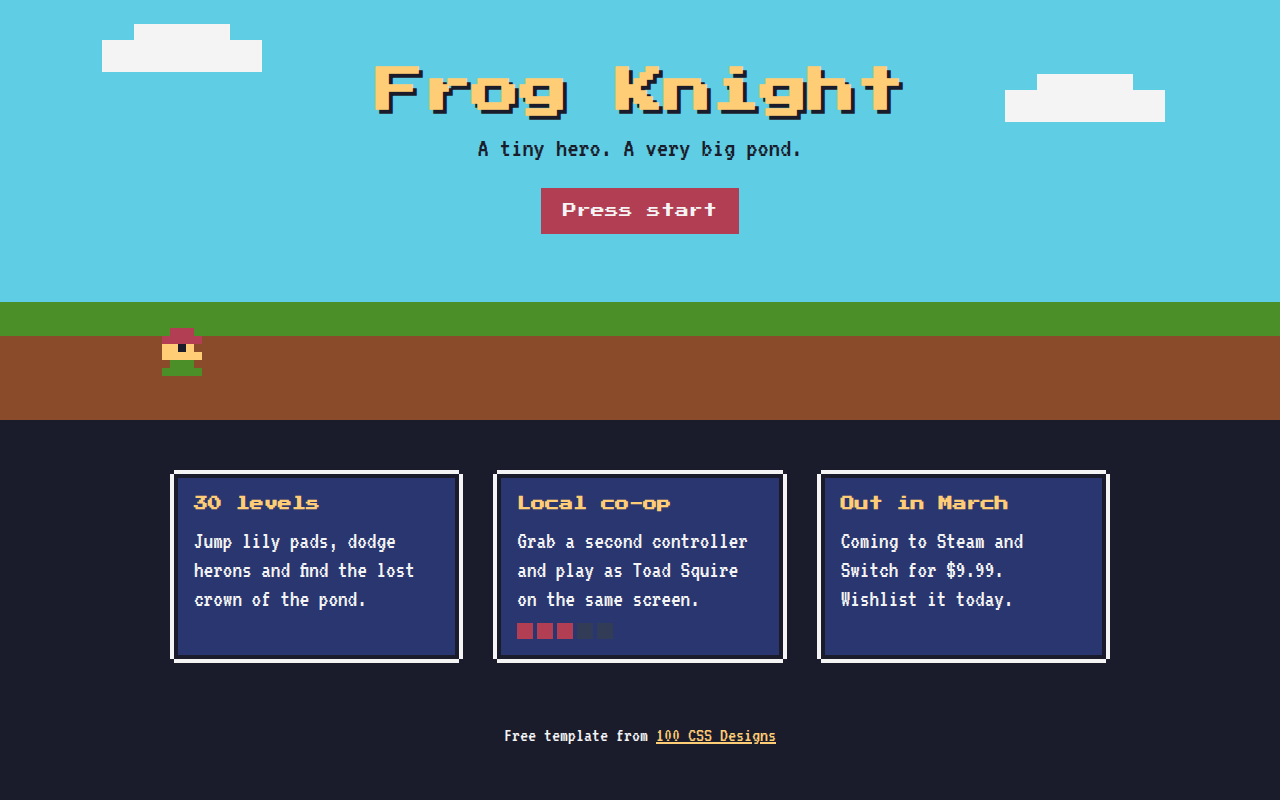
Free retro 8-bit website template for an indie game. Pixel fonts, pixel borders, a CSS pixel art hero and a blinking start button. Live demo and download. The example is Frog Knight, an indie game launch page.
What is retro pixel?
Retro pixel style copies the look of 8-bit and 16-bit games. Chunky pixel fonts, square borders, flat blocky scenery and a little character that bounces in place.
The hero character is drawn with one tiny element and a long list of box shadows, one per pixel. The bounce uses steps() so it moves in hard jumps like an old console.
Good for
- Indie game landing pages
- Game jams and gaming communities
- Retro themed events
- Developer portfolios with a playful side
What you get in this template
- Press Start 2P and VT323 pixel fonts
- Pixel art frog made with box-shadow
- Blocky sky, grass and dirt scene
- Blinking start button
- Pixel health bar on a feature card
The key CSS
This is the part that makes the retro pixel look work. Copy it into your own project.
.hero {
  width: 8px; height: 8px;
  box-shadow: 16px 0 #b13e53, 24px 0 #b13e53, 8px 8px #b13e53 /* one shadow per pixel */;
  animation: hop 1.2s steps(2) infinite;
}
@keyframes hop { 50% { transform: translateY(-16px); } }

.start { font-family: "Press Start 2P", monospace; animation: blink 1s steps(1) infinite; }
How to use it
- Click Download HTML file above.
- Open the file in any code editor, like VS Code.
- Change the text, colors and links to match your project. Colors are at the top of the style tag.
- Upload it to any host, such as GitHub Pages, Netlify or your own server. It is one file with no build step.
Questions people ask
How do you make pixel art with CSS?
Make one small square element, then add a box-shadow for every pixel you want, each with its own x and y offset and color. The shadows draw the picture.
Which fonts give an 8-bit look?
Press Start 2P is great for headings and VT323 works well for body text. Both are free on Google Fonts.
Why use steps() in the animation?
steps() makes the movement jump between frames instead of sliding smoothly, just like sprites in old games.
More Bold and Raw designs
011. Neo Brutalism
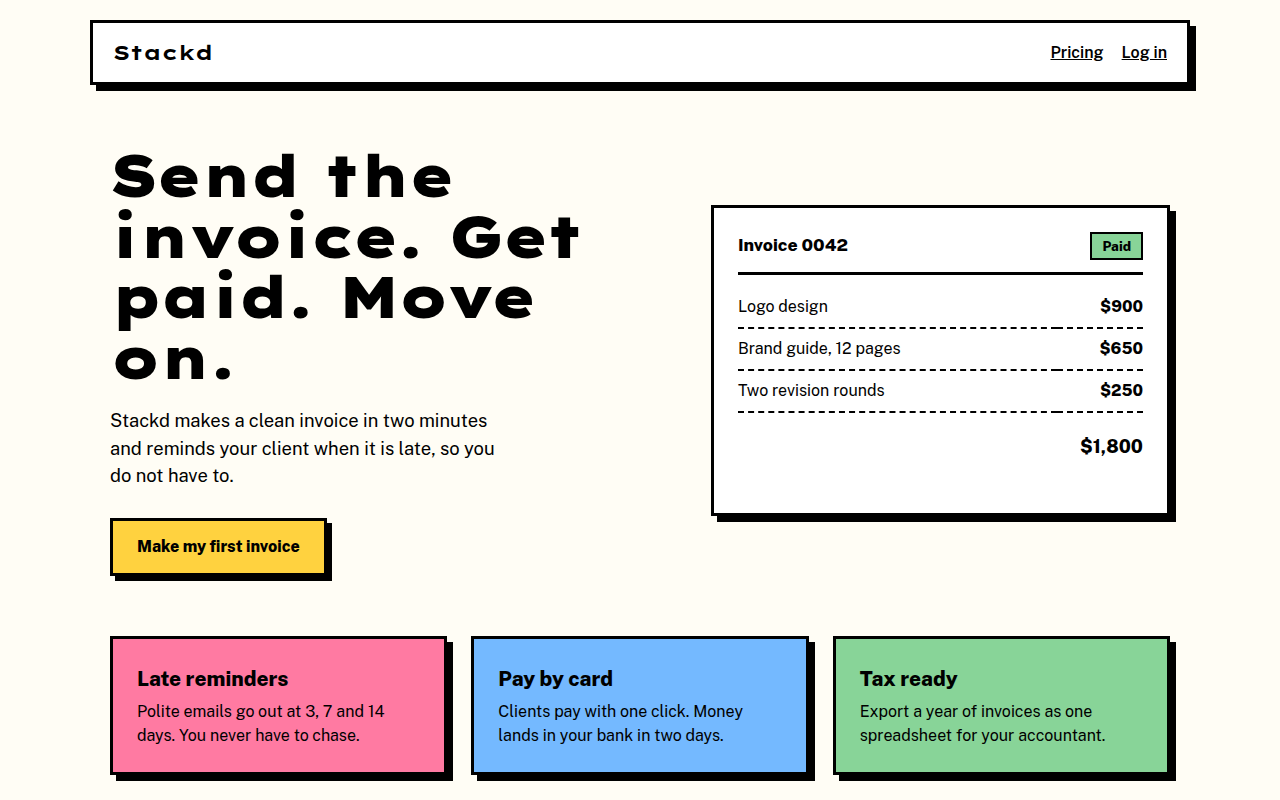
Stackd, an invoicing tool for freelancers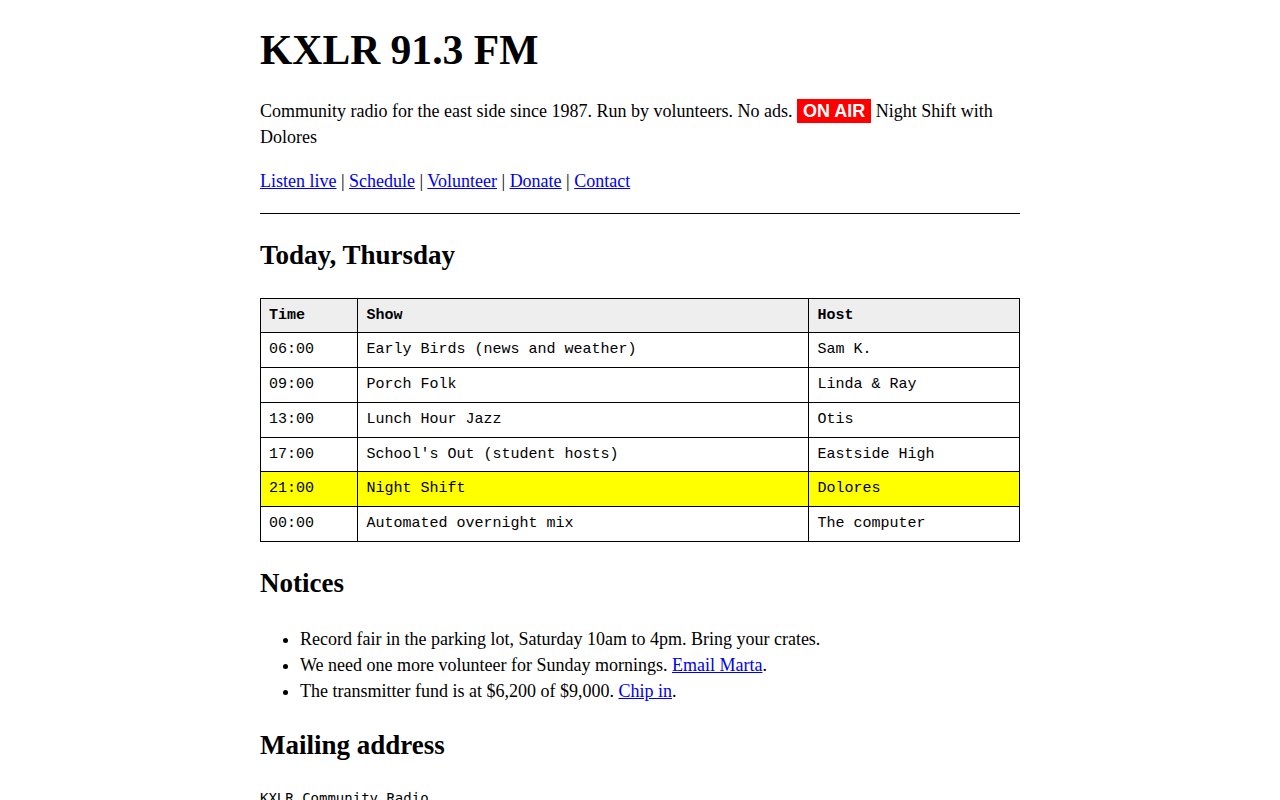
012. Raw Brutalist
KXLR, a community radio station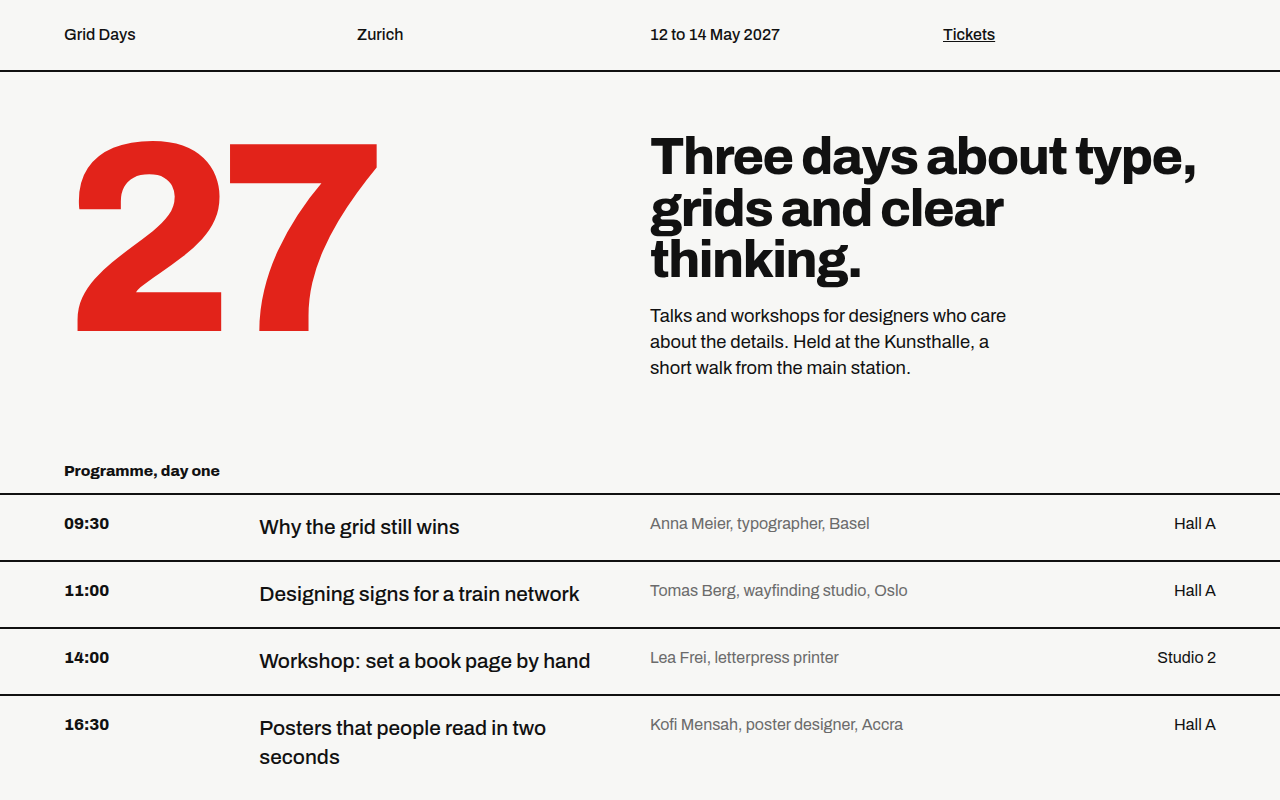
013. Swiss Grid
Grid Days, a design conference in Zurich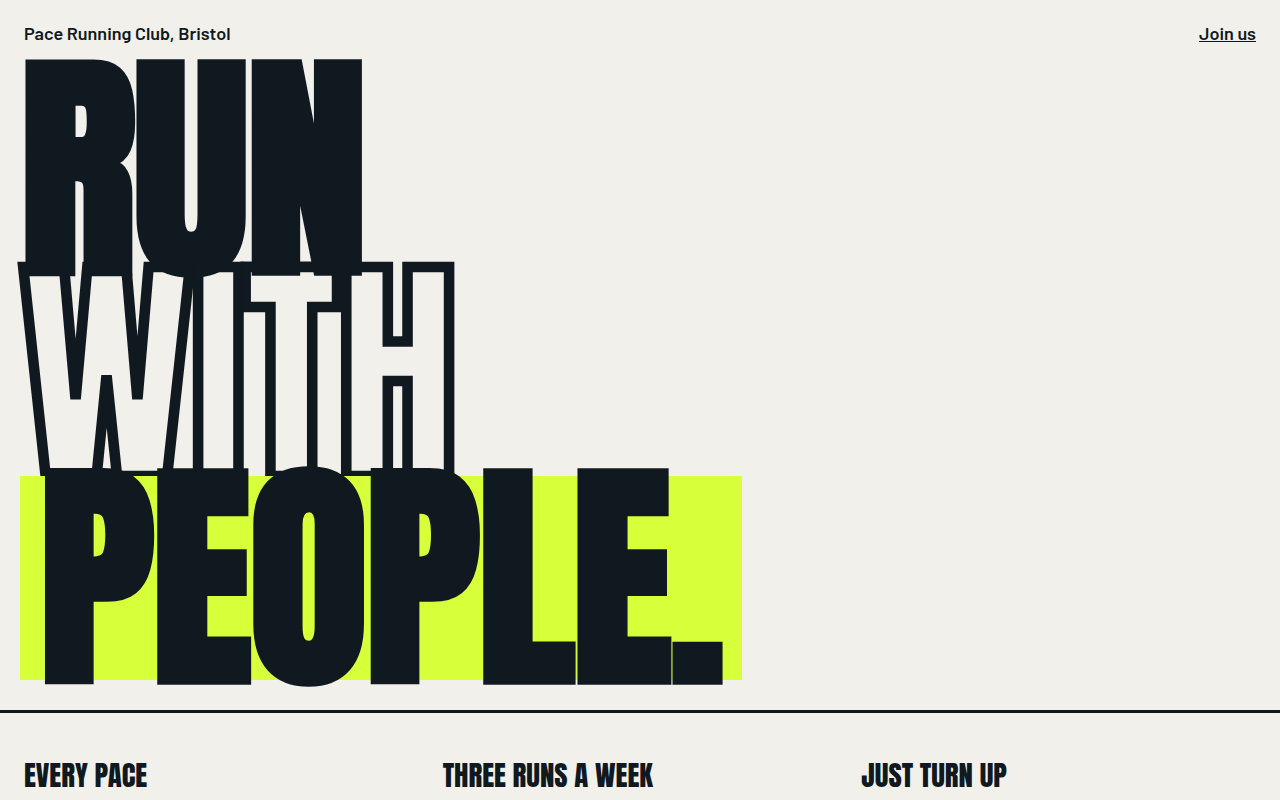
014. Bold Type Hero
Pace, a running club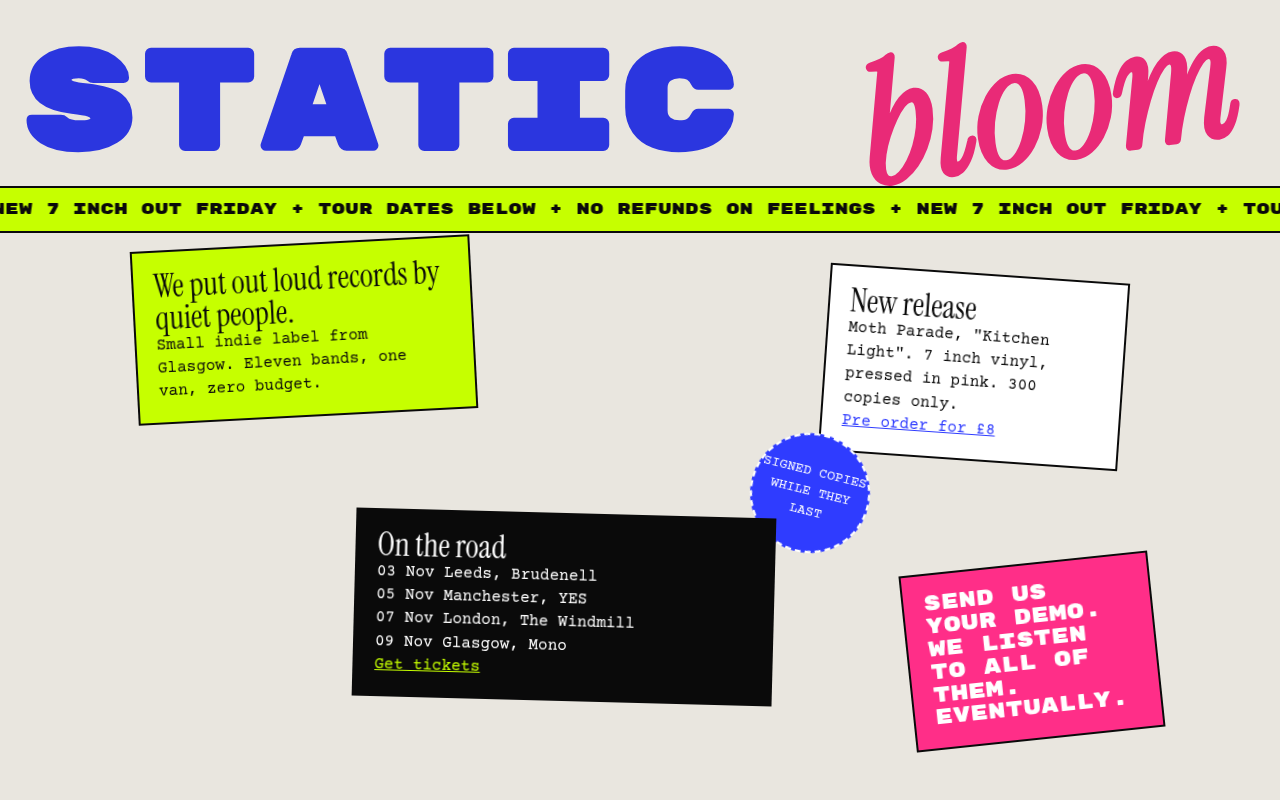
015. Anti Design
Static Bloom, an indie record label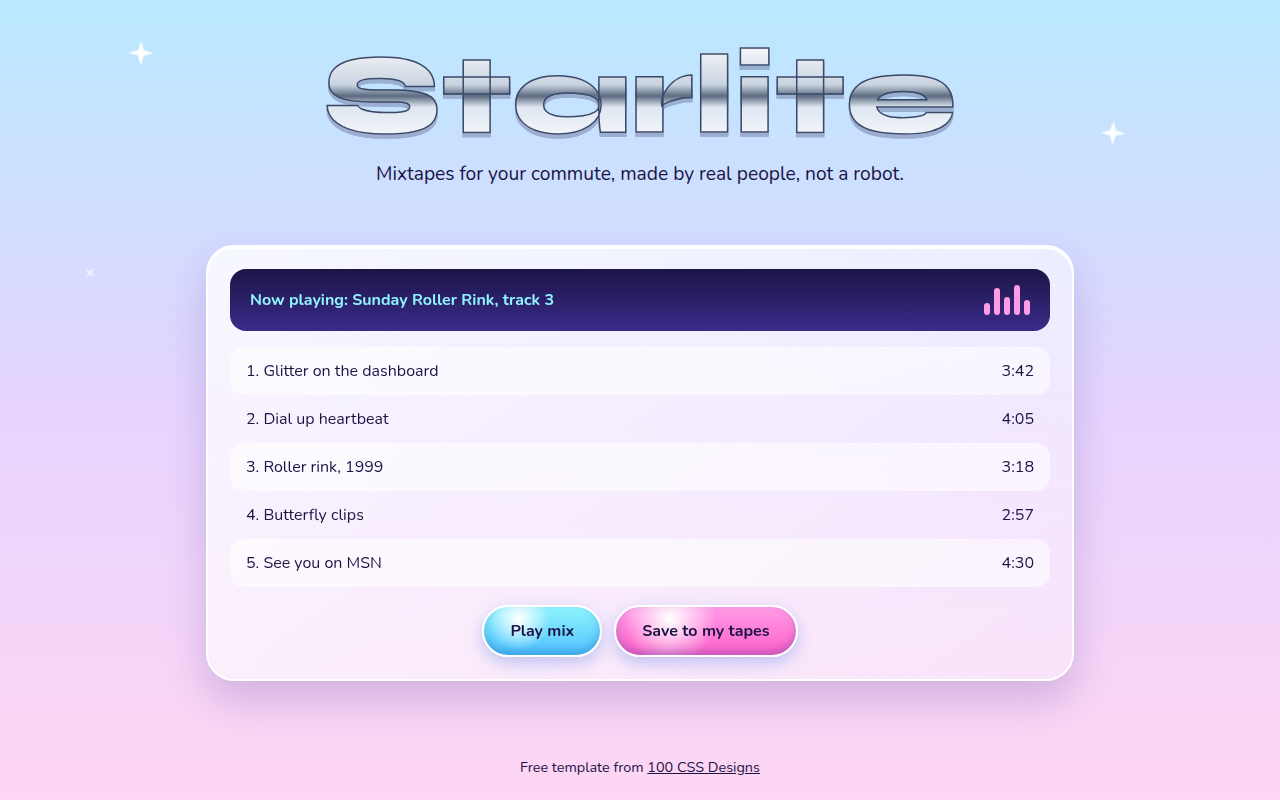
016. Y2K Revival
Starlite, a mixtape playlist site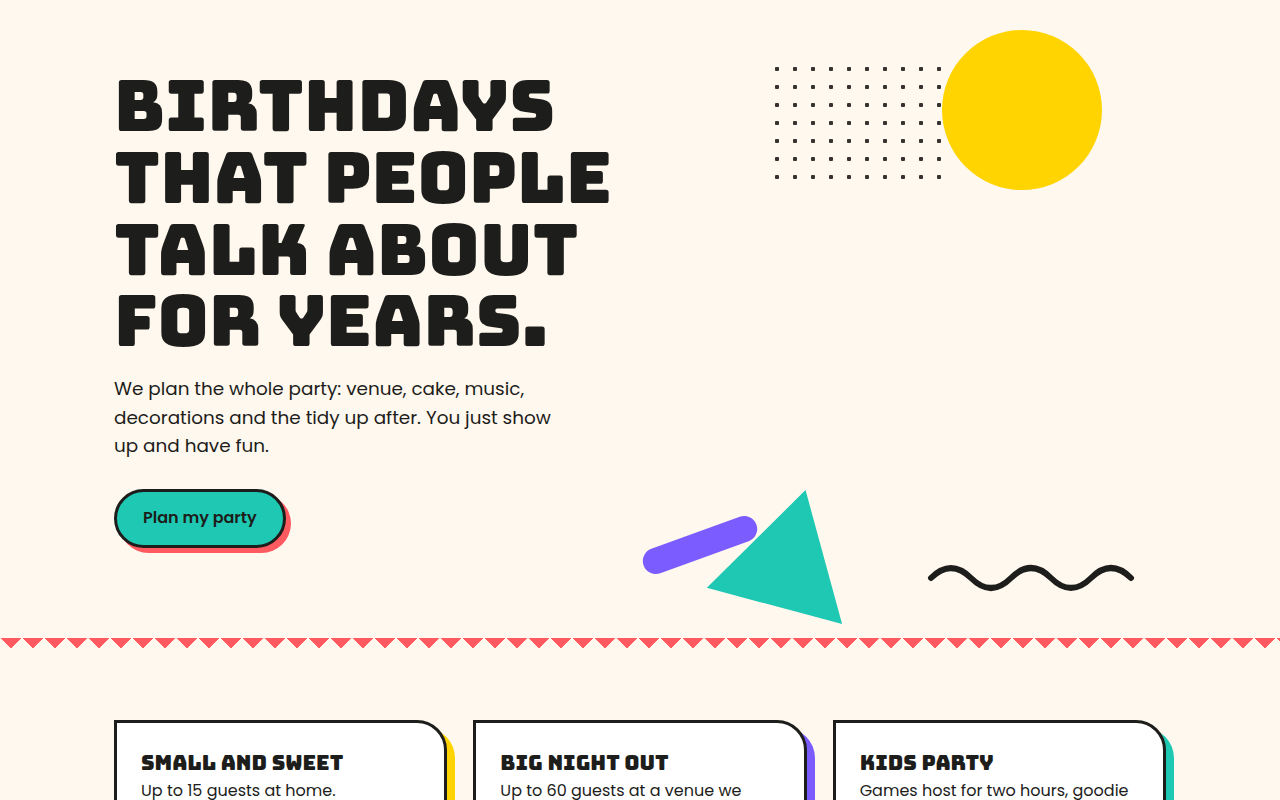
017. Memphis
Confetti Co., a party planner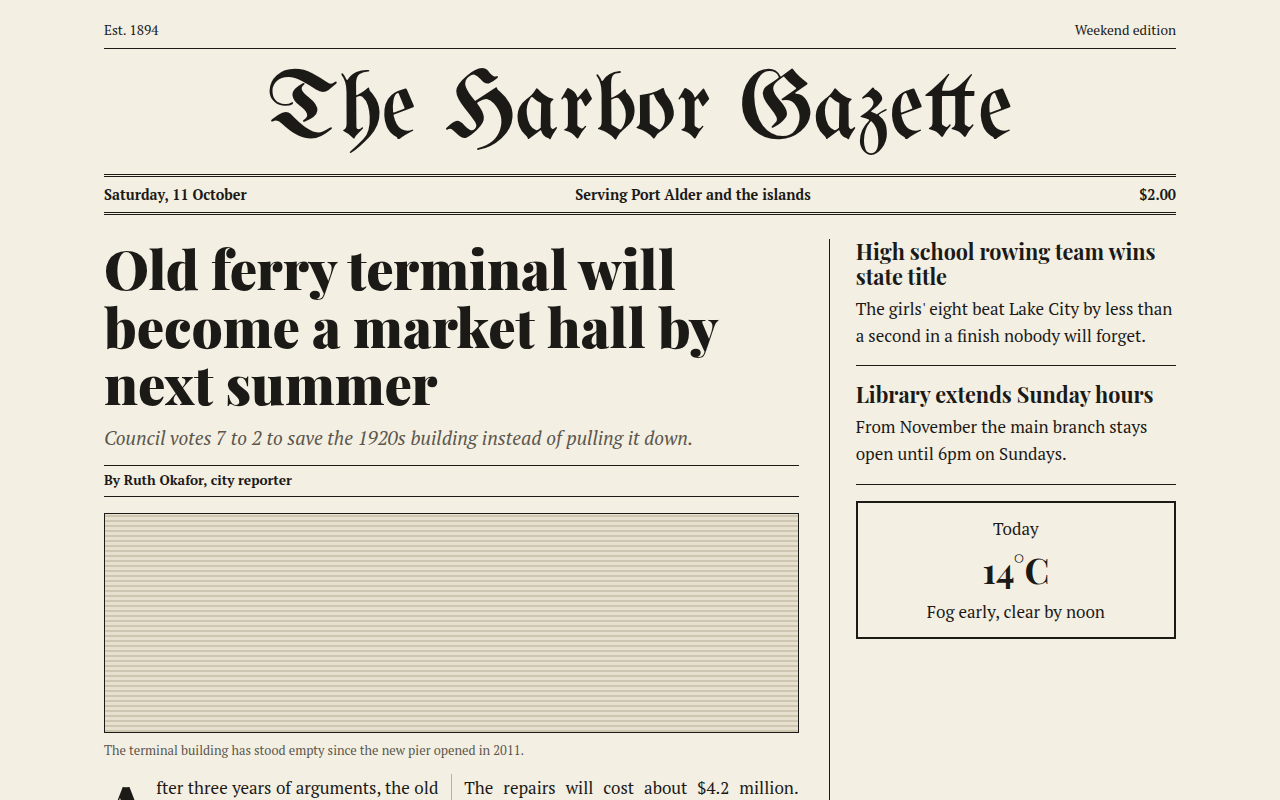
019. Newspaper Editorial
The Harbor Gazette, a local news site