Cloudspend: Cloud Cost dashboard template
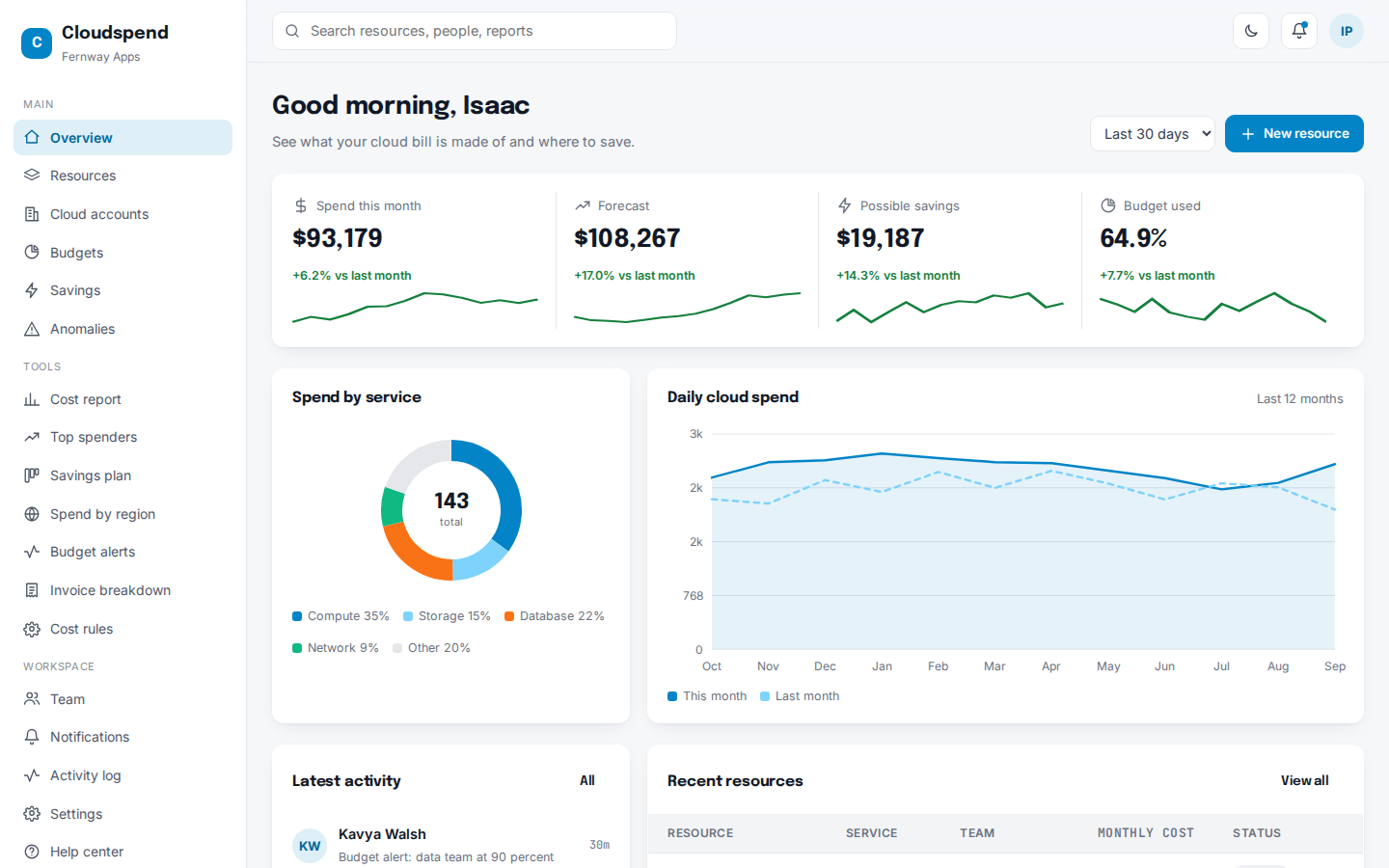
See what your cloud bill is made of and where to save.
34 pages. Light and dark themes. MIT license, free for business use.
- 34pages included
- 5things you can manage
- 2themes, light and dark
- MITlicense
What you can manage
- Resources – Everything you pay for.
- Cloud accounts – Accounts across providers.
- Budgets – Spending limits for each team.
- Savings – Ways to cut your bill.
- Anomalies – Unusual jumps in spend.
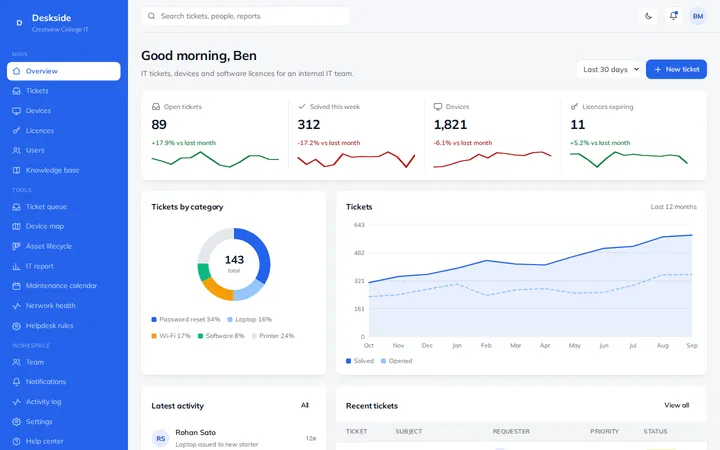
At a glance on the overview page
- Spend this month
- Forecast
- Possible savings
- Budget used
Extra tools
- Cost report – Where the money went this month.
- Top spenders – Resources that cost the most.
- Savings plan – Savings from idea to done.
- Spend by region – Cloud costs around the world.
- Budget alerts – Live budget use by team.
- Invoice breakdown – This month's cloud invoice, explained.
- Cost rules – Keep costs under control.
What is inside the 34 pages
- Overview1 page
A live dashboard home with charts and key numbers.
- 5 record types15 pages
A list, a detail page and a form for each one.
- Special tools7 pages
A calendar, kanban board, report or similar view for each.
- Workspace7 pages
Team, notifications, activity log, settings, profile, help and a UI kit.
- Sign in4 pages
Login, sign up, forgot password and a 404 page.
Example organization used in the demo: Fernway Apps.
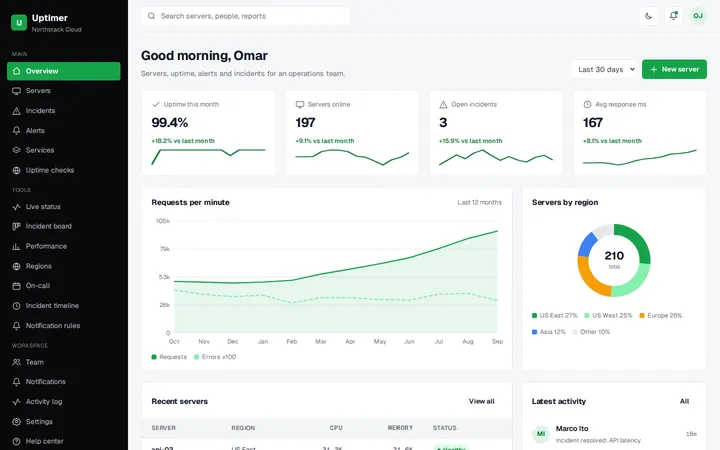
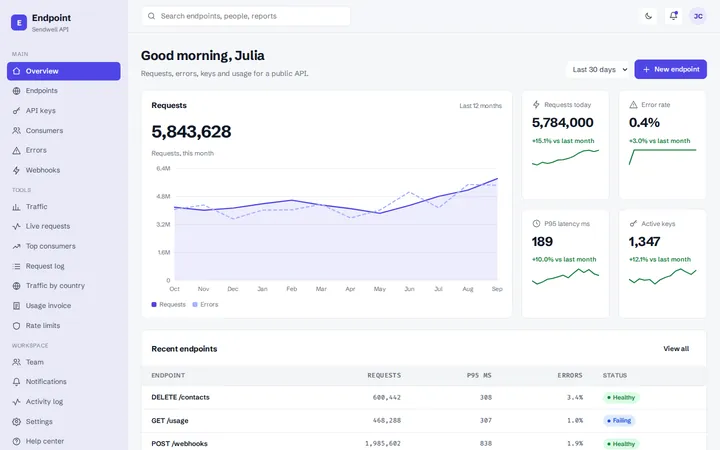
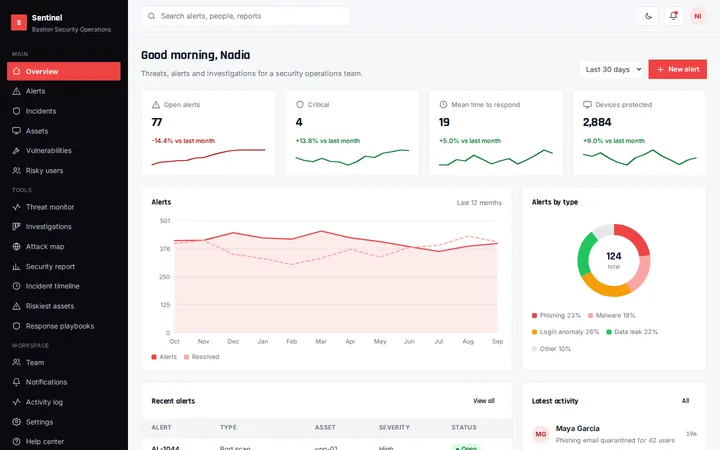
More tech dashboards
FAQ
Questions about this template
Is this dashboard free to use?
Yes. It uses the MIT license, so you can use it in personal, client and commercial projects at no cost.
Does it need a framework or build step?
No. It is plain HTML, CSS and JavaScript. Open a page in a browser, or upload the folder to any host.
Can I connect it to my own data?
The pages use realistic sample data so you can see every screen. Replace it with your own API or database when you build your app.
Can I change the colors and text?
Yes. Colors are CSS variables at the top of each stylesheet, and all text is plain HTML you can edit directly.