Answer Feedback components
Ratings, thumbs, comparisons and forms that tell you if an answer helped. Each one is a single HTML file with a live demo.
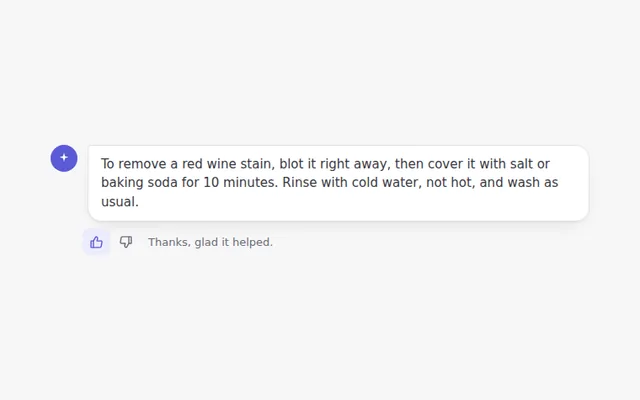
Thumbs Up and Down
Two small buttons under an answer. Pick one to rate it, pick it again to undo, and see a short thank you.
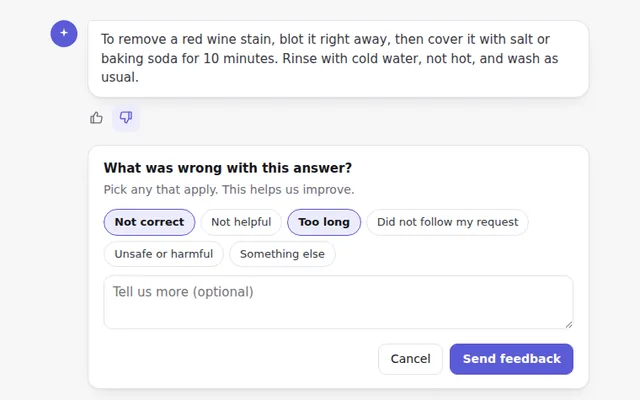
Thumbs Down with Reasons
When someone marks an answer as bad, a small panel asks why, with quick reason buttons and an optional comment.
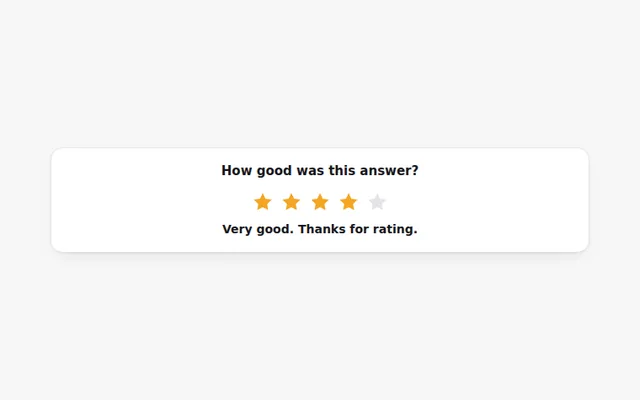
Star Rating
Rate an answer from one to five stars with the mouse or keyboard. Each level shows a word, like Good or Excellent.
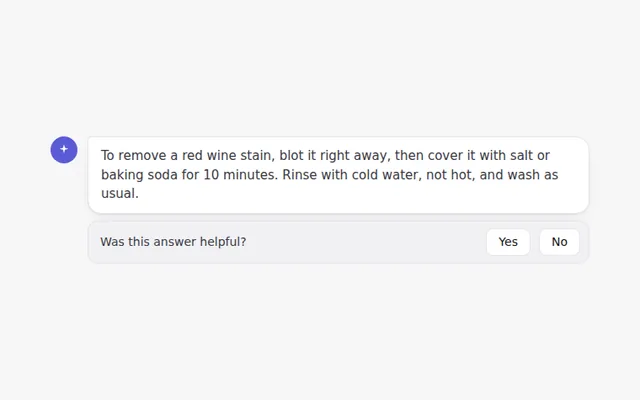
Was This Helpful Bar
A short question at the end of an answer with Yes and No buttons. It turns into a thank you once someone answers.
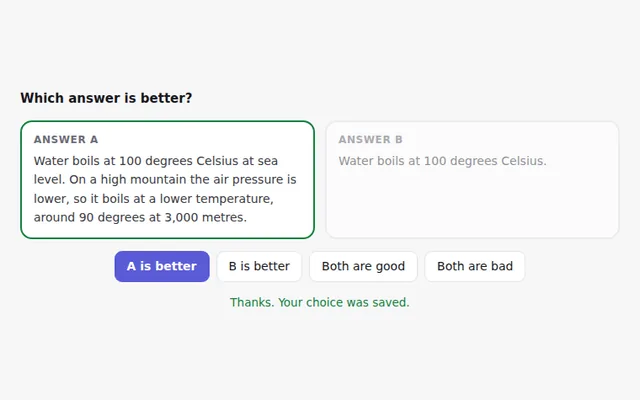
Compare Two Answers
Two answers side by side so people can pick the better one, or say both are good or both are bad. Useful for testing models.
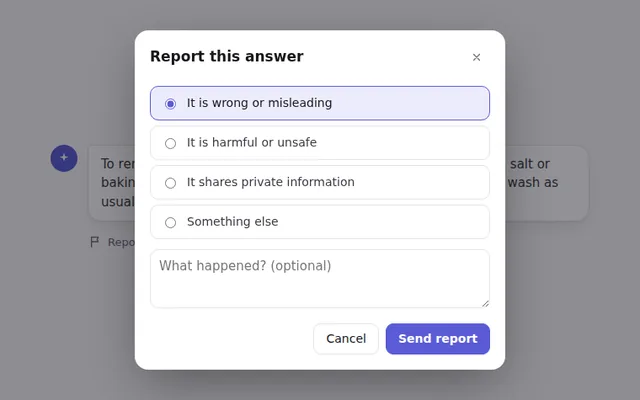
Report a Problem Dialog
A report button opens a dialog to flag an answer, with categories and details. It traps focus and closes with Escape.
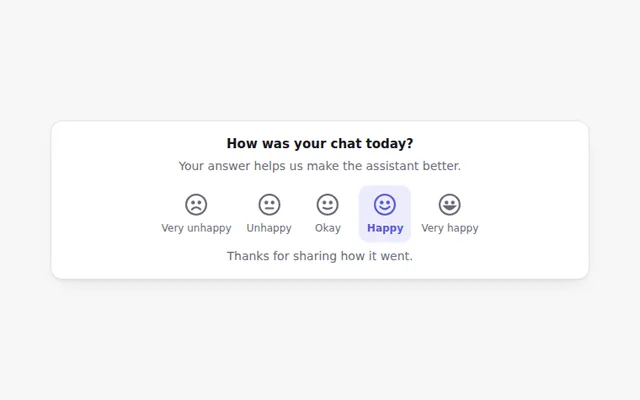
Satisfaction Scale
Five faces from very unhappy to very happy. A quick way to ask how a chat went, drawn in SVG so it looks the same everywhere.
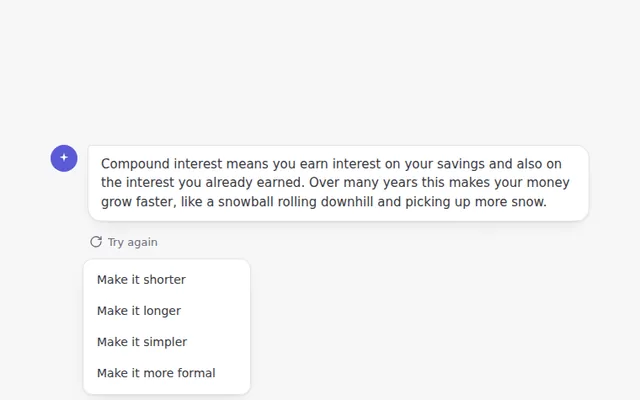
Rewrite Options Menu
A Try again button with a menu to change the answer: shorter, longer, simpler or more formal. The answer updates in place.
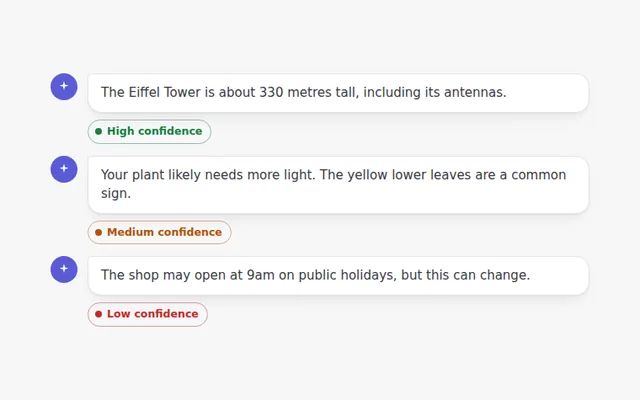
Confidence Badge
A small badge that tells people how sure the AI is about an answer, with a short explanation and a reminder to check sources.
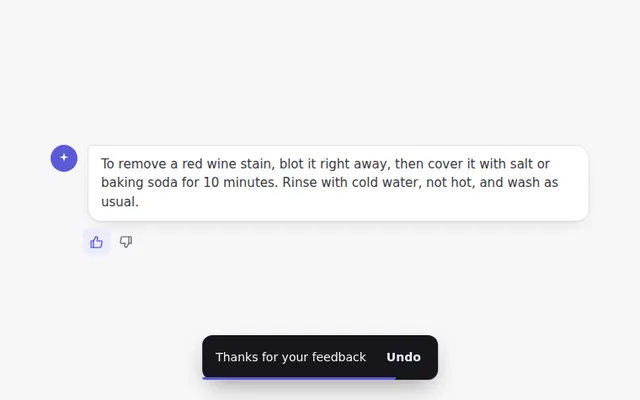
Feedback Toast with Undo
After someone rates an answer, a small message slides up to confirm it, with an Undo button for a few seconds.