Prompt Input components
Boxes where people type to the AI, from a simple field to slash commands and history. Each one is a single HTML file with a live demo.
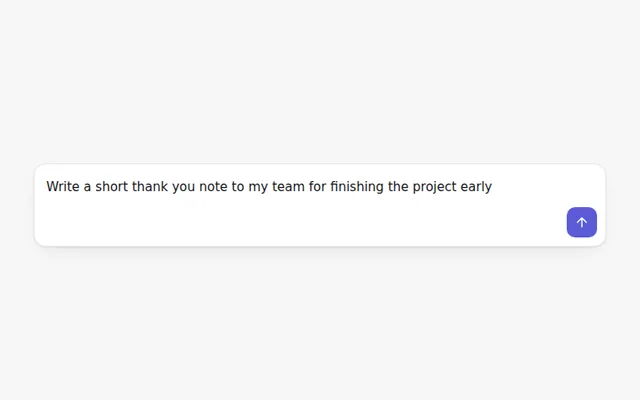
Basic Prompt Box
A clean prompt box. Enter sends, Shift and Enter adds a new line, and the send button stays off until there is text.
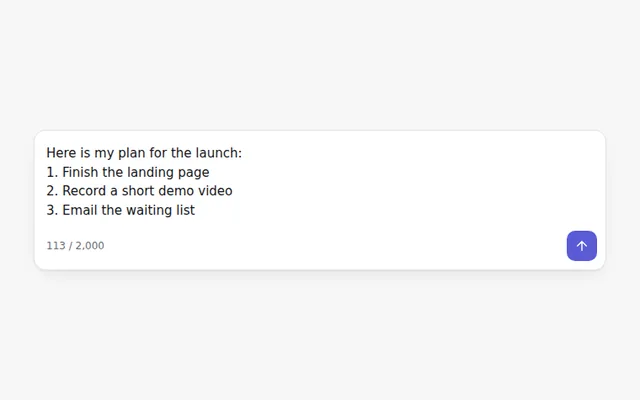
Auto-Growing Prompt
A prompt that grows as people type, stops at a set height and then scrolls. Shows a live character count.
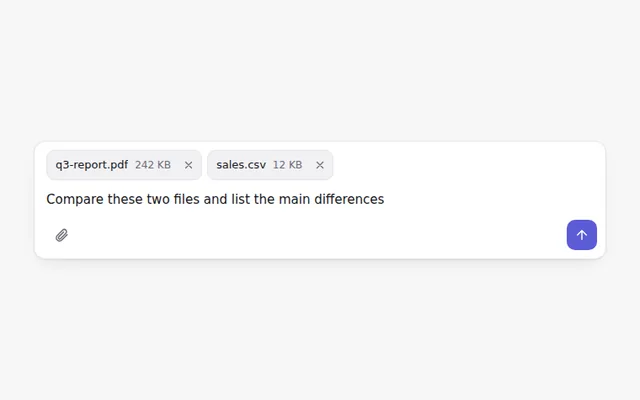
Prompt with File Attachments
Attach files with a button or by dragging them onto the box. Each file shows as a chip with its size and a remove button.
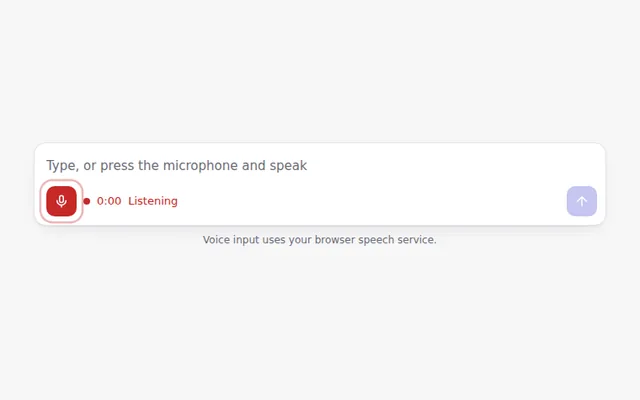
Prompt with Voice Input
A microphone button that turns speech into text when the browser supports it, with a pulsing record state and a timer.
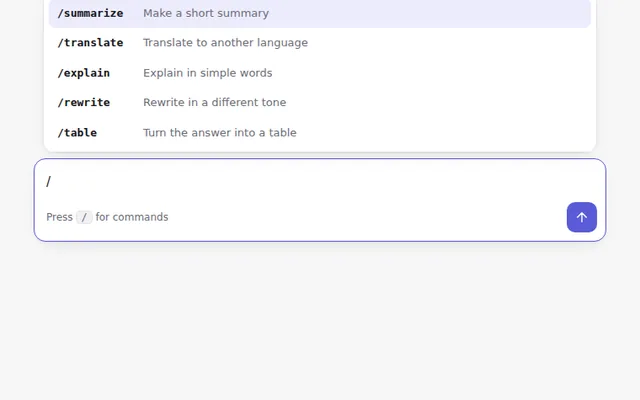
Prompt with Slash Commands
Type a slash to open a command menu. Use the arrow keys to move, Enter to pick, and Escape to close.
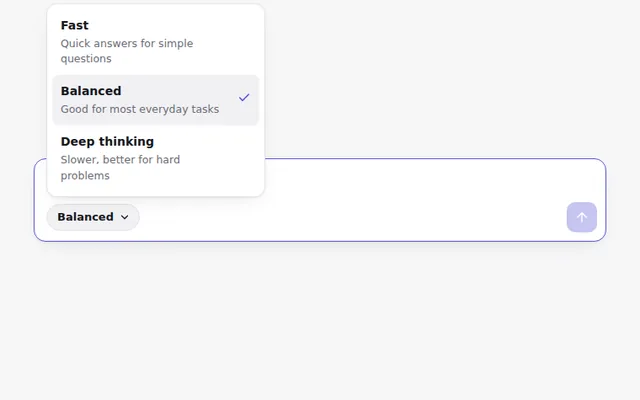
Prompt with Model Picker
A prompt box with a small menu to choose how the AI should answer: fast, balanced or deep thinking.
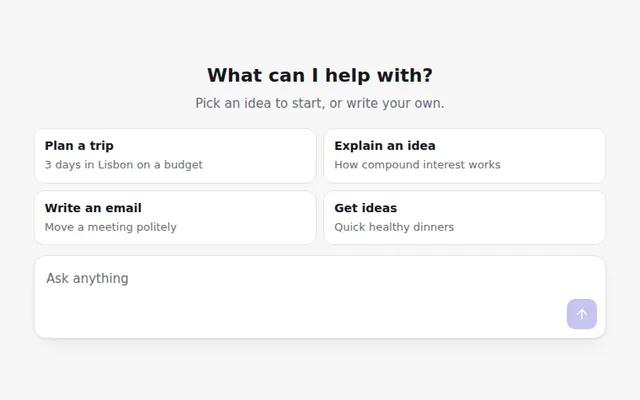
Prompt Suggestions
Starter ideas shown as buttons above an empty prompt. Clicking one fills the box so people can edit it before sending.
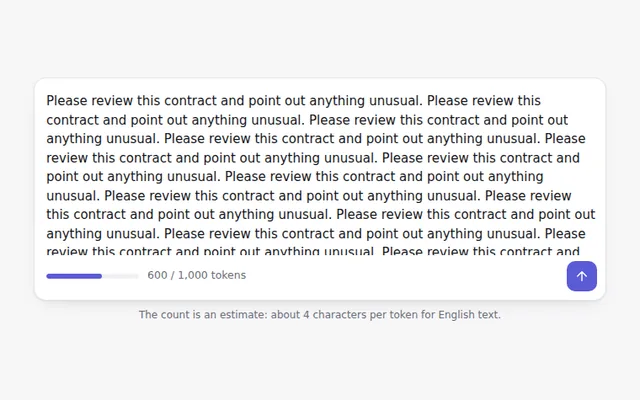
Prompt with Token Counter
Estimates how many tokens a prompt will use as people type, with a bar that turns orange and then red near the limit.
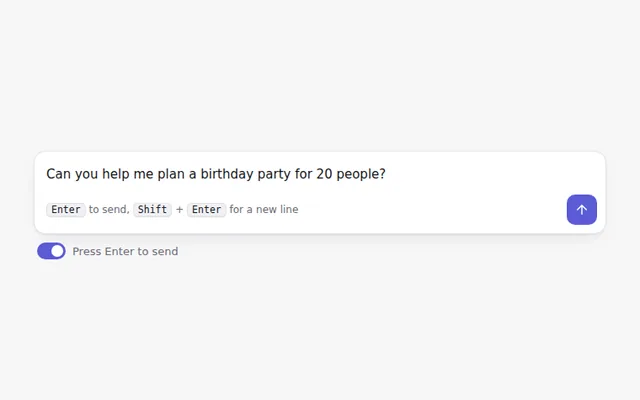
Prompt with Send Shortcut Setting
Lets people choose whether Enter sends the message or adds a new line, with a keyboard hint that updates to match.
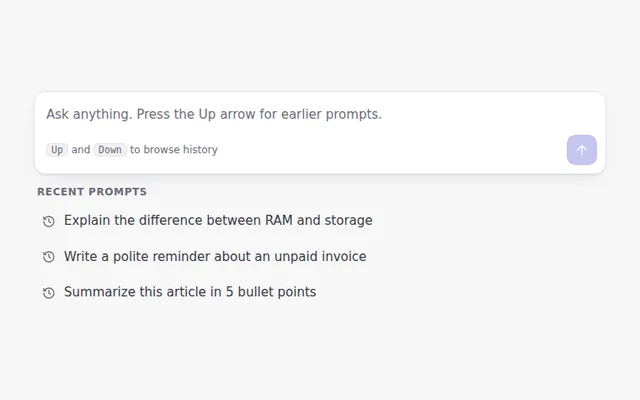
Prompt with History
Press the Up arrow in an empty box to bring back earlier prompts, like a terminal. Recent prompts also appear as a list.