Prompt Suggestions
Starter ideas shown as buttons above an empty prompt. Clicking one fills the box so people can edit it before sending.
One HTML file with the CSS and JavaScript inside. No library needed. MIT license.
How to use it
- Click Copy the code, or download the file.
- Paste the CSS into your stylesheet, the HTML where you want the component, and the script before the closing body tag.
- Change
--accentat the top of the CSS to your brand color, then connect the events to your AI service.
What you get
- Works in light and dark mode automatically
- Keyboard friendly, with labels for screen readers
- Fits phones, tablets and desktops
- Respects the reduced motion setting
- No framework, so it works with any stack
The code
<!DOCTYPE html>
<!--
  Prompt Suggestions: a free AI UI component
  From 100 Free AI UI Components by MM Rahman Bappi, MIT license
  https://mmrahmanbappi.github.io/100-free-ai-ui-components/

  How to use: copy the CSS, HTML and JavaScript below into your page.
  Colors are CSS variables at the top. Change --accent to match your brand.
  Light and dark themes follow the visitor's system setting, or set
  data-theme="dark" or data-theme="light" on the html element.
-->
<html lang="en">
<head>
<meta charset="UTF-8">
<meta name="viewport" content="width=device-width, initial-scale=1">
<title>Prompt Suggestions | Free AI UI Component</title>
<meta name="description" content="Starter ideas shown as buttons above an empty prompt. Clicking one fills the box so people can edit it before sending.">
<meta name="robots" content="noindex, follow">
<style>
:root{
  --accent:#5b5bd6; --accent-ink:#fff; --accent-soft:#ececfc;
  --bg:#f7f7f8; --surface:#fff; --surface-2:#f1f1f4; --ink:#17171c; --text:#3a3a44; --muted:#6c6c78;
  --line:#e3e3e8; --good:#15803d; --warn:#b45309; --bad:#c62828;
  --radius:14px; --shadow:0 1px 2px rgba(20,20,30,.06),0 8px 24px -12px rgba(20,20,30,.18);
  --font:system-ui,-apple-system,"Segoe UI",Roboto,Ubuntu,sans-serif; --mono:ui-monospace,"Cascadia Code",Menlo,Consolas,monospace;
}
@media (prefers-color-scheme:dark){:root:not([data-theme=light]){
  --accent:#8b8bff; --accent-ink:#0f0f16; --accent-soft:#25254a;
  --bg:#0f0f13; --surface:#18181f; --surface-2:#212129; --ink:#f3f3f6; --text:#d4d4dc; --muted:#9a9aa8;
  --line:#2c2c36; --good:#4ade80; --warn:#fbbf24; --bad:#f87171; --shadow:0 1px 2px rgba(0,0,0,.4),0 10px 30px -12px rgba(0,0,0,.6);
}}
:root[data-theme=dark]{
  --accent:#8b8bff; --accent-ink:#0f0f16; --accent-soft:#25254a;
  --bg:#0f0f13; --surface:#18181f; --surface-2:#212129; --ink:#f3f3f6; --text:#d4d4dc; --muted:#9a9aa8;
  --line:#2c2c36; --good:#4ade80; --warn:#fbbf24; --bad:#f87171; --shadow:0 1px 2px rgba(0,0,0,.4),0 10px 30px -12px rgba(0,0,0,.6);
}
*{box-sizing:border-box}
html,body{margin:0}
body{min-height:100vh;display:grid;grid-template-columns:minmax(0,1fr);place-items:center;padding:24px;background:var(--bg);color:var(--text);font:15px/1.5 var(--font);-webkit-font-smoothing:antialiased}
button,input,textarea,select{font:inherit;color:inherit}
:focus-visible{outline:2px solid var(--accent);outline-offset:2px}
[hidden]{display:none!important}
.sr{position:absolute;width:1px;height:1px;overflow:hidden;clip:rect(0 0 0 0);white-space:nowrap}
@media (prefers-reduced-motion:reduce){*,*::before,*::after{animation-duration:.01ms!important;animation-iteration-count:1!important;transition:none!important}}
/* ---- component ---- */
.pb{width:min(100%,680px);background:var(--surface);border:1px solid var(--line);border-radius:var(--radius);box-shadow:var(--shadow);padding:10px 10px 10px 14px;transition:border-color .15s}
.pb:focus-within{border-color:var(--accent)}
.pb textarea{width:100%;border:0;outline:0;resize:none;background:none;min-height:24px;max-height:200px;line-height:1.5;padding:6px 0;color:var(--ink)}
.pb textarea::placeholder{color:var(--muted)}
.row{display:flex;align-items:center;gap:8px;min-width:0}
.row>span{min-width:0}
.sp{flex:1}
.ib{width:36px;height:36px;display:grid;place-items:center;border-radius:10px;border:0;background:none;color:var(--muted);cursor:pointer}
.ib:hover{background:var(--surface-2);color:var(--ink)}
.send{width:36px;height:36px;display:grid;place-items:center;border-radius:10px;border:0;background:var(--accent);color:var(--accent-ink);cursor:pointer;transition:opacity .15s,transform .1s}
.send:disabled{opacity:.35;cursor:not-allowed}
.send:not(:disabled):active{transform:scale(.94)}
.log{width:min(100%,680px);margin-bottom:12px;display:flex;flex-direction:column;gap:8px}
.msg{align-self:flex-end;max-width:85%;background:var(--accent-soft);color:var(--ink);padding:9px 13px;border-radius:14px 14px 4px 14px;white-space:pre-wrap;word-wrap:break-word;animation:pop .2s ease}
@keyframes pop{from{opacity:0;transform:translateY(6px)}}
.wrap{width:min(100%,680px);display:flex;flex-direction:column;align-items:stretch}
.hi{font-size:22px;font-weight:700;color:var(--ink);margin:0 0 6px;text-align:center}
.sub{color:var(--muted);text-align:center;margin:0 0 18px}
.sugs{display:grid;grid-template-columns:repeat(2,minmax(0,1fr));gap:8px;margin-bottom:12px}
.sug{text-align:left;border:1px solid var(--line);background:var(--surface);border-radius:12px;padding:10px 12px;cursor:pointer;transition:border-color .15s,background .15s}
.sug:hover{border-color:var(--accent);background:var(--accent-soft)}
.sug b{display:block;color:var(--ink);font-size:14px}.sug span{color:var(--muted);font-size:13px}
@media(max-width:520px){.sugs{grid-template-columns:1fr}}
</style>
</head>
<body>
<div class="wrap">
  <p class="hi">What can I help with?</p>
  <p class="sub">Pick an idea to start, or write your own.</p>
  <div class="sugs" id="sugs">
    <button class="sug" type="button" data-p="Plan a 3 day trip to Lisbon on a small budget, with one day of food markets."><b>Plan a trip</b><span>3 days in Lisbon on a budget</span></button>
    <button class="sug" type="button" data-p="Explain how compound interest works using a simple example with real numbers."><b>Explain an idea</b><span>How compound interest works</span></button>
    <button class="sug" type="button" data-p="Write a short, friendly email asking my manager to move our meeting to Thursday."><b>Write an email</b><span>Move a meeting politely</span></button>
    <button class="sug" type="button" data-p="Give me 5 healthy dinner ideas I can cook in 20 minutes with basic ingredients."><b>Get ideas</b><span>Quick healthy dinners</span></button>
  </div>
  <form class="pb" id="f">
    <label class="sr" for="q">Message</label>
    <textarea id="q" rows="1" placeholder="Ask anything"></textarea>
    <div class="row"><span class="sp"></span><button class="send" id="s" type="submit" aria-label="Send message" disabled><svg viewBox="0 0 24 24" width="18" height="18" fill="none" stroke="currentColor" stroke-width="2" stroke-linecap="round" stroke-linejoin="round" aria-hidden="true"><path d="M12 19V5M5 12l7-7 7 7"/></svg></button></div>
  </form>
</div>
<script>
// Demo helper: add ?theme=dark or ?theme=light to the address to preview a theme.
(function(){var t=new URLSearchParams(location.search).get('theme');if(t)document.documentElement.dataset.theme=t;})();
function grow(t){t.style.height='auto';t.style.height=Math.min(t.scrollHeight,200)+'px'}
function post(log,text){var m=document.createElement('div');m.className='msg';m.textContent=text;log.appendChild(m);}
var q=document.getElementById('q'),s=document.getElementById('s');
document.querySelectorAll('.sug').forEach(function(b){b.addEventListener('click',function(){q.value=b.dataset.p;grow(q);s.disabled=false;q.focus();q.setSelectionRange(q.value.length,q.value.length);});});
q.addEventListener('input',function(){grow(q);s.disabled=!q.value.trim();});
document.getElementById('f').addEventListener('submit',function(e){e.preventDefault();q.value='';grow(q);s.disabled=true;});
</script>
</body>
</html>
More prompt input components
Basic Prompt Box
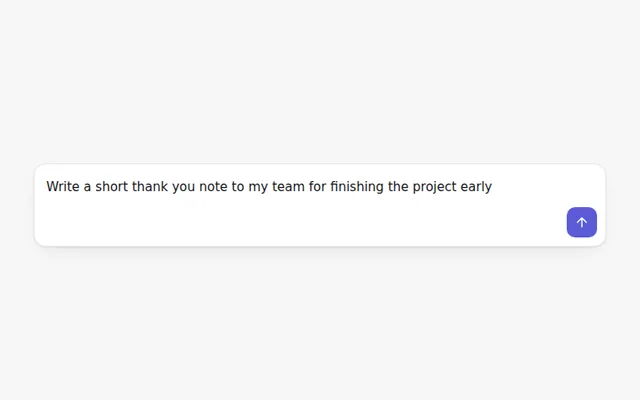
A clean prompt box. Enter sends, Shift and Enter adds a new line, and the send button stays off until there is text.
Auto-Growing Prompt
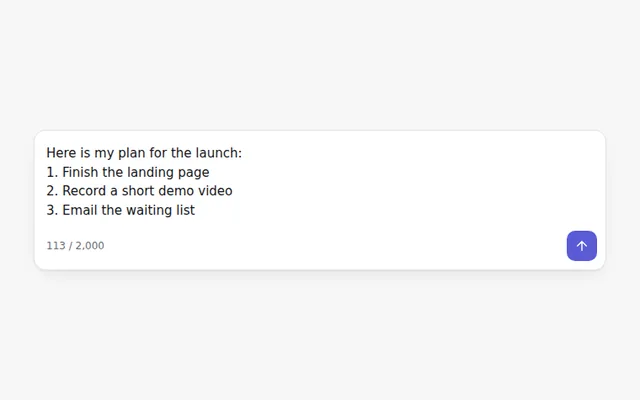
A prompt that grows as people type, stops at a set height and then scrolls. Shows a live character count.
Prompt with File Attachments
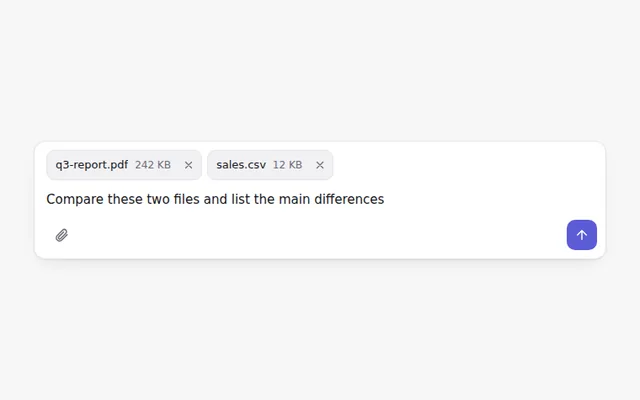
Attach files with a button or by dragging them onto the box. Each file shows as a chip with its size and a remove button.
Prompt with Voice Input
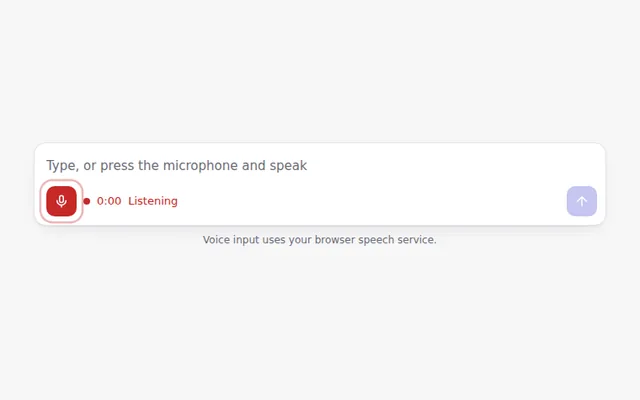
A microphone button that turns speech into text when the browser supports it, with a pulsing record state and a timer.
Prompt with Slash Commands
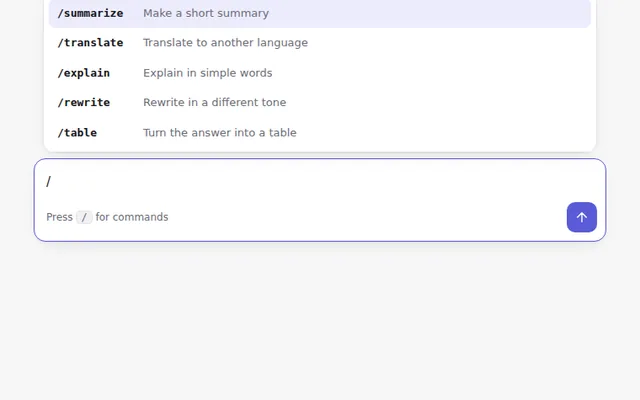
Type a slash to open a command menu. Use the arrow keys to move, Enter to pick, and Escape to close.
Prompt with Model Picker
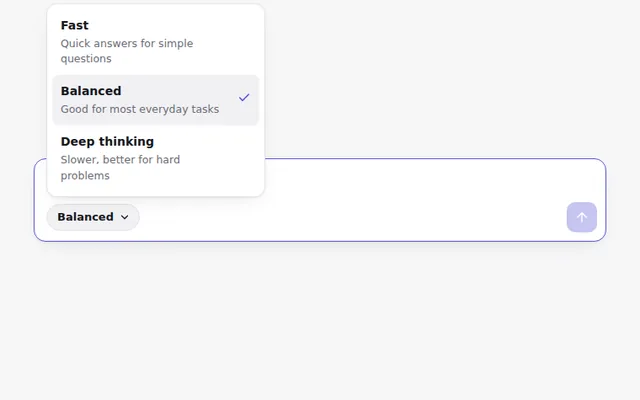
A prompt box with a small menu to choose how the AI should answer: fast, balanced or deep thinking.