100Free HTML Templates
All templates / Portfolio
FreeMIT license, no sign up

Free portfolio website templates

Personal websites for developers, designers, photographers, video creators, writers and job seekers. Show your best work, tell your story and make it easy for clients or employers to contact you.

  • 8templates
  • 1HTML file each
  • MITlicense

8 free portfolio templates

Click a template to see the live demo, or download it straight away.
All 100 templates
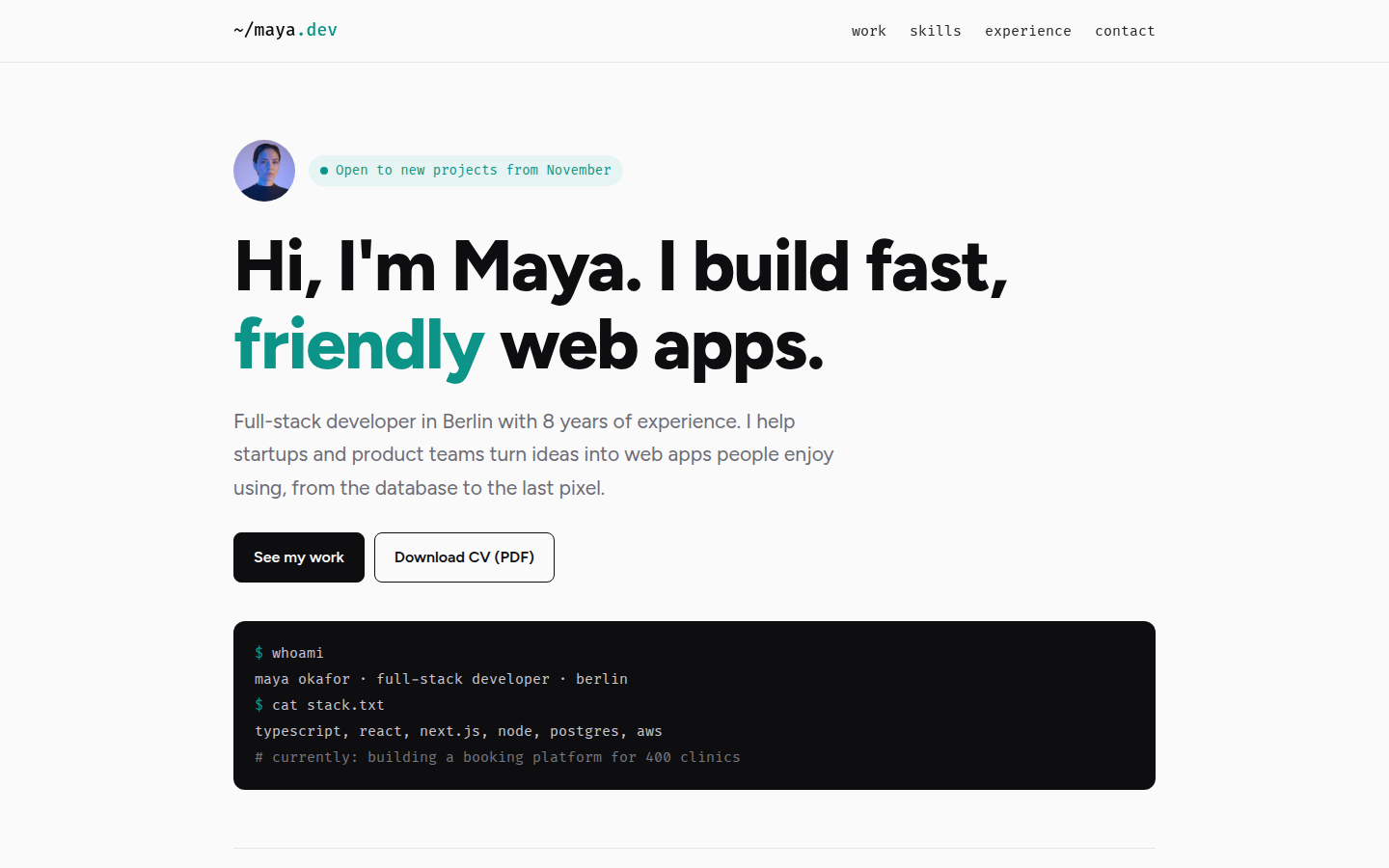
Maya Okafor, free developer portfolio website template
Developer Portfolio

Maya Okafor

A clean developer portfolio with a terminal-style intro. Projects can be filtered by technology, a GitHub-style activity chart shows a year of work, plus skills with years, work history and a copy email button.

Fira Code + Figtree
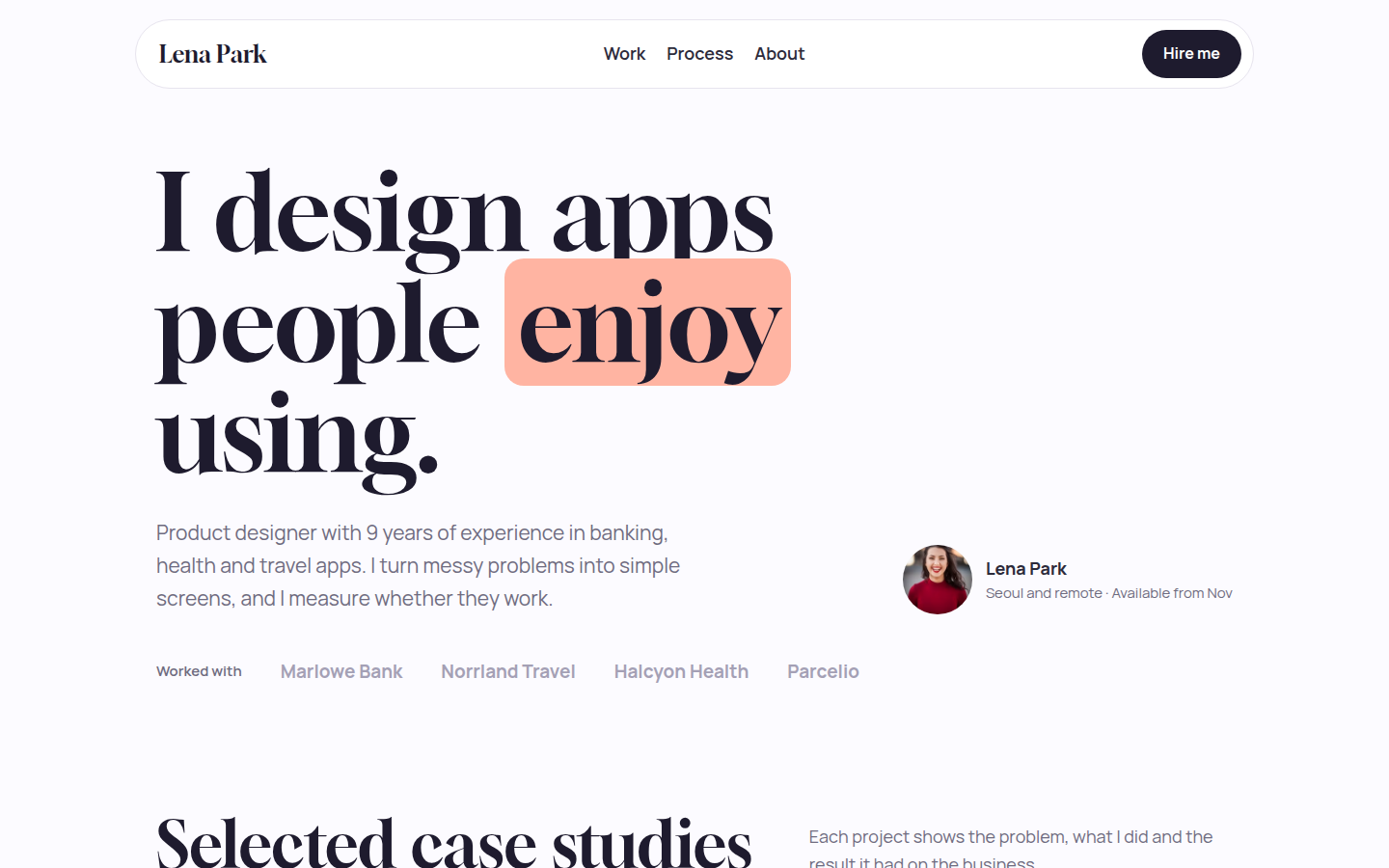
Lena Park, free designer portfolio website template
Designer Portfolio

Lena Park

A bright, friendly portfolio for a UX, UI or product designer. Colourful case study cards show the problem and the result, with a 4-step process, tools, a client quote and a contact form with tick-box options.

Gloock + Manrope
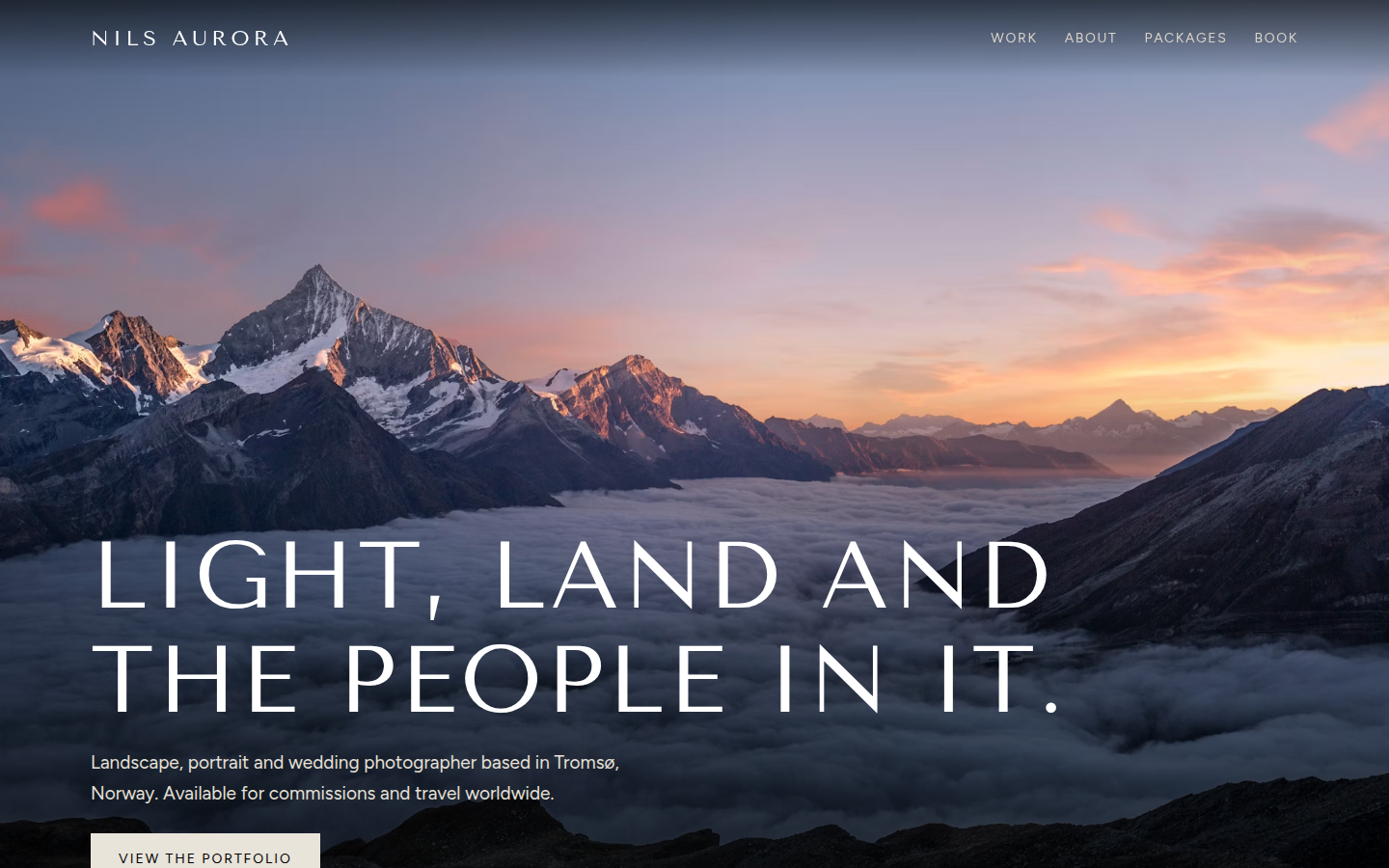
Nils Aurora, free photographer portfolio website template
Photographer Portfolio

Nils Aurora

A dark, full-screen photography portfolio. The masonry gallery can be filtered and opens a full-screen lightbox with next and previous buttons and keyboard arrows, plus packages and a booking form.

Tenor Sans + Figtree
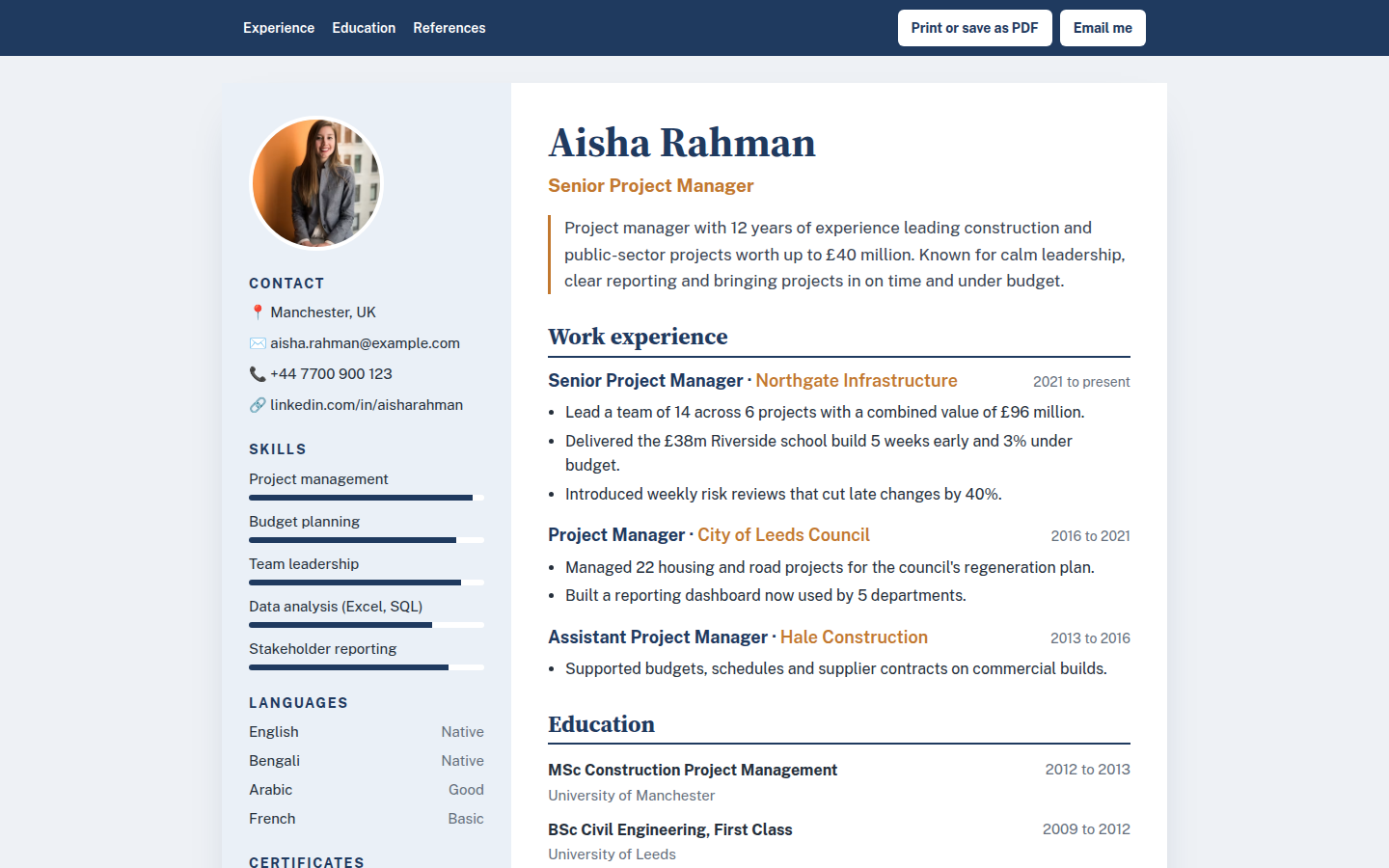
Aisha Rahman, free resume and cv website template
Resume and CV

Aisha Rahman

A tidy online CV that looks right on screen and on paper. One click prints it or saves it as a PDF, with the menu hidden. Includes skills bars, languages, certificates, work history, education and references.

Source Serif 4 + Public Sans
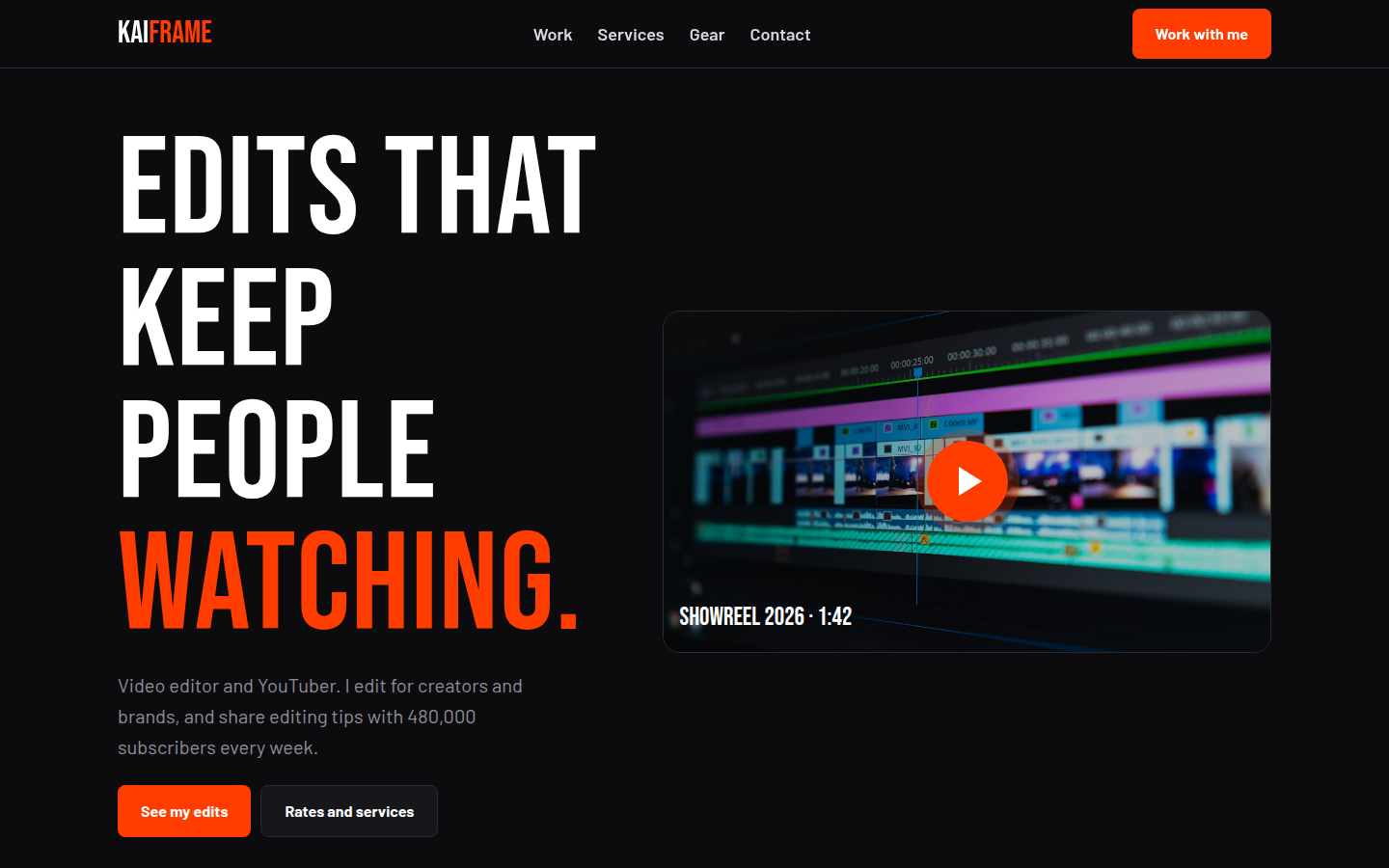
Kai Frame, free video editor portfolio website template
Video Editor Portfolio

Kai Frame

A dark, punchy site for a video editor, YouTuber or content creator. It has a showreel, channel stats, a filterable video grid that opens a player pop-up for your embed, services with prices and gear.

Bebas Neue + Barlow
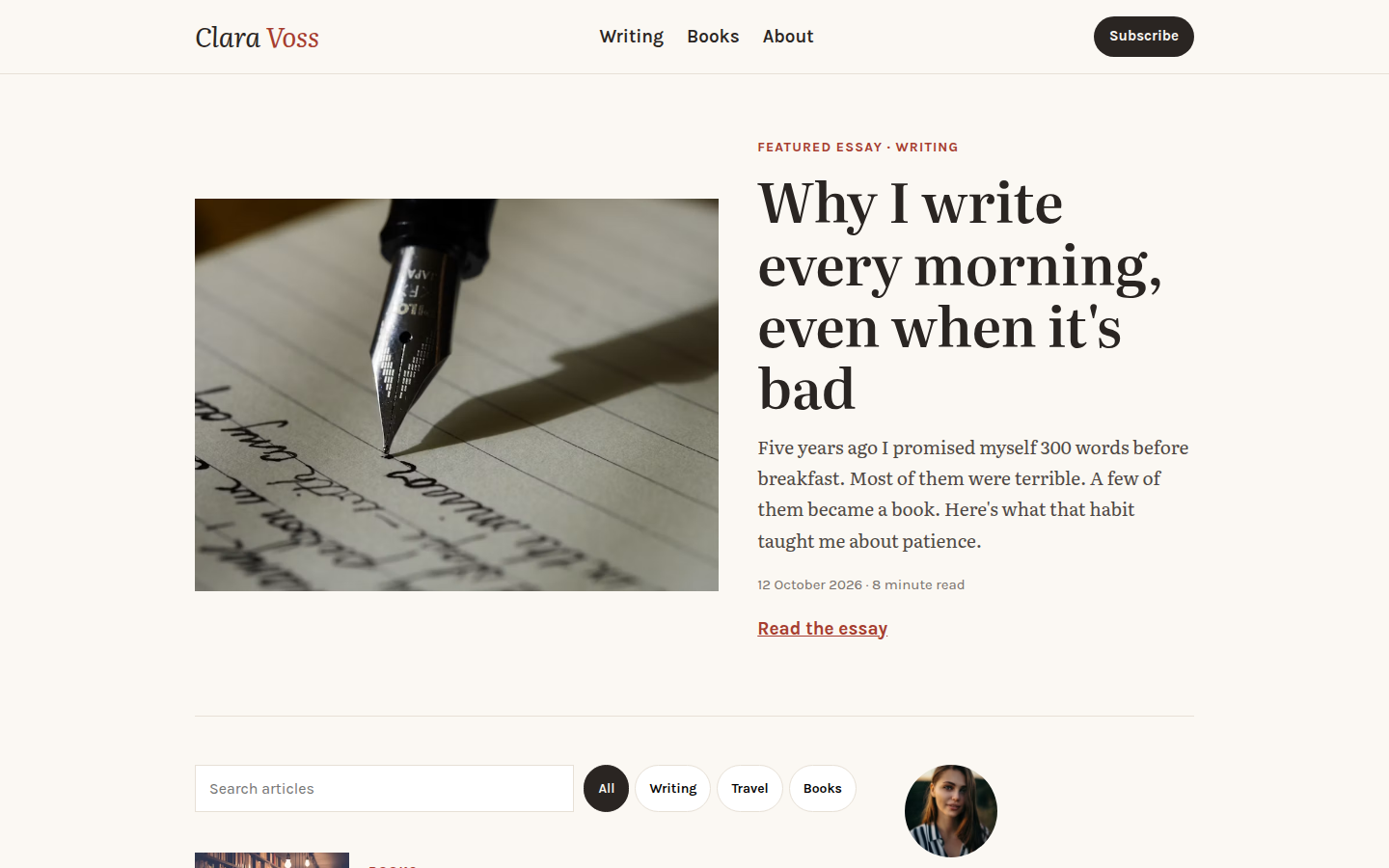
Clara Voss, free writer and blogger website template
Writer and Blogger

Clara Voss

A calm, readable blog and writer site. It has a featured story, an article list with working search and topic filters, a newsletter box, an author bio and a books section.

Literata + Karla
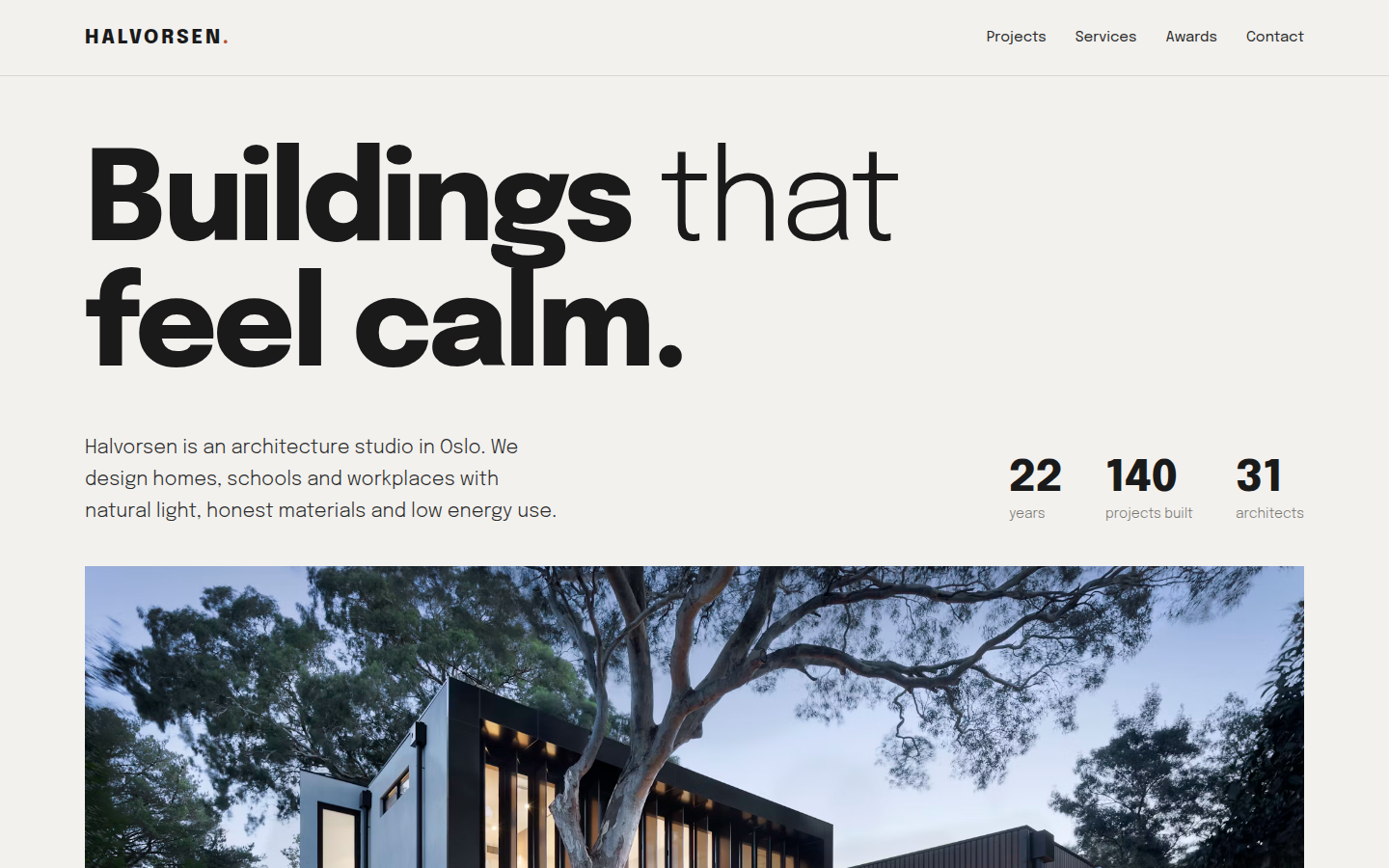
Halvorsen, free architect portfolio website template
Architect Portfolio

Halvorsen

A calm, minimal site for an architect or architecture studio. The project list can be filtered and shows a large photo preview when you hover a project, with studio numbers, services and awards.

Epilogue
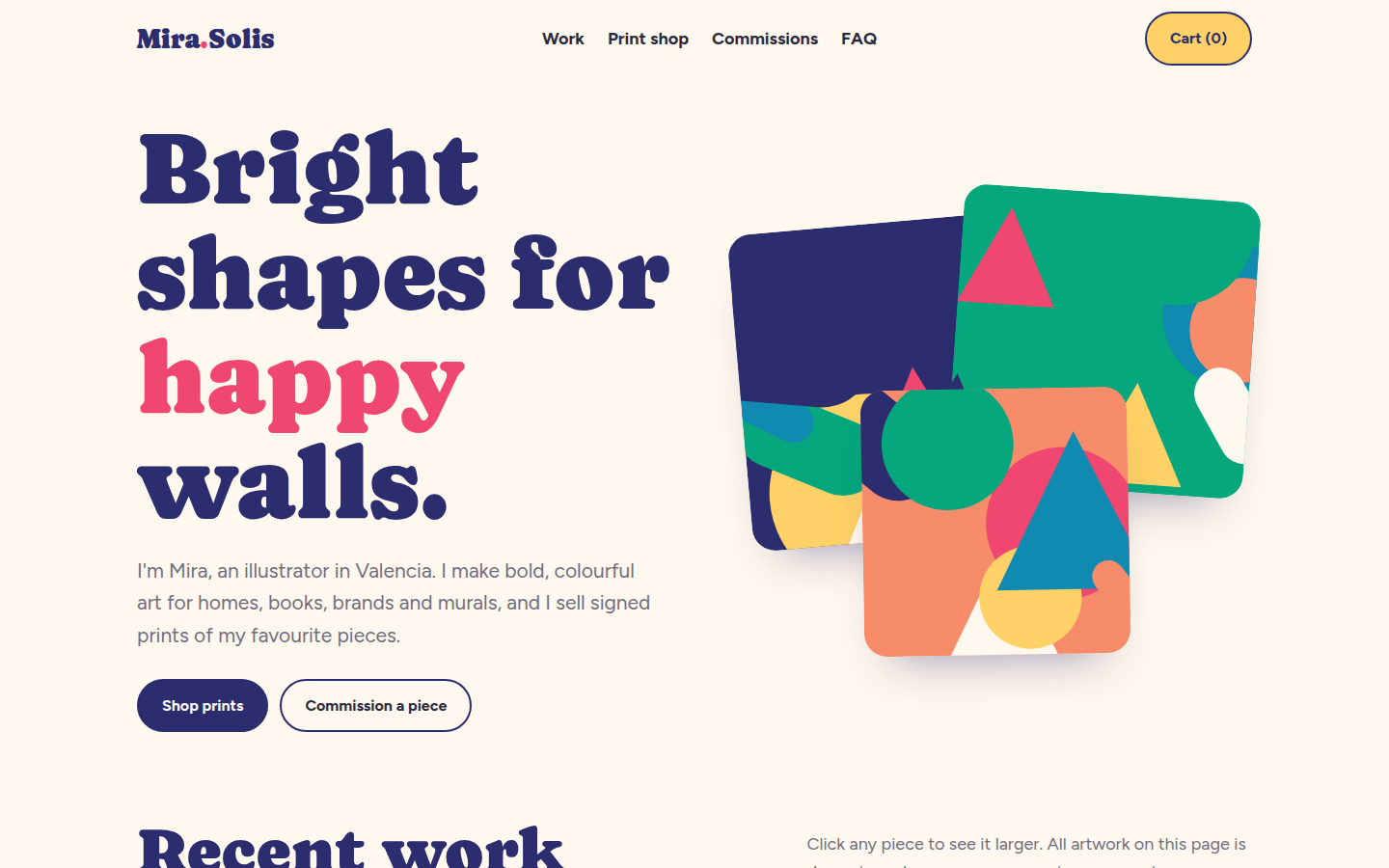
Mira Solis, free artist portfolio website template
Artist Portfolio

Mira Solis

A bright, playful portfolio for an artist or illustrator. The artwork gallery opens a viewer, prints can be bought in three sizes with live prices, and the commission form shows a starting price.

Caprasimo + Figtree

How to use a template

Three steps, no special software.

1Download

Pick a template, open the live demo and click Download. You get one HTML file.

2Edit

Open the file in any text editor and change the words, colours and photos to match your business.

3Publish

Upload the file to GitHub Pages, Netlify or your own web host. Your site is live.

Questions people ask

Are these HTML templates really free?

Yes. Every template is free for personal and commercial use under the MIT license. You don't need to sign up, pay or add a credit link.

Do I need to know coding to use them?

No. Basic editing is enough. Open the index.html file in a text editor such as VS Code or Notepad, change the words, phone numbers and image links, then save the file.

How do I put a template online for free?

Upload the index.html file to GitHub Pages, Netlify or Cloudflare Pages. All three have free plans and take about ten minutes to set up.

Can I use a template for a client's website?

Yes. The MIT license lets you use, change and sell websites built with these templates, including work you do for clients.

Are the templates good for SEO?

Yes. Each template has a page title and description, social sharing tags, schema markup, alt text on every image and a clear heading order, so Google can read and rank the page.

Will the templates work on mobile phones?

Yes. Every template adjusts to phones, tablets and desktop screens, and has been checked at common screen sizes.