Free SEO Chrome extensions for technical audits
Seven small tools that each check one part of your site: orphan pages, click depth, canonical chains, crawl budget, page size, caching and security. Export the results to Excel or PDF.
Free for Chrome, Edge and Brave. No account, no subscription.
for technical SEO
Find it. Fix it. Export it.
The tools
Pick the one for the problem you are working on. Each page explains what the tool checks and how to install it.

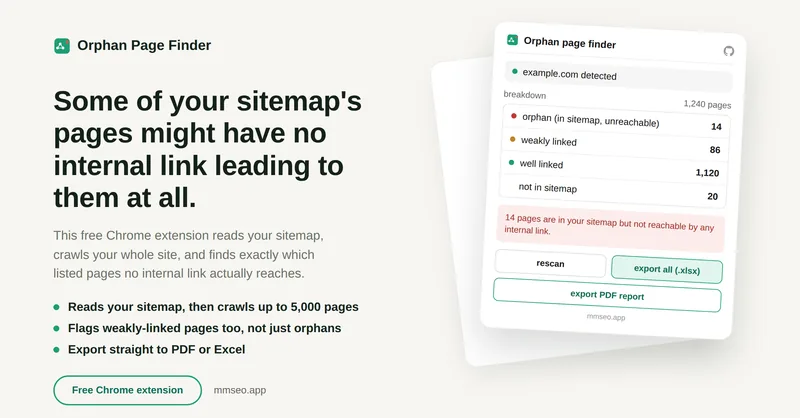
Orphan Page Finder
Finds pages in your sitemap that no internal link points to.

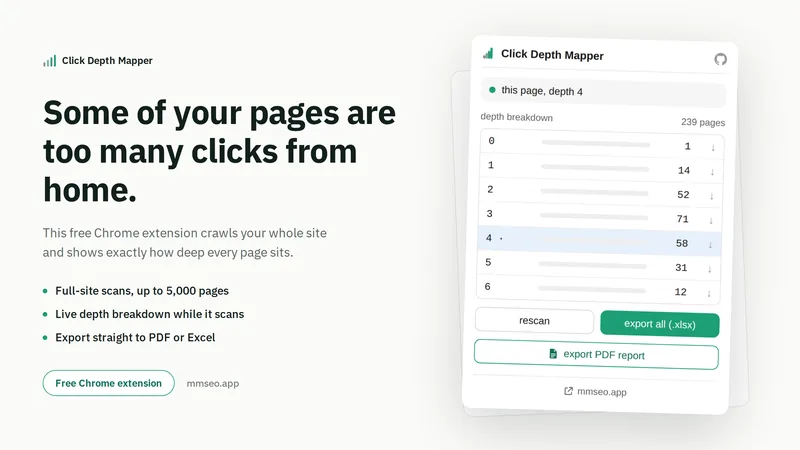
Click Depth Mapper
Shows how many clicks each page is from your homepage.

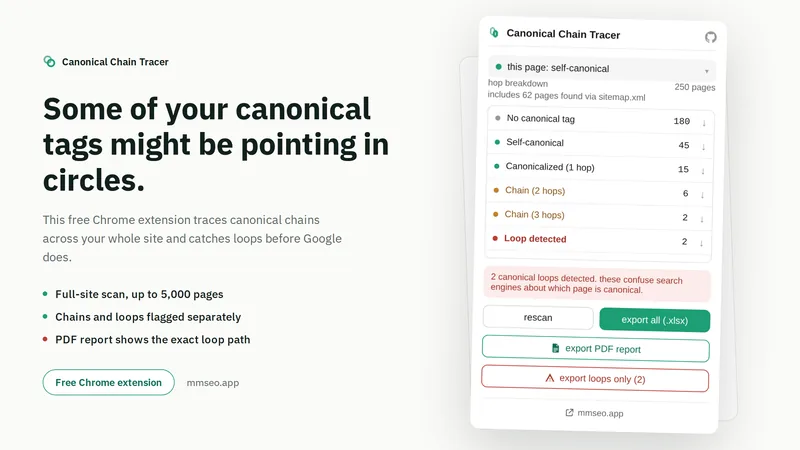
Canonical Chain Tracer
Follows canonical tags and finds chains and loops.

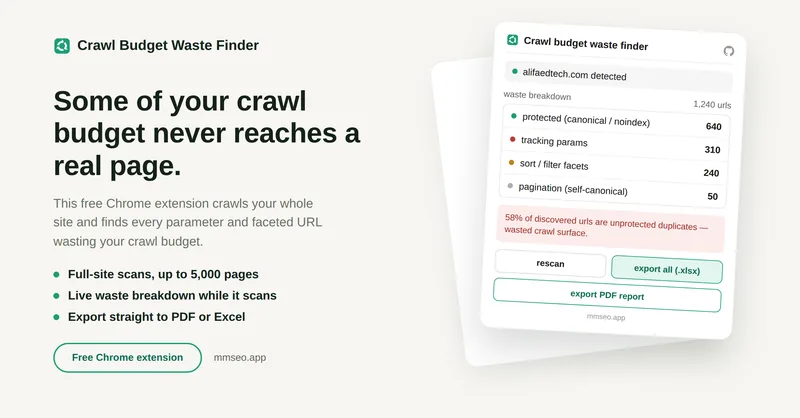
Crawl Budget Waste Finder
Finds filter, tracking and session URLs that waste crawl budget.

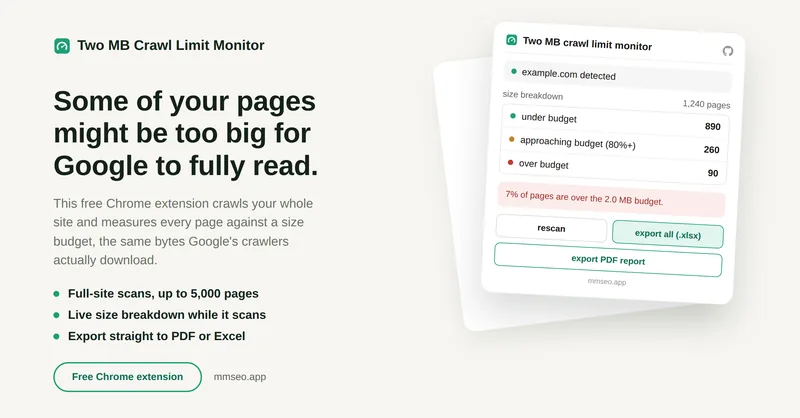
Two MB Crawl Limit Monitor
Finds pages close to or over Googlebot's 2MB crawl limit.

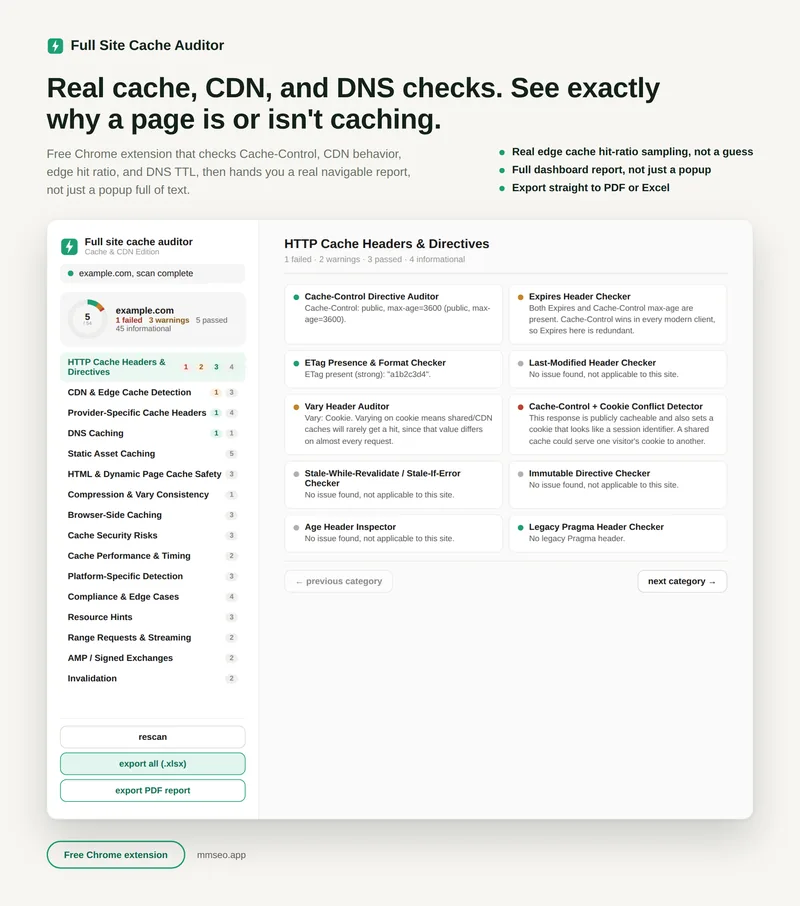
Full Site Cache Auditor
Runs 54 checks on caching, CDN and DNS.

Full Site Security Auditor
Runs 47 security, DNS and CMS checks.
Why use these instead of a crawler?
Big SEO crawlers are great, but they cost money, take time to set up, and show you hundreds of numbers at once. These extensions do one job each. Open your site, click the icon, and you get a clear answer to one question.
Because they run inside your browser, there is nothing to install on your server and nothing to configure. Some of them can even read links on pages that only show them with JavaScript.
What they have in common
- Free, with no account or activation code
- Export to Excel and PDF, ready to share with a developer or client
- Keep your data in your own browser
- The crawling tools keep working in the background and save their progress
- Clear results in plain words, not hundreds of numbers
How to install
The steps are the same for every tool, and take about a minute.
- Download the zip file with the button on this page and unzip it. You will get one folder for each tool. Install the ones you want.
- Open the extensions page. In Chrome, type
chrome://extensionsin the address bar and press Enter. In Edge useedge://extensions, in Bravebrave://extensions. - Turn on Developer mode with the switch in the top right corner.
- Click Load unpacked and choose the unzipped folder (the one that contains
manifest.json). - Pin the icon from the puzzle piece menu in your toolbar, so it is always one click away.
Developer mode only means Chrome lets you load an extension from a folder on your computer. It does not change anything else in your browser.
Questions
Are these extensions really free?
Yes. All seven are free to download and use and open source under the MIT license, with no account, no subscription and no activation code.
Do I need to be an SEO expert?
No. Each tool explains what it found in plain words and shows which pages need attention first. You can also export Excel and PDF reports to share with a developer.
Where does my data go?
Scan results and settings are saved in your own browser. The extensions do not ask you to sign in.
Which browsers are supported?
Google Chrome, and browsers built on Chromium such as Microsoft Edge and Brave.
Can I install all seven at once?
Yes. Download the all-in-one zip, unzip it, and load each folder with Load unpacked.
Who made these
These extensions are built and maintained by MM Rahman Bappi, a technical SEO consultant and web developer with 15 years of experience. They started as tools for client audits and are now free for everyone.
Found a bug or have an idea? Open an issue on GitHub.