Home / Typography / Outline Text
Outline Text CSS Template, Free with Live Demo
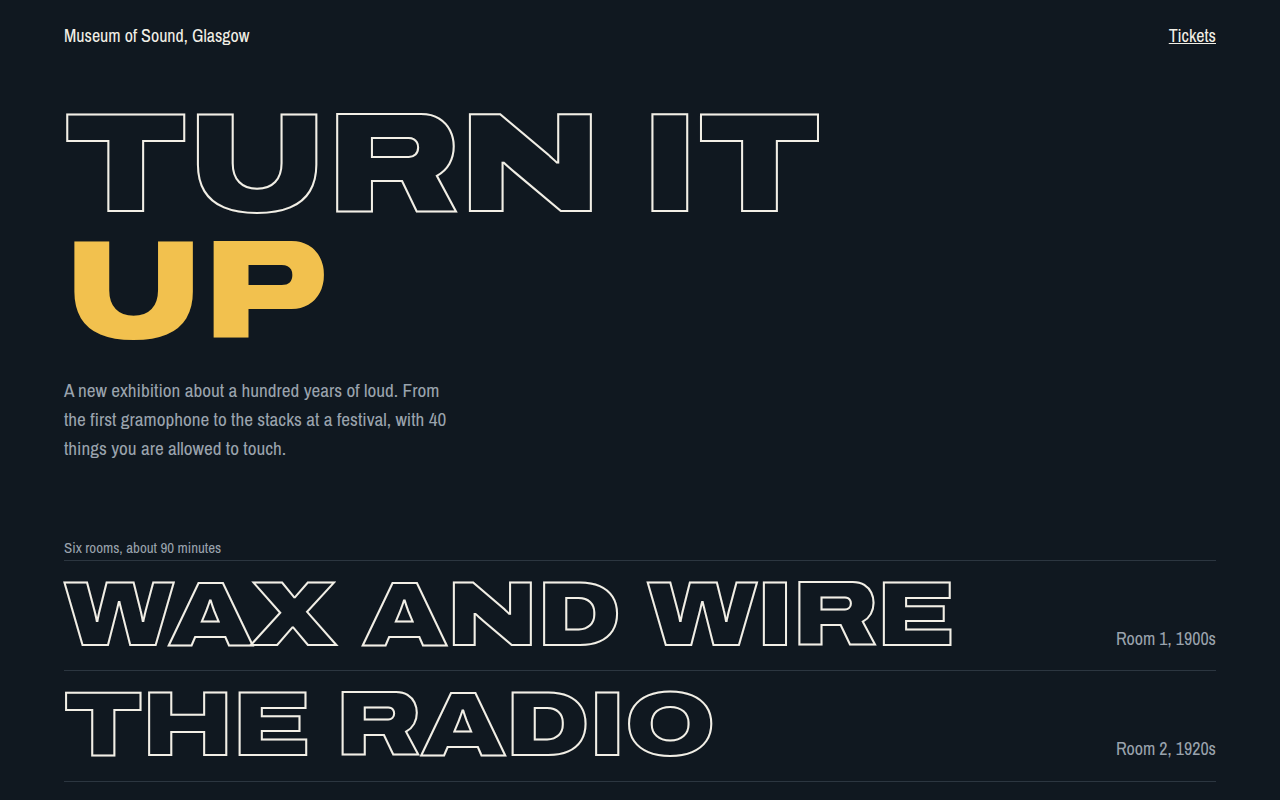
Free outline text website template for a museum. Hollow stroked letters that fill with color on hover, in a bold stacked list. Live demo. The example is Museum of Sound, an exhibition site.
What is outline text?
Outline text shows only the edges of the letters, with the inside left empty. It looks light and modern even at huge sizes, and it pairs well with one solid word to create contrast.
The effect is -webkit-text-stroke with a transparent text color. On hover the color fills in, which makes a simple list of links feel interactive and fun.
Good for
- Museums and exhibitions
- Menus and navigation lists
- Portfolio project lists
- Sports and fashion headlines
What you get in this template
- Hollow letters with a 2px stroke
- One filled word in the headline for contrast
- Room list that fills with yellow on hover and focus
- Wide Archivo letters using font-stretch
- Works in every modern browser
The key CSS
This is the part that makes the outline text look work. Copy it into your own project.
.o {
  color: transparent;
  -webkit-text-stroke: 2px #f2efe6;
  transition: color .25s;
}
.rooms a:hover .o,
.rooms a:focus-visible .o {
  color: #f2c14e;
  -webkit-text-stroke-color: #f2c14e;
}
How to use it
- Click Download HTML file above.
- Open the file in any code editor, like VS Code.
- Change the text, colors and links to match your project. Colors are at the top of the style tag.
- Upload it to any host, such as GitHub Pages, Netlify or your own server. It is one file with no build step.
Questions people ask
How do you make outline text in CSS?
Set color: transparent and add -webkit-text-stroke: 2px with the outline color. Despite the prefix, it works in Chrome, Safari, Edge and Firefox.
Is outline text readable?
Only at large sizes. Use it for headlines and big links, and keep body text solid.
Which fonts work best for outline text?
Heavy, wide fonts, such as Archivo Black, Anton or Unbounded. Thin fonts leave too little shape to outline.
More Typography designs
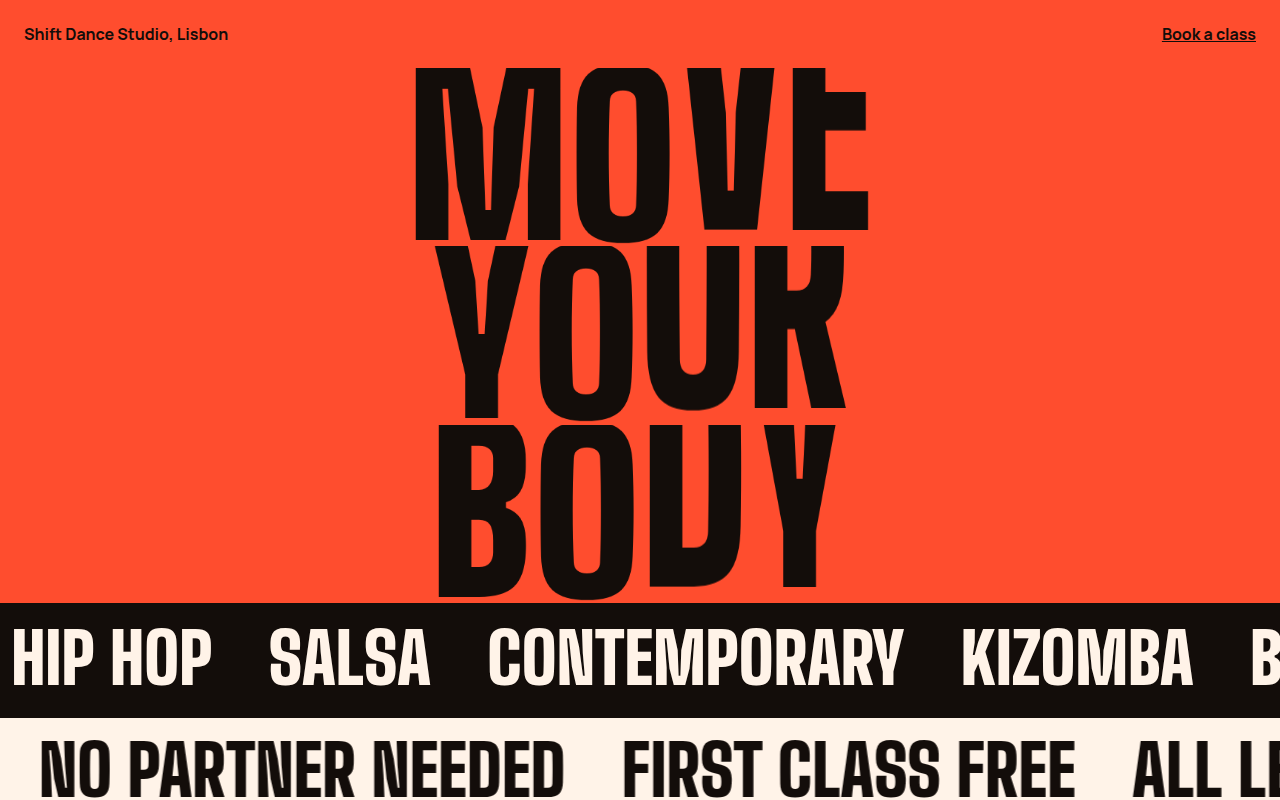
051. Kinetic Type
Shift, a dance studio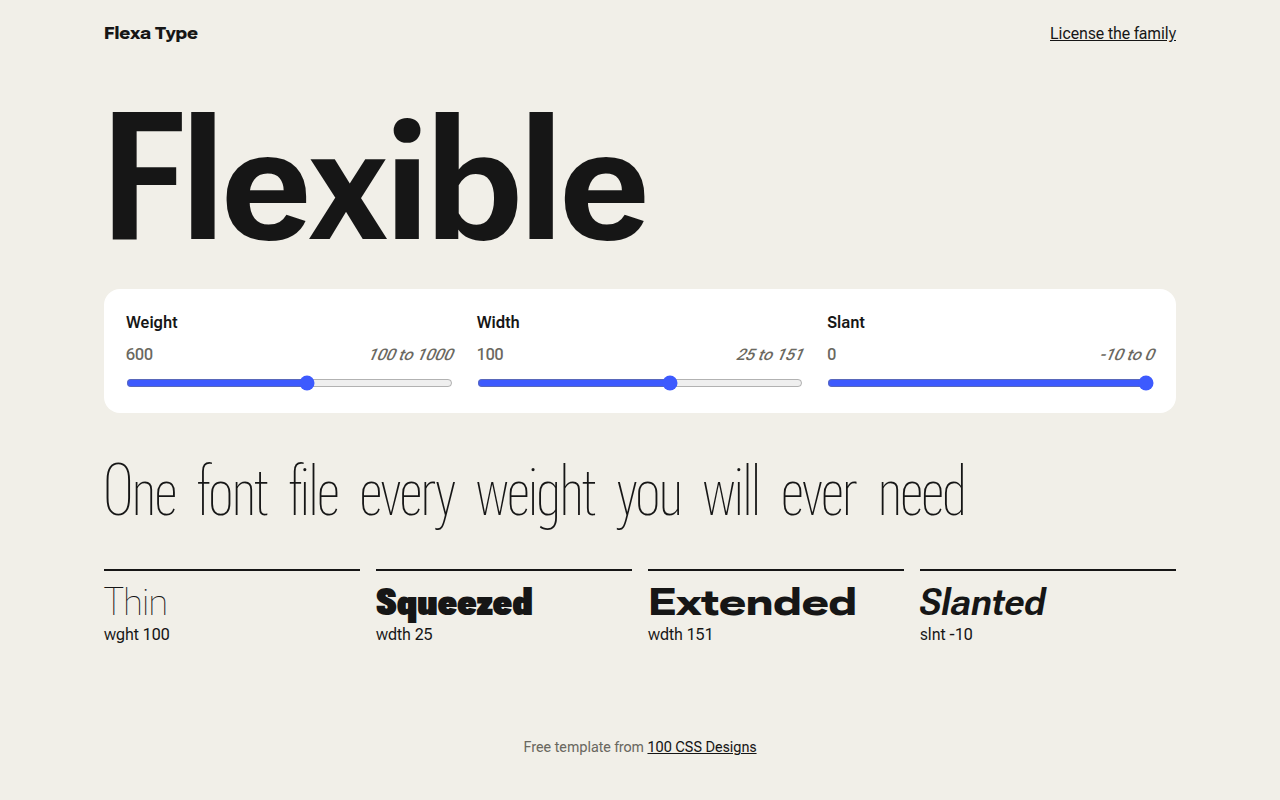
052. Variable Fonts
Flexa, a type foundry specimen page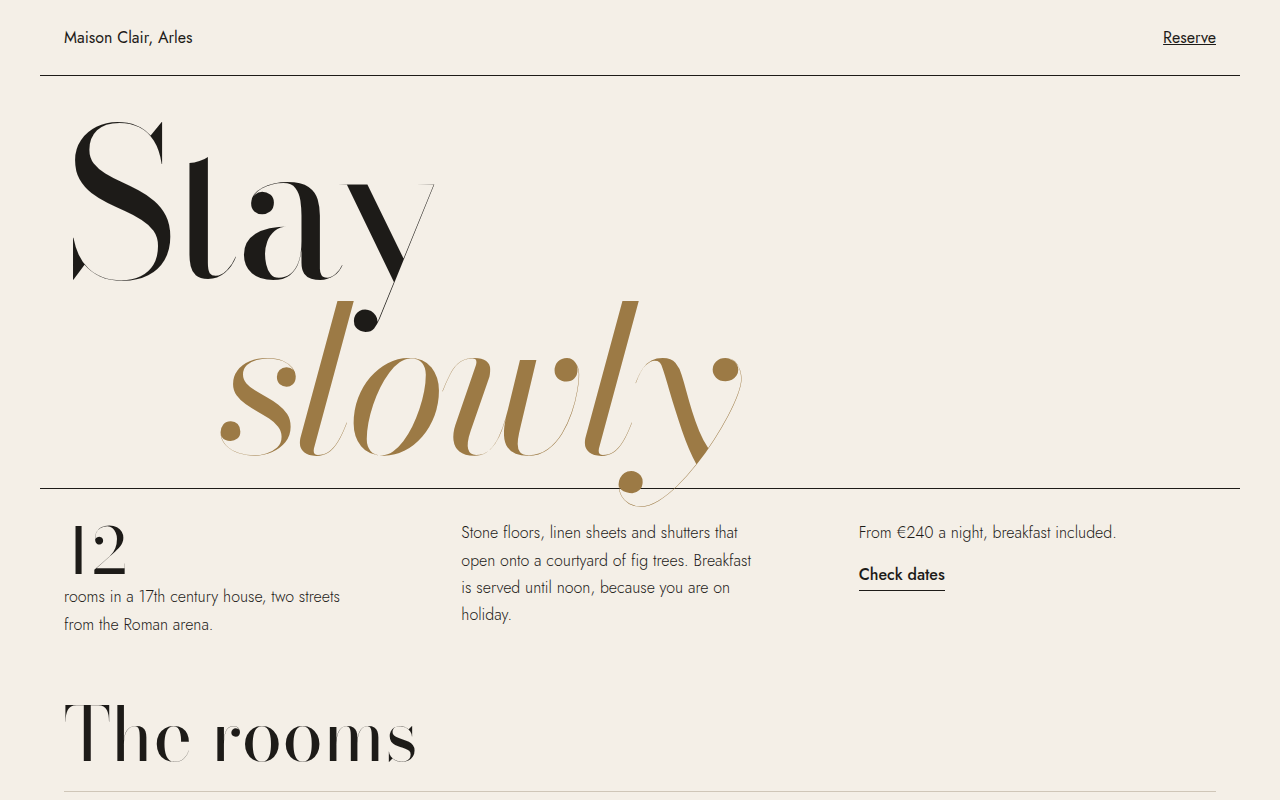
053. Oversized Serif
Maison Clair, a boutique hotel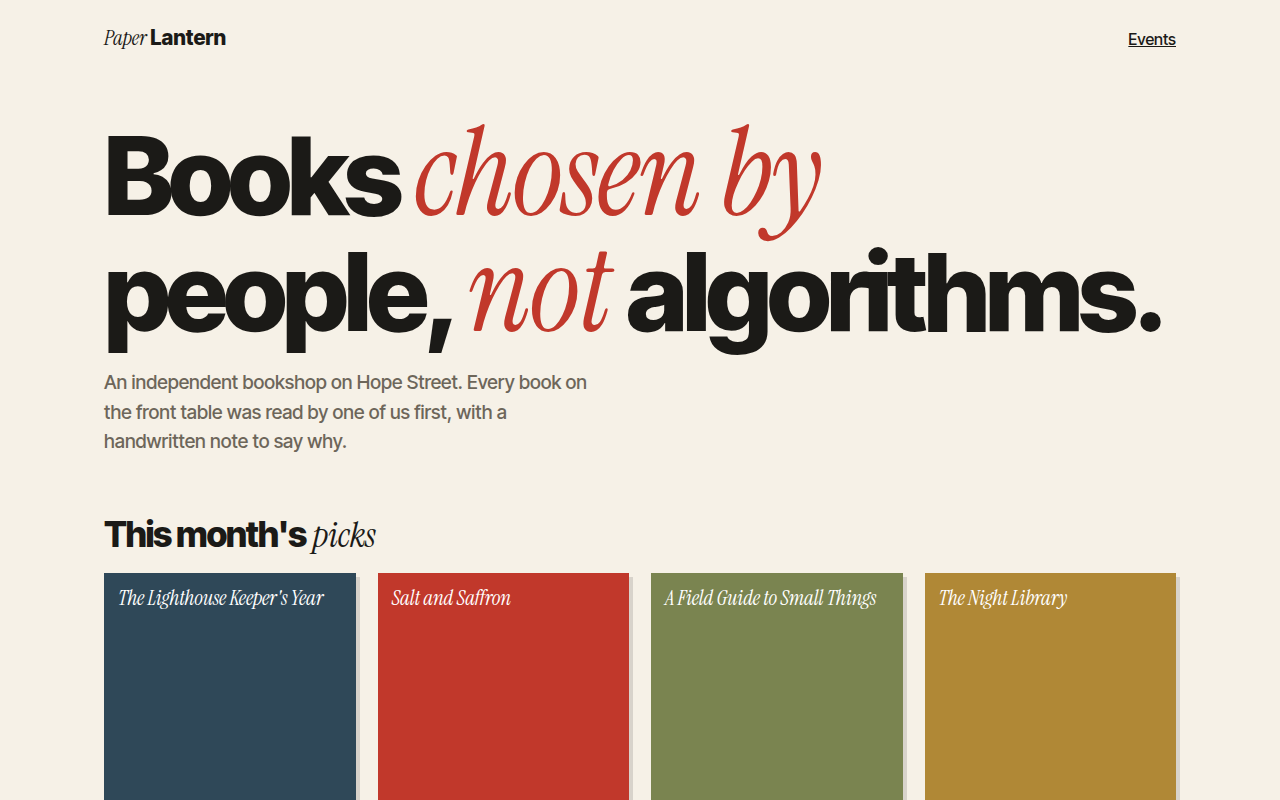
055. Mixed Font Pairing
Paper Lantern, an independent bookshop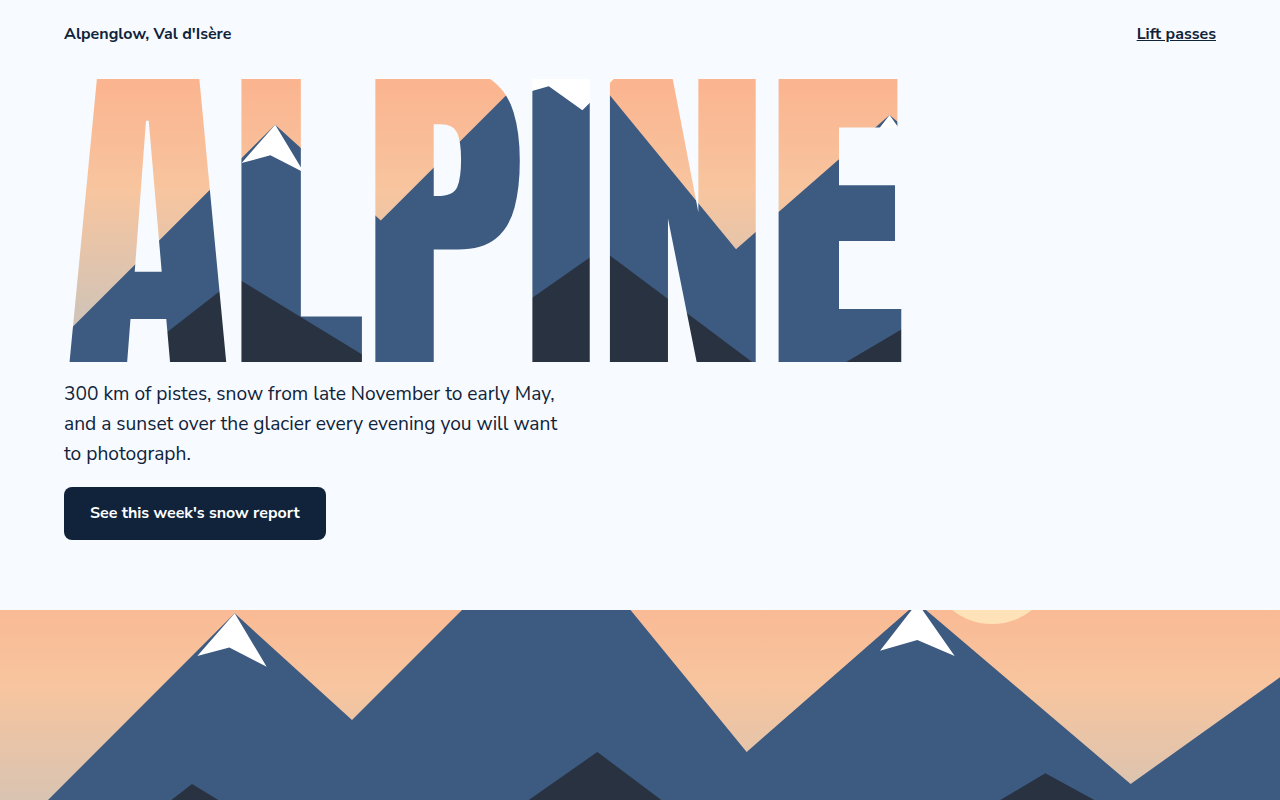
056. Image in Text
Alpenglow, a ski resort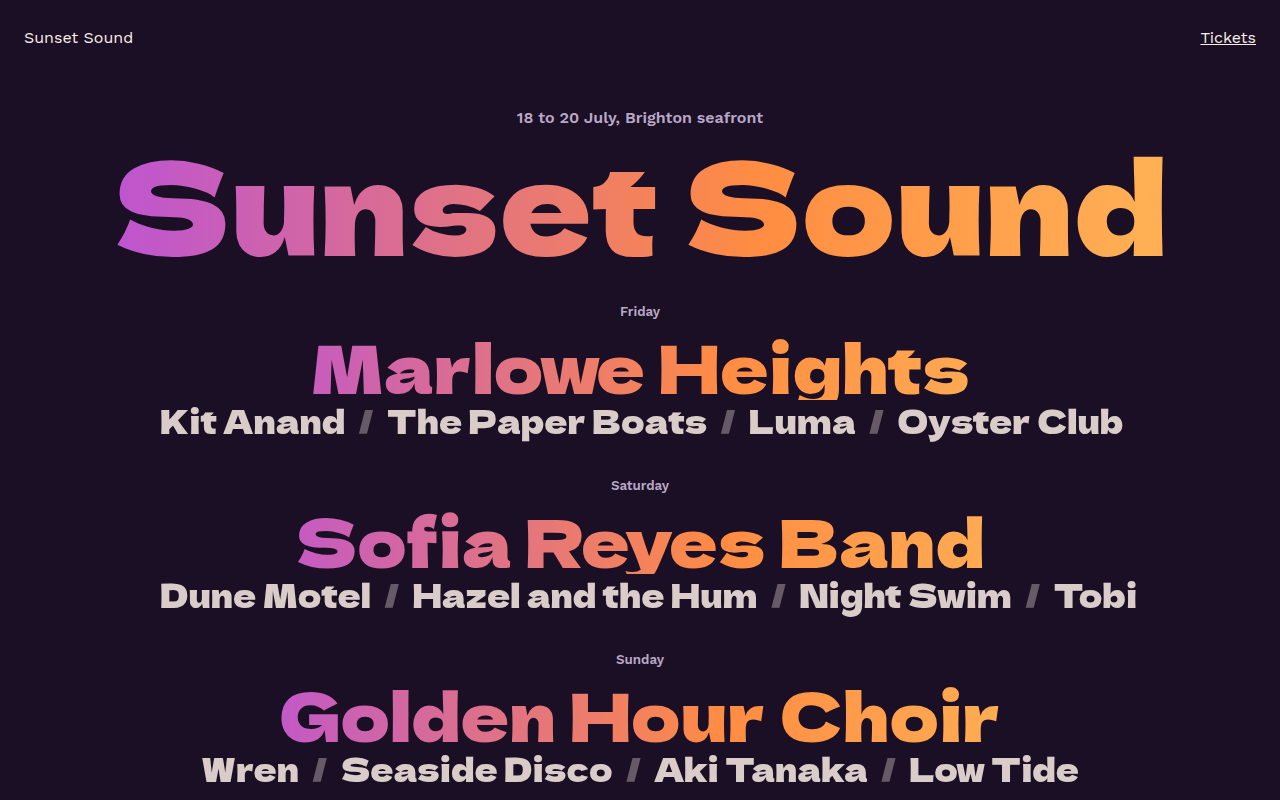
057. Gradient Text
Sunset Sound, a festival lineup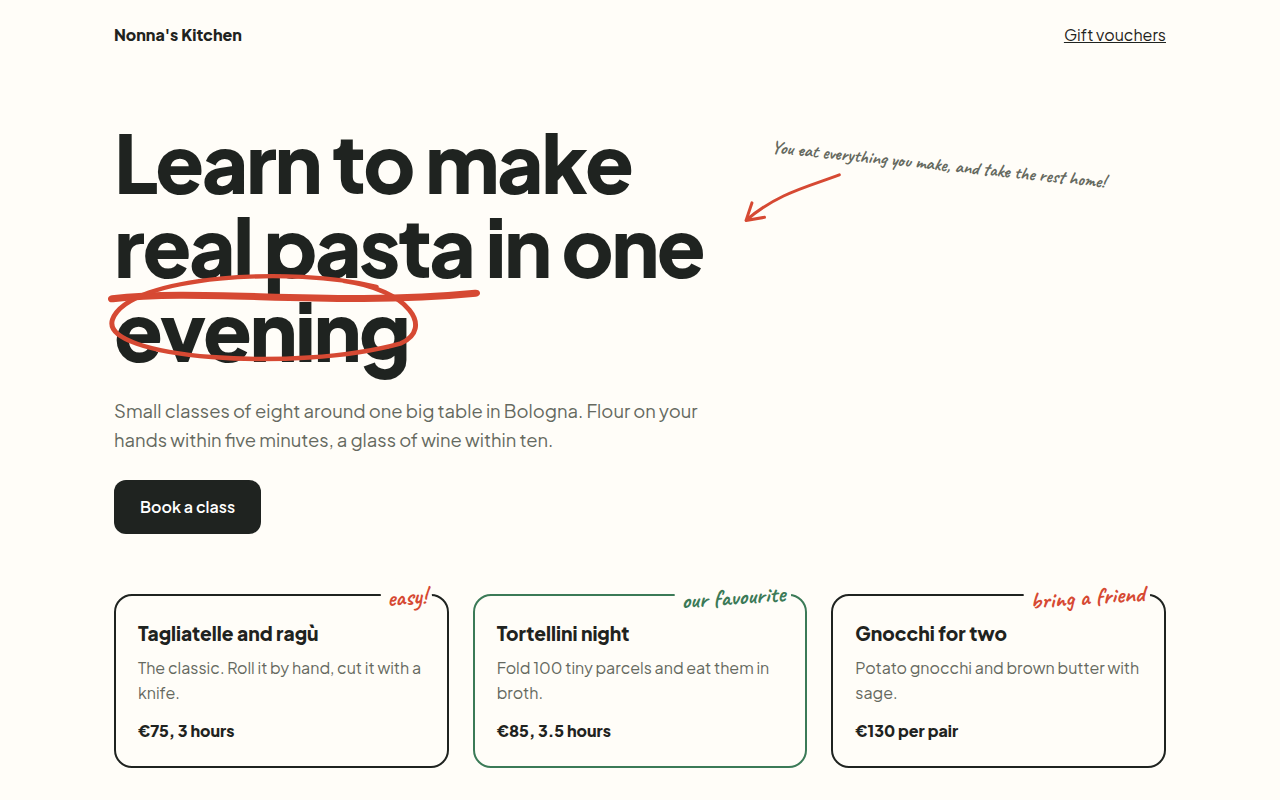
058. Handwritten Accents
Nonna's Kitchen, a cooking school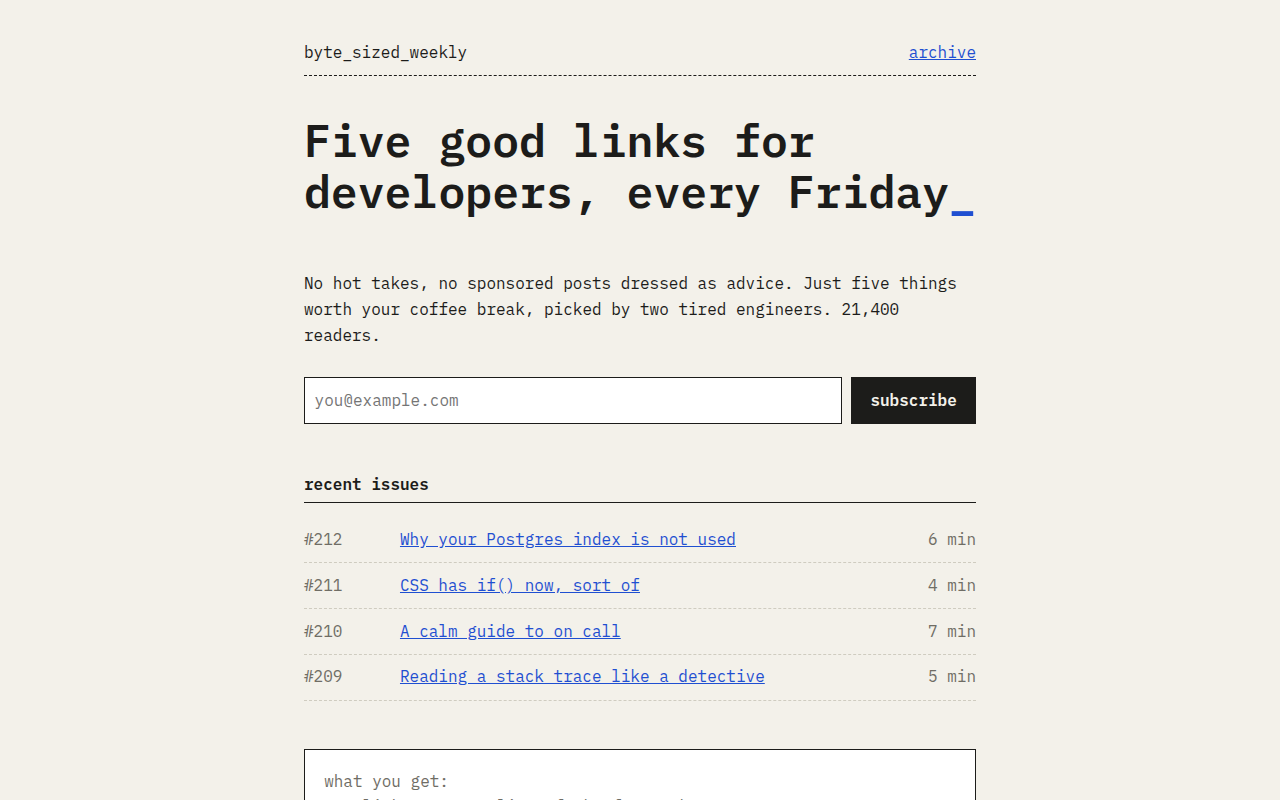
059. Monospace
Byte Sized Weekly, a developer newsletter