Chat Messages components
Message bubbles, code blocks, sources and actions for AI answers. Each one is a single HTML file with a live demo.
Chat Bubbles
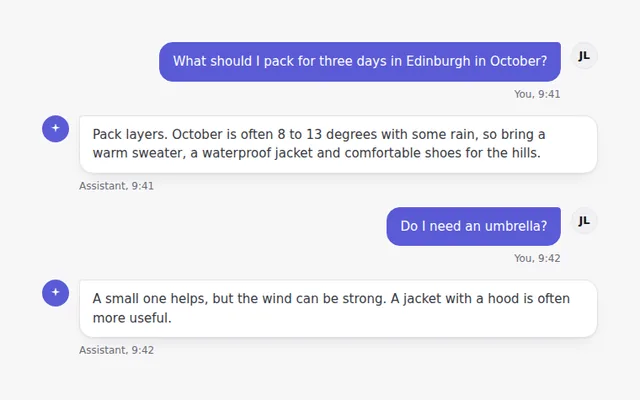
A simple conversation with user and assistant bubbles, avatars and times. The user sits on the right in the brand color.
Formatted Answer
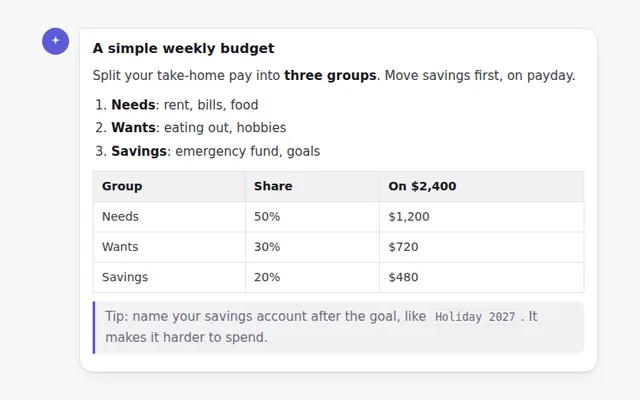
A styled answer with headings, lists, bold text, inline code, a quote and a table, ready for text your AI returns as Markdown.
Code Block with Copy Button
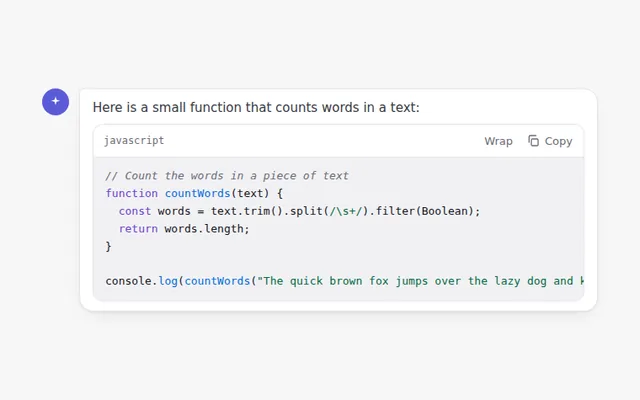
A code block with a language label, a copy button that confirms when done, and a button to wrap long lines.
Message Action Bar
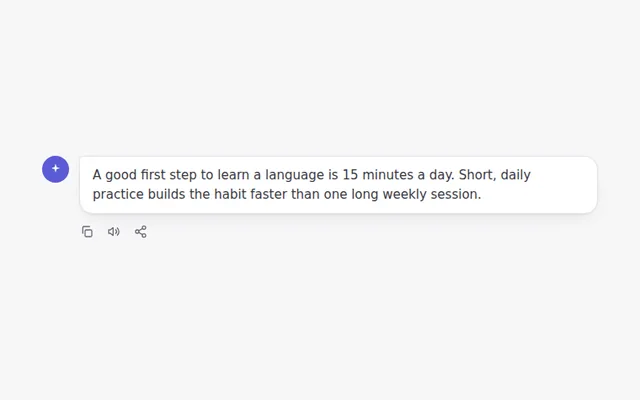
A row of actions under an answer: copy the text, read it aloud with the browser voice, and share it.
Answer Versions
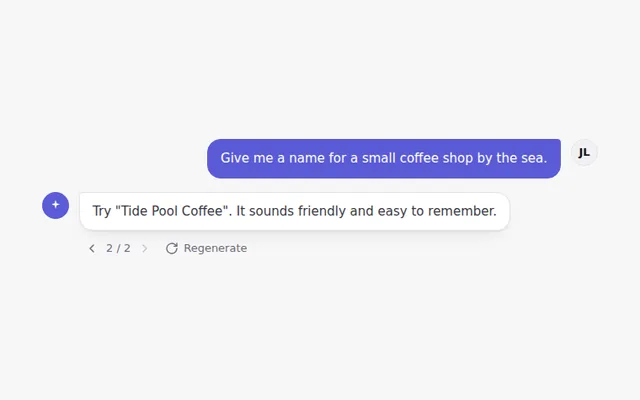
Regenerate an answer and move between versions with small arrows showing 1 of 3, like popular chat apps do.
Inline Citations
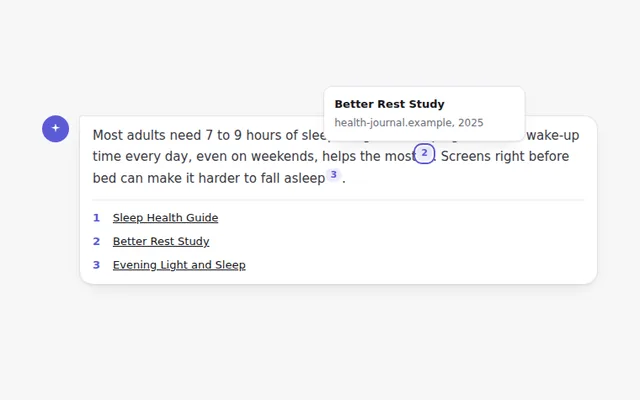
Numbered source markers inside an answer. Hover or focus a number to see the source, and find the full list below.
Editable User Message
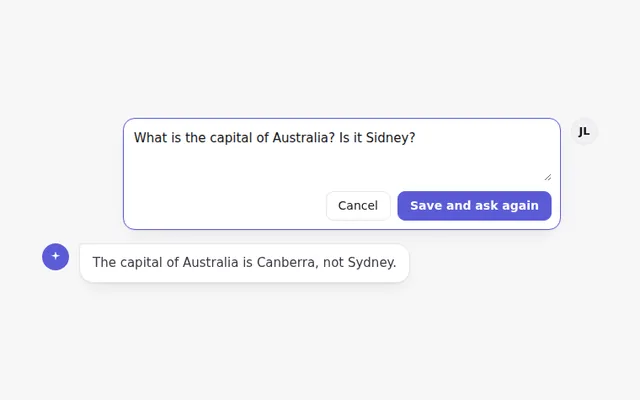
An edit button on the user message turns it into a text box with Save and Cancel, so people can fix a question and ask again.
Error Message with Retry
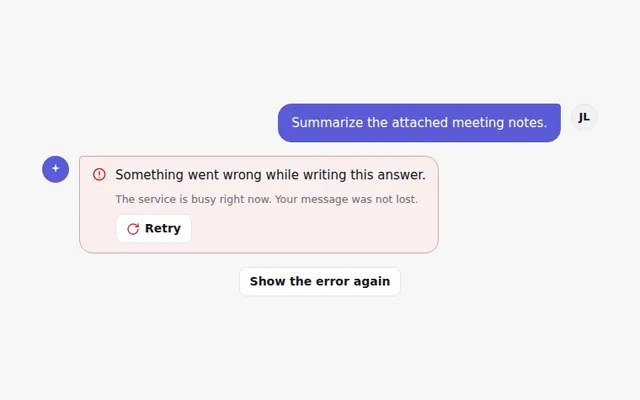
A clear error in the chat when an answer fails, with a Retry button that shows progress and then the answer.
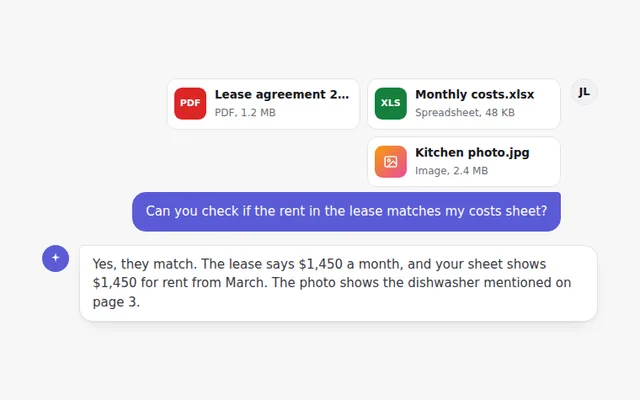
Message with Attached Files
A user message with attached file cards, showing the file type, name and size, followed by the assistant's reply.
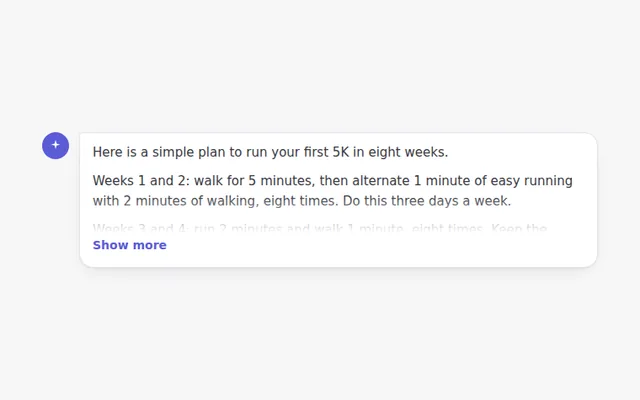
Long Answer with Show More
Long answers fold after a few lines with a soft fade and a Show more button, so the chat stays easy to scan.