Long Answer with Show More
Long answers fold after a few lines with a soft fade and a Show more button, so the chat stays easy to scan.
One HTML file with the CSS and JavaScript inside. No library needed. MIT license.
How to use it
- Click Copy the code, or download the file.
- Paste the CSS into your stylesheet, the HTML where you want the component, and the script before the closing body tag.
- Change
--accentat the top of the CSS to your brand color, then connect the events to your AI service.
What you get
- Works in light and dark mode automatically
- Keyboard friendly, with labels for screen readers
- Fits phones, tablets and desktops
- Respects the reduced motion setting
- No framework, so it works with any stack
The code
<!DOCTYPE html>
<!--
  Long Answer with Show More: a free AI UI component
  From 100 Free AI UI Components by MM Rahman Bappi, MIT license
  https://mmrahmanbappi.github.io/100-free-ai-ui-components/

  How to use: copy the CSS, HTML and JavaScript below into your page.
  Colors are CSS variables at the top. Change --accent to match your brand.
  Light and dark themes follow the visitor's system setting, or set
  data-theme="dark" or data-theme="light" on the html element.
-->
<html lang="en">
<head>
<meta charset="UTF-8">
<meta name="viewport" content="width=device-width, initial-scale=1">
<title>Long Answer with Show More | Free AI UI Component</title>
<meta name="description" content="Long answers fold after a few lines with a soft fade and a Show more button, so the chat stays easy to scan.">
<meta name="robots" content="noindex, follow">
<style>
:root{
  --accent:#5b5bd6; --accent-ink:#fff; --accent-soft:#ececfc;
  --bg:#f7f7f8; --surface:#fff; --surface-2:#f1f1f4; --ink:#17171c; --text:#3a3a44; --muted:#6c6c78;
  --line:#e3e3e8; --good:#15803d; --warn:#b45309; --bad:#c62828;
  --radius:14px; --shadow:0 1px 2px rgba(20,20,30,.06),0 8px 24px -12px rgba(20,20,30,.18);
  --font:system-ui,-apple-system,"Segoe UI",Roboto,Ubuntu,sans-serif; --mono:ui-monospace,"Cascadia Code",Menlo,Consolas,monospace;
}
@media (prefers-color-scheme:dark){:root:not([data-theme=light]){
  --accent:#8b8bff; --accent-ink:#0f0f16; --accent-soft:#25254a;
  --bg:#0f0f13; --surface:#18181f; --surface-2:#212129; --ink:#f3f3f6; --text:#d4d4dc; --muted:#9a9aa8;
  --line:#2c2c36; --good:#4ade80; --warn:#fbbf24; --bad:#f87171; --shadow:0 1px 2px rgba(0,0,0,.4),0 10px 30px -12px rgba(0,0,0,.6);
}}
:root[data-theme=dark]{
  --accent:#8b8bff; --accent-ink:#0f0f16; --accent-soft:#25254a;
  --bg:#0f0f13; --surface:#18181f; --surface-2:#212129; --ink:#f3f3f6; --text:#d4d4dc; --muted:#9a9aa8;
  --line:#2c2c36; --good:#4ade80; --warn:#fbbf24; --bad:#f87171; --shadow:0 1px 2px rgba(0,0,0,.4),0 10px 30px -12px rgba(0,0,0,.6);
}
*{box-sizing:border-box}
html,body{margin:0}
body{min-height:100vh;display:grid;grid-template-columns:minmax(0,1fr);place-items:center;padding:24px;background:var(--bg);color:var(--text);font:15px/1.5 var(--font);-webkit-font-smoothing:antialiased}
button,input,textarea,select{font:inherit;color:inherit}
:focus-visible{outline:2px solid var(--accent);outline-offset:2px}
[hidden]{display:none!important}
.sr{position:absolute;width:1px;height:1px;overflow:hidden;clip:rect(0 0 0 0);white-space:nowrap}
@media (prefers-reduced-motion:reduce){*,*::before,*::after{animation-duration:.01ms!important;animation-iteration-count:1!important;transition:none!important}}
/* ---- component ---- */
.wrap{width:min(100%,660px);display:flex;flex-direction:column;gap:16px}
.ai,.me{display:flex;gap:12px;align-items:flex-start}
.me{flex-direction:row-reverse}
.av{width:32px;height:32px;border-radius:50%;display:grid;place-items:center;flex:none;font-size:13px;font-weight:700}
.ai .av{background:var(--accent);color:var(--accent-ink)}.me .av{background:var(--surface-2);color:var(--ink);border:1px solid var(--line)}
.col{display:flex;flex-direction:column;gap:6px;min-width:0;max-width:calc(100% - 44px)}
.me .col{align-items:flex-end}
.bubble{background:var(--surface);border:1px solid var(--line);border-radius:4px 16px 16px 16px;padding:11px 15px;color:var(--text);box-shadow:var(--shadow);min-width:0;overflow-wrap:anywhere}
.me .bubble{background:var(--accent);border-color:var(--accent);color:var(--accent-ink);border-radius:16px 4px 16px 16px;box-shadow:none}
.meta{font-size:12px;color:var(--muted)}
.tb{display:flex;gap:2px;align-items:center}
.tb button{display:inline-flex;align-items:center;gap:6px;border:0;background:none;color:var(--muted);height:30px;min-width:30px;padding:0 7px;border-radius:8px;cursor:pointer;font-size:13px}
.tb button:hover{background:var(--surface-2);color:var(--ink)}
.clip{position:relative;overflow:hidden;transition:max-height .3s ease}
.clip.shut{max-height:7.2em}
.clip.shut::after{content:"";position:absolute;left:0;right:0;bottom:0;height:3em;background:linear-gradient(transparent,var(--surface))}
.clip p{margin:0 0 10px;line-height:1.6}
.more{align-self:flex-start;border:0;background:none;color:var(--accent);font-weight:600;font-size:14px;cursor:pointer;padding:4px 0}
</style>
</head>
<body>
<div class="wrap">
  <div class="ai"><div class="av" aria-hidden="true"><svg viewBox="0 0 24 24" width="16" height="16" fill="currentColor" aria-hidden="true"><path d="M12 2l1.8 6.2L20 10l-6.2 1.8L12 18l-1.8-6.2L4 10l6.2-1.8z"/></svg></div><div class="col"><div class="bubble">
    <div class="clip shut" id="clip">
      <p>Here is a simple plan to run your first 5K in eight weeks.</p>
      <p>Weeks 1 and 2: walk for 5 minutes, then alternate 1 minute of easy running with 2 minutes of walking, eight times. Do this three days a week.</p>
      <p>Weeks 3 and 4: run 2 minutes and walk 1 minute, eight times. Keep the running slow enough that you can still talk.</p>
      <p>Weeks 5 and 6: run 5 minutes and walk 1 minute, five times. Add one longer run on the weekend.</p>
      <p>Weeks 7 and 8: run 10 minutes, walk 1 minute, three times, then try the full 5K at an easy pace. Rest the day before.</p>
    </div>
    <button class="more" id="more" type="button" aria-expanded="false" aria-controls="clip">Show more</button>
  </div></div></div>
</div>
<script>
// Demo helper: add ?theme=dark or ?theme=light to the address to preview a theme.
(function(){var t=new URLSearchParams(location.search).get('theme');if(t)document.documentElement.dataset.theme=t;})();
var clip=document.getElementById('clip'),more=document.getElementById('more');
more.addEventListener('click',function(){var open=clip.classList.toggle('shut')===false;more.textContent=open?'Show less':'Show more';more.setAttribute('aria-expanded',open);});
</script>
</body>
</html>
More chat messages components
Chat Bubbles
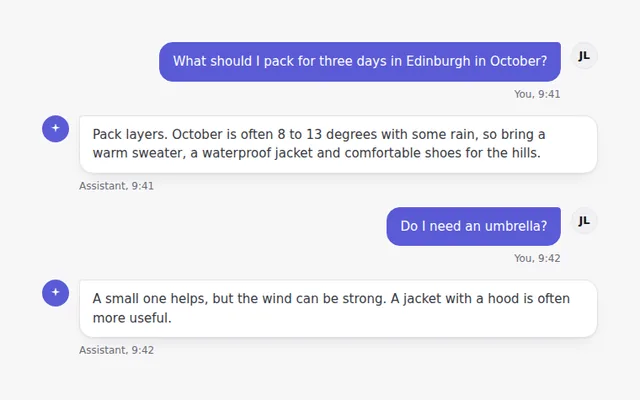
A simple conversation with user and assistant bubbles, avatars and times. The user sits on the right in the brand color.
Formatted Answer
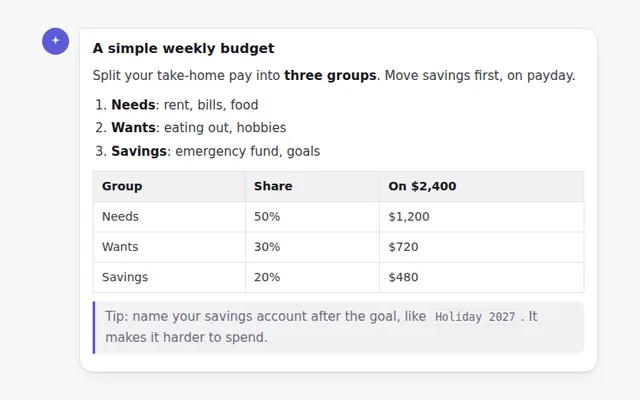
A styled answer with headings, lists, bold text, inline code, a quote and a table, ready for text your AI returns as Markdown.
Code Block with Copy Button
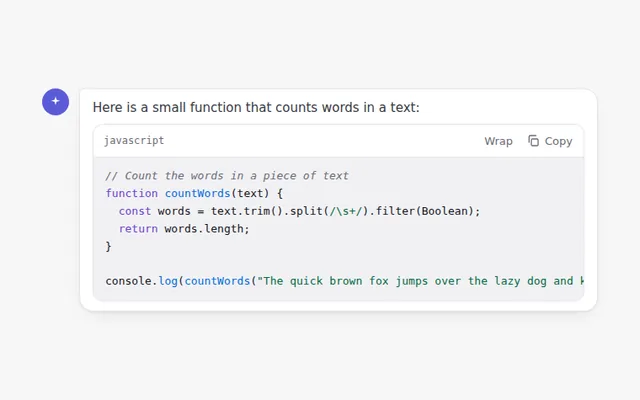
A code block with a language label, a copy button that confirms when done, and a button to wrap long lines.
Message Action Bar
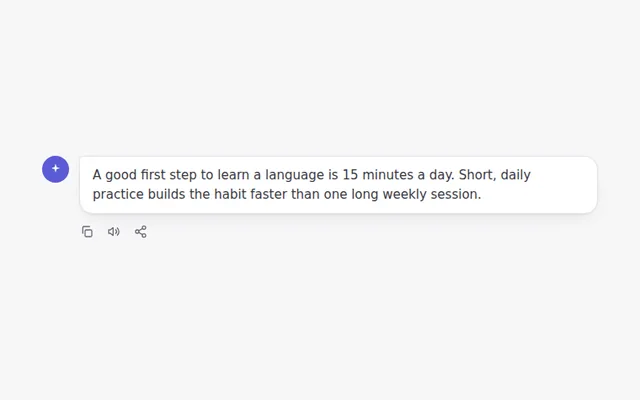
A row of actions under an answer: copy the text, read it aloud with the browser voice, and share it.
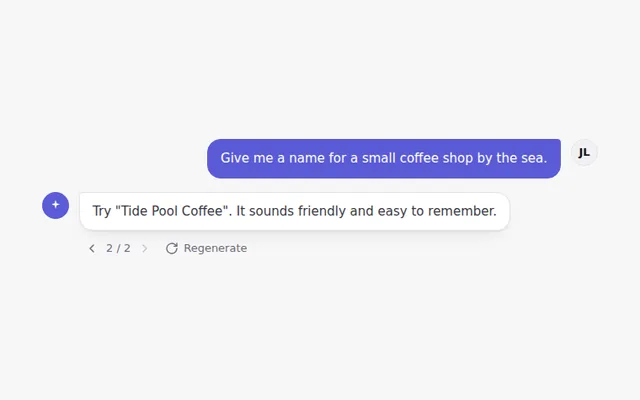
Answer Versions
Regenerate an answer and move between versions with small arrows showing 1 of 3, like popular chat apps do.
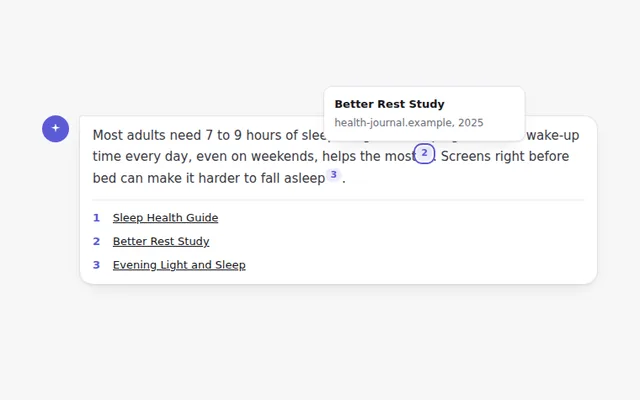
Inline Citations
Numbered source markers inside an answer. Hover or focus a number to see the source, and find the full list below.