Model and Settings components
Model pickers, sliders and toggles that control how the AI answers. Each one is a single HTML file with a live demo.
Model Selection Cards
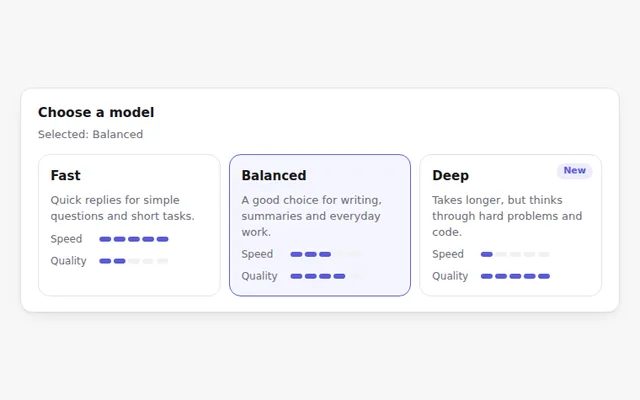
Choose a model from cards that compare speed and quality with small meters. Works with arrow keys like a radio group.
Creativity Slider
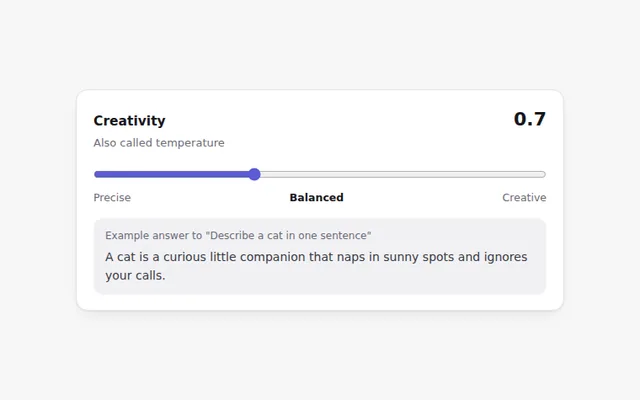
A slider for the model temperature with plain labels from Precise to Creative, a live value, and a sample line that shows the effect.
System Prompt Editor
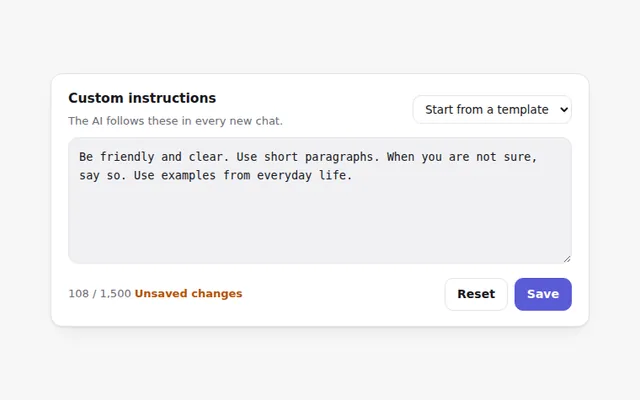
Edit the instructions the AI follows in every chat. Includes ready-made starters, a character count, and Save only when something changed.
Answer Length Control
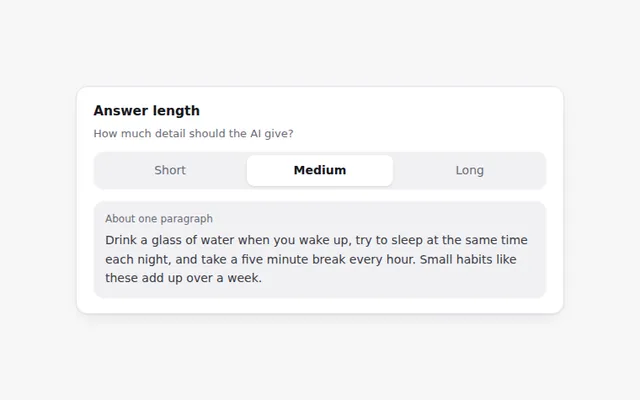
A three-way switch for short, medium or long answers, with a preview that shows how much text each choice gives.
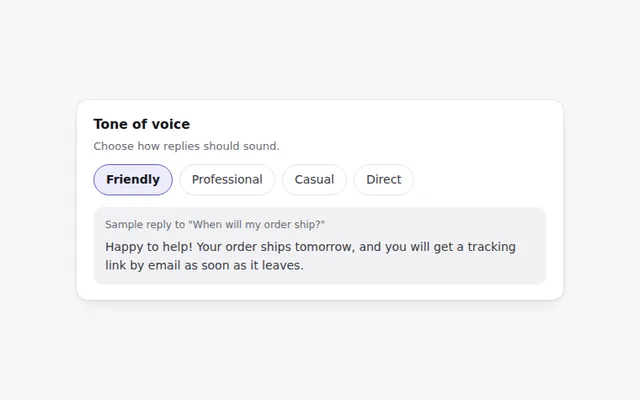
Tone Selector
Pick how the AI should sound: friendly, professional, casual or direct. A sample reply updates so people can hear the difference.
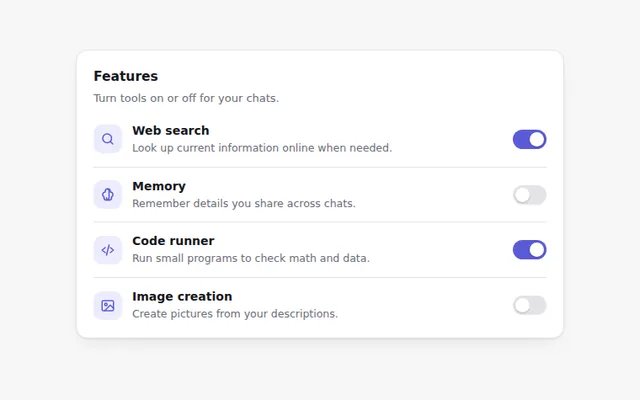
Feature Toggles
A settings list of switches for AI features like web search, memory and code running, each with a short explanation.
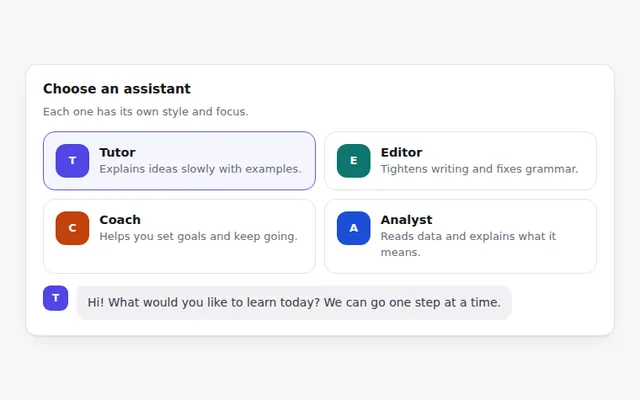
Assistant Persona Cards
Cards for different assistant roles, like tutor, editor or coach. Picking one changes how the assistant greets you.
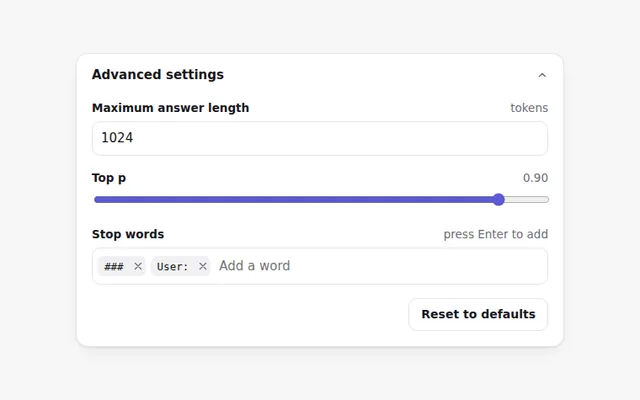
Advanced Parameters Panel
A folding panel for power users: maximum answer length, top p, and stop words you can add and remove, with a reset to defaults.
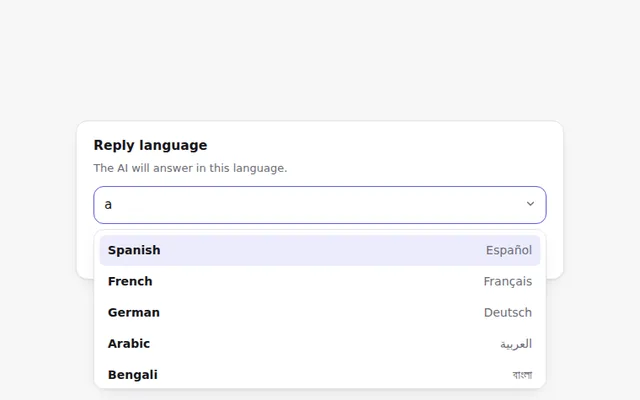
Reply Language Picker
A searchable list to choose the language for answers. Shows each language in its own script and supports right-to-left text.
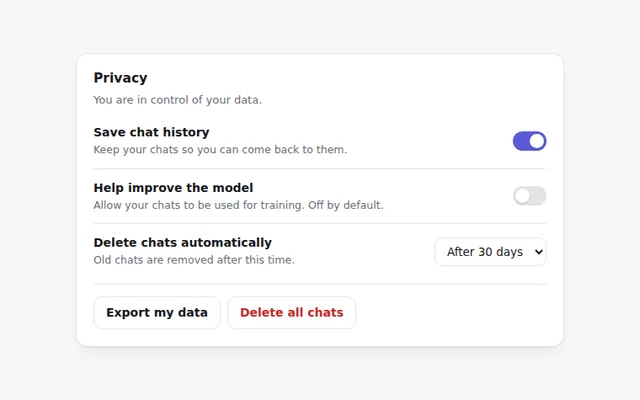
Privacy Controls
Clear privacy settings for an AI app: save chat history, allow chats to improve the model, auto-delete, plus export and delete with a confirm step.