Answer Length Control
A three-way switch for short, medium or long answers, with a preview that shows how much text each choice gives.
One HTML file with the CSS and JavaScript inside. No library needed. MIT license.
How to use it
- Click Copy the code, or download the file.
- Paste the CSS into your stylesheet, the HTML where you want the component, and the script before the closing body tag.
- Change
--accentat the top of the CSS to your brand color, then connect the events to your AI service.
What you get
- Works in light and dark mode automatically
- Keyboard friendly, with labels for screen readers
- Fits phones, tablets and desktops
- Respects the reduced motion setting
- No framework, so it works with any stack
The code
<!DOCTYPE html>
<!--
  Answer Length Control: a free AI UI component
  From 100 Free AI UI Components by MM Rahman Bappi, MIT license
  https://mmrahmanbappi.github.io/100-free-ai-ui-components/

  How to use: copy the CSS, HTML and JavaScript below into your page.
  Colors are CSS variables at the top. Change --accent to match your brand.
  Light and dark themes follow the visitor's system setting, or set
  data-theme="dark" or data-theme="light" on the html element.
-->
<html lang="en">
<head>
<meta charset="UTF-8">
<meta name="viewport" content="width=device-width, initial-scale=1">
<title>Answer Length Control | Free AI UI Component</title>
<meta name="description" content="A three-way switch for short, medium or long answers, with a preview that shows how much text each choice gives.">
<meta name="robots" content="noindex, follow">
<style>
:root{
  --accent:#5b5bd6; --accent-ink:#fff; --accent-soft:#ececfc;
  --bg:#f7f7f8; --surface:#fff; --surface-2:#f1f1f4; --ink:#17171c; --text:#3a3a44; --muted:#6c6c78;
  --line:#e3e3e8; --good:#15803d; --warn:#b45309; --bad:#c62828;
  --radius:14px; --shadow:0 1px 2px rgba(20,20,30,.06),0 8px 24px -12px rgba(20,20,30,.18);
  --font:system-ui,-apple-system,"Segoe UI",Roboto,Ubuntu,sans-serif; --mono:ui-monospace,"Cascadia Code",Menlo,Consolas,monospace;
}
@media (prefers-color-scheme:dark){:root:not([data-theme=light]){
  --accent:#8b8bff; --accent-ink:#0f0f16; --accent-soft:#25254a;
  --bg:#0f0f13; --surface:#18181f; --surface-2:#212129; --ink:#f3f3f6; --text:#d4d4dc; --muted:#9a9aa8;
  --line:#2c2c36; --good:#4ade80; --warn:#fbbf24; --bad:#f87171; --shadow:0 1px 2px rgba(0,0,0,.4),0 10px 30px -12px rgba(0,0,0,.6);
}}
:root[data-theme=dark]{
  --accent:#8b8bff; --accent-ink:#0f0f16; --accent-soft:#25254a;
  --bg:#0f0f13; --surface:#18181f; --surface-2:#212129; --ink:#f3f3f6; --text:#d4d4dc; --muted:#9a9aa8;
  --line:#2c2c36; --good:#4ade80; --warn:#fbbf24; --bad:#f87171; --shadow:0 1px 2px rgba(0,0,0,.4),0 10px 30px -12px rgba(0,0,0,.6);
}
*{box-sizing:border-box}
html,body{margin:0}
body{min-height:100vh;display:grid;grid-template-columns:minmax(0,1fr);place-items:center;padding:24px;background:var(--bg);color:var(--text);font:15px/1.5 var(--font);-webkit-font-smoothing:antialiased}
button,input,textarea,select{font:inherit;color:inherit}
:focus-visible{outline:2px solid var(--accent);outline-offset:2px}
[hidden]{display:none!important}
.sr{position:absolute;width:1px;height:1px;overflow:hidden;clip:rect(0 0 0 0);white-space:nowrap}
@media (prefers-reduced-motion:reduce){*,*::before,*::after{animation-duration:.01ms!important;animation-iteration-count:1!important;transition:none!important}}
/* ---- component ---- */
.wrap{width:min(100%,580px);display:flex;flex-direction:column;gap:14px}
.card{background:var(--surface);border:1px solid var(--line);border-radius:var(--radius);box-shadow:var(--shadow);padding:18px 20px}
.card h2{font-size:15.5px;margin:0 0 4px;color:var(--ink)}
.muted{color:var(--muted);font-size:13px}
.num{font-variant-numeric:tabular-nums}
.btn{display:inline-flex;align-items:center;justify-content:center;gap:6px;border:1px solid var(--line);background:var(--surface);color:var(--ink);border-radius:10px;padding:8px 14px;font-size:14px;font-weight:600;cursor:pointer}
.btn:hover{border-color:var(--accent)}.btn.pri{background:var(--accent);border-color:var(--accent);color:var(--accent-ink)}.btn:disabled{opacity:.45;cursor:not-allowed}
.btn.danger{color:var(--bad)}.btn.danger:hover{border-color:var(--bad)}
.tg{width:40px;height:23px;border-radius:99px;background:var(--line);position:relative;flex:none;border:0;cursor:pointer;padding:0;transition:background .15s}
.tg::after{content:"";position:absolute;top:3px;left:3px;width:17px;height:17px;border-radius:50%;background:#fff;transition:left .15s;box-shadow:0 1px 2px rgba(0,0,0,.2)}
.tg[aria-checked=true]{background:var(--accent)}.tg[aria-checked=true]::after{left:20px}
.row{display:flex;justify-content:space-between;align-items:center;gap:14px;padding:12px 0;border-top:1px solid var(--line)}
.row:first-of-type{border-top:0}
.row b{display:block;color:var(--ink);font-size:14px;font-weight:600}.row small{display:block;color:var(--muted);font-size:12.5px;margin-top:1px}
.seg{display:flex;background:var(--surface-2);border-radius:12px;padding:4px;gap:4px}
.seg button{flex:1;border:0;background:none;padding:8px 10px;border-radius:9px;font-size:14px;color:var(--muted);cursor:pointer;font-weight:500}
.seg button[aria-checked=true]{background:var(--surface);color:var(--ink);font-weight:700;box-shadow:0 1px 3px rgba(0,0,0,.12)}
.sample{margin:14px 0 0;padding:12px 14px;border-radius:12px;background:var(--surface-2);font-size:14px;line-height:1.6;color:var(--text);transition:opacity .2s}
.sample small{display:block;color:var(--muted);font-size:12px;margin-bottom:4px}.seg{margin-top:12px}
</style>
</head>
<body>
<div class="wrap"><div class="card">
  <h2 id="lb">Answer length</h2><p class="muted" style="margin:0">How much detail should the AI give?</p>
  <div class="seg" role="radiogroup" aria-labelledby="lb" id="g">
    <button type="button" role="radio" aria-checked="false" data-k="short">Short</button>
    <button type="button" role="radio" aria-checked="true" data-k="medium">Medium</button>
    <button type="button" role="radio" aria-checked="false" data-k="long">Long</button></div>
  <p class="sample" id="s" aria-live="polite"></p>
</div></div>
<script>
// Demo helper: add ?theme=dark or ?theme=light to the address to preview a theme.
(function(){var t=new URLSearchParams(location.search).get('theme');if(t)document.documentElement.dataset.theme=t;})();
function radioGroup(group,onPick){var items=[].slice.call(group.querySelectorAll('[role=radio]'));
  function pick(it,focus){items.forEach(function(x){var on=x===it;x.setAttribute('aria-checked',on);x.tabIndex=on?0:-1;});if(focus)it.focus();onPick(it);}
  items.forEach(function(it,i){it.addEventListener('click',function(){pick(it,false);});
    it.addEventListener('keydown',function(e){var n=null;if(e.key==='ArrowRight'||e.key==='ArrowDown')n=items[(i+1)%items.length];if(e.key==='ArrowLeft'||e.key==='ArrowUp')n=items[(i-1+items.length)%items.length];
      if(n){e.preventDefault();pick(n,true);}});});
  pick(items.filter(function(x){return x.getAttribute('aria-checked')==='true';})[0]||items[0],false);}
var S={short:['About 1 to 2 sentences','Drink water, sleep well and take short breaks.'],
medium:['About one paragraph','Drink a glass of water when you wake up, try to sleep at the same time each night, and take a five minute break every hour. Small habits like these add up over a week.'],
long:['Several paragraphs with steps','Start with water: keep a bottle on your desk and refill it twice a day. Next, protect your sleep by going to bed at the same time, even on weekends, and keeping screens out of the bedroom. During the day, set a timer to stand up and stretch every hour. After two weeks, check which habit was hardest and adjust it.']};
var s=document.getElementById('s');
radioGroup(document.getElementById('g'),function(it){var v=S[it.dataset.k];s.innerHTML='<small>'+v[0]+'</small>';s.appendChild(document.createTextNode(v[1]));});
</script>
</body>
</html>
More model and settings components
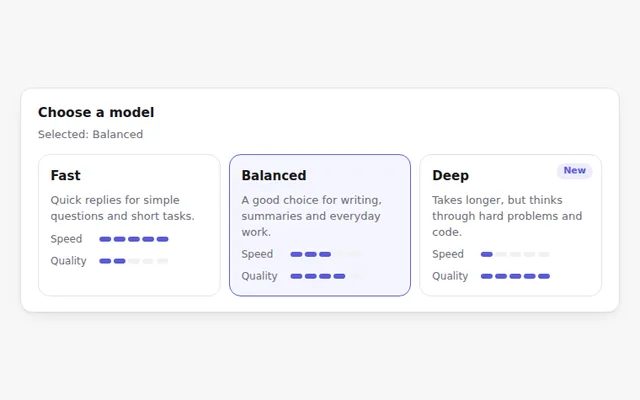
Model Selection Cards
Choose a model from cards that compare speed and quality with small meters. Works with arrow keys like a radio group.
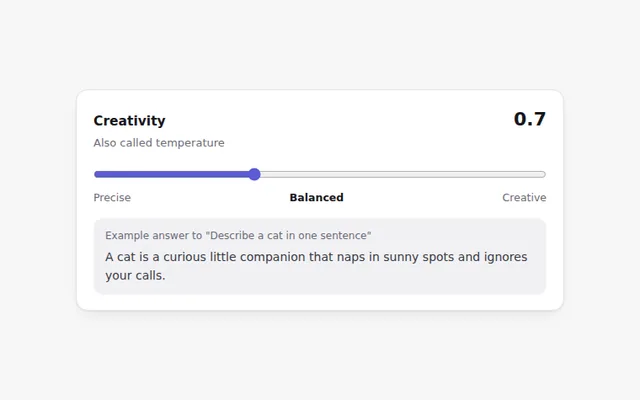
Creativity Slider
A slider for the model temperature with plain labels from Precise to Creative, a live value, and a sample line that shows the effect.
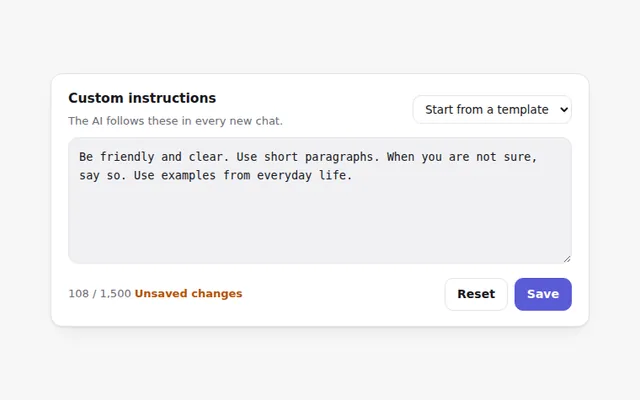
System Prompt Editor
Edit the instructions the AI follows in every chat. Includes ready-made starters, a character count, and Save only when something changed.
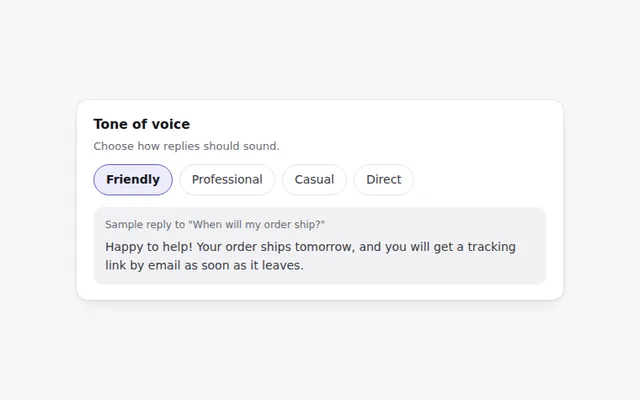
Tone Selector
Pick how the AI should sound: friendly, professional, casual or direct. A sample reply updates so people can hear the difference.
Feature Toggles
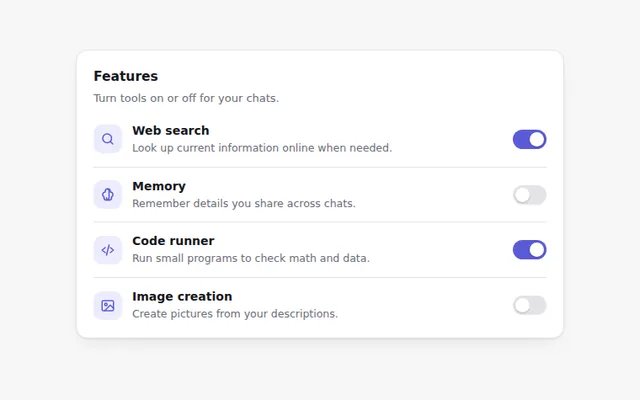
A settings list of switches for AI features like web search, memory and code running, each with a short explanation.
Assistant Persona Cards
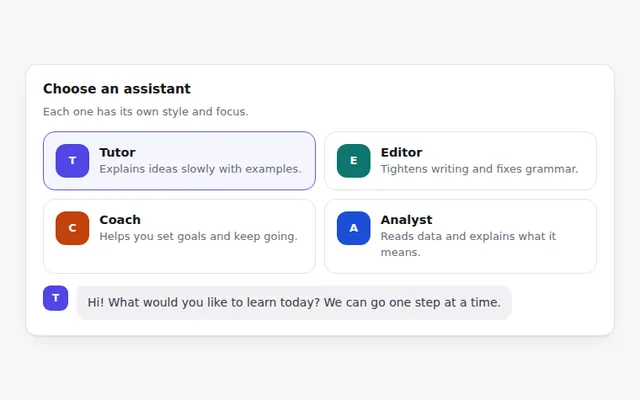
Cards for different assistant roles, like tutor, editor or coach. Picking one changes how the assistant greets you.