Thinking and Loading components
Animations and states that show the AI is working, streaming or using a tool. Each one is a single HTML file with a live demo.
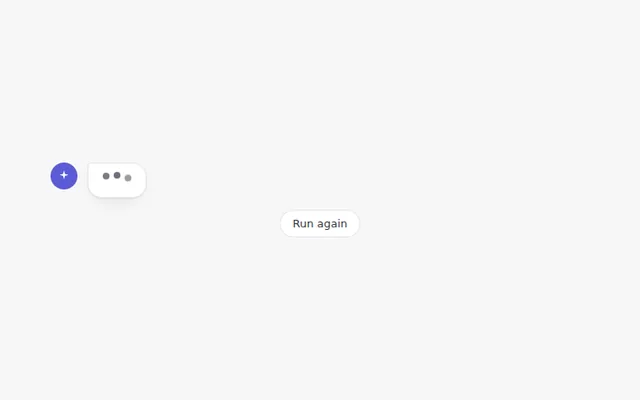
Typing Dots
Three bouncing dots inside an answer bubble, the classic sign that the AI is writing a reply.
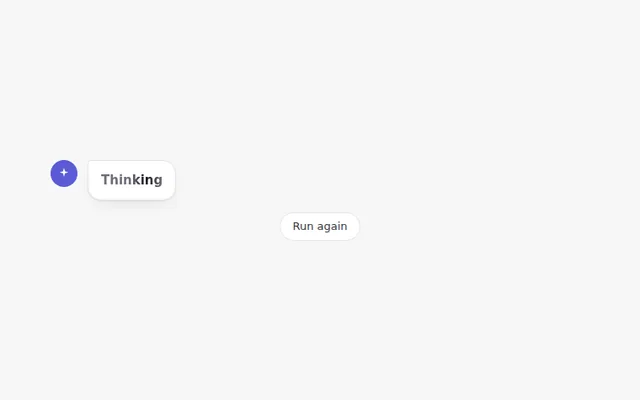
Thinking Shimmer
A soft light moves across the word Thinking while the AI works, then it changes to how long the thinking took.
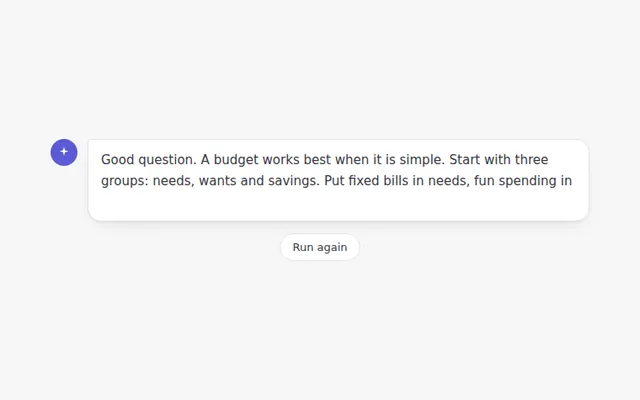
Streaming Text
The answer appears word by word with a blinking cursor, the way most AI chat apps show a reply as it is written.
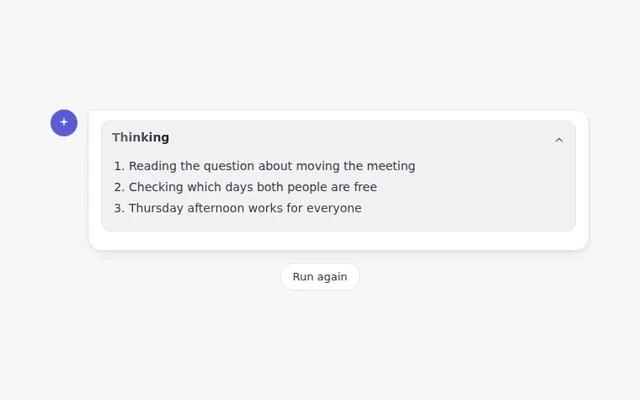
Reasoning Panel
A panel that shows each thinking step while the AI works, then folds itself away with a summary you can open again.
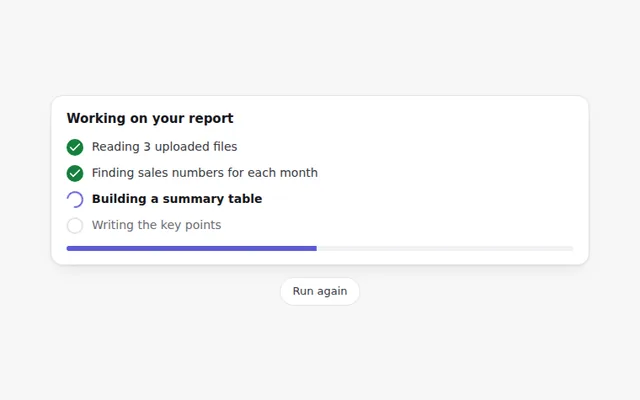
Agent Progress Steps
A checklist of what an AI agent is doing right now. Each step shows a spinner while it runs and a tick when it is done.
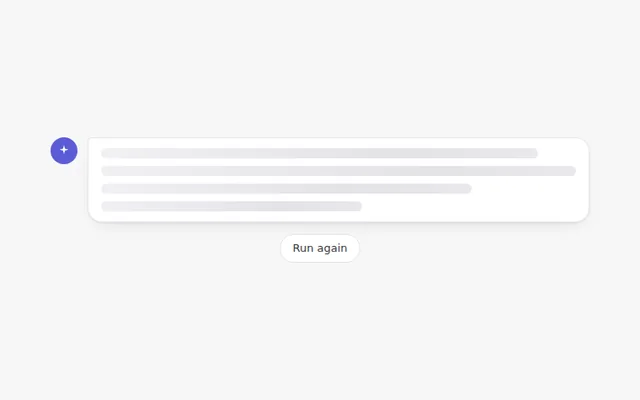
Skeleton Message
Grey placeholder lines with a moving shine that hold the space of the answer while it loads, so the page does not jump.
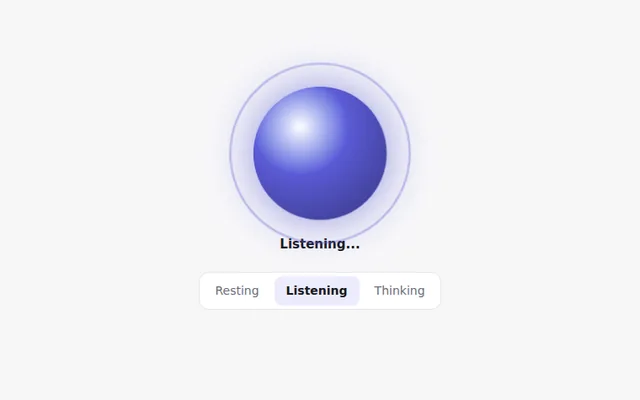
AI Orb
A glowing orb that shows what the assistant is doing: resting, listening or thinking. Great for voice and assistant screens.
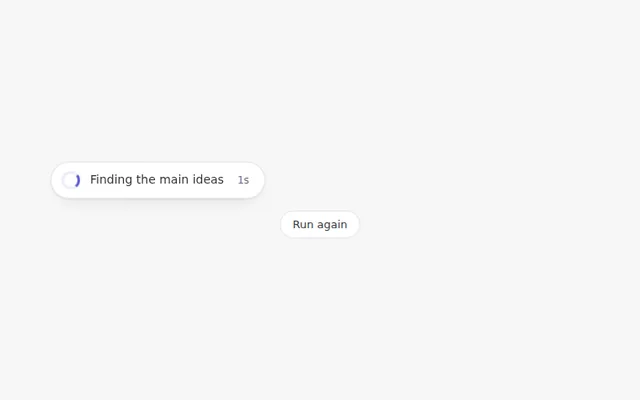
Spinner with Status Text
A small spinner with a line of text that changes as the work moves forward, so people know the AI has not frozen.
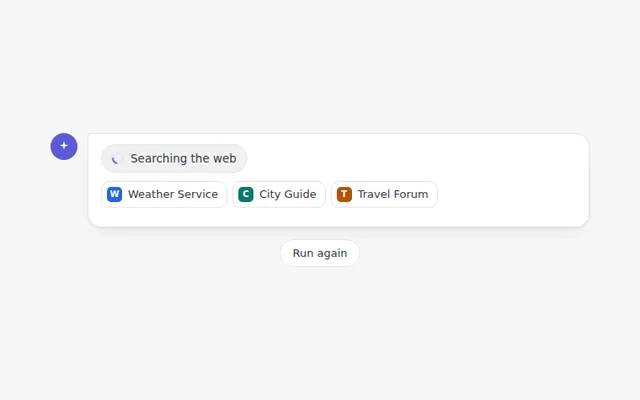
Web Search Indicator
Shows that the AI is searching the web, with sources popping in one by one, then a short summary of how many it found.
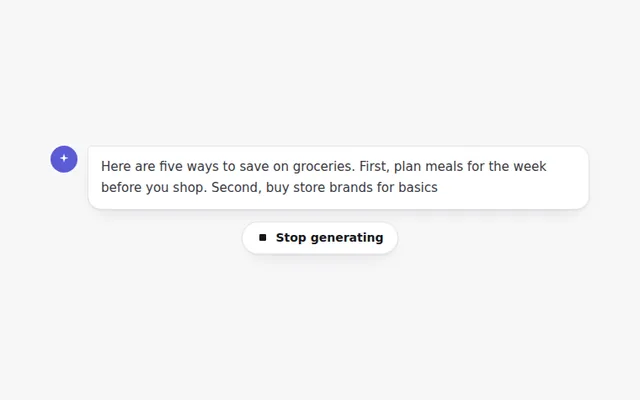
Stop Generating Button
A stop button that appears while the answer is being written. Stopping keeps what was written and offers to continue or try again.