Keyboard Shortcuts Panel
A panel of keyboard shortcuts that opens with the question mark key, with a search box and keys grouped by task.
One HTML file with the CSS and JavaScript inside. No library needed. MIT license.
How to use it
- Click Copy the code, or download the file.
- Paste the CSS into your stylesheet, the HTML where you want the component, and the script before the closing body tag.
- Change
--accentat the top of the CSS to your brand color, then connect the events to your AI service.
What you get
- Works in light and dark mode automatically
- Keyboard friendly, with labels for screen readers
- Fits phones, tablets and desktops
- Respects the reduced motion setting
- No framework, so it works with any stack
The code
<!DOCTYPE html>
<!--
  Keyboard Shortcuts Panel: a free AI UI component
  From 100 Free AI UI Components by MM Rahman Bappi, MIT license
  https://mmrahmanbappi.github.io/100-free-ai-ui-components/

  How to use: copy the CSS, HTML and JavaScript below into your page.
  Colors are CSS variables at the top. Change --accent to match your brand.
  Light and dark themes follow the visitor's system setting, or set
  data-theme="dark" or data-theme="light" on the html element.
-->
<html lang="en">
<head>
<meta charset="UTF-8">
<meta name="viewport" content="width=device-width, initial-scale=1">
<title>Keyboard Shortcuts Panel | Free AI UI Component</title>
<meta name="description" content="A panel of keyboard shortcuts that opens with the question mark key, with a search box and keys grouped by task.">
<meta name="robots" content="noindex, follow">
<style>
:root{
  --accent:#5b5bd6; --accent-ink:#fff; --accent-soft:#ececfc;
  --bg:#f7f7f8; --surface:#fff; --surface-2:#f1f1f4; --ink:#17171c; --text:#3a3a44; --muted:#6c6c78;
  --line:#e3e3e8; --good:#15803d; --warn:#b45309; --bad:#c62828;
  --radius:14px; --shadow:0 1px 2px rgba(20,20,30,.06),0 8px 24px -12px rgba(20,20,30,.18);
  --font:system-ui,-apple-system,"Segoe UI",Roboto,Ubuntu,sans-serif; --mono:ui-monospace,"Cascadia Code",Menlo,Consolas,monospace;
}
@media (prefers-color-scheme:dark){:root:not([data-theme=light]){
  --accent:#8b8bff; --accent-ink:#0f0f16; --accent-soft:#25254a;
  --bg:#0f0f13; --surface:#18181f; --surface-2:#212129; --ink:#f3f3f6; --text:#d4d4dc; --muted:#9a9aa8;
  --line:#2c2c36; --good:#4ade80; --warn:#fbbf24; --bad:#f87171; --shadow:0 1px 2px rgba(0,0,0,.4),0 10px 30px -12px rgba(0,0,0,.6);
}}
:root[data-theme=dark]{
  --accent:#8b8bff; --accent-ink:#0f0f16; --accent-soft:#25254a;
  --bg:#0f0f13; --surface:#18181f; --surface-2:#212129; --ink:#f3f3f6; --text:#d4d4dc; --muted:#9a9aa8;
  --line:#2c2c36; --good:#4ade80; --warn:#fbbf24; --bad:#f87171; --shadow:0 1px 2px rgba(0,0,0,.4),0 10px 30px -12px rgba(0,0,0,.6);
}
*{box-sizing:border-box}
html,body{margin:0}
body{min-height:100vh;display:grid;grid-template-columns:minmax(0,1fr);place-items:center;padding:24px;background:var(--bg);color:var(--text);font:15px/1.5 var(--font);-webkit-font-smoothing:antialiased}
button,input,textarea,select{font:inherit;color:inherit}
:focus-visible{outline:2px solid var(--accent);outline-offset:2px}
[hidden]{display:none!important}
.sr{position:absolute;width:1px;height:1px;overflow:hidden;clip:rect(0 0 0 0);white-space:nowrap}
@media (prefers-reduced-motion:reduce){*,*::before,*::after{animation-duration:.01ms!important;animation-iteration-count:1!important;transition:none!important}}
/* ---- component ---- */
a{color:var(--ink);font-weight:600}
.wrap{width:min(100%,600px);display:flex;flex-direction:column;gap:14px}
.card{background:var(--surface);border:1px solid var(--line);border-radius:var(--radius);box-shadow:var(--shadow);padding:18px 20px}
.card h2{font-size:15.5px;margin:0 0 4px;color:var(--ink)}
.muted{color:var(--muted);font-size:13px}
.btn{display:inline-flex;align-items:center;justify-content:center;gap:6px;border:1px solid var(--line);background:var(--surface);color:var(--ink);border-radius:10px;padding:8px 14px;font-size:14px;font-weight:600;cursor:pointer}
.btn:hover{border-color:var(--accent)}.btn.pri{background:var(--accent);border-color:var(--accent);color:var(--accent-ink)}.btn:disabled{opacity:.45;cursor:not-allowed}
.ib{width:30px;height:30px;display:grid;place-items:center;border:0;background:none;color:var(--muted);border-radius:8px;cursor:pointer}.ib:hover{background:var(--surface-2);color:var(--ink)}
kbd{font:600 12px var(--mono);background:var(--surface-2);border:1px solid var(--line);border-bottom-width:2px;border-radius:6px;padding:1px 7px;color:var(--ink)}
dialog{border:0;border-radius:18px;padding:0;background:var(--surface);color:var(--text);box-shadow:0 30px 80px -20px rgba(0,0,0,.5);width:min(92vw,460px)}
dialog::backdrop{background:rgba(10,10,20,.45)}
.hint{text-align:center;color:var(--muted);font-size:14px;margin:0}
dialog{width:min(92vw,520px)}
.hd{display:flex;align-items:center;gap:10px;padding:16px 18px 10px}.hd h2{margin:0;font-size:17px;color:var(--ink);flex:1}
.srch{margin:0 18px 8px;width:calc(100% - 36px);border:1px solid var(--line);border-radius:10px;padding:8px 11px;background:var(--surface);color:var(--ink);font-size:14px}
.srch:focus{outline:0;border-color:var(--accent)}
.list{max-height:min(360px,60vh);overflow-y:auto;padding:0 18px 16px}
.list h3{font-size:11.5px;text-transform:uppercase;letter-spacing:.06em;color:var(--muted);margin:12px 0 6px}
.list dl{margin:0}.list .r{display:flex;justify-content:space-between;align-items:center;gap:12px;padding:7px 0;border-bottom:1px solid var(--line);font-size:14px}
.list dt{color:var(--text)}.list dd{margin:0;display:flex;gap:4px;flex:none}
.none{color:var(--muted);font-size:14px;padding:14px 0}
</style>
</head>
<body>
<p class="hint">Press <kbd>?</kbd> to see keyboard shortcuts, or <button class="btn" id="open" type="button" style="margin-left:6px"><svg viewBox="0 0 24 24" width="16" height="16" fill="none" stroke="currentColor" stroke-width="2" stroke-linecap="round" stroke-linejoin="round" aria-hidden="true"><rect x="2" y="6" width="20" height="12" rx="2"/><path d="M6 10h.01M10 10h.01M14 10h.01M18 10h.01M7 14h10"/></svg>Show shortcuts</button></p>
<dialog id="dlg" aria-labelledby="kh"><div class="hd"><h2 id="kh">Keyboard shortcuts</h2><button class="ib" id="x" type="button" aria-label="Close"><svg viewBox="0 0 24 24" width="14" height="14" fill="none" stroke="currentColor" stroke-width="2.2" stroke-linecap="round" aria-hidden="true"><path d="M6 6l12 12M18 6L6 18"/></svg></button></div>
  <label class="sr" for="q">Search shortcuts</label><input class="srch" id="q" type="search" placeholder="Search shortcuts" autocomplete="off">
  <div class="list" id="list"></div></dialog>
<script>
// Demo helper: add ?theme=dark or ?theme=light to the address to preview a theme.
(function(){var t=new URLSearchParams(location.search).get('theme');if(t)document.documentElement.dataset.theme=t;})();
var mac=/Mac|iPhone|iPad/.test(navigator.platform),M=mac?'Cmd':'Ctrl';
var G=[['Chat',[['Send message',['Enter']],['New line',['Shift','Enter']],['Stop the answer',['Esc']],['Edit last message',['Up']]]],
['Navigation',[['New chat',[M,'Shift','O']],['Search chats',[M,'K']],['Toggle sidebar',[M,'B']]]],
['Answers',[['Copy last answer',[M,'Shift','C']],['Read aloud',[M,'Shift','R']],['Show shortcuts',['?']]]]];
var dlg=document.getElementById('dlg'),q=document.getElementById('q'),list=document.getElementById('list');
function render(){var t=q.value.trim().toLowerCase(),html='';G.forEach(function(g){var rows=g[1].filter(function(r){return !t||r[0].toLowerCase().indexOf(t)>-1||r[1].join(' ').toLowerCase().indexOf(t)>-1;});
  if(!rows.length)return;html+='<h3>'+g[0]+'</h3><dl>'+rows.map(function(r){return '<div class="r"><dt>'+r[0]+'</dt><dd>'+r[1].map(function(k){return '<kbd>'+k+'</kbd>';}).join('')+'</dd></div>';}).join('')+'</dl>';});
  list.innerHTML=html||'<p class="none">No shortcut matches your search.</p>';}
function open(){q.value='';render();dlg.showModal();q.focus();}
document.getElementById('open').addEventListener('click',open);document.getElementById('x').addEventListener('click',function(){dlg.close();});
dlg.addEventListener('click',function(e){if(e.target===dlg)dlg.close();});q.addEventListener('input',render);
document.addEventListener('keydown',function(e){var typing=/input|textarea|select/i.test(e.target.tagName)||e.target.isContentEditable;if(e.key==='?'&&!typing&&!dlg.open){e.preventDefault();open();}});
</script>
</body>
</html>
More trust and onboarding components
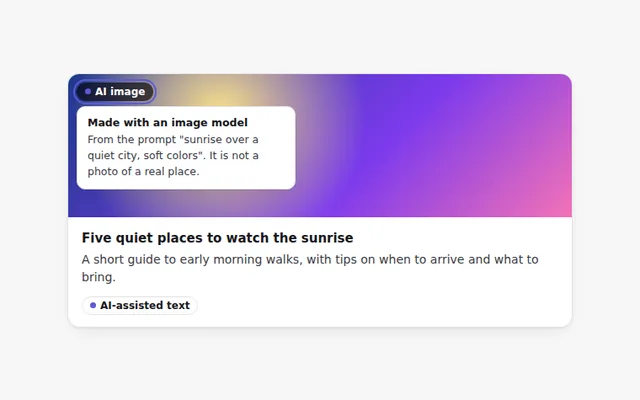
AI-Generated Label
A clear label that marks text or images made by AI. Hover or focus it to see how it was made and what to check.
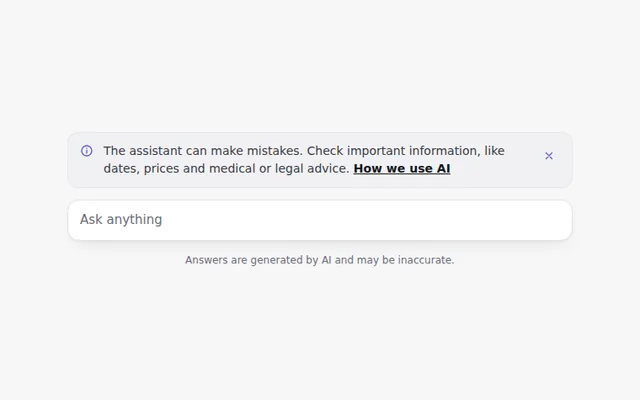
AI Disclaimer Banner
A short, honest notice that the assistant can make mistakes, with a link to learn more. It can be closed and remembers that choice.
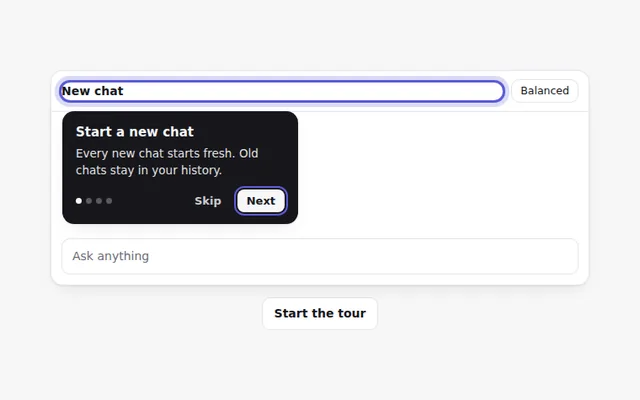
Onboarding Tour
A step by step tour that points at parts of the app with short tips. People can go back, skip, or use the arrow keys.
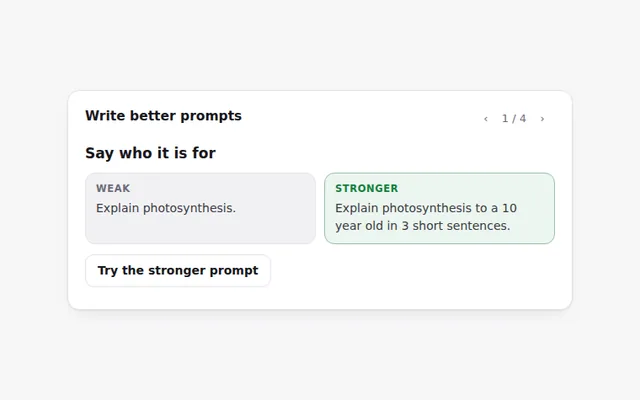
Prompt Tips Card
Tips for writing better prompts, each with a weak and a stronger example side by side. Flip through them with the arrows.
AI Error States
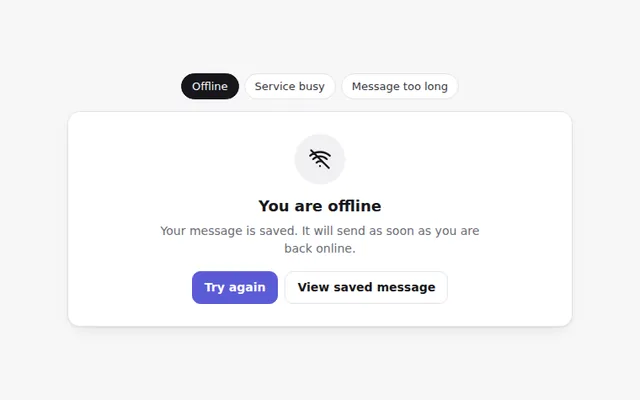
Friendly error screens for common AI problems: no internet, the service is busy, and a message that is too long. Each says what to do next.
Sensitive Content Notice
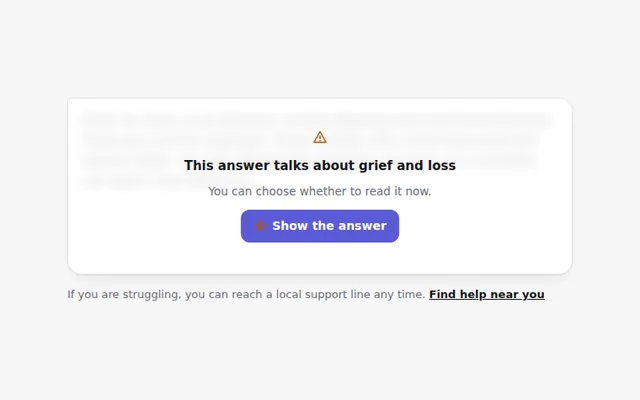
Hides an answer about a sensitive topic behind a calm notice, with a clear choice to show it and a link to real help.