Trust and Onboarding components
Labels, notices, tips and error states that help people trust the AI. Each one is a single HTML file with a live demo.
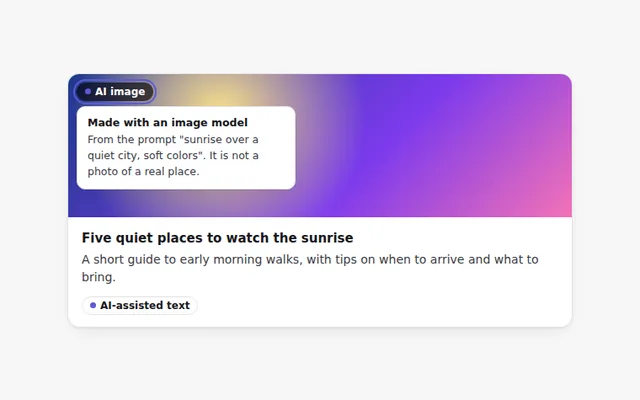
AI-Generated Label
A clear label that marks text or images made by AI. Hover or focus it to see how it was made and what to check.
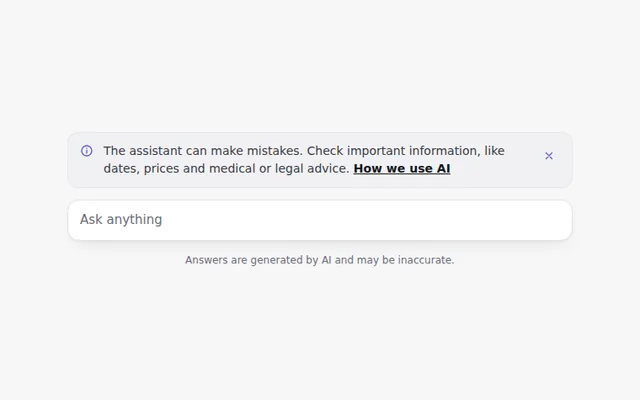
AI Disclaimer Banner
A short, honest notice that the assistant can make mistakes, with a link to learn more. It can be closed and remembers that choice.
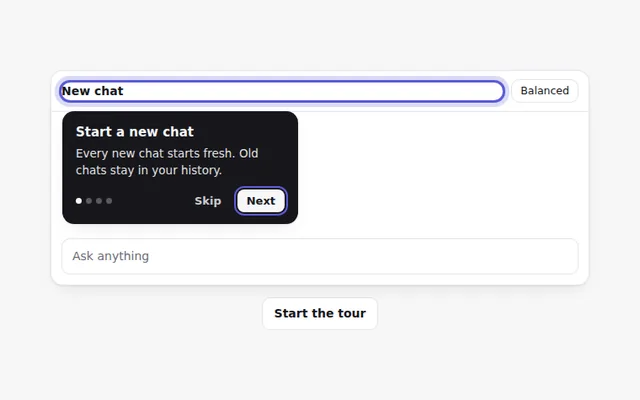
Onboarding Tour
A step by step tour that points at parts of the app with short tips. People can go back, skip, or use the arrow keys.
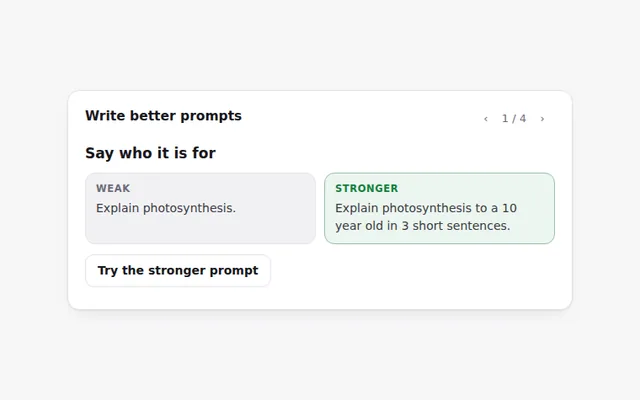
Prompt Tips Card
Tips for writing better prompts, each with a weak and a stronger example side by side. Flip through them with the arrows.
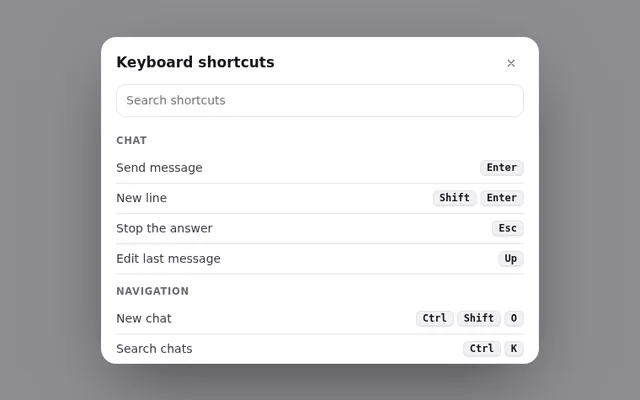
Keyboard Shortcuts Panel
A panel of keyboard shortcuts that opens with the question mark key, with a search box and keys grouped by task.
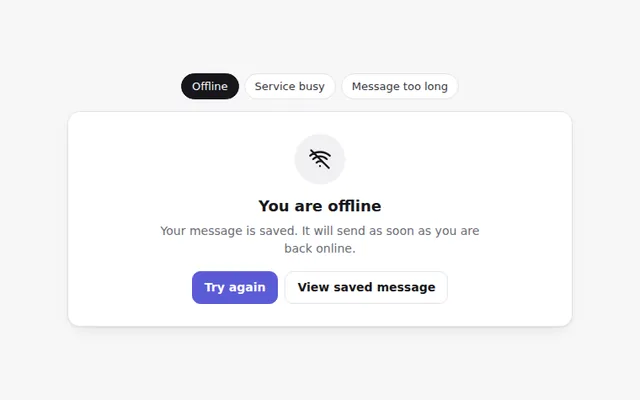
AI Error States
Friendly error screens for common AI problems: no internet, the service is busy, and a message that is too long. Each says what to do next.
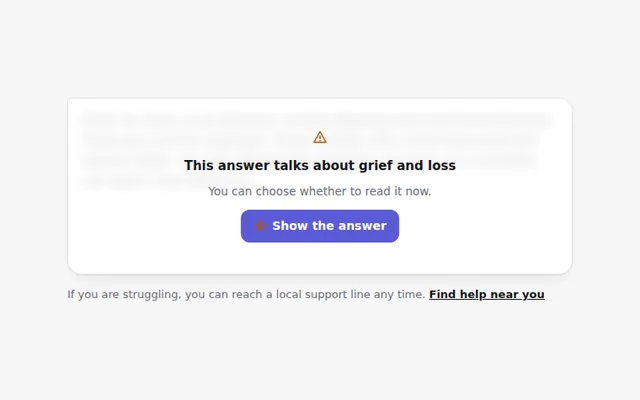
Sensitive Content Notice
Hides an answer about a sensitive topic behind a calm notice, with a clear choice to show it and a link to real help.
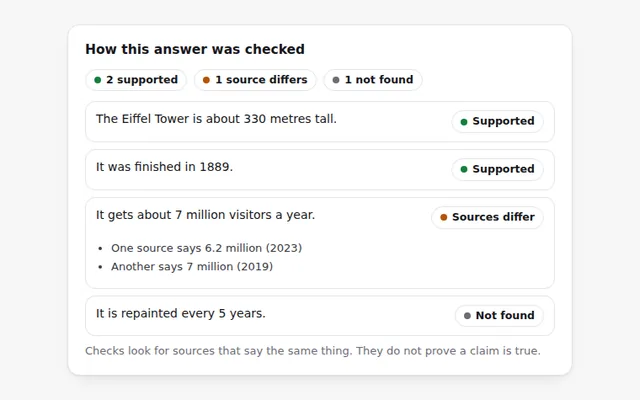
Fact Check Panel
Shows how each claim in an answer was checked: supported by sources, not found, or conflicting. Open a claim to see the sources.
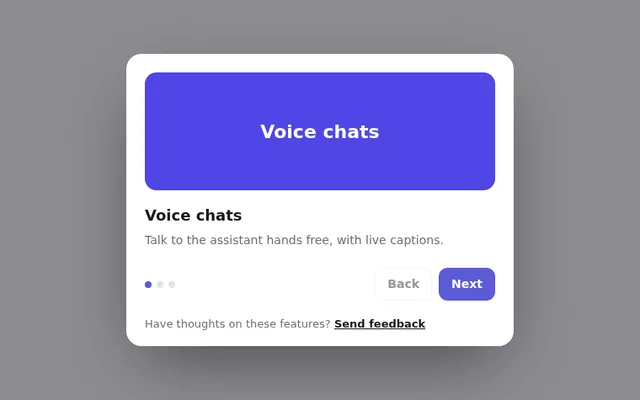
What's New Dialog
A short dialog that introduces new features, with a few slides, Beta labels and a way to send feedback. It shows once per version.
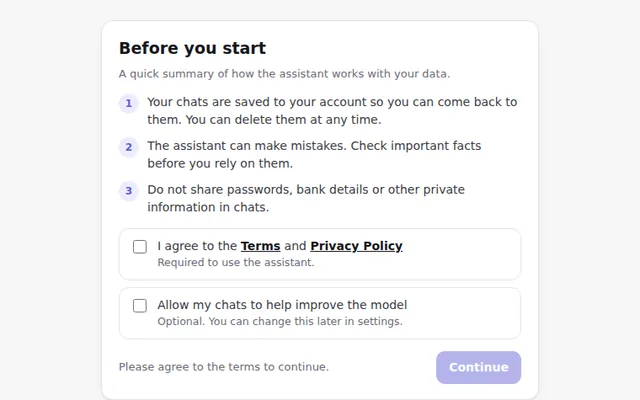
First Run Consent
A clear welcome step before first use that explains how data is used in plain words. People must agree to the terms, and training is a separate, optional choice.