Voice and Media components
Voice input, audio answers, image upload and generation progress. Each one is a single HTML file with a live demo.
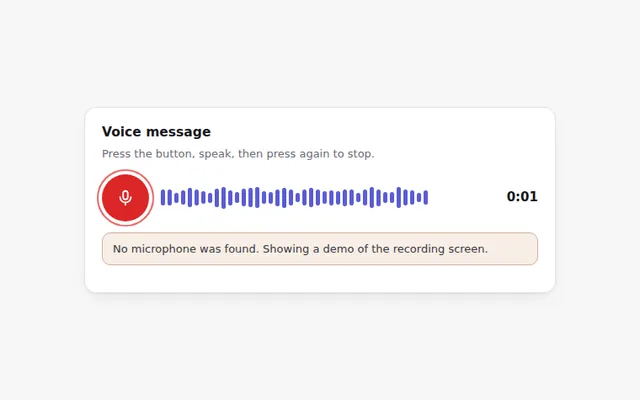
Voice Recorder with Waveform
Record a voice message with live bars that follow your voice. Uses the real microphone when allowed, and explains clearly when it is not.
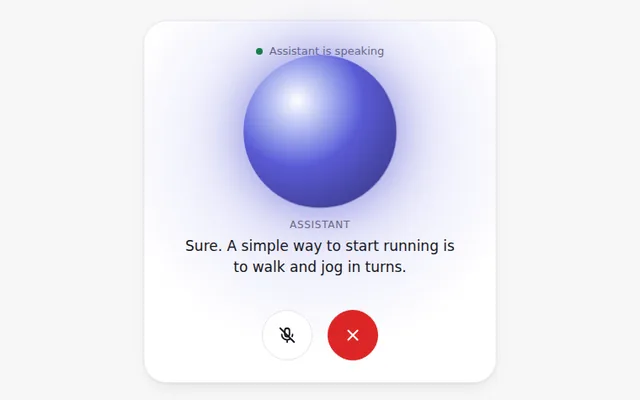
Voice Mode Screen
A full voice conversation screen with a glowing circle that reacts while the AI speaks, live captions, and mute and end buttons.
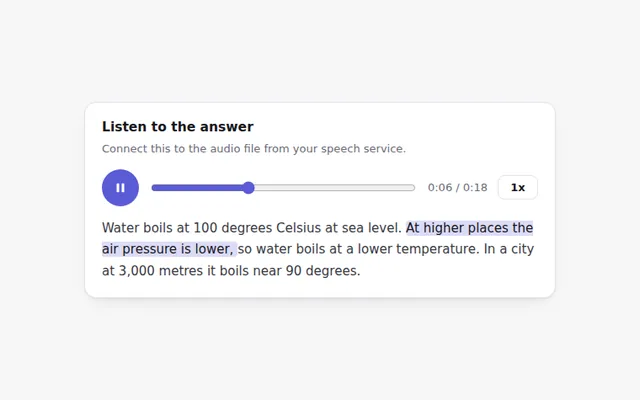
Audio Answer Player
A compact player for spoken answers with play and pause, a seek bar, playback speed and the matching text highlighted as it plays.
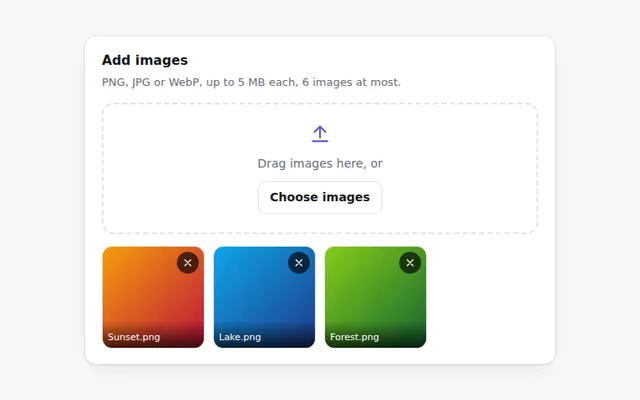
Image Upload with Preview
Add images by button or drag and drop and see thumbnails right away. Checks the file type and size and explains any problem.
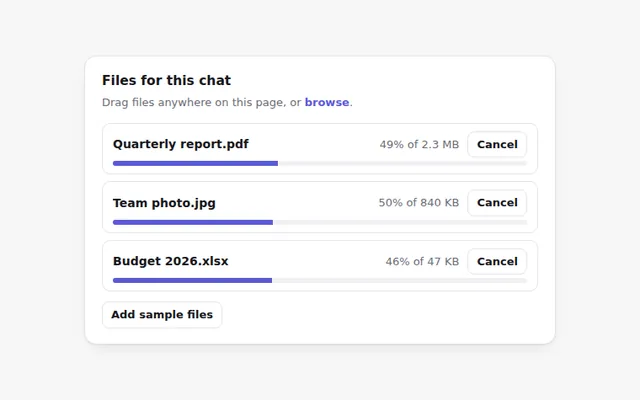
Page Drop Zone with Upload Progress
Drag files anywhere on the page to show a full screen drop area. Each file then uploads with its own progress bar and a cancel button.
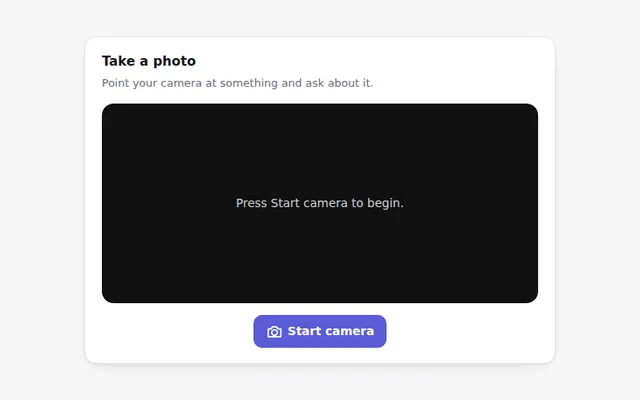
Camera Photo Capture
Take a photo with the device camera to ask the AI about it. Shows a live preview, a shutter button and retake, with a clear message if there is no camera.
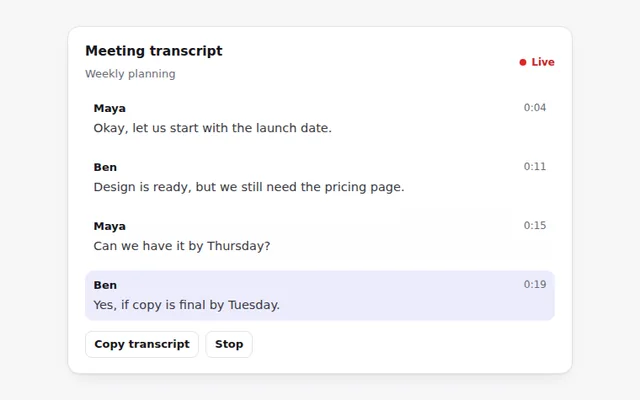
Live Transcript
Captions that appear as people talk, with speaker names and times. The newest line is highlighted, and the full text can be copied.
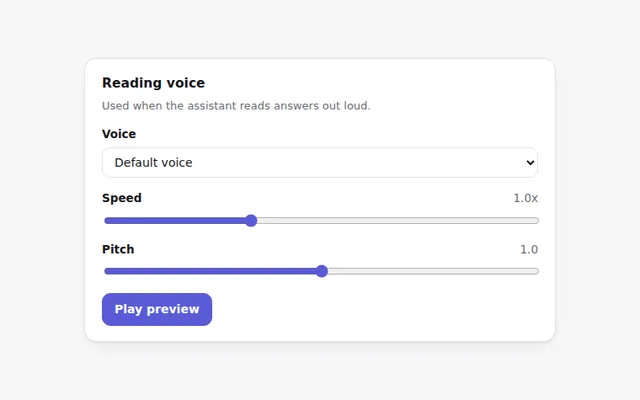
Voice and Speech Settings
Pick a reading voice from the ones in the browser, set the speed and pitch, and hear a preview. Shows a notice when no voices are available.
Image Prompt Builder
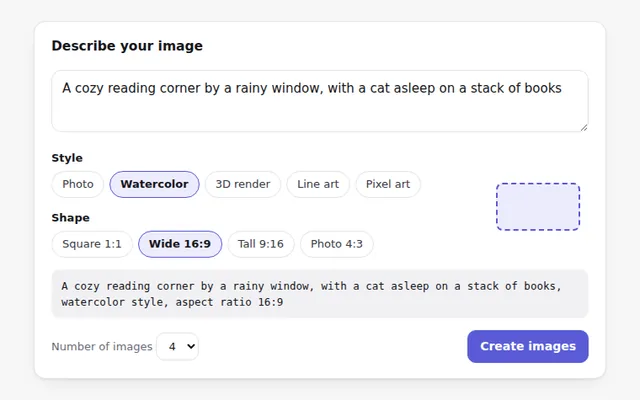
Write a prompt for an image and pick a style, shape and number of images. A frame shows the chosen shape, and the final prompt updates live.
Image Generation Progress
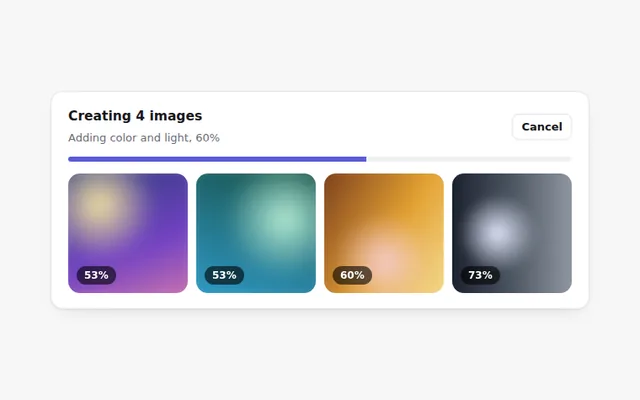
Shows images being created: tiles start blurry and sharpen as progress grows, with a cancel button, then download and upscale actions.