Home / Business Ready Pages / Pricing Table
Pricing Table CSS Template, Free with Live Demo
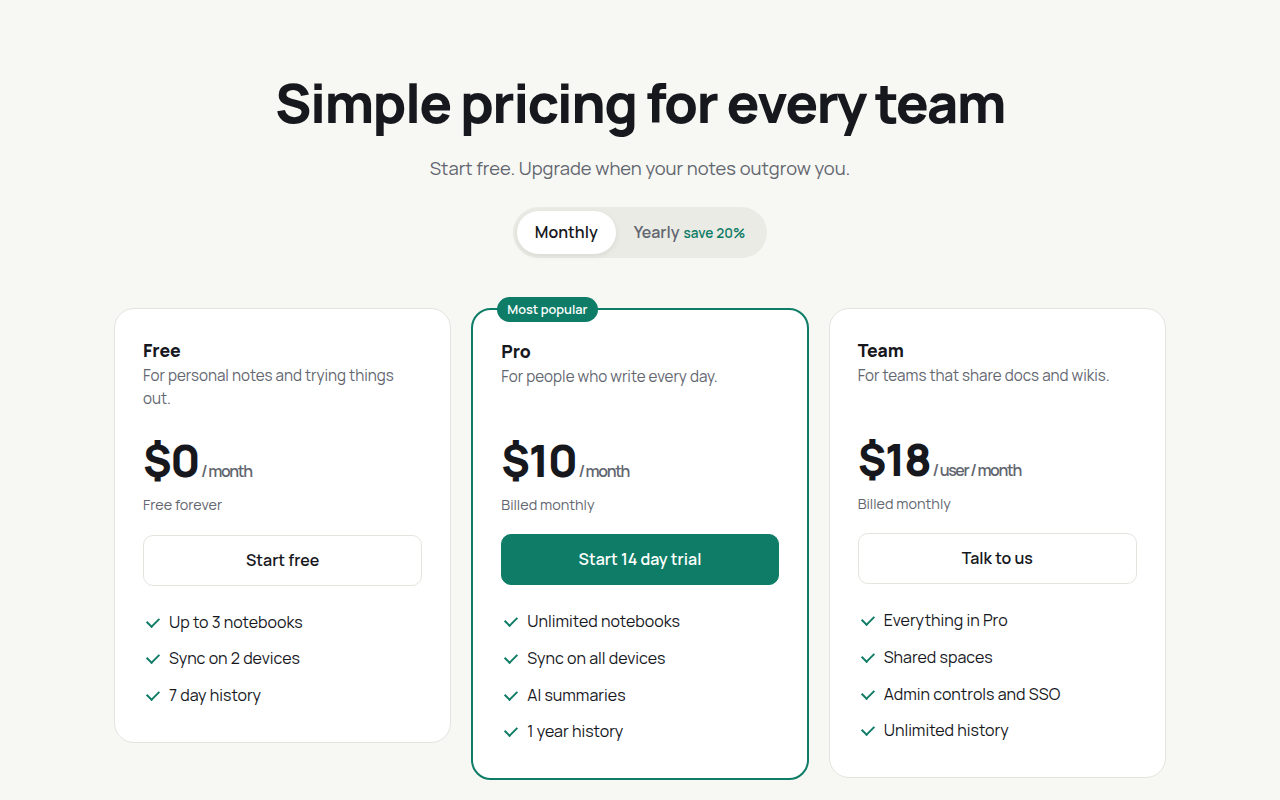
Free pricing table template with a working monthly and yearly toggle, three plans, a featured tier and a full feature comparison table. Live demo. The example is Notecraft, a notes app.
What is pricing table?
A good pricing page helps people choose in seconds. Three plans side by side, the popular one highlighted, and a toggle to see the yearly discount. Below it, a comparison table answers the detailed questions.
The toggle swaps prices and billing notes from data attributes, so you change prices in the HTML without touching the script. The table scrolls sideways on small screens instead of breaking the layout.
Good for
- SaaS and app pricing pages
- Memberships and subscriptions
- Agency service packages
- Course and coaching plans
What you get in this template
- Monthly and yearly toggle that updates every price
- Featured plan with a badge and colored border
- Tick lists drawn in CSS
- Full comparison table with accessible headers
- Table scrolls on phones
The key CSS
This is the part that makes the pricing table look work. Copy it into your own project.
.p.f { border: 2px solid #0e7c66; position: relative; }
.p.f::before {
  content: "Most popular";
  position: absolute; top: -13px; left: 24px;
  background: #0e7c66; color: #fff; border-radius: 999px; padding: 3px 10px;
}
.p li::before { width: 10px; height: 6px; border-left: 2px solid #0e7c66; border-bottom: 2px solid #0e7c66; transform: rotate(-45deg); }
How to use it
- Click Download HTML file above.
- Open the file in any code editor, like VS Code.
- Change the text, colors and links to match your project. Colors are at the top of the style tag.
- Upload it to any host, such as GitHub Pages, Netlify or your own server. It is one file with no build step.
Questions people ask
How does the monthly and yearly toggle work?
Each price has data-m and data-y attributes. A few lines of JavaScript swap the text when you click a toggle button.
How many plans should a pricing page have?
Three is the most common and easiest to compare. Highlight the one most people should choose.
Is the comparison table accessible?
Yes. It uses a real table with header cells, so screen readers can read each row and column.
More Business Ready Pages designs
091. SaaS Landing Page
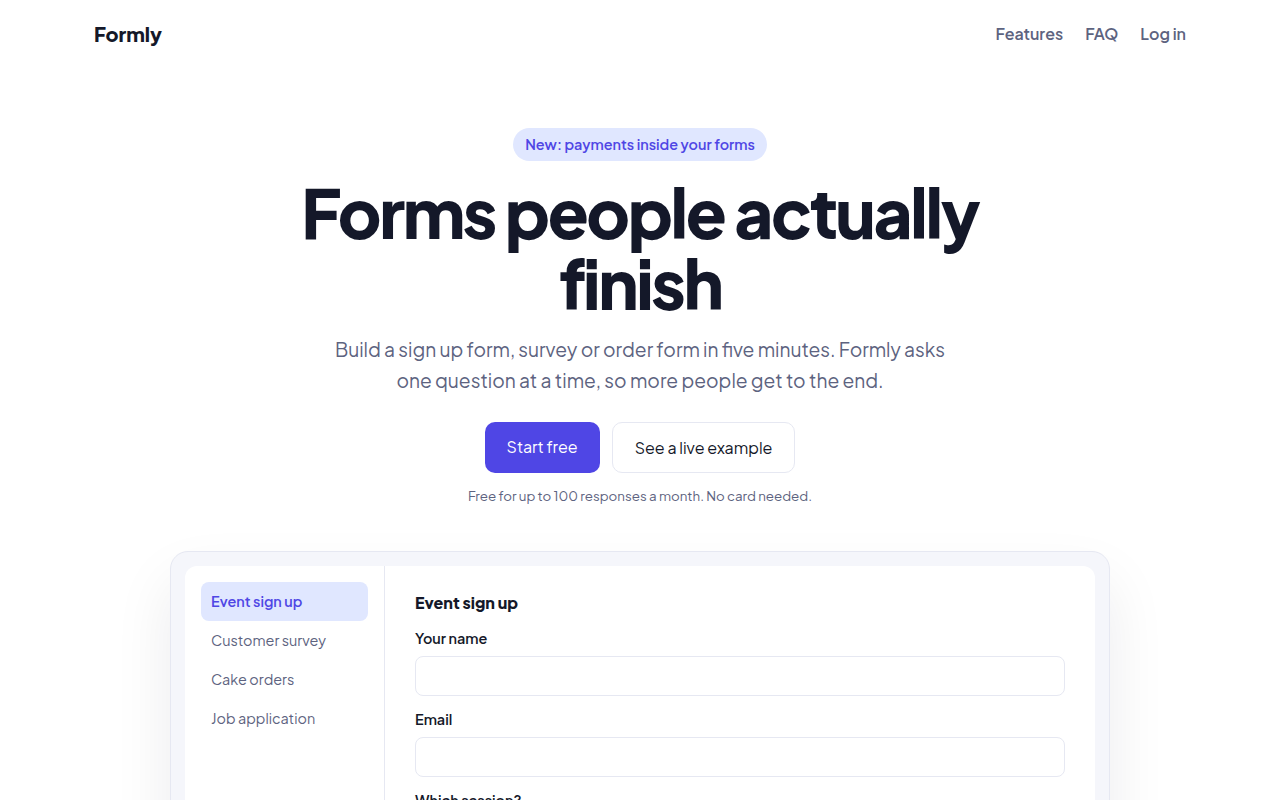
Formly, a form builder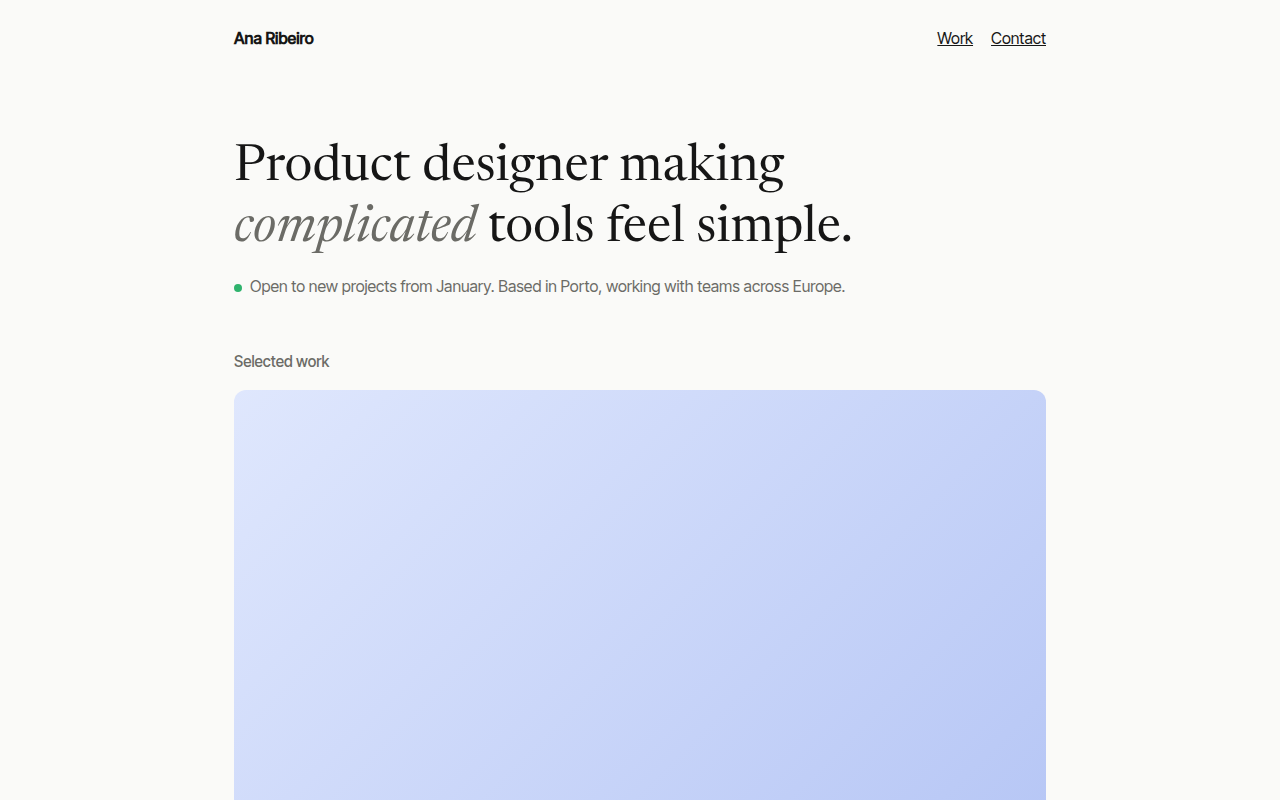
093. Minimal Portfolio
Ana Ribeiro, a product designer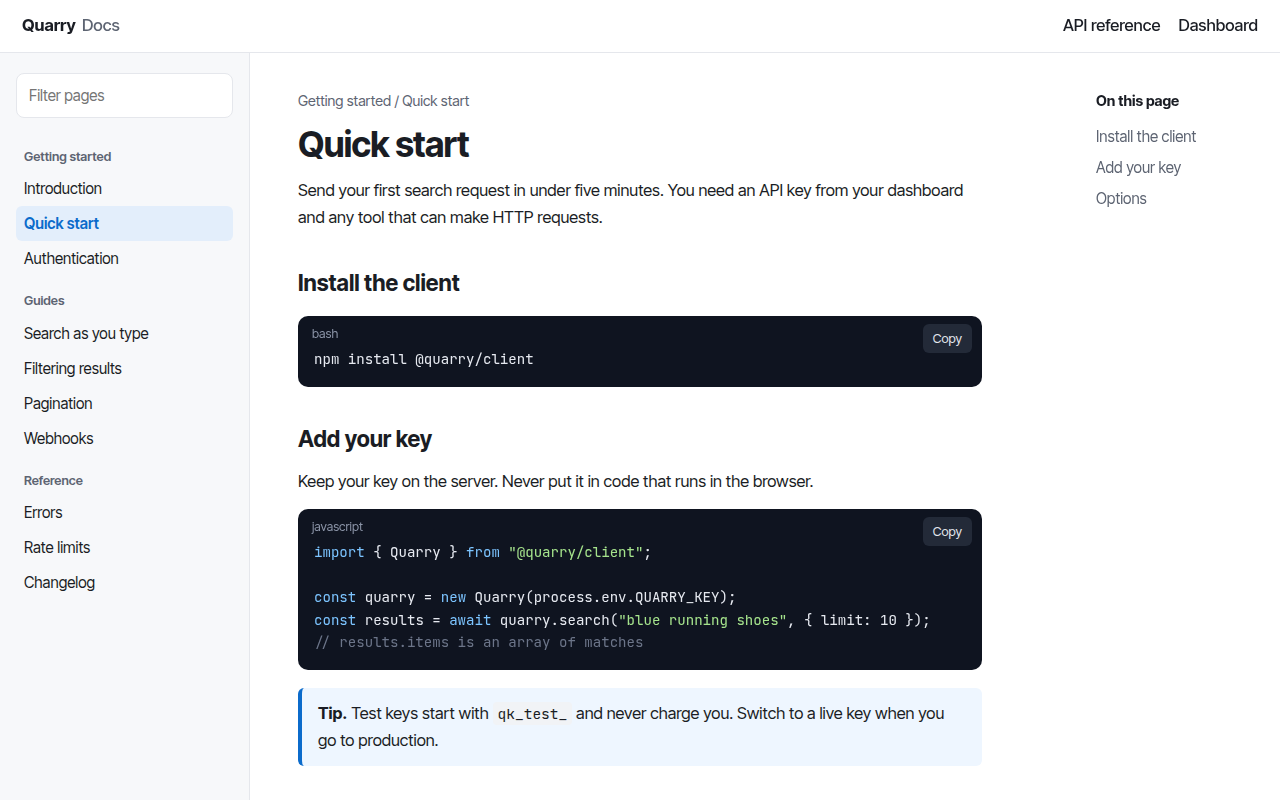
094. Docs Site
Quarry, an API documentation site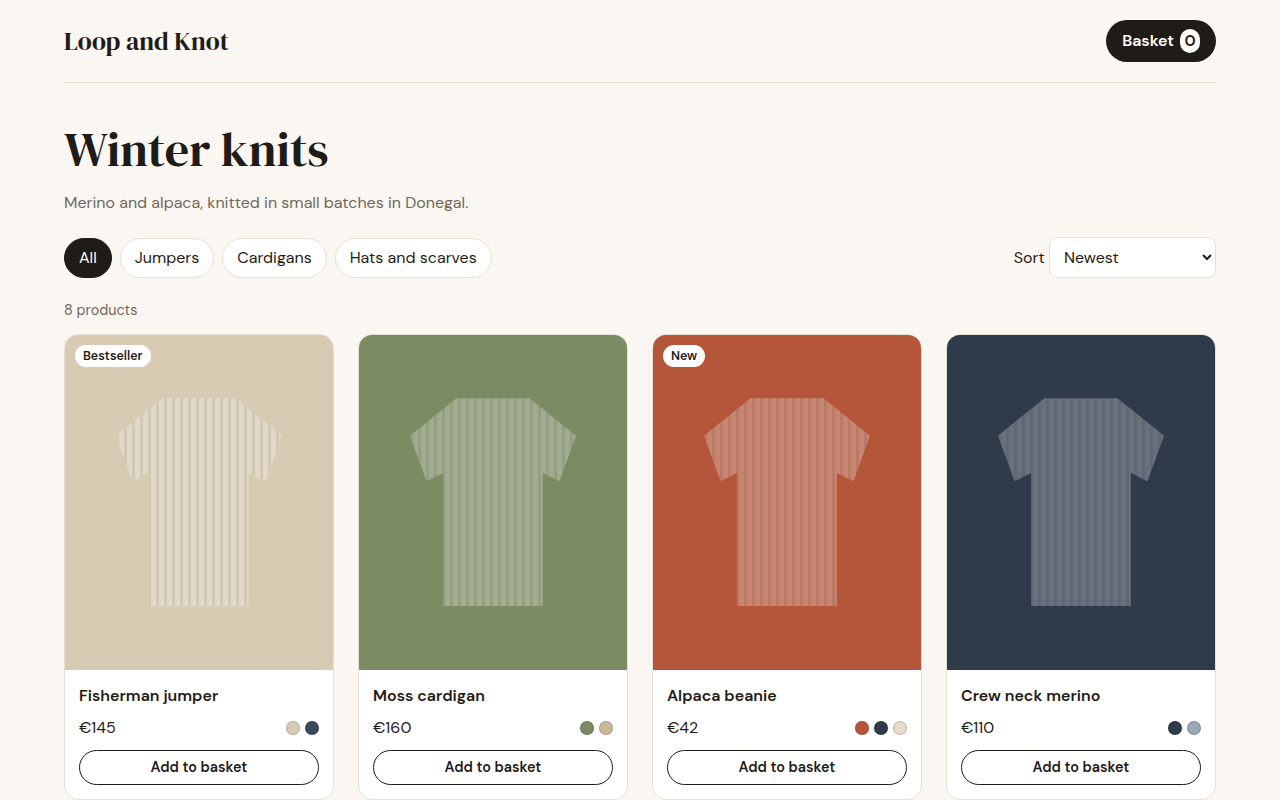
095. Shop Product Grid
Loop and Knot, a knitwear shop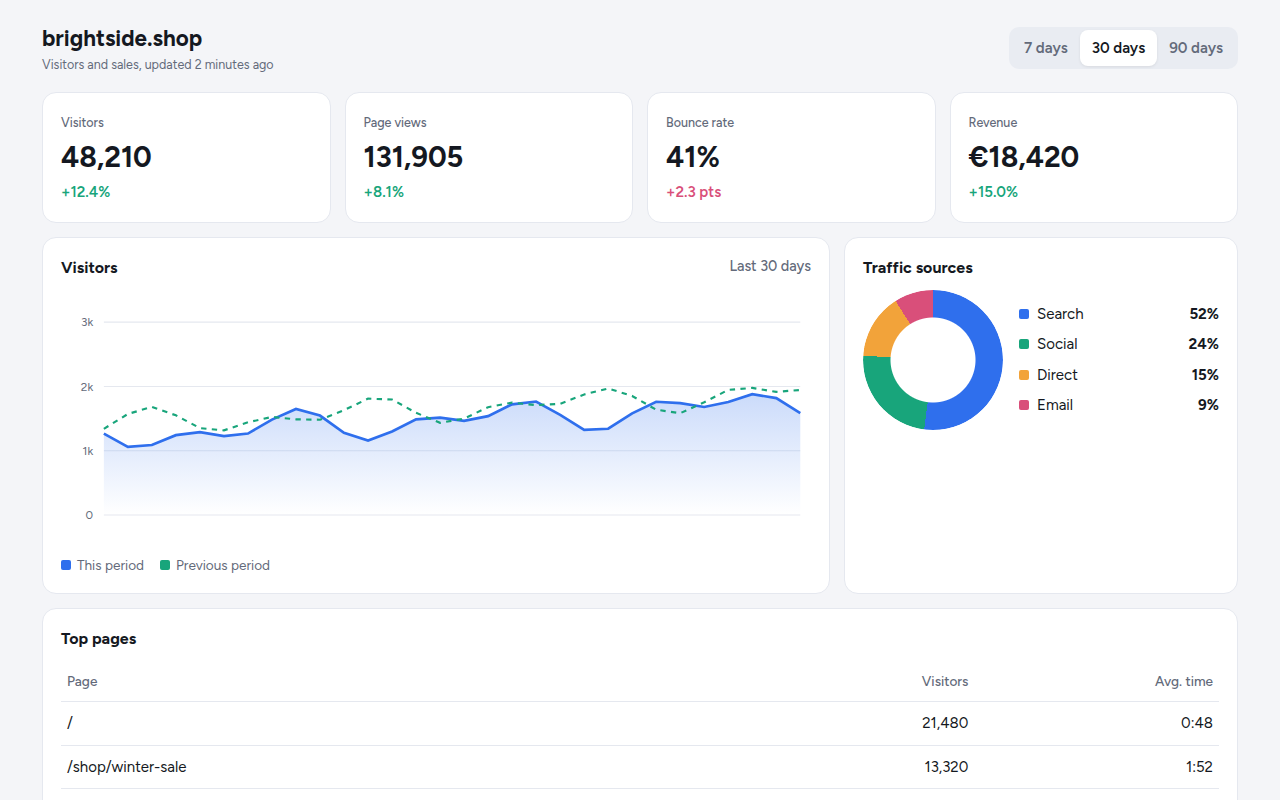
096. Analytics Dashboard
Tally, a web analytics tool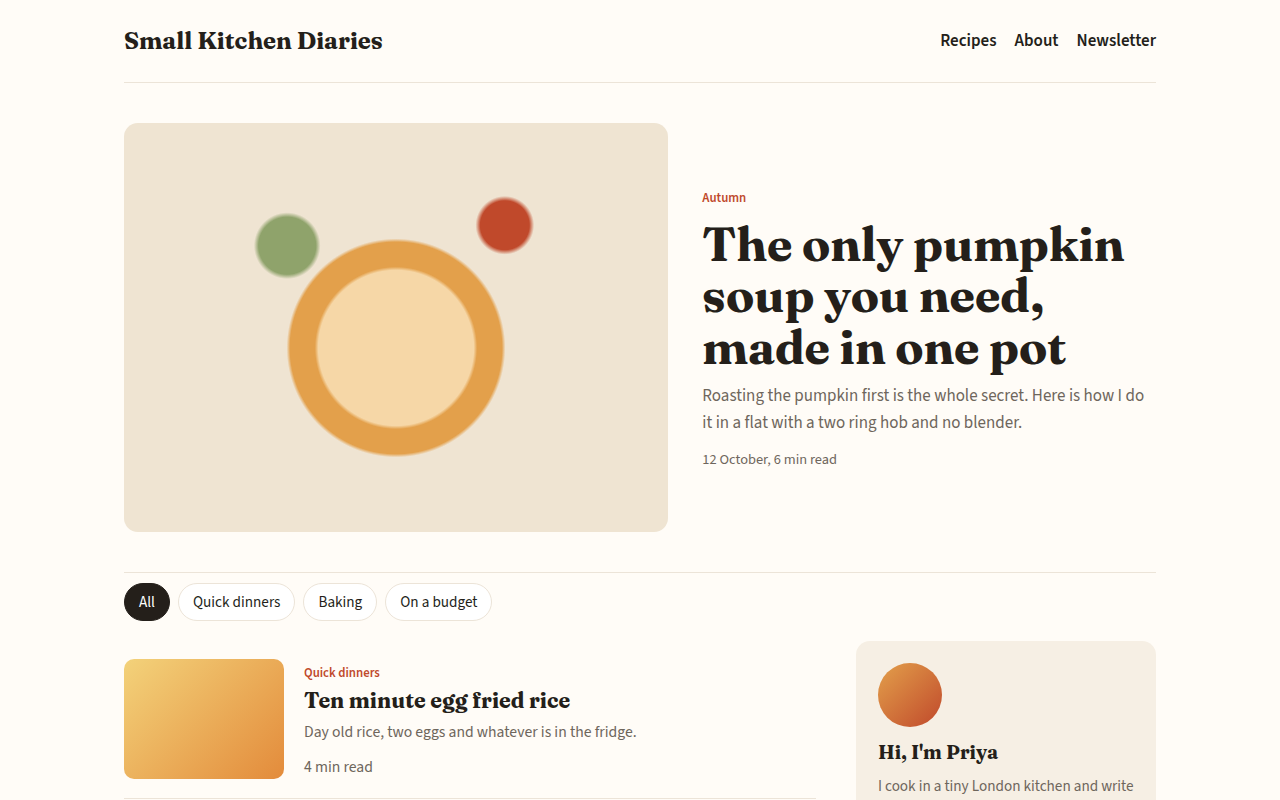
097. Blog
Small Kitchen Diaries, a food blog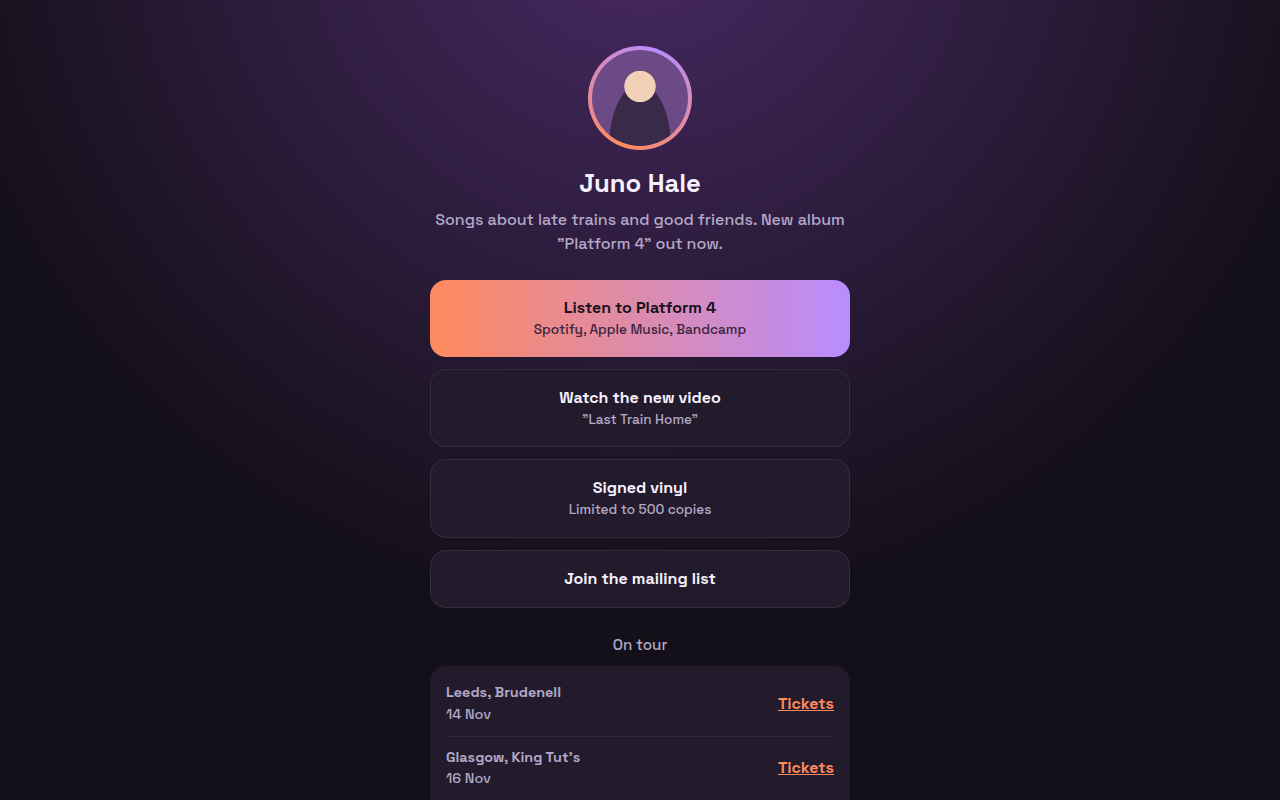
098. Link in Bio
Juno Hale, a musician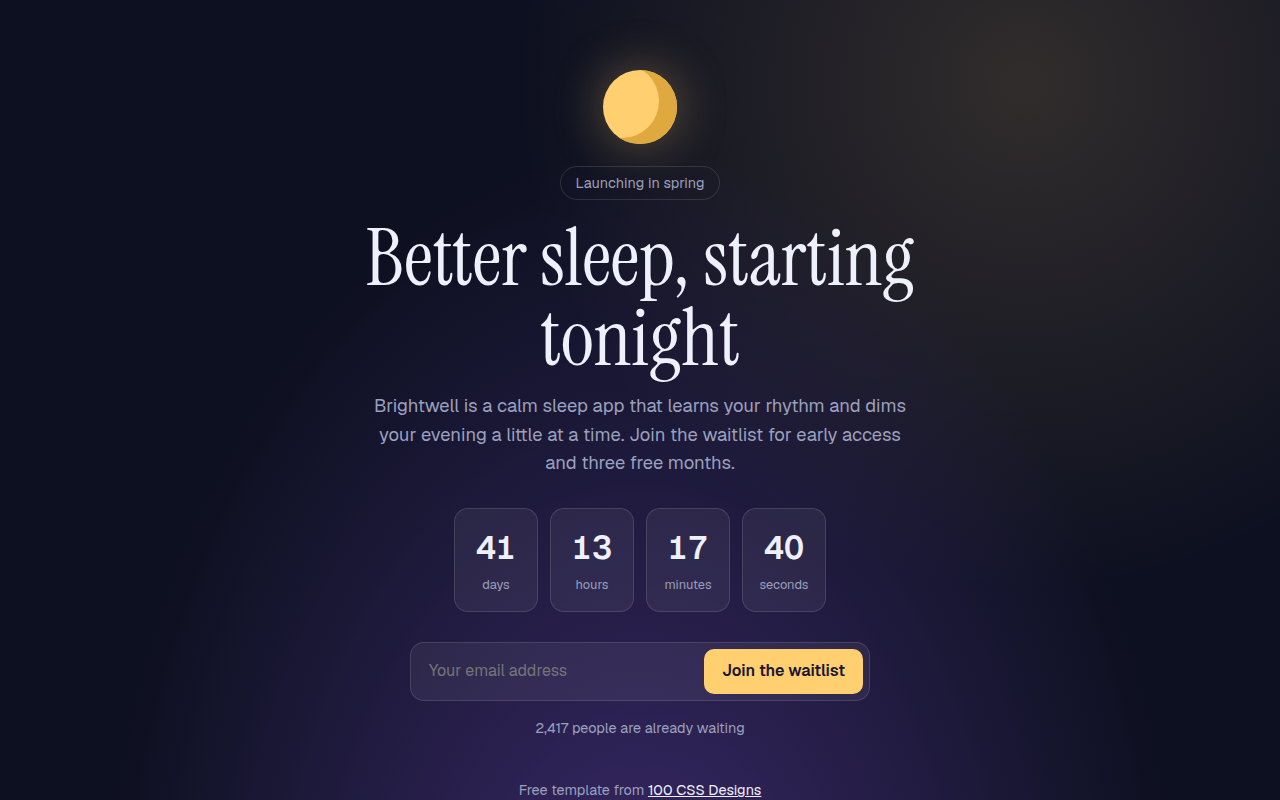
099. Waitlist Page
Brightwell, a sleep app before launch