Home / Business Ready Pages / Waitlist Page
Waitlist Page CSS Template, Free with Live Demo
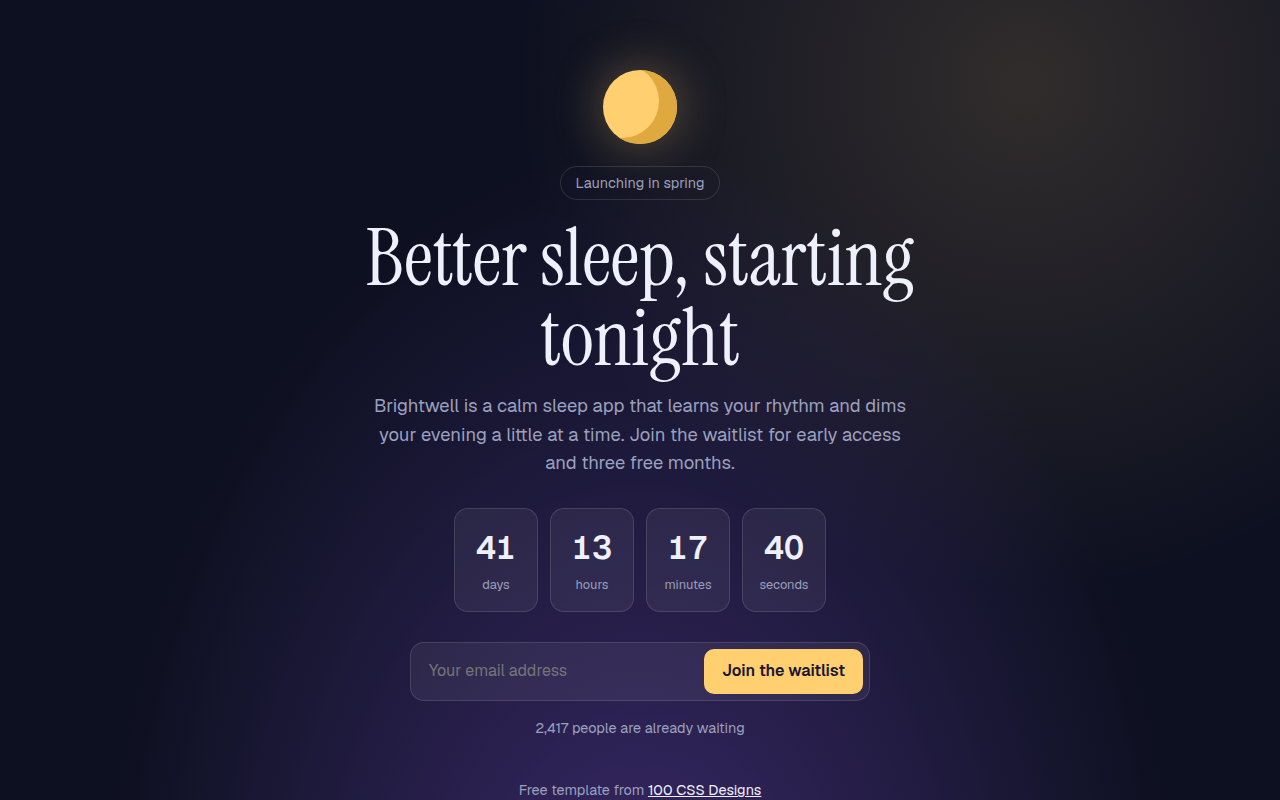
Free waitlist and coming soon template for an app launch. Live countdown, email sign up that shows your place in line, and a referral link. Live demo. The example is Brightwell, a sleep app before launch.
What is waitlist page?
A waitlist page collects interest before you launch. It explains the idea in one line, shows how soon it is coming and asks for just an email. After signing up, people see their place in line and a link to share.
The countdown runs live in JavaScript. The sign up swaps the form for a thank you card with a referral link and a copy button, the same trick apps use to spread by word of mouth.
Good for
- App and product launches
- Beta sign ups
- Events and ticket drops
- New shops before opening
What you get in this template
- Live countdown in days, hours, minutes and seconds
- Single field email form
- Place in line shown after sign up
- Referral link with a copy button
- Night sky style with a CSS moon
The key CSS
This is the part that makes the waitlist page look work. Copy it into your own project.
.cd { display: flex; justify-content: center; gap: 12px; }
.cd div { width: 84px; padding: 14px 0; border-radius: 14px; background: rgba(255,255,255,.06); }
.cd b { font-size: 2rem; font-variant-numeric: tabular-nums; }
form:focus-within { border-color: #ffcf70; }
.moon { border-radius: 50%; background: #ffcf70; box-shadow: inset -18px -6px 0 #e0a93f, 0 0 50px rgba(255,207,112,.35); }
How to use it
- Click Download HTML file above.
- Open the file in any code editor, like VS Code.
- Change the text, colors and links to match your project. Colors are at the top of the style tag.
- Upload it to any host, such as GitHub Pages, Netlify or your own server. It is one file with no build step.
Questions people ask
How do I set the launch date?
Change the launch variable at the top of the script to your real date and time.
Why use tabular-nums on the countdown?
It makes every digit the same width, so the numbers do not jump around each second.
Where do the emails go?
Nowhere yet. Connect the form to a tool like Mailchimp, Loops or a Google Sheet to store them.
More Business Ready Pages designs
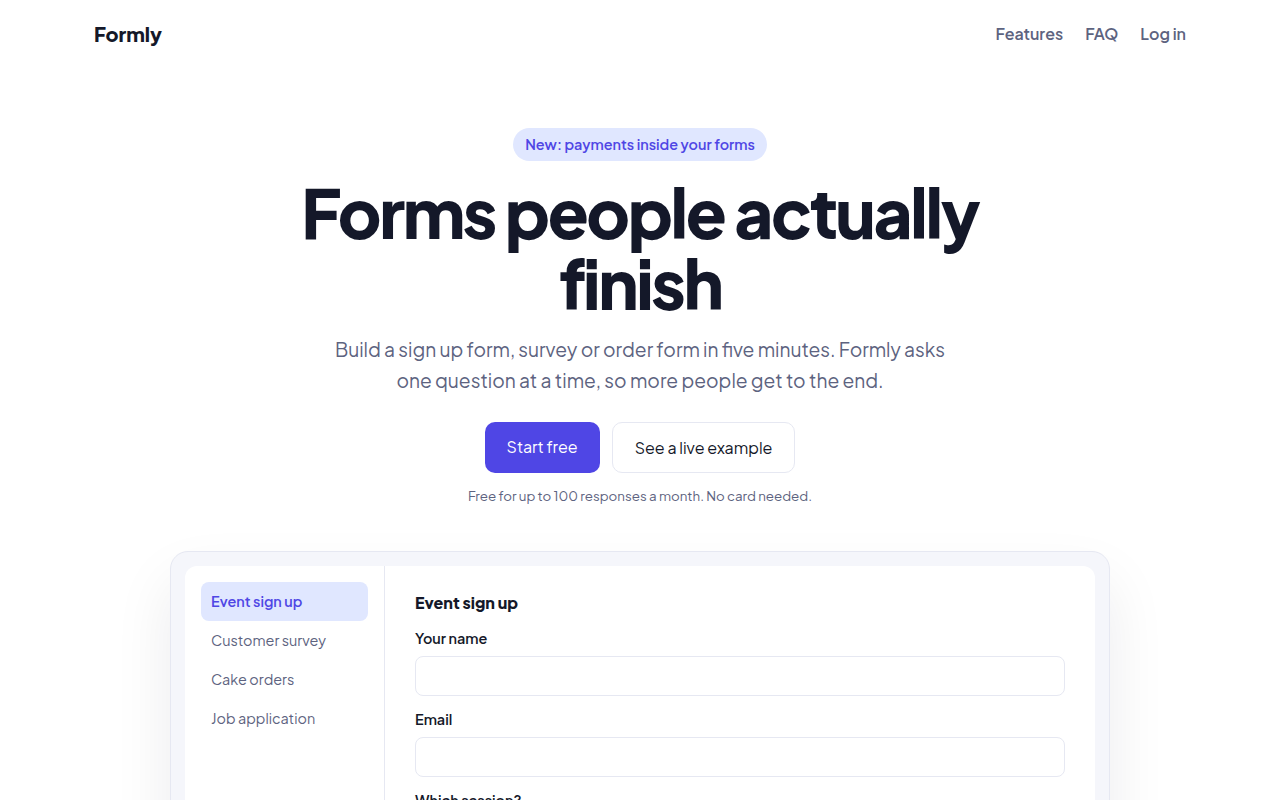
091. SaaS Landing Page
Formly, a form builder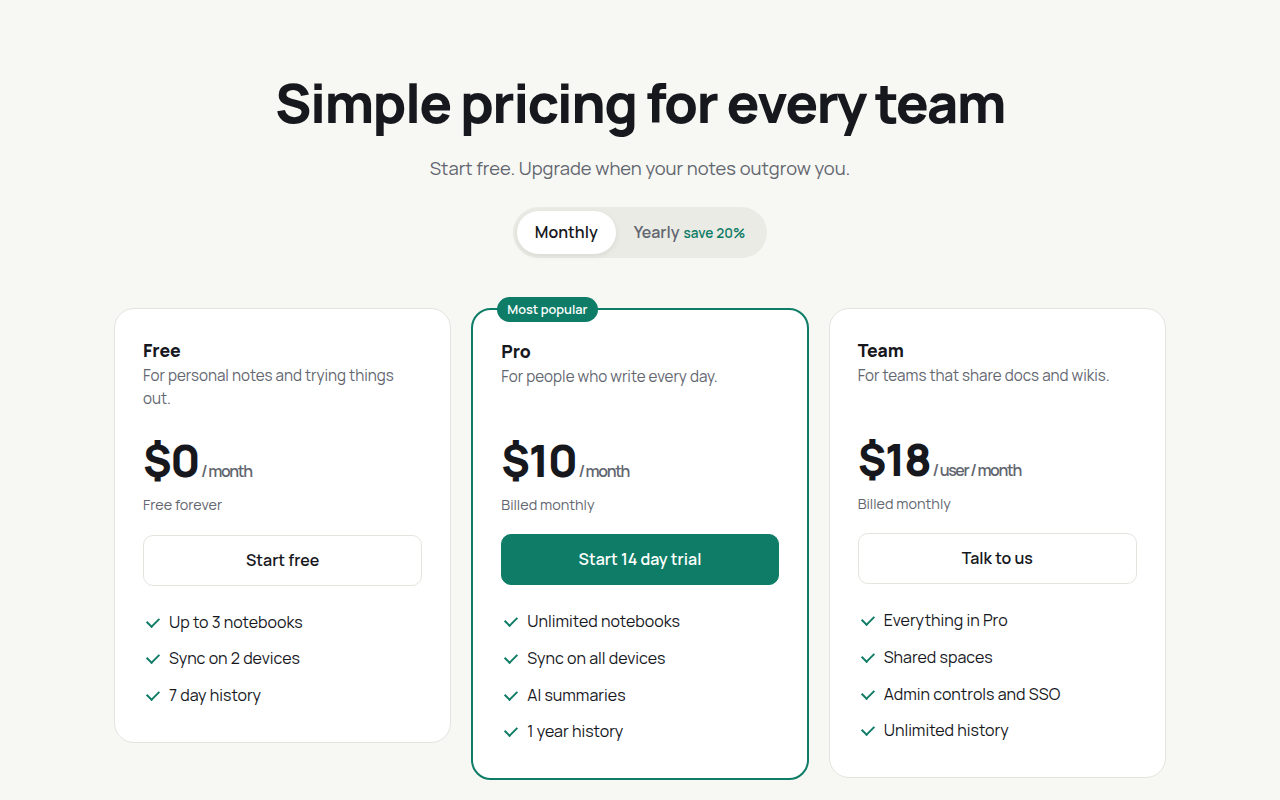
092. Pricing Table
Notecraft, a notes app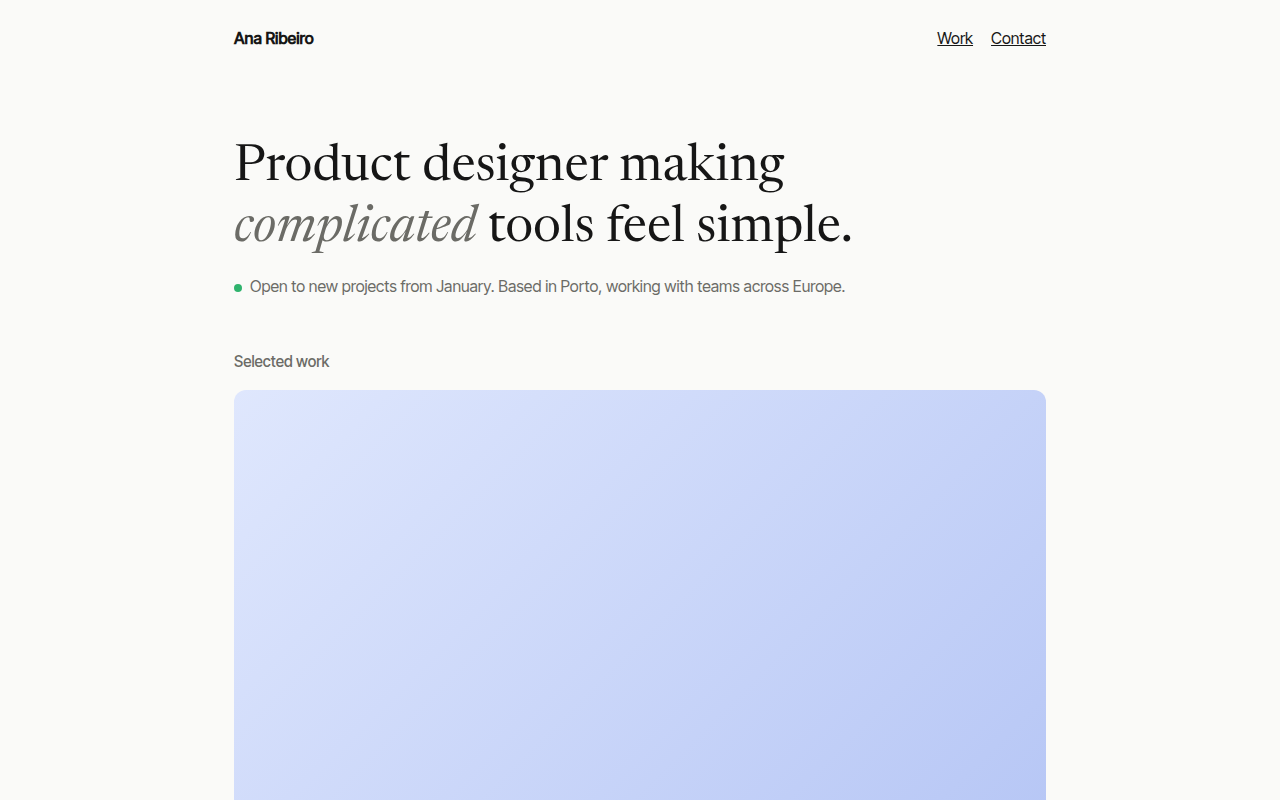
093. Minimal Portfolio
Ana Ribeiro, a product designer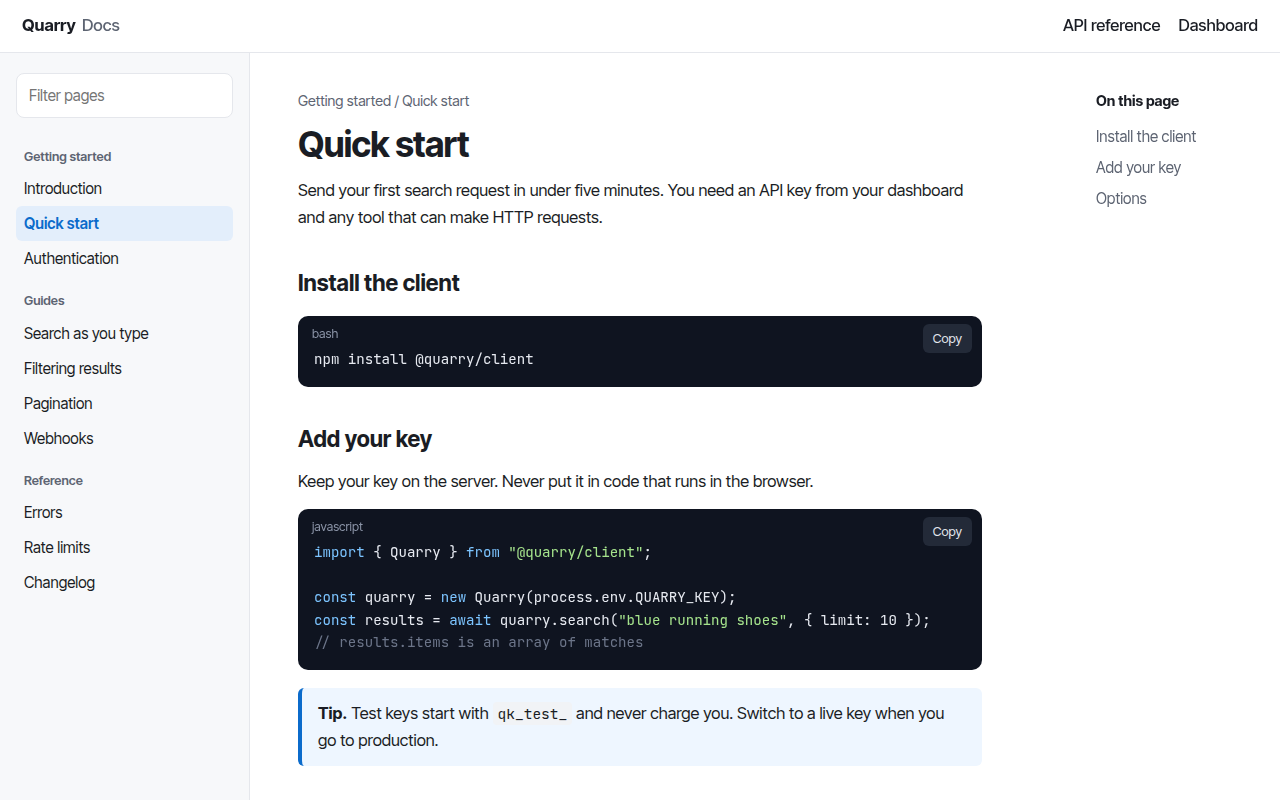
094. Docs Site
Quarry, an API documentation site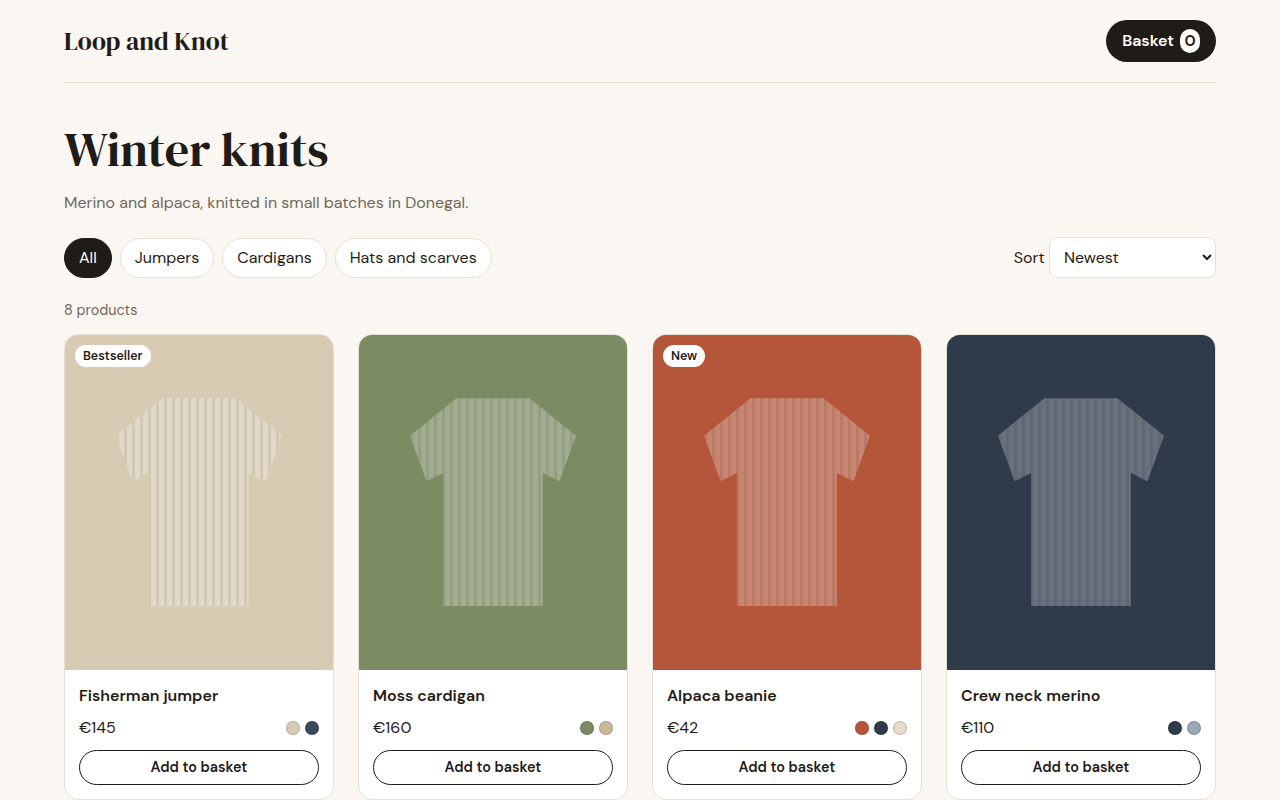
095. Shop Product Grid
Loop and Knot, a knitwear shop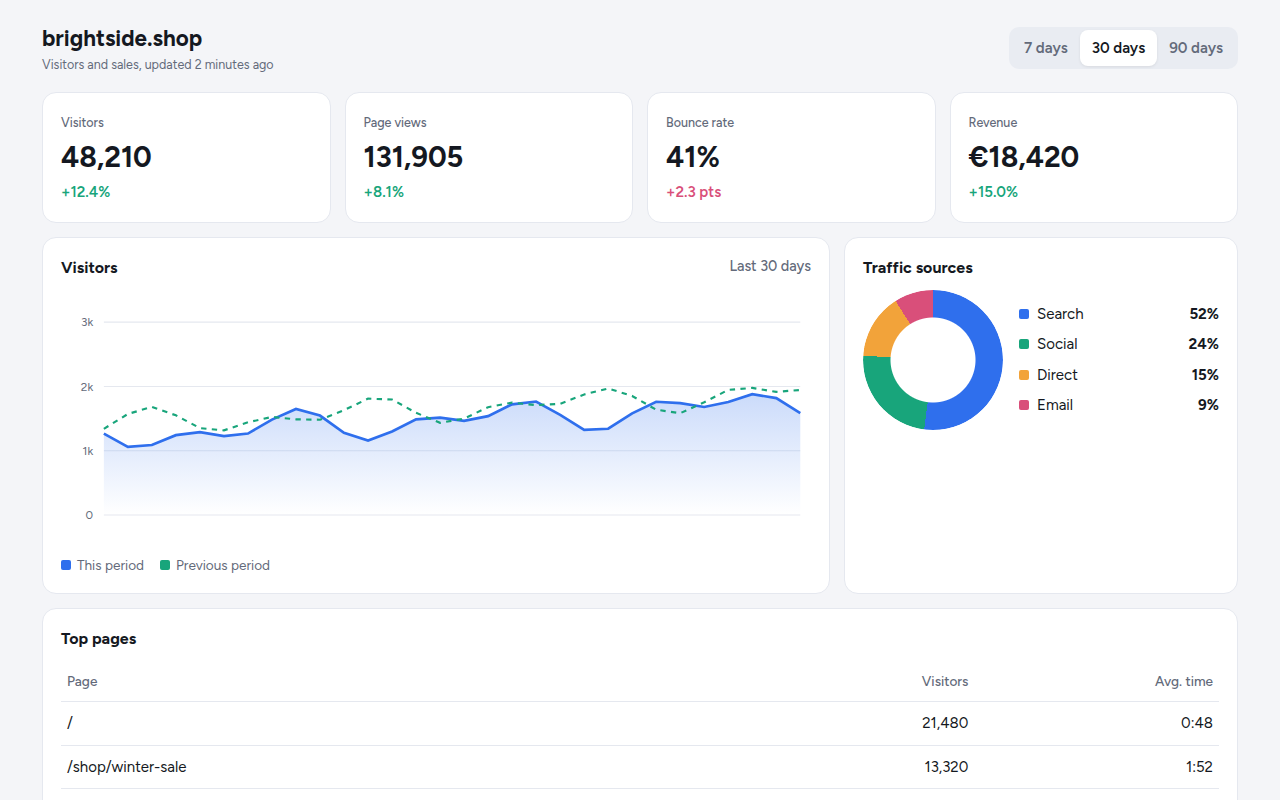
096. Analytics Dashboard
Tally, a web analytics tool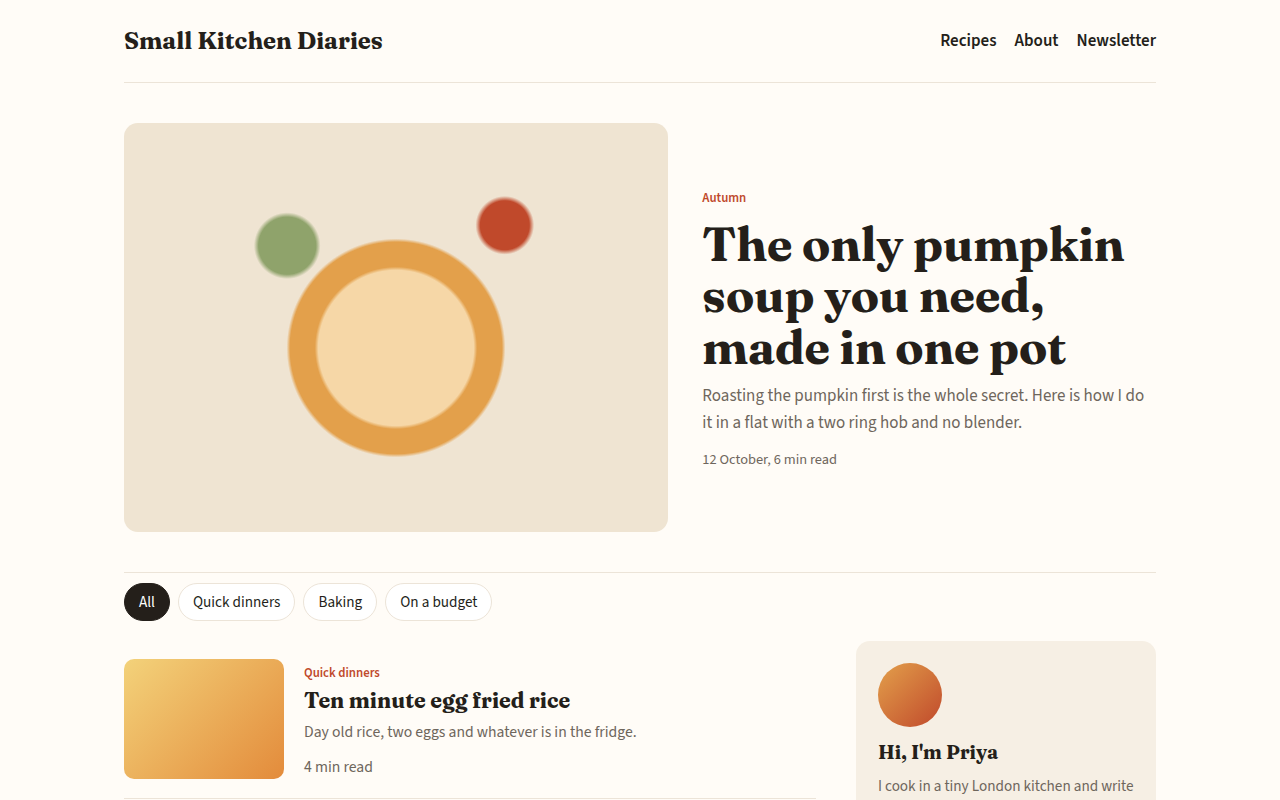
097. Blog
Small Kitchen Diaries, a food blog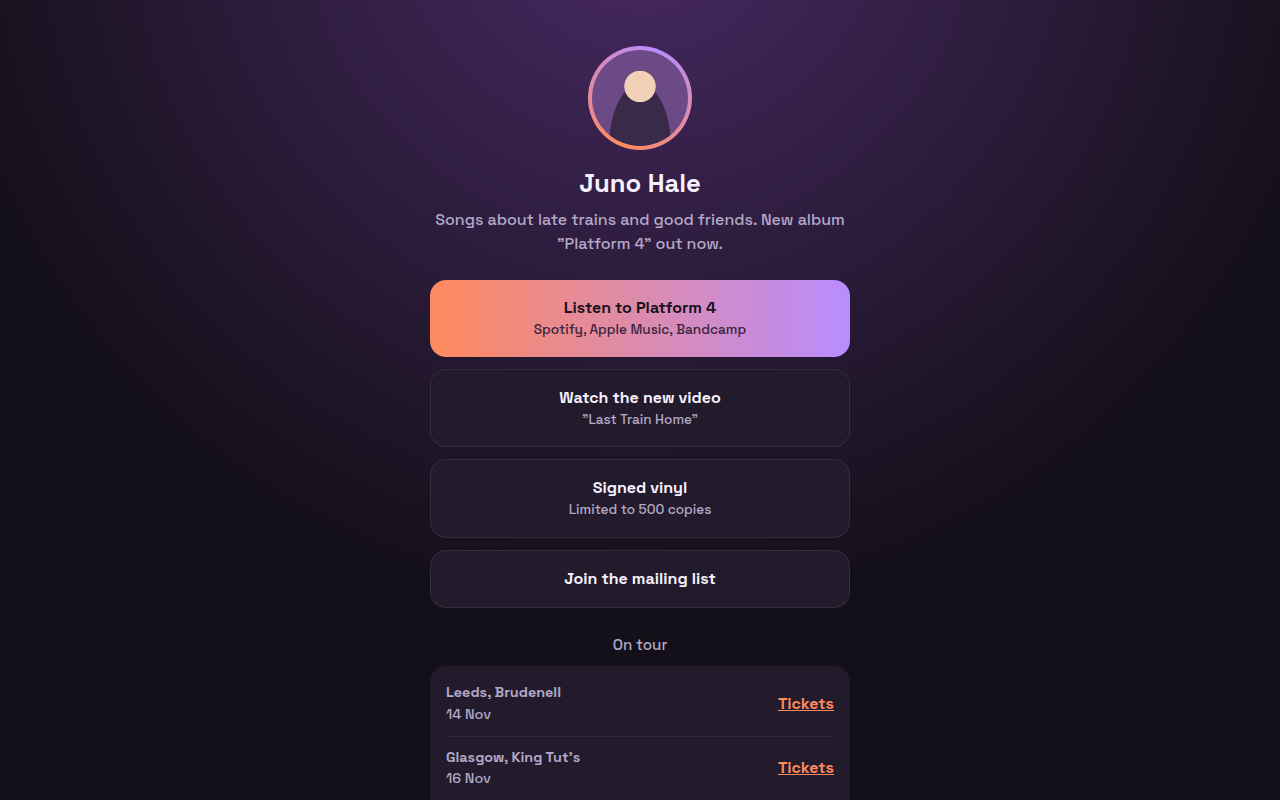
098. Link in Bio
Juno Hale, a musician