Home / Business Ready Pages / Blog
Blog CSS Template, Free with Live Demo
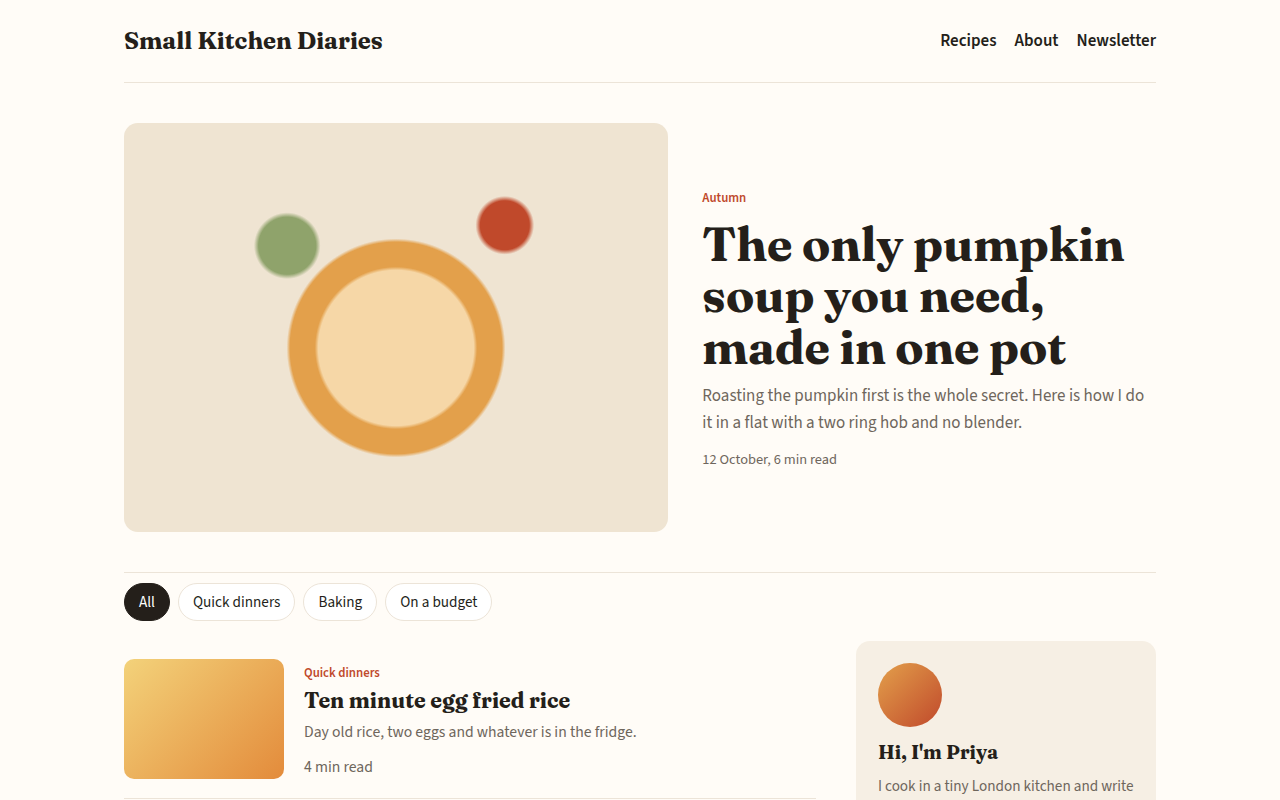
Free blog template for a food blog. Featured post, post list with tags and reading time, topic filter, author box and newsletter sign up. Live demo. The example is Small Kitchen Diaries, a food blog.
What is blog?
A good blog layout puts the newest story up front, makes it easy to browse by topic, and gives readers a reason to come back. This one has a big featured post, a filterable list and a sidebar with the author and a newsletter box.
Every post shows its topic and reading time, so readers can choose quickly. The topic buttons filter the list instantly, and the newsletter form confirms when someone signs up.
Good for
- Food, travel and hobby blogs
- Company blogs
- Newsletters with a web archive
- Personal writing sites
What you get in this template
- Large featured post with image
- Post list with tag, summary and reading time
- Topic filter buttons that work
- Author box and newsletter sign up
- Fraunces and Source Sans type pairing
The key CSS
This is the part that makes the blog look work. Copy it into your own project.
.feat { display: grid; grid-template-columns: 1.2fr 1fr; gap: 34px; align-items: center; }
.layout { display: grid; grid-template-columns: 1fr 300px; gap: 40px; }
.post { display: grid; grid-template-columns: 160px 1fr; gap: 20px; border-bottom: 1px solid #ece4d8; }
.post h2 { font-family: Fraunces, serif; font-size: 1.35rem; }
How to use it
- Click Download HTML file above.
- Open the file in any code editor, like VS Code.
- Change the text, colors and links to match your project. Colors are at the top of the style tag.
- Upload it to any host, such as GitHub Pages, Netlify or your own server. It is one file with no build step.
Questions people ask
Can I use this blog template with a CMS?
Yes. Use it as the design for Ghost, WordPress, Eleventy or any static site generator, and fill the posts from your content.
Is this layout good for SEO?
Yes. It uses real headings, short summaries and clear links, which help Google understand each post.
How do I add more posts?
Copy one .post block, change the text and link, and set data-t to its topic so the filter works.
More Business Ready Pages designs
091. SaaS Landing Page
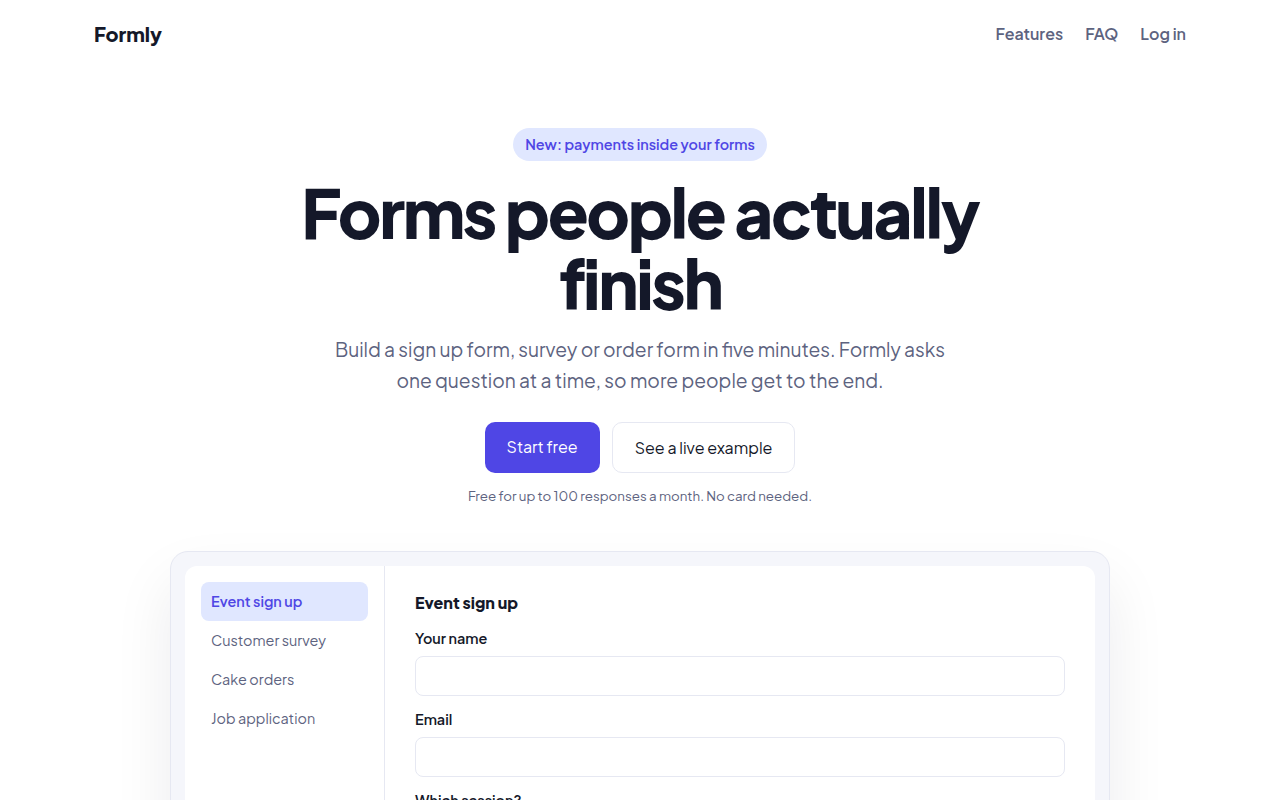
Formly, a form builder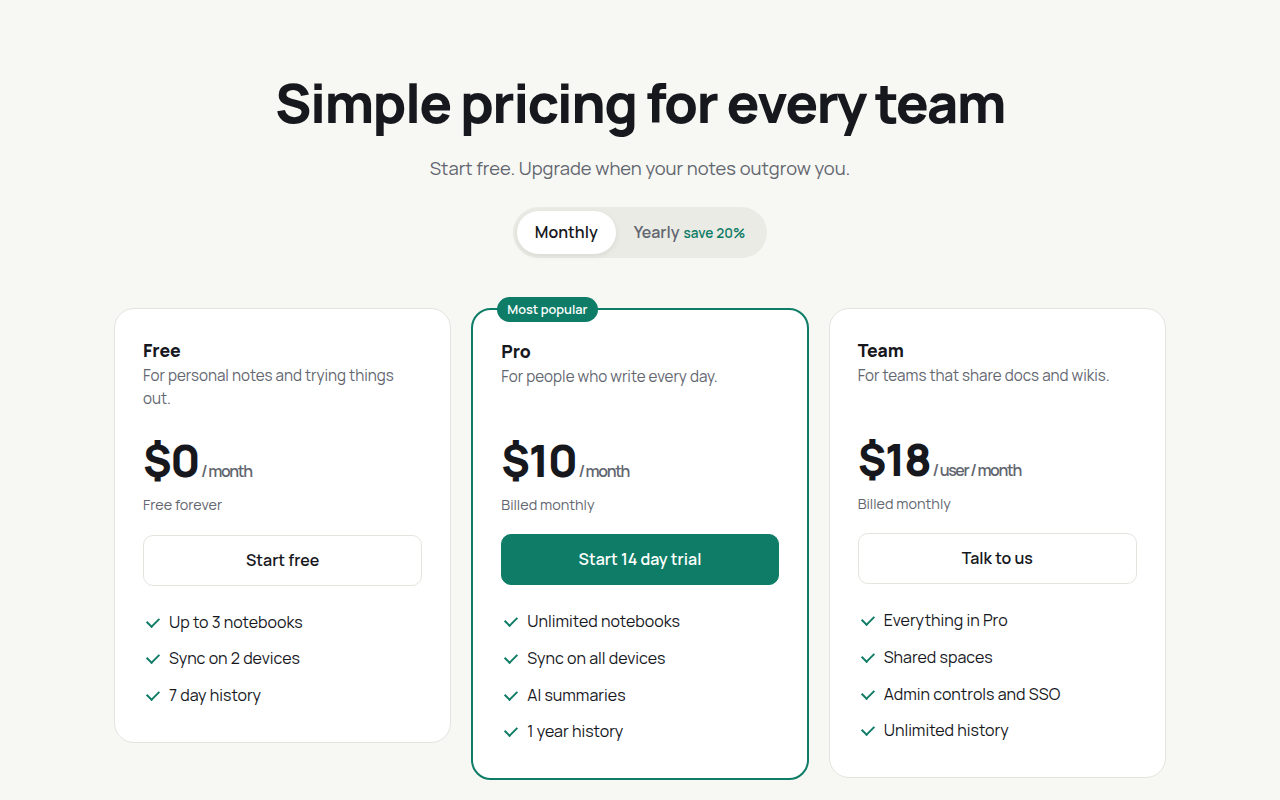
092. Pricing Table
Notecraft, a notes app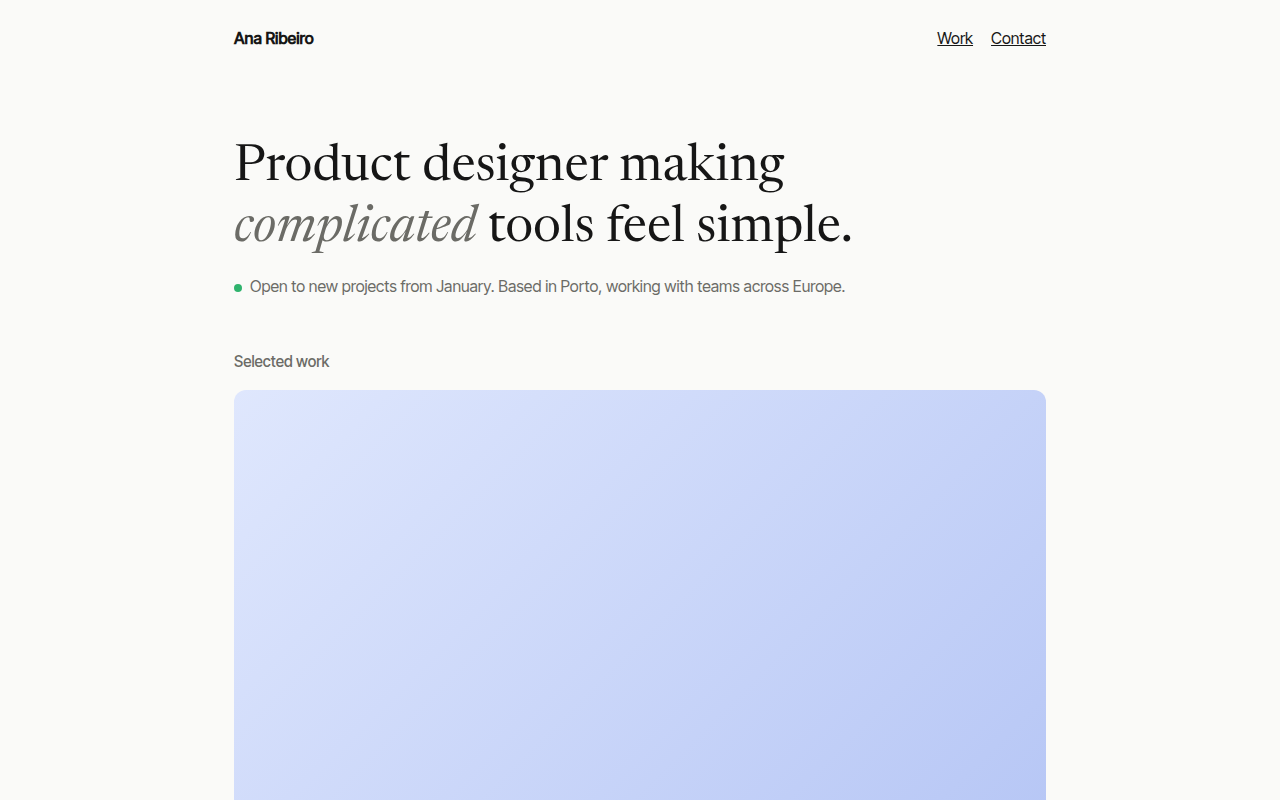
093. Minimal Portfolio
Ana Ribeiro, a product designer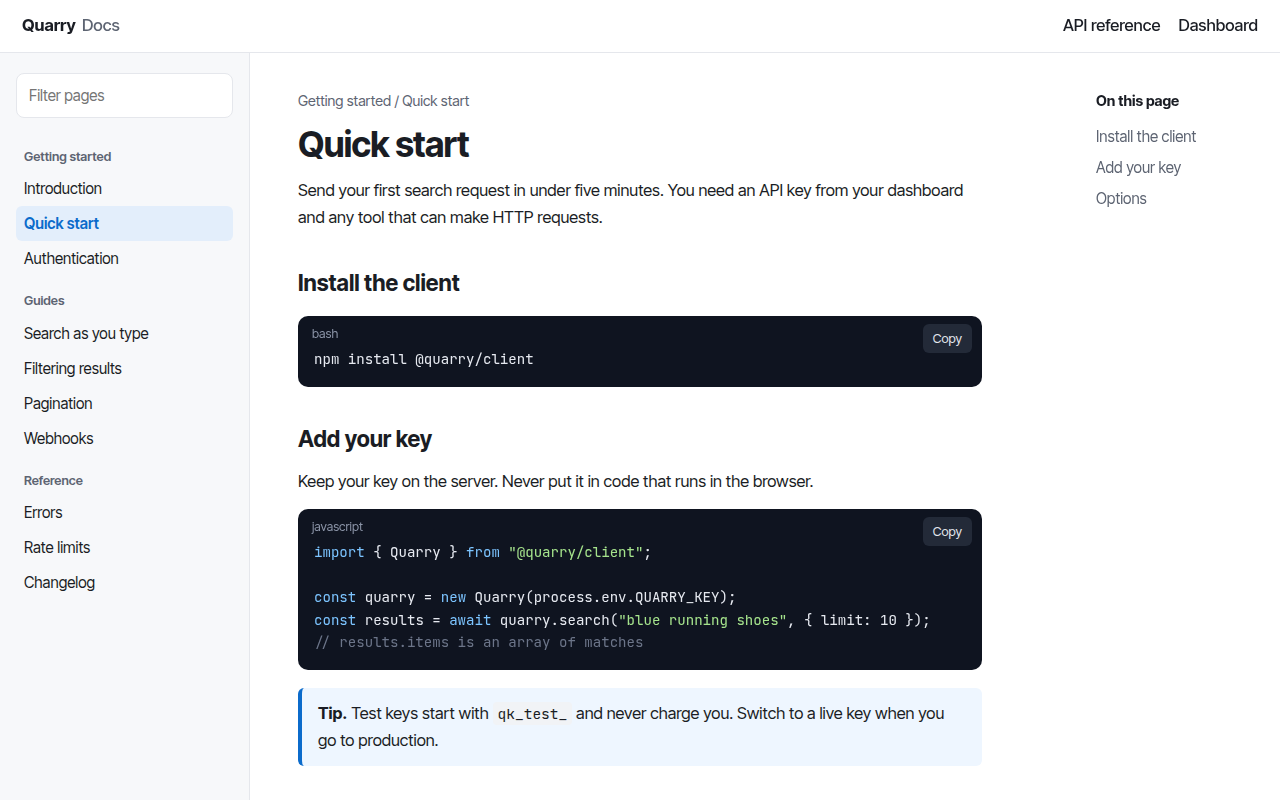
094. Docs Site
Quarry, an API documentation site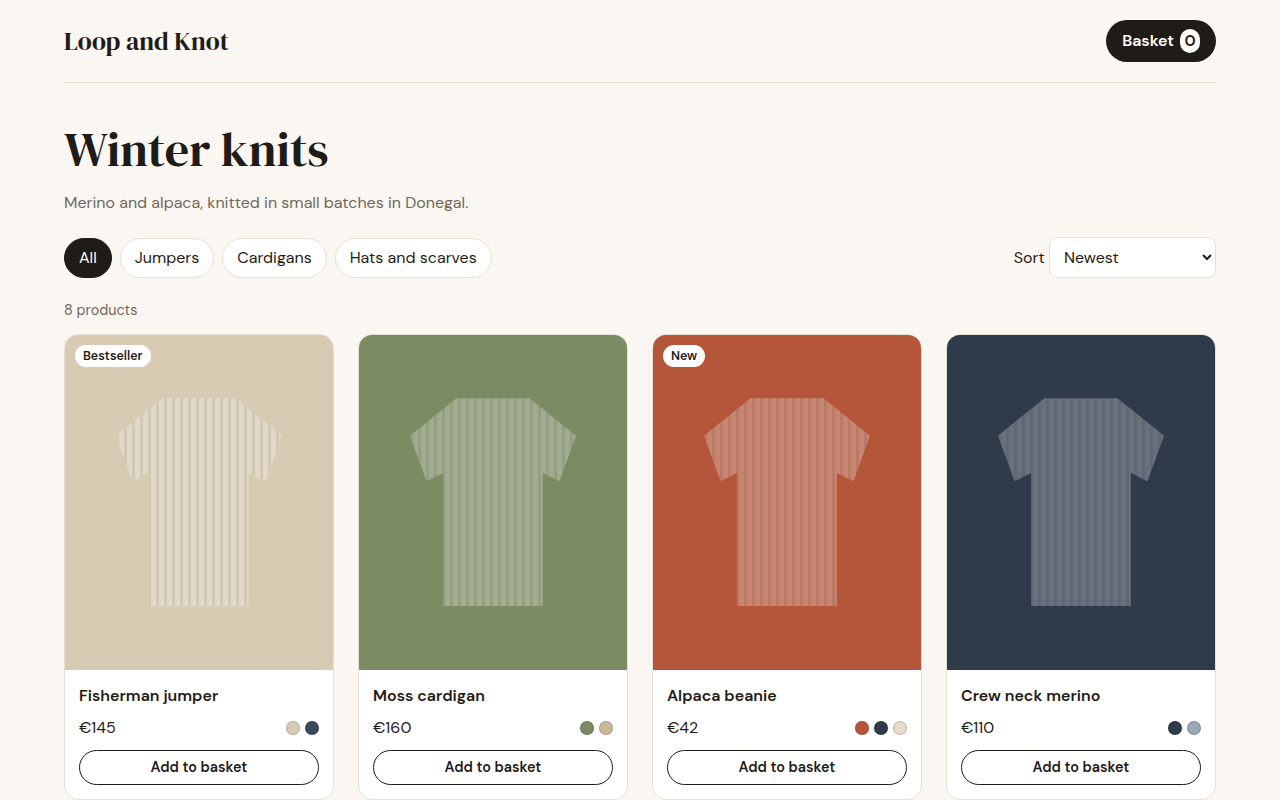
095. Shop Product Grid
Loop and Knot, a knitwear shop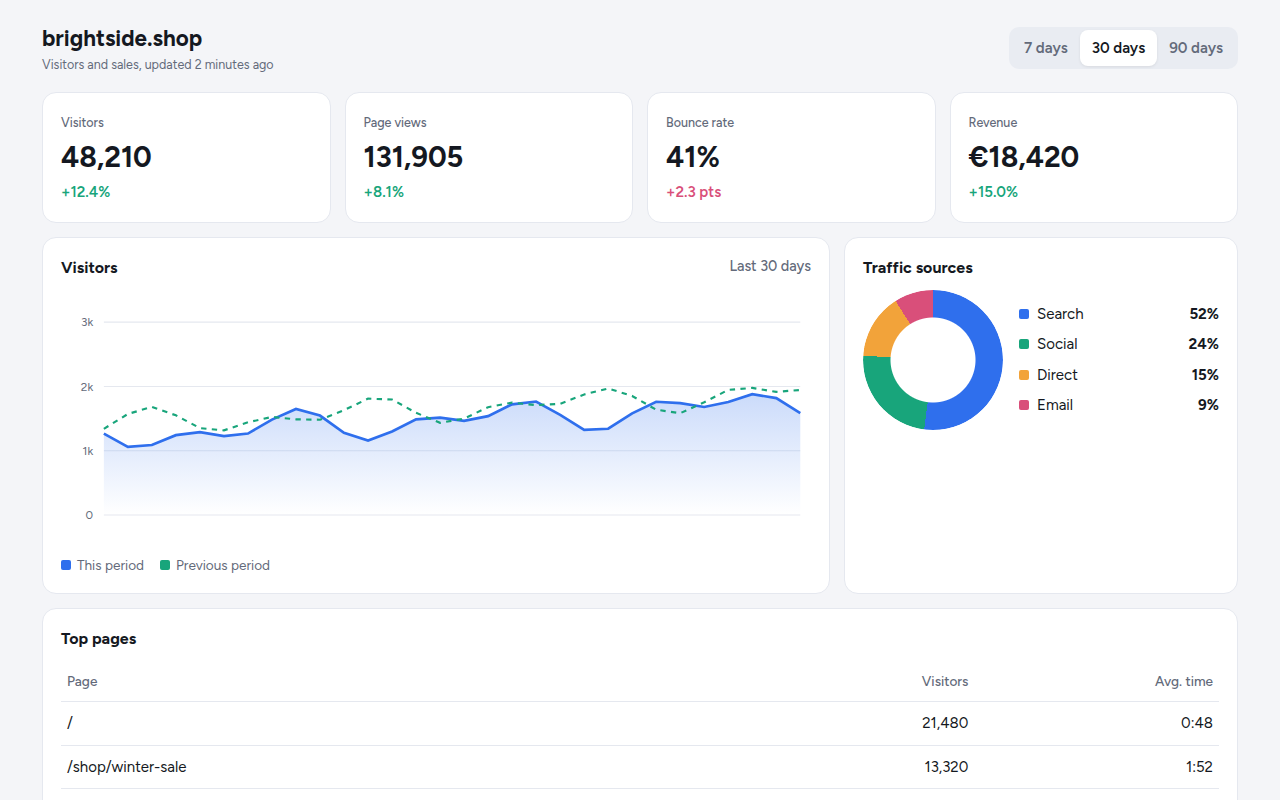
096. Analytics Dashboard
Tally, a web analytics tool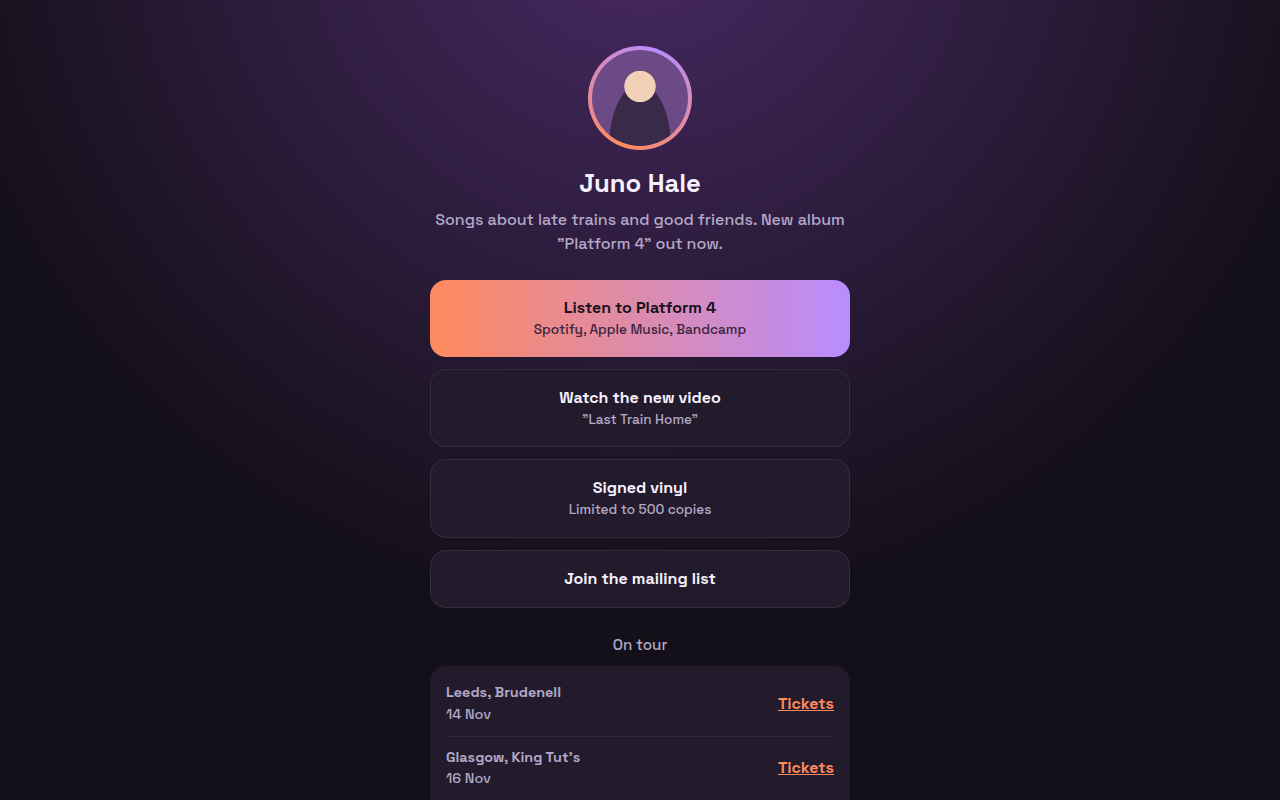
098. Link in Bio
Juno Hale, a musician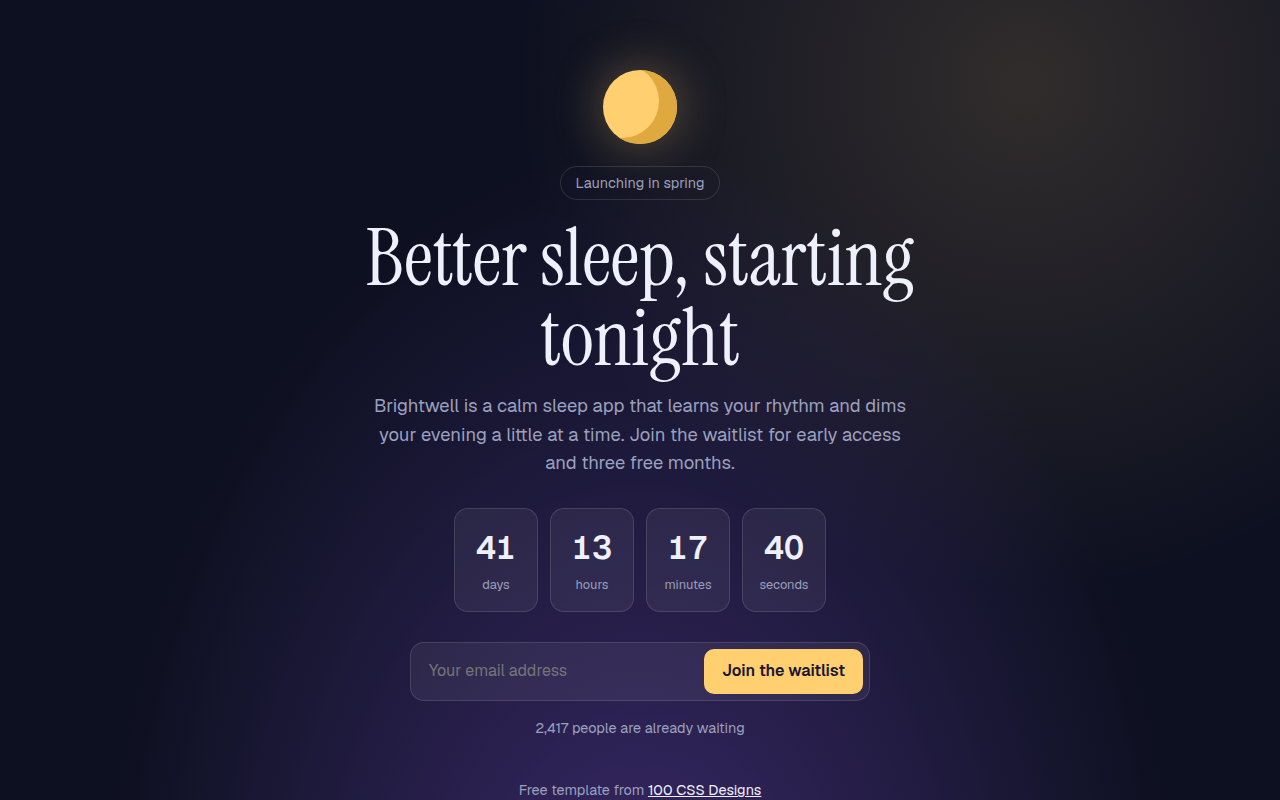
099. Waitlist Page
Brightwell, a sleep app before launch