Tokens and Usage components
Token meters, context bars, credits and limits that show what each chat costs. Each one is a single HTML file with a live demo.
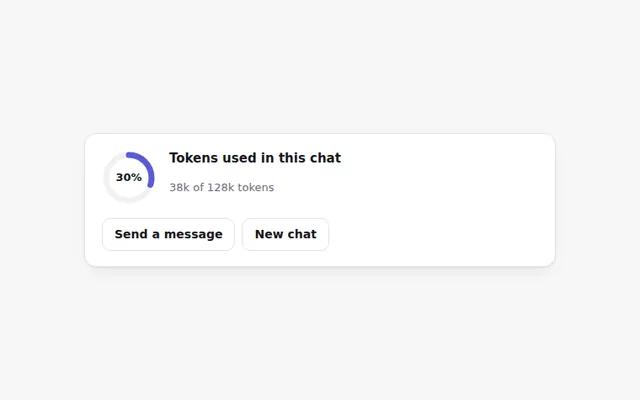
Token Ring Meter
A small ring that fills as a chat uses up its token budget. It turns orange near the limit and red when full, with an exact count on hover.
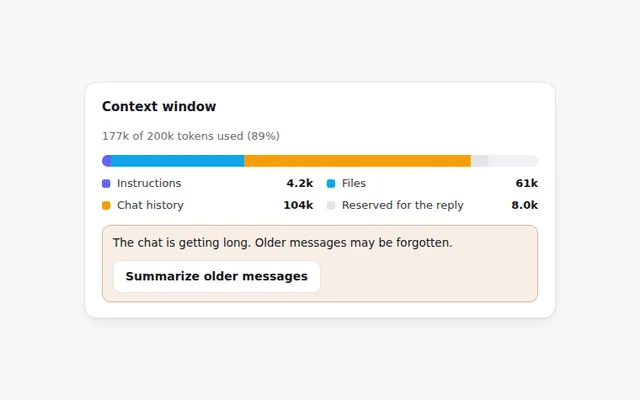
Context Window Bar
A bar that shows what fills the AI's memory for this chat: instructions, files, chat history and room left for the reply.
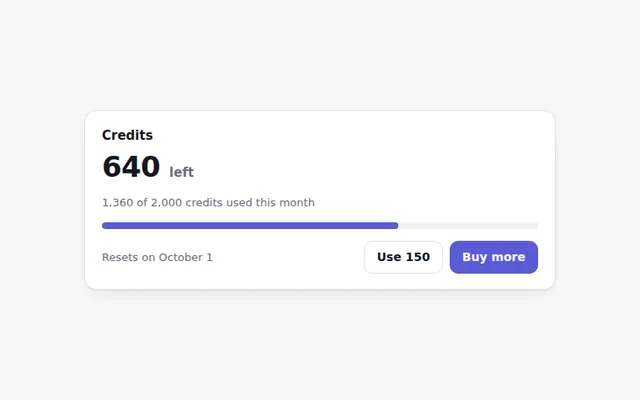
Credits Remaining Card
Shows how many credits are left this month, when they reset, and a button to buy more. The bar changes color as credits run low.
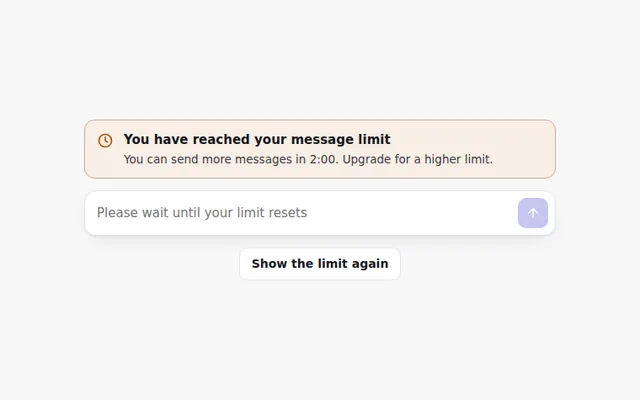
Rate Limit Banner
A clear banner when someone hits their message limit, with a live countdown to when they can send again and the prompt box turned off.
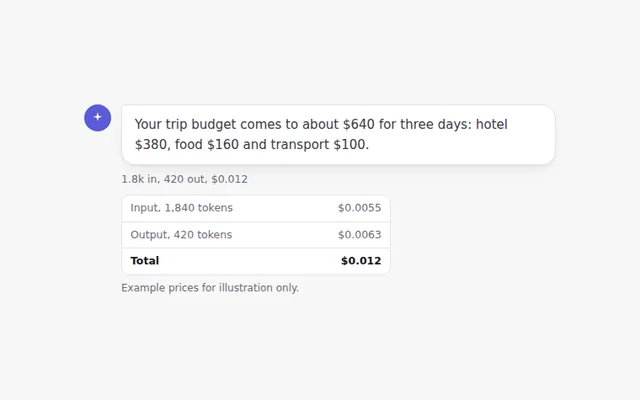
Cost per Message
A small line under each answer showing tokens in and out and what the message cost. Click it to see the full breakdown.
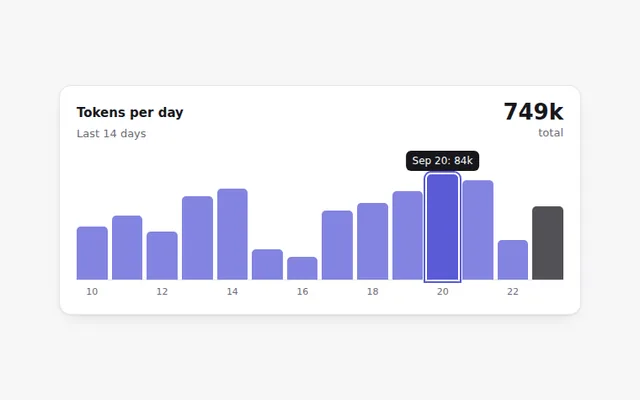
Daily Usage Chart
A small bar chart of tokens used each day for two weeks. Hover or use the Tab key to read each day's exact number.
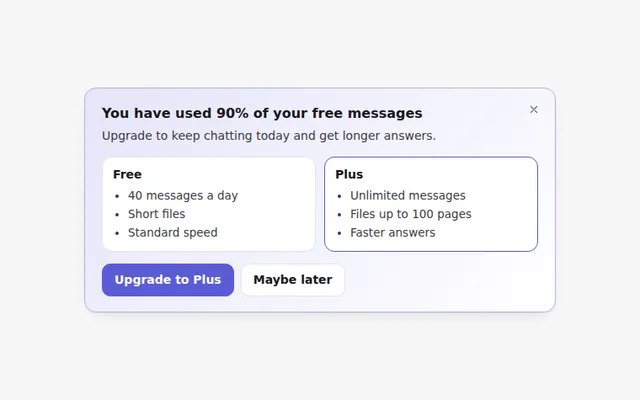
Upgrade Plan Banner
A friendly banner that appears when someone is close to their free limit, comparing free and paid limits. It can be closed.
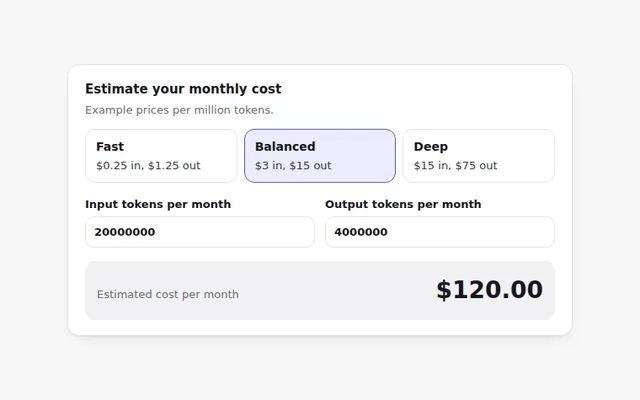
Model Price Calculator
Pick a model and enter expected tokens to estimate the monthly cost. Uses example prices that you replace with your own.
Messages Left Today
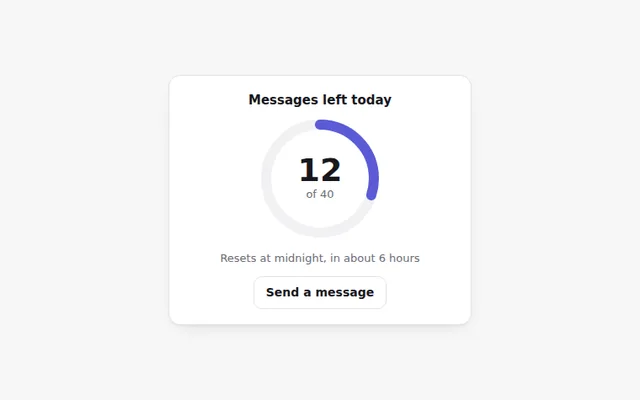
A ring that counts down the messages left today, with the reset time. Useful for free plans with a daily limit.
Spending Alerts
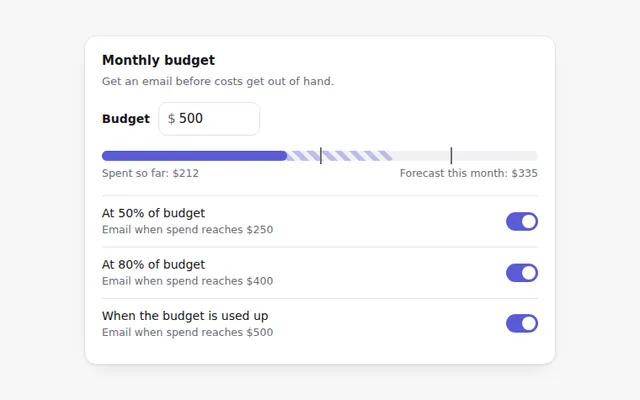
Set a monthly budget and choose when to get an email: at half, most or all of the budget. Shows spend so far and a forecast.