Cost per Message
A small line under each answer showing tokens in and out and what the message cost. Click it to see the full breakdown.
One HTML file with the CSS and JavaScript inside. No library needed. MIT license.
How to use it
- Click Copy the code, or download the file.
- Paste the CSS into your stylesheet, the HTML where you want the component, and the script before the closing body tag.
- Change
--accentat the top of the CSS to your brand color, then connect the events to your AI service.
What you get
- Works in light and dark mode automatically
- Keyboard friendly, with labels for screen readers
- Fits phones, tablets and desktops
- Respects the reduced motion setting
- No framework, so it works with any stack
The code
<!DOCTYPE html>
<!--
  Cost per Message: a free AI UI component
  From 100 Free AI UI Components by MM Rahman Bappi, MIT license
  https://mmrahmanbappi.github.io/100-free-ai-ui-components/

  How to use: copy the CSS, HTML and JavaScript below into your page.
  Colors are CSS variables at the top. Change --accent to match your brand.
  Light and dark themes follow the visitor's system setting, or set
  data-theme="dark" or data-theme="light" on the html element.
-->
<html lang="en">
<head>
<meta charset="UTF-8">
<meta name="viewport" content="width=device-width, initial-scale=1">
<title>Cost per Message | Free AI UI Component</title>
<meta name="description" content="A small line under each answer showing tokens in and out and what the message cost. Click it to see the full breakdown.">
<meta name="robots" content="noindex, follow">
<style>
:root{
  --accent:#5b5bd6; --accent-ink:#fff; --accent-soft:#ececfc;
  --bg:#f7f7f8; --surface:#fff; --surface-2:#f1f1f4; --ink:#17171c; --text:#3a3a44; --muted:#6c6c78;
  --line:#e3e3e8; --good:#15803d; --warn:#b45309; --bad:#c62828;
  --radius:14px; --shadow:0 1px 2px rgba(20,20,30,.06),0 8px 24px -12px rgba(20,20,30,.18);
  --font:system-ui,-apple-system,"Segoe UI",Roboto,Ubuntu,sans-serif; --mono:ui-monospace,"Cascadia Code",Menlo,Consolas,monospace;
}
@media (prefers-color-scheme:dark){:root:not([data-theme=light]){
  --accent:#8b8bff; --accent-ink:#0f0f16; --accent-soft:#25254a;
  --bg:#0f0f13; --surface:#18181f; --surface-2:#212129; --ink:#f3f3f6; --text:#d4d4dc; --muted:#9a9aa8;
  --line:#2c2c36; --good:#4ade80; --warn:#fbbf24; --bad:#f87171; --shadow:0 1px 2px rgba(0,0,0,.4),0 10px 30px -12px rgba(0,0,0,.6);
}}
:root[data-theme=dark]{
  --accent:#8b8bff; --accent-ink:#0f0f16; --accent-soft:#25254a;
  --bg:#0f0f13; --surface:#18181f; --surface-2:#212129; --ink:#f3f3f6; --text:#d4d4dc; --muted:#9a9aa8;
  --line:#2c2c36; --good:#4ade80; --warn:#fbbf24; --bad:#f87171; --shadow:0 1px 2px rgba(0,0,0,.4),0 10px 30px -12px rgba(0,0,0,.6);
}
*{box-sizing:border-box}
html,body{margin:0}
body{min-height:100vh;display:grid;grid-template-columns:minmax(0,1fr);place-items:center;padding:24px;background:var(--bg);color:var(--text);font:15px/1.5 var(--font);-webkit-font-smoothing:antialiased}
button,input,textarea,select{font:inherit;color:inherit}
:focus-visible{outline:2px solid var(--accent);outline-offset:2px}
[hidden]{display:none!important}
.sr{position:absolute;width:1px;height:1px;overflow:hidden;clip:rect(0 0 0 0);white-space:nowrap}
@media (prefers-reduced-motion:reduce){*,*::before,*::after{animation-duration:.01ms!important;animation-iteration-count:1!important;transition:none!important}}
/* ---- component ---- */
.wrap{width:min(100%,560px);display:flex;flex-direction:column;gap:14px}
.card{background:var(--surface);border:1px solid var(--line);border-radius:var(--radius);box-shadow:var(--shadow);padding:18px 20px}
.card h2{font-size:15px;margin:0 0 4px;color:var(--ink)}
.muted{color:var(--muted);font-size:13px}
.num{font-variant-numeric:tabular-nums}
.btn{display:inline-flex;align-items:center;justify-content:center;gap:6px;border:1px solid var(--line);background:var(--surface);color:var(--ink);border-radius:10px;padding:8px 14px;font-size:14px;font-weight:600;cursor:pointer;text-decoration:none}
.btn:hover{border-color:var(--accent)}.btn.pri{background:var(--accent);border-color:var(--accent);color:var(--accent-ink)}
.bar{height:8px;border-radius:99px;background:var(--surface-2);overflow:hidden}
.bar i{display:block;height:100%;border-radius:99px;background:var(--accent);transition:width .3s,background .3s}
.ok{--lvl:var(--accent)}.warn{--lvl:var(--warn)}.full{--lvl:var(--bad)}
.tg{width:38px;height:22px;border-radius:99px;background:var(--line);position:relative;flex:none;border:0;cursor:pointer;padding:0}
.tg::after{content:"";position:absolute;top:3px;left:3px;width:16px;height:16px;border-radius:50%;background:#fff;transition:left .15s}
.tg[aria-checked=true]{background:var(--accent)}.tg[aria-checked=true]::after{left:19px}
.ai{display:flex;gap:12px;align-items:flex-start}
.av{width:32px;height:32px;border-radius:50%;background:var(--accent);color:var(--accent-ink);display:grid;place-items:center;flex:none}
.col{display:flex;flex-direction:column;gap:6px;min-width:0;flex:1}
.bubble{background:var(--surface);border:1px solid var(--line);border-radius:4px 16px 16px 16px;padding:11px 15px;box-shadow:var(--shadow);line-height:1.6}
details.cost{font-size:12.5px;color:var(--muted)}
details.cost summary{cursor:pointer;list-style:none;display:inline-flex;gap:10px;align-items:center;padding:2px 6px;margin-left:-6px;border-radius:6px}
details.cost summary::-webkit-details-marker{display:none}
details.cost summary:hover{background:var(--surface-2);color:var(--ink)}
.bd{margin-top:6px;border:1px solid var(--line);border-radius:10px;overflow:hidden;background:var(--surface);max-width:320px}
.bd table{width:100%;border-collapse:collapse}.bd td{padding:6px 10px;border-bottom:1px solid var(--line)}.bd tr:last-child td{border:0;font-weight:700;color:var(--ink)}
.bd td:last-child{text-align:right}
</style>
</head>
<body>
<div class="wrap">
  <div class="ai"><div class="av" aria-hidden="true"><svg viewBox="0 0 24 24" width="16" height="16" fill="currentColor" aria-hidden="true"><path d="M12 2l1.8 6.2L20 10l-6.2 1.8L12 18l-1.8-6.2L4 10l6.2-1.8z"/></svg></div><div class="col">
    <div class="bubble">Your trip budget comes to about $640 for three days: hotel $380, food $160 and transport $100.</div>
    <details class="cost"><summary class="num" id="sum"></summary><div class="bd"><table><tbody id="tb"></tbody></table></div></details>
    <p class="muted" style="margin:0;font-size:12px">Example prices for illustration only.</p>
  </div></div>
</div>
<script>
// Demo helper: add ?theme=dark or ?theme=light to the address to preview a theme.
(function(){var t=new URLSearchParams(location.search).get('theme');if(t)document.documentElement.dataset.theme=t;})();
function fmt(n){return n>=1e6?(n/1e6).toFixed(n>=1e7?0:1)+'M':n>=1e3?(n/1e3).toFixed(n>=1e4?0:1)+'k':String(n)}
function level(p){return p>=1?'full':p>=.8?'warn':'ok'}
// Example prices per million tokens. Replace with your provider's real prices.
var PRICE={input:3,output:15},usage={input:1840,output:420};
function money(n){return n<0.01?'$'+n.toFixed(4):'$'+n.toFixed(3)}
var ci=usage.input/1e6*PRICE.input,co=usage.output/1e6*PRICE.output;
document.getElementById('sum').textContent=fmt(usage.input)+' in, '+fmt(usage.output)+' out, '+money(ci+co);
document.getElementById('tb').innerHTML='<tr><td>Input, '+usage.input.toLocaleString()+' tokens</td><td>'+money(ci)+'</td></tr><tr><td>Output, '+usage.output.toLocaleString()+' tokens</td><td>'+money(co)+'</td></tr><tr><td>Total</td><td>'+money(ci+co)+'</td></tr>';
</script>
</body>
</html>
More tokens and usage components
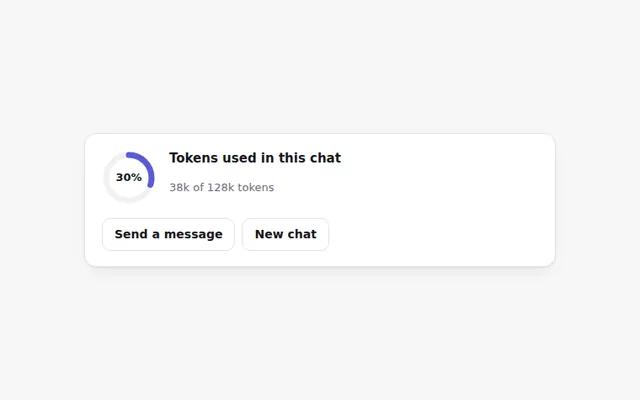
Token Ring Meter
A small ring that fills as a chat uses up its token budget. It turns orange near the limit and red when full, with an exact count on hover.
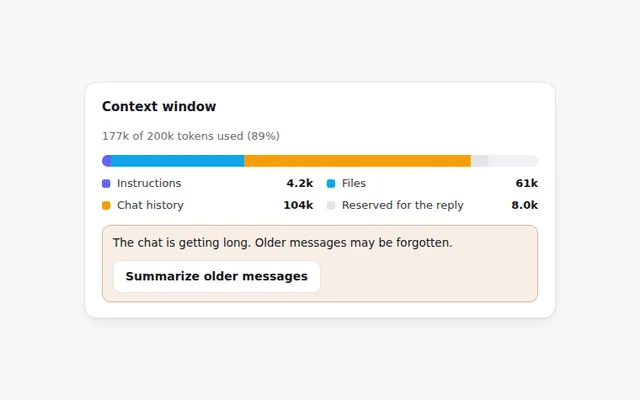
Context Window Bar
A bar that shows what fills the AI's memory for this chat: instructions, files, chat history and room left for the reply.
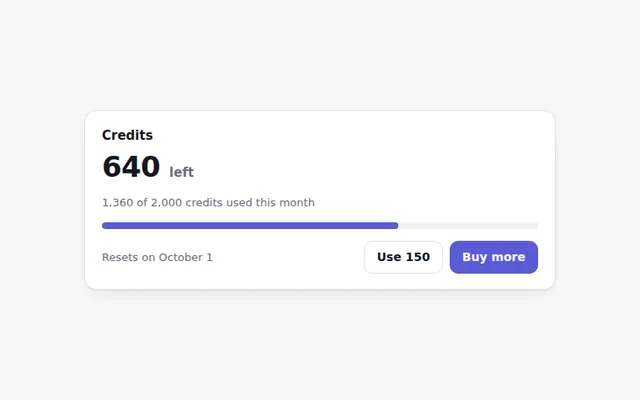
Credits Remaining Card
Shows how many credits are left this month, when they reset, and a button to buy more. The bar changes color as credits run low.
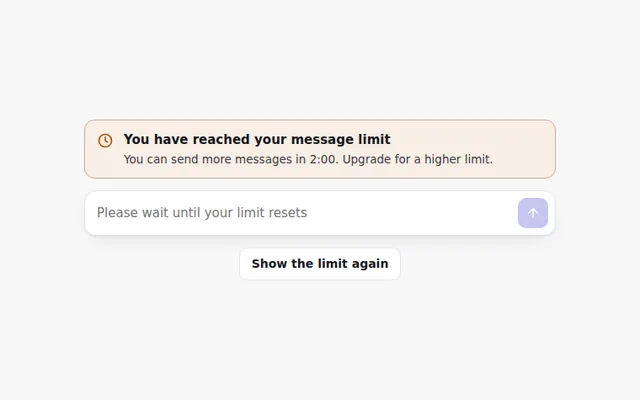
Rate Limit Banner
A clear banner when someone hits their message limit, with a live countdown to when they can send again and the prompt box turned off.
Daily Usage Chart
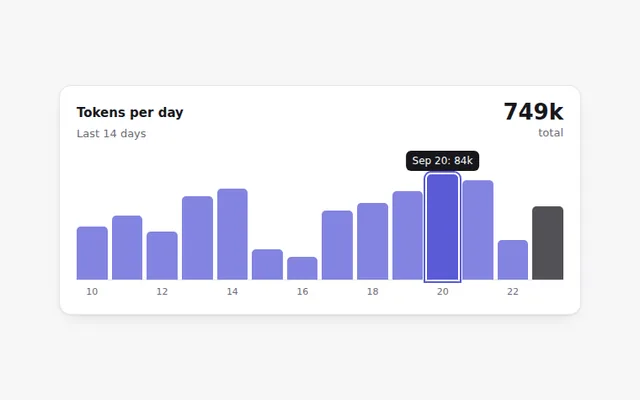
A small bar chart of tokens used each day for two weeks. Hover or use the Tab key to read each day's exact number.
Upgrade Plan Banner
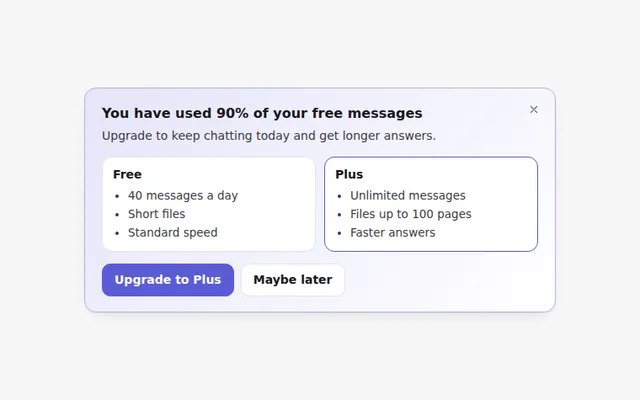
A friendly banner that appears when someone is close to their free limit, comparing free and paid limits. It can be closed.