Home / Developer Tools / Temporal Date and Time Toolkit
Temporal Date and Time Toolkit in JavaScript, Free with Live Demo
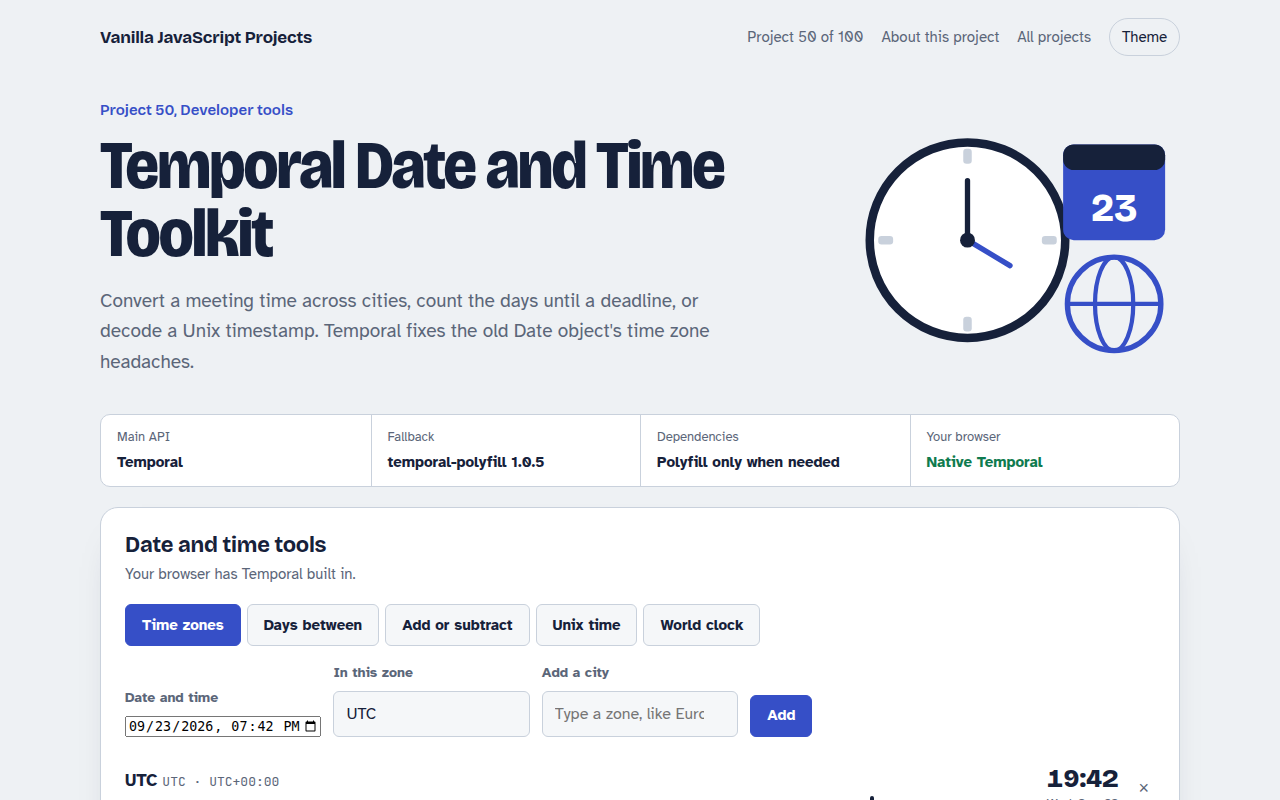
Free date and time toolkit in plain JavaScript with the Temporal API. Convert time zones, count days between dates, add durations, decode Unix timestamps and see a world clock.
Runs on: Temporal. Native Temporal: Firefox 139+ and the newest Chrome and Edge. Other browsers load a small polyfill automatically.
What is the Temporal Date and Time Toolkit?
Convert a meeting time across cities, count the days until a deadline, add a month to a date or decode a Unix timestamp. There is also a live world clock with day and night markers.
Everything uses Temporal, the new JavaScript date API that fixes the old Date object's time zone and month math problems. Browsers without Temporal load a small polyfill automatically.
Good for
- Scheduling across time zones
- Deadline and age calculators
- Debugging timestamps in logs
- Learning the Temporal API
What this project does
- Time zone converter for any number of cities, with daylight saving shifts
- Difference between two dates in years, months, days and business days
- Add or subtract a duration from any date
- Unix timestamp to date and back, in seconds or milliseconds
- Live world clock with day and night markers
How it works
- Use the right typePlainDate for calendar days, ZonedDateTime for a moment in a place, Instant for an exact point on the timeline.
- Convert zonesOne ZonedDateTime is moved to other zones with withTimeZone(). The clock time changes, the moment does not.
- Do math safelyuntil() and add() understand months of different lengths and daylight saving, so 1 month after 31 January is 28 or 29 February.
The key JavaScript
This is the heart of the project. The full file has the rest, including the screen layout and error handling.
import { Temporal } from "https://cdn.jsdelivr.net/npm/temporal-polyfill@1.0.5/+esm"; // only if not built in

const meeting = Temporal.ZonedDateTime.from("2026-10-26T09:00[America/New_York]");
meeting.withTimeZone("Asia/Dhaka").toString();   // 2026-10-26T19:00:00+06:00[Asia/Dhaka]

const until = Temporal.PlainDate.from("2026-09-23").until("2026-12-25", { largestUnit: "month" });
until.toString();                                // "P3M2D": 3 months, 2 days

Temporal.PlainDate.from("2026-01-31").add({ months: 1 }).toString(); // "2026-02-28"
How to use it
- Click Download HTML file above.
- Open the file in a code editor, like VS Code.
- Run it from a local server with
npx serve .so the camera, microphone and AI features are allowed. - Change the text and colors, then upload it to GitHub Pages, Netlify or your own site. It is one file with no build step.
Questions people ask
What is the Temporal API?
A new built in JavaScript API for dates and times. It has clear types for calendar dates, times with a zone and exact moments.
Why not use the Date object?
Date mixes local and UTC time, months start at zero and time zone math is easy to get wrong. Temporal handles those cases correctly.
What is 31 January plus one month?
Temporal gives 28 February, or 29 in a leap year, instead of spilling into March.