Home / Soft and Tactile UI / Tactile Buttons
Tactile Buttons CSS Template, Free with Live Demo
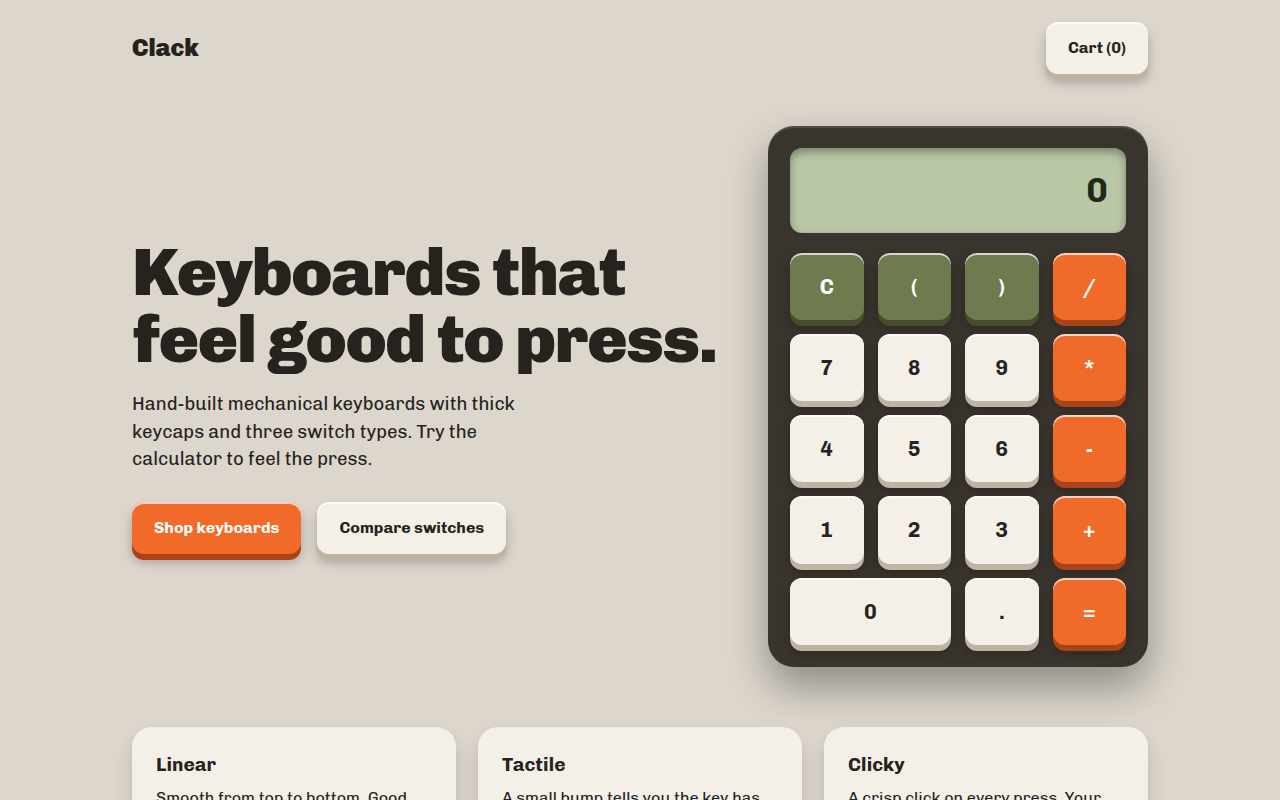
Free tactile 3D button template in pure CSS. Keys visibly press down when clicked. Includes a working calculator and shop page. Live demo and download. The example is Clack, a keyboard shop with a working calculator.
What is tactile buttons?
Tactile buttons look like real keys that move when you press them. They have a thick colored edge underneath, and when you click, the top slides down to meet it. It makes every click feel satisfying.
The effect uses a solid box shadow as the side of the key, then moves the button down with transform on the active state while shrinking the shadow. It is fast, works everywhere and needs no JavaScript.
Good for
- Call to action buttons that must be clicked
- Games, quizzes and playful apps
- Calculators, keypads and music pads
- Online shops for physical products
What you get in this template
- Keycap style buttons in cream, orange and olive
- A working calculator you can click
- Buttons press down about 5 pixels on click
- Clear focus outline for keyboard users
- Switch product cards for a shop layout
The key CSS
This is the part that makes the tactile buttons look work. Copy it into your own project.
.key {
  background: #f4f0e8;
  border-radius: 12px;
  box-shadow: 0 6px 0 #bdb4a5, 0 8px 12px rgba(0,0,0,.25);
  transition: transform .06s, box-shadow .06s;
}

.key:active {
  transform: translateY(5px);
  box-shadow: 0 1px 0 #bdb4a5, 0 2px 4px rgba(0,0,0,.25);
}
How to use it
- Click Download HTML file above.
- Open the file in any code editor, like VS Code.
- Change the text, colors and links to match your project. Colors are at the top of the style tag.
- Upload it to any host, such as GitHub Pages, Netlify or your own server. It is one file with no build step.
Questions people ask
How do you make a 3D button that presses down in CSS?
Add a solid box shadow with no blur below the button, like 0 6px 0 a darker color. On :active, move the button down with transform: translateY(5px) and reduce the shadow to 1px. It looks like the key is being pushed in.
Does the press effect work on phones?
Yes. The :active state fires when you tap, so the key presses down under your finger.
Is the calculator code safe to use?
It only takes input from its own buttons, so no one can type code into it. For a real product you may still want a proper math parser.
More Soft and Tactile UI designs
001. Glassmorphism
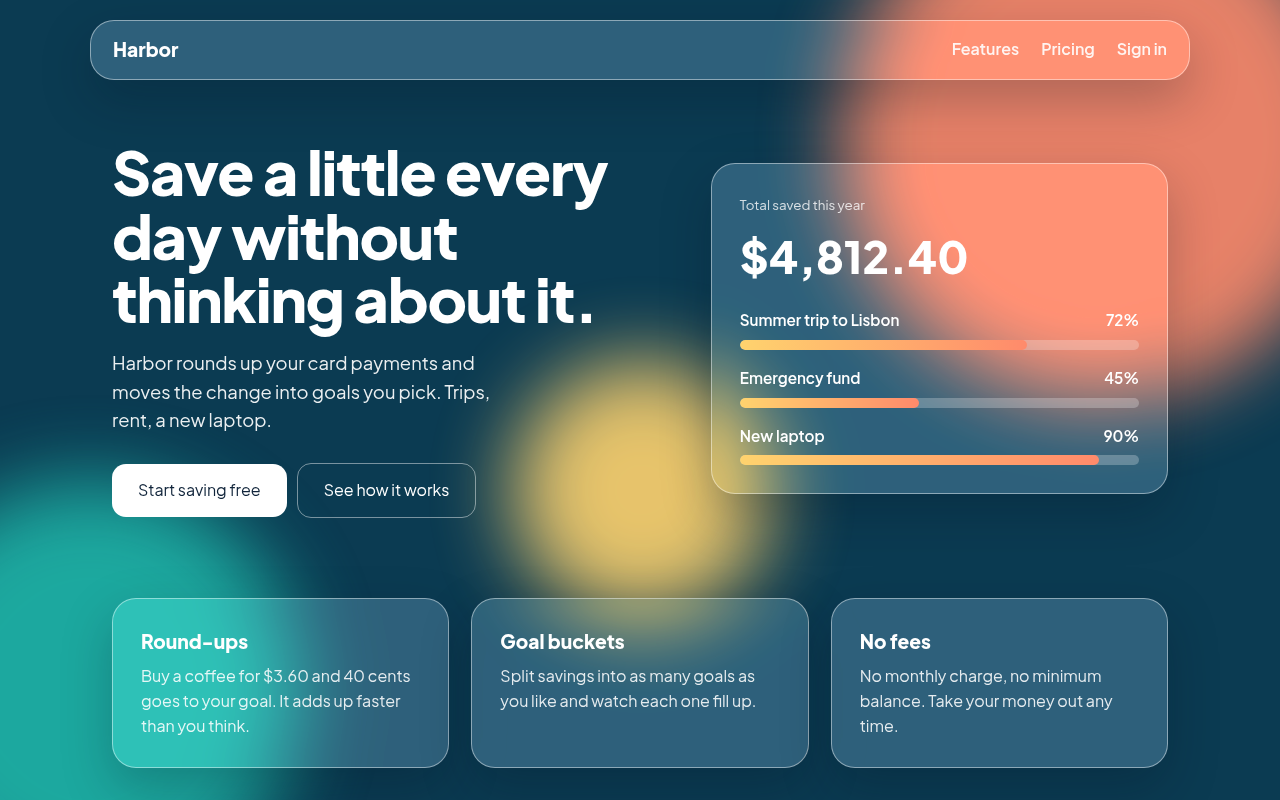
Harbor, a savings app landing page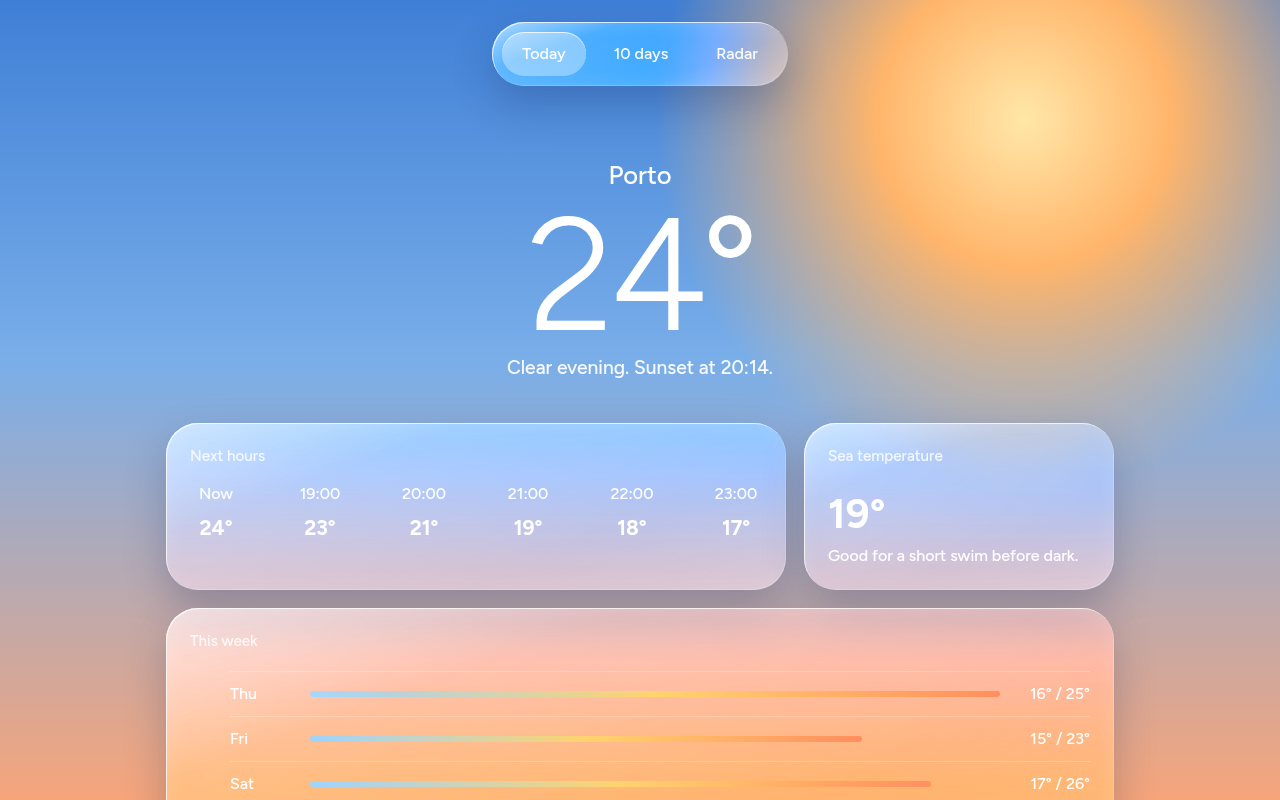
002. Liquid Glass
Tidewell, a weather app screen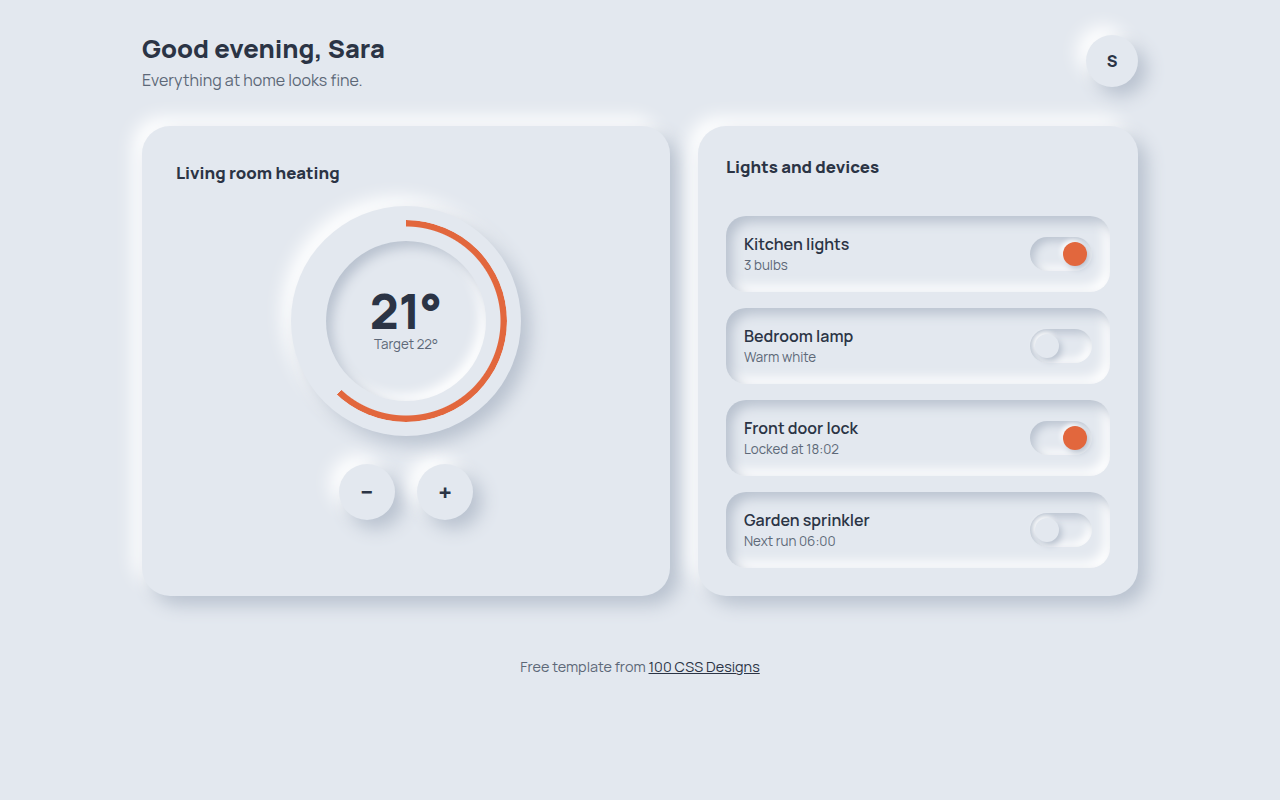
003. Neumorphism
Hearth, a smart home control panel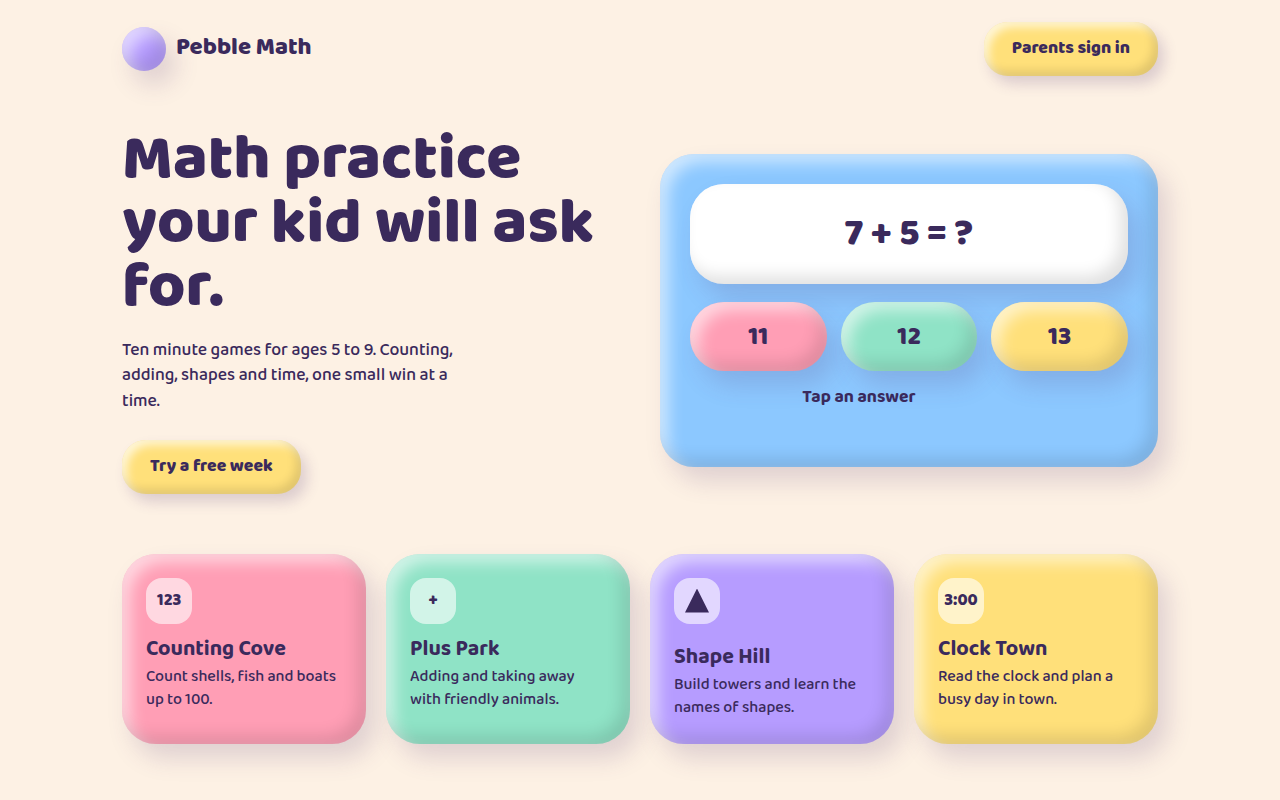
004. Claymorphism
Pebble Math, a kids learning app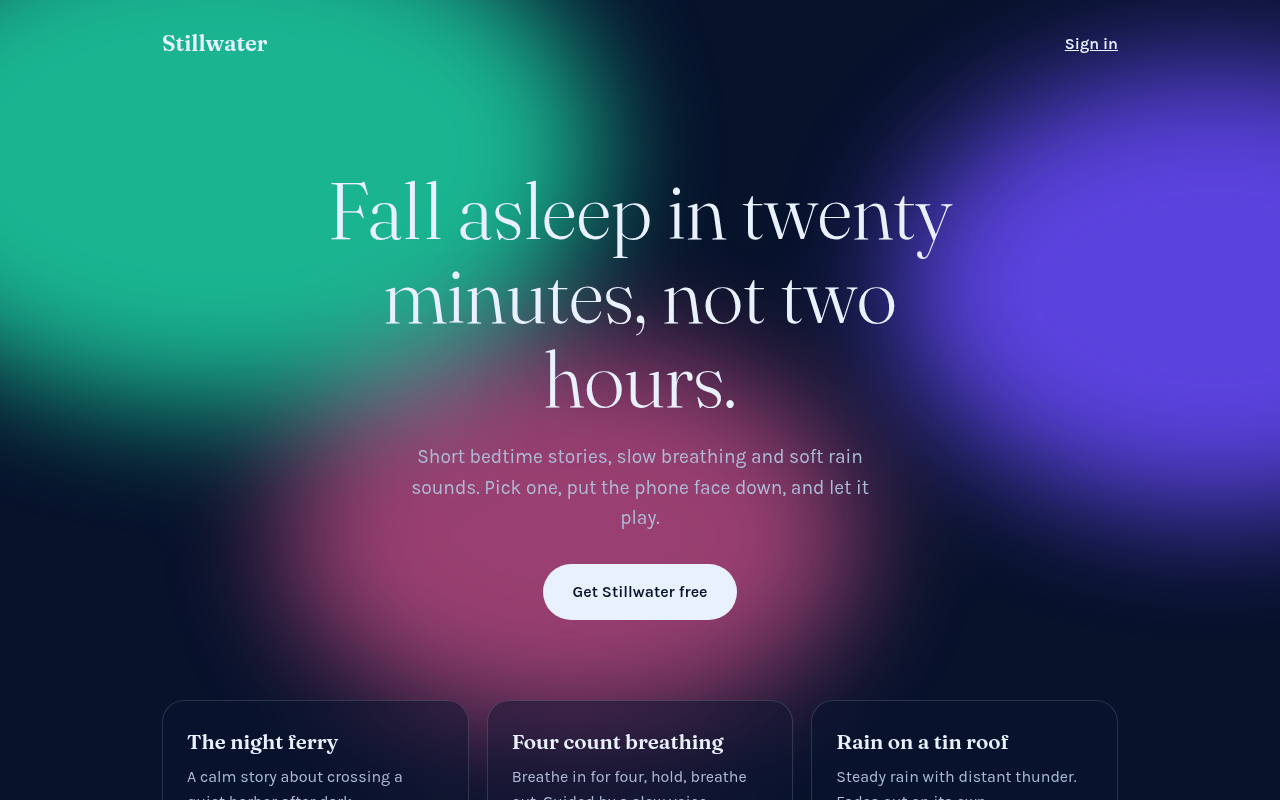
005. Frosted Aurora
Stillwater, a sleep and calm app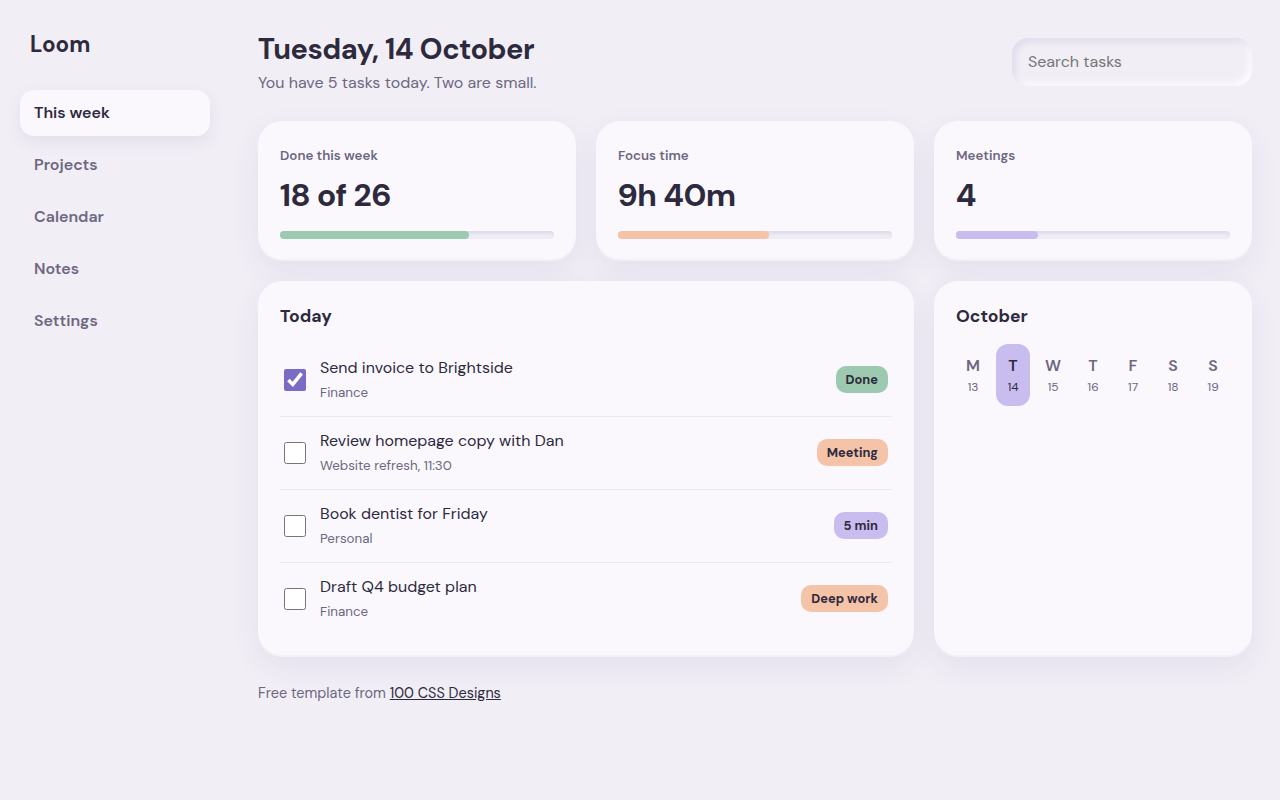
006. Soft UI
Loom, a weekly planner dashboard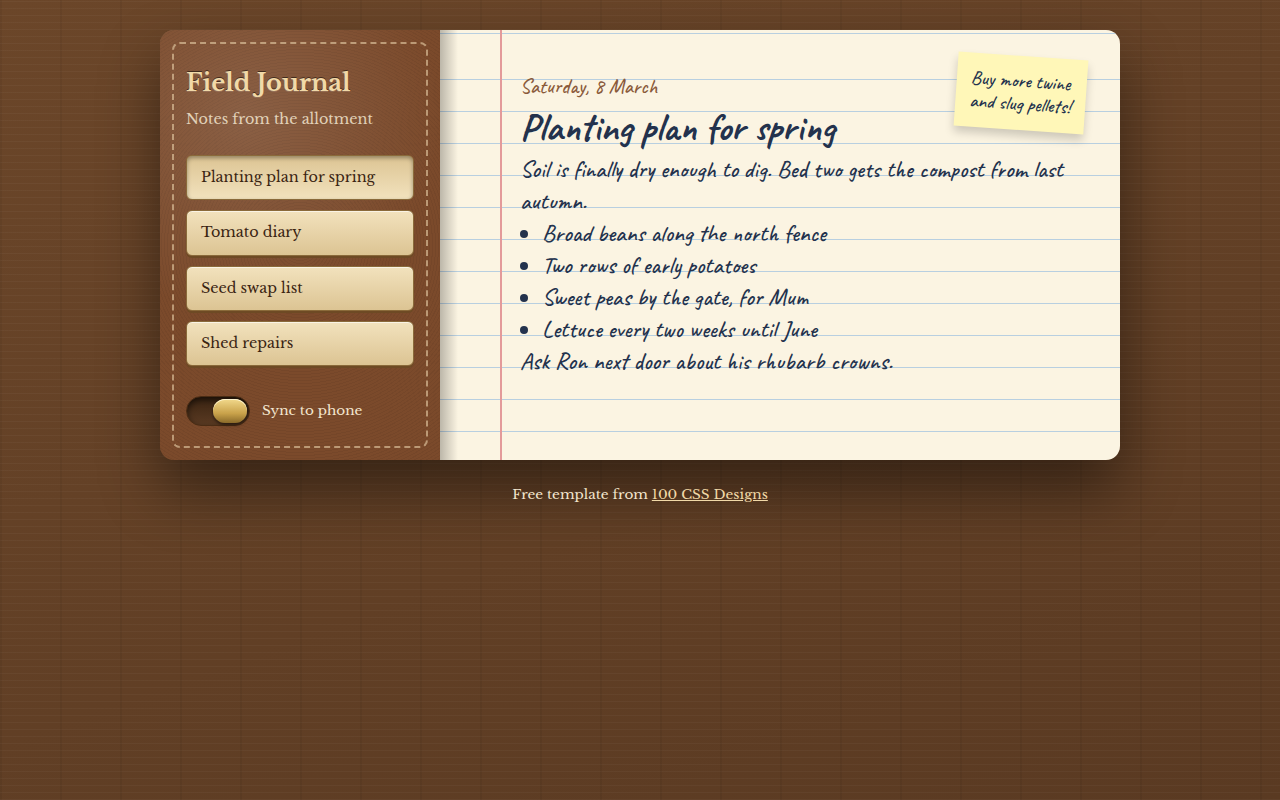
007. Skeuomorphism
Field Journal, a notes app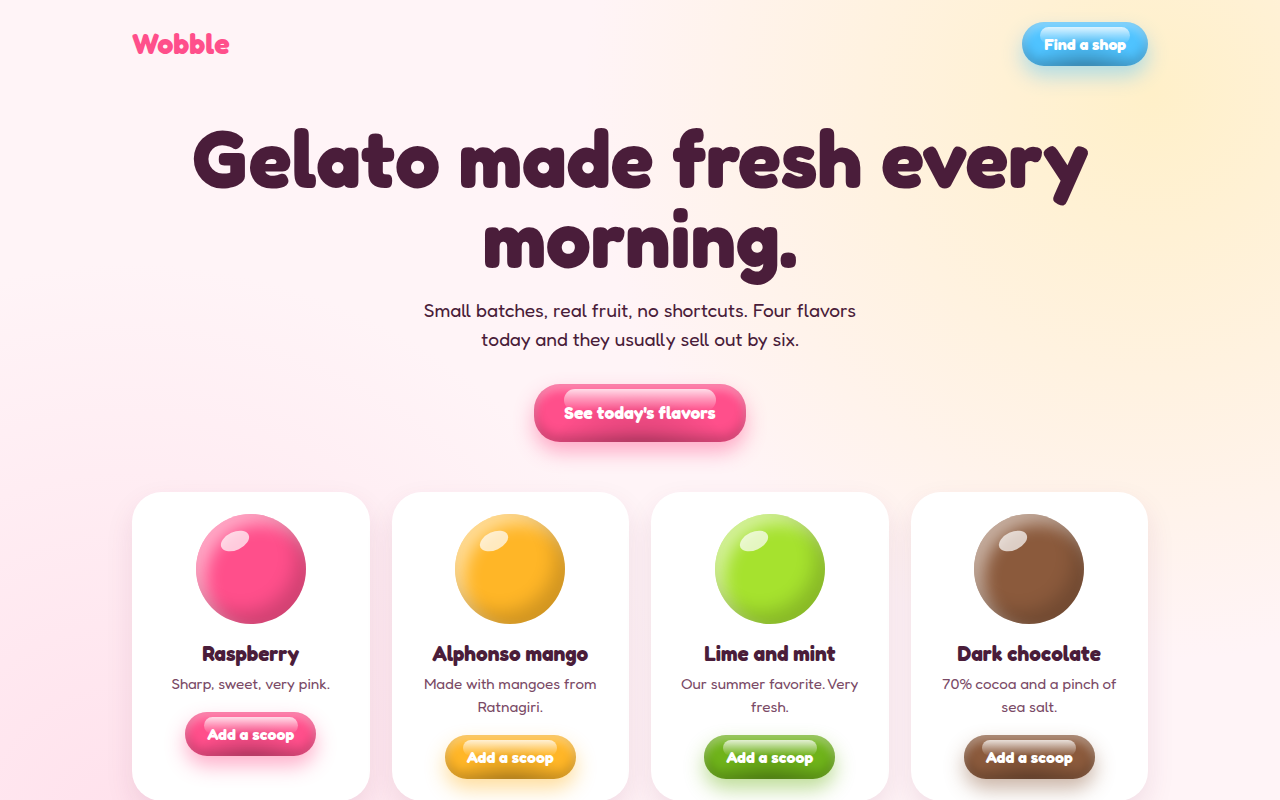
009. Jelly UI
Wobble, a gelato shop