Home / Soft and Tactile UI / Paper Stack
Paper Stack CSS Template, Free with Live Demo
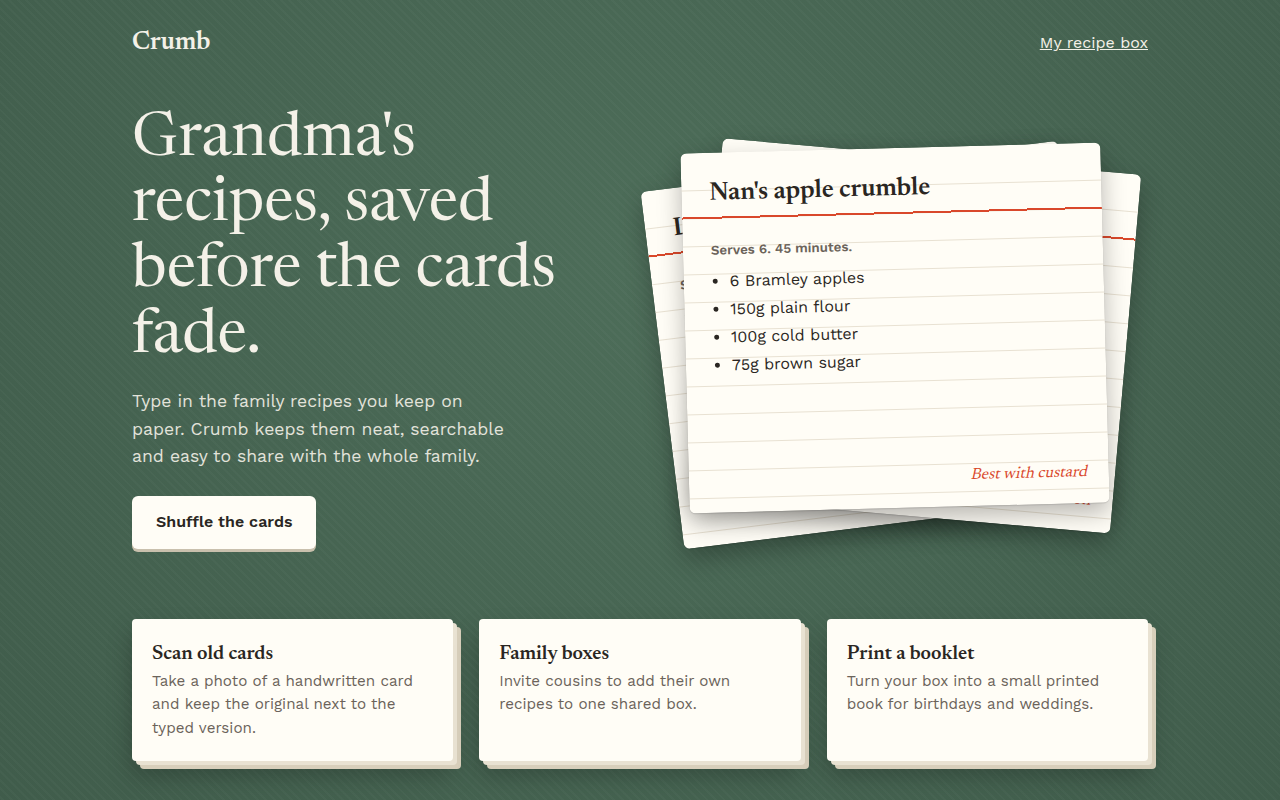
Free paper stack card template in CSS. Layered index cards on a table with a shuffle button, built for a recipe website. Live demo and HTML download. The example is Crumb, a family recipe box.
What is paper stack?
Paper stack design shows content as real sheets of paper piled on a table. Cards sit at slight angles, each with its own shadow, and the pile looks like someone just put it down.
Each card is rotated a few degrees with transform and placed on top of the others. A shuffle button moves the top card to the bottom, and a CSS transition makes the pile settle smoothly.
Good for
- Recipe and cooking websites
- Portfolios and case studies
- Testimonials and review sections
- Flashcards and study tools
What you get in this template
- Three index cards stacked at different angles
- Shuffle button that brings the next card to the top
- Lined card paper with a red header line
- Smaller cards with a layered paper edge
- Green table background with a subtle texture
The key CSS
This is the part that makes the paper stack look work. Copy it into your own project.
.card { position: absolute; inset: 0; margin: auto;
  box-shadow: 0 10px 24px rgba(0,0,0,.28);
  transition: transform .45s cubic-bezier(.2,.8,.2,1); }

.card:nth-child(1) { transform: rotate(-7deg) translate(-26px, 14px); }
.card:nth-child(2) { transform: rotate(5deg) translate(22px, 6px); }
.card:nth-child(3) { transform: rotate(-1.5deg); }

.mini { box-shadow: 4px 4px 0 #e9e2d2, 8px 8px 0 #d8cfbb; }
How to use it
- Click Download HTML file above.
- Open the file in any code editor, like VS Code.
- Change the text, colors and links to match your project. Colors are at the top of the style tag.
- Upload it to any host, such as GitHub Pages, Netlify or your own server. It is one file with no build step.
Questions people ask
How do you make stacked cards in CSS?
Place the cards in the same spot with position: absolute, then rotate each one a few degrees with transform. The last card in the HTML sits on top.
How does the shuffle button work?
A single line of JavaScript moves the top card to the bottom of the pile. Because the angles are set with nth-child, every card takes a new position and the CSS transition animates it.
Can I make a paper stack without JavaScript?
The pile itself is pure CSS. You only need the small script if you want the shuffle button.
More Soft and Tactile UI designs
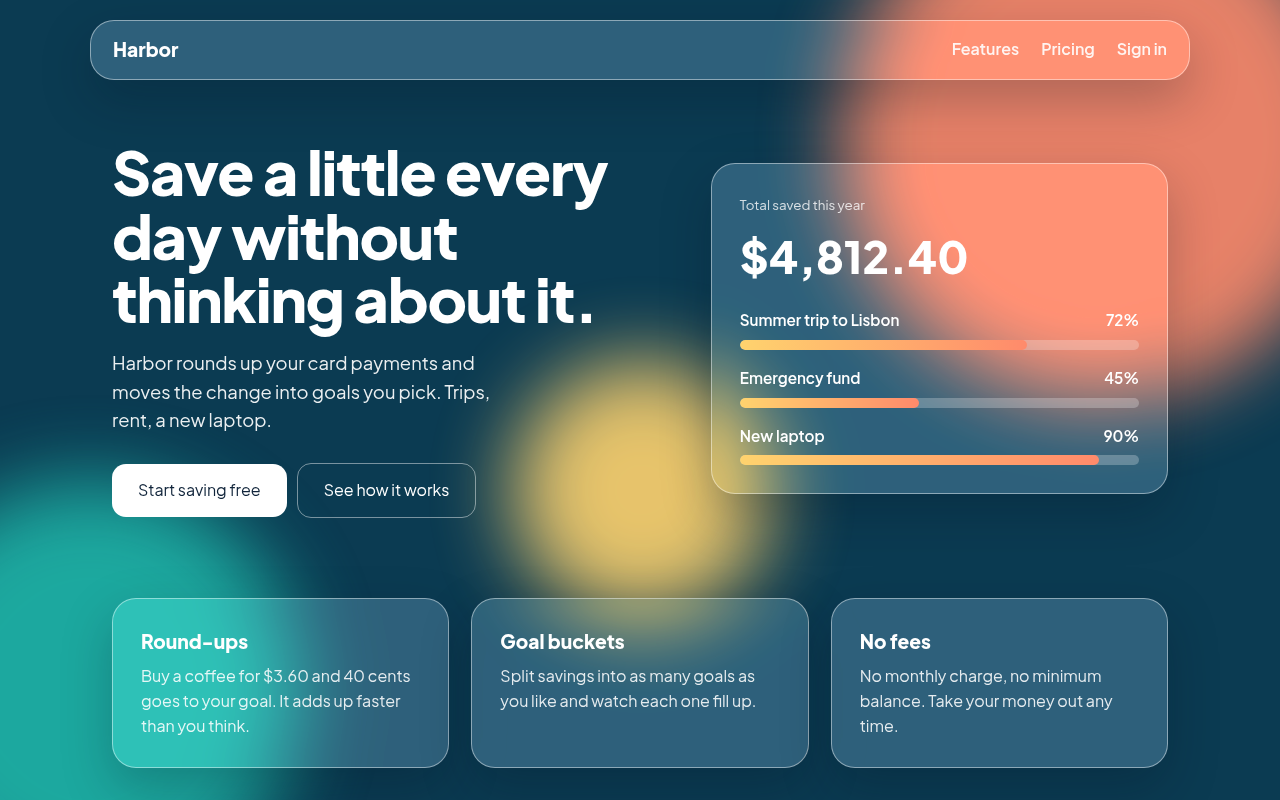
001. Glassmorphism
Harbor, a savings app landing page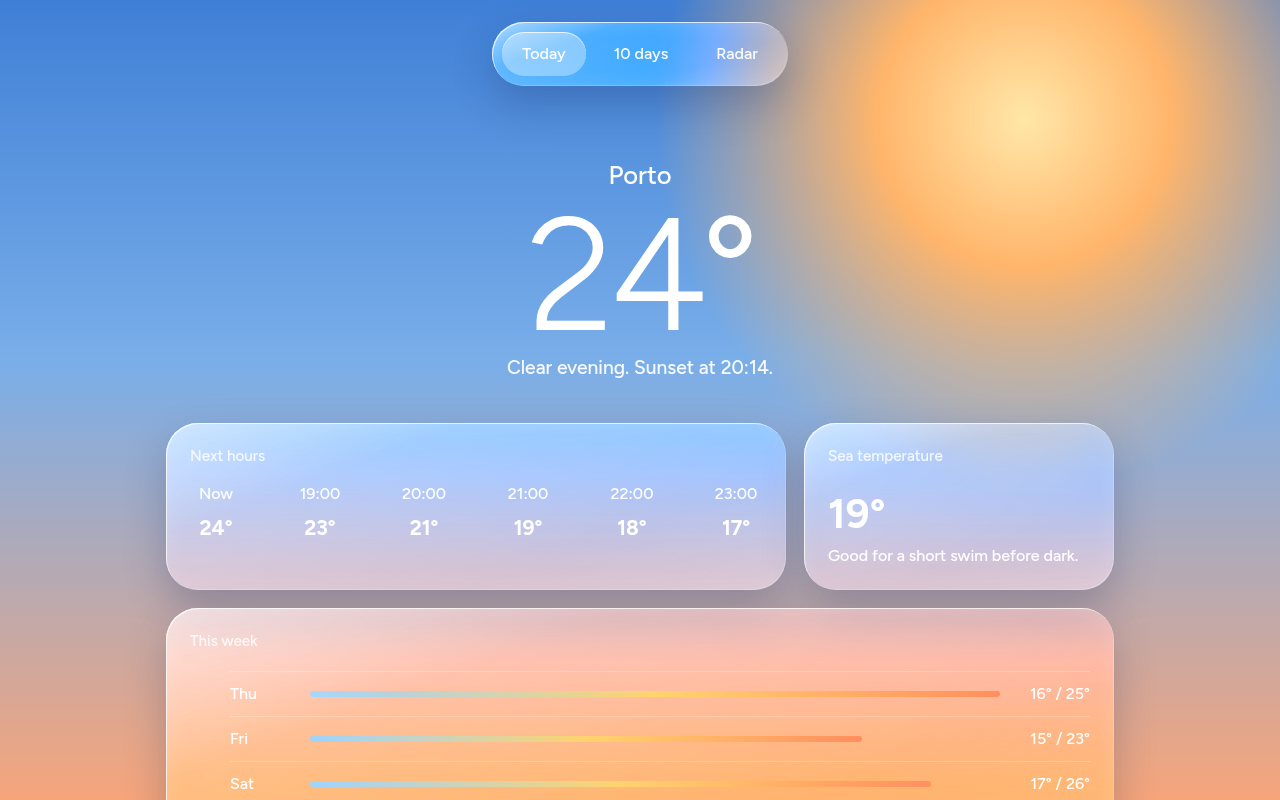
002. Liquid Glass
Tidewell, a weather app screen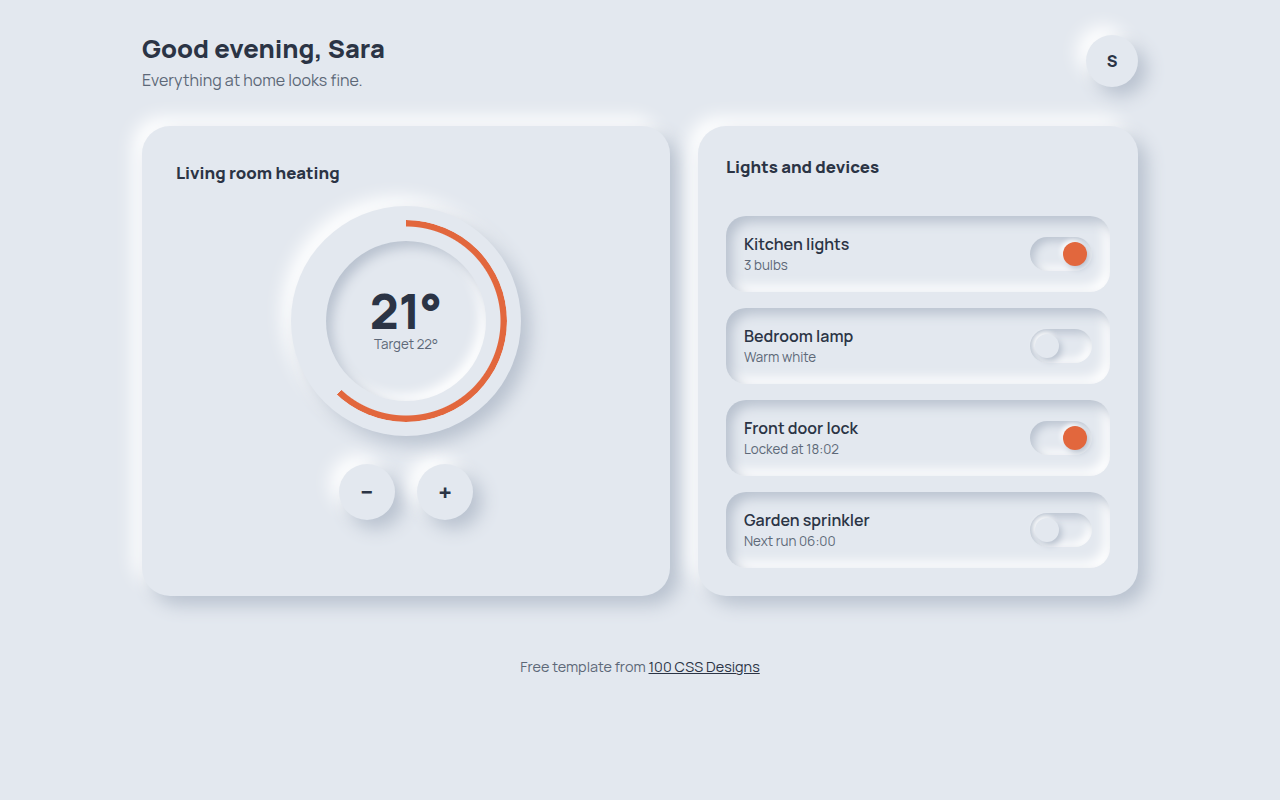
003. Neumorphism
Hearth, a smart home control panel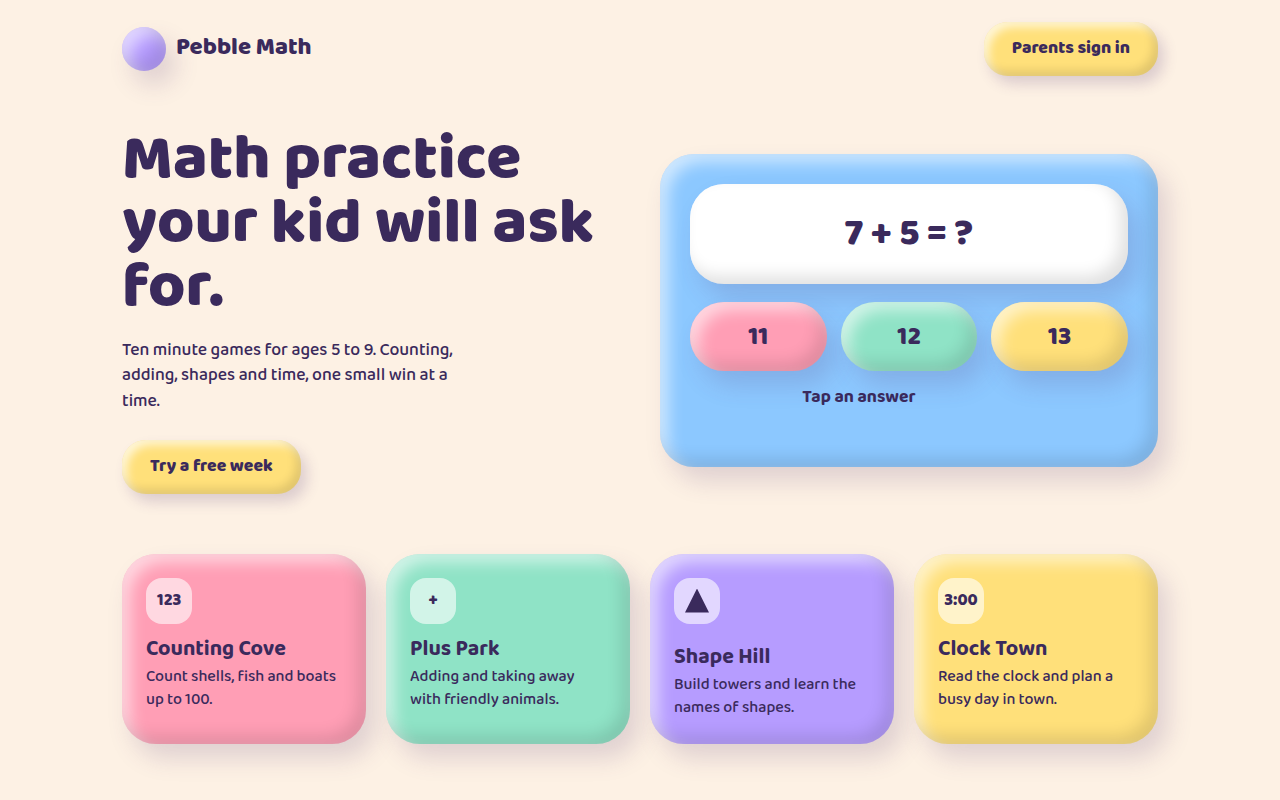
004. Claymorphism
Pebble Math, a kids learning app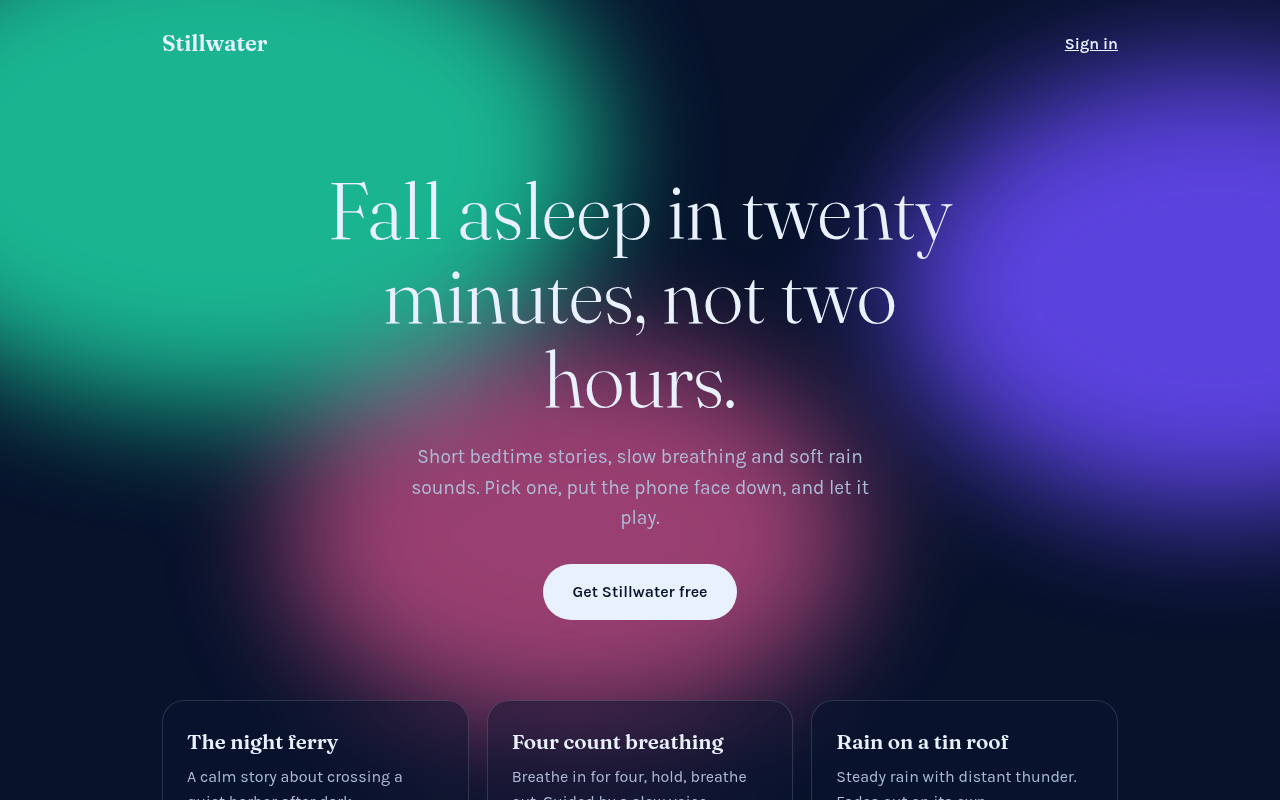
005. Frosted Aurora
Stillwater, a sleep and calm app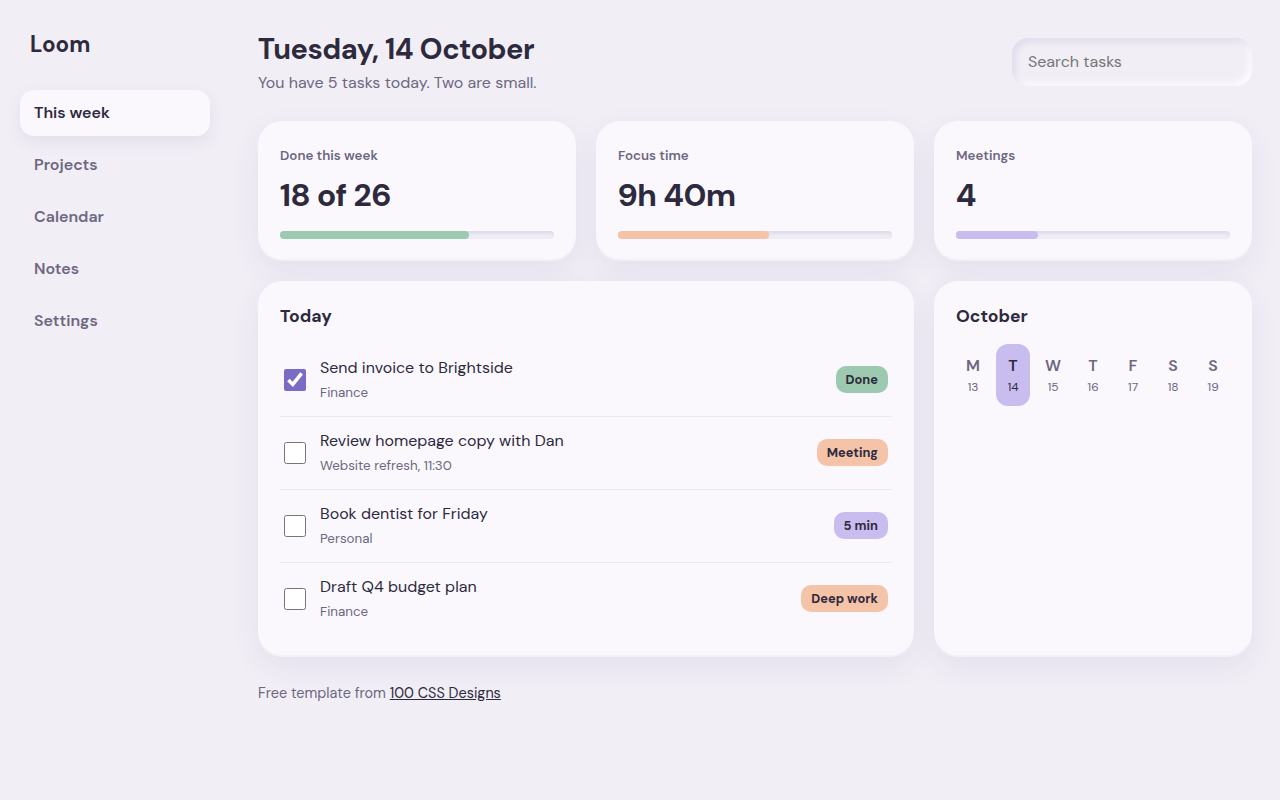
006. Soft UI
Loom, a weekly planner dashboard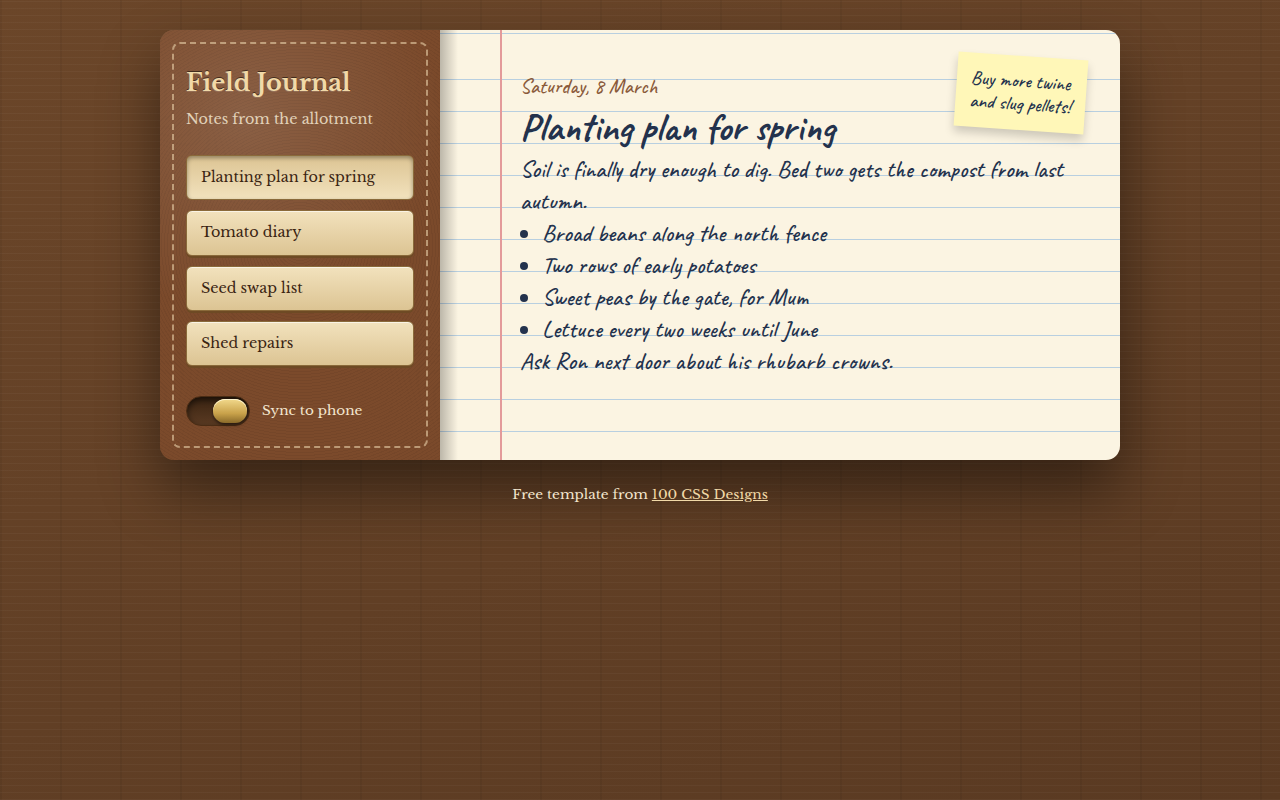
007. Skeuomorphism
Field Journal, a notes app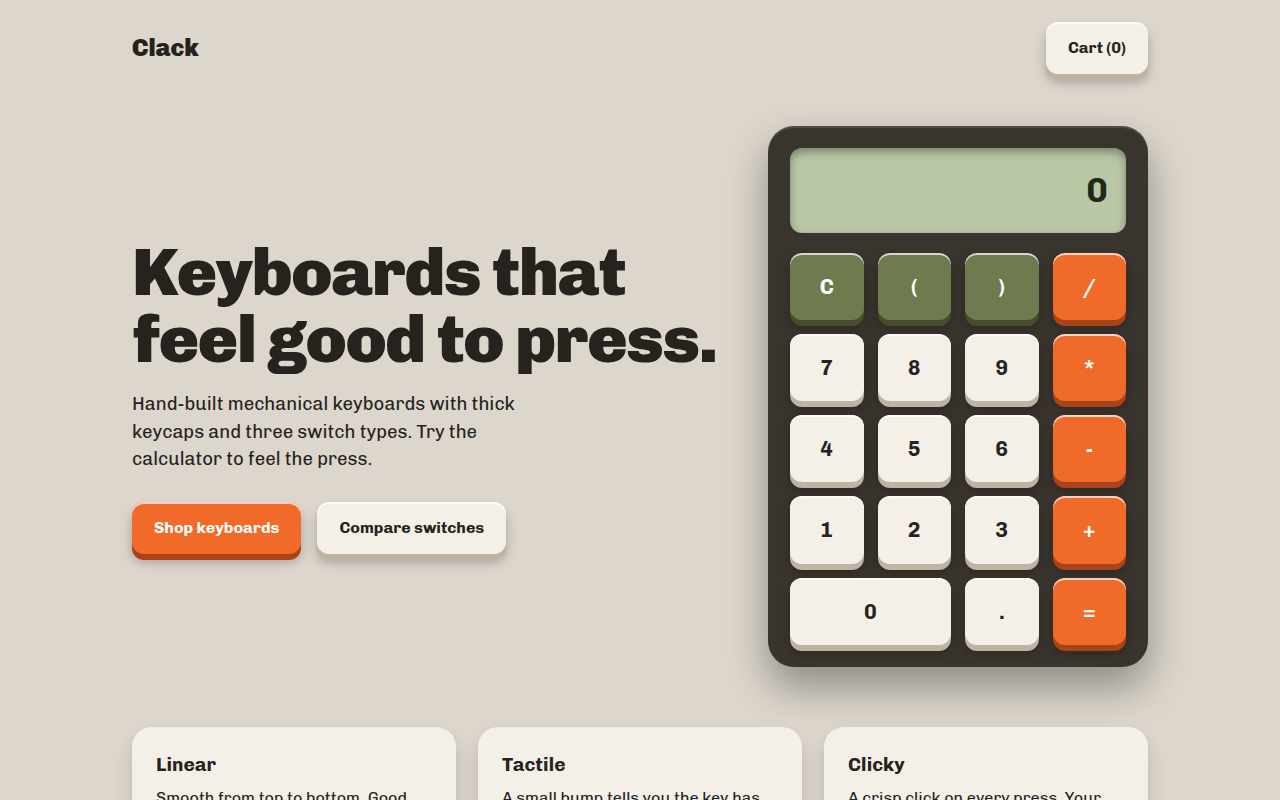
008. Tactile Buttons
Clack, a keyboard shop with a working calculator