Home / Soft and Tactile UI / Jelly UI
Jelly UI CSS Template, Free with Live Demo
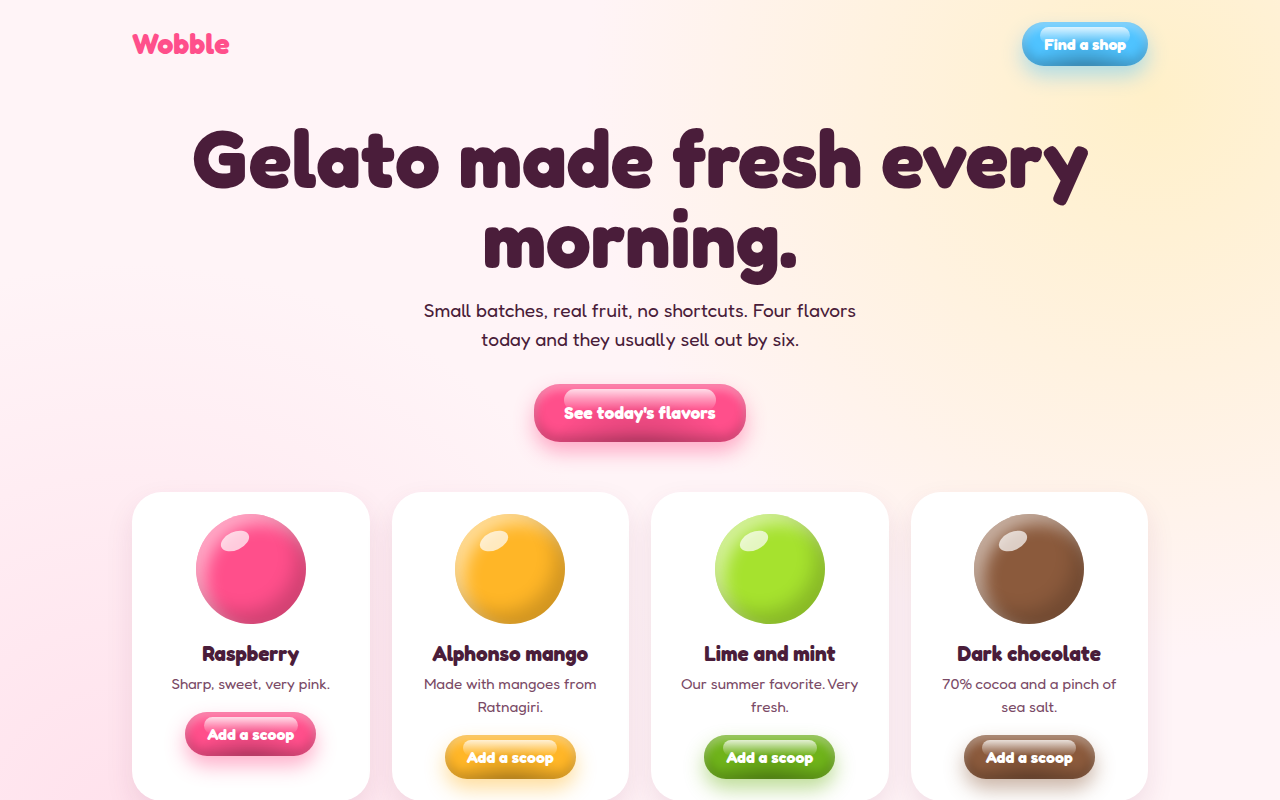
Free jelly UI template with glossy buttons that wobble on hover and squish on click. Pure CSS gelato shop page with live demo and HTML download. The example is Wobble, a gelato shop.
What is jelly ui?
Jelly UI makes buttons look like shiny gummy sweets. They have a glossy highlight on top, a darker bottom and a little wobble when you move your mouse over them. Press one and it squishes flat for a moment.
The shine is a pseudo element with a white gradient. The wobble is a short keyframe animation that stretches the button wide and then tall. The squish is a simple scale on the active state.
Good for
- Food, sweets and drink brands
- Kids products and toys
- Mobile games
- Fun sign up and pricing buttons
What you get in this template
- Glossy jelly buttons in five colors from one CSS class
- Wobble on hover and squish on press
- Shiny 3D scoops made with radial gradients
- Color set per button with one CSS variable
- Wobble stops for people who prefer reduced motion
The key CSS
This is the part that makes the jelly ui look work. Copy it into your own project.
.jelly::before {
  content: ""; position: absolute; top: 5px; left: 14%; right: 14%; height: 38%;
  border-radius: 20px;
  background: linear-gradient(rgba(255,255,255,.75), rgba(255,255,255,0));
}
.jelly:hover { animation: wob .6s; }

@keyframes wob {
  30% { transform: scale(1.12, .88); }
  50% { transform: scale(.92, 1.08); }
  70% { transform: scale(1.04, .96); }
}
How to use it
- Click Download HTML file above.
- Open the file in any code editor, like VS Code.
- Change the text, colors and links to match your project. Colors are at the top of the style tag.
- Upload it to any host, such as GitHub Pages, Netlify or your own server. It is one file with no build step.
Questions people ask
How do you make a jelly wobble effect in CSS?
Use a keyframe animation that changes scale on the x and y axis in opposite directions, for example scale(1.12, 0.88) then scale(0.92, 1.08), and settle back to scale(1). Run it on hover for about 0.6 seconds.
How do I change the button color?
Every button reads its color from a CSS variable called --c. Set style="--c: #ff4f8b" on a button, or change it in the stylesheet.
Does it work without JavaScript?
Yes. The shine, wobble and squish are all pure CSS.
More Soft and Tactile UI designs
001. Glassmorphism
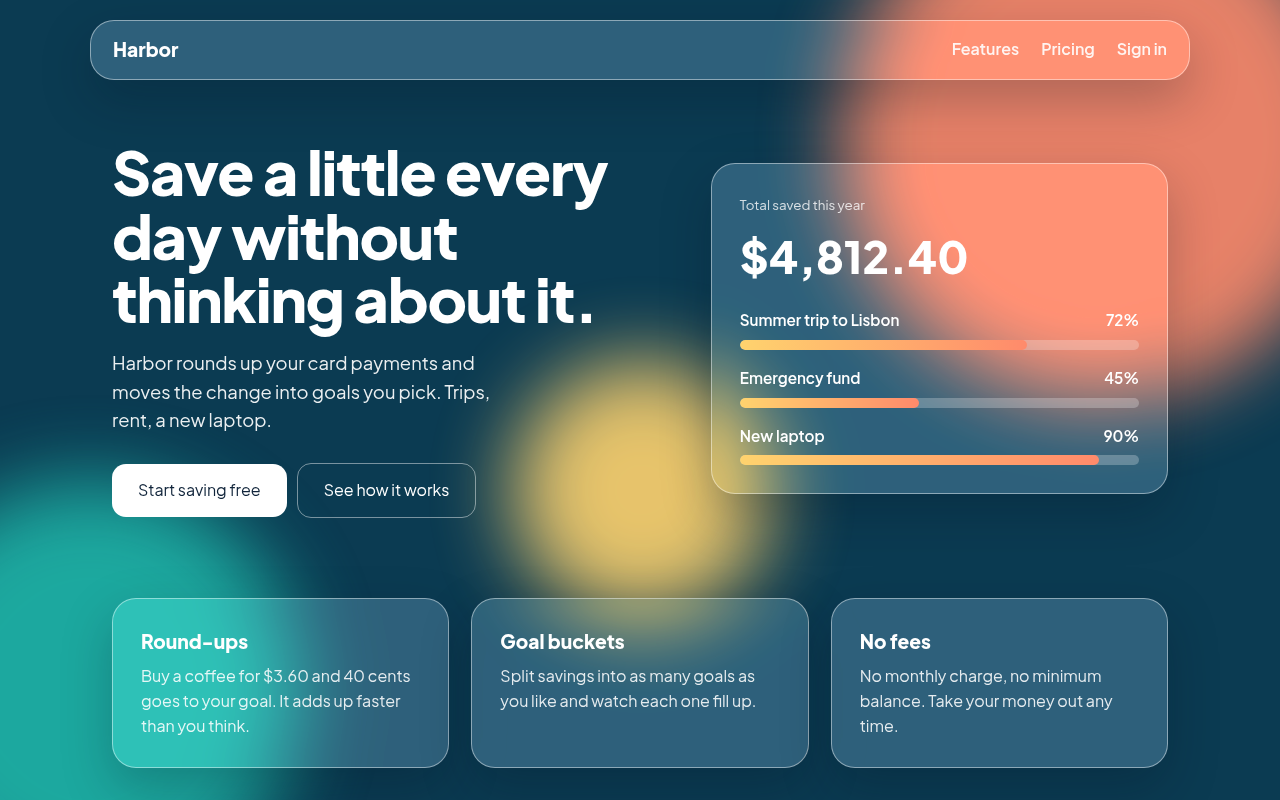
Harbor, a savings app landing page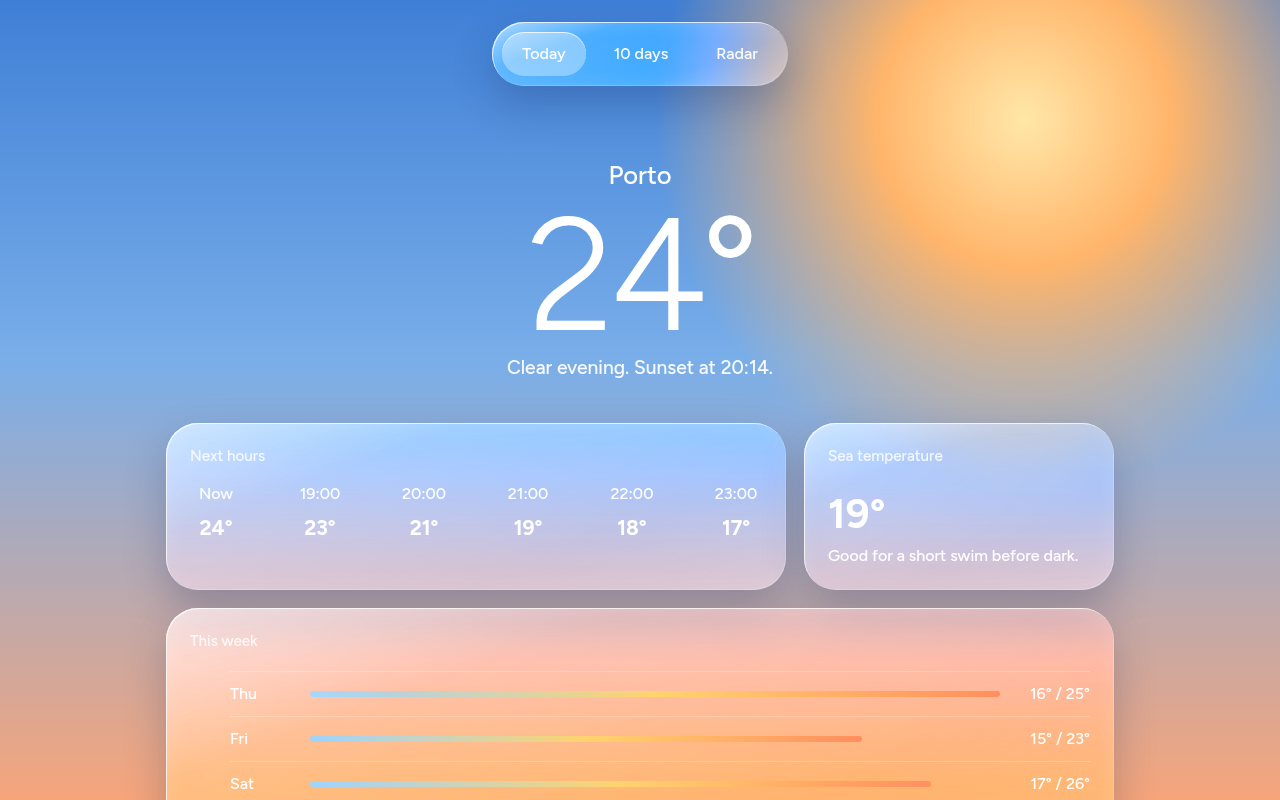
002. Liquid Glass
Tidewell, a weather app screen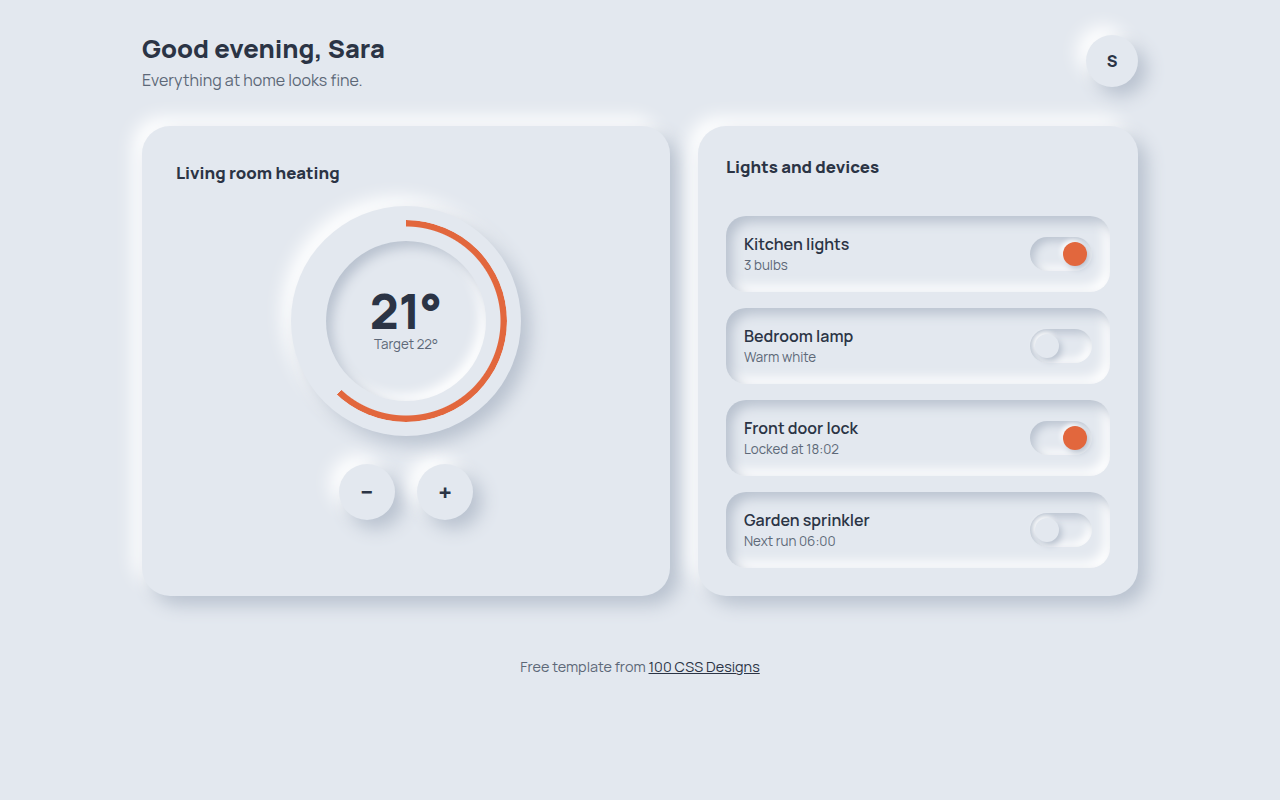
003. Neumorphism
Hearth, a smart home control panel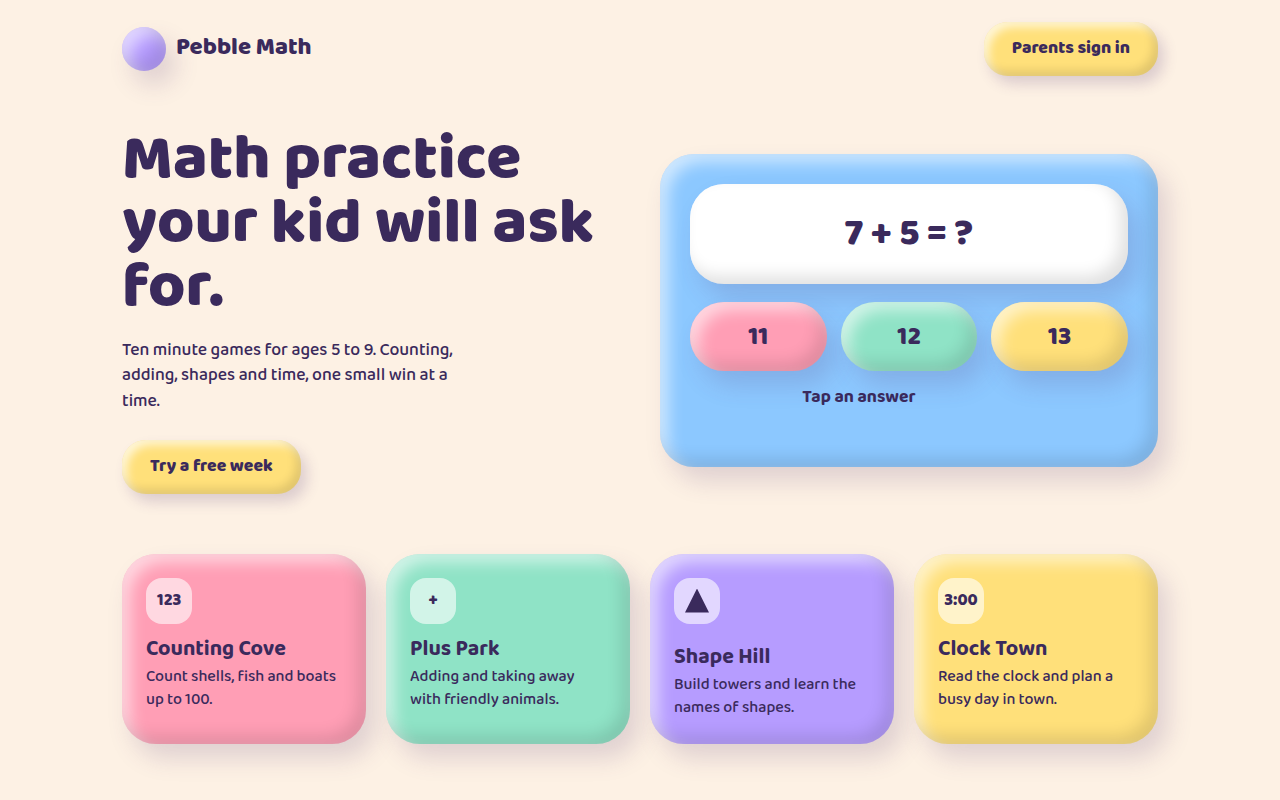
004. Claymorphism
Pebble Math, a kids learning app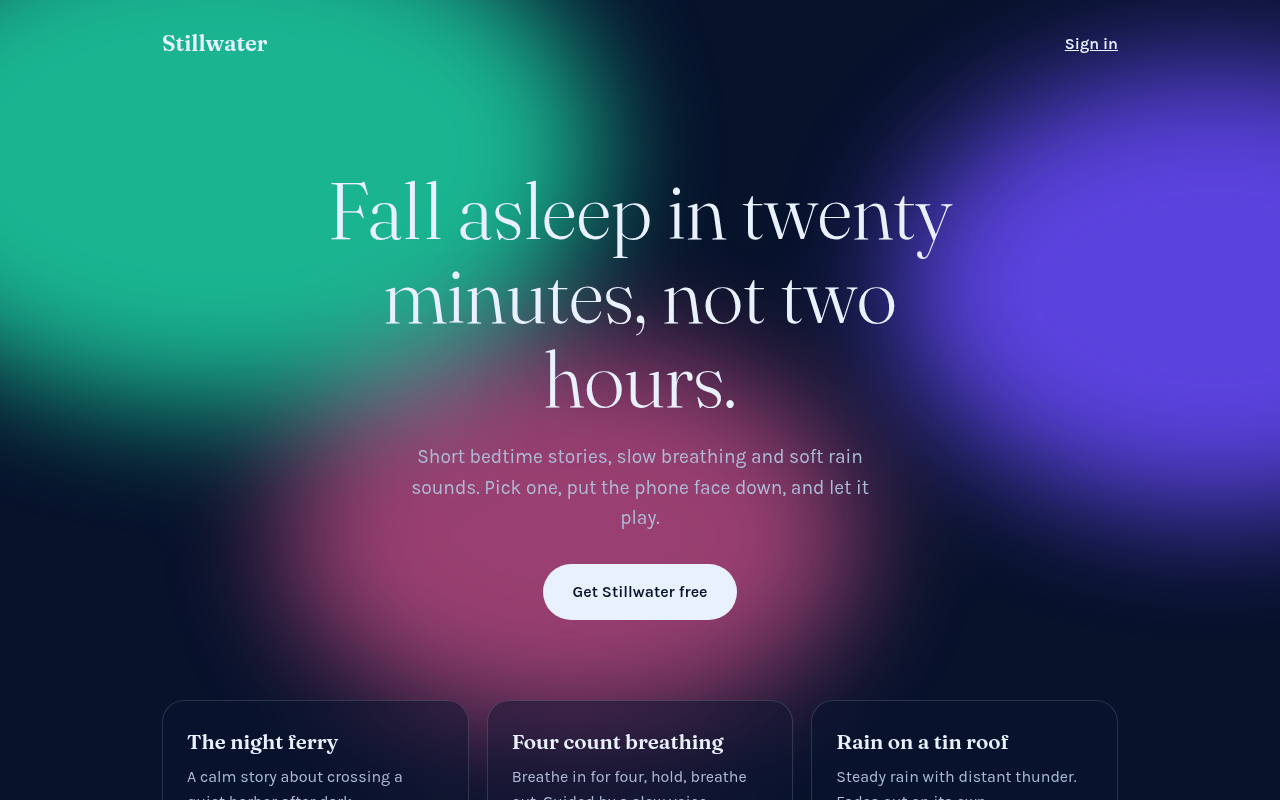
005. Frosted Aurora
Stillwater, a sleep and calm app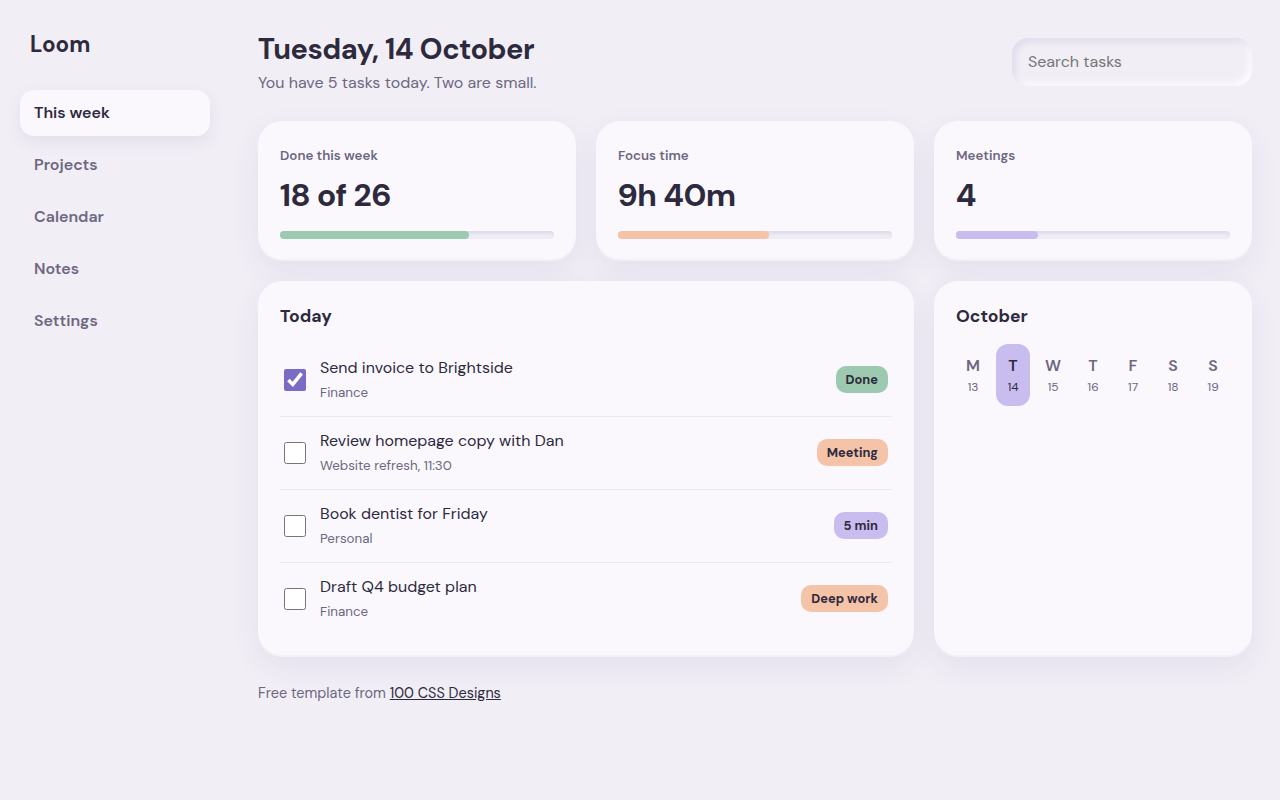
006. Soft UI
Loom, a weekly planner dashboard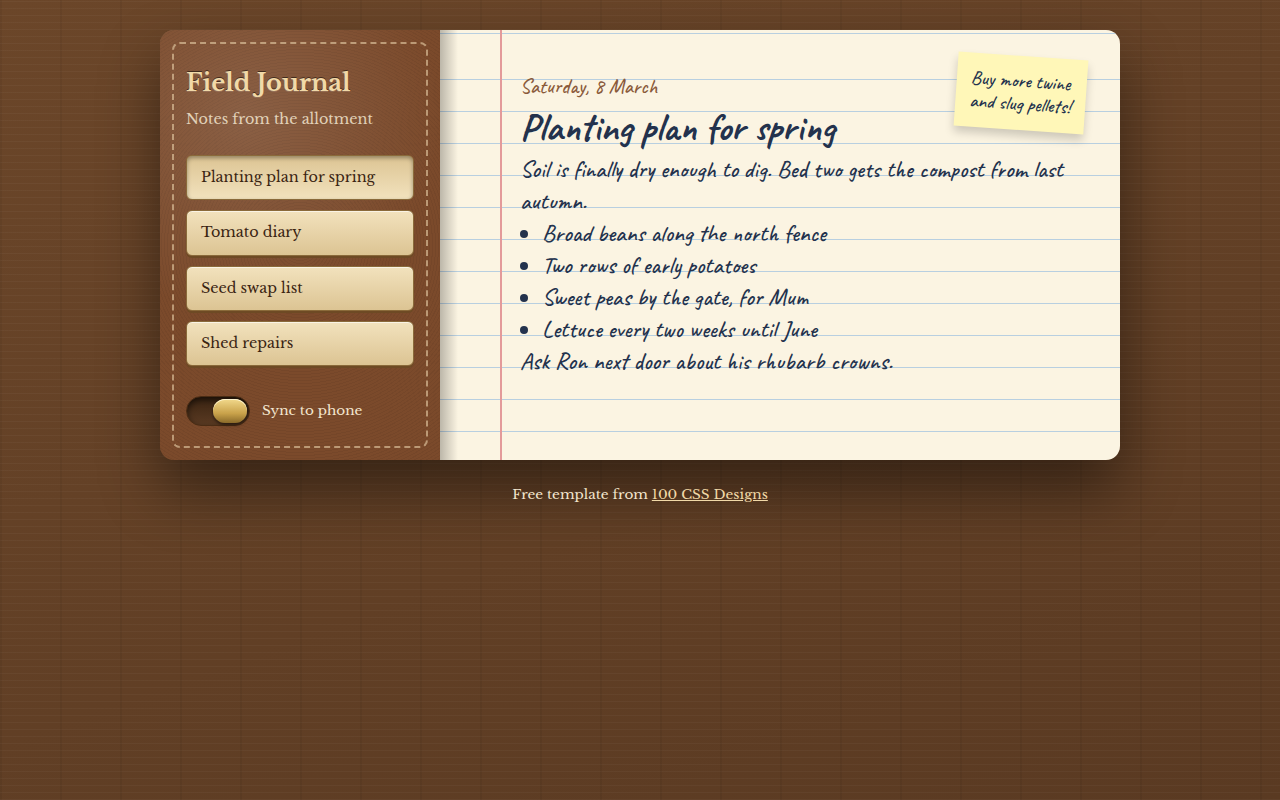
007. Skeuomorphism
Field Journal, a notes app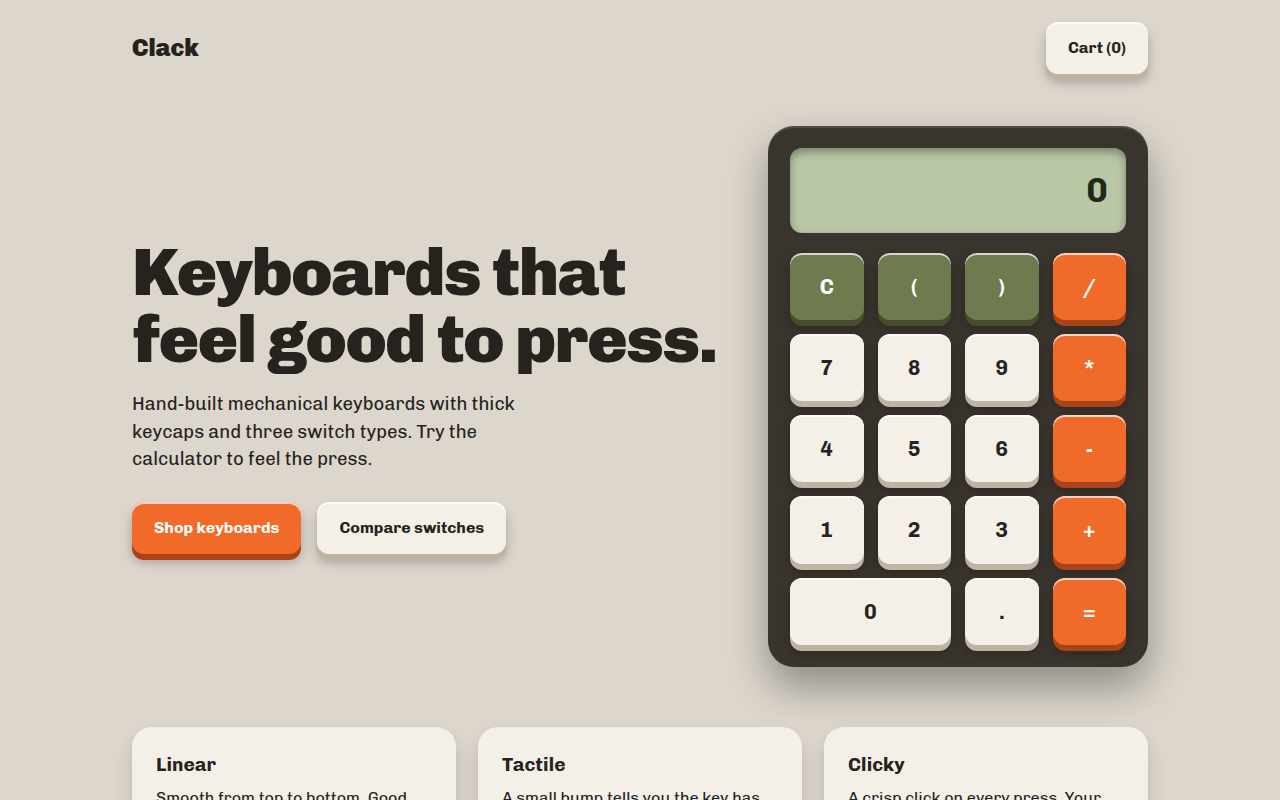
008. Tactile Buttons
Clack, a keyboard shop with a working calculator