Home / Color and Light / Monochrome
Monochrome CSS Template, Free with Live Demo
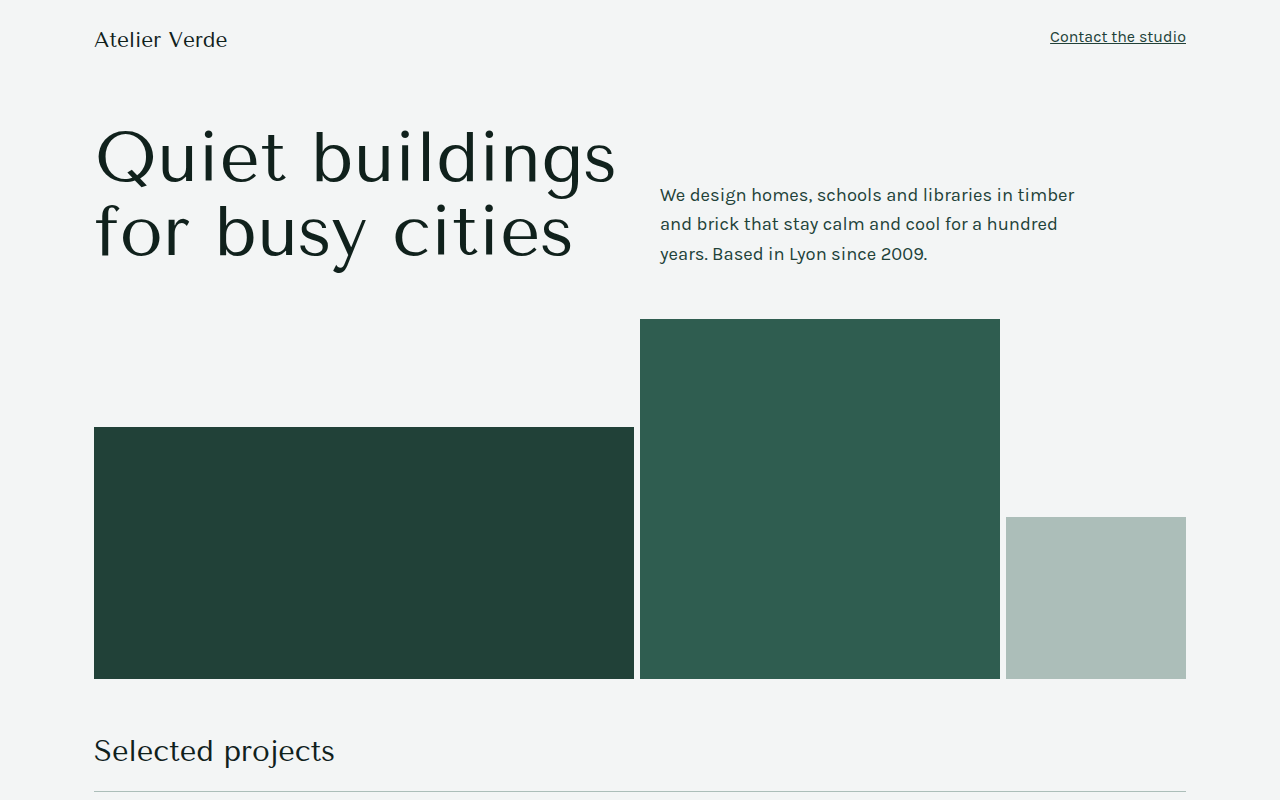
Free monochrome website template for an architecture studio. Every color is a shade of one green, made with CSS color-mix from a single variable. Live demo. The example is Atelier Verde, an architecture studio.
What is monochrome?
A monochrome design uses one color in many shades, from nearly white to nearly black. It feels calm and confident, and it is very hard to get wrong because every color already matches.
Here the whole palette comes from a single variable. CSS color-mix blends it with white for the light shades and with black for the dark ones, so changing one hex code recolors the whole site.
Good for
- Architecture and interior studios
- Law and consulting firms
- Personal portfolios
- Brands with one strong signature color
What you get in this template
- Five shades made from one color with color-mix
- Abstract building shapes in three tones
- Project list with year, type and status
- Swatch row showing the full palette
- Tenor Sans headings for a quiet, elegant look
The key CSS
This is the part that makes the monochrome look work. Copy it into your own project.
:root {
  --h: #2f5d50;
  --s50:  color-mix(in srgb, var(--h) 6%,  #fff);
  --s100: color-mix(in srgb, var(--h) 14%, #fff);
  --s300: color-mix(in srgb, var(--h) 40%, #fff);
  --s500: var(--h);
  --s700: color-mix(in srgb, var(--h) 70%, #000);
  --s900: color-mix(in srgb, var(--h) 35%, #000);
}
How to use it
- Click Download HTML file above.
- Open the file in any code editor, like VS Code.
- Change the text, colors and links to match your project. Colors are at the top of the style tag.
- Upload it to any host, such as GitHub Pages, Netlify or your own server. It is one file with no build step.
Questions people ask
What is a monochrome color scheme?
It is a palette made from one hue in different lightness levels. It can be any color, not just gray.
How do I make shades of one color in CSS?
Use color-mix(in srgb, yourColor 40%, #fff) for tints and color-mix with #000 for darker shades. All modern browsers support it.
How do I switch the site to another color?
Change the --h variable at the top of the style tag. Every shade updates automatically.
More Color and Light designs
041. Aurora Gradient
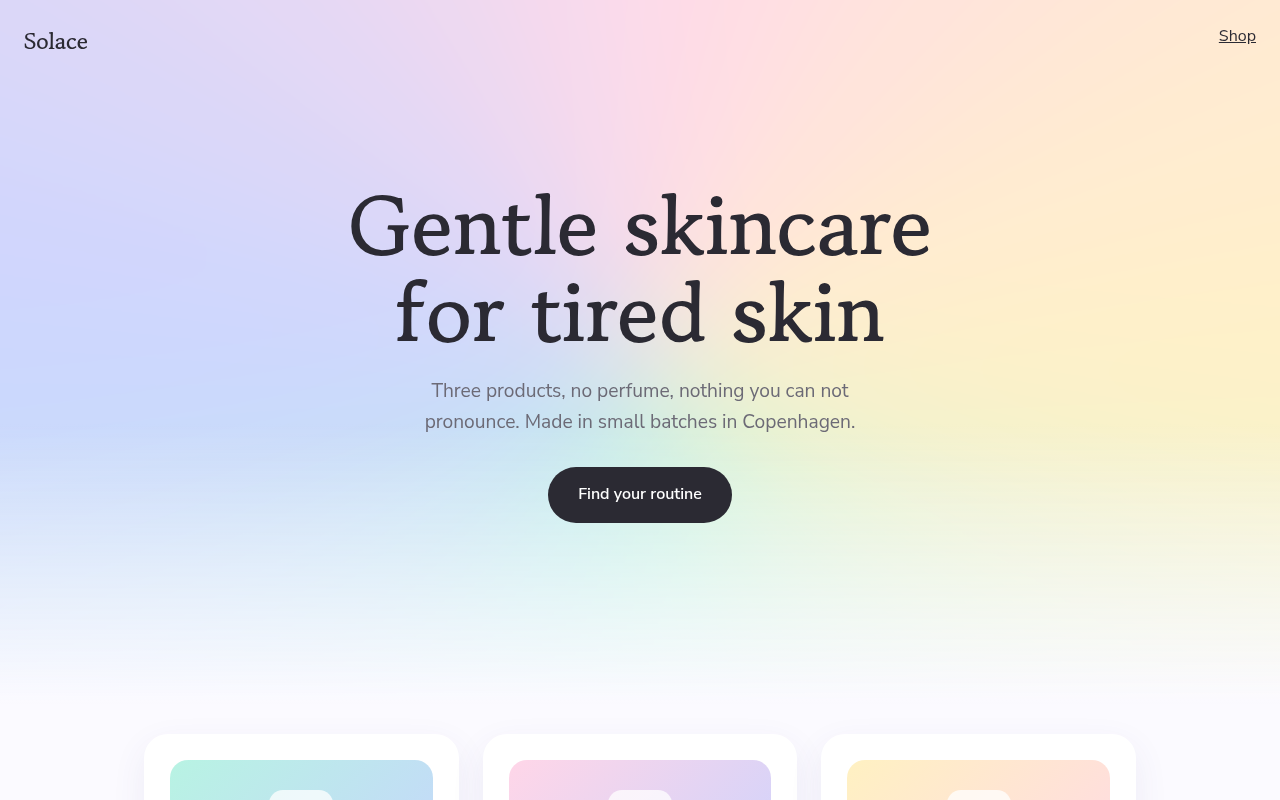
Solace, a skincare brand
042. Duotone
Harbor Film Festival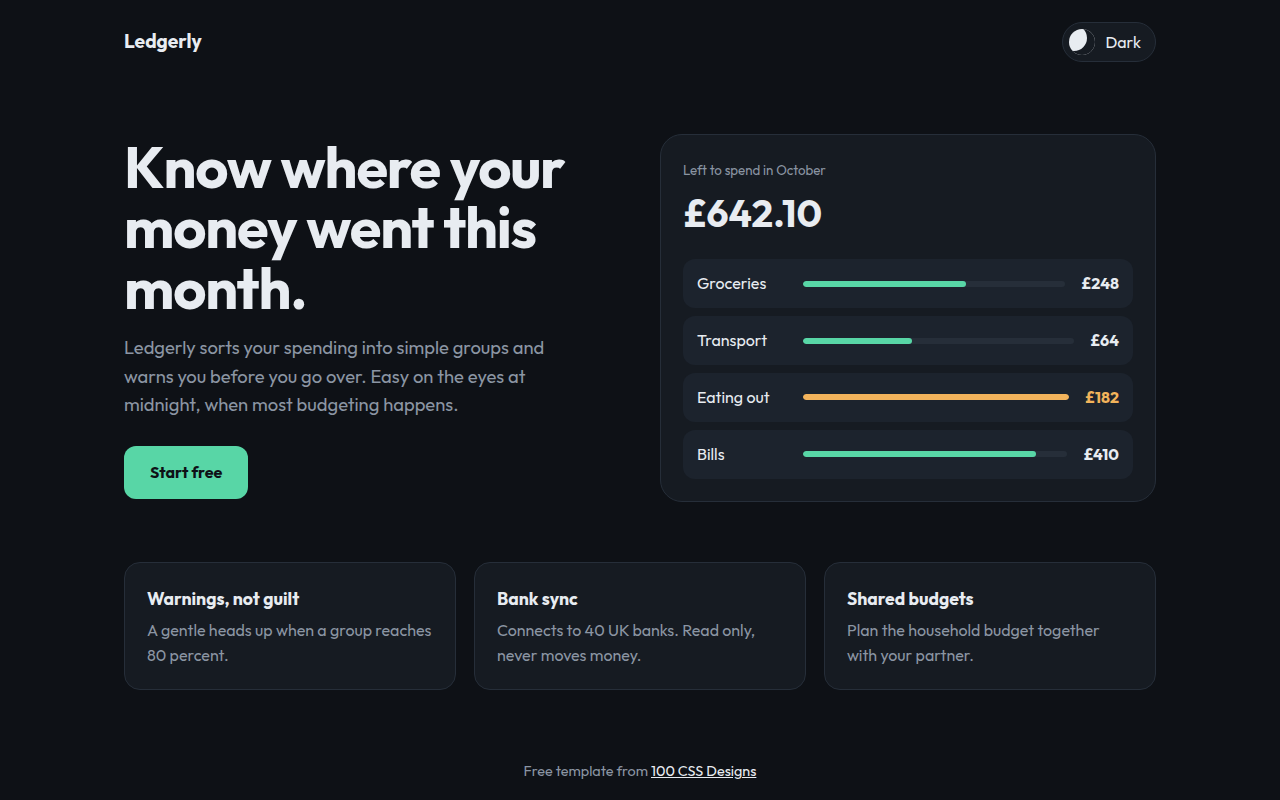
044. Dark Mode First
Ledgerly, a budget app
045. Neon Cyberpunk
Voltage Arena, an esports tournament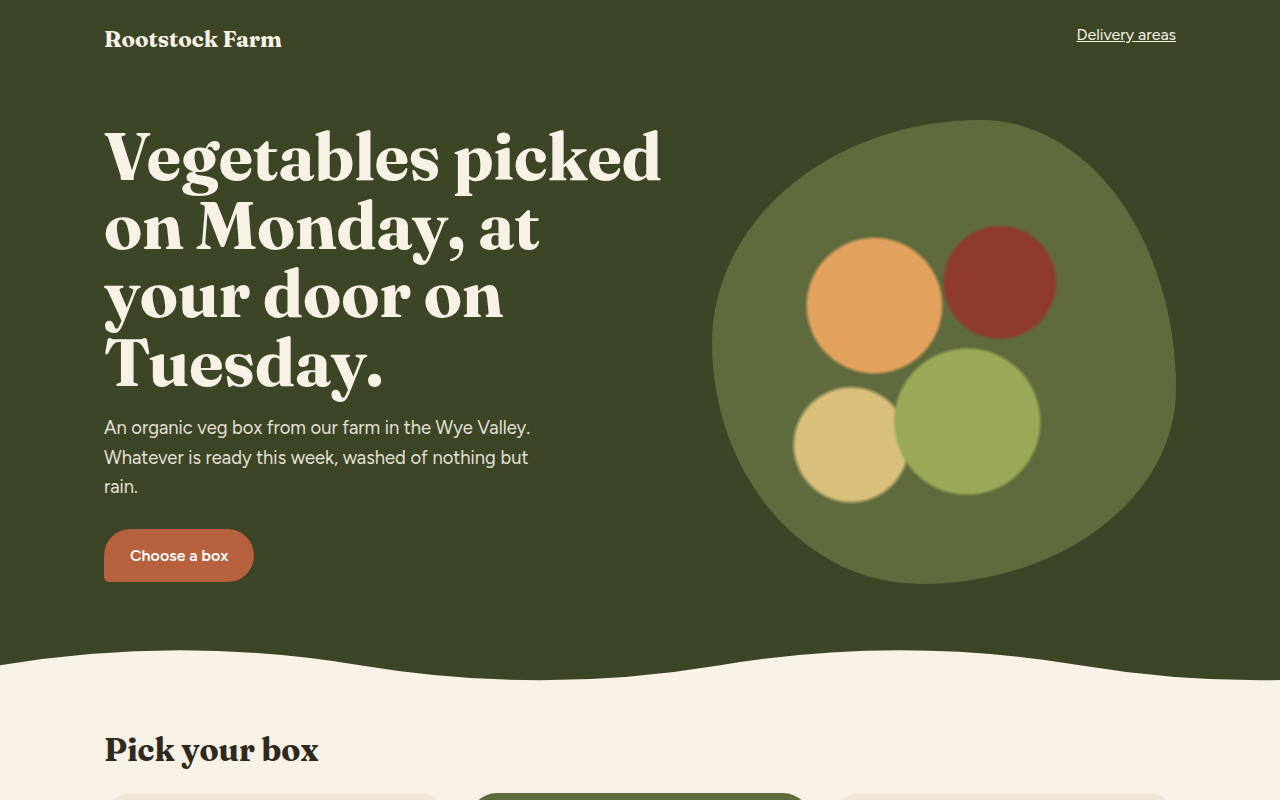
046. Earthy Natural
Rootstock Farm, an organic veg box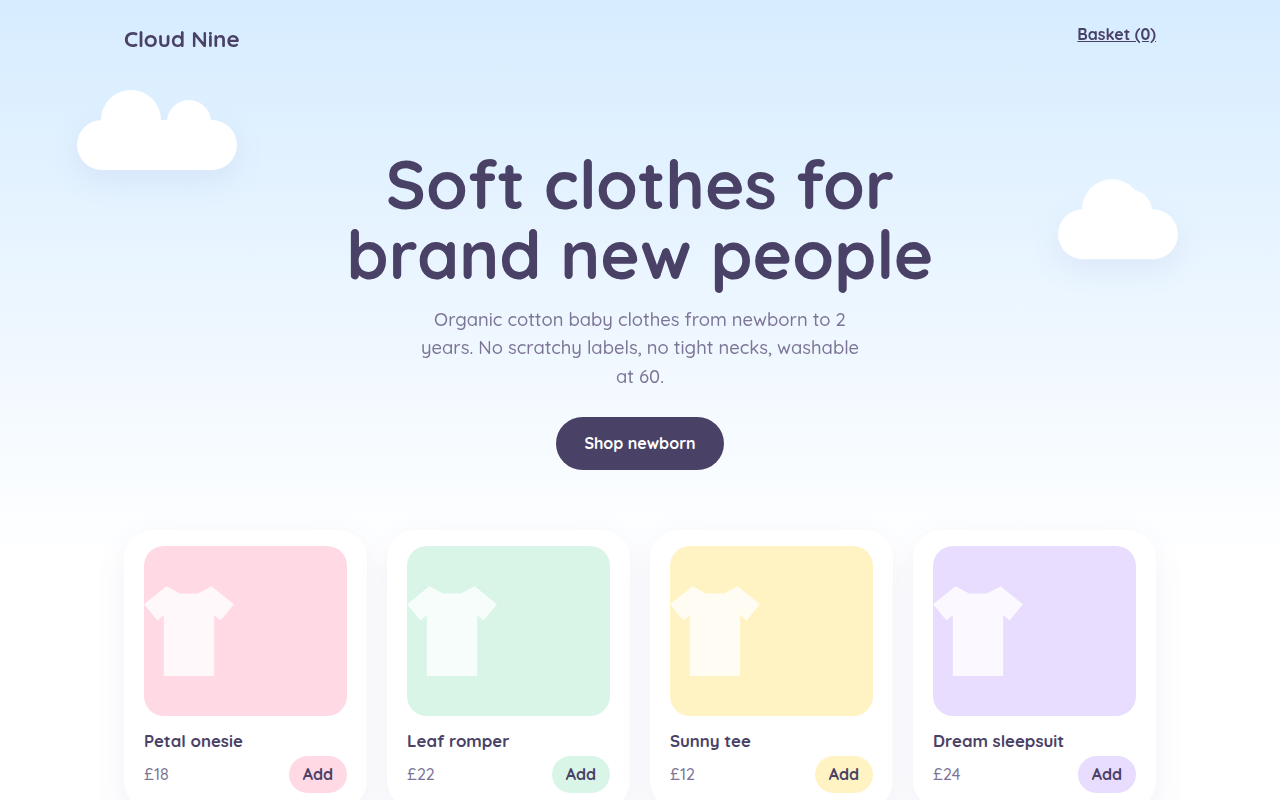
047. Pastel Dream
Cloud Nine, a baby clothing shop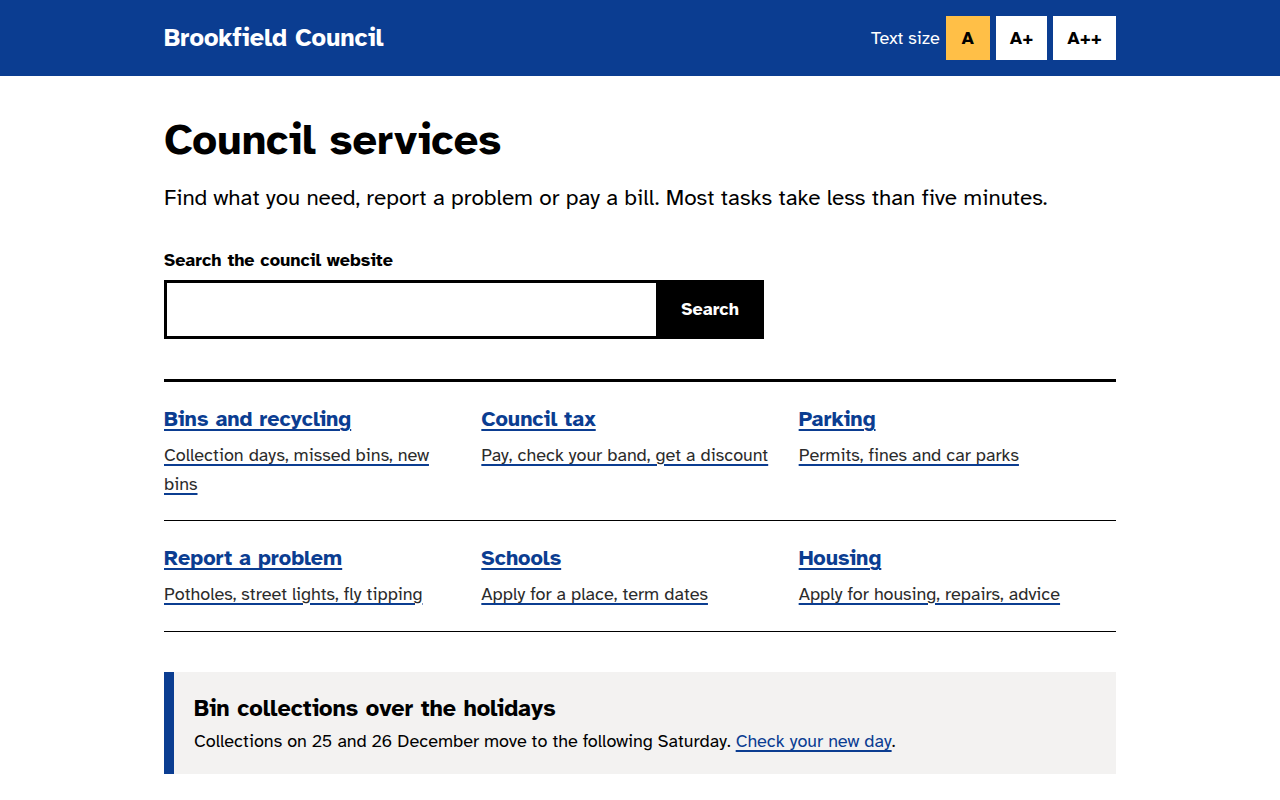
048. High Contrast Accessible
Brookfield Council, a local government site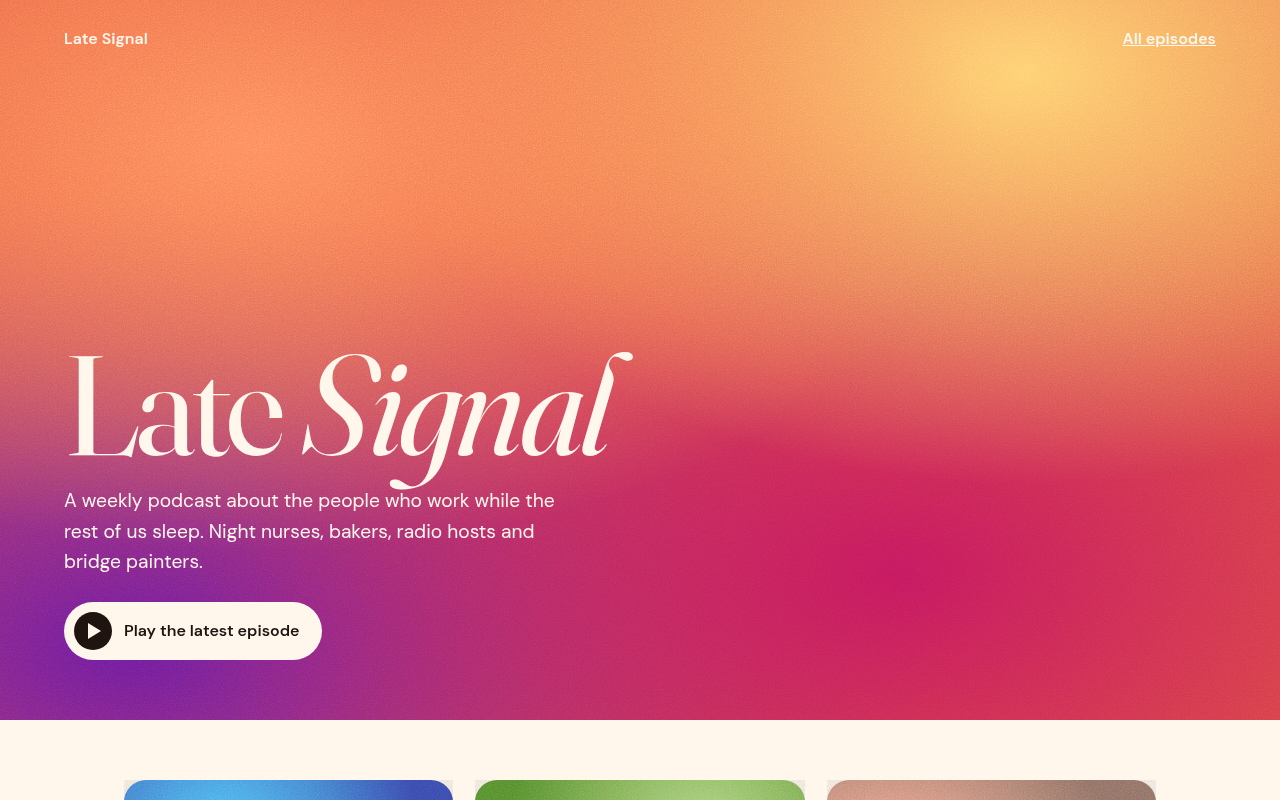
049. Grainy Gradient
Late Signal, a podcast