Home / Color and Light / Dark Mode First
Dark Mode First CSS Template, Free with Live Demo
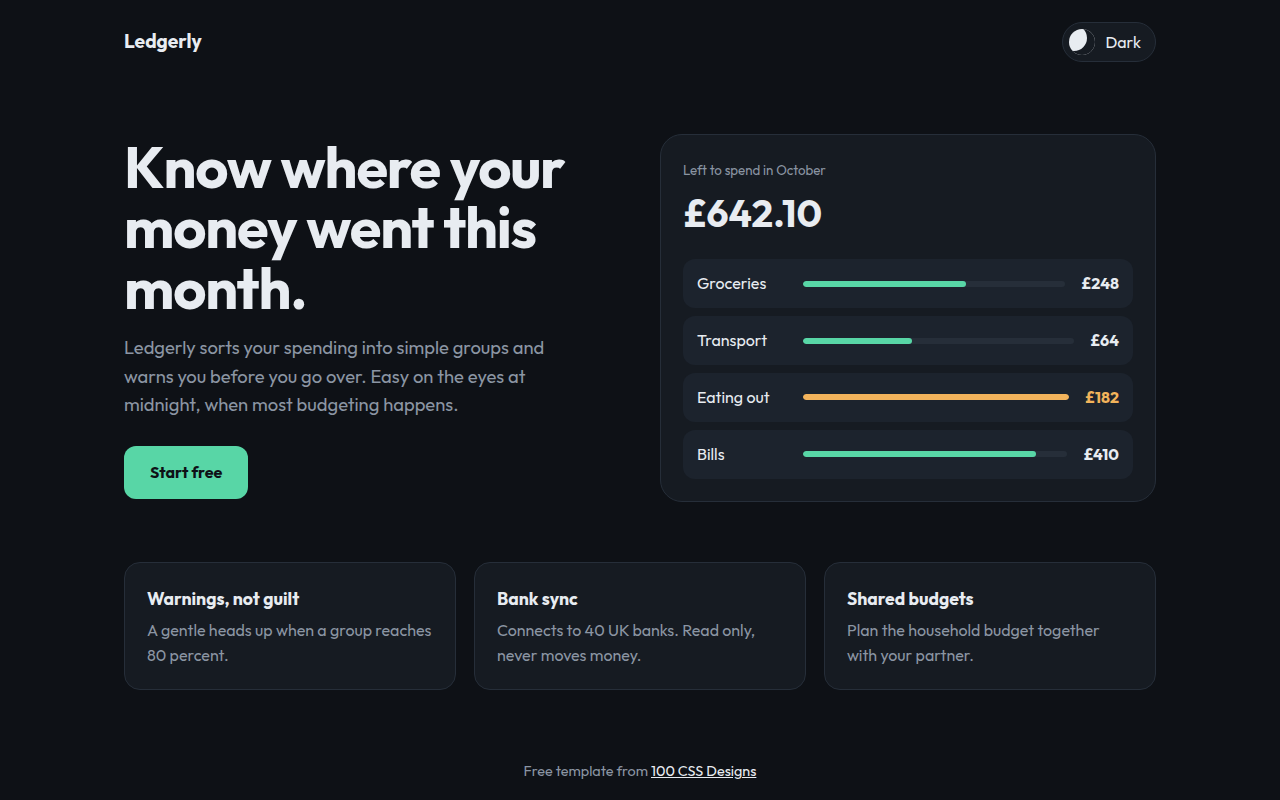
Free dark mode first website template for a budget app. Designed dark, with a working light mode toggle that remembers the choice. Live demo. The example is Ledgerly, a budget app.
What is dark mode first?
Dark mode first means the site is designed in dark colors from the start, and light mode is the extra option. Many apps now work this way, because people use them at night and dark screens are easier on the eyes.
All colors live in CSS variables. The light theme simply redefines them under a data-theme attribute, and a small script flips it and saves the choice so it stays the same on the next visit.
Good for
- Finance and budgeting apps
- Developer and productivity tools
- Media and streaming sites
- Any app used late at night
What you get in this template
- Dark theme by default, light theme on toggle
- Theme saved in localStorage for the next visit
- No flash of the wrong theme on load
- Budget card with over limit warning color
- Toggle icon changes from moon to sun
The key CSS
This is the part that makes the dark mode first look work. Copy it into your own project.
:root {
  --bg: #0e1116; --surface: #161b22; --ink: #e8ecf1; --acc: #58d6a6;
}
[data-theme="light"] {
  --bg: #f6f7f9; --surface: #ffffff; --ink: #141a21; --acc: #11855e;
}
body { background: var(--bg); color: var(--ink); }
How to use it
- Click Download HTML file above.
- Open the file in any code editor, like VS Code.
- Change the text, colors and links to match your project. Colors are at the top of the style tag.
- Upload it to any host, such as GitHub Pages, Netlify or your own server. It is one file with no build step.
Questions people ask
How do you add a dark mode toggle with CSS?
Put all colors in CSS variables, redefine them under [data-theme="light"], and use a button that switches the data-theme attribute on the html element.
How do I stop the page flashing the wrong theme?
Read the saved theme in a tiny script inside the head, before the page draws, as this template does.
Should I follow the system setting instead?
You can. Check window.matchMedia("(prefers-color-scheme: dark)") when there is no saved choice, and use that as the starting theme.
More Color and Light designs
041. Aurora Gradient
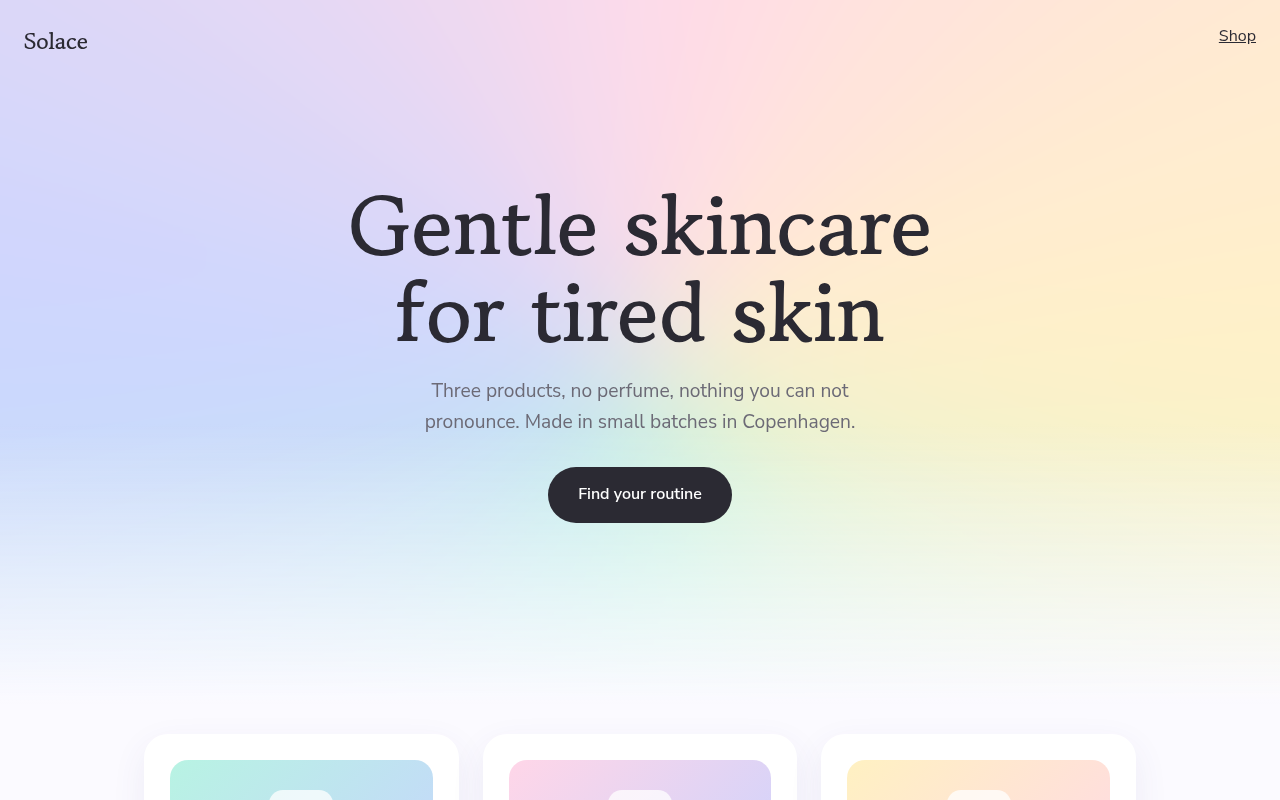
Solace, a skincare brand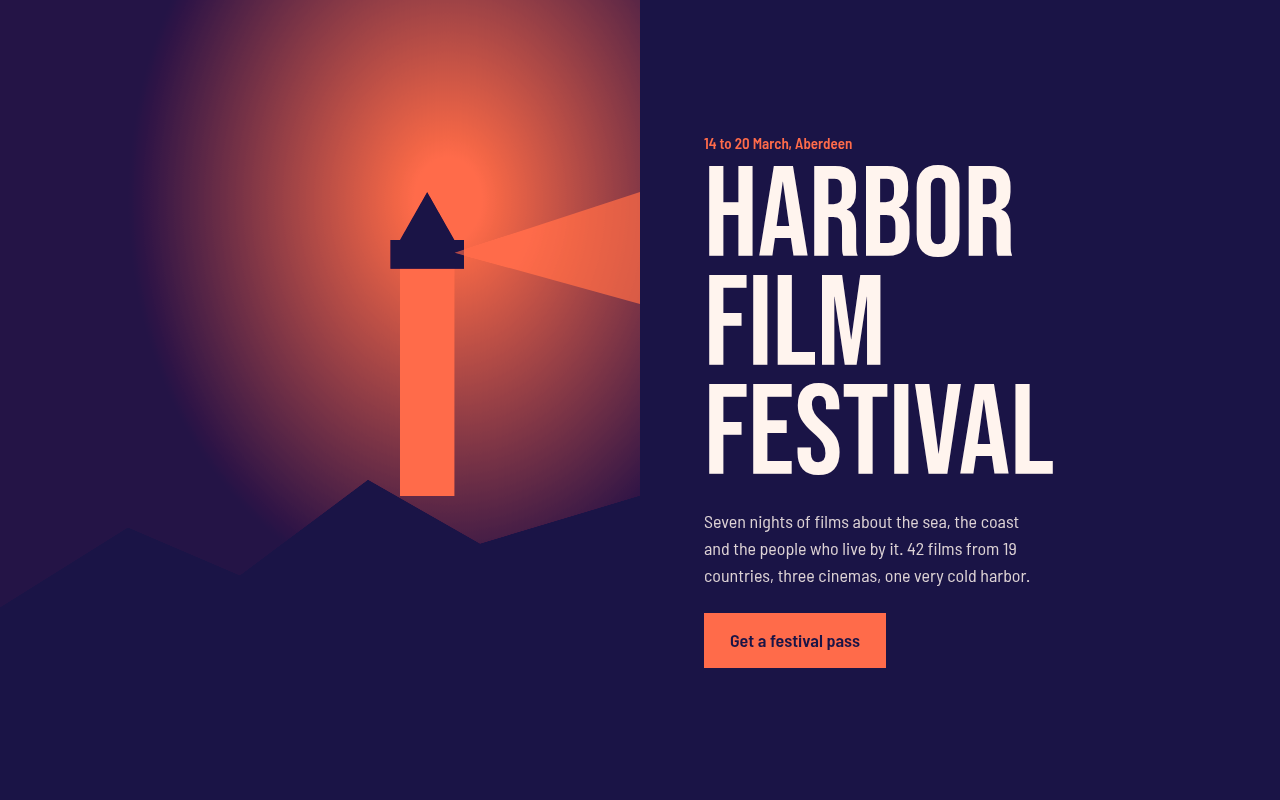
042. Duotone
Harbor Film Festival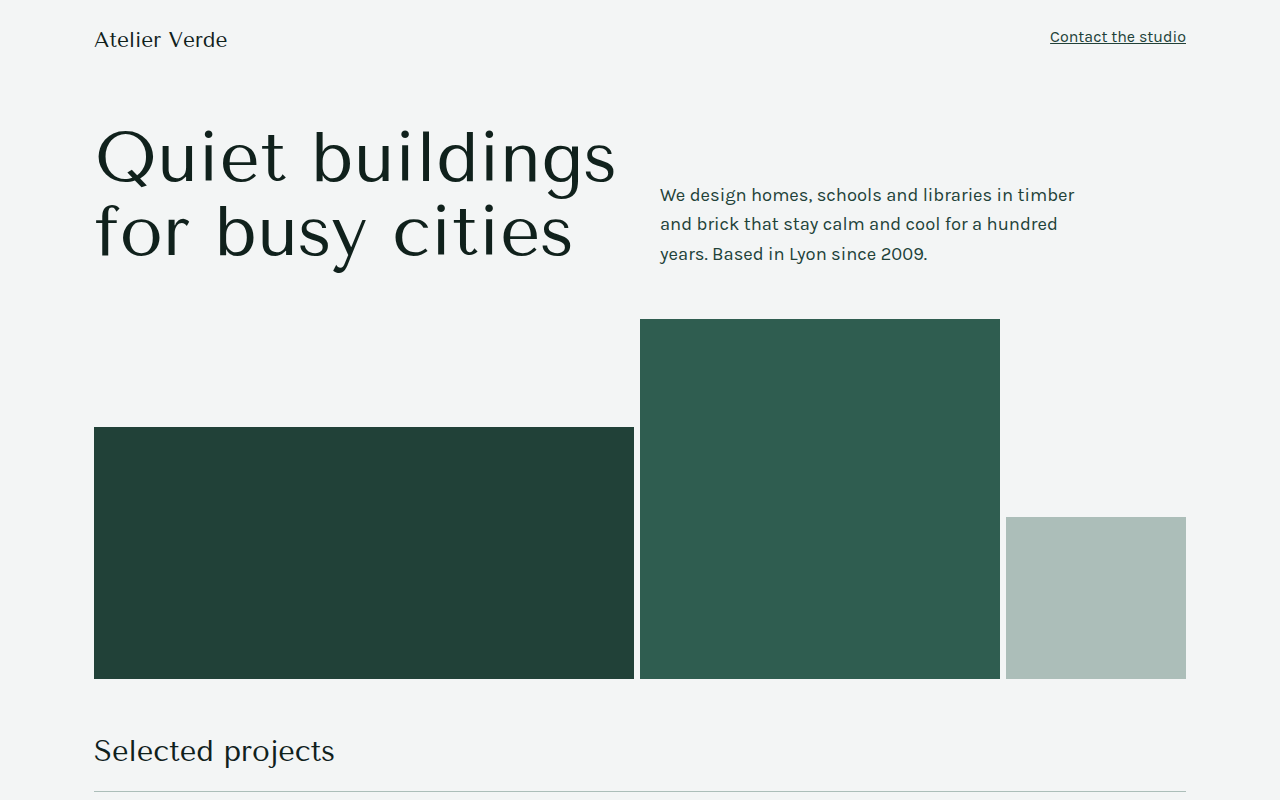
043. Monochrome
Atelier Verde, an architecture studio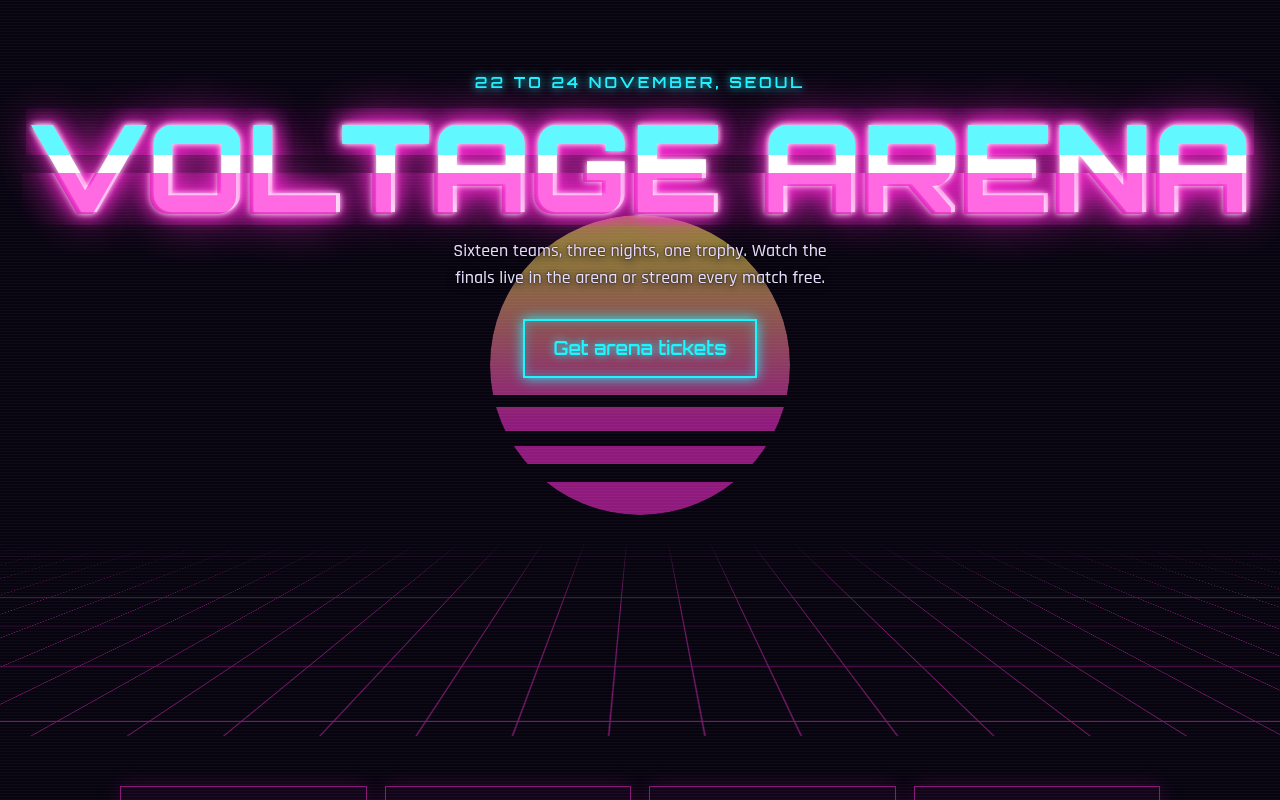
045. Neon Cyberpunk
Voltage Arena, an esports tournament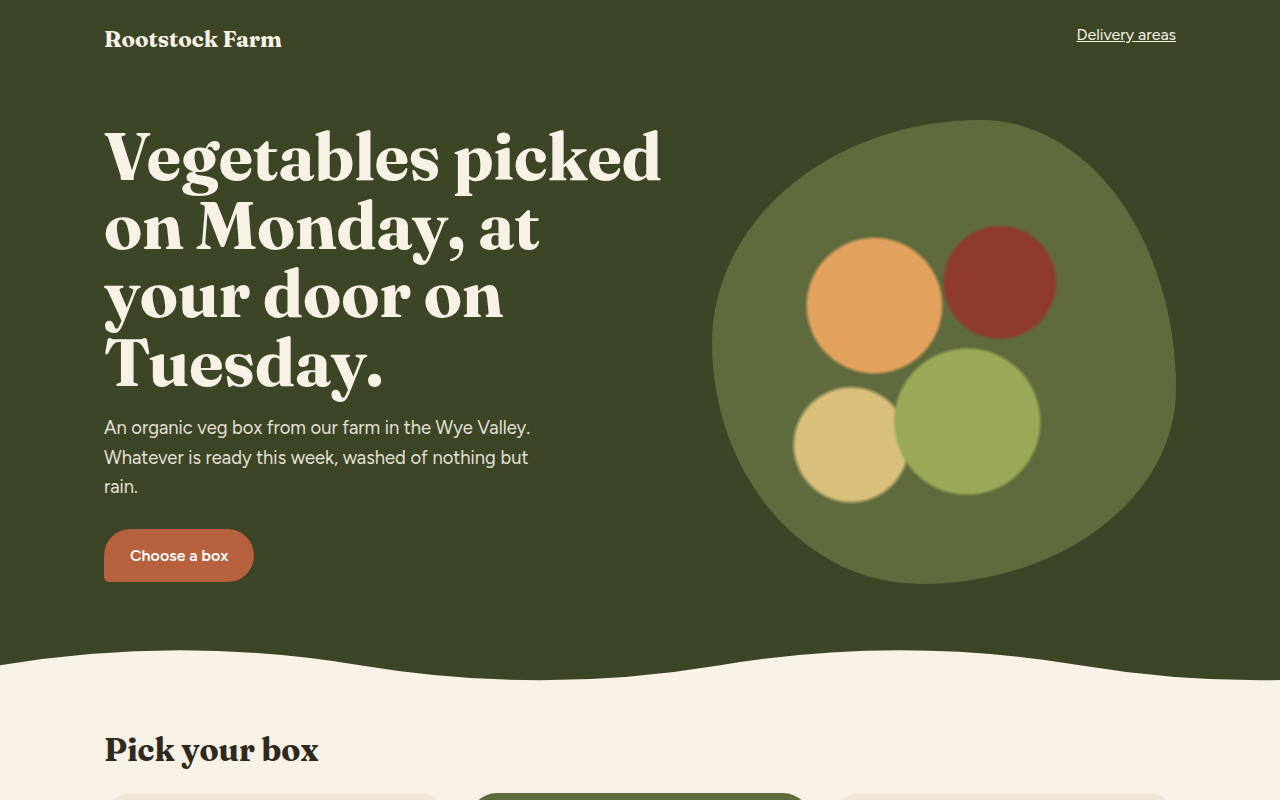
046. Earthy Natural
Rootstock Farm, an organic veg box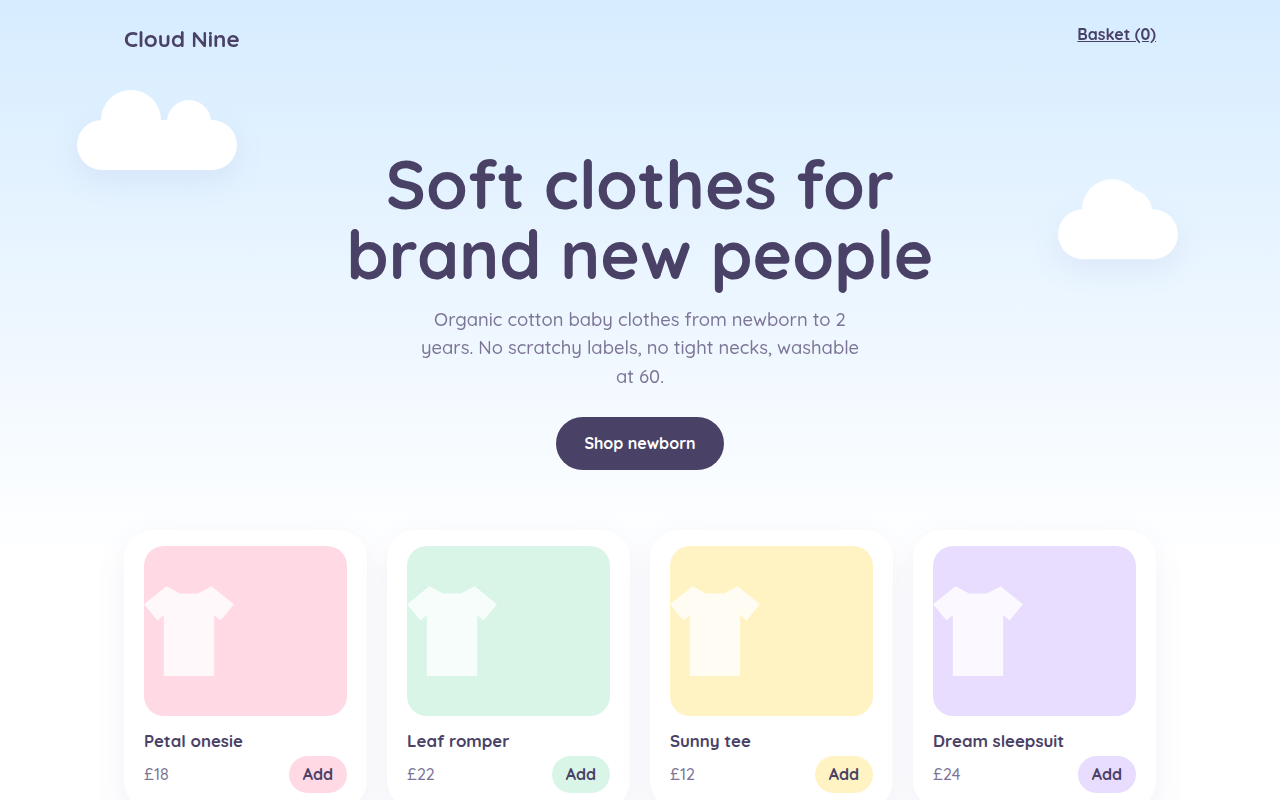
047. Pastel Dream
Cloud Nine, a baby clothing shop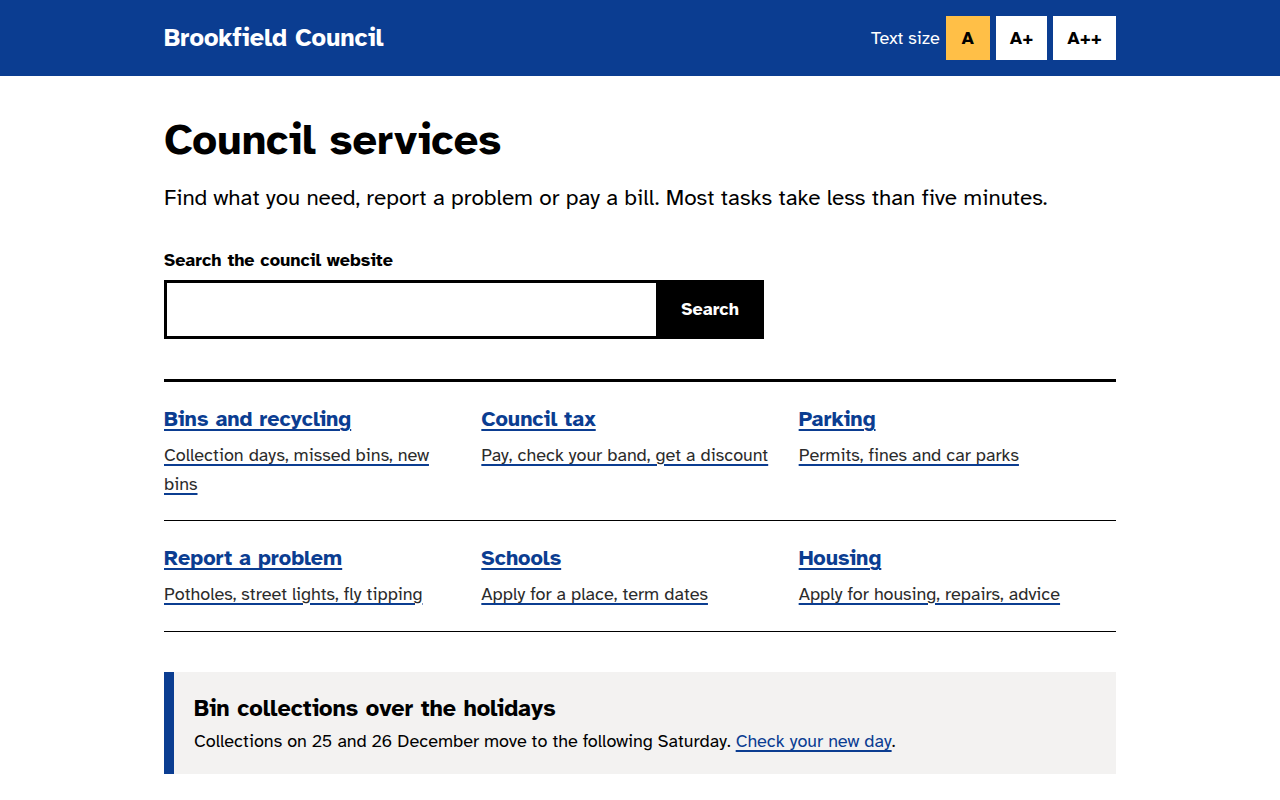
048. High Contrast Accessible
Brookfield Council, a local government site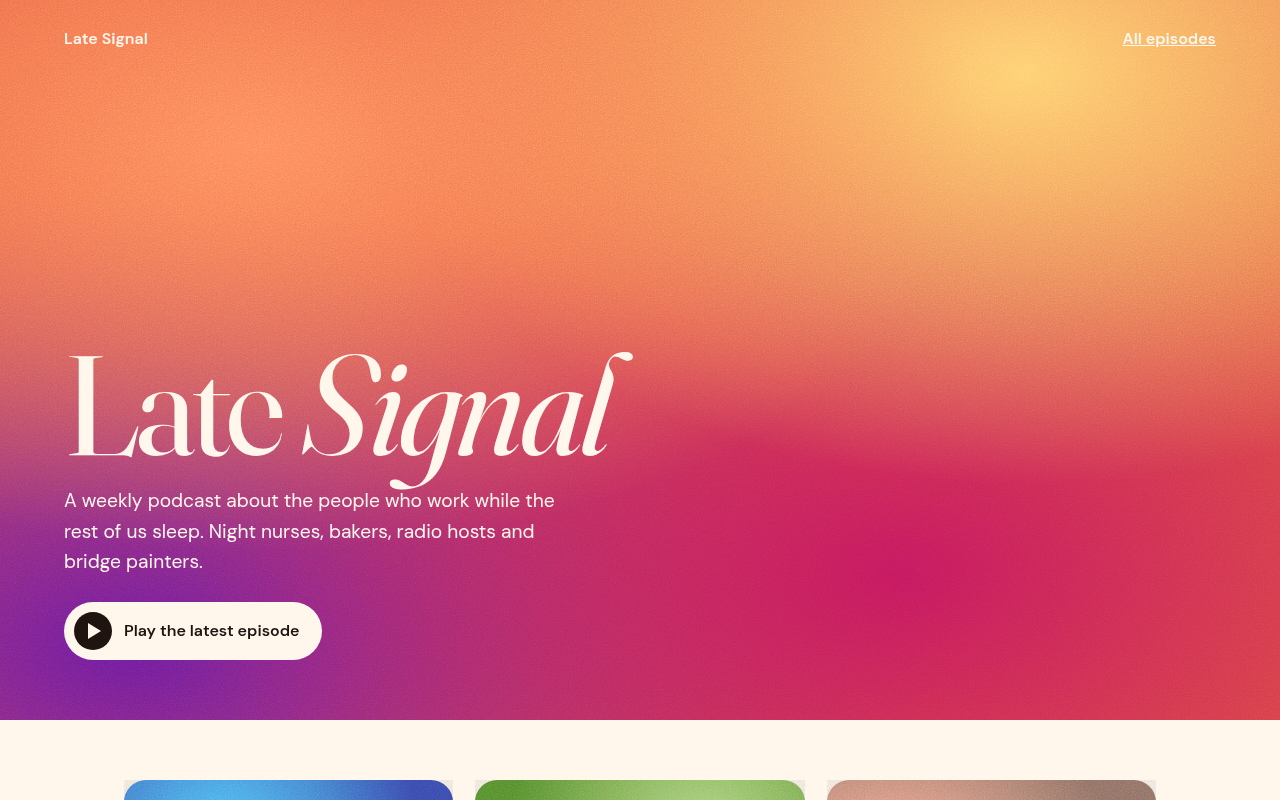
049. Grainy Gradient
Late Signal, a podcast