Home / Color and Light / Glow Borders
Glow Borders CSS Template, Free with Live Demo
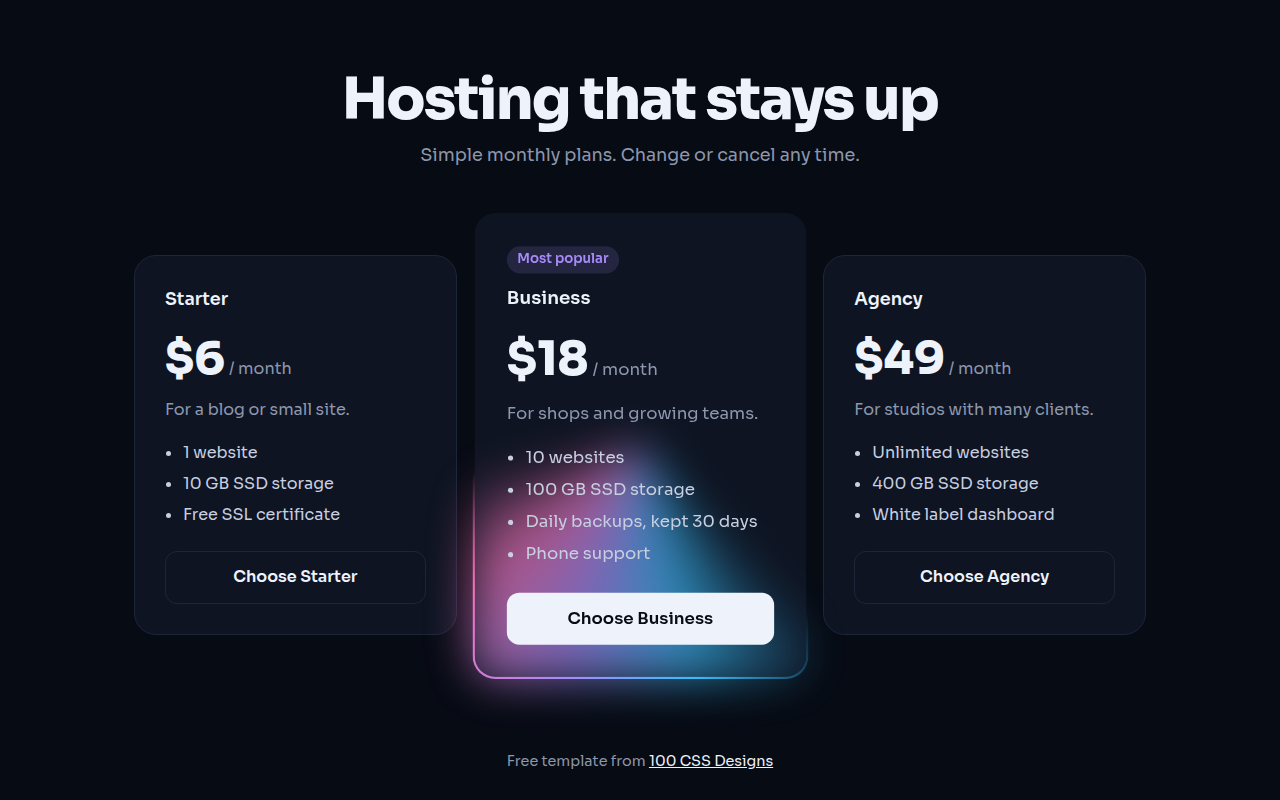
Free animated glow border template for a pricing page. Light runs around the featured plan with a conic gradient and CSS @property. Live demo. The example is Northstar, a hosting pricing page.
What is glow borders?
A glow border draws a line of light that keeps running around the edge of a card. On a pricing page it points straight at the plan you want people to pick.
The border is a conic gradient in the border box, behind a solid card background in the padding box. CSS @property makes the gradient angle animatable, so the light spins with no JavaScript.
Good for
- Pricing tables
- Featured products or plans
- Call to action cards
- Dark SaaS and developer sites
What you get in this template
- Light that runs around the featured card
- Soft blurred glow under the border
- Animated with @property, no JavaScript
- Three plan pricing layout
- Stops at a nice angle for reduced motion
The key CSS
This is the part that makes the glow borders look work. Copy it into your own project.
@property --a { syntax: "<angle>"; initial-value: 0deg; inherits: false; }

.glow {
  border: 2px solid transparent;
  background:
    linear-gradient(#0e1422, #0e1422) padding-box,
    conic-gradient(from var(--a), transparent 0 60%, #38bdf8, #a78bfa, #f472b6, transparent 95%) border-box;
  animation: rot 4s linear infinite;
}
@keyframes rot { to { --a: 360deg; } }
How to use it
- Click Download HTML file above.
- Open the file in any code editor, like VS Code.
- Change the text, colors and links to match your project. Colors are at the top of the style tag.
- Upload it to any host, such as GitHub Pages, Netlify or your own server. It is one file with no build step.
Questions people ask
How do you make an animated gradient border in CSS?
Register an angle with @property, use it in a conic gradient on the border box, and animate the angle from 0deg to 360deg with keyframes.
Does @property work in all browsers?
Yes. Chrome, Edge, Safari and Firefox all support it now.
How do I keep rounded corners with a gradient border?
Use two backgrounds: a solid color on padding-box and the gradient on border-box, with a transparent border. Rounded corners then work normally.
More Color and Light designs
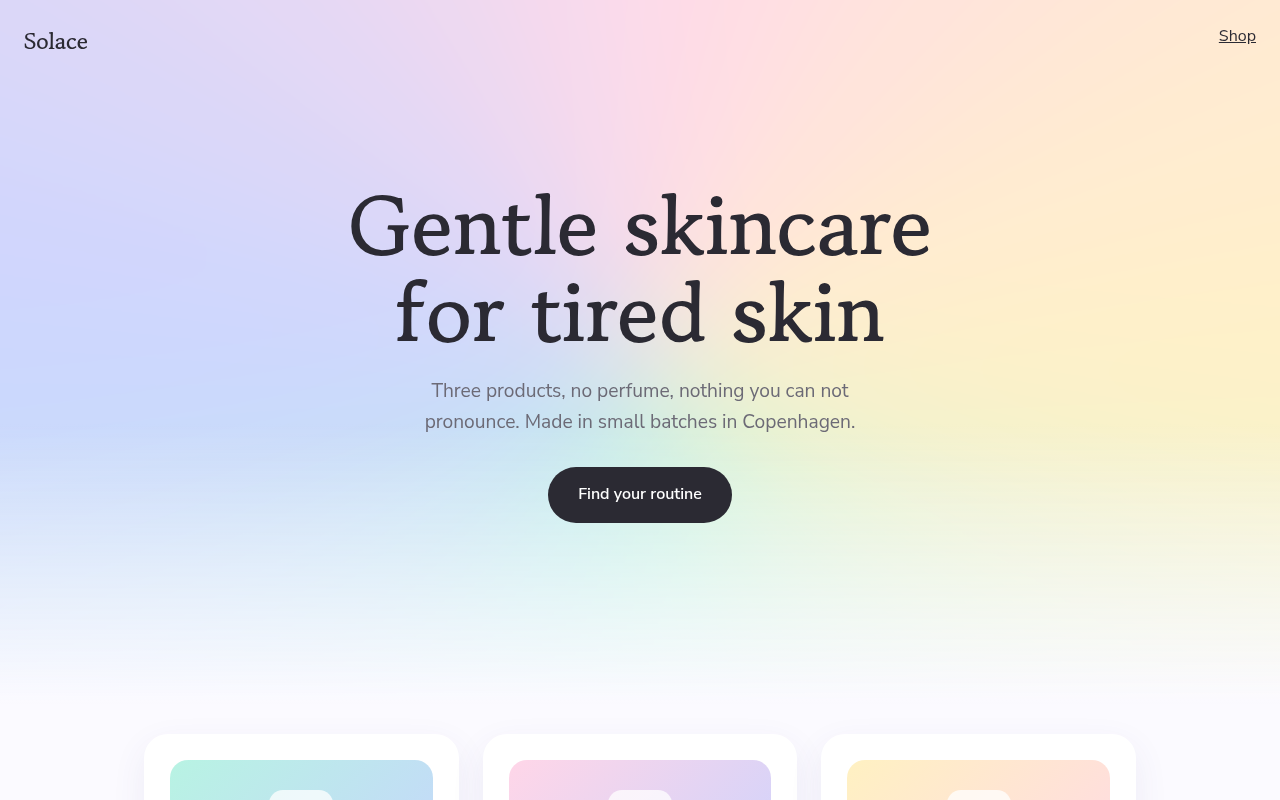
041. Aurora Gradient
Solace, a skincare brand
042. Duotone
Harbor Film Festival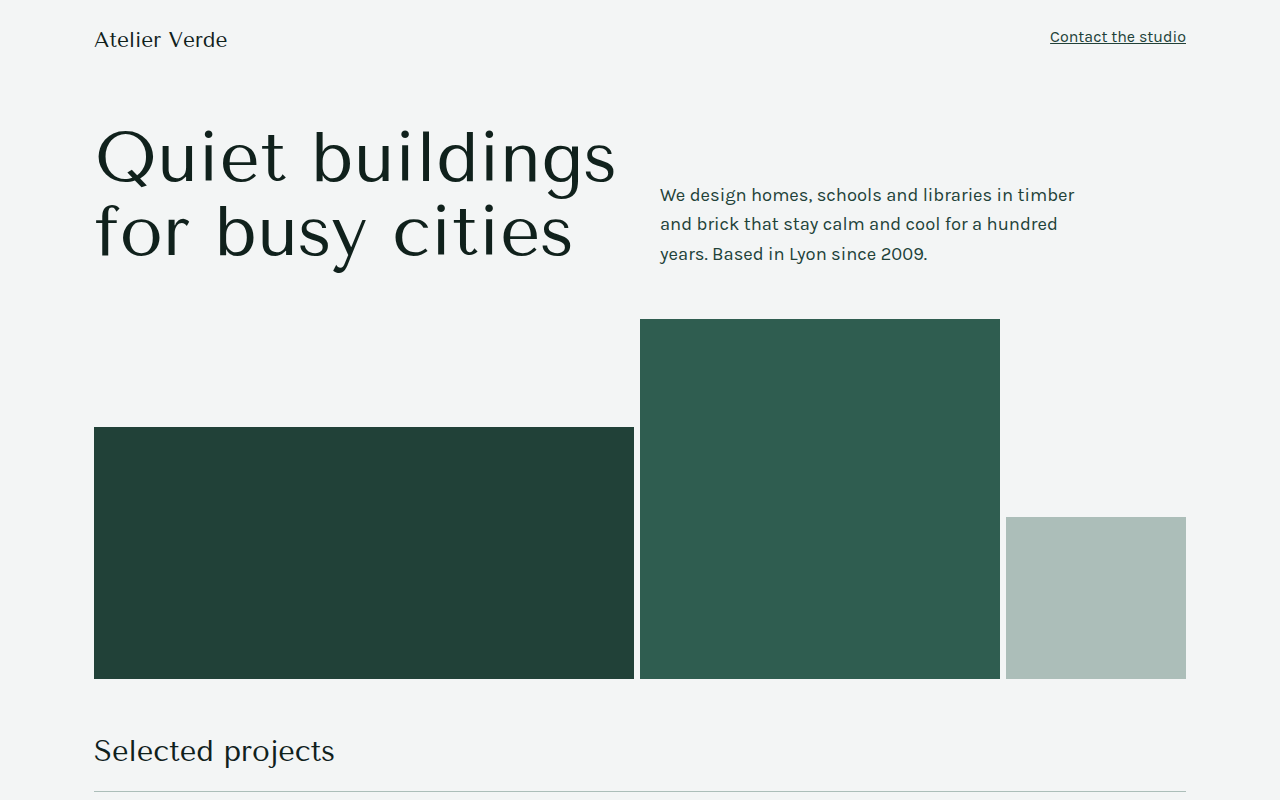
043. Monochrome
Atelier Verde, an architecture studio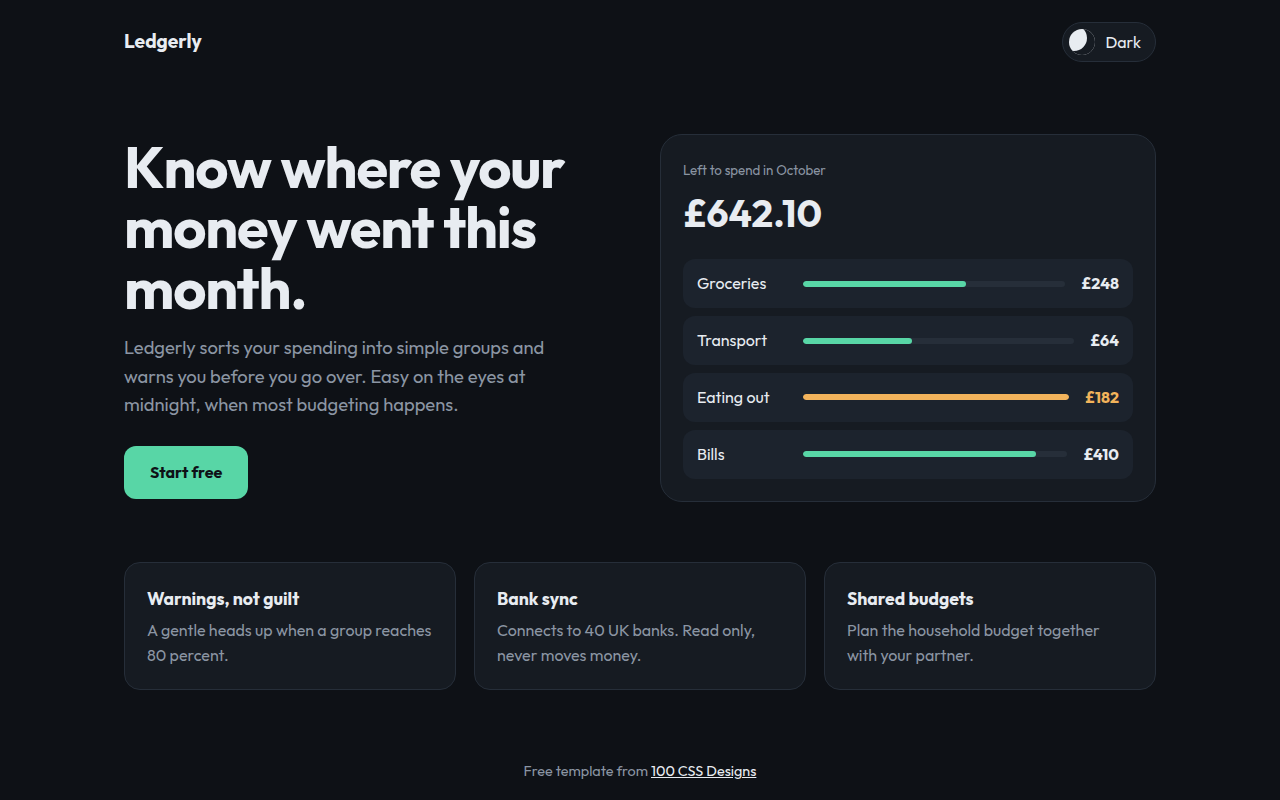
044. Dark Mode First
Ledgerly, a budget app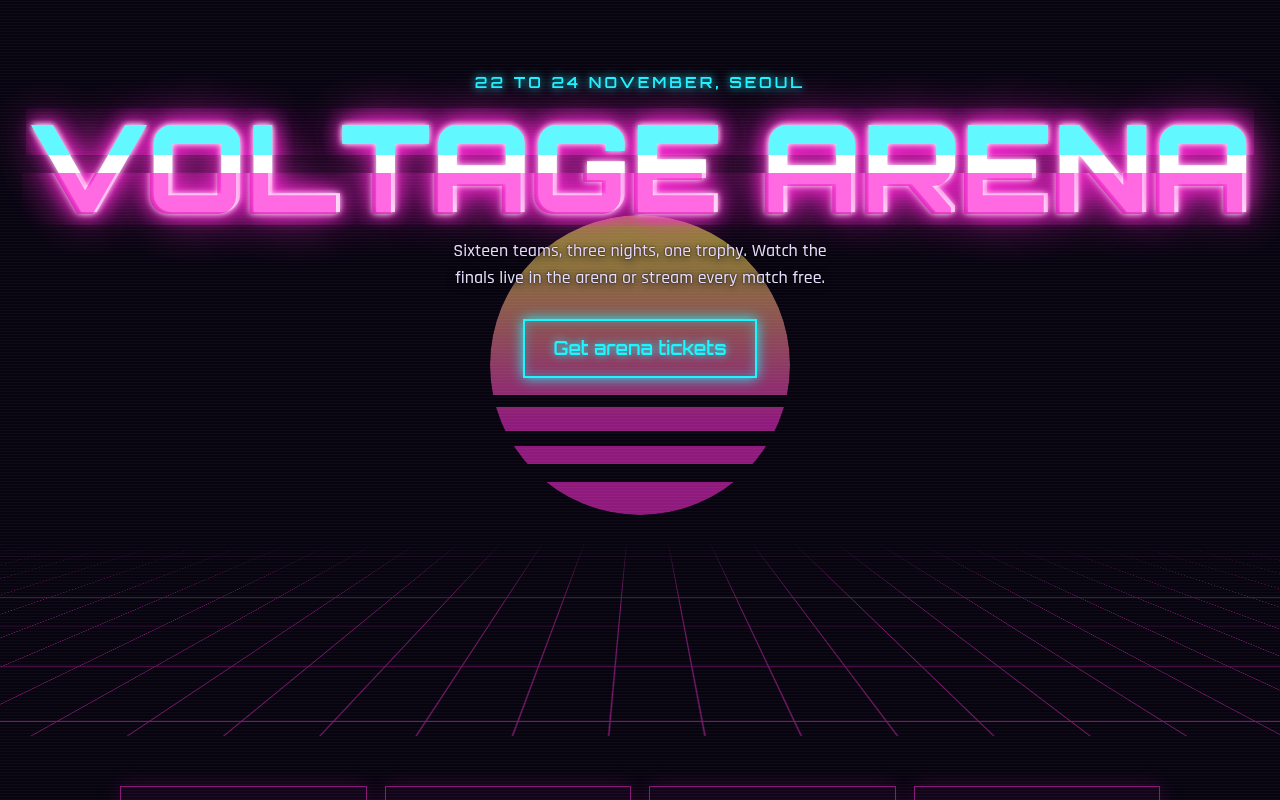
045. Neon Cyberpunk
Voltage Arena, an esports tournament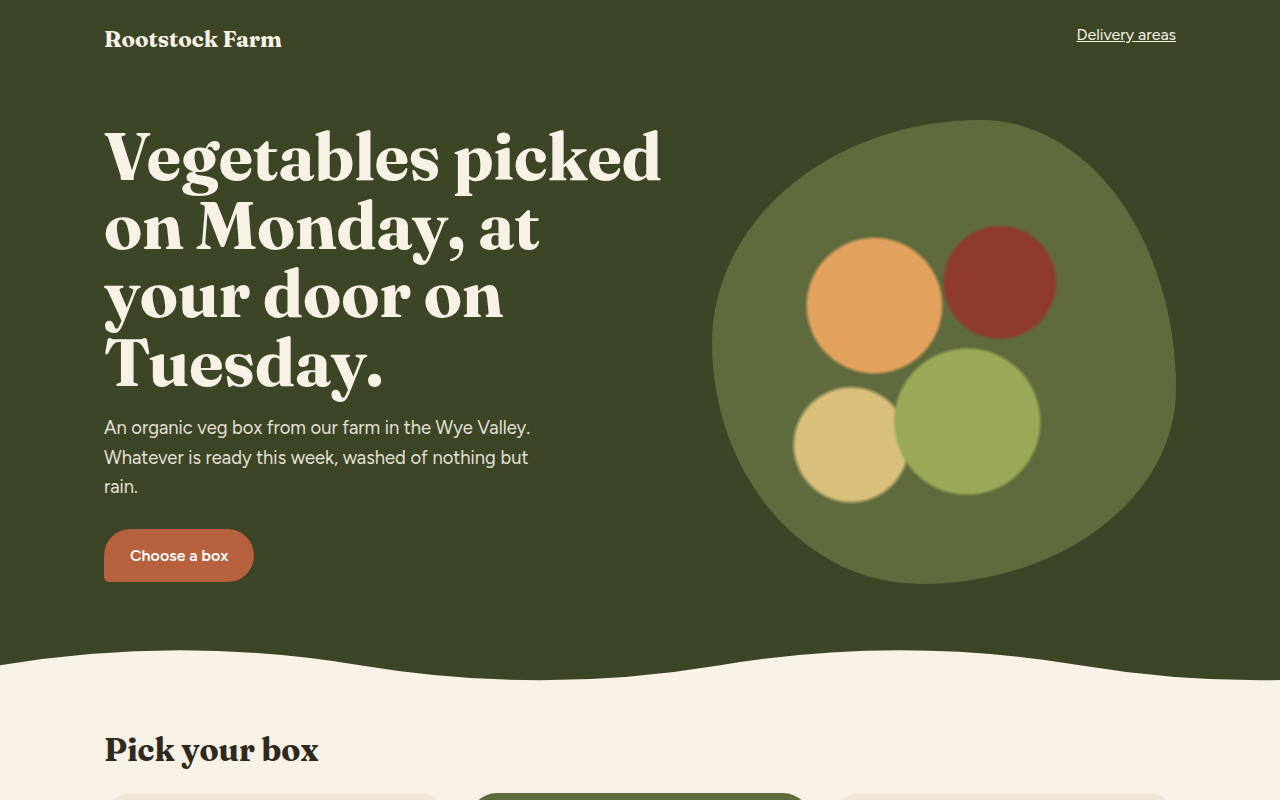
046. Earthy Natural
Rootstock Farm, an organic veg box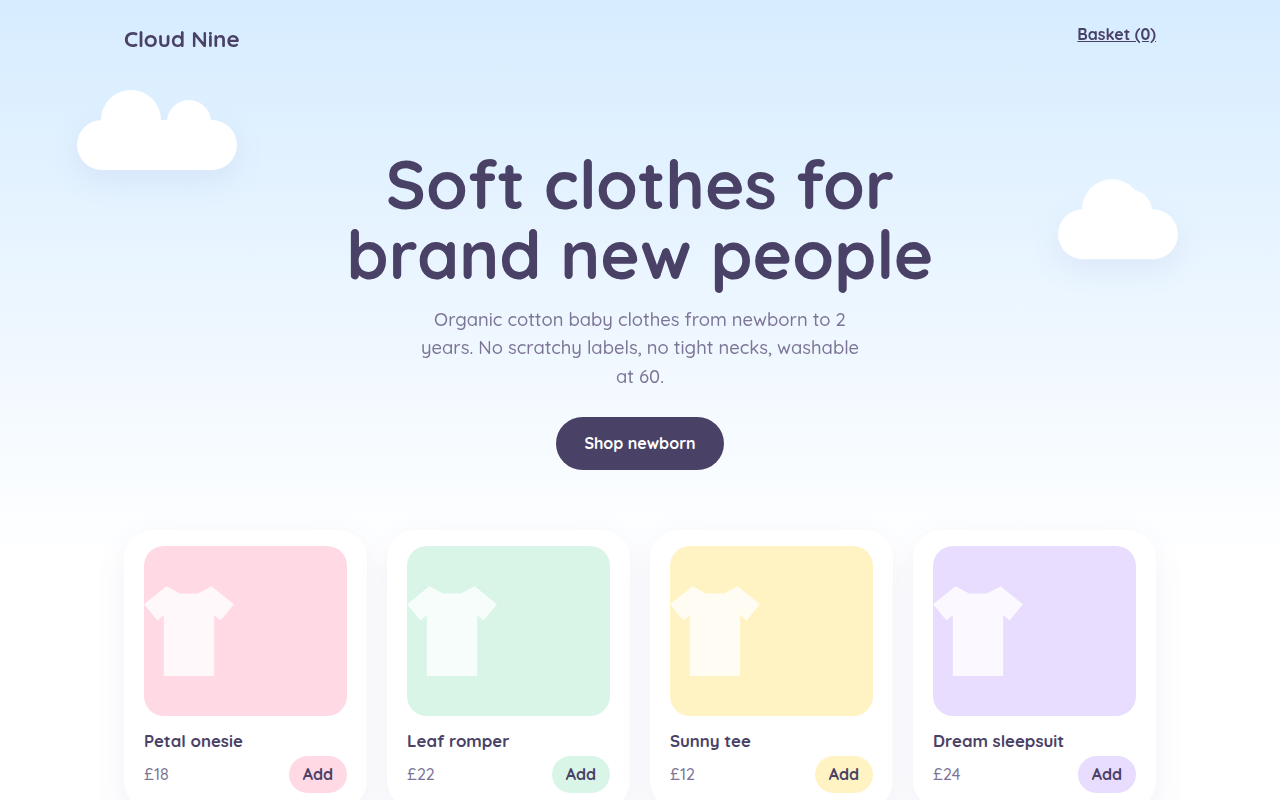
047. Pastel Dream
Cloud Nine, a baby clothing shop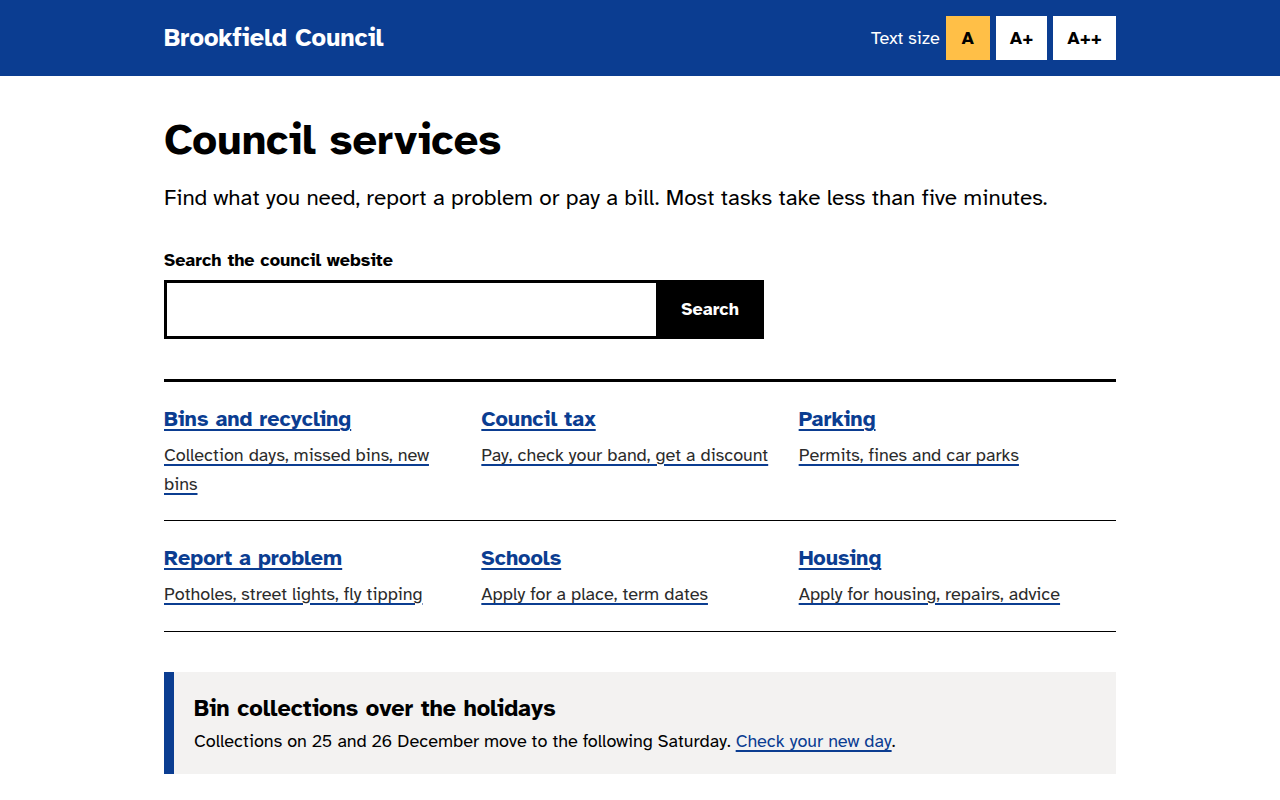
048. High Contrast Accessible
Brookfield Council, a local government site