Home / Motion / Scroll Driven Animation
Scroll Driven Animation CSS Template, Free with Live Demo
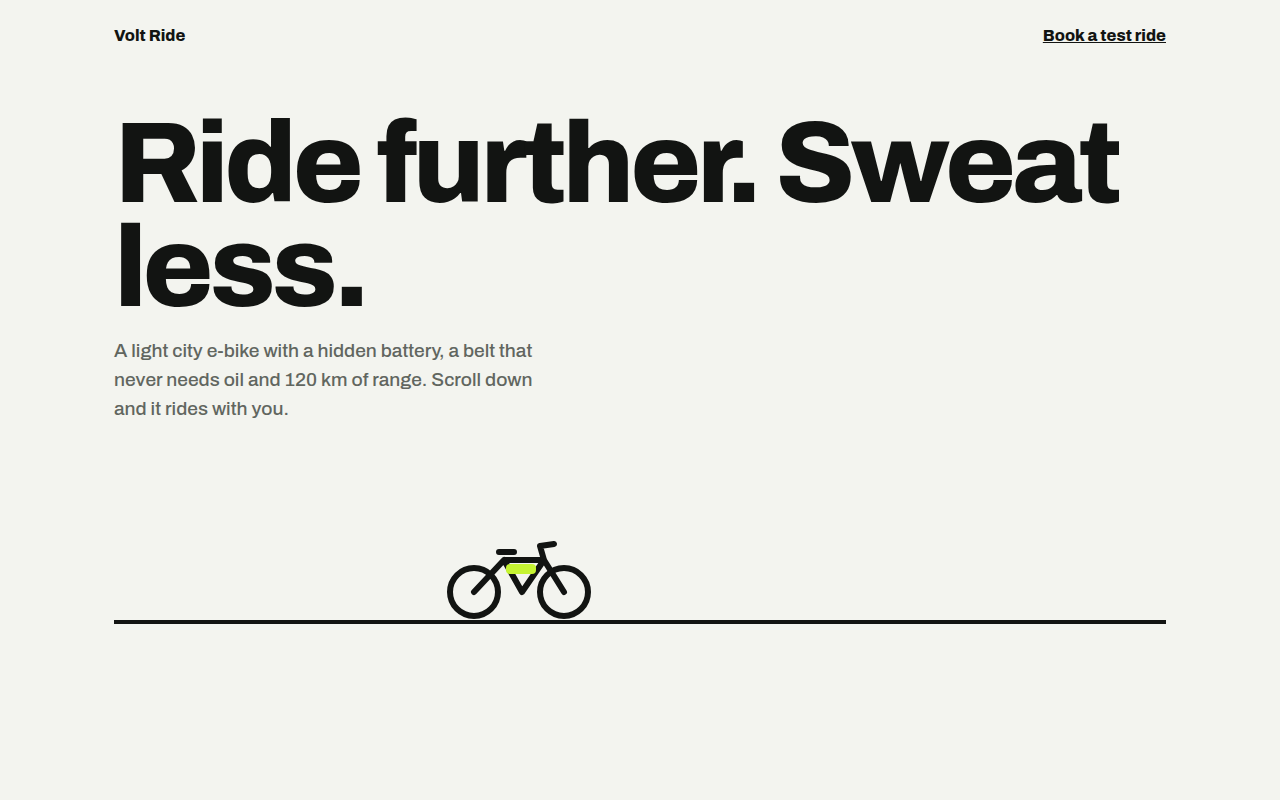
Free scroll driven animation template for an e-bike. Progress bar, reveals and a bike that rides as you scroll, using CSS animation-timeline. Live demo. The example is Volt Ride, an e-bike product page.
What is scroll driven animation?
Scroll driven animations link an animation to the scroll position instead of time. Scroll down and the bar fills, cards rise into place and the bike rides across the road. Scroll back up and everything rewinds.
It is pure CSS with animation-timeline: scroll() for the whole page and view() for single elements. Browsers without support, and people who prefer less motion, simply see the finished page.
Good for
- Product pages that tell a story
- Reading progress bars on articles
- Reveal effects without JavaScript
- Landing pages with a clear sequence
What you get in this template
- Reading progress bar with scroll(root)
- Bike that rides as its section passes
- Stat cards that rise with view() and animation-range
- Headline lines that light up one by one
- Safe fallback with @supports and reduced motion
The key CSS
This is the part that makes the scroll driven animation look work. Copy it into your own project.
@supports (animation-timeline: view()) {
  .bar { animation: grow linear both; animation-timeline: scroll(root); }
  @keyframes grow { to { transform: scaleX(1); } }

  .st {
    animation: rise linear both;
    animation-timeline: view();
    animation-range: entry 0% cover 30%;
  }
  @keyframes rise { from { opacity: 0; transform: translateY(60px) scale(.94); } }
}
How to use it
- Click Download HTML file above.
- Open the file in any code editor, like VS Code.
- Change the text, colors and links to match your project. Colors are at the top of the style tag.
- Upload it to any host, such as GitHub Pages, Netlify or your own server. It is one file with no build step.
Questions people ask
What are CSS scroll driven animations?
They are normal CSS keyframe animations whose progress follows scrolling instead of time, set with animation-timeline: scroll() or view().
Which browsers support animation-timeline?
Chrome, Edge and Safari 26 support it. Firefox is still working on it, so this template wraps the effects in @supports and the page works fine without them.
What does animation-range do?
It sets which part of the scroll the animation uses. entry 0% cover 30% means it runs from when the element starts entering until it covers 30% of the view.
More Motion designs
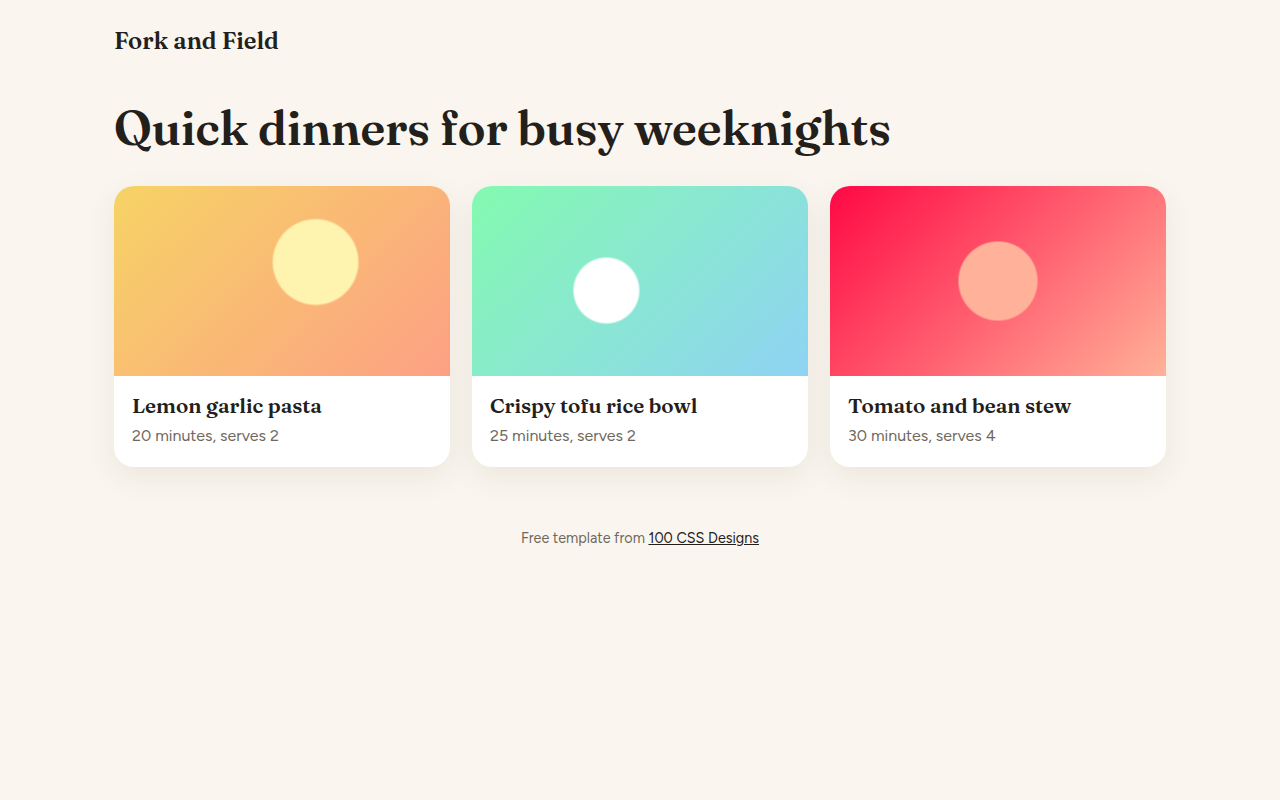
062. View Transitions
Fork and Field, a recipe site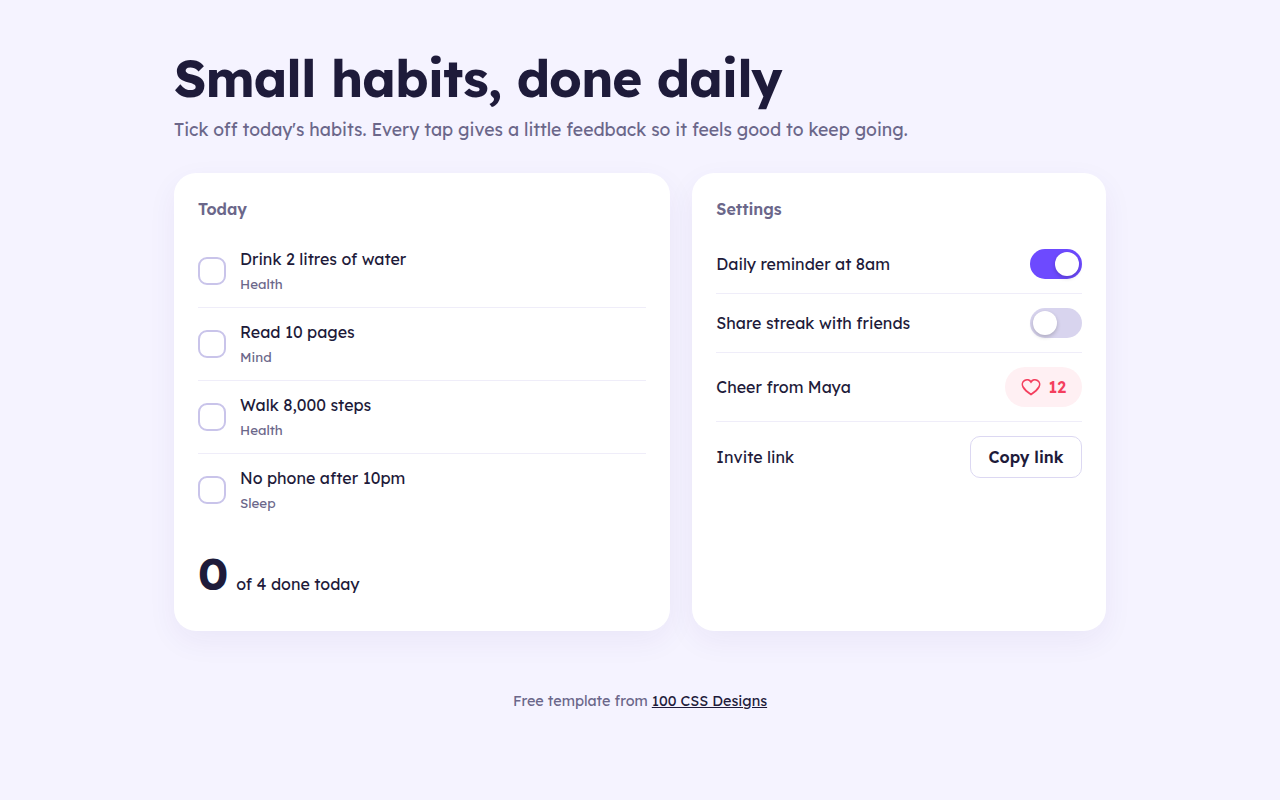
063. Micro Interactions
Streak, a habit tracker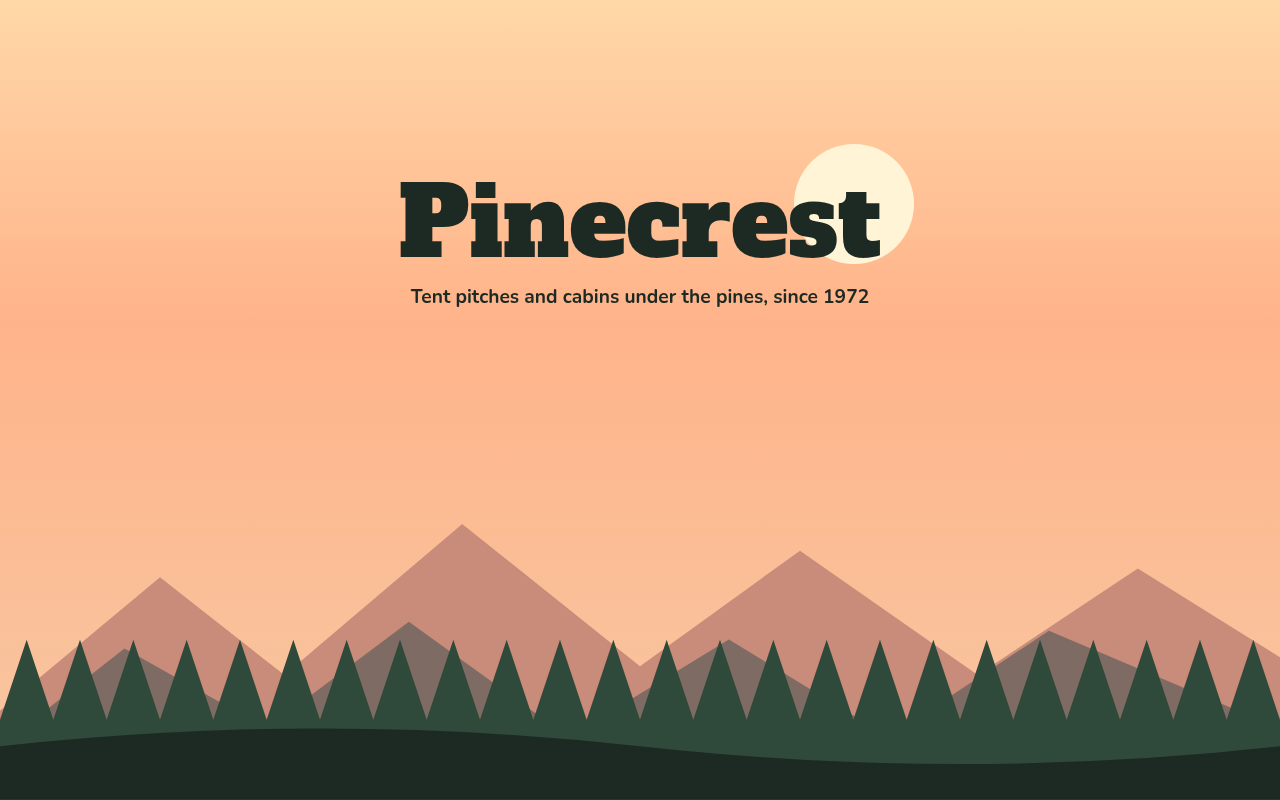
064. Layered Parallax
Pinecrest, a campground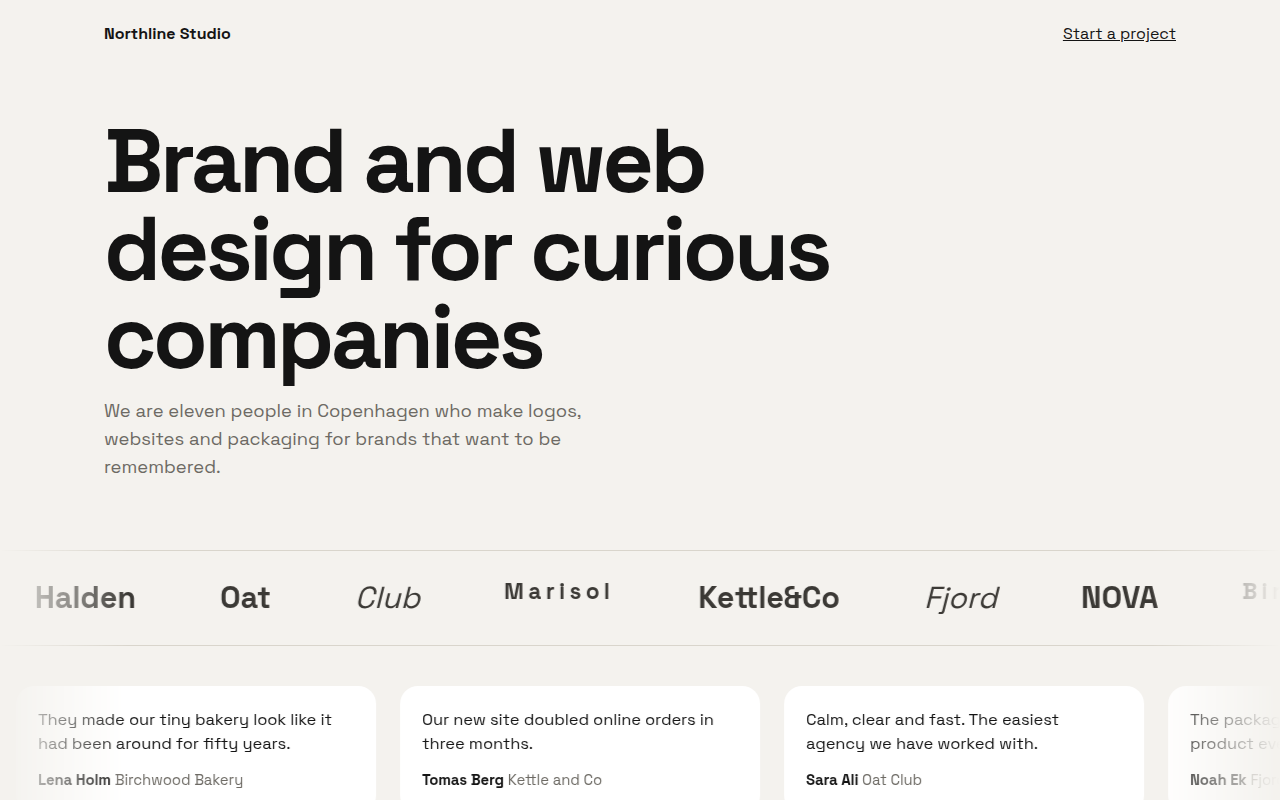
065. Marquee Ticker
Northline, a design studio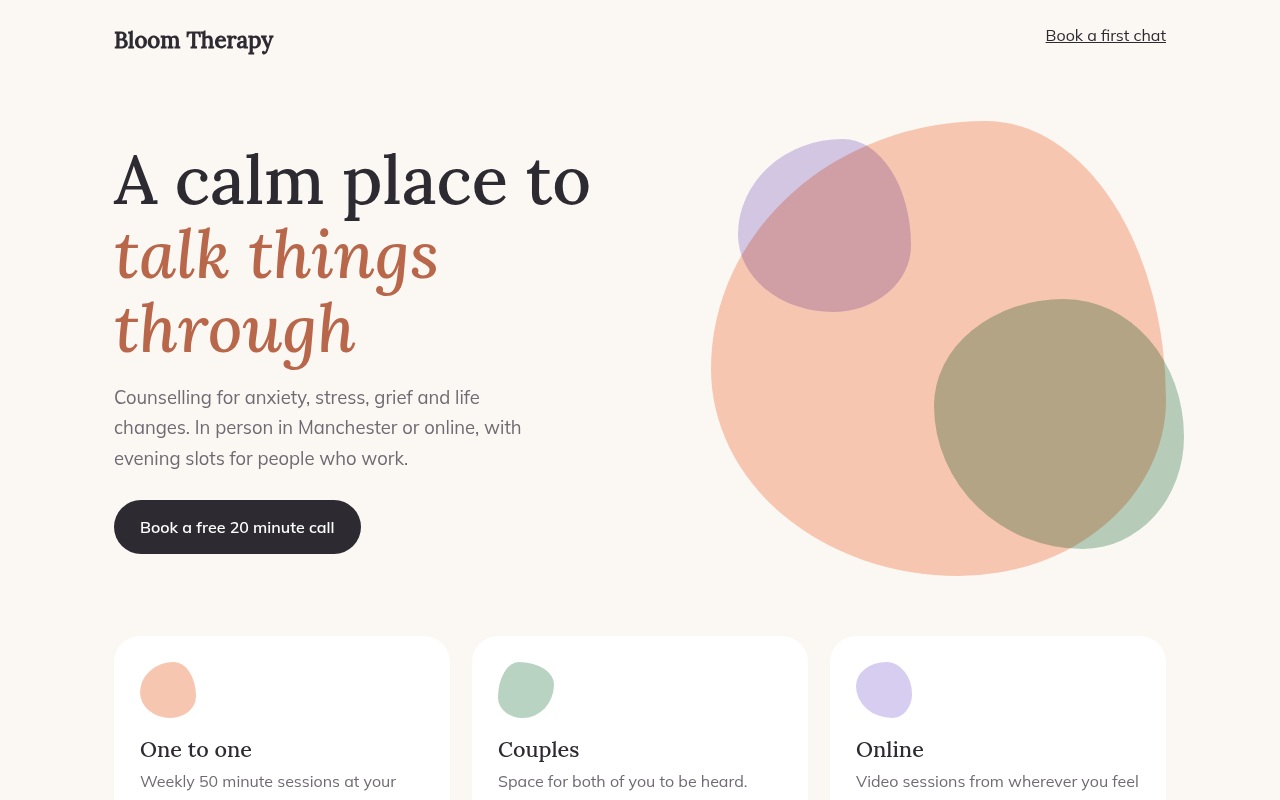
066. Morphing Blobs
Bloom, a therapy practice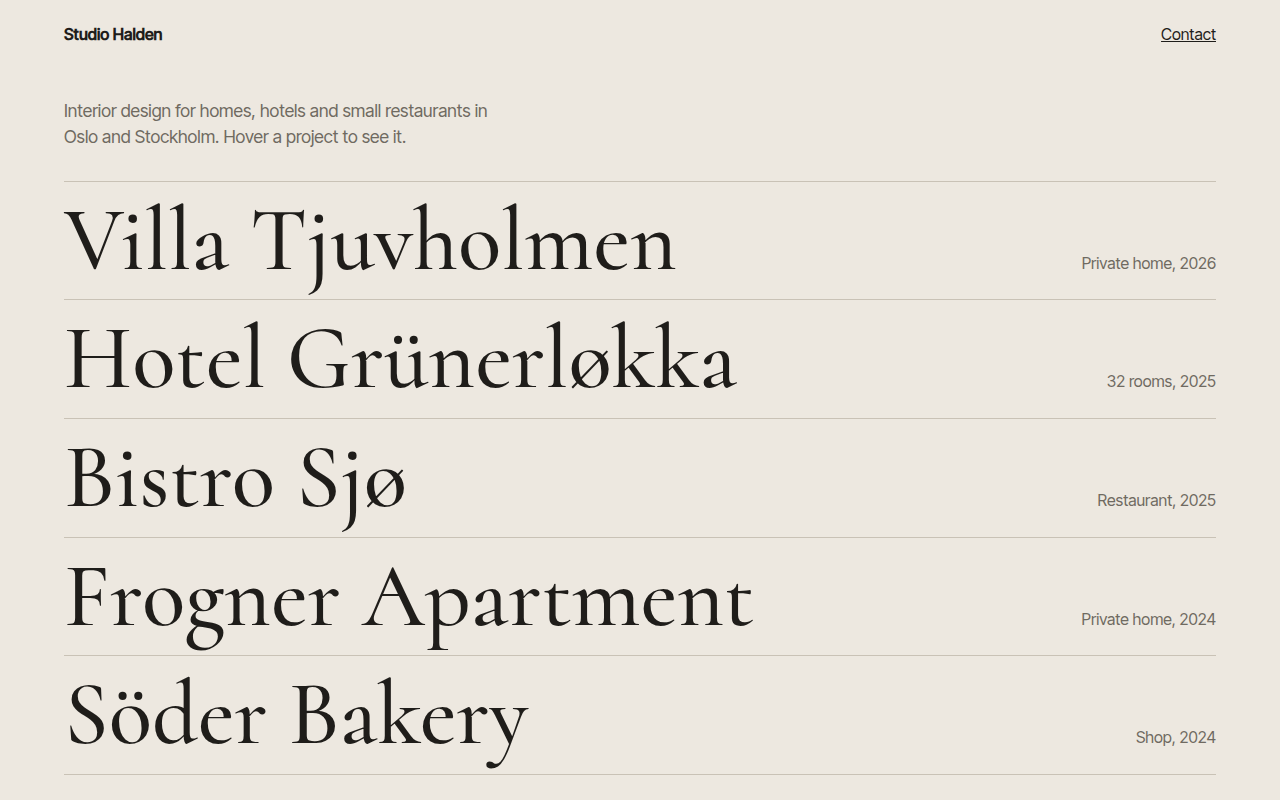
067. Hover Reveal
Studio Halden, an interior design studio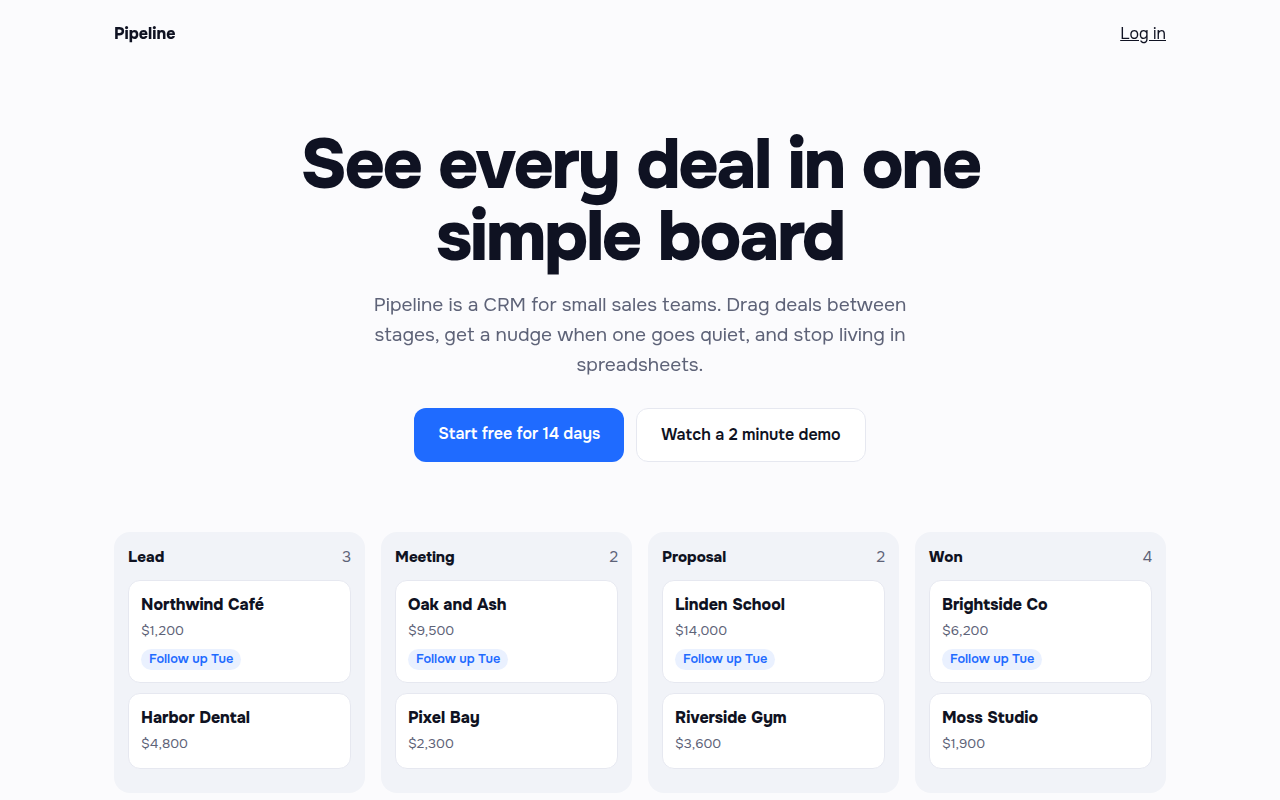
068. Staggered Entrance
Pipeline, a CRM landing page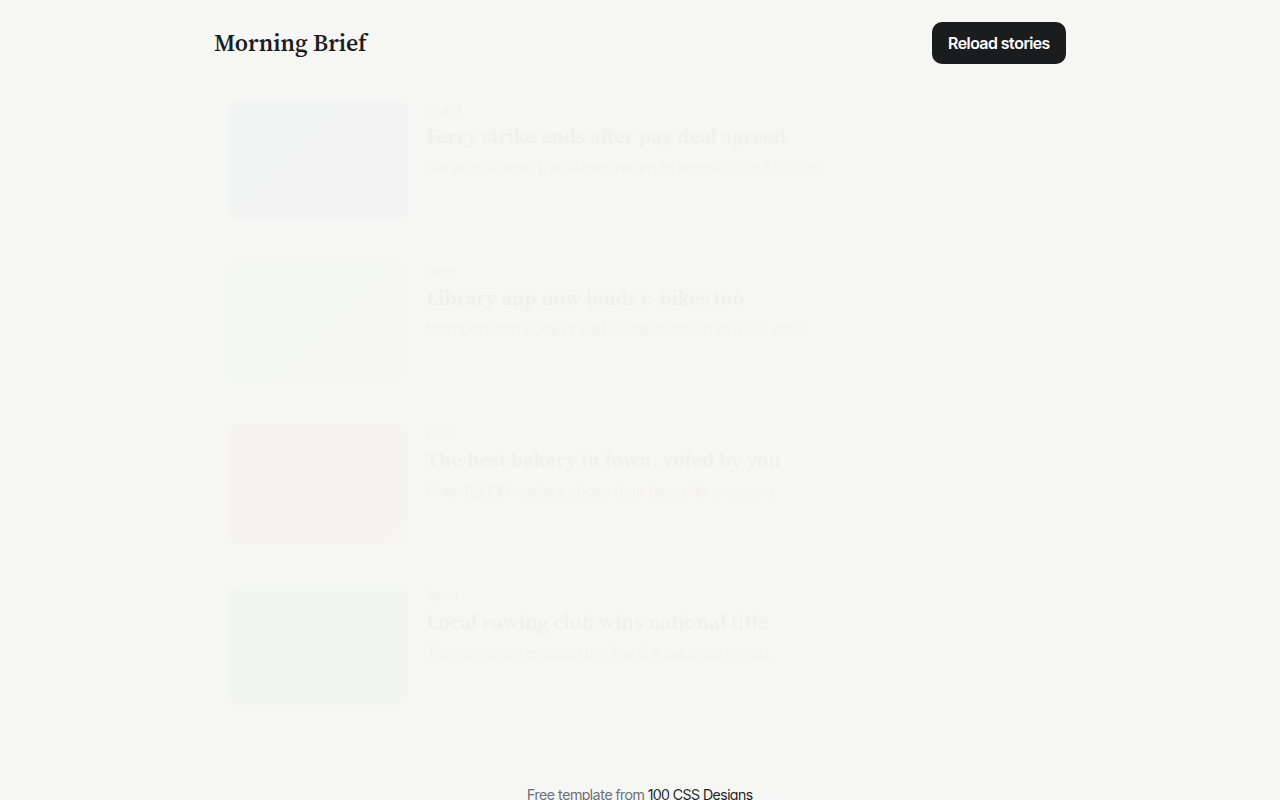
069. Skeleton Loaders
Morning Brief, a news app