Hover Reveal CSS Template, Free with Live Demo
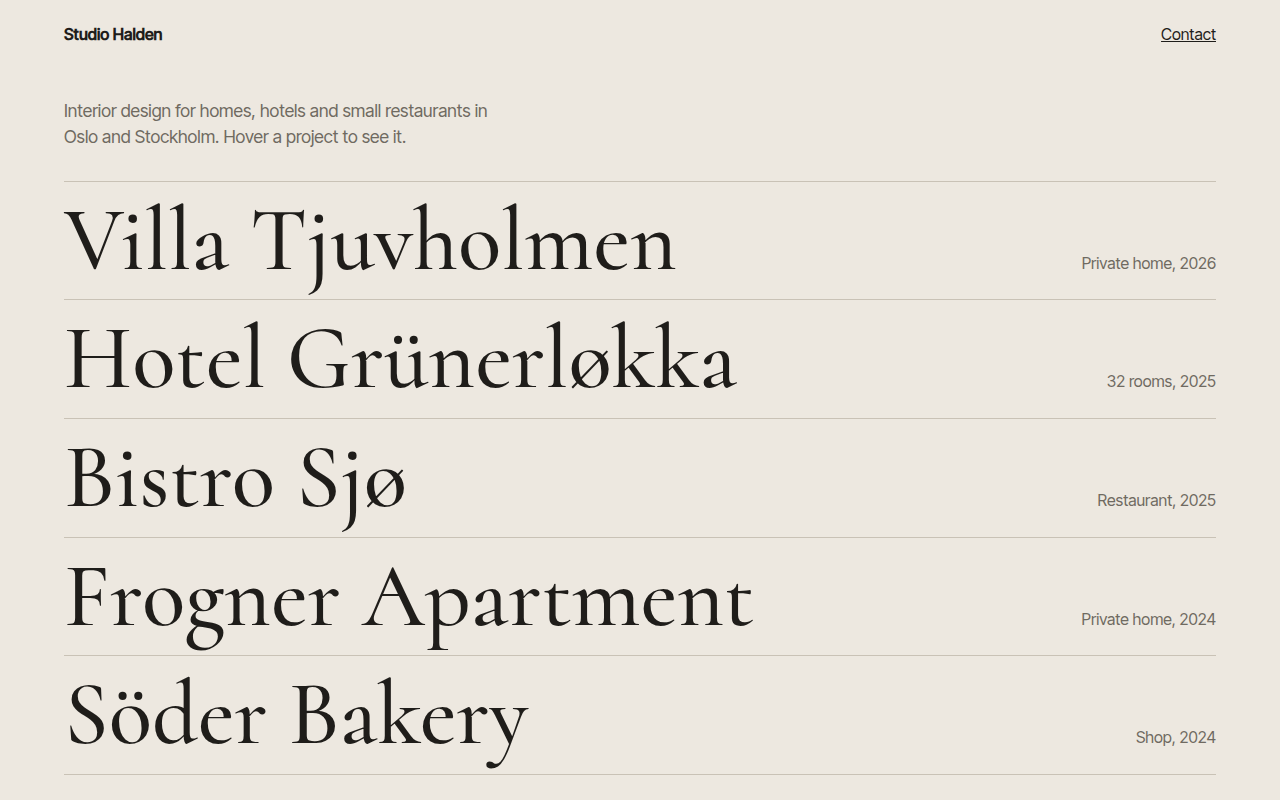
Free hover reveal template for an interior design studio. Hover a project name and its picture fades in and smoothly follows your cursor. Live demo. The example is Studio Halden, an interior design studio.
What is hover reveal?
Hover reveal keeps a page clean with just a list of big names. When you hover one, its picture appears next to your cursor and glides along with it, and the other names fade back.
The picture is one fixed element. A tiny script moves it toward the cursor a little each frame, which gives it that smooth, slightly lazy follow. On touch screens the picture stays hidden and the list works as normal links.
Good for
- Interior and architecture studios
- Photography portfolios
- Agency case study lists
- Restaurant and menu pages
What you get in this template
- Big serif project names in a list
- Picture fades in and follows the cursor smoothly
- Other items dim while one is hovered
- Name shifts and turns italic on hover and focus
- Hidden on touch devices
The key CSS
This is the part that makes the hover reveal look work. Copy it into your own project.
.pv {
  position: fixed; width: 300px; height: 380px; pointer-events: none;
  opacity: 0; transform: translate(-50%, -50%) scale(.85);
  transition: opacity .25s, transform .25s;
}
.pv.on { opacity: 1; transform: translate(-50%, -50%) scale(1); }
.list:hover a:not(:hover) h2 { opacity: .35; }
How to use it
- Click Download HTML file above.
- Open the file in any code editor, like VS Code.
- Change the text, colors and links to match your project. Colors are at the top of the style tag.
- Upload it to any host, such as GitHub Pages, Netlify or your own server. It is one file with no build step.
Questions people ask
How do you make an image follow the cursor?
Use a position: fixed element and update its left and top on pointermove. Easing it toward the cursor each frame makes it smooth.
Is hover reveal OK on phones?
Phones have no hover, so the preview is hidden with @media (hover: none) and the list stays as plain links.
Can I use real photos?
Yes. Set a background-image on the preview from a data attribute on each link.
More Motion designs
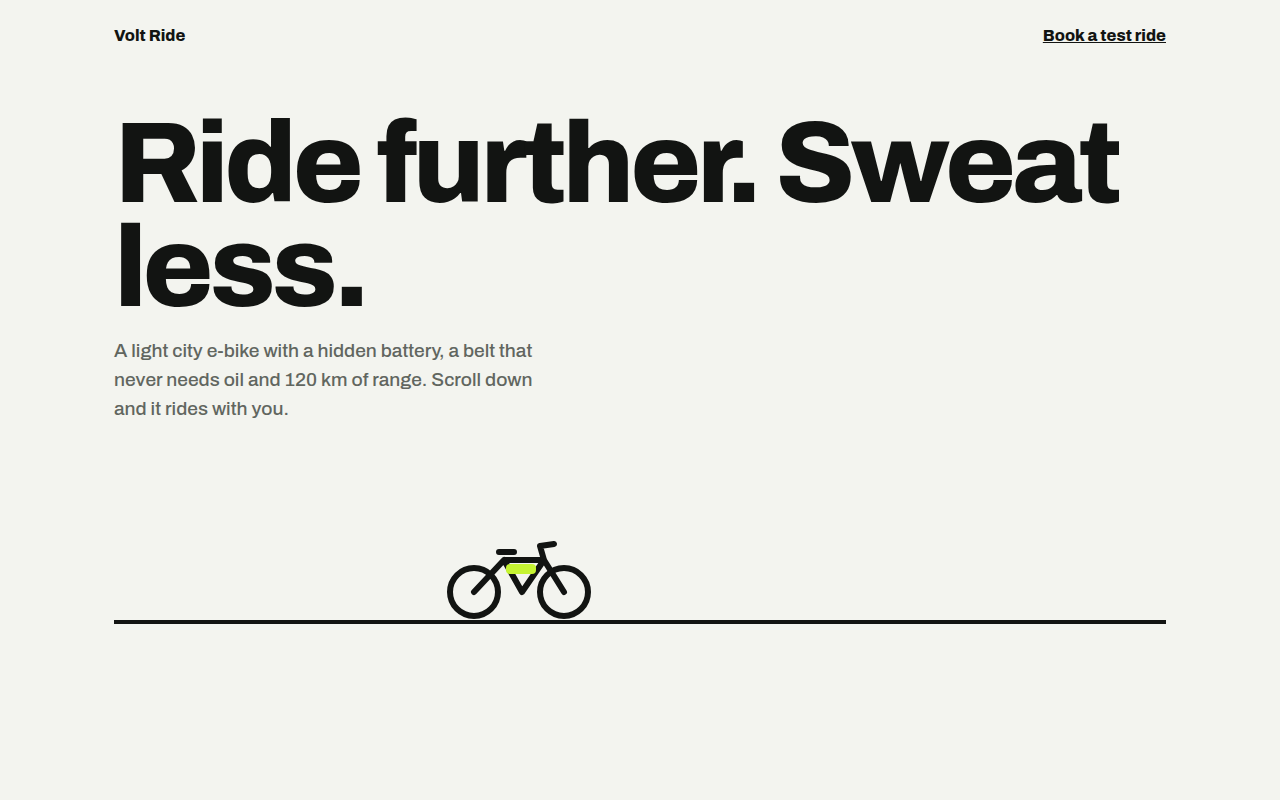
061. Scroll Driven Animation
Volt Ride, an e-bike product page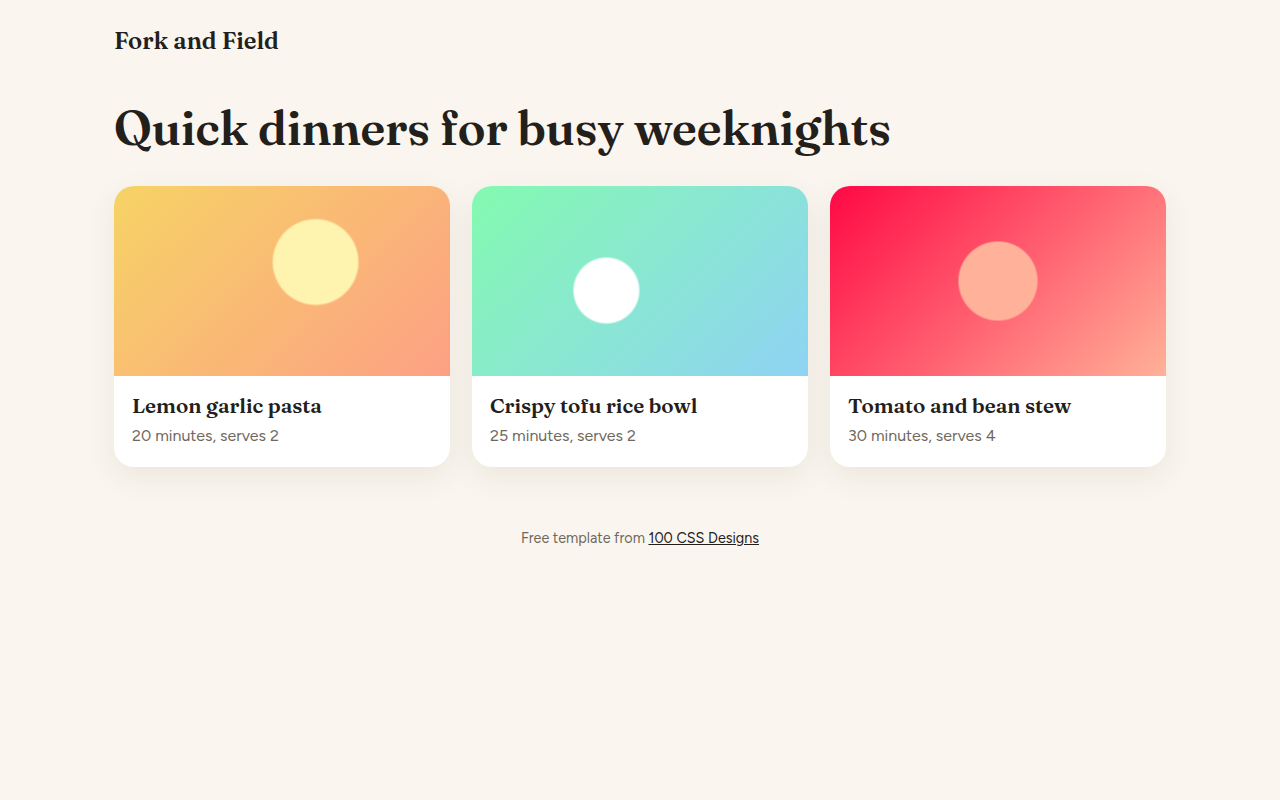
062. View Transitions
Fork and Field, a recipe site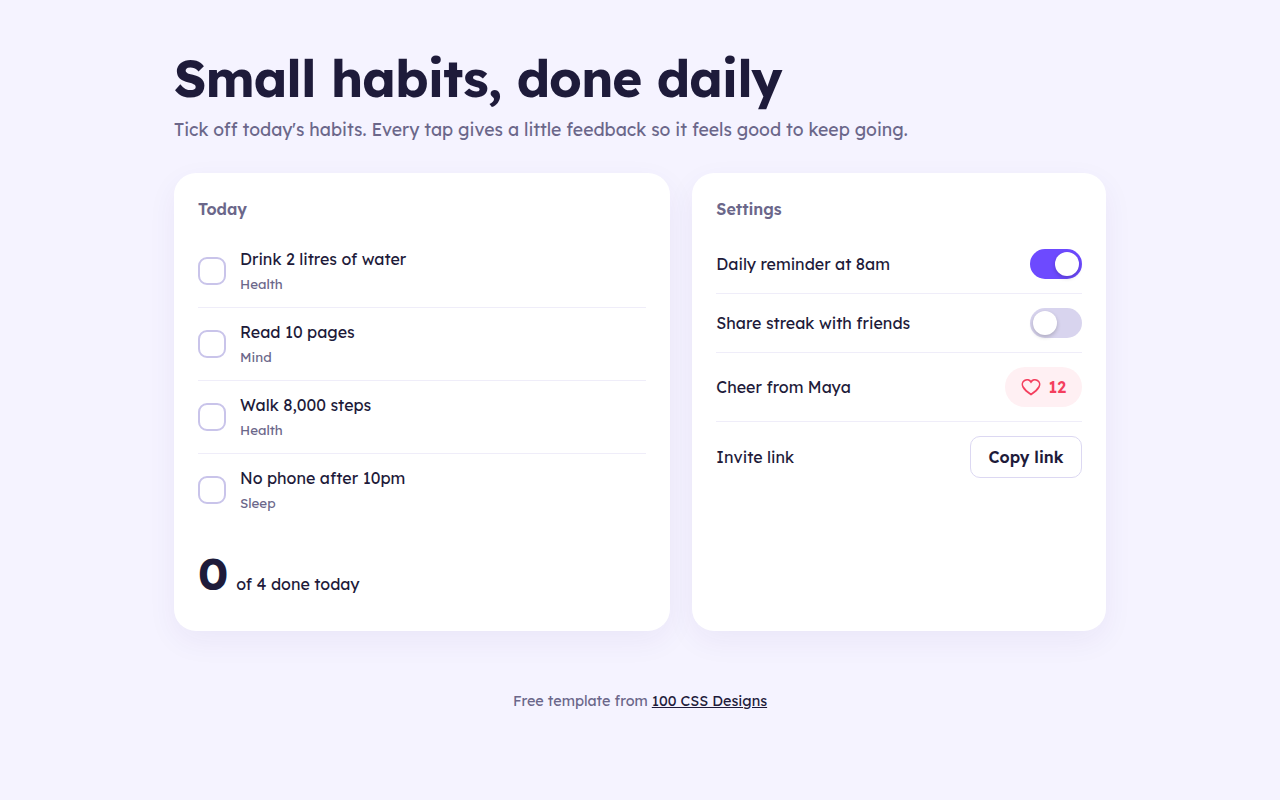
063. Micro Interactions
Streak, a habit tracker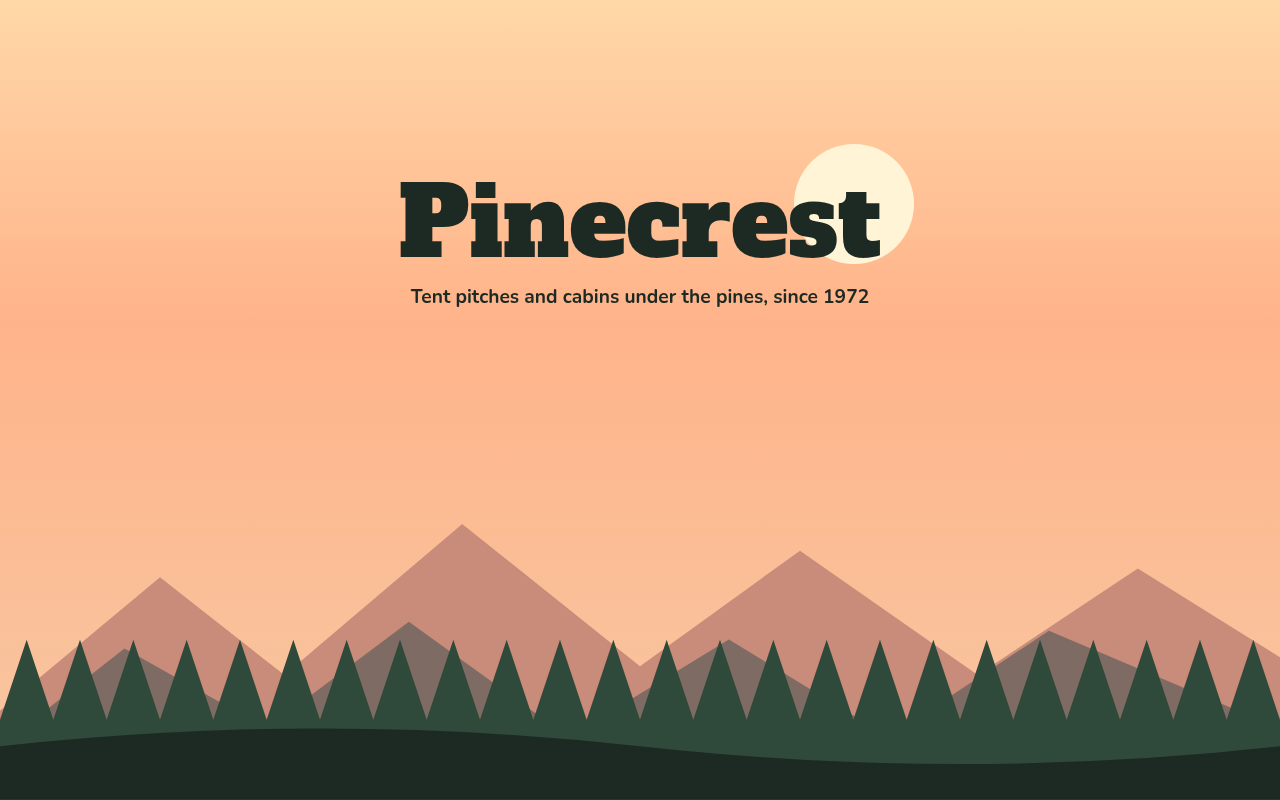
064. Layered Parallax
Pinecrest, a campground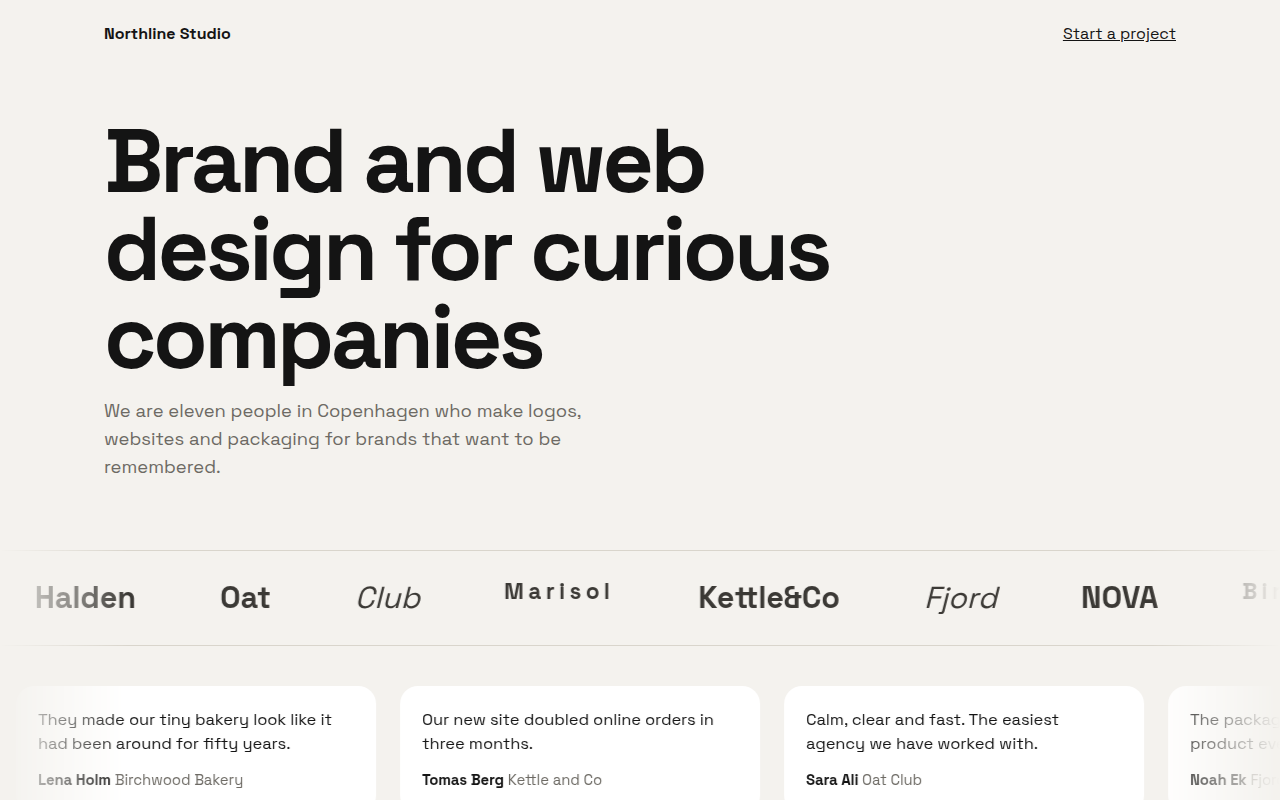
065. Marquee Ticker
Northline, a design studio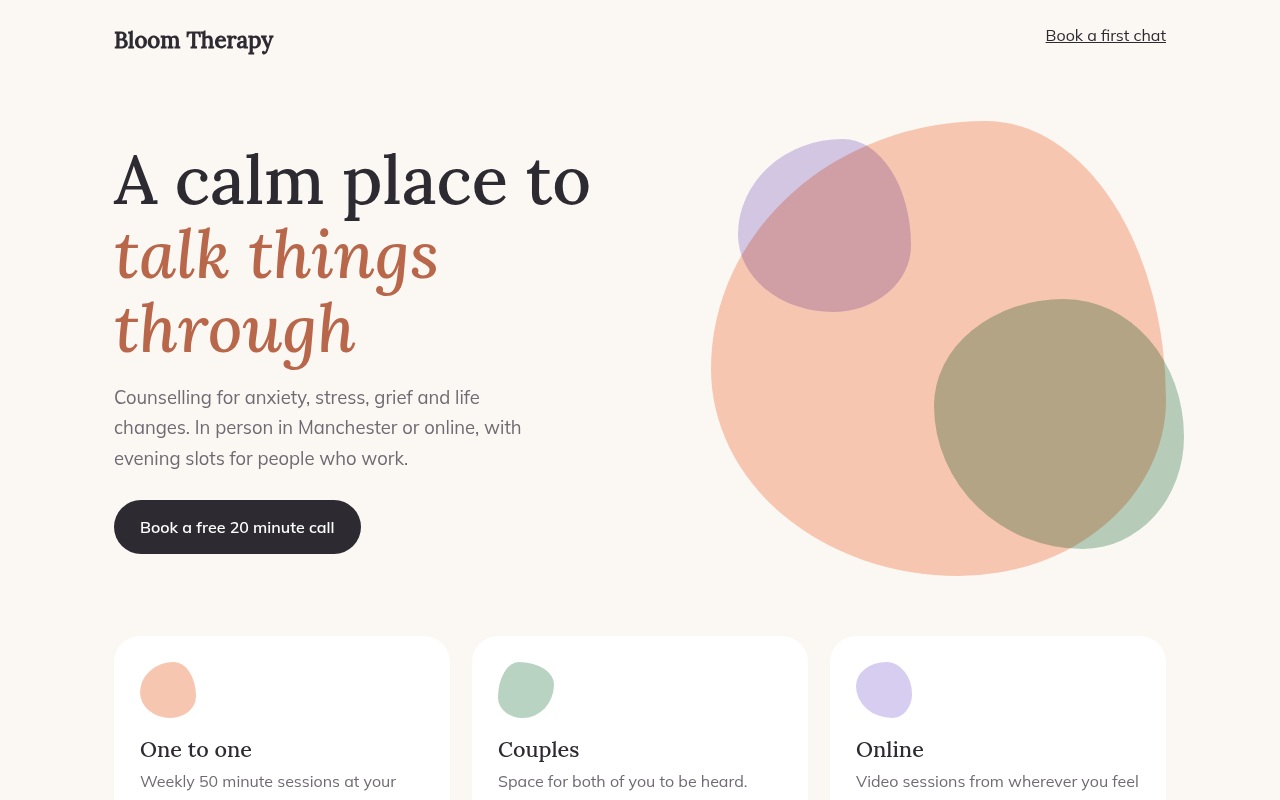
066. Morphing Blobs
Bloom, a therapy practice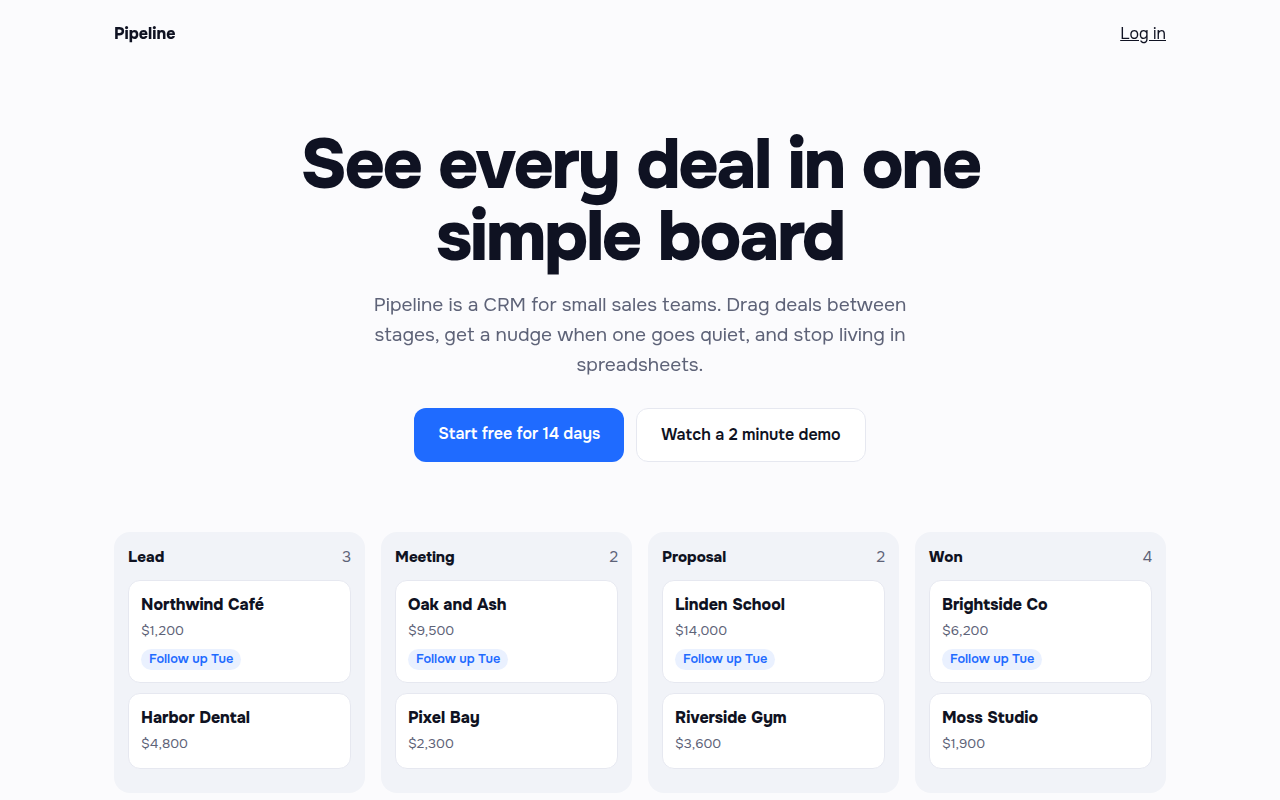
068. Staggered Entrance
Pipeline, a CRM landing page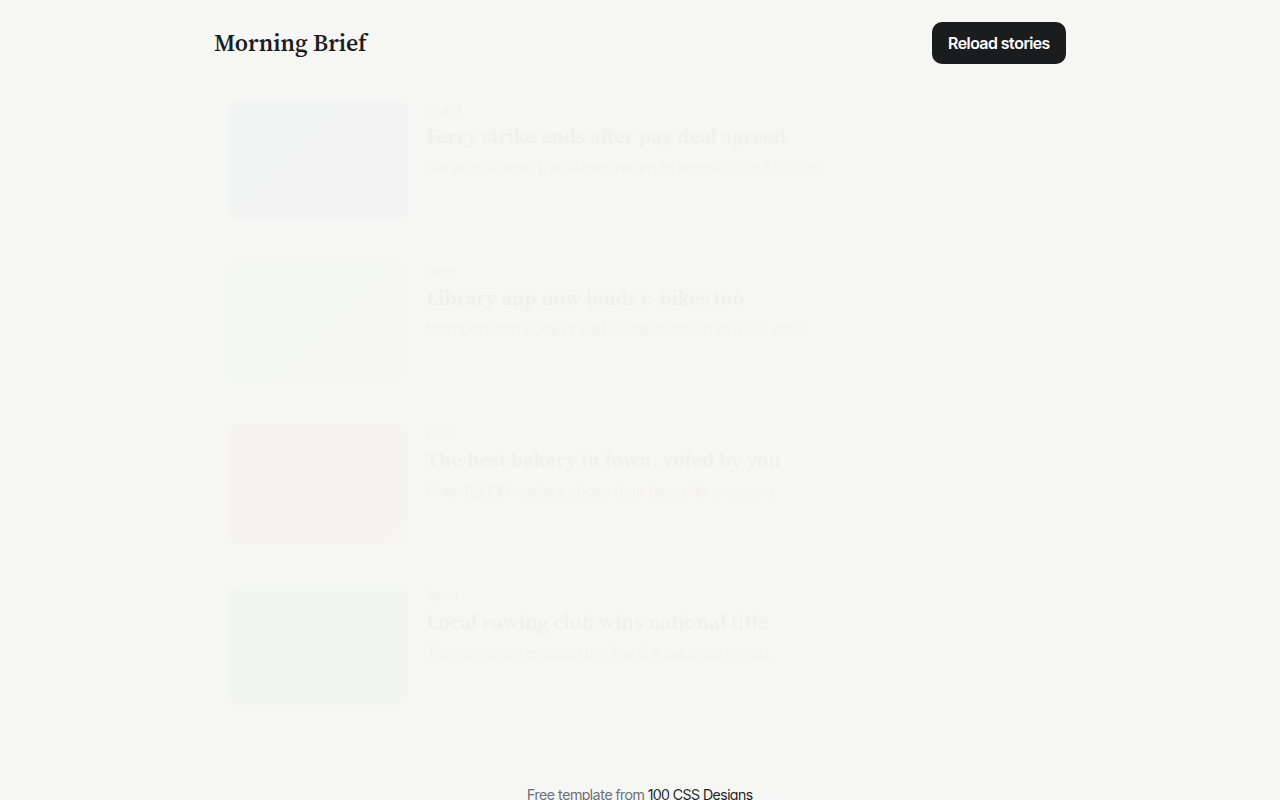
069. Skeleton Loaders
Morning Brief, a news app