Home / Motion / Cursor Effects
Cursor Effects CSS Template, Free with Live Demo
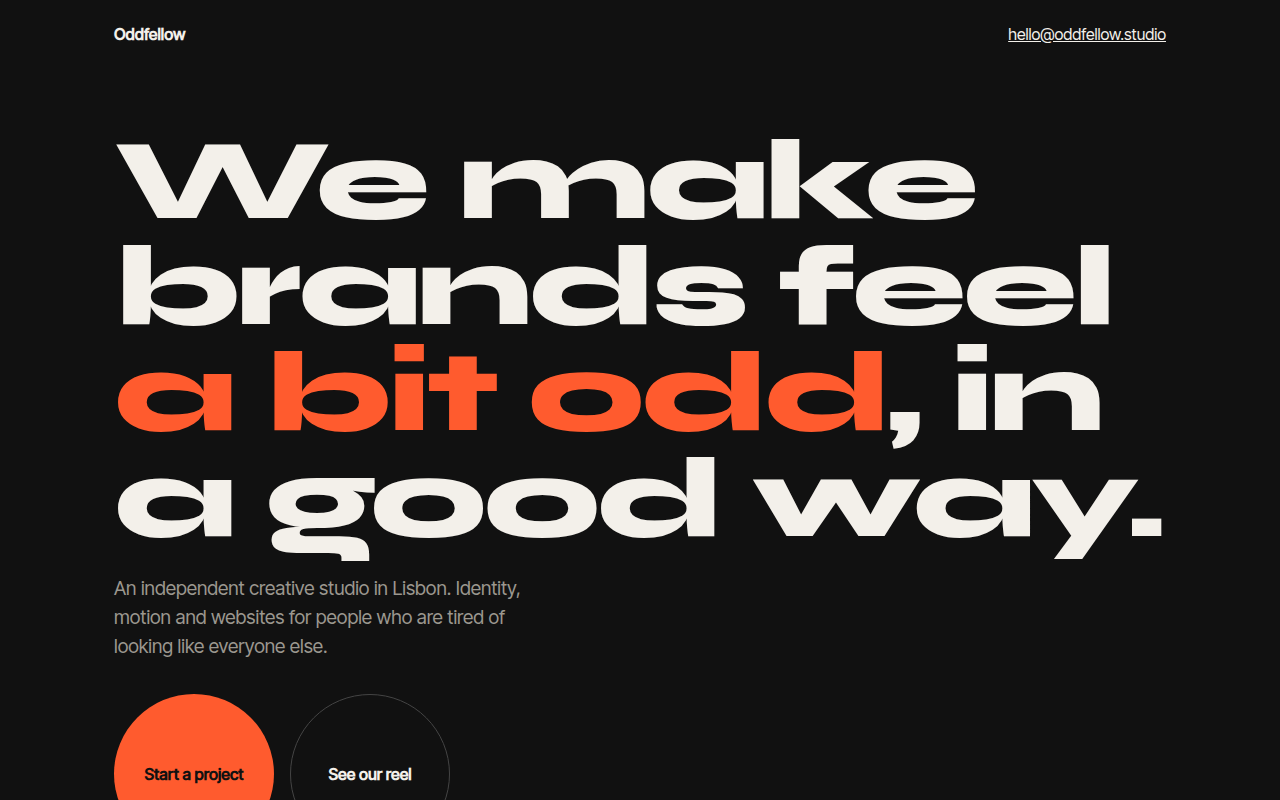
Free custom cursor template for a creative studio. A smooth following ring, a dot, magnetic buttons and a cursor that grows over links. Live demo. The example is Oddfellow, a creative studio.
What is cursor effects?
Cursor effects replace the normal arrow with your own design. Here a small dot follows the mouse exactly and a ring follows a little behind, then grows and inverts the colors when you point at a link.
The round buttons are magnetic: move near them and they lean toward the cursor. It is a small touch, but it makes a studio site feel crafted. Touch screens keep the normal behavior.
Good for
- Creative agencies and studios
- Designer and developer portfolios
- Fashion and art sites
- Interactive campaign pages
What you get in this template
- Dot plus smooth trailing ring cursor
- Ring grows and inverts colors over links
- Magnetic buttons that follow the pointer
- Only on devices with a fine pointer
- Keeps normal focus rings for keyboard users
The key CSS
This is the part that makes the cursor effects look work. Copy it into your own project.
.ring {
  position: fixed; left: 0; top: 0; pointer-events: none;
  width: 40px; height: 40px; border-radius: 50%;
  border: 1.5px solid #f3f0ea; transform: translate(-50%, -50%);
  mix-blend-mode: difference;
  transition: width .25s, height .25s, background .25s;
}
.ring.big { width: 90px; height: 90px; background: #f3f0ea; }
@media (hover: none), (pointer: coarse) { .ring, .dot { display: none; } }
How to use it
- Click Download HTML file above.
- Open the file in any code editor, like VS Code.
- Change the text, colors and links to match your project. Colors are at the top of the style tag.
- Upload it to any host, such as GitHub Pages, Netlify or your own server. It is one file with no build step.
Questions people ask
How do you make a custom cursor?
Hide the default cursor with cursor: none, then move a fixed element to the mouse position on pointermove. Add pointer-events: none so it never blocks clicks.
How does a magnetic button work?
On pointermove over the button, measure how far the cursor is from its center and move the button a fraction of that distance with transform.
Is a custom cursor bad for accessibility?
It can be if it hides the real pointer on touch or breaks focus. This template only runs on fine pointers and keeps visible focus outlines.
More Motion designs
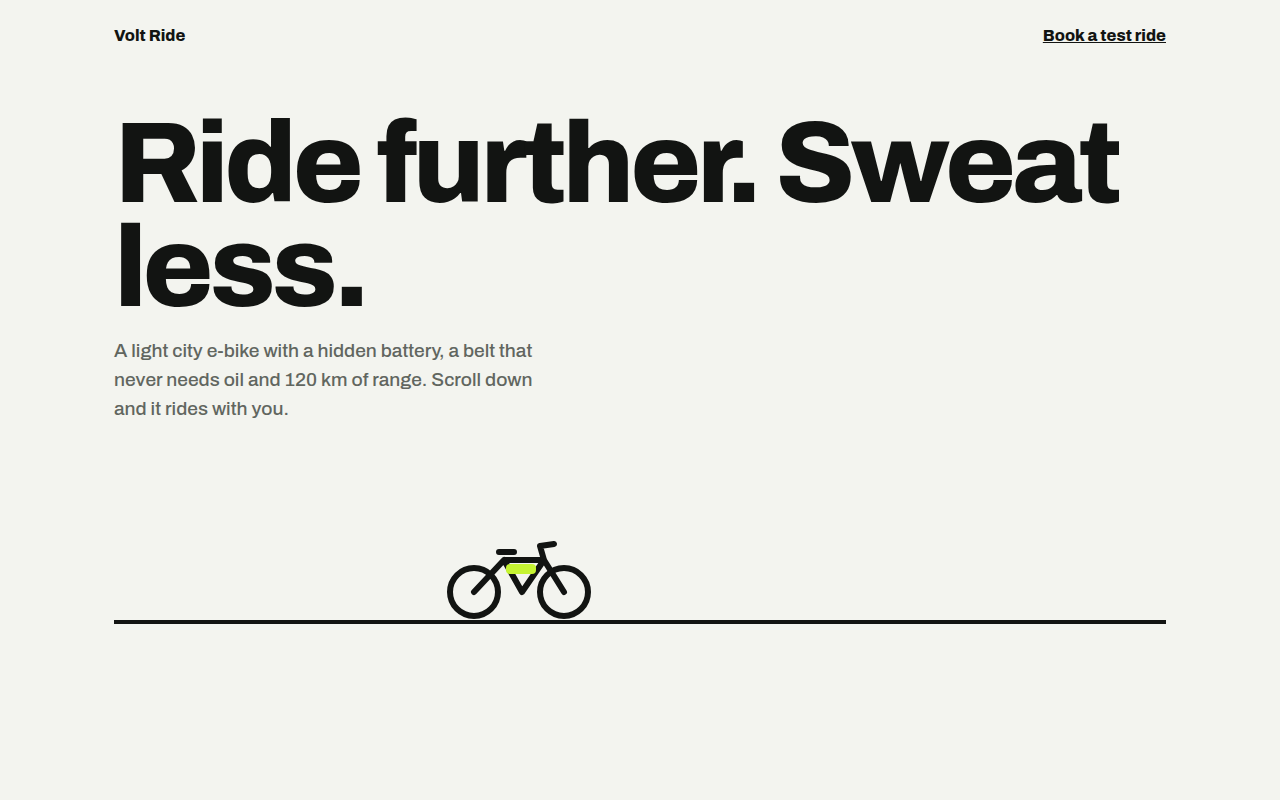
061. Scroll Driven Animation
Volt Ride, an e-bike product page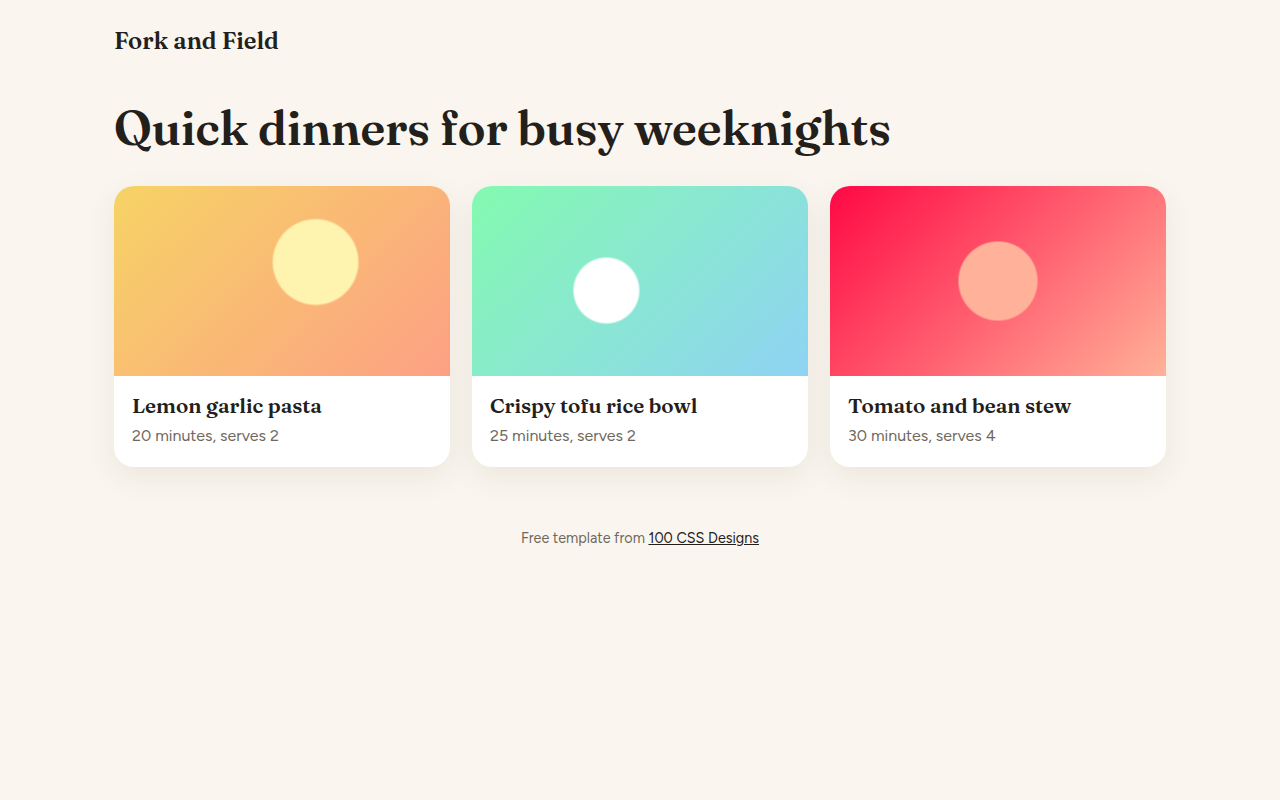
062. View Transitions
Fork and Field, a recipe site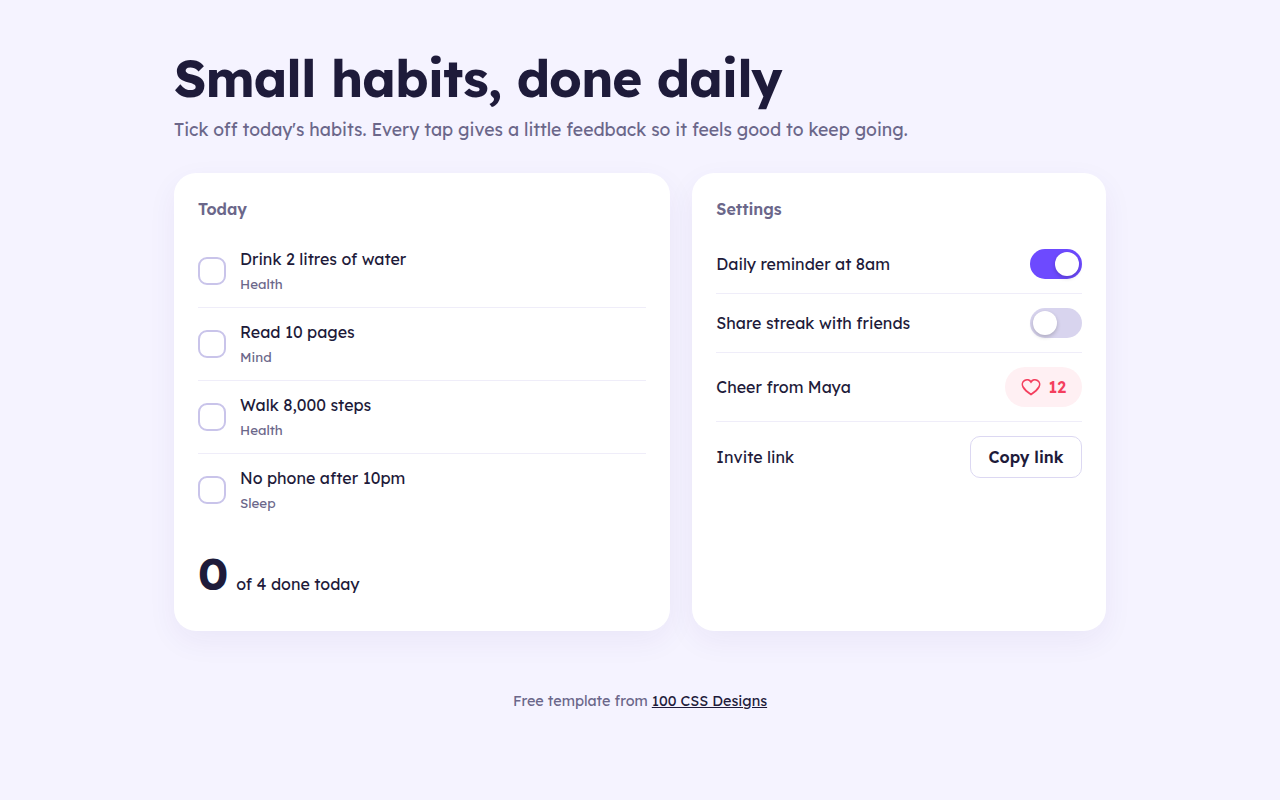
063. Micro Interactions
Streak, a habit tracker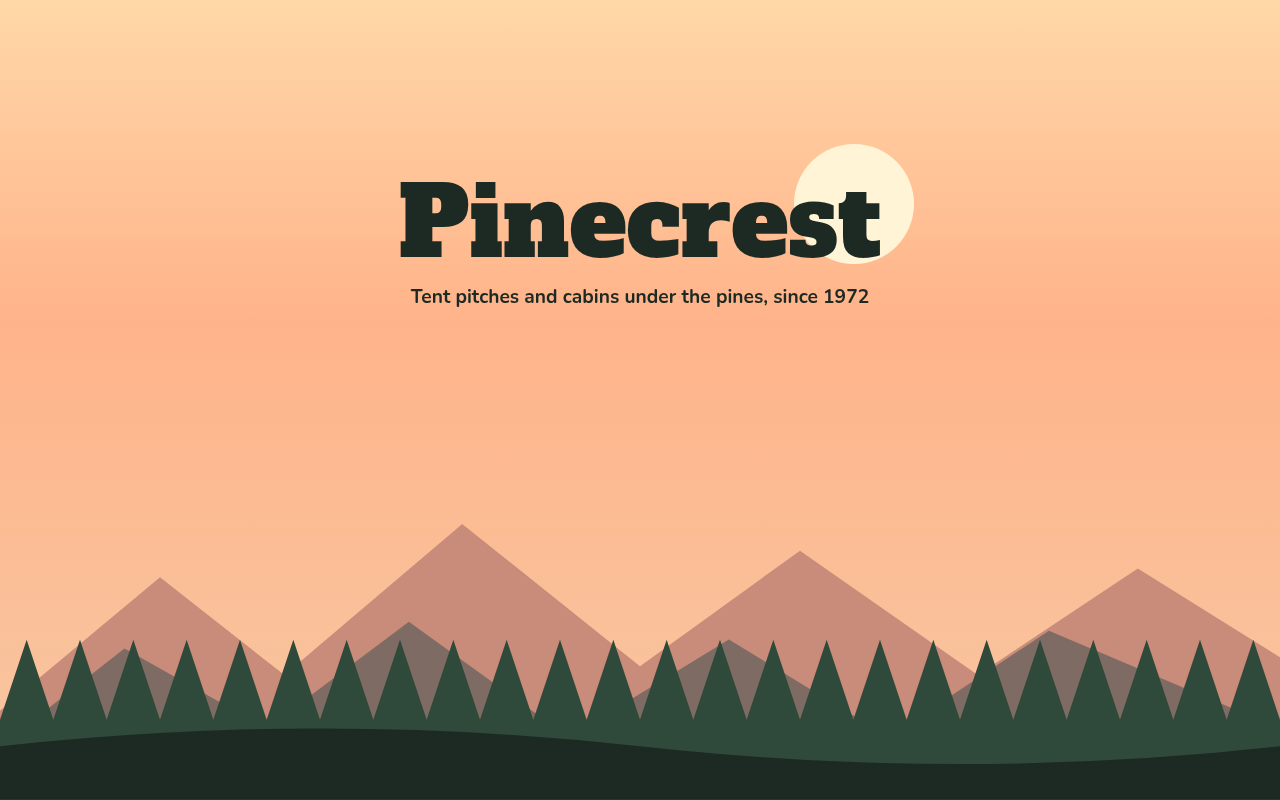
064. Layered Parallax
Pinecrest, a campground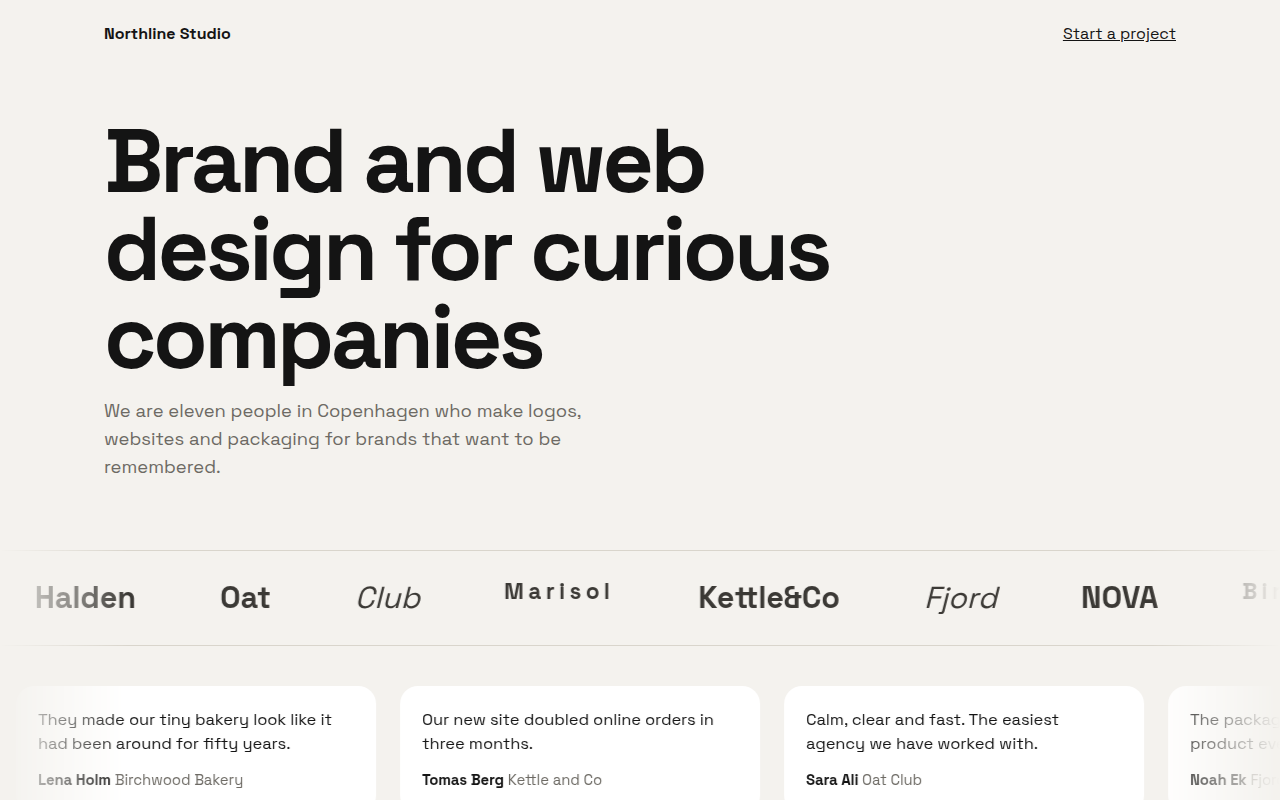
065. Marquee Ticker
Northline, a design studio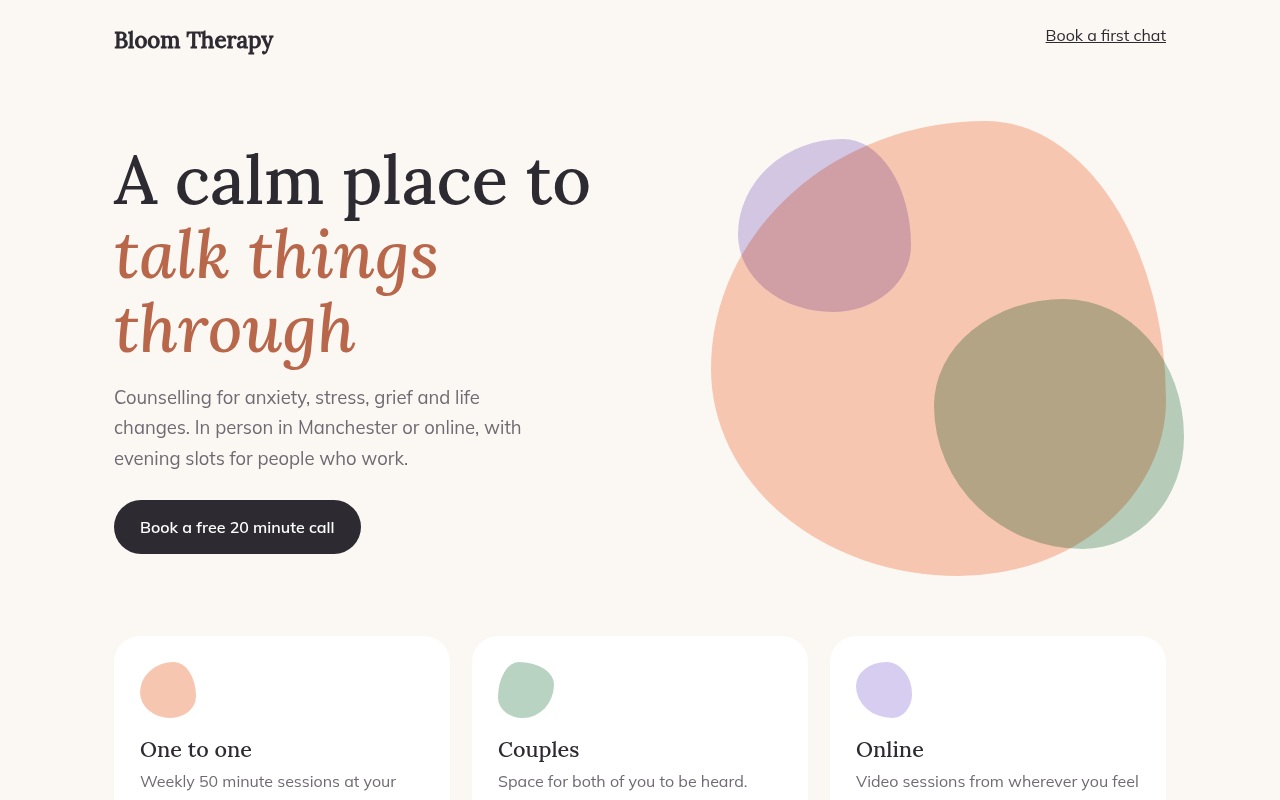
066. Morphing Blobs
Bloom, a therapy practice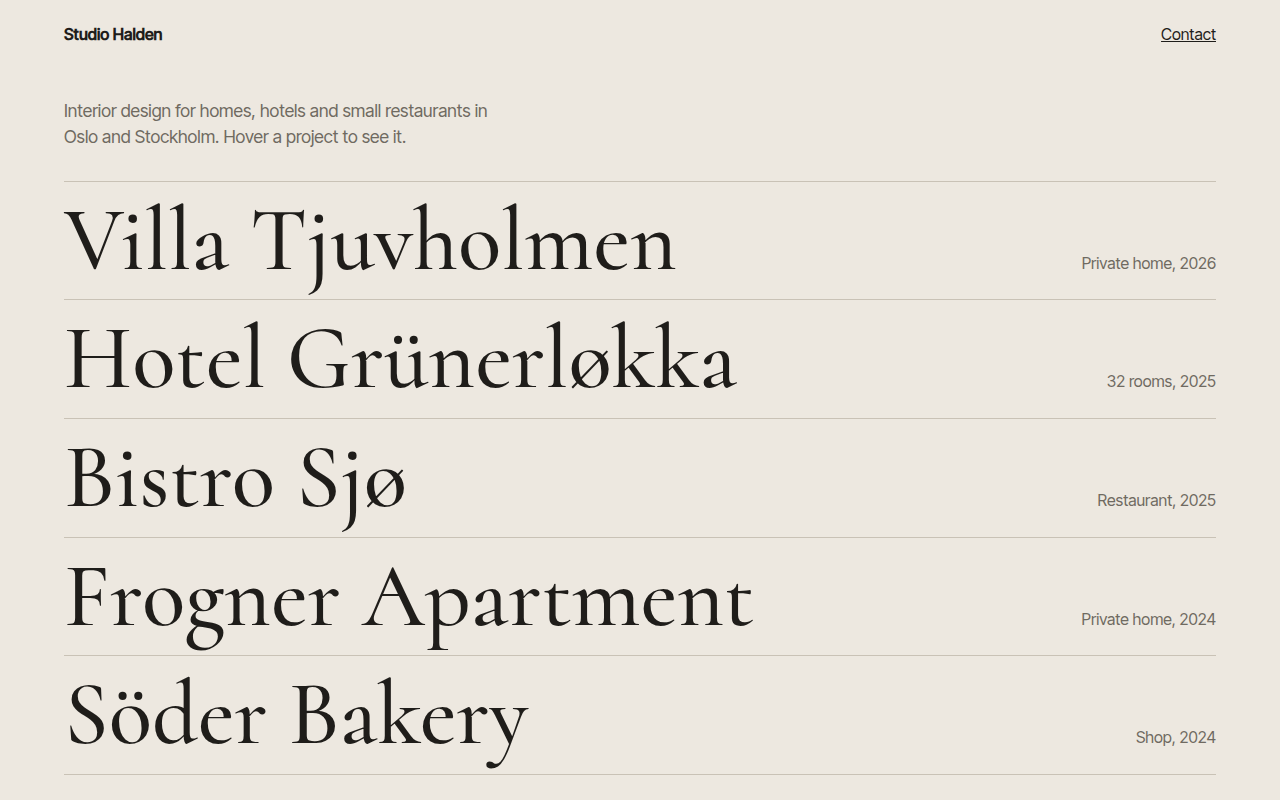
067. Hover Reveal
Studio Halden, an interior design studio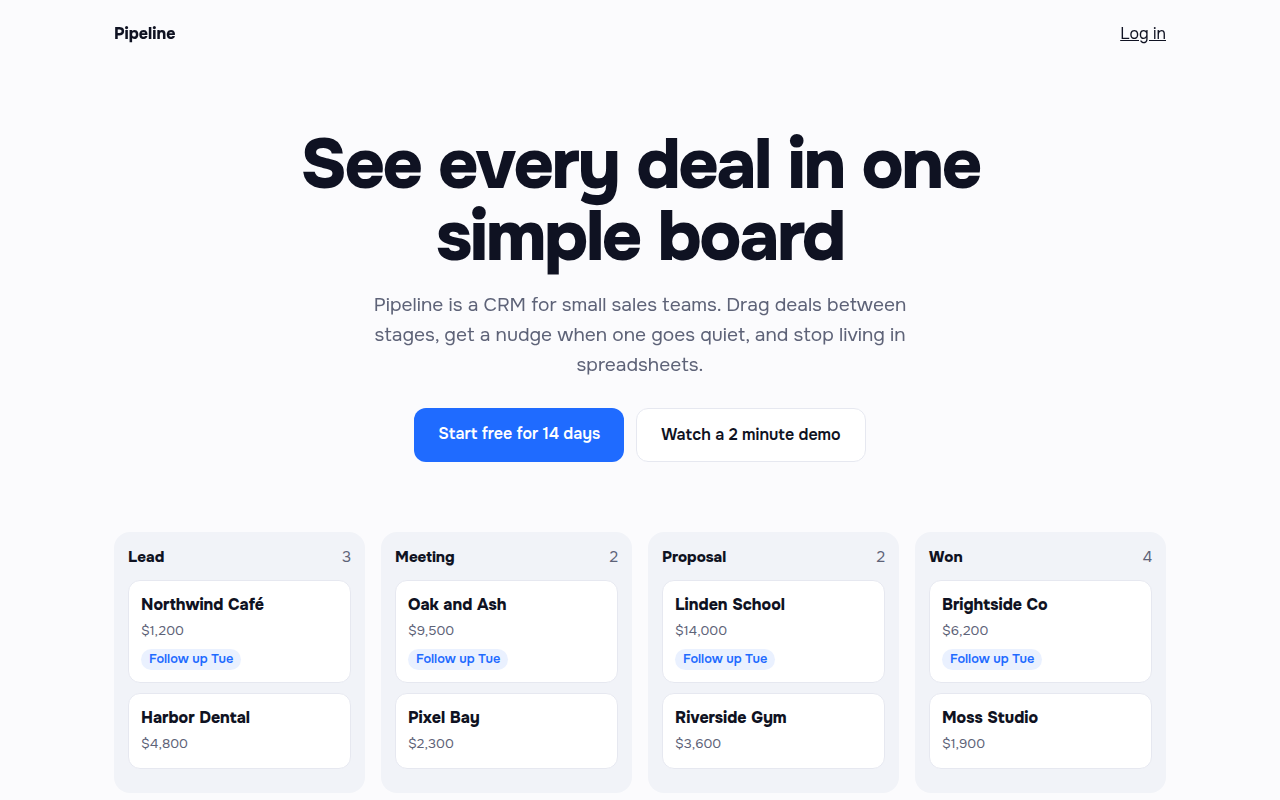
068. Staggered Entrance
Pipeline, a CRM landing page