Home / Motion / View Transitions
View Transitions CSS Template, Free with Live Demo
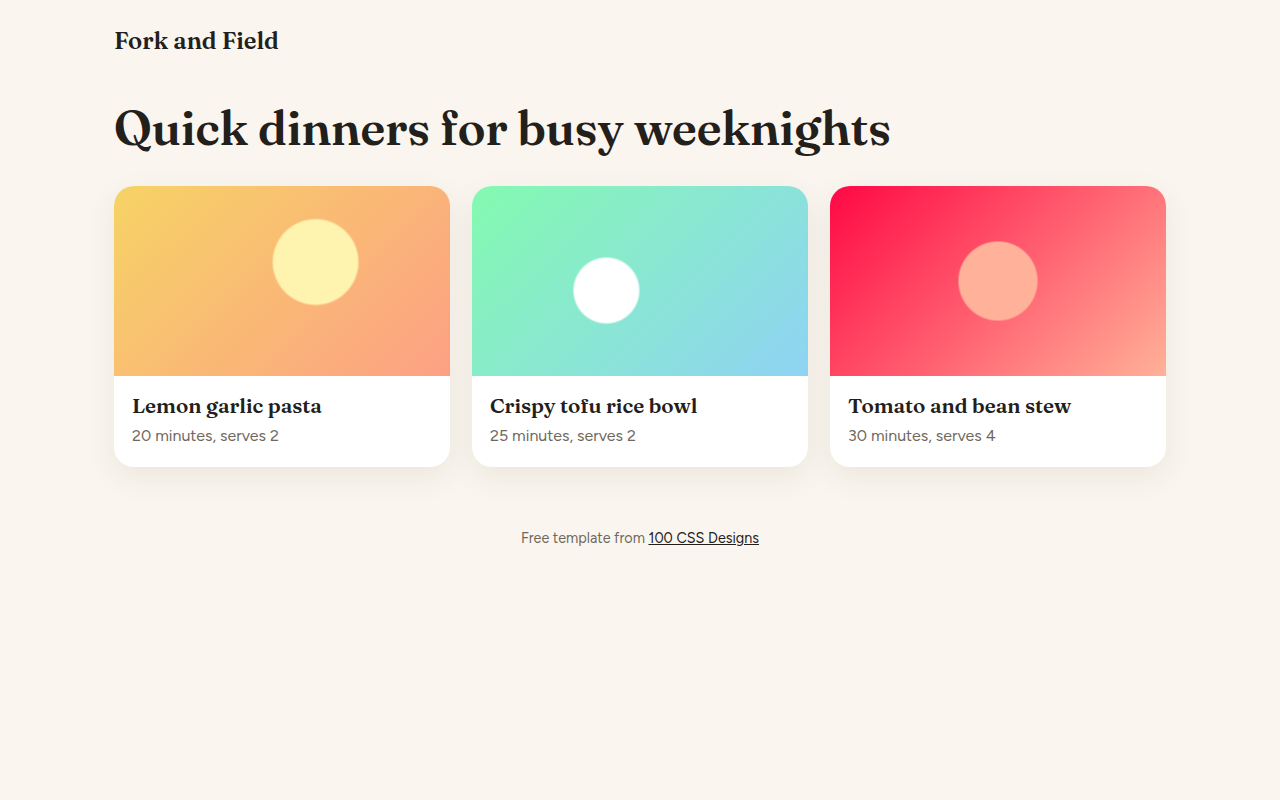
Free View Transitions API template for a recipe site. Click a card and its picture and title morph smoothly into a full recipe view, then back. Live demo. The example is Fork and Field, a recipe site.
What is view transitions?
The View Transitions API lets the browser animate between two states of a page for you. Here, the picture and title of a recipe card grow into the big picture and heading of the recipe page, like a native app.
You wrap the change in document.startViewTransition() and give matching elements the same view-transition-name. The browser takes a snapshot of both states and morphs between them. Where it is not supported, the page simply switches.
Good for
- Card grids that open into detail pages
- Photo galleries
- Online shops, product to product page
- Any single page app with views
What you get in this template
- Card image and title morph into the detail view
- Smooth reverse when you go back
- Focus moves to the right place for keyboard users
- Works as a normal switch in older browsers
- Turns off for reduced motion
The key CSS
This is the part that makes the view transitions look work. Copy it into your own project.
::view-transition-group(*) {
  animation-duration: .45s;
  animation-timing-function: cubic-bezier(.2, .8, .2, 1);
}

/* JS */
card.querySelector('.pic').style.viewTransitionName = 'hero';
document.startViewTransition(() => {
  detailPic.style.viewTransitionName = 'hero';
  showDetail();
});
How to use it
- Click Download HTML file above.
- Open the file in any code editor, like VS Code.
- Change the text, colors and links to match your project. Colors are at the top of the style tag.
- Upload it to any host, such as GitHub Pages, Netlify or your own server. It is one file with no build step.
Questions people ask
What is the View Transitions API?
It is a browser feature that animates between two states of the page. You make the change inside startViewTransition() and the browser handles the animation.
What does view-transition-name do?
It tells the browser that two elements, one before and one after the change, are the same thing, so it morphs one into the other.
Can I use view transitions between separate pages?
Yes. Add @view-transition { navigation: auto; } to both pages on the same site. Chrome, Edge and Safari support it.
More Motion designs
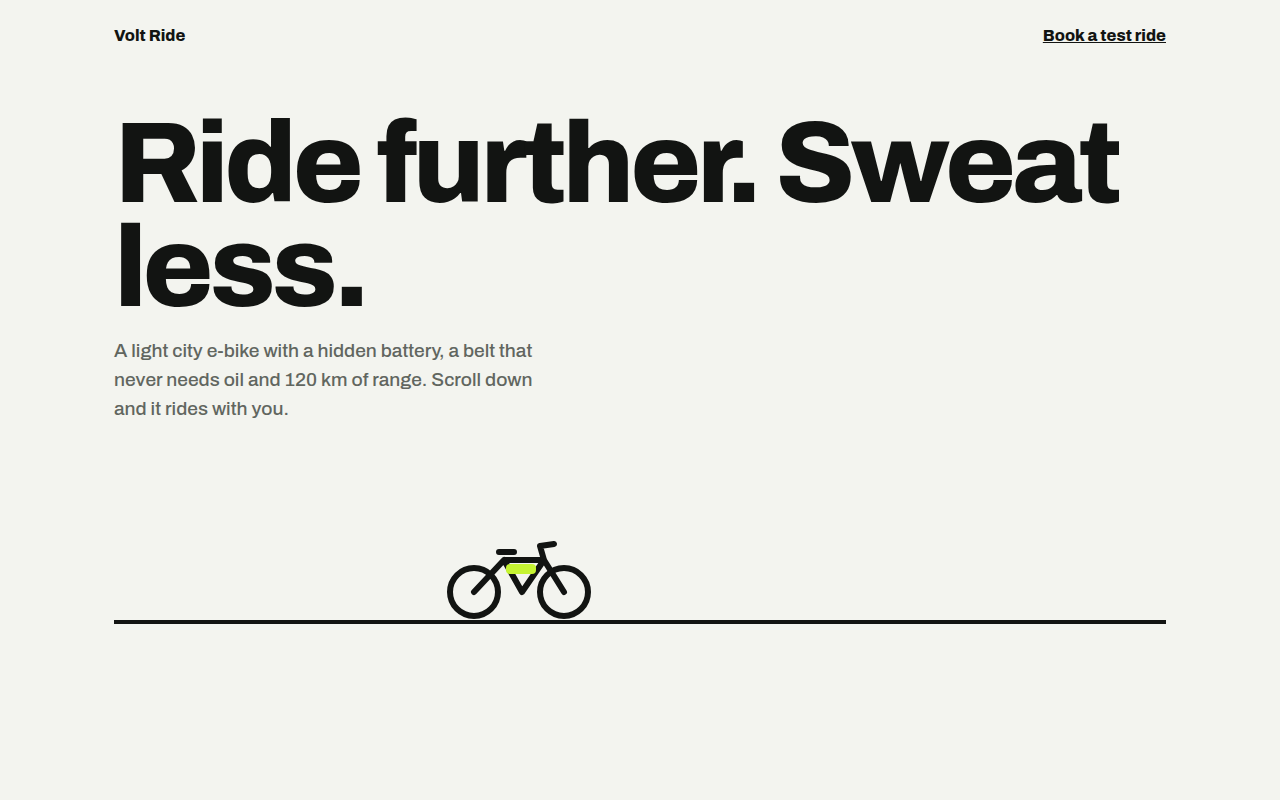
061. Scroll Driven Animation
Volt Ride, an e-bike product page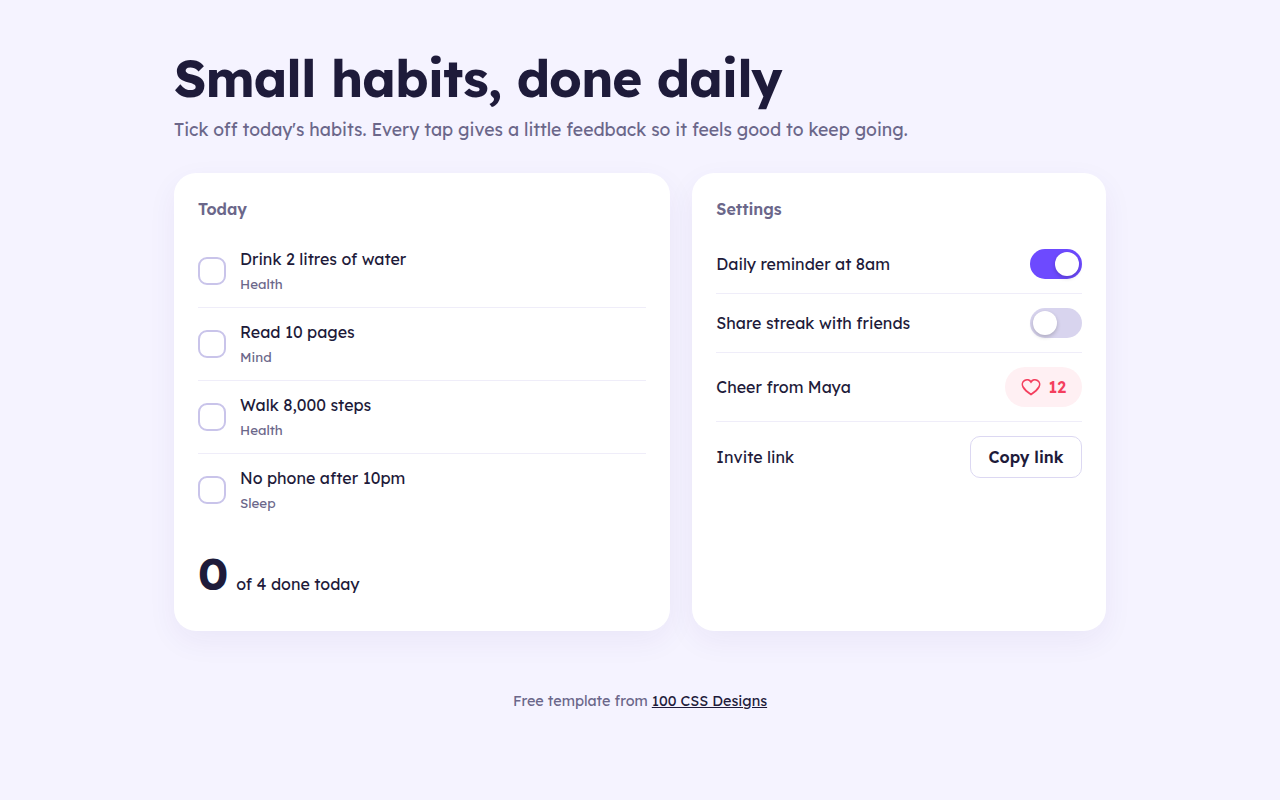
063. Micro Interactions
Streak, a habit tracker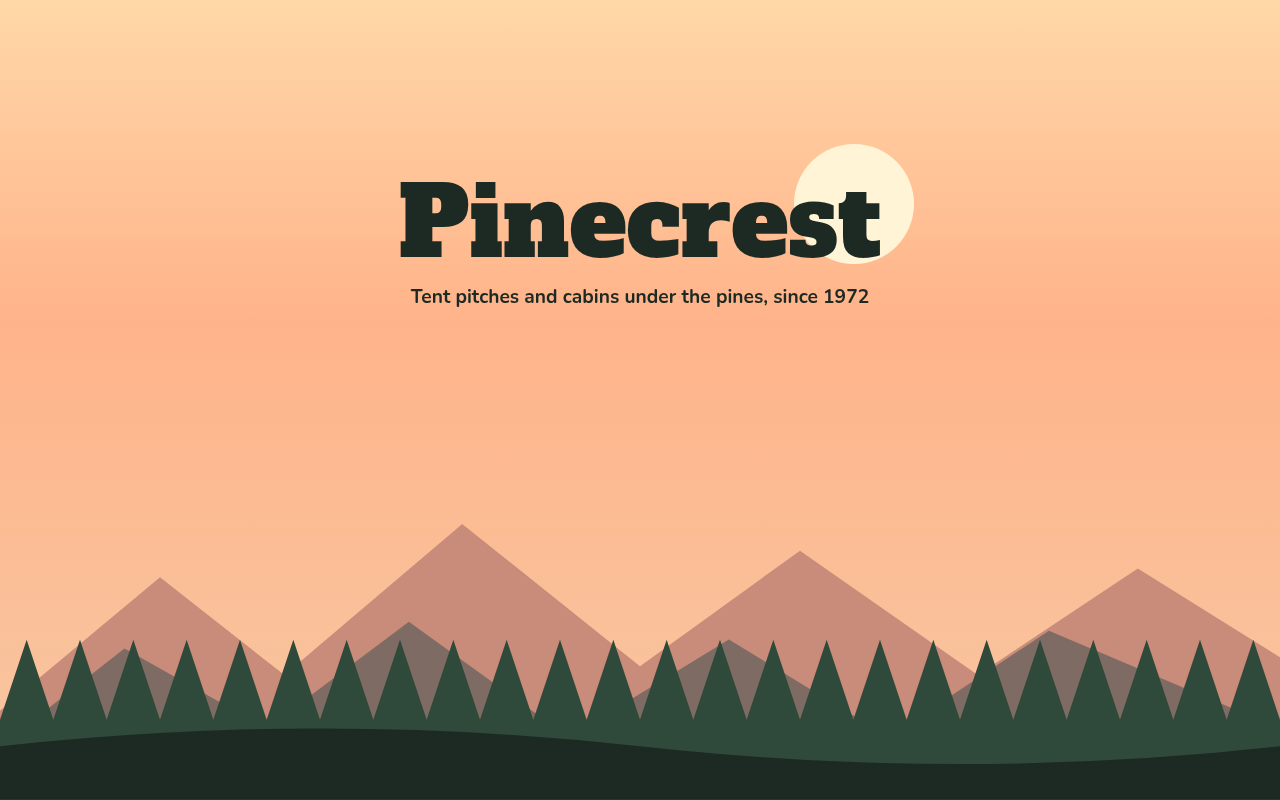
064. Layered Parallax
Pinecrest, a campground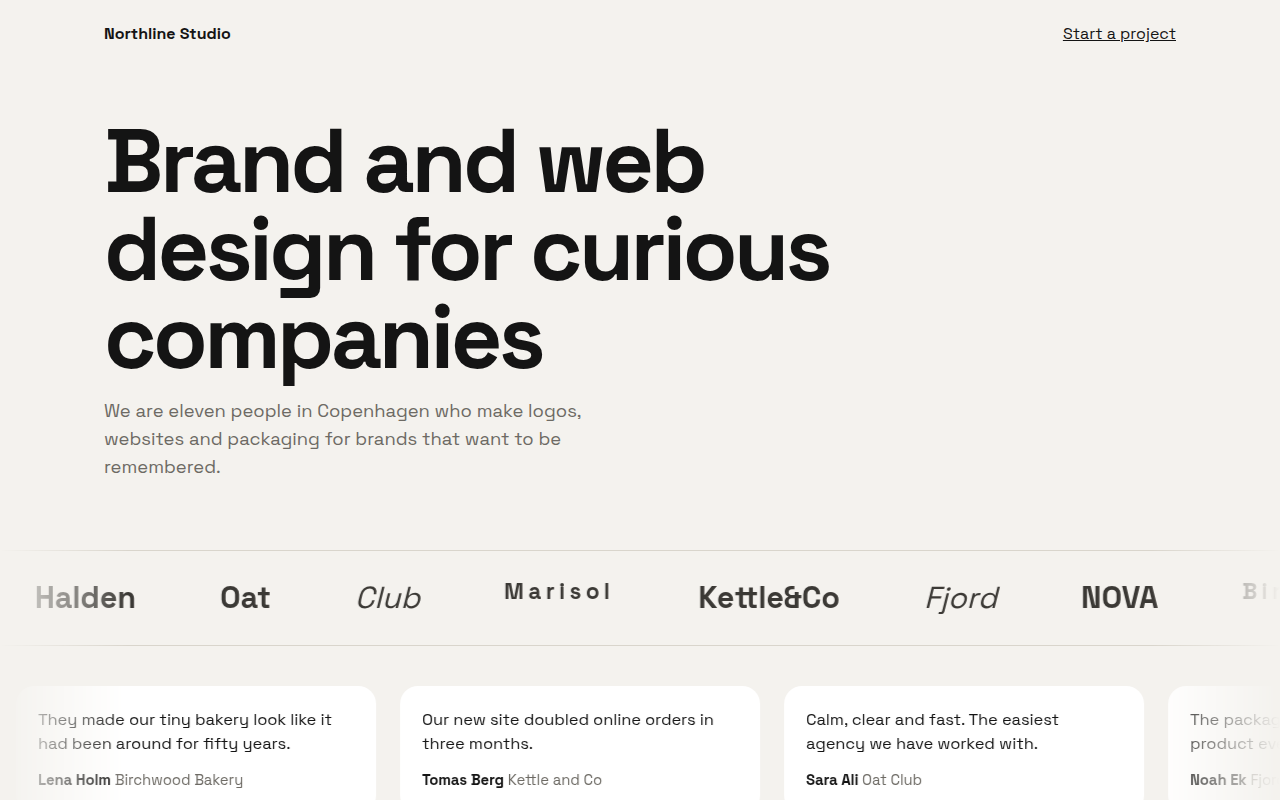
065. Marquee Ticker
Northline, a design studio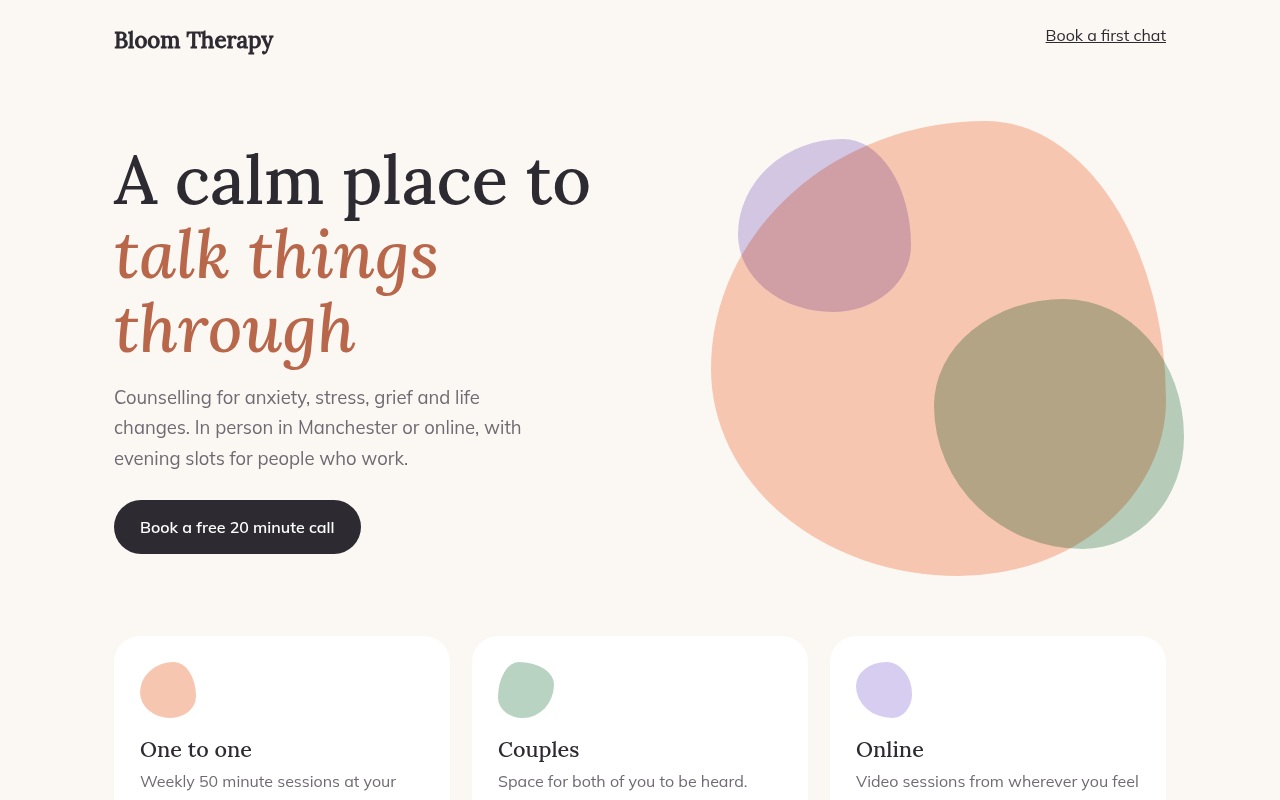
066. Morphing Blobs
Bloom, a therapy practice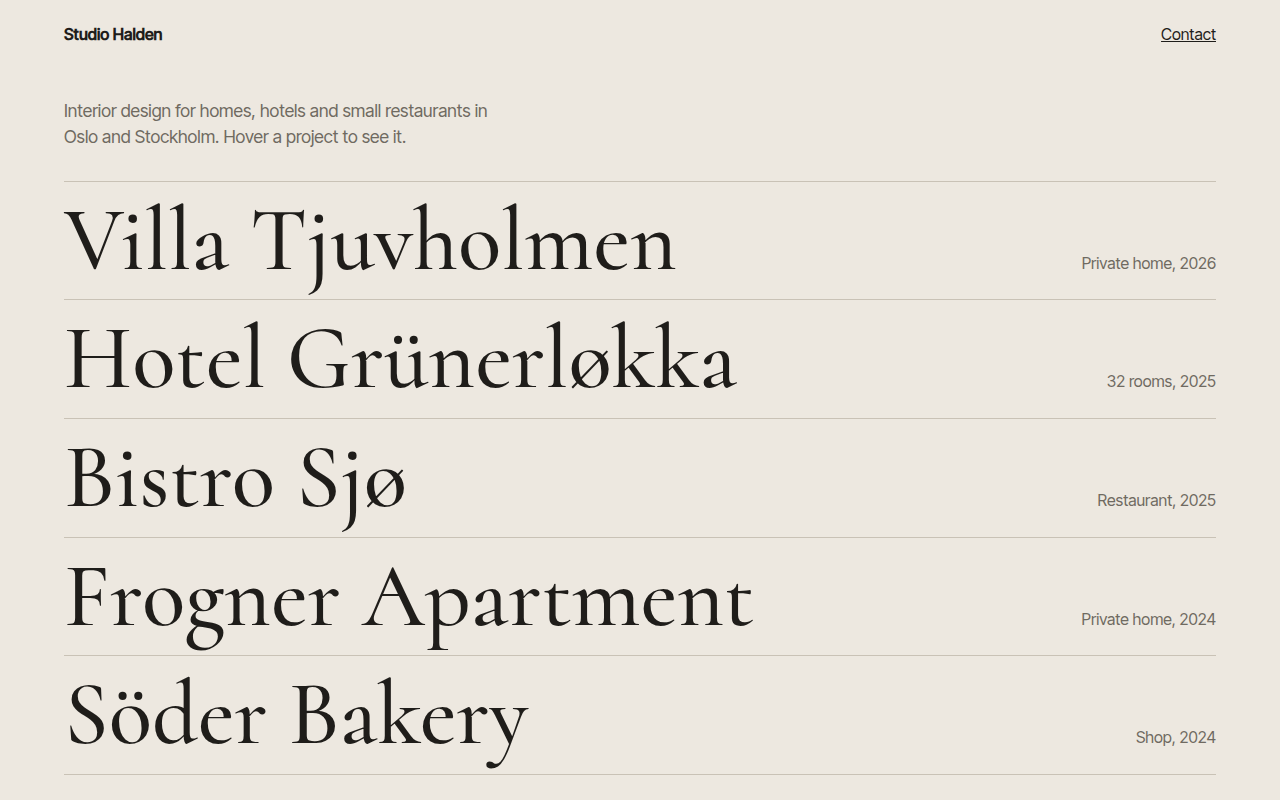
067. Hover Reveal
Studio Halden, an interior design studio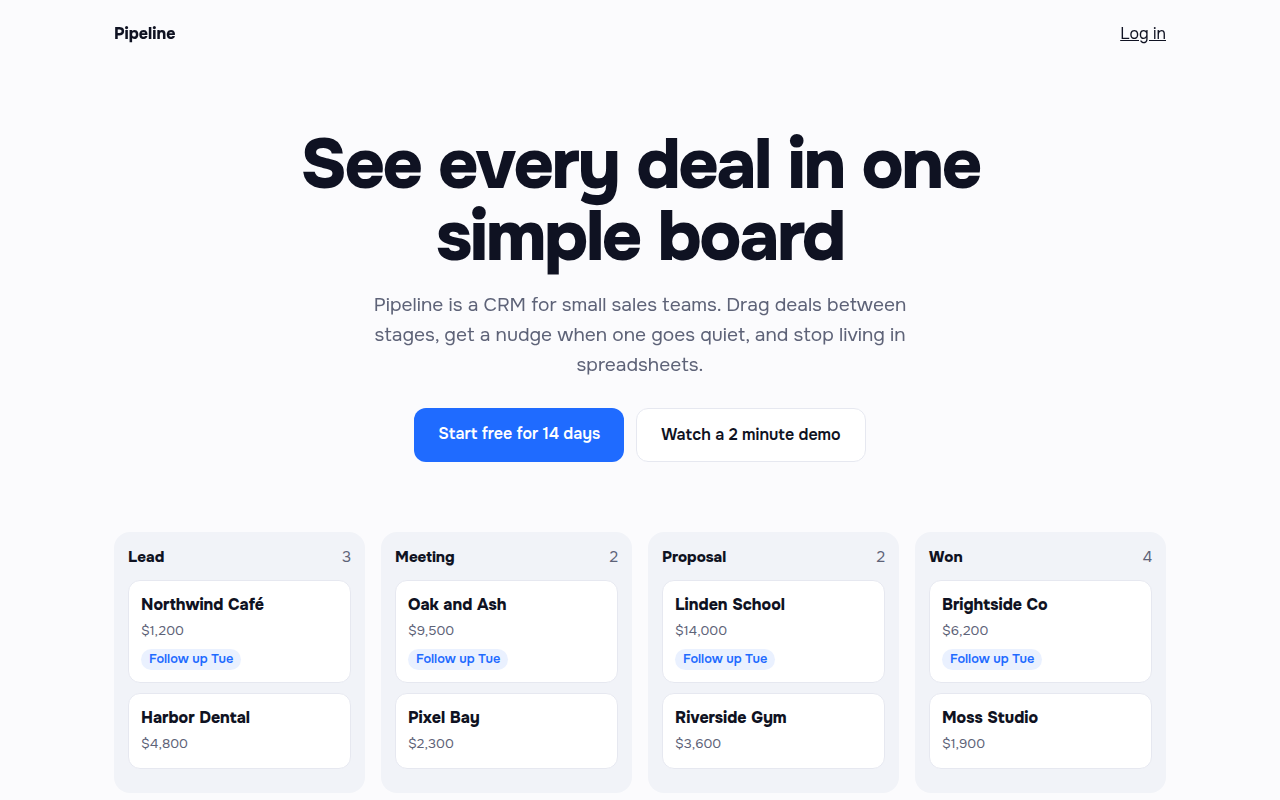
068. Staggered Entrance
Pipeline, a CRM landing page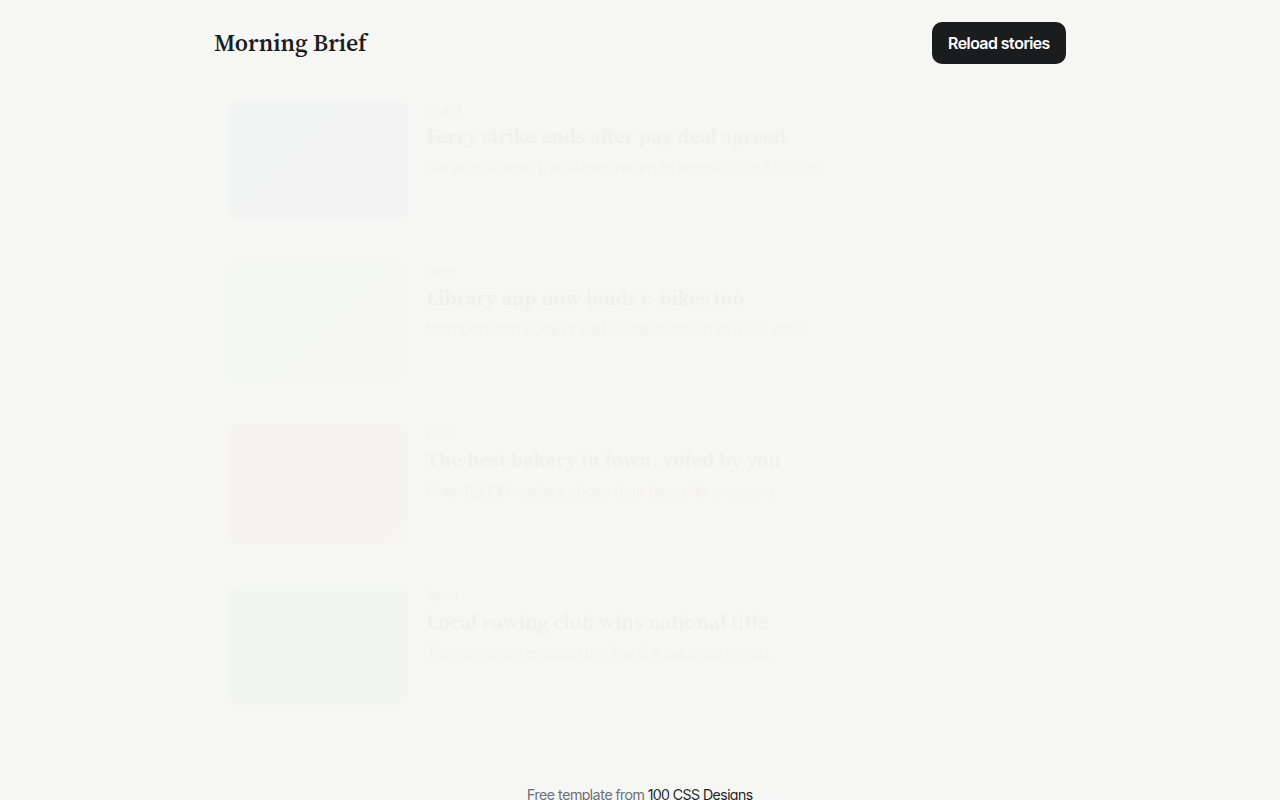
069. Skeleton Loaders
Morning Brief, a news app