Home / PWA and Offline / Offline-first Todo PWA
Offline-first Todo PWA in JavaScript, Free with Live Demo
Free offline todo PWA in plain JavaScript. A service worker caches the app so it works with no internet, tasks are saved in IndexedDB, and you can install it.
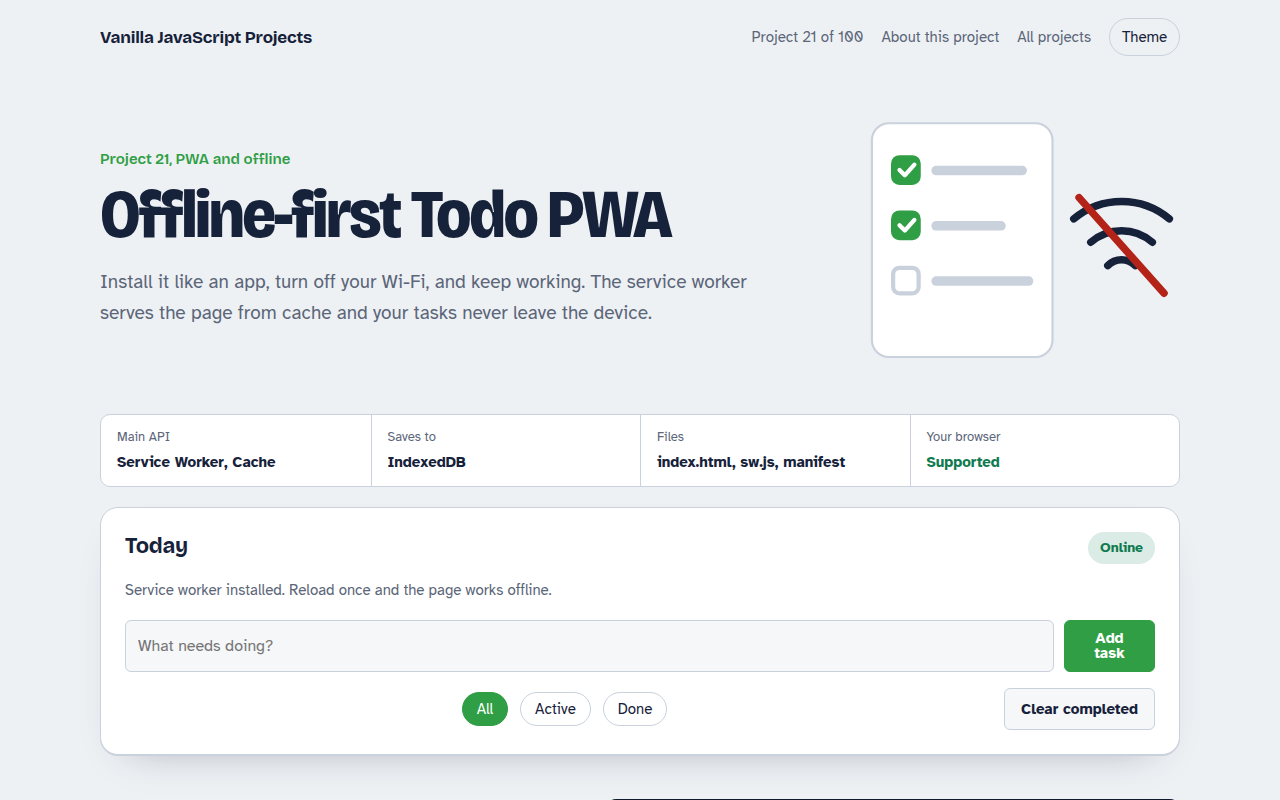
Runs on: Service Worker, Cache. Every modern browser. Install prompt: Chrome, Edge and Samsung Internet. On iPhone use Share, then Add to Home Screen.
What is the Offline-first Todo PWA?
This todo list works like an app on your phone or computer. You can install it, open it with Wi-Fi off, and keep adding tasks. Nothing is lost, and there is no server at all.
A service worker saves the page files on the first visit and answers from that cache afterward. Tasks are stored in IndexedDB. The page also shows when you are offline and offers an update button when a new version is ready.
Good for
- Learning how PWAs work
- Apps used on trains, planes and bad networks
- Simple internal tools
- A base for any offline first app
What this project does
- Works offline after the first visit
- Install button using the beforeinstallprompt event
- Online and offline status badge
- Filters: all, active, done, plus clear completed
- Update banner when a new version of the service worker is ready
How it works
- Install the workerOn first load, sw.js caches index.html, the manifest and the fonts.
- Serve from cacheEvery later request is answered from the cache first, so the page opens instantly and works with no network.
- Keep data localTasks live in IndexedDB. There is no server, so offline and online behave the same.
The key JavaScript
This is the heart of the project. The full file has the rest, including the screen layout and error handling.
// sw.js: cache the app shell, then answer from cache first
const CACHE = "todo-v1";
self.addEventListener("install", (e) => {
  e.waitUntil(caches.open(CACHE).then((c) => c.addAll(["./", "./index.html", "./manifest.webmanifest"])));
});
self.addEventListener("fetch", (e) => {
  e.respondWith(caches.match(e.request).then((hit) => hit || fetch(e.request).then((res) => {
    const copy = res.clone(); caches.open(CACHE).then((c) => c.put(e.request, copy)); return res;
  })));
});
// index.html
navigator.serviceWorker.register("sw.js");
How to use it
- Click Download HTML file above.
- Open the file in a code editor, like VS Code.
- Run it from a local server with
npx serve .so the camera, microphone and AI features are allowed. - Change the text and colors, then upload it to GitHub Pages, Netlify or your own site. It is one file with no build step.
Questions people ask
What makes a web app a PWA?
A web app manifest, a service worker and HTTPS. Together they let the browser install the app and run it offline.
How do I test offline mode?
Load the page once, then open DevTools, go to Network and choose Offline, or turn off Wi-Fi. Reload and the app still opens.
Can I install it on an iPhone?
Yes. Open it in Safari, tap Share, then Add to Home Screen.
More PWA and Offline projects
022. Expense Tracker PWA
A spending tracker with charts that syncs when back online
023. Reminder Notifications
A reminder app with Done and Snooze buttons in the notification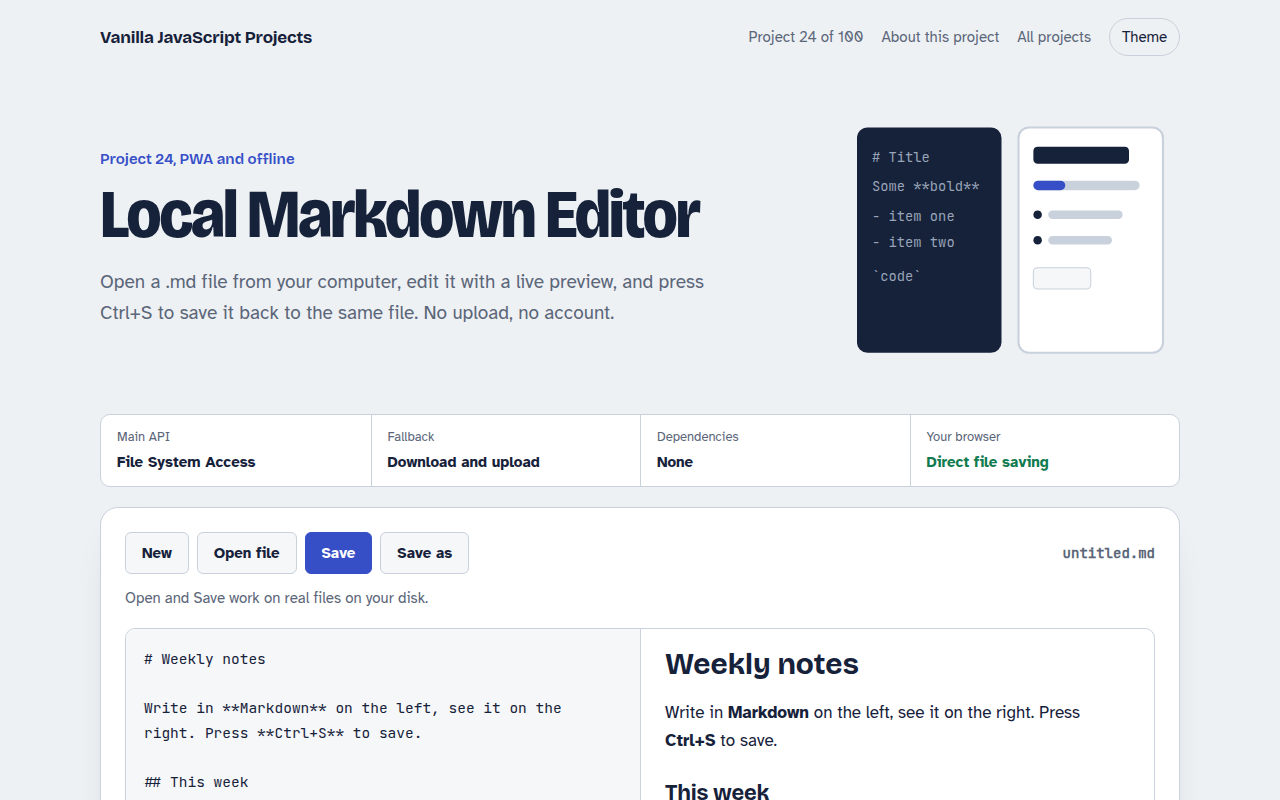
024. Local Markdown Editor
A Markdown editor that saves real files on your disk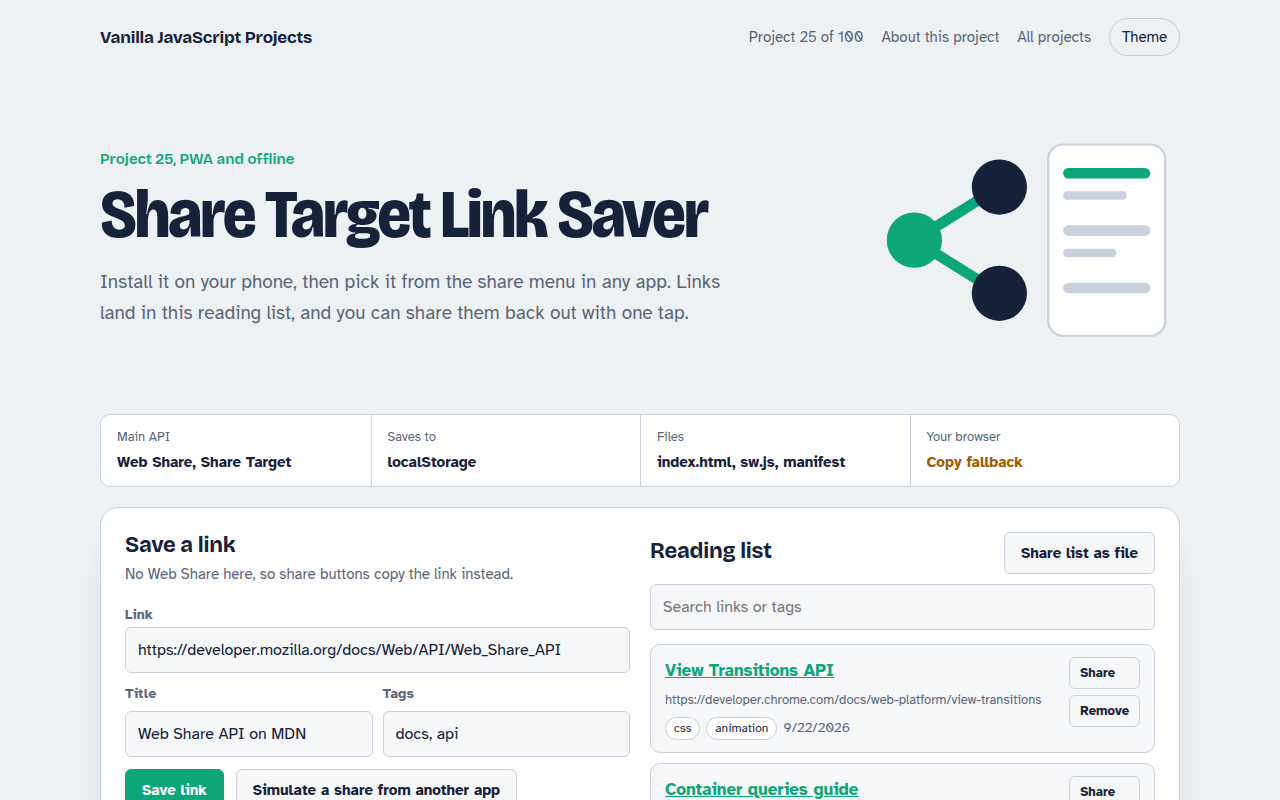
025. Share Target Link Saver
A reading list app that appears in your phone's share menu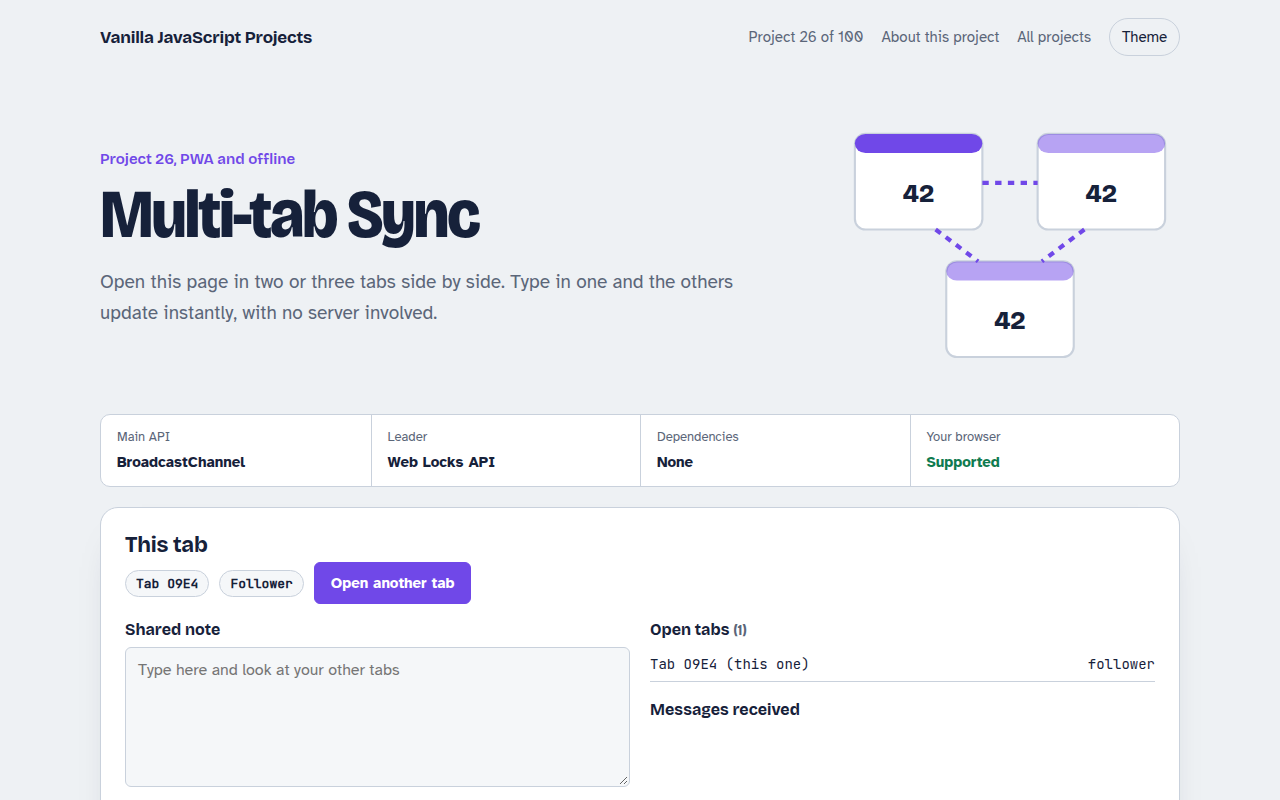
026. Multi-tab Sync
Open it in several tabs and watch them stay in sync