Home / PWA and Offline / Local Markdown Editor
Local Markdown Editor in JavaScript, Free with Live Demo
Free Markdown editor in plain JavaScript. Open and save real .md files with the File System Access API, see a live preview, and keep drafts. Includes a small parser.
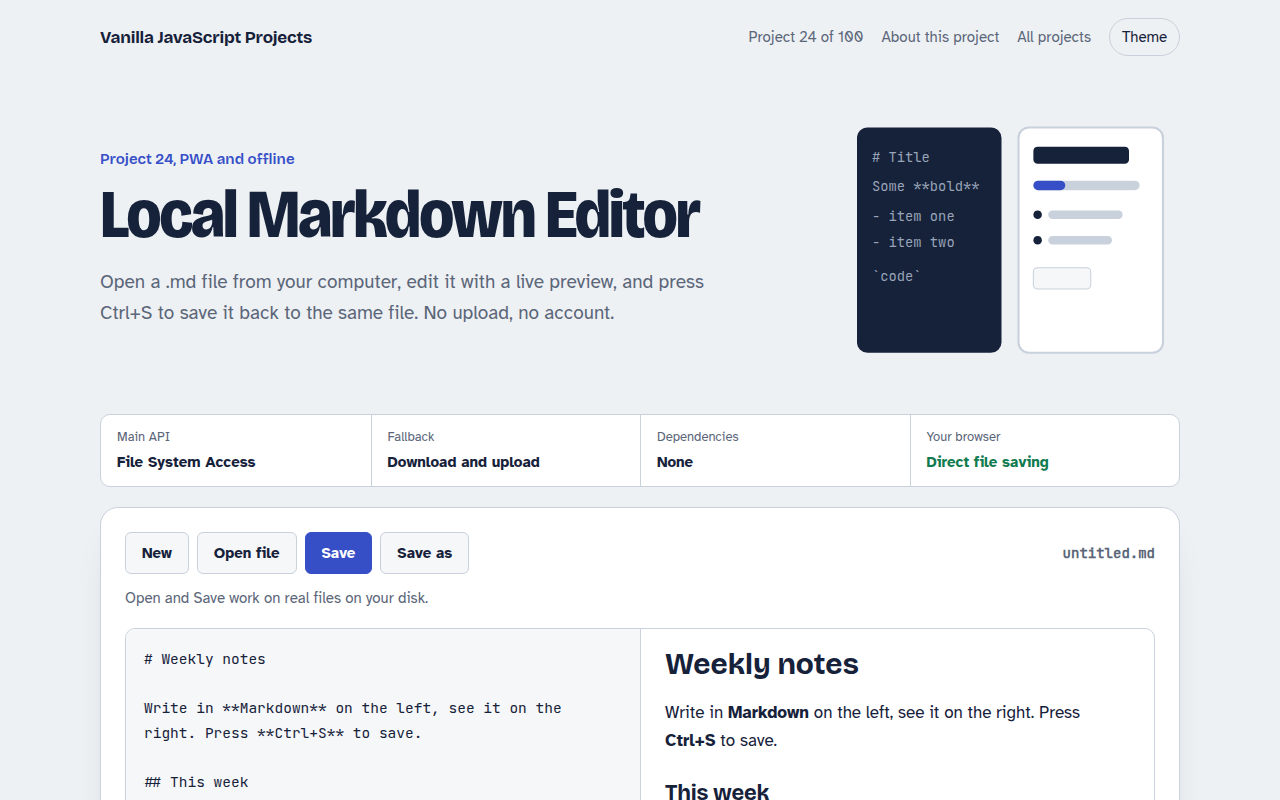
Runs on: File System Access. Direct file saving: Chrome and Edge on desktop. Other browsers download a copy instead.
What is the Local Markdown Editor?
Open a .md file from your computer, edit it with a live preview next to it, and press Ctrl S to save straight back to the same file. It feels like a desktop app, but it is a single web page.
Saving uses the File System Access API, which gives the page a handle to a real file after you pick it. The preview comes from a small Markdown parser in the project that escapes HTML first for safety.
Good for
- Writing notes and docs
- Editing README files
- Learning how Markdown parsers work
- Offline writing tools
What this project does
- Open, Save and Save as, straight to files on your disk
- Ctrl+S saves to the same file after the first save
- Live preview with headings, lists, links, images, code, quotes and tables
- Draft autosave in the browser
- Word count and reading time
How it works
- Get a file handleThe picker returns a handle to the real file. The page keeps it so later saves need no dialog.
- Render as you typeEach keystroke runs the parser, which escapes HTML first and then adds Markdown formatting.
- Write backhandle.createWritable() streams the new text into the same file on disk.
The key JavaScript
This is the heart of the project. The full file has the rest, including the screen layout and error handling.
// Open a real file and keep its handle
const [handle] = await showOpenFilePicker({
  types: [{ description: "Markdown", accept: { "text/markdown": [".md"] } }],
});
editor.value = await (await handle.getFile()).text();

// Later: save back to the same file, no dialog
const writable = await handle.createWritable();
await writable.write(editor.value);
await writable.close();
How to use it
- Click Download HTML file above.
- Open the file in a code editor, like VS Code.
- Run it from a local server with
npx serve .so the camera, microphone and AI features are allowed. - Change the text and colors, then upload it to GitHub Pages, Netlify or your own site. It is one file with no build step.
Questions people ask
What is the File System Access API?
It lets a web page open and save files on your computer after you pick them, so you can edit a file in place instead of downloading copies.
Which browsers can save files directly?
Chrome and Edge on desktop. In other browsers Save downloads a copy of the file instead.
Which Markdown features are supported?
Headings, bold, italic, links, images, lists, quotes, code blocks, tables and horizontal lines. That covers most READMEs and notes.
More PWA and Offline projects
021. Offline-first Todo PWA
A todo app you can install that works with no internet
022. Expense Tracker PWA
A spending tracker with charts that syncs when back online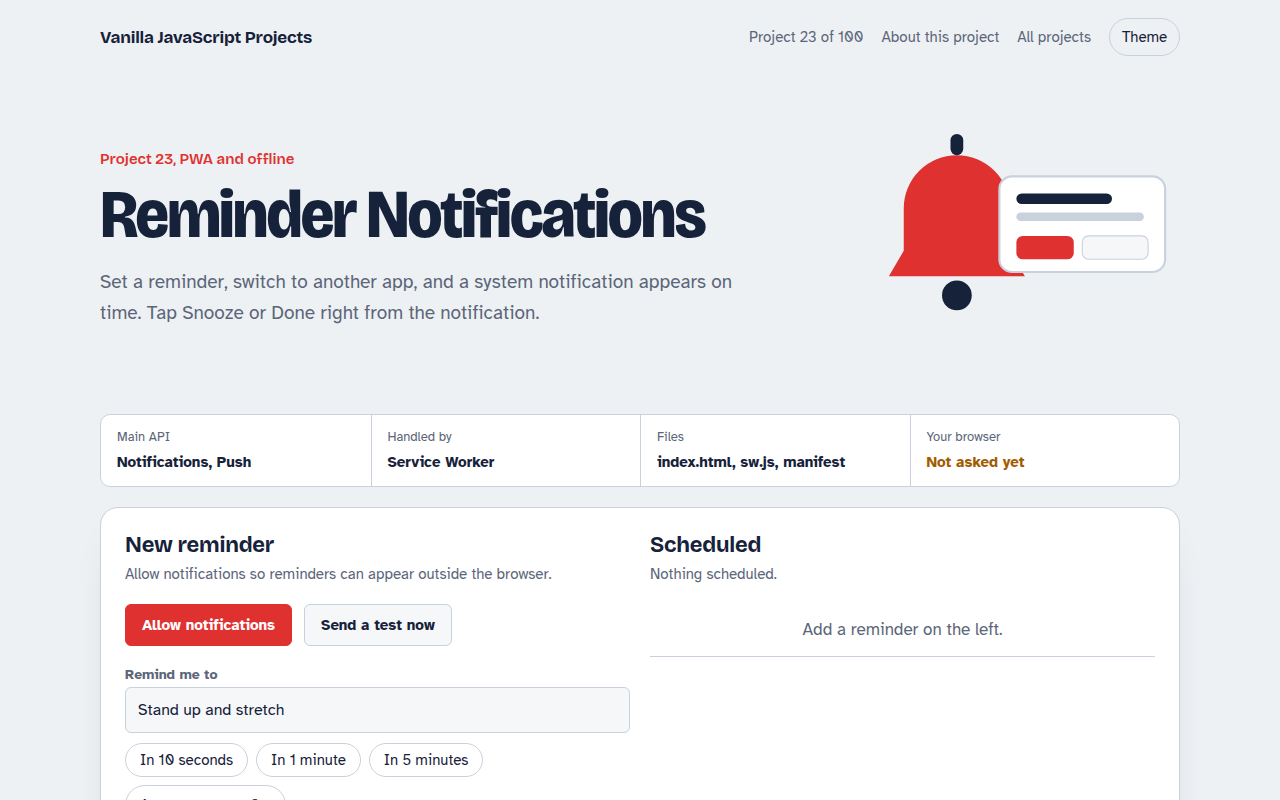
023. Reminder Notifications
A reminder app with Done and Snooze buttons in the notification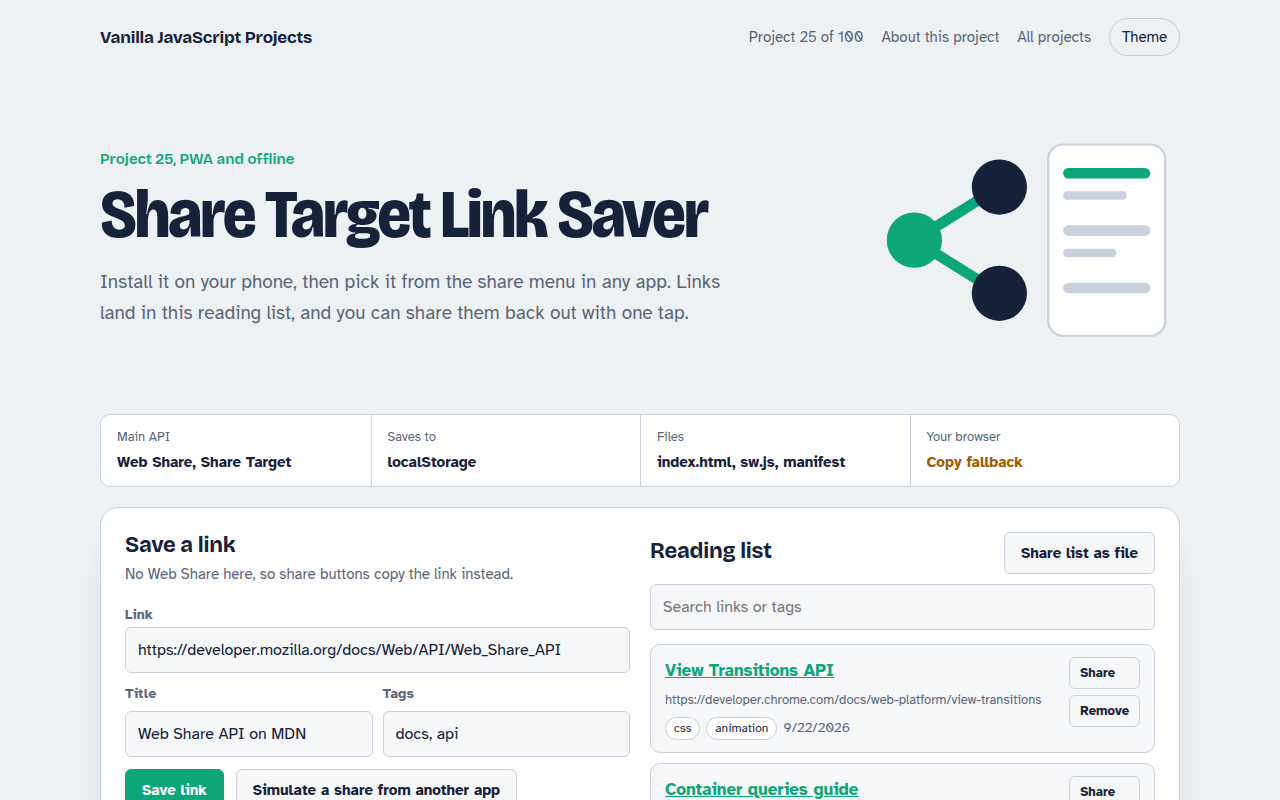
025. Share Target Link Saver
A reading list app that appears in your phone's share menu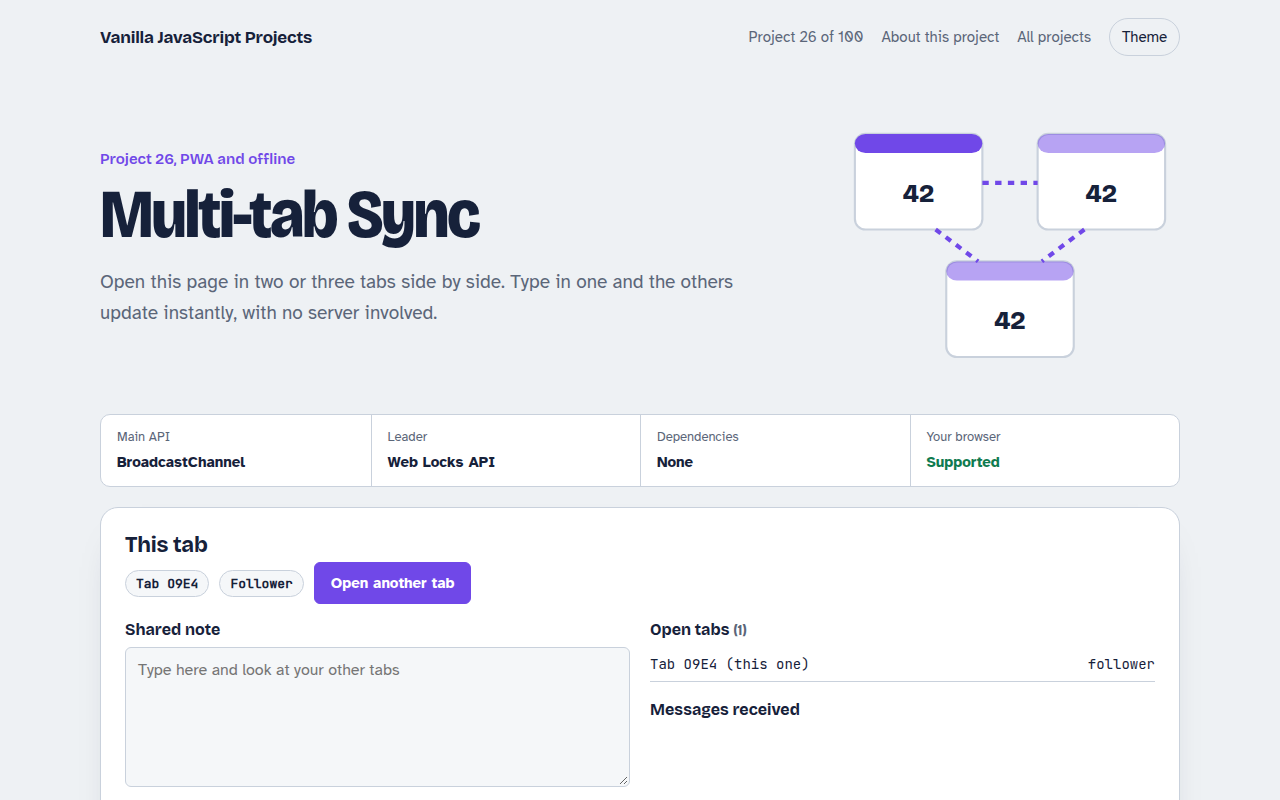
026. Multi-tab Sync
Open it in several tabs and watch them stay in sync