Home / PWA and Offline / Expense Tracker PWA
Expense Tracker PWA in JavaScript, Free with Live Demo
Free expense tracker PWA in plain JavaScript. Log spending, see a donut chart and a 7 day bar chart, set a budget and sync offline entries with Background Sync.
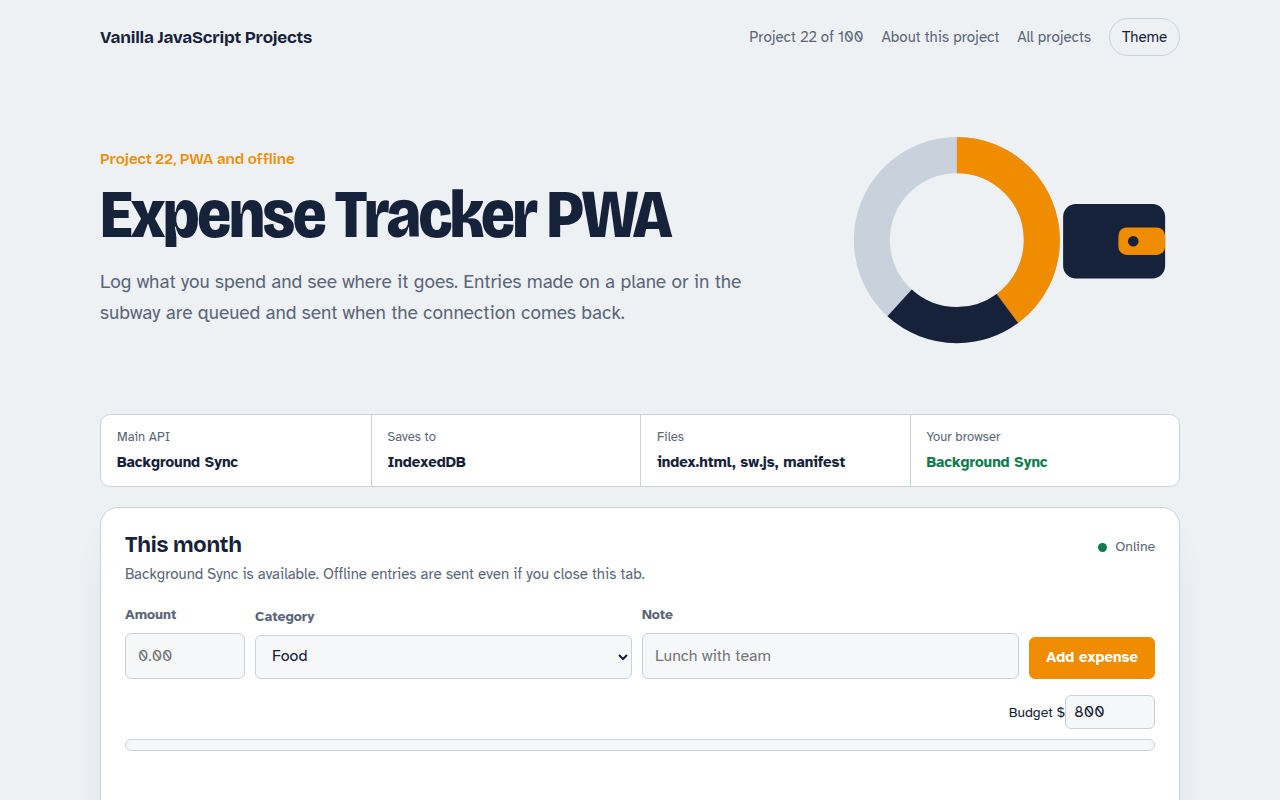
Runs on: Background Sync. App and charts: every modern browser. Background Sync: Chrome, Edge and Samsung Internet. Other browsers sync when the page is open and online.
What is the Expense Tracker PWA?
Log what you spend by category and see where the money goes, with a donut chart by category, a bar chart for the last seven days and a monthly budget bar. You can export everything to CSV.
Entries are saved in IndexedDB first. If you are offline, they are marked as waiting, and the Background Sync API wakes the service worker to send them once you are online, even if the tab is closed.
Good for
- Personal budgeting
- Apps used on poor mobile networks
- Learning Background Sync
- Canvas charts without a library
What this project does
- Add expenses with amount, category, note and date
- Donut chart by category and bar chart for the last 7 days
- Monthly budget with a progress bar
- Offline entries show as waiting, then sync automatically
- Export to CSV
How it works
- Save locally firstEvery expense goes into IndexedDB right away, marked as not yet synced.
- Ask for a syncThe page registers a sync tag. The browser wakes the service worker when it is online, even if the tab is closed.
- Flush the outboxThe worker sends waiting entries to the server (simulated here) and tells the page, which marks them synced.
The key JavaScript
This is the heart of the project. The full file has the rest, including the screen layout and error handling.
// Page: save locally, then ask the browser to sync when online
await db.put("expenses", { ...expense, synced: false });
const reg = await navigator.serviceWorker.ready;
await reg.sync.register("sync-expenses");

// sw.js: runs when the connection is back, even if the tab is closed
self.addEventListener("sync", (event) => {
  if (event.tag === "sync-expenses") event.waitUntil(sendUnsynced());
});
How to use it
- Click Download HTML file above.
- Open the file in a code editor, like VS Code.
- Run it from a local server with
npx serve .so the camera, microphone and AI features are allowed. - Change the text and colors, then upload it to GitHub Pages, Netlify or your own site. It is one file with no build step.
Questions people ask
What is the Background Sync API?
It lets a web app ask the browser to run a task when the connection comes back. The service worker gets a sync event and can send saved data.
Which browsers support Background Sync?
Chrome, Edge and Samsung Internet. In other browsers this app syncs when the page is open and online.
Are the charts made with a library?
No. Both charts are drawn with the Canvas 2D API in about 20 lines each.
More PWA and Offline projects
021. Offline-first Todo PWA
A todo app you can install that works with no internet
023. Reminder Notifications
A reminder app with Done and Snooze buttons in the notification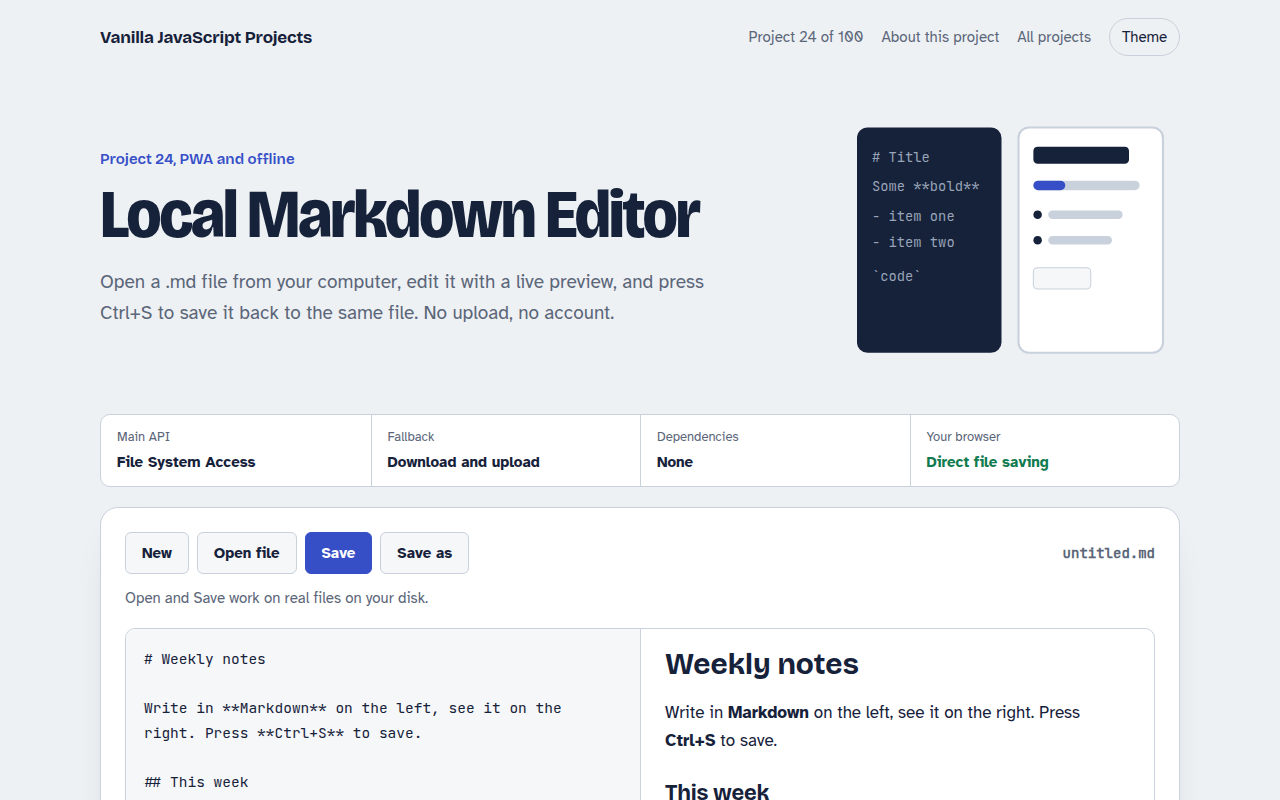
024. Local Markdown Editor
A Markdown editor that saves real files on your disk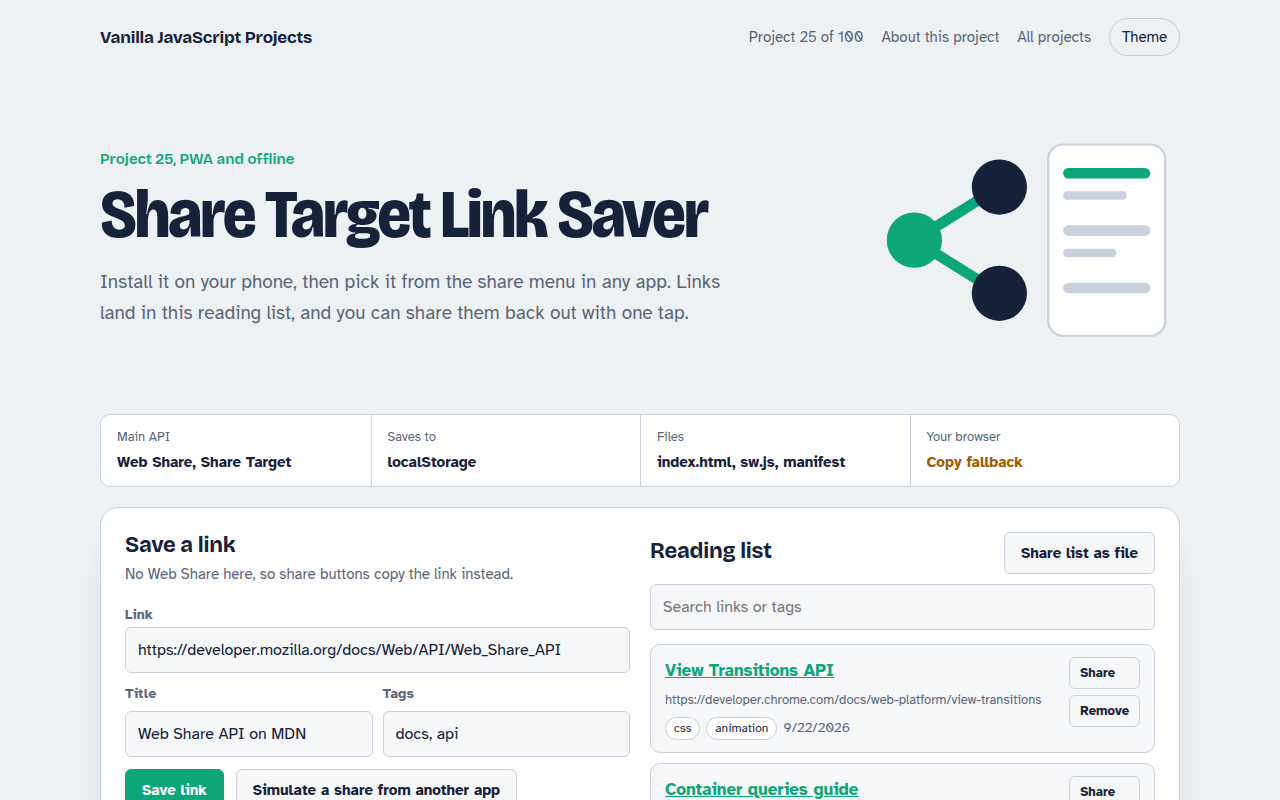
025. Share Target Link Saver
A reading list app that appears in your phone's share menu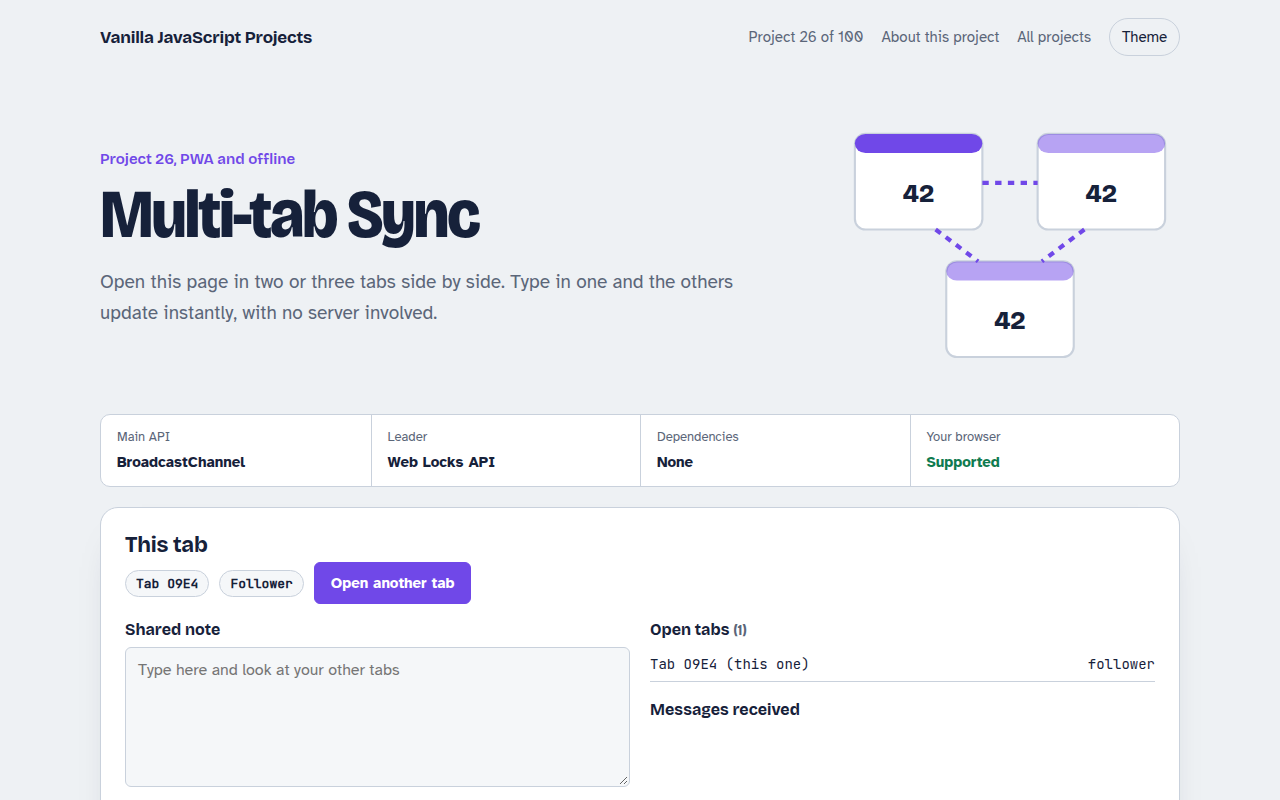
026. Multi-tab Sync
Open it in several tabs and watch them stay in sync