Home / PWA and Offline / Multi-tab Sync
Multi-tab Sync in JavaScript, Free with Live Demo
Free multi-tab sync demo in plain JavaScript. A shared note, counter, theme and list of open tabs stay in sync with BroadcastChannel, with leader election by Web Locks.
Runs on: BroadcastChannel. Every modern browser.
What is the Multi-tab Sync?
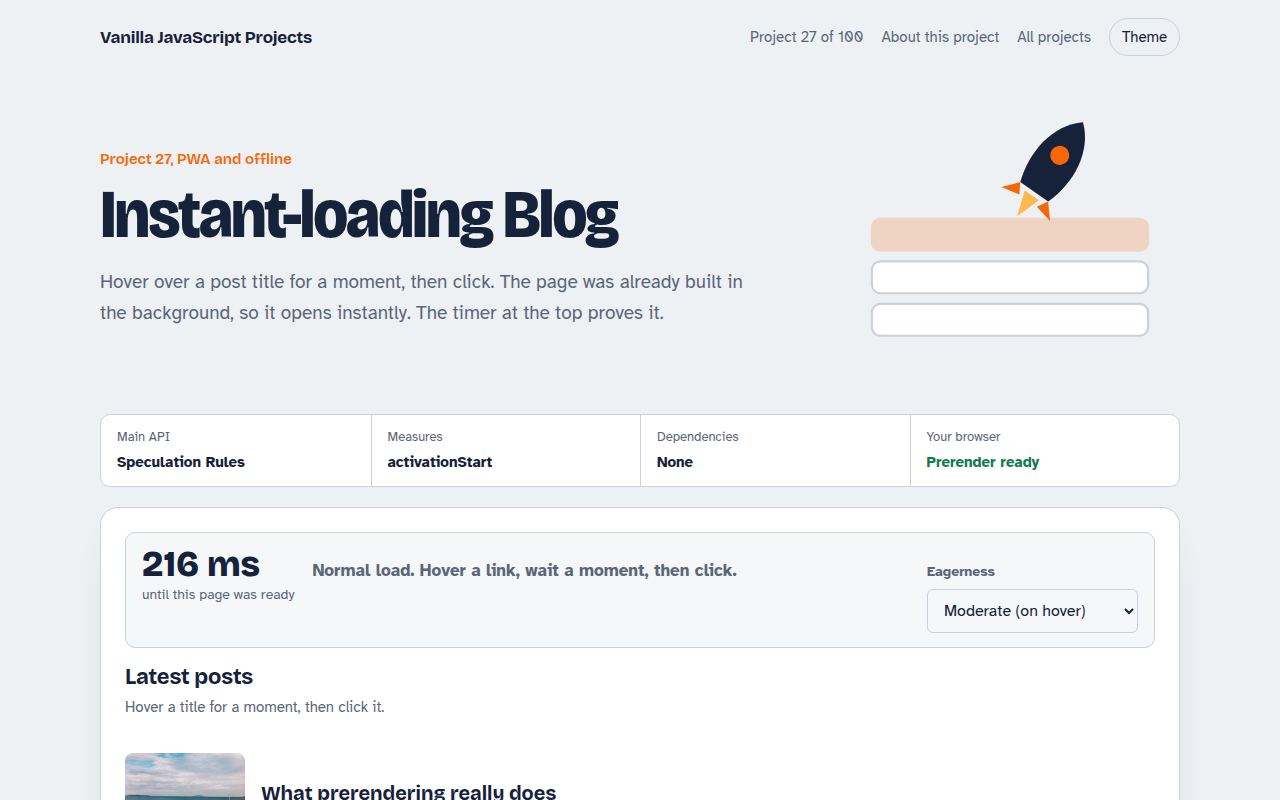
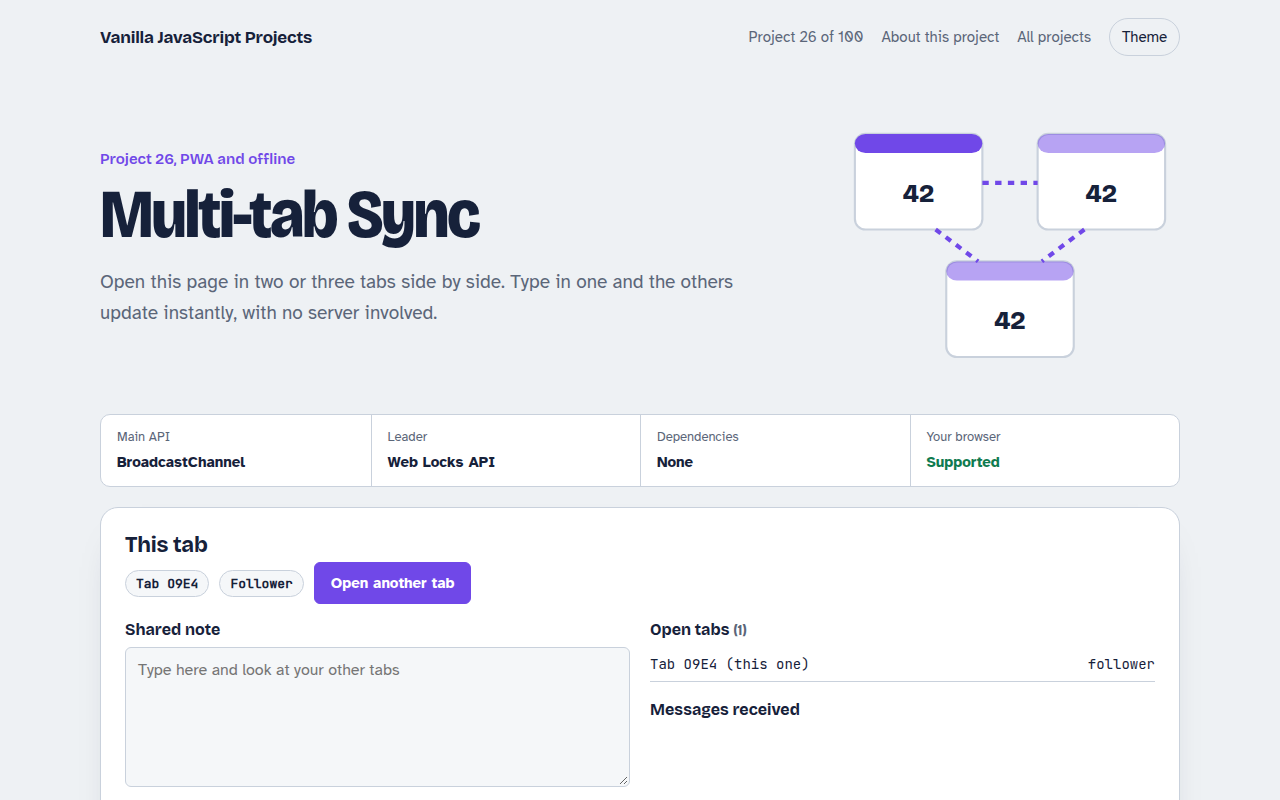
Open this page in two or three tabs and type in one. The others update right away: a shared note, a counter, the theme and a live list of open tabs. No server is involved.
Tabs talk through BroadcastChannel, which sends messages between pages from the same site. The Web Locks API picks one tab as the leader, which is useful when only one tab should poll a server or play a sound.
Good for
- Keeping login state the same in every tab
- Shopping carts across tabs
- Only one tab polling a server
- Logging out everywhere at once
What this project does
- Shared note that updates in every tab as you type
- Shared counter with a history of who changed it
- Theme switch that applies to all tabs
- Live list of open tabs with a heartbeat
- Leader election: exactly one tab is the leader, and another takes over when it closes
How it works
- Join the channelEvery tab opens a BroadcastChannel with the same name and announces itself with a random id.
- Broadcast changesEdits are sent as small messages. Other tabs apply them and save the latest state to localStorage.
- Elect a leaderEach tab asks for the same Web Lock. Only one gets it. When that tab closes, the lock passes to the next tab.
The key JavaScript
This is the heart of the project. The full file has the rest, including the screen layout and error handling.
const channel = new BroadcastChannel("my-app");
channel.postMessage({ type: "note", text: "Hello from tab A" });
channel.onmessage = (e) => { if (e.data.type === "note") note.value = e.data.text; };

// Only one tab at a time holds this lock: that tab is the leader
navigator.locks.request("leader", () => {
  becomeLeader();
  return new Promise(() => {});   // hold the lock until the tab closes
});
How to use it
- Click Download HTML file above.
- Open the file in a code editor, like VS Code.
- Run it from a local server with
npx serve .so the camera, microphone and AI features are allowed. - Change the text and colors, then upload it to GitHub Pages, Netlify or your own site. It is one file with no build step.
Questions people ask
What is BroadcastChannel?
It is a simple message channel between tabs, windows and workers from the same origin. You post a message and every other listener receives it.
What does leader election mean?
It means one tab is chosen to do a job for all of them. Here, each tab asks for the same Web Lock and only one gets it at a time.
Does it work across different browsers?
No. BroadcastChannel only connects tabs in the same browser profile. For different devices you need a server.
More PWA and Offline projects
021. Offline-first Todo PWA
A todo app you can install that works with no internet
022. Expense Tracker PWA
A spending tracker with charts that syncs when back online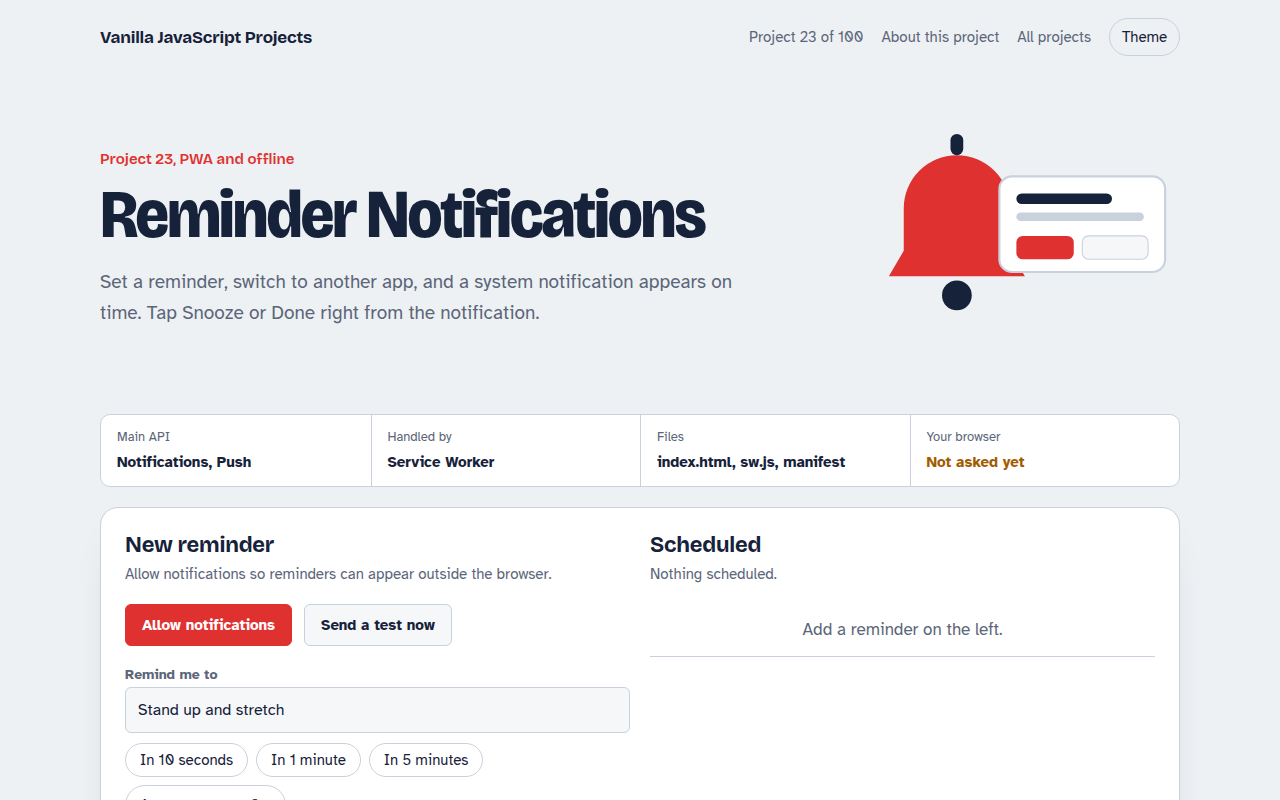
023. Reminder Notifications
A reminder app with Done and Snooze buttons in the notification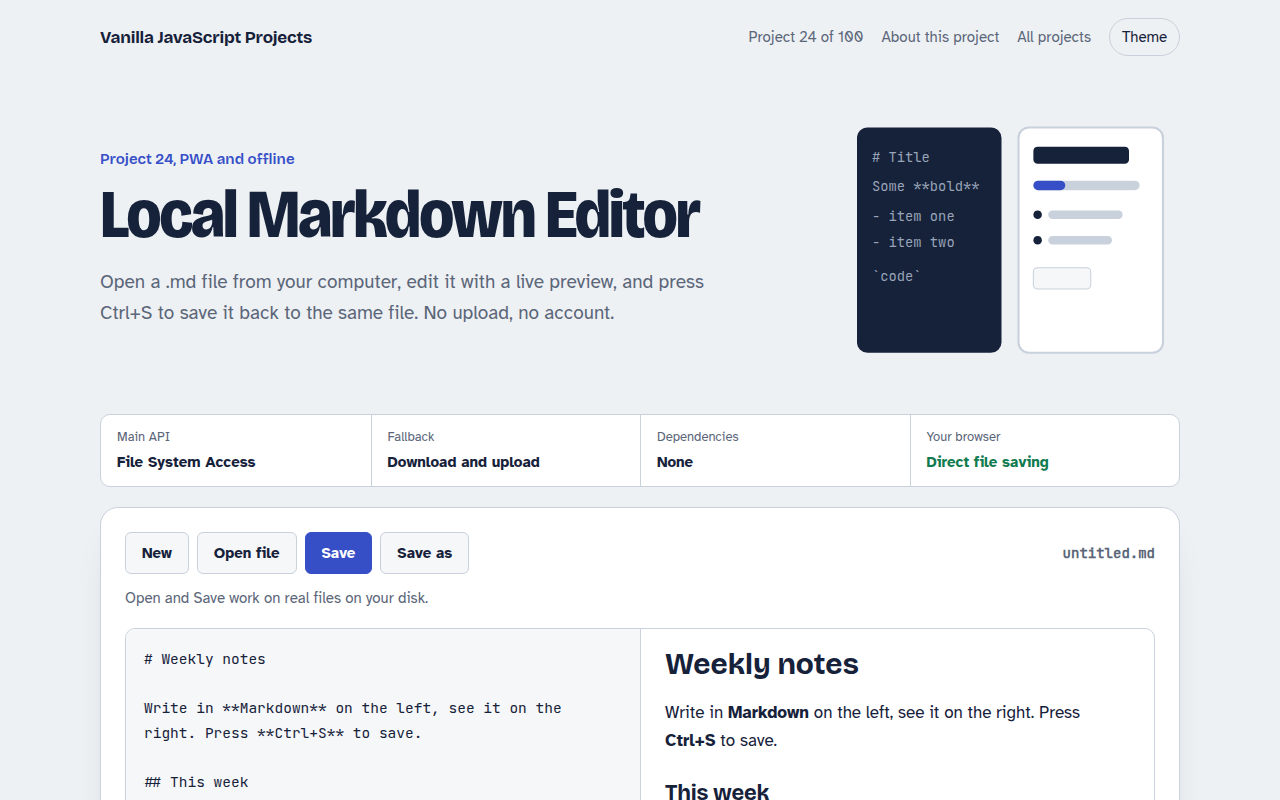
024. Local Markdown Editor
A Markdown editor that saves real files on your disk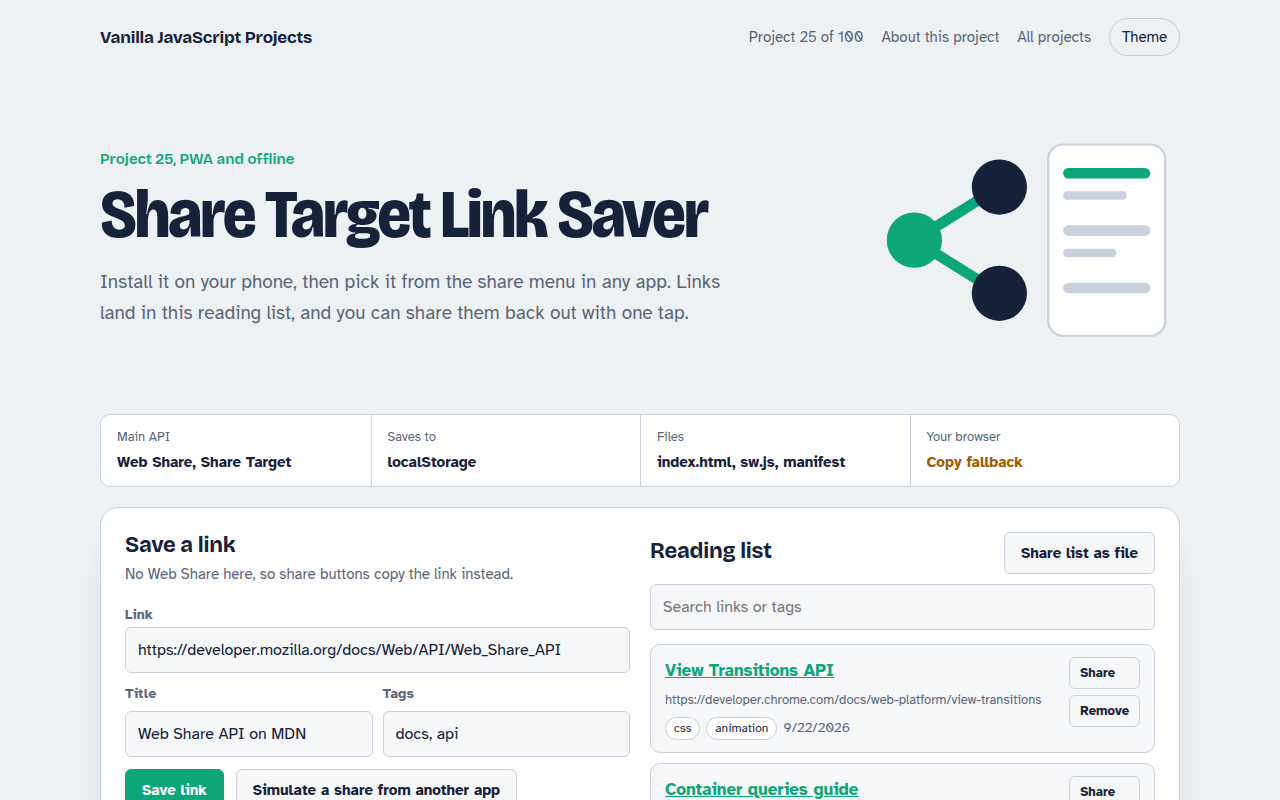
025. Share Target Link Saver
A reading list app that appears in your phone's share menu