Home / PWA and Offline / Reminder Notifications
Reminder Notifications in JavaScript, Free with Live Demo
Free reminder app in plain JavaScript. Set reminders that show as system notifications with Done and Snooze buttons, handled by a service worker, plus push setup code.
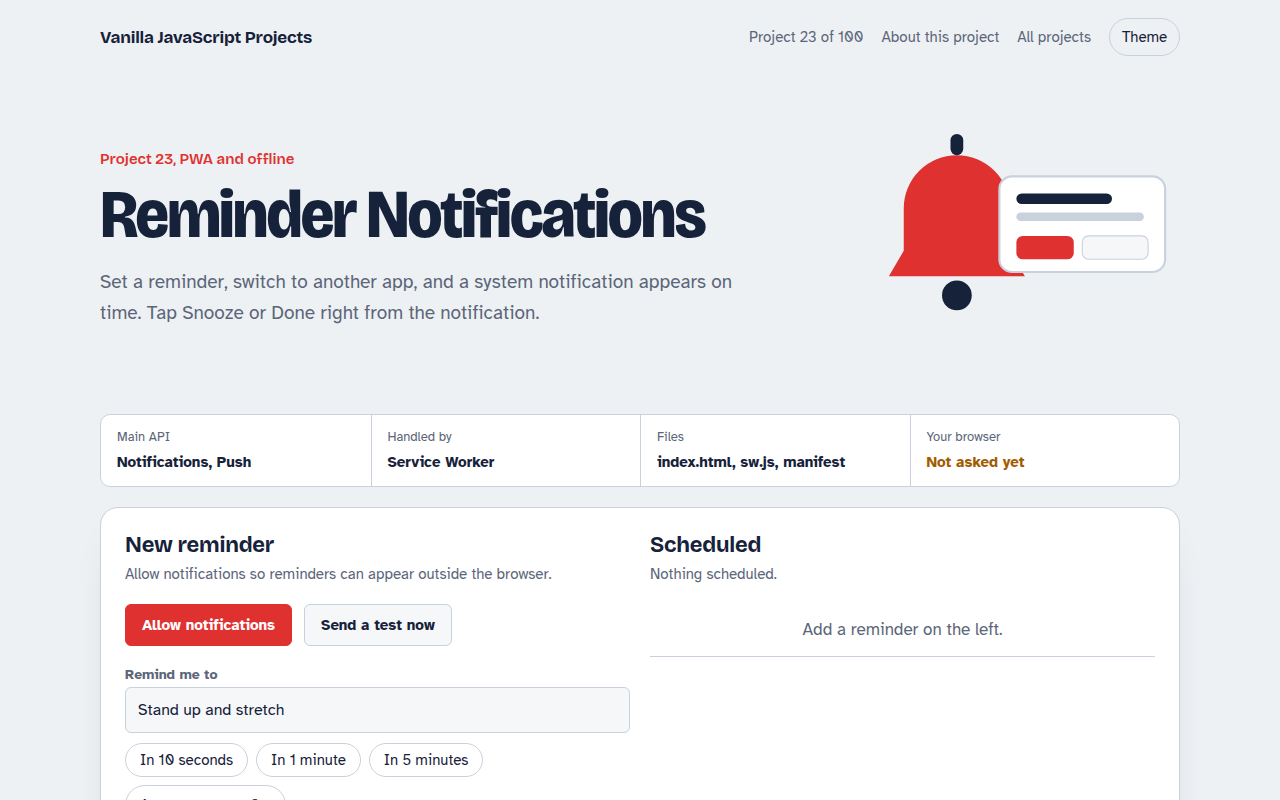
Runs on: Notifications, Push. Notifications: every modern desktop browser, Android, and iPhone once the app is added to the Home Screen. Timers only run while the page is open; use Push for closed apps.
What is the Reminder Notifications?
Set a reminder, switch to another app, and a real system notification appears on time. You can tap Done or Snooze right inside the notification, and the page updates to match.
The page asks for notification permission, and the service worker shows the notification with action buttons and handles the tap. For reminders when the app is closed, the project includes the Push API subscription code your server would use.
Good for
- Reminder and habit apps
- Order and delivery updates
- Learning notification actions
- The starting point for web push
What this project does
- Quick reminders: 10 seconds, 1 minute, 5 minutes or a custom time
- Done and Snooze 5 min buttons inside the notification
- Notification click brings this page to the front
- Push subscription button that prints the JSON your server needs
- Reminders are saved, so a reload keeps them
How it works
- Ask permissionThe browser asks once. Without permission, reminders still show inside the page.
- Show from the workerregistration.showNotification() creates a system notification with action buttons.
- Handle the tapThe service worker gets notificationclick, snoozes or completes the reminder, and focuses the page.
The key JavaScript
This is the heart of the project. The full file has the rest, including the screen layout and error handling.
const reg = await navigator.serviceWorker.register("sw.js");
await Notification.requestPermission();                // "granted"

reg.showNotification("Stand up and stretch", {
  body: "Reminder from your to-do app",
  actions: [{ action: "done", title: "Done" }, { action: "snooze", title: "Snooze 5 min" }],
  tag: "reminder-42", requireInteraction: true,
});

// sw.js
self.addEventListener("notificationclick", (e) => {
  e.notification.close();
  if (e.action === "snooze") { /* tell the page to reschedule */ }
});
How to use it
- Click Download HTML file above.
- Open the file in a code editor, like VS Code.
- Run it from a local server with
npx serve .so the camera, microphone and AI features are allowed. - Change the text and colors, then upload it to GitHub Pages, Netlify or your own site. It is one file with no build step.
Questions people ask
How do I show a notification from JavaScript?
Ask with Notification.requestPermission(), then call registration.showNotification() on your service worker registration. That version supports action buttons.
Do notifications work on iPhone?
Yes, on iOS 16.4 and later, but only after the web app is added to the Home Screen.
Why do timed reminders need the page open?
Browsers do not let pages set timers that fire after they close. For that you need server push, which is why the Push API code is included.
More PWA and Offline projects
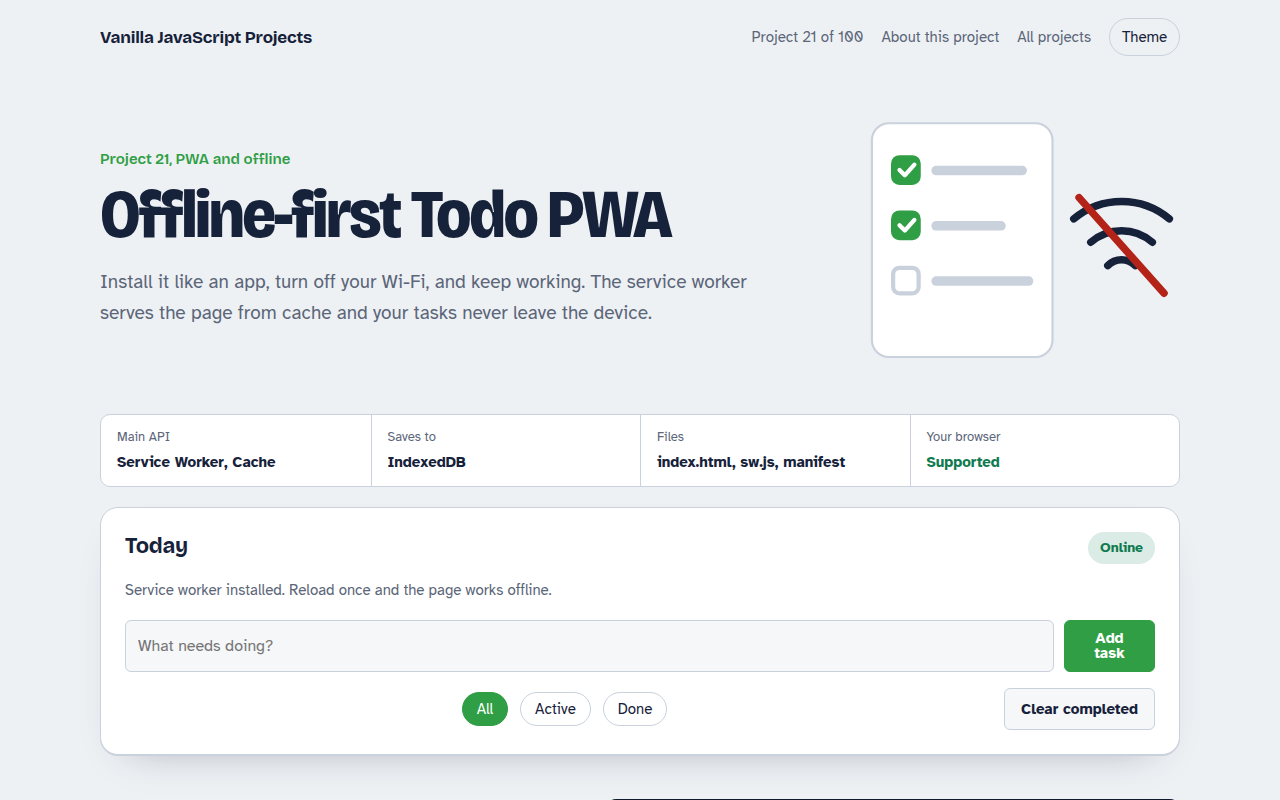
021. Offline-first Todo PWA
A todo app you can install that works with no internet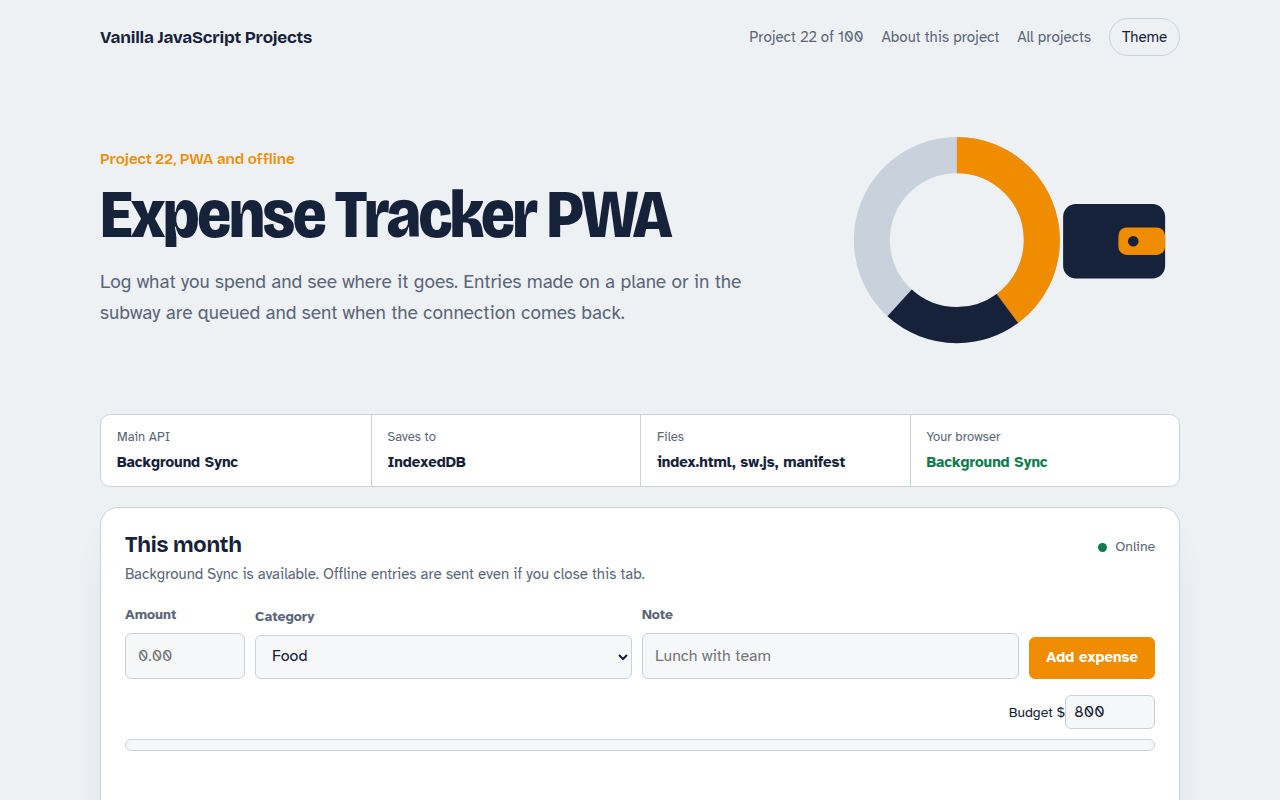
022. Expense Tracker PWA
A spending tracker with charts that syncs when back online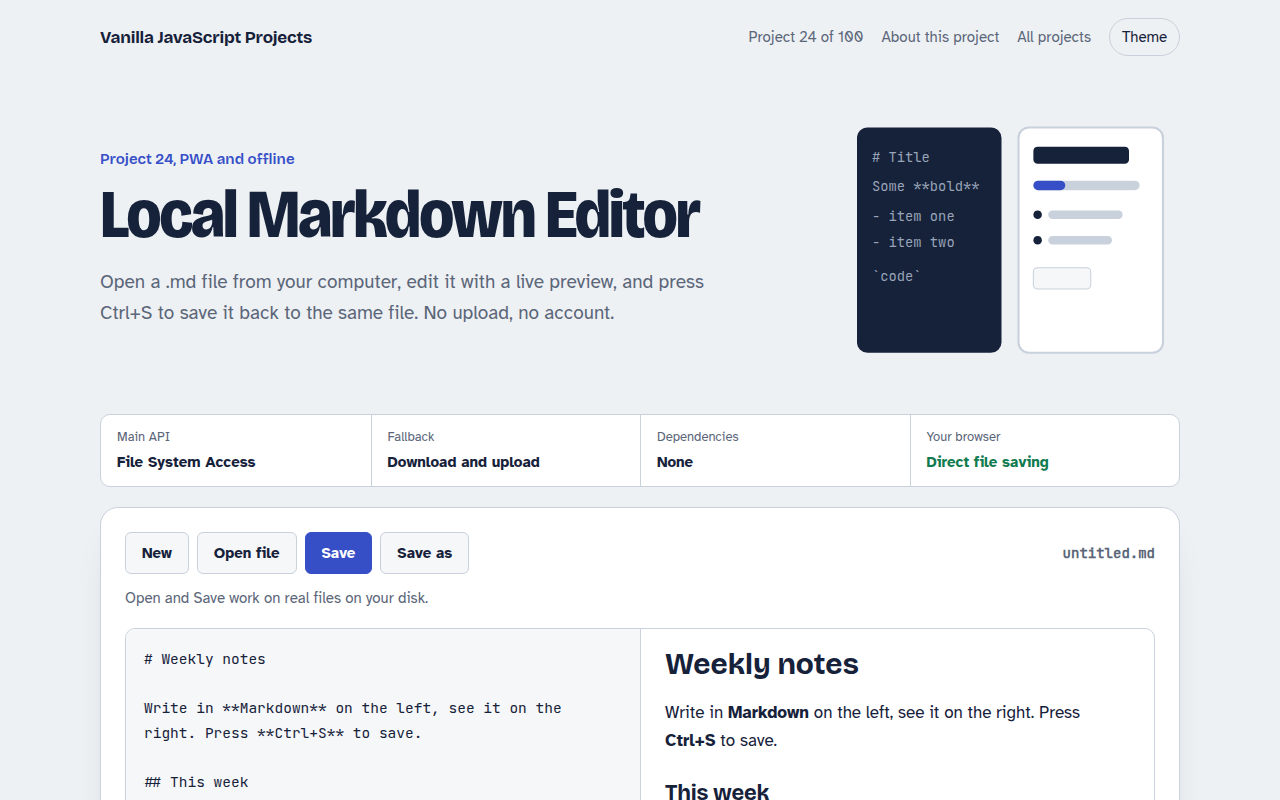
024. Local Markdown Editor
A Markdown editor that saves real files on your disk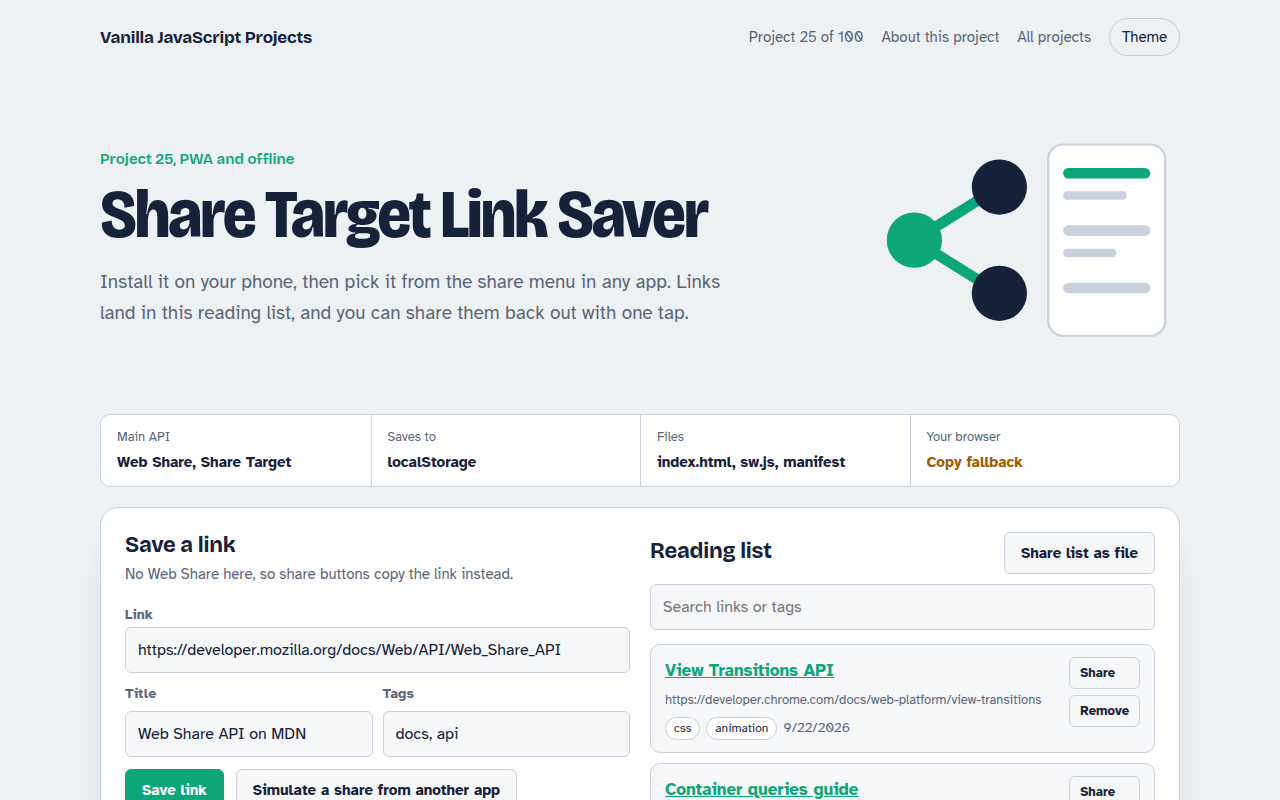
025. Share Target Link Saver
A reading list app that appears in your phone's share menu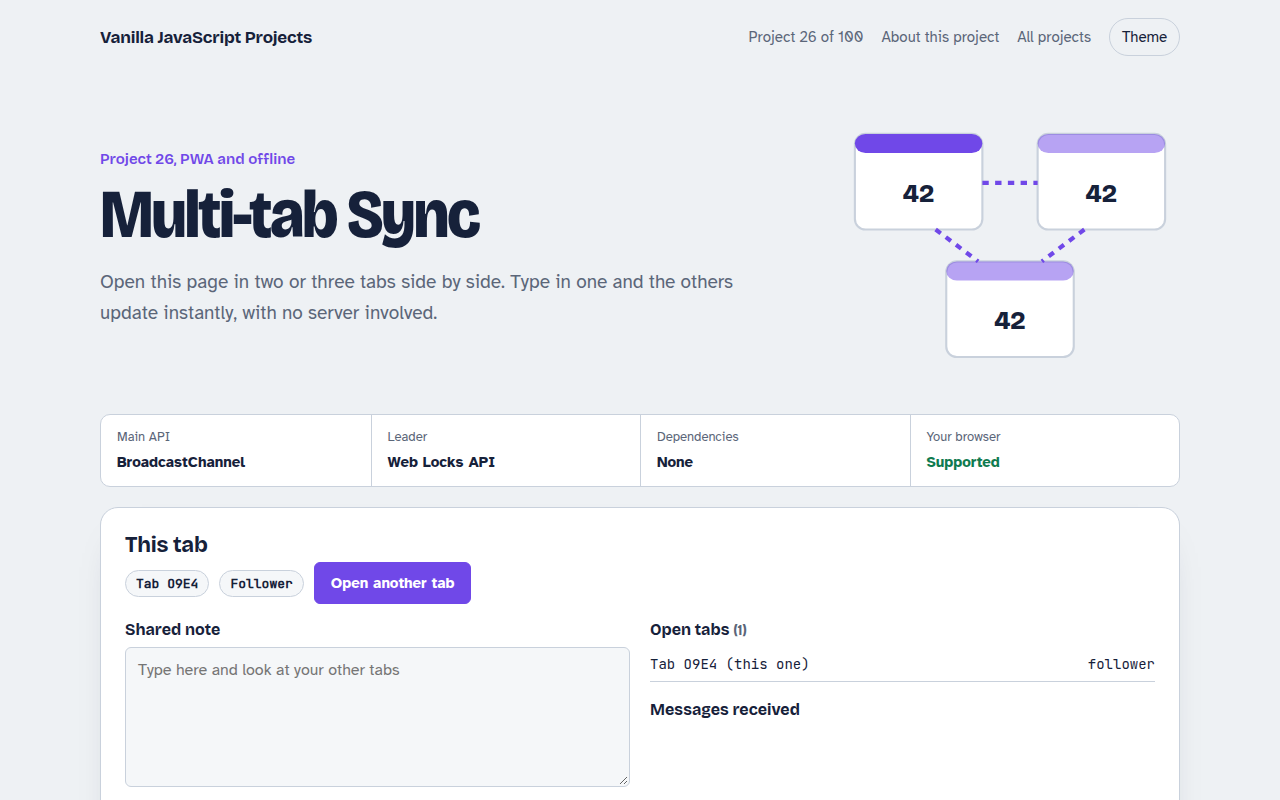
026. Multi-tab Sync
Open it in several tabs and watch them stay in sync