Home / 3D and Depth / Layered Shadows
Layered Shadows CSS Template, Free with Live Demo
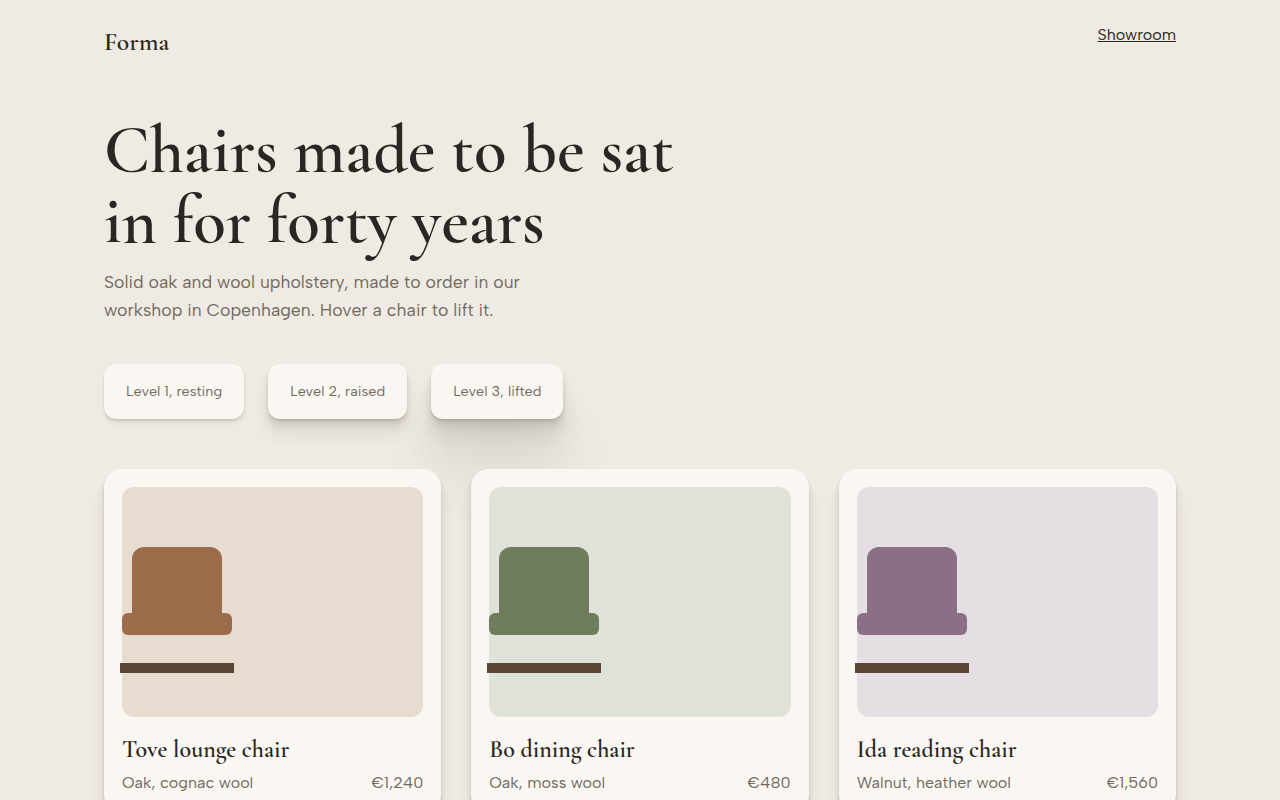
Free layered shadows template for a furniture shop. Realistic multi layer box shadows in three elevation levels that lift cards on hover. Live demo. The example is Forma, a furniture maker.
What is layered shadows?
A single box shadow often looks fake, like a grey smudge. Real shadows are soft far away and sharper close to the object. Stacking several small shadows, each twice as big as the last, gives that natural look.
This template has three elevation levels you can reuse. The shadow color is a warm brown instead of black, so it matches the page. Hover a chair card and it rises to the highest level.
Good for
- Product cards in online shops
- Premium and luxury brands
- Dashboards with cards and modals
- Any design that needs soft, natural depth
What you get in this template
- Three reusable elevation levels
- Up to seven stacked shadow layers
- Warm shadow color tuned to the background
- Cards lift and deepen on hover
- Chairs drawn with CSS
The key CSS
This is the part that makes the layered shadows look work. Copy it into your own project.
:root { --sh: 30deg 20% 20%; }
.e3 {
  box-shadow:
    0 1px 1px hsl(var(--sh) / .07), 0 2px 2px hsl(var(--sh) / .07),
    0 4px 4px hsl(var(--sh) / .07), 0 8px 8px hsl(var(--sh) / .07),
    0 16px 16px hsl(var(--sh) / .07), 0 32px 32px hsl(var(--sh) / .07),
    0 64px 64px hsl(var(--sh) / .07);
}
How to use it
- Click Download HTML file above.
- Open the file in any code editor, like VS Code.
- Change the text, colors and links to match your project. Colors are at the top of the style tag.
- Upload it to any host, such as GitHub Pages, Netlify or your own server. It is one file with no build step.
Questions people ask
How do you make realistic shadows in CSS?
Stack several box shadows that double in size each time, like 1px, 2px, 4px, 8px, each with low opacity. Together they look soft and natural.
Why not use pure black shadows?
Real shadows pick up the color of the surface. A dark tint of your background color looks much more natural than grey.
Do many shadows slow down the page?
A few cards with layered shadows are fine. Avoid animating box-shadow on hundreds of elements at once.
More 3D and Depth designs
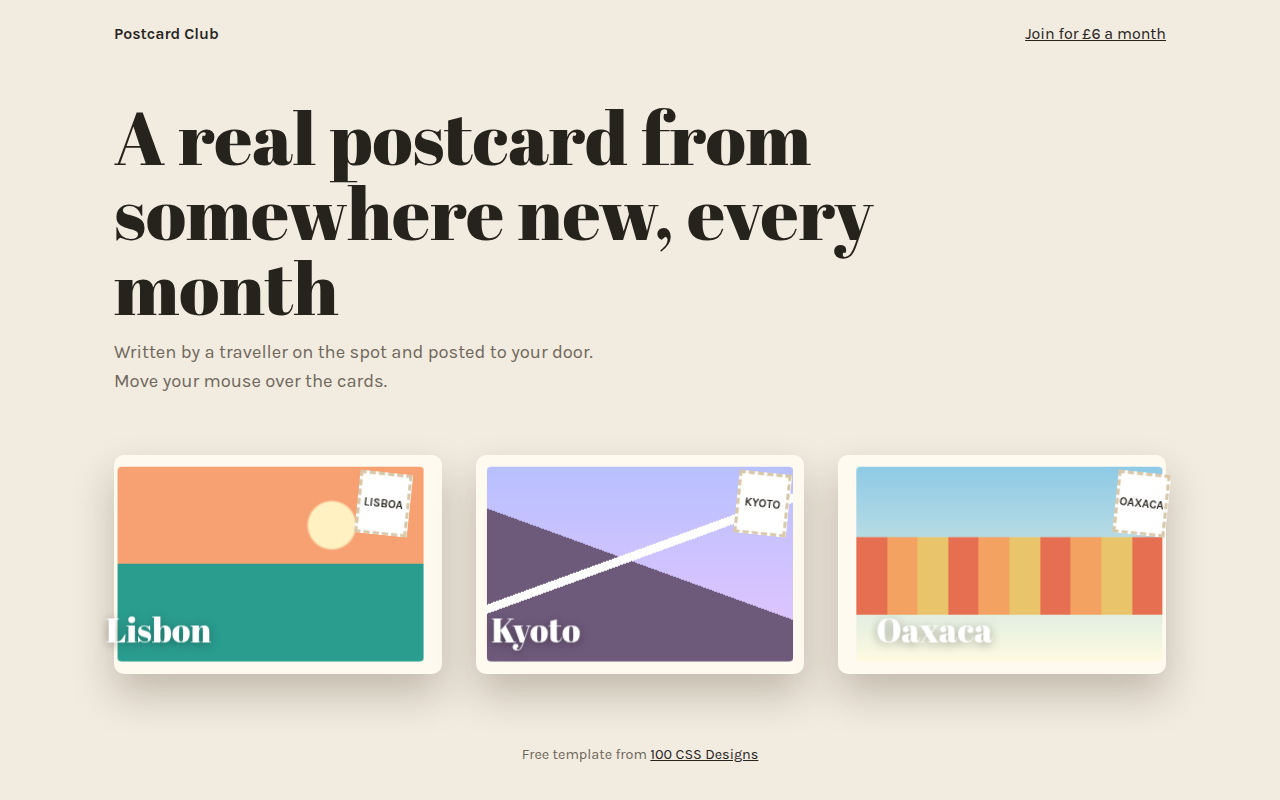
071. 3D Tilt Cards
Postcard Club, a postcard subscription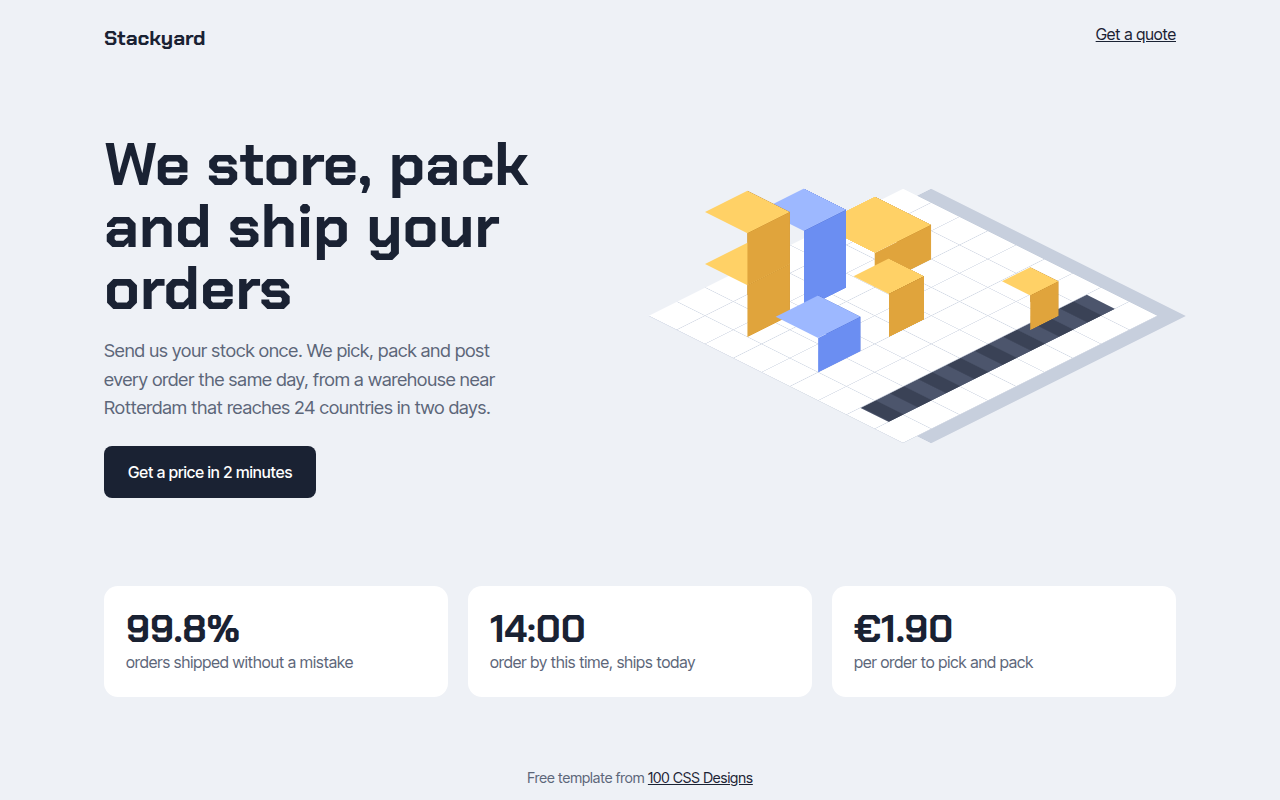
072. Isometric
Stackyard, a fulfillment warehouse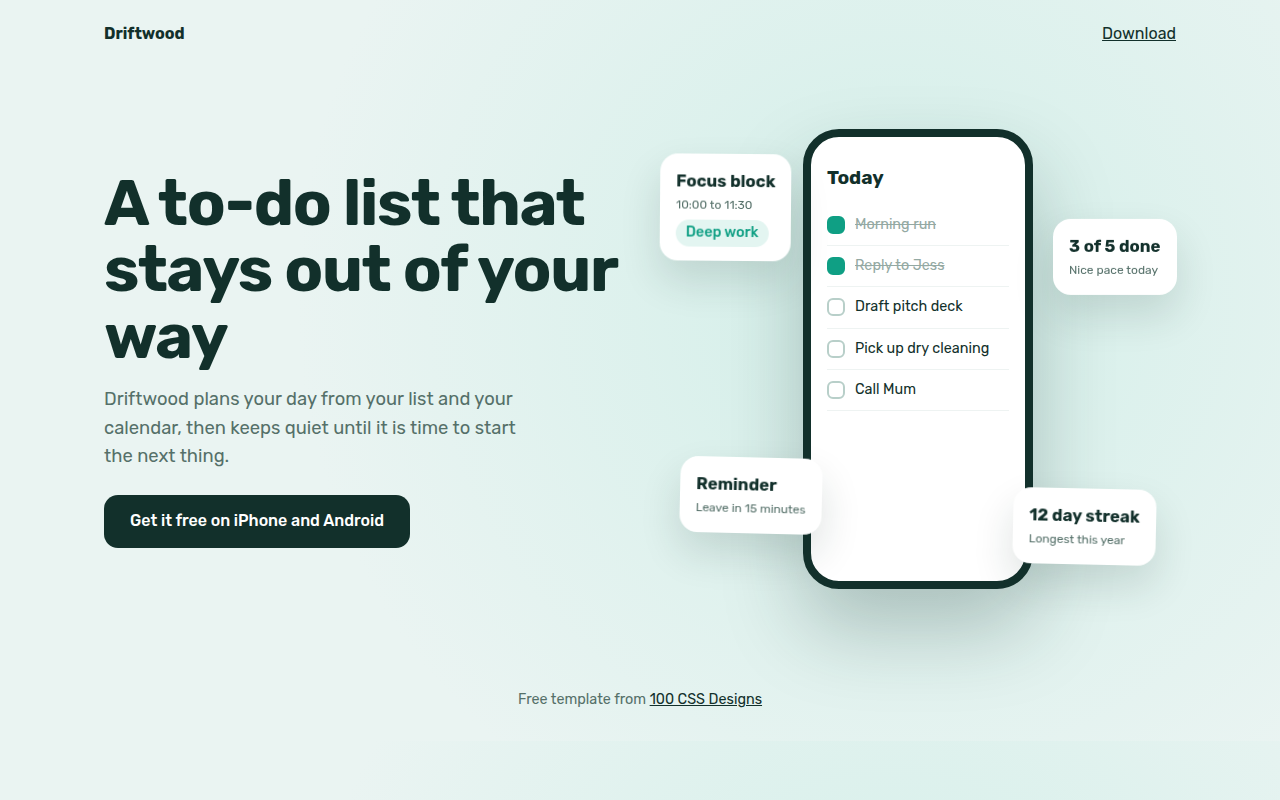
074. Floating Elements
Driftwood, a to-do app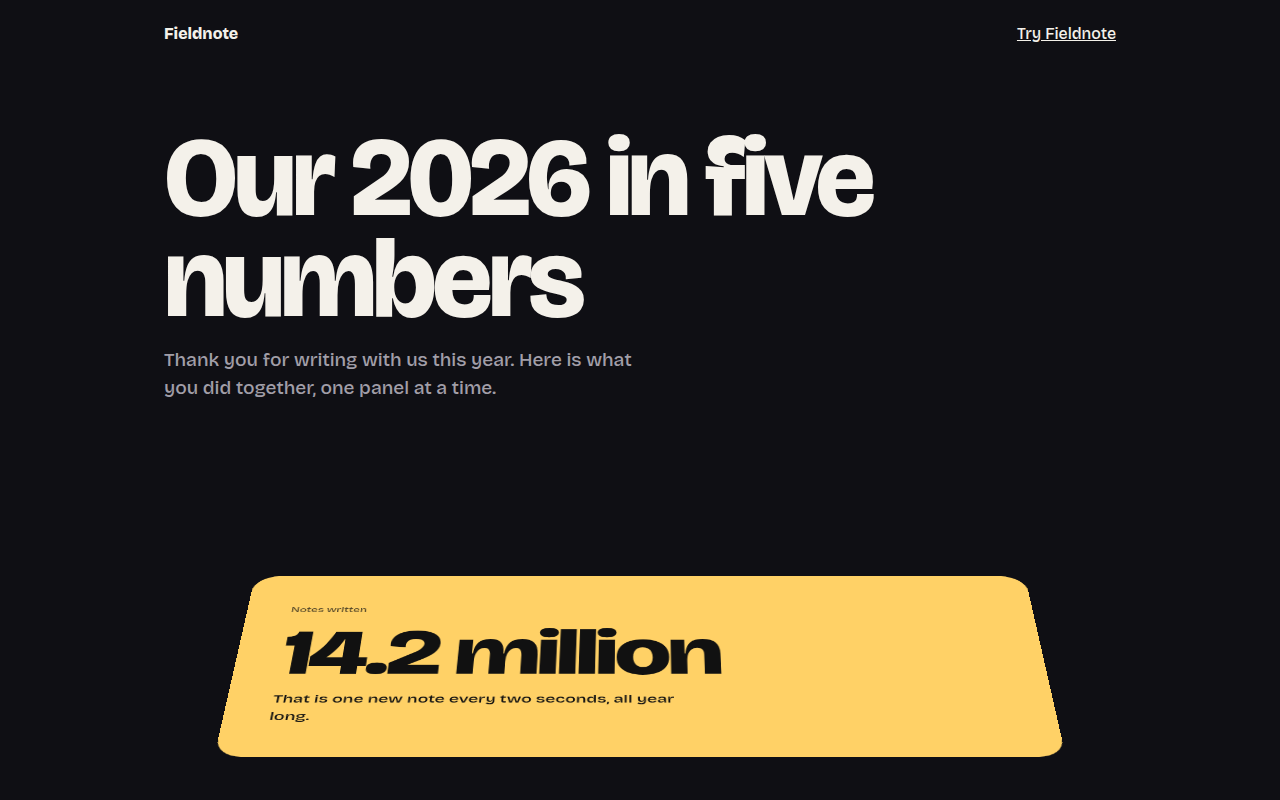
075. Perspective Scroll
Fieldnote, a year in review page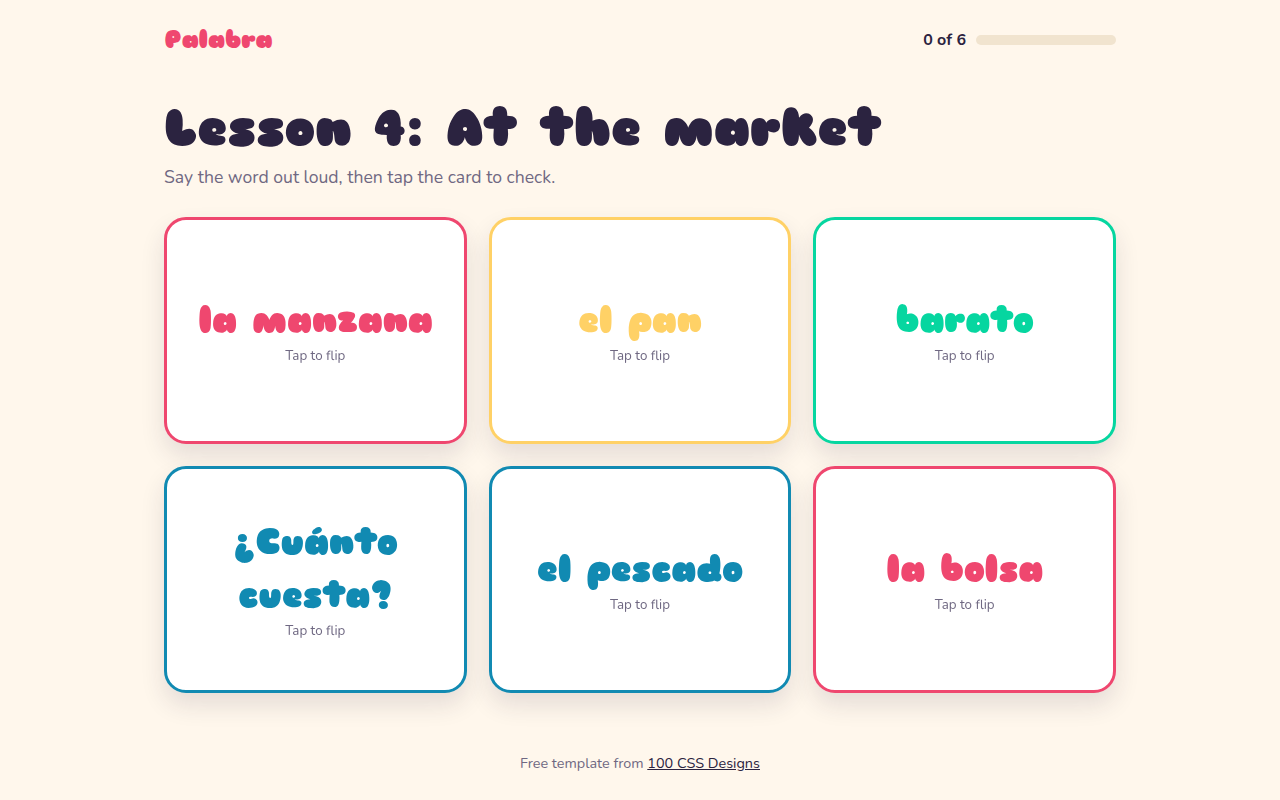
076. Flip Cards
Palabra, a Spanish flashcard app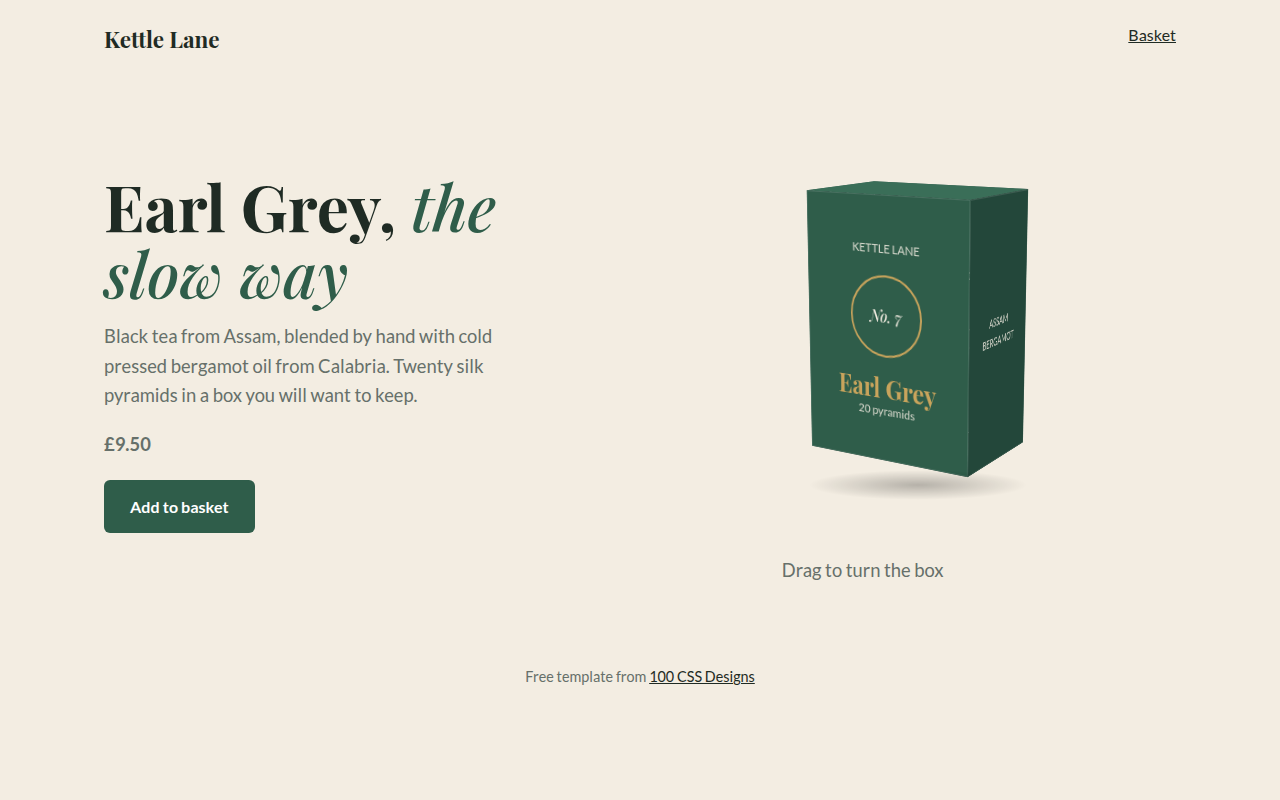
077. 3D Product Box
Kettle Lane, a tea brand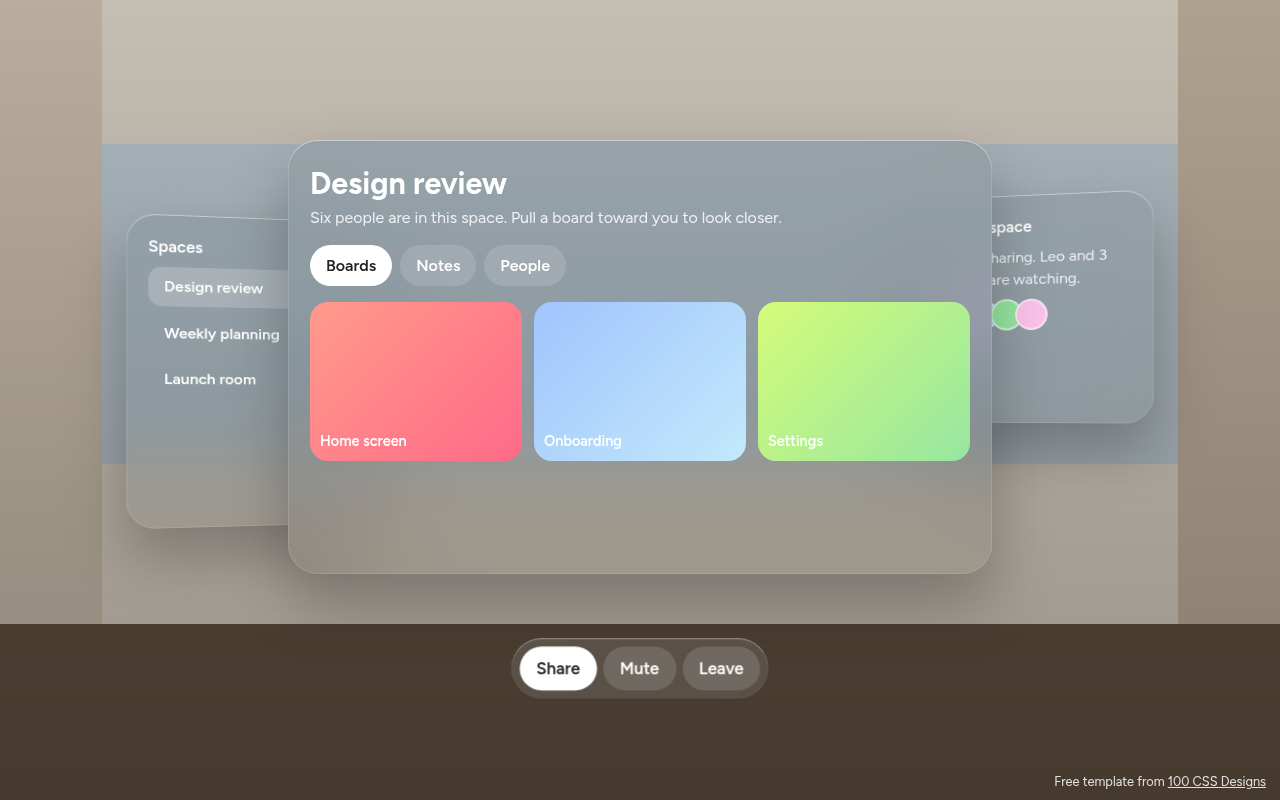
078. Spatial UI
Habitat, a spatial meeting workspace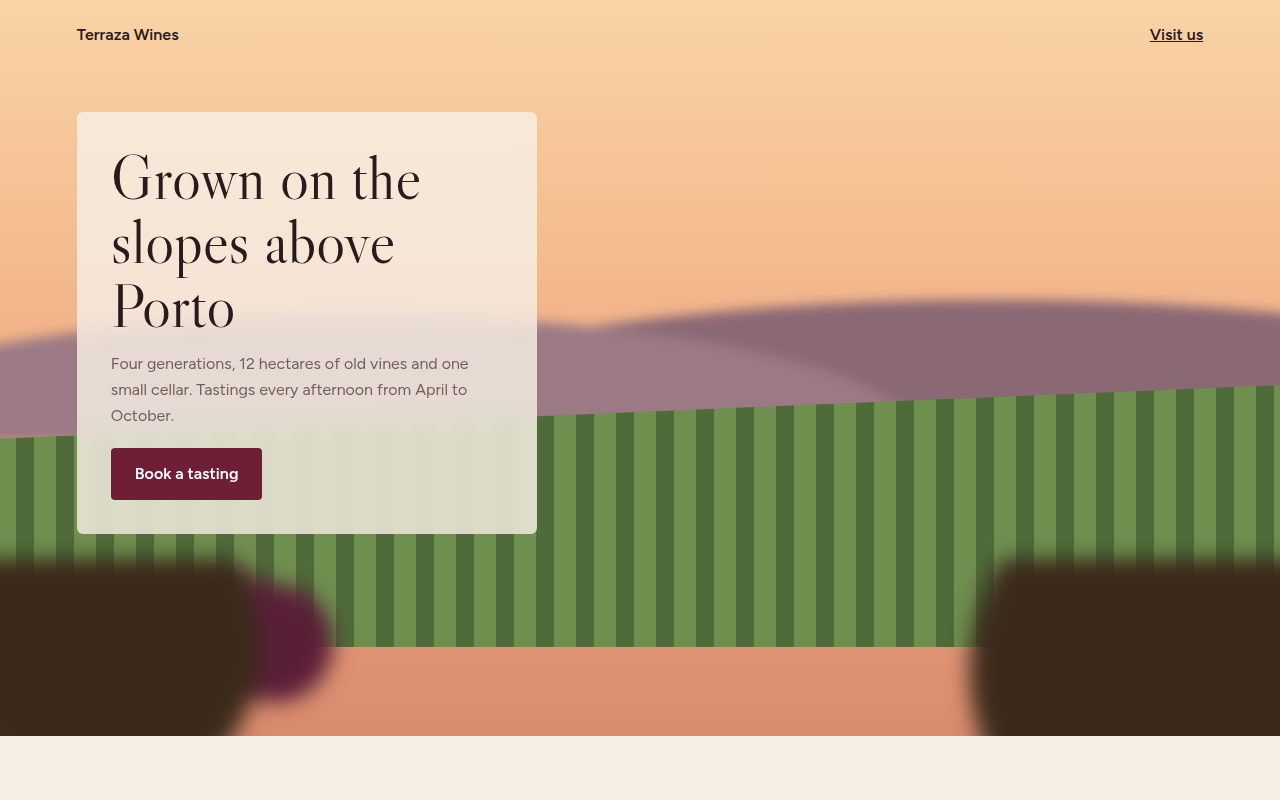
079. Depth Blur
Terraza, a family winery