Home / 3D and Depth / Perspective Scroll
Perspective Scroll CSS Template, Free with Live Demo
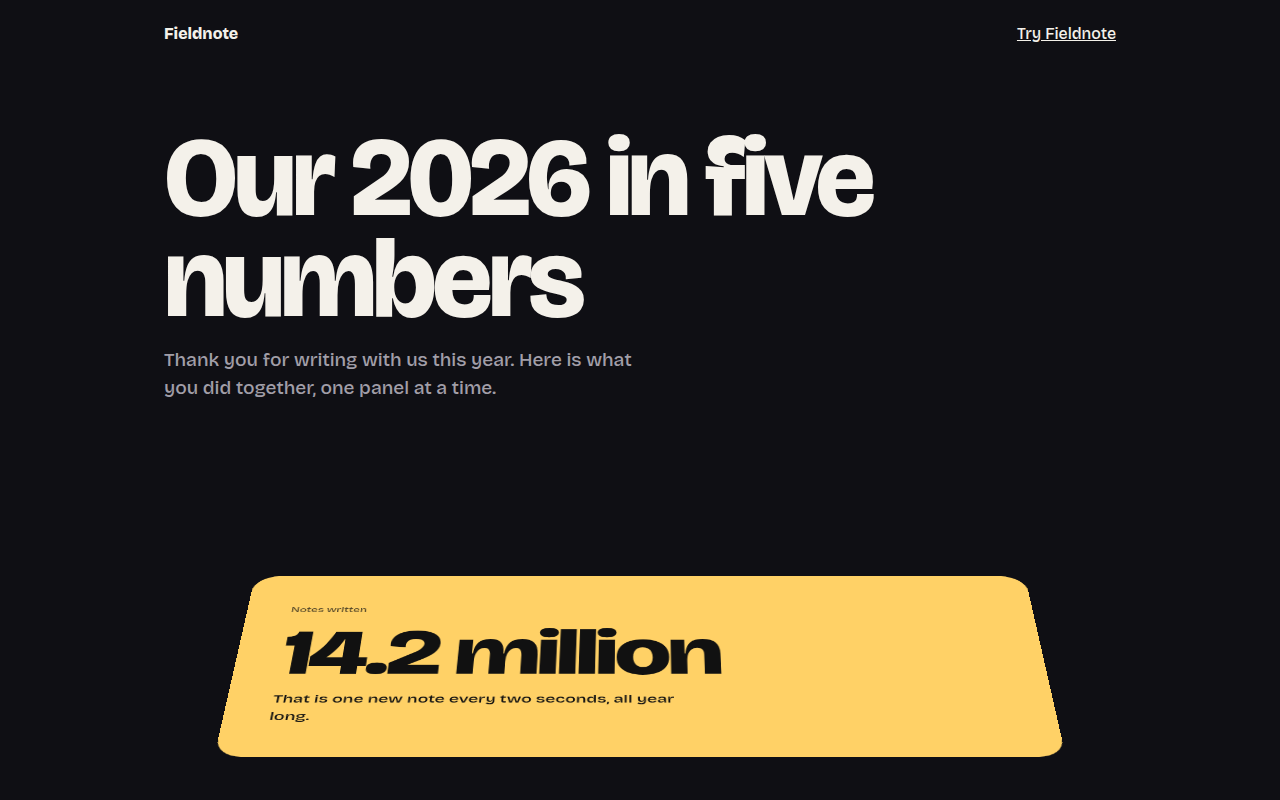
Free perspective scroll template for a year in review page. Big stat panels tip back in 3D and flatten out as they reach the middle of the screen. Live demo. The example is Fieldnote, a year in review page.
What is perspective scroll?
Perspective scroll makes panels tilt back in 3D as they come up from the bottom of the screen, then lie flat when they reach the middle. It feels like pages of a book being laid down in front of you.
The parent has perspective, and each panel rotates on its bottom edge. A small script works out how far each panel is from the center of the screen and sets the angle, once per frame.
Good for
- Year in review and wrapped pages
- Big number and stat stories
- Product feature tours
- Portfolio highlights
What you get in this template
- Panels that tip back and flatten on scroll
- Rotation hinged on the bottom edge
- Slight scale for extra depth
- Updates once per frame with requestAnimationFrame
- Flat and still for reduced motion
The key CSS
This is the part that makes the perspective scroll look work. Copy it into your own project.
.stage { perspective: 1200px; }
.pn {
  transform: rotateX(var(--r)) scale(var(--s));
  transform-origin: 50% 100%;
  will-change: transform;
}
/* JS: d = distance from screen center, -1 to 1 */
/* --r = d > 0 ? d * 38deg : d * -12deg */
How to use it
- Click Download HTML file above.
- Open the file in any code editor, like VS Code.
- Change the text, colors and links to match your project. Colors are at the top of the style tag.
- Upload it to any host, such as GitHub Pages, Netlify or your own server. It is one file with no build step.
Questions people ask
How do you tilt elements in 3D on scroll?
Put perspective on the parent and change each element rotateX based on its position on screen, read with getBoundingClientRect during scroll.
Why use transform-origin at the bottom?
It makes the panel hinge on its bottom edge, like a card being laid down, instead of spinning around its middle.
Can this be done with only CSS?
Yes, in browsers that support scroll driven animations, with animation-timeline: view(). The script version works everywhere.
More 3D and Depth designs
071. 3D Tilt Cards
Postcard Club, a postcard subscription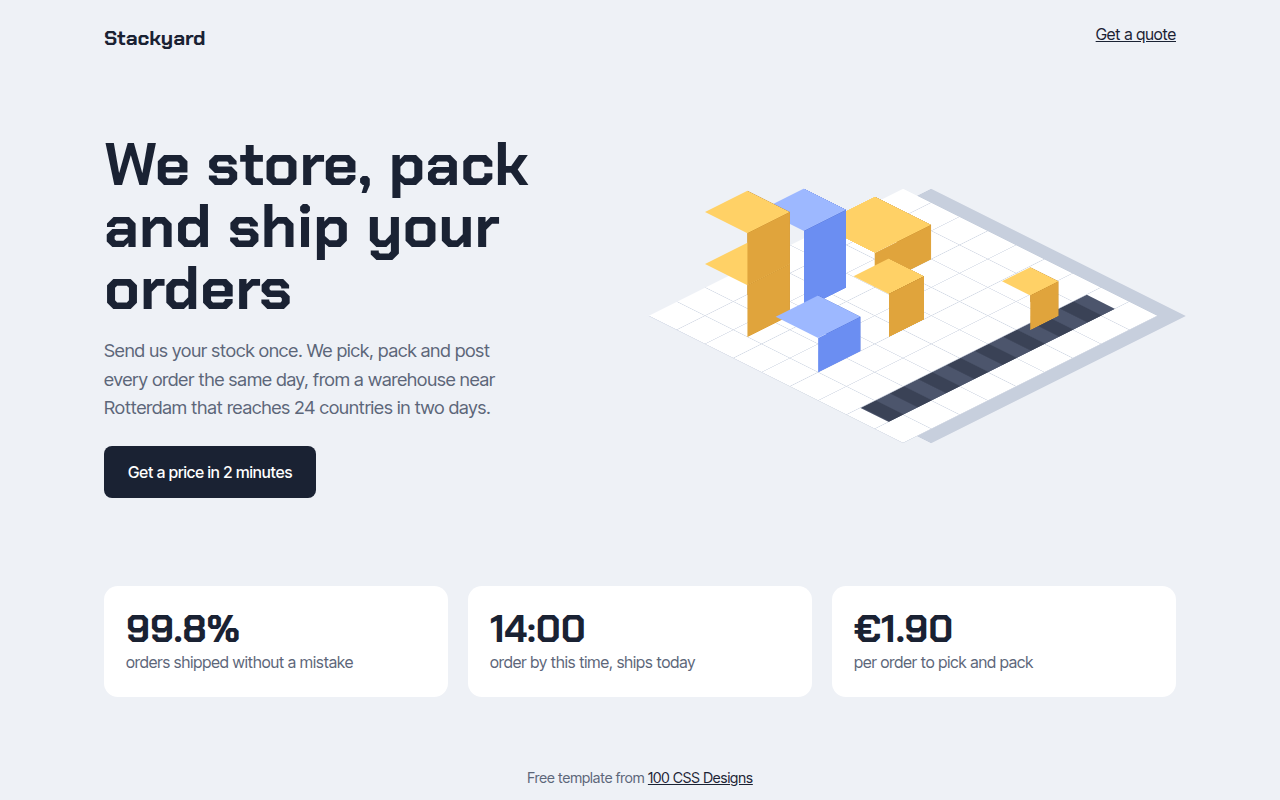
072. Isometric
Stackyard, a fulfillment warehouse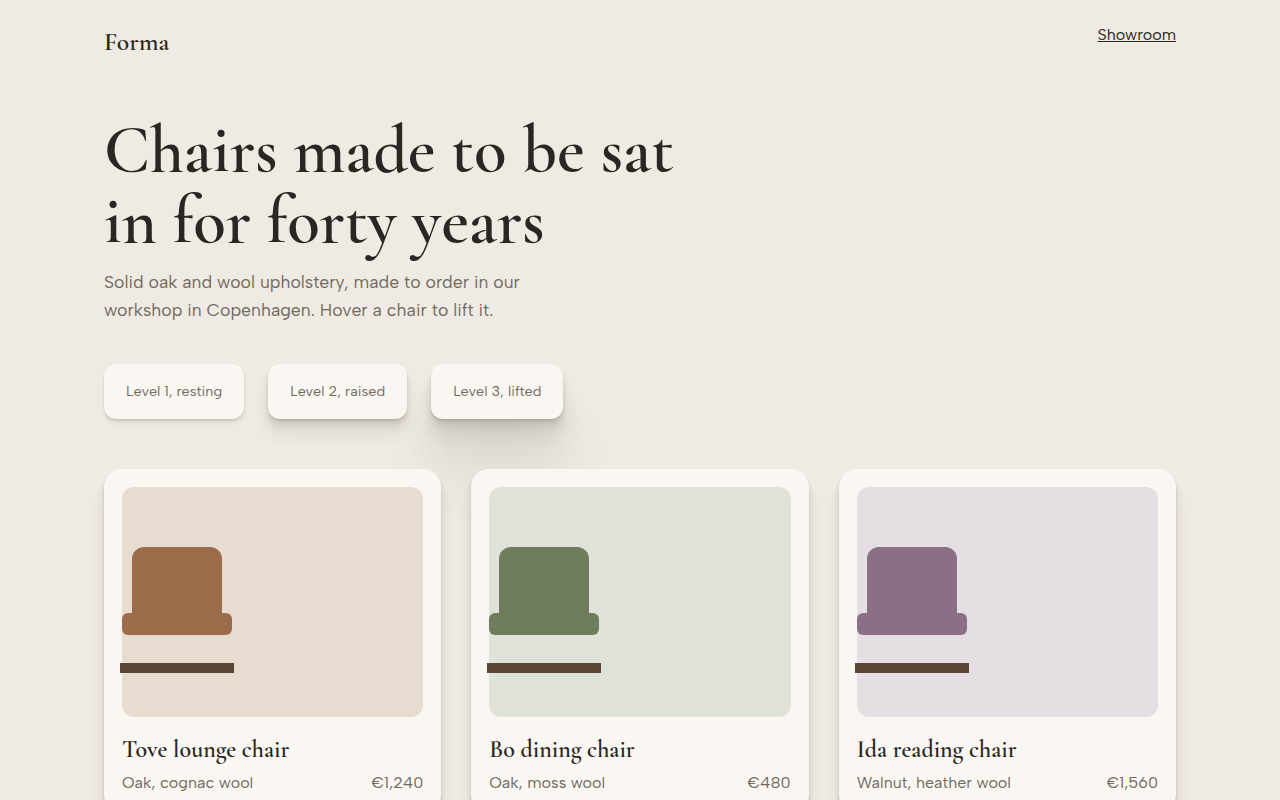
073. Layered Shadows
Forma, a furniture maker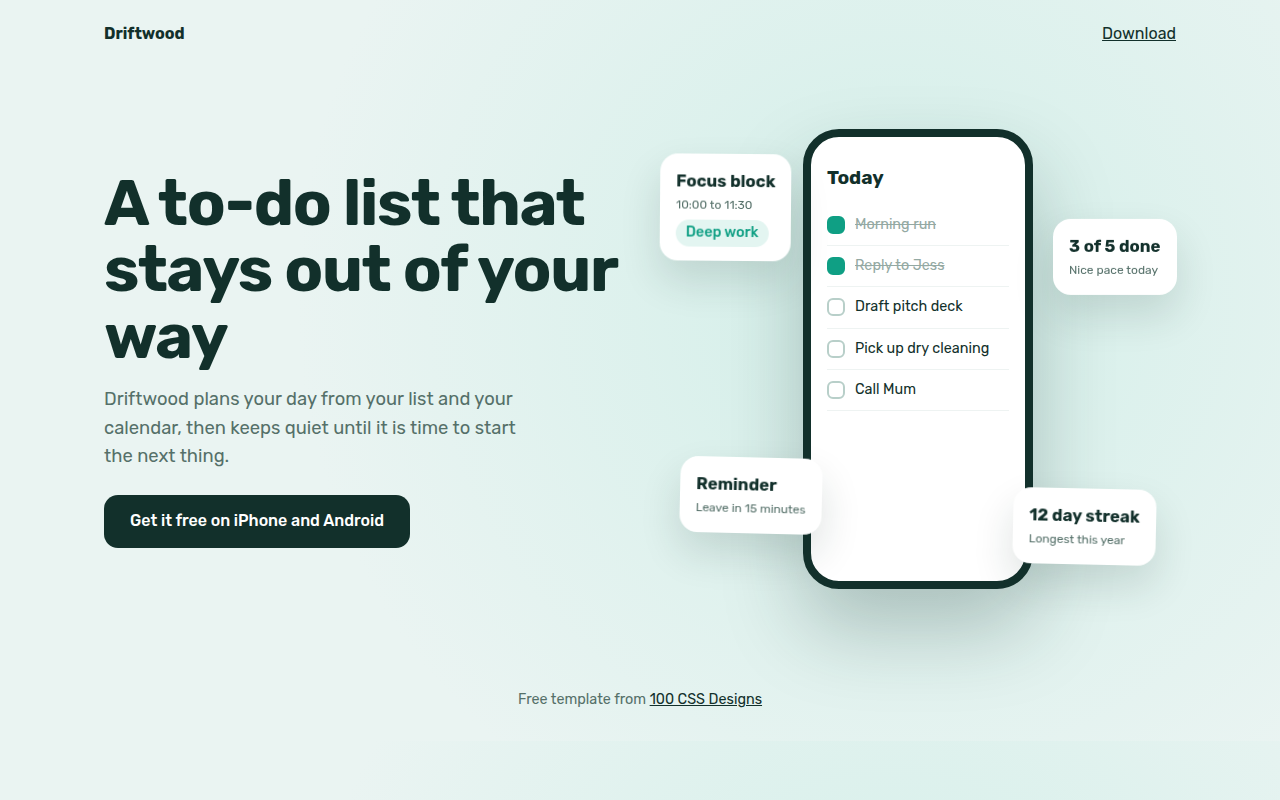
074. Floating Elements
Driftwood, a to-do app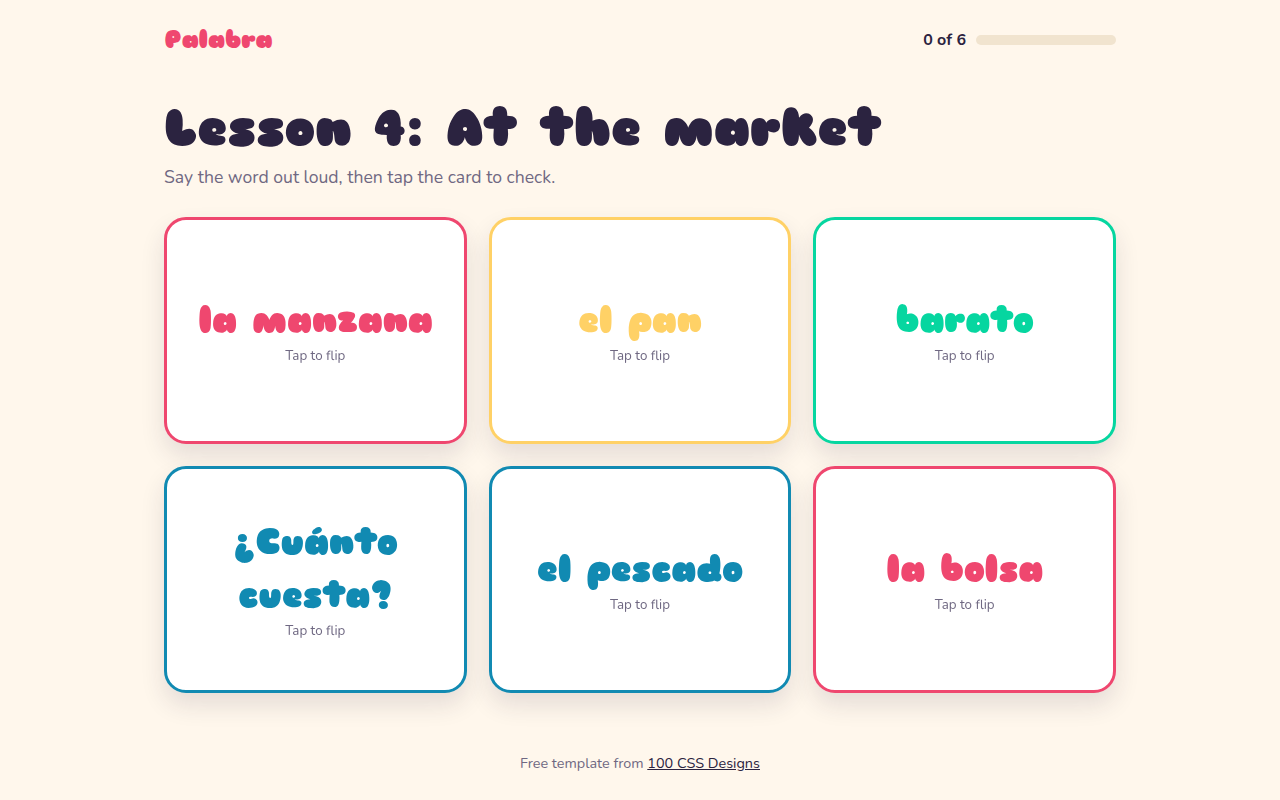
076. Flip Cards
Palabra, a Spanish flashcard app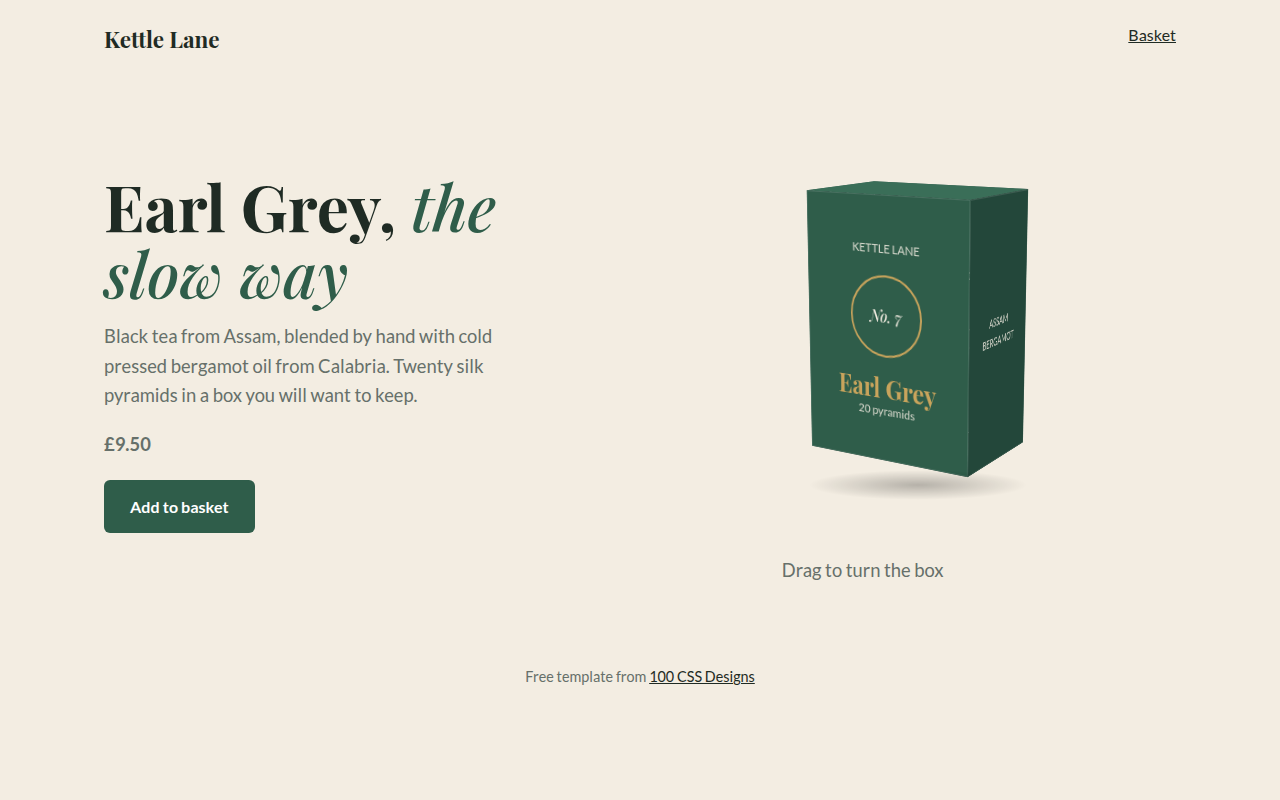
077. 3D Product Box
Kettle Lane, a tea brand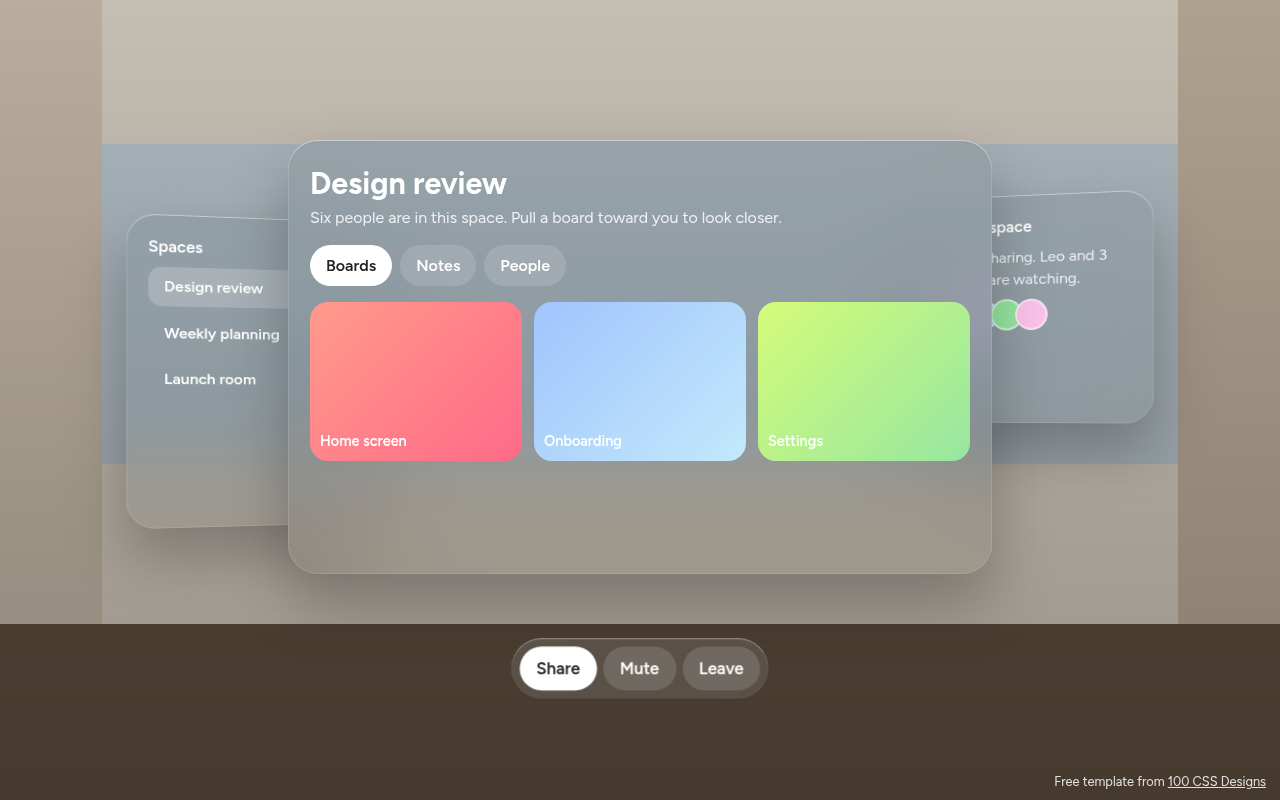
078. Spatial UI
Habitat, a spatial meeting workspace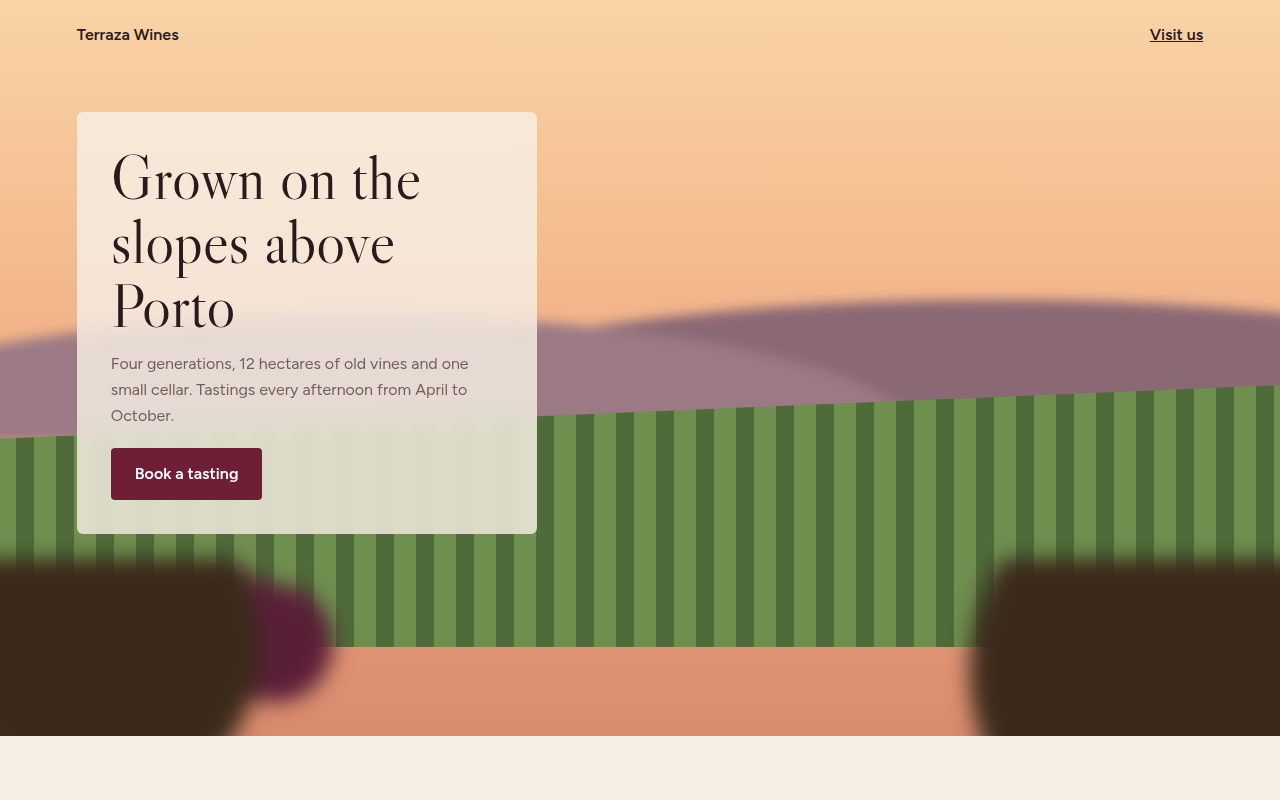
079. Depth Blur
Terraza, a family winery