Home / 3D and Depth / Depth Blur
Depth Blur CSS Template, Free with Live Demo
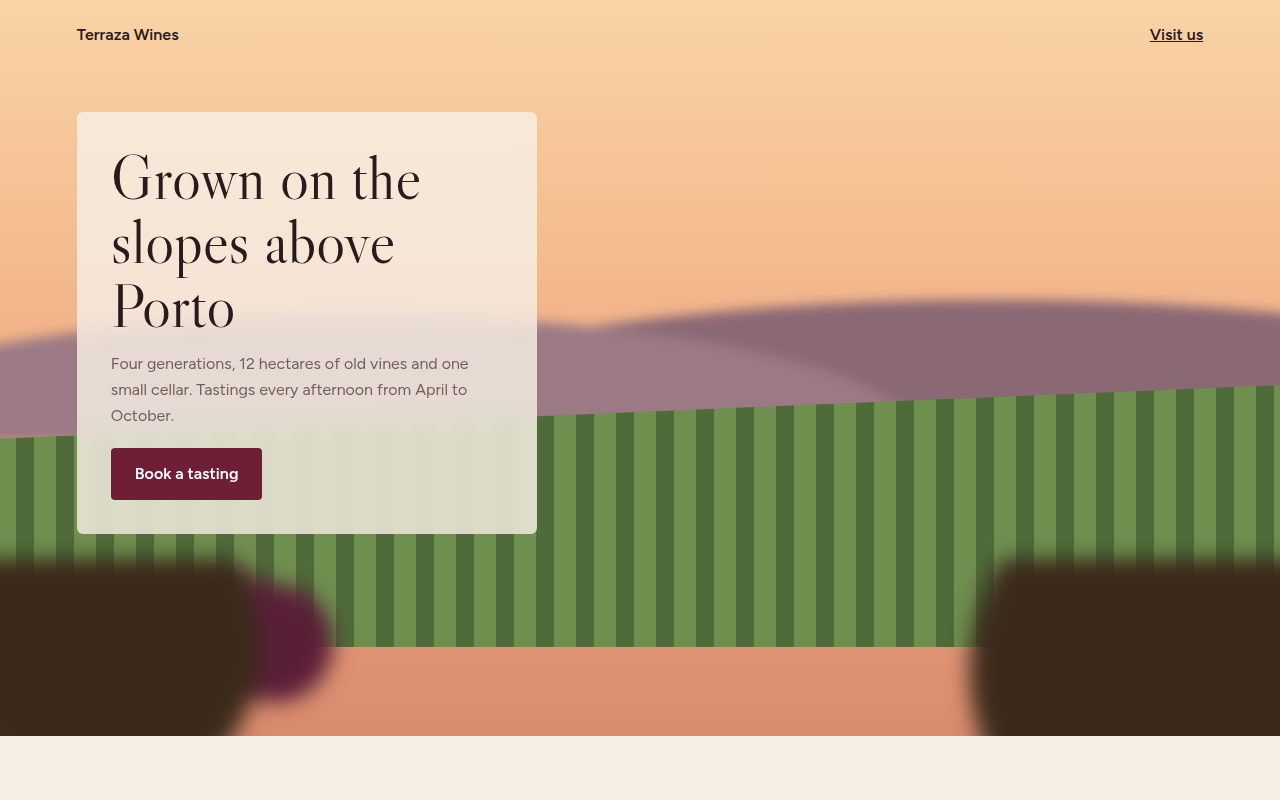
Free depth blur template for a winery. Near and far layers blur while the middle stays sharp, like a camera lens, and focus shifts on scroll. Live demo. The example is Terraza, a family winery.
What is depth blur?
Depth blur copies what a camera lens does: the thing in focus is sharp, and everything nearer or further away is soft. It pulls the eye straight to the message and makes a flat scene feel deep.
The scene has three layers with different blur amounts. As you scroll, the focus moves from the vines to the hills behind them, like a film pulling focus, using a few lines of JavaScript and CSS filter.
Good for
- Wineries, farms and food brands
- Photography and film sites
- Hotels and travel
- Any hero that needs a clear focal point
What you get in this template
- Three scene layers with different blur
- Grapes and vines drawn with gradients
- Focus shifts from near to far on scroll
- Frosted text card that stays readable
- Focus pull off for reduced motion
The key CSS
This is the part that makes the depth blur look work. Copy it into your own project.
.far  { filter: blur(6px); }
.mid  { filter: blur(0); }
.near { filter: blur(10px); }
.card { background: rgba(246, 239, 228, .82); backdrop-filter: blur(10px); }

/* JS: shift focus on scroll */
far.style.filter = `blur(${6 - p * 6}px)`;
mid.style.filter = `blur(${p * 5}px)`;
How to use it
- Click Download HTML file above.
- Open the file in any code editor, like VS Code.
- Change the text, colors and links to match your project. Colors are at the top of the style tag.
- Upload it to any host, such as GitHub Pages, Netlify or your own server. It is one file with no build step.
Questions people ask
How do you create a depth of field effect in CSS?
Split the scene into layers and blur the near and far ones with filter: blur(), keeping the focus layer sharp.
Is filter: blur() slow?
It is fine on a few large layers. Avoid animating heavy blurs on many elements at once, especially on phones.
Can I use real photos?
Yes. Cut your photo into foreground and background layers as transparent PNGs and blur them separately.
More 3D and Depth designs
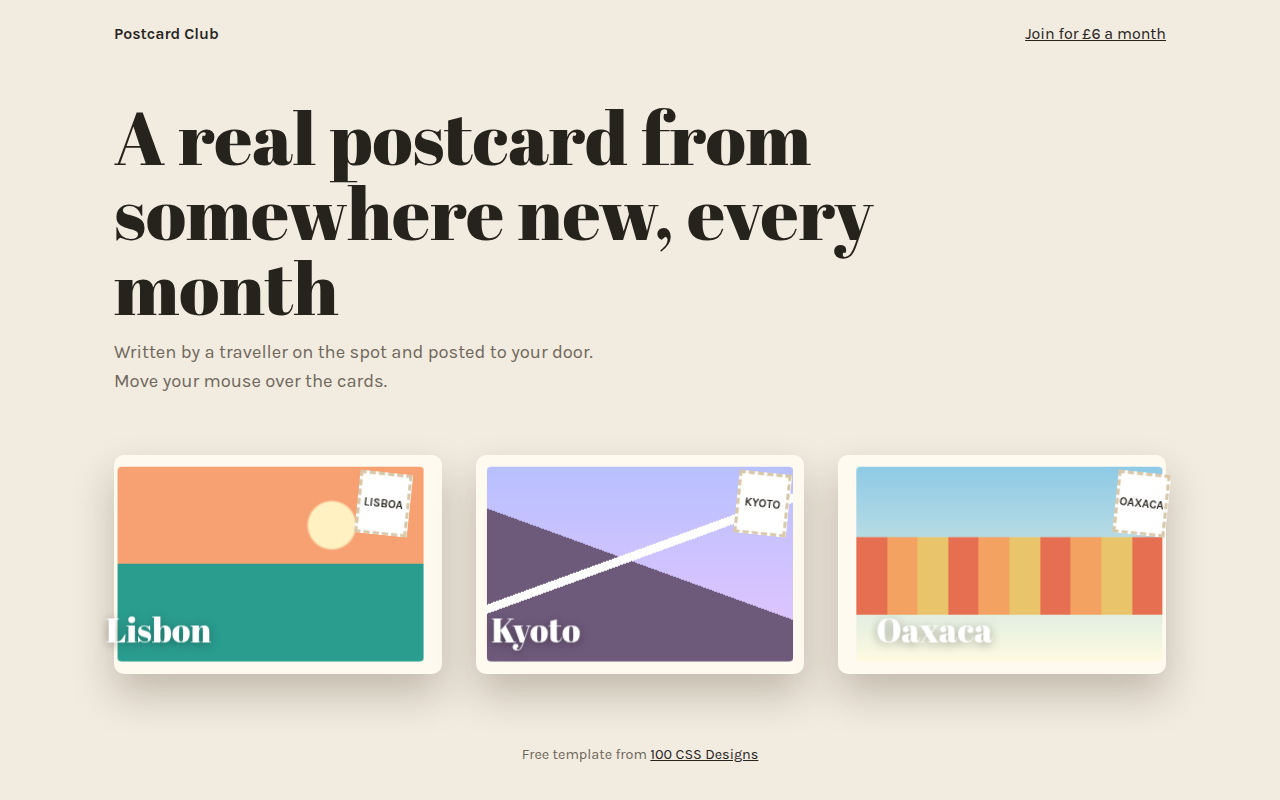
071. 3D Tilt Cards
Postcard Club, a postcard subscription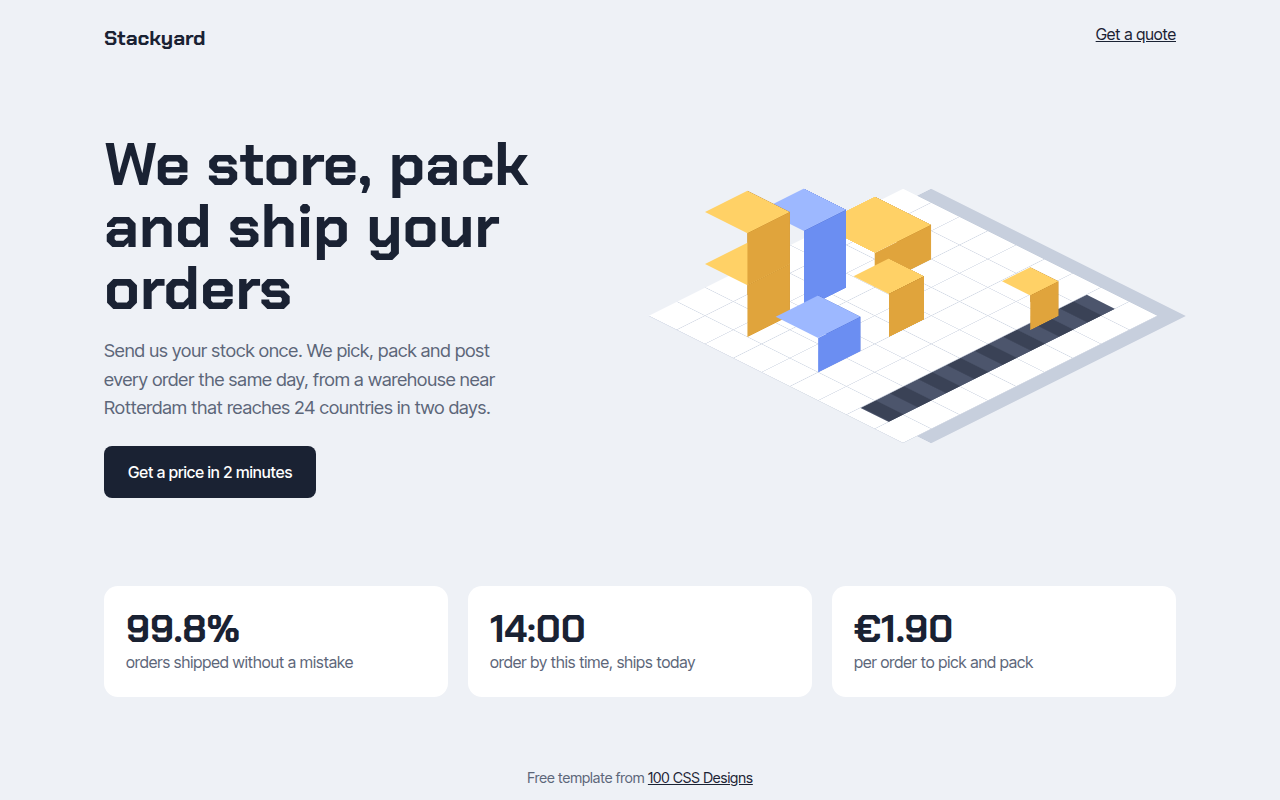
072. Isometric
Stackyard, a fulfillment warehouse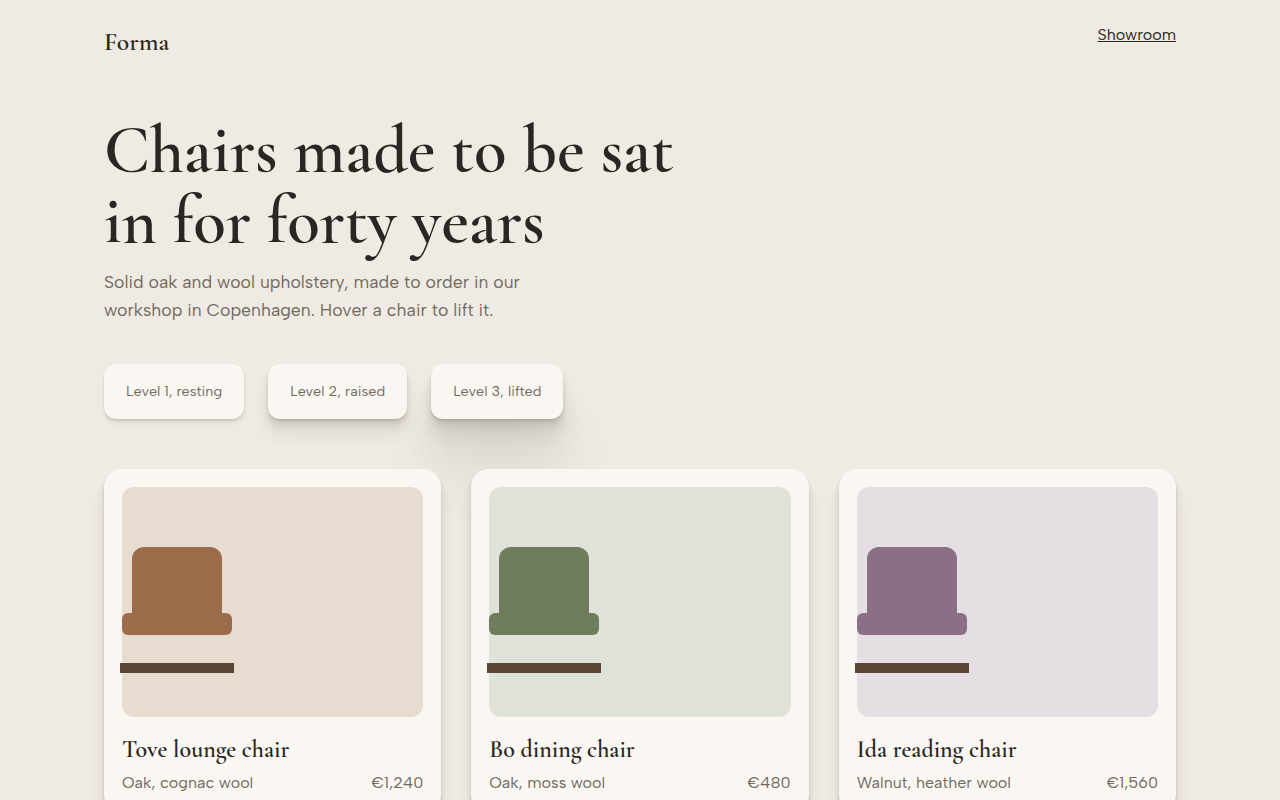
073. Layered Shadows
Forma, a furniture maker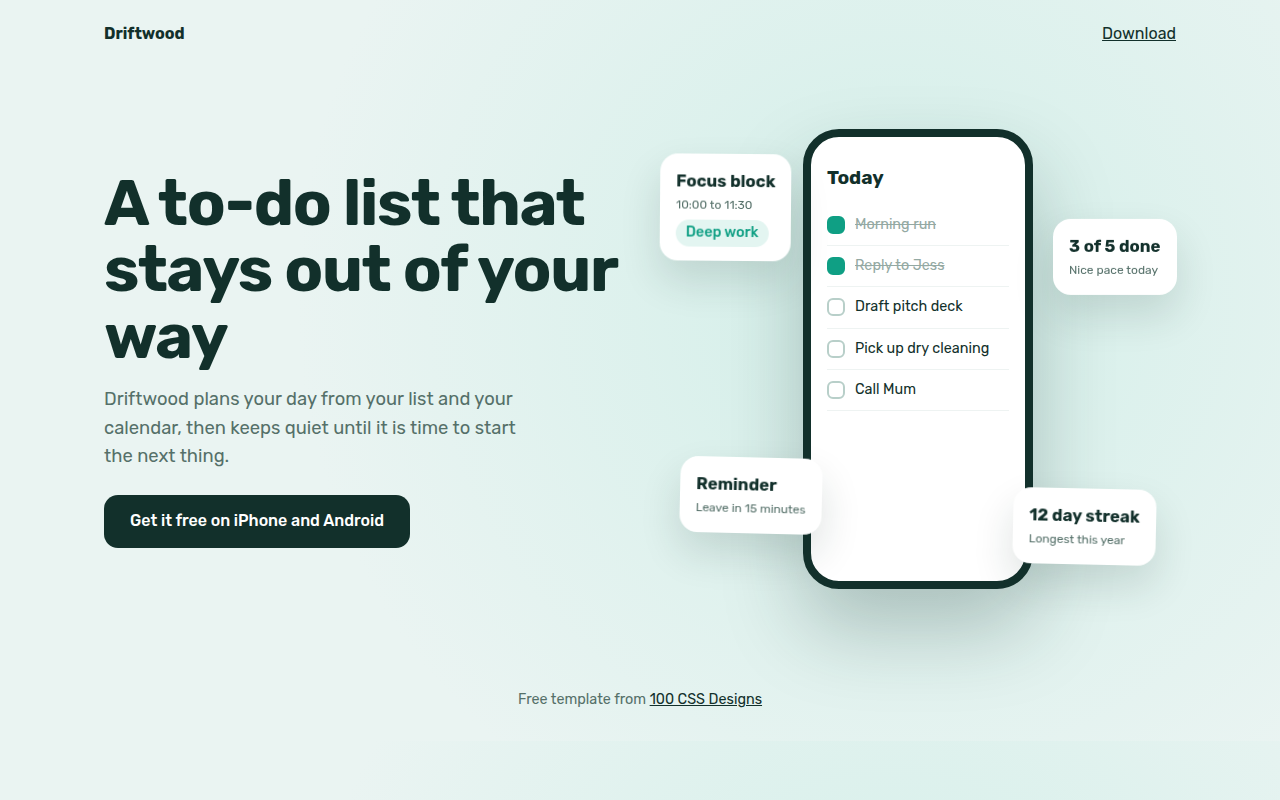
074. Floating Elements
Driftwood, a to-do app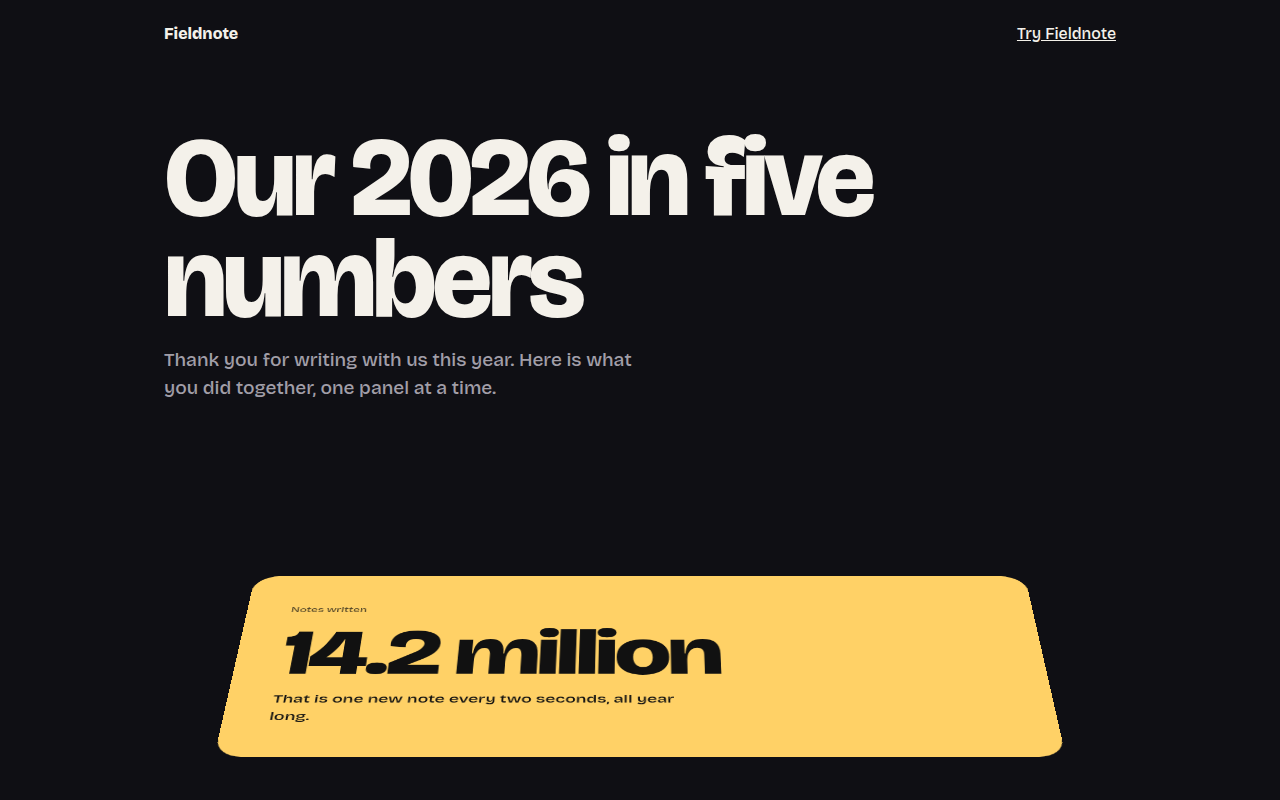
075. Perspective Scroll
Fieldnote, a year in review page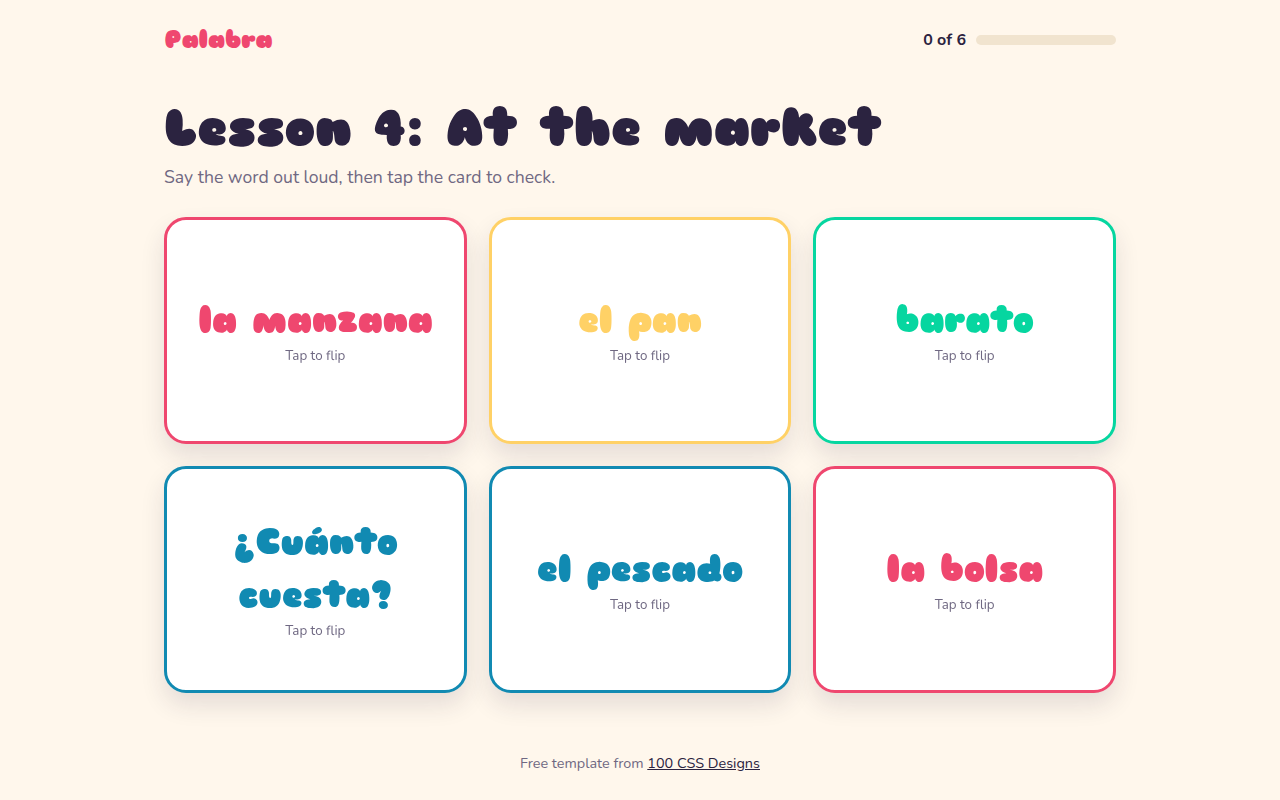
076. Flip Cards
Palabra, a Spanish flashcard app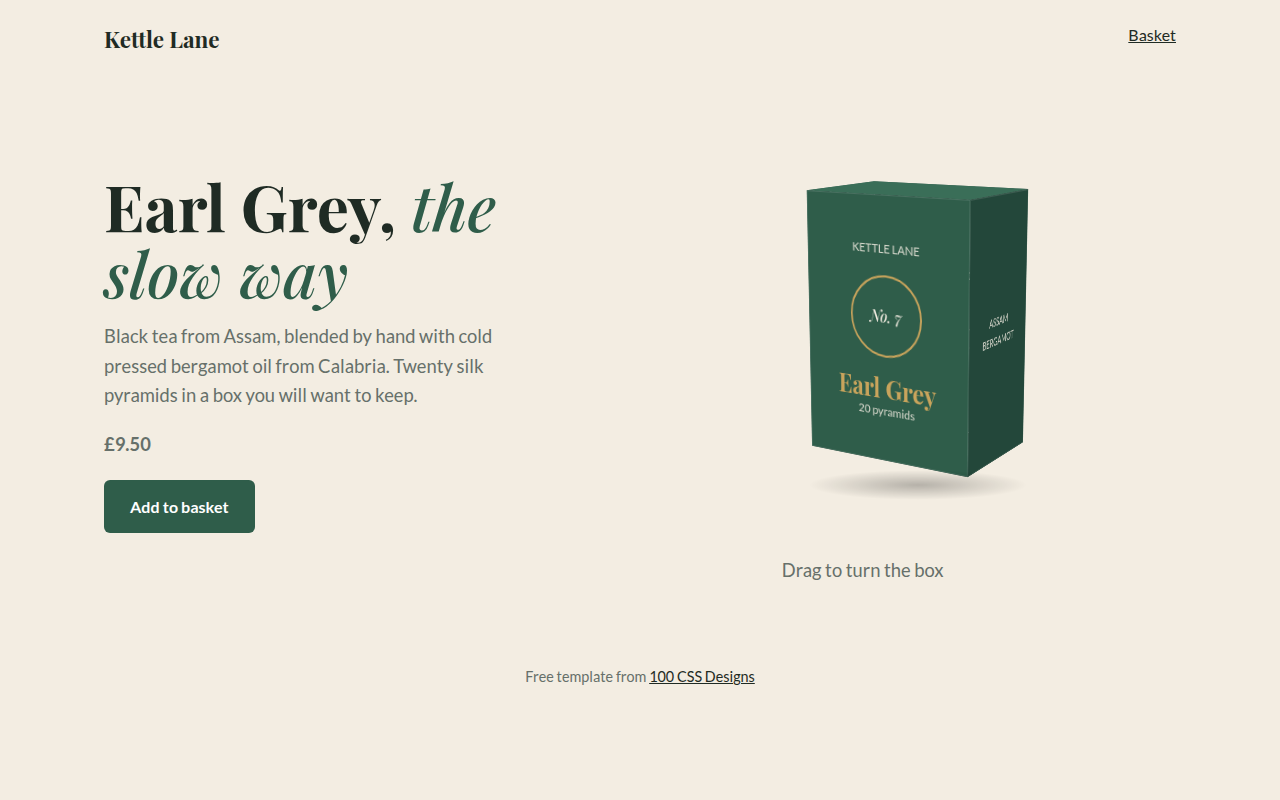
077. 3D Product Box
Kettle Lane, a tea brand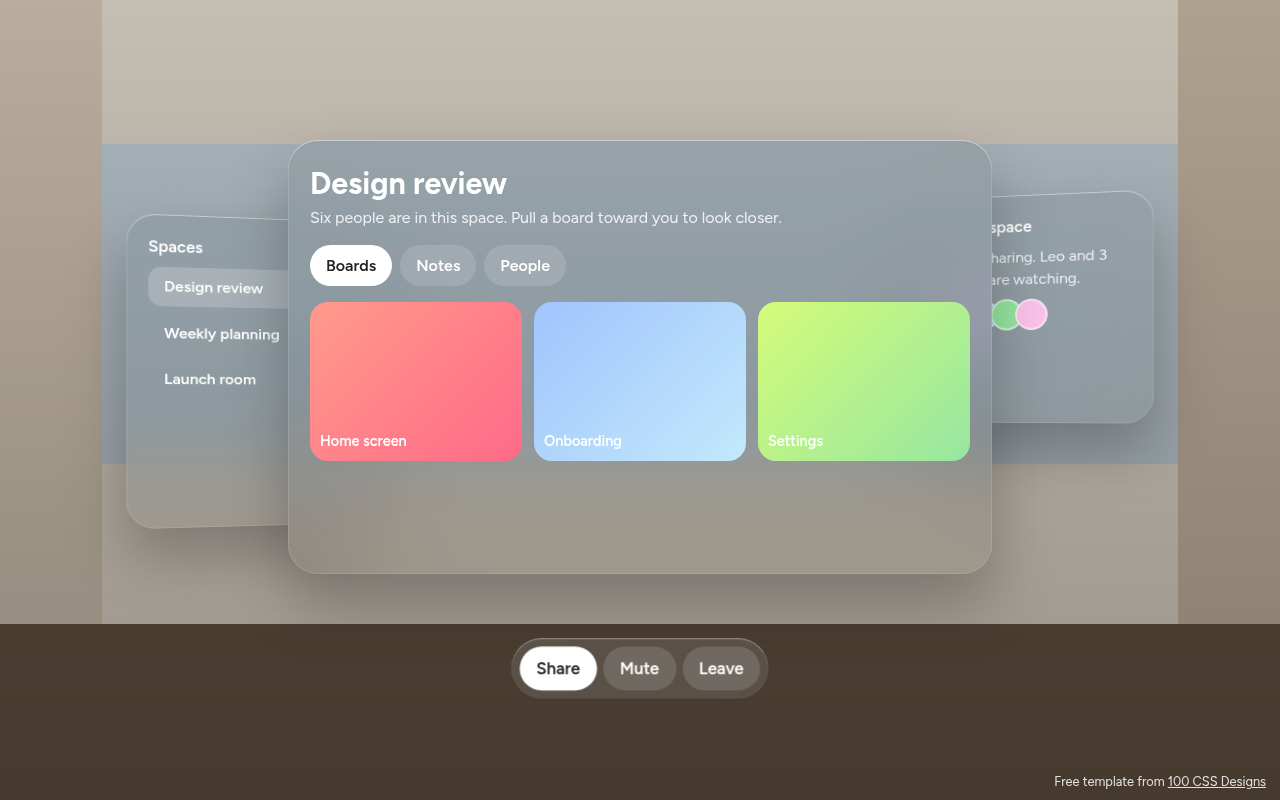
078. Spatial UI
Habitat, a spatial meeting workspace