Home / 3D and Depth / Floating Elements
Floating Elements CSS Template, Free with Live Demo
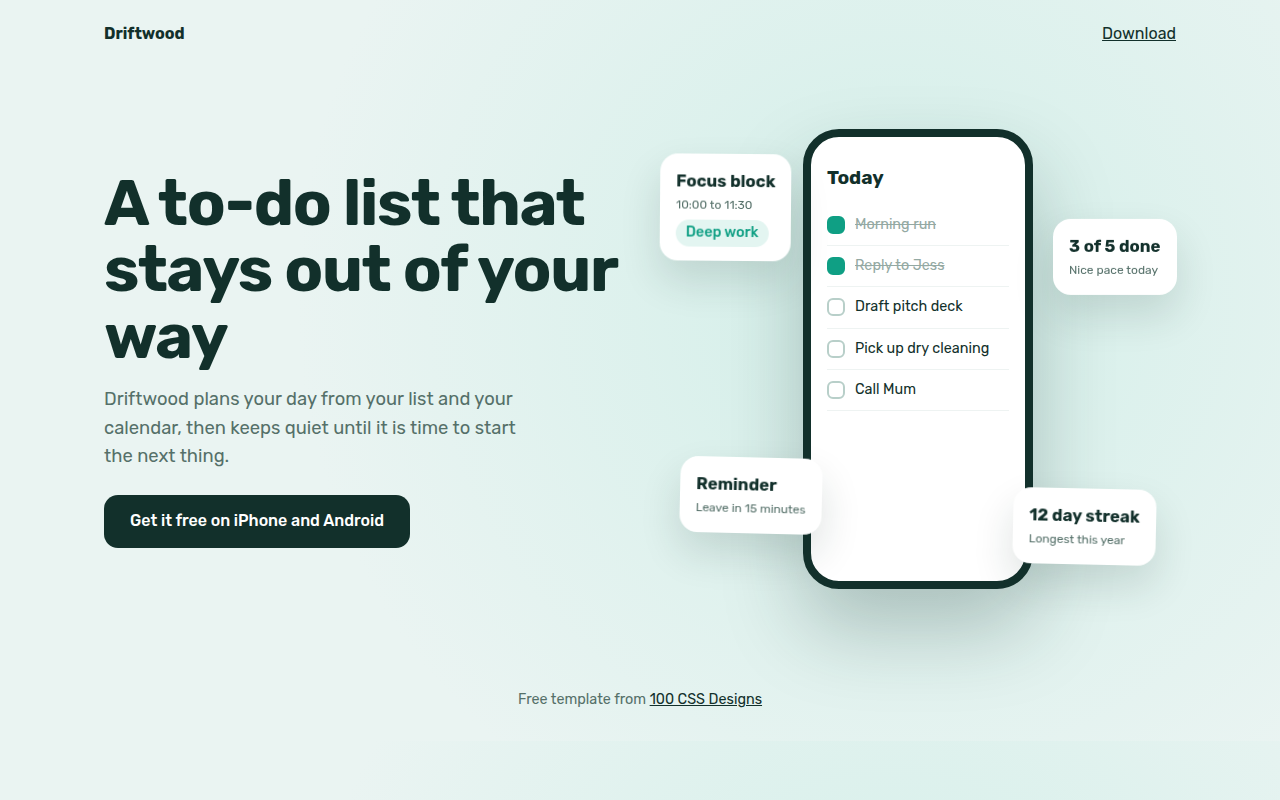
Free floating elements template for an app launch. UI cards gently hover around a CSS phone mockup with soft shadows and slow motion. Live demo. The example is Driftwood, a to-do app.
What is floating elements?
Floating elements show pieces of your app hovering around a phone, as if they had lifted off the screen. Each one bobs slowly on its own timing, which makes the hero feel alive without being busy.
The phone is drawn in HTML and CSS, so the text inside is real. Each floating card shares one float animation with its own duration and delay, so they never move in sync.
Good for
- Mobile app landing pages
- SaaS feature highlights
- Product launches
- Waitlist pages
What you get in this template
- Phone mockup built in HTML and CSS
- Four floating cards with real text
- Different speed and delay per card
- Soft layered shadows under each card
- Floating stops for reduced motion
The key CSS
This is the part that makes the floating elements look work. Copy it into your own project.
.fl {
  position: absolute;
  border-radius: 18px;
  box-shadow: 0 20px 40px rgba(18, 48, 43, .14);
  animation: float 6s ease-in-out infinite;
}
.f2 { animation-duration: 7s; }
.f3 { animation-duration: 8s; animation-delay: -3s; }
@keyframes float { 50% { transform: translateY(-16px) rotate(1.5deg); } }
How to use it
- Click Download HTML file above.
- Open the file in any code editor, like VS Code.
- Change the text, colors and links to match your project. Colors are at the top of the style tag.
- Upload it to any host, such as GitHub Pages, Netlify or your own server. It is one file with no build step.
Questions people ask
How do you make elements float in CSS?
Animate a small translateY up and down with ease-in-out, for example translateY(-16px) at 50%, and loop it forever.
How do I stop them moving together?
Give each element a different animation-duration and a negative animation-delay so they start at different points.
Can I put a real screenshot in the phone?
Yes. Replace the list inside .phone with an img of your app screen.
More 3D and Depth designs
071. 3D Tilt Cards
Postcard Club, a postcard subscription
072. Isometric
Stackyard, a fulfillment warehouse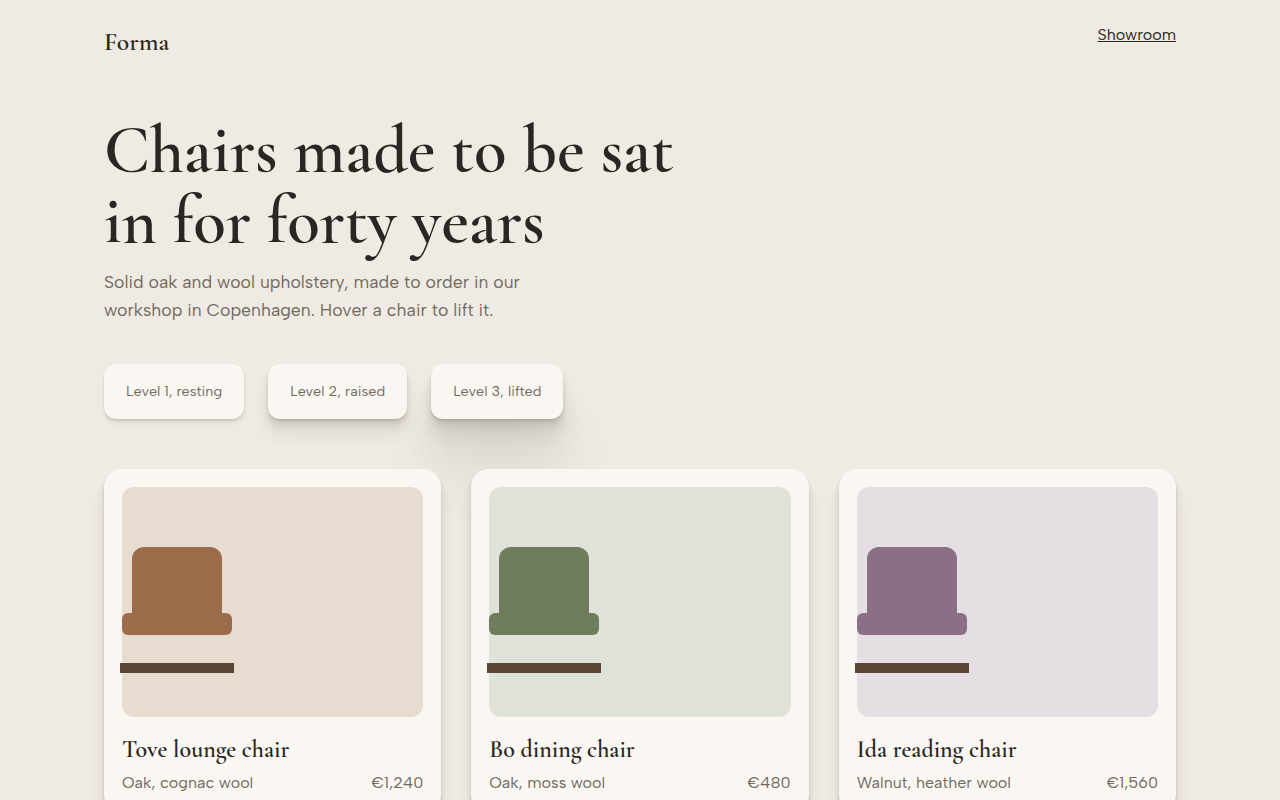
073. Layered Shadows
Forma, a furniture maker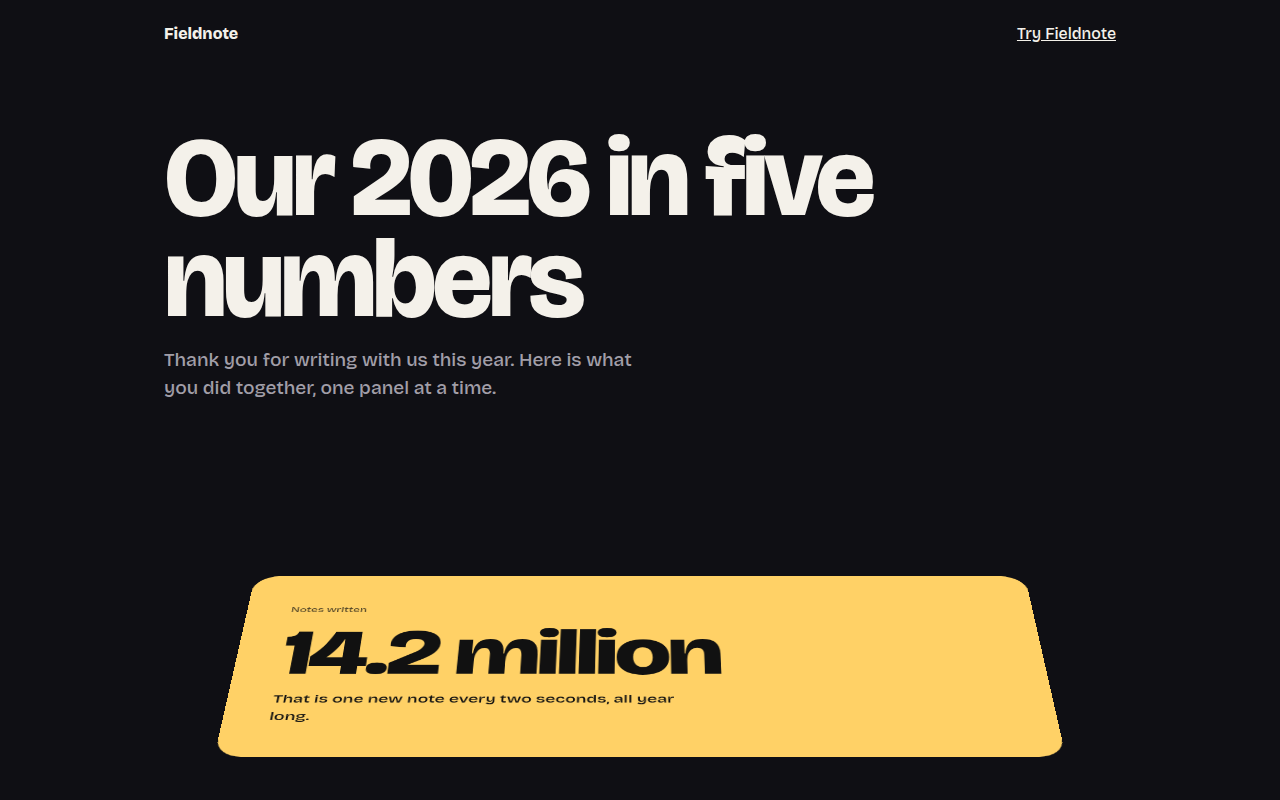
075. Perspective Scroll
Fieldnote, a year in review page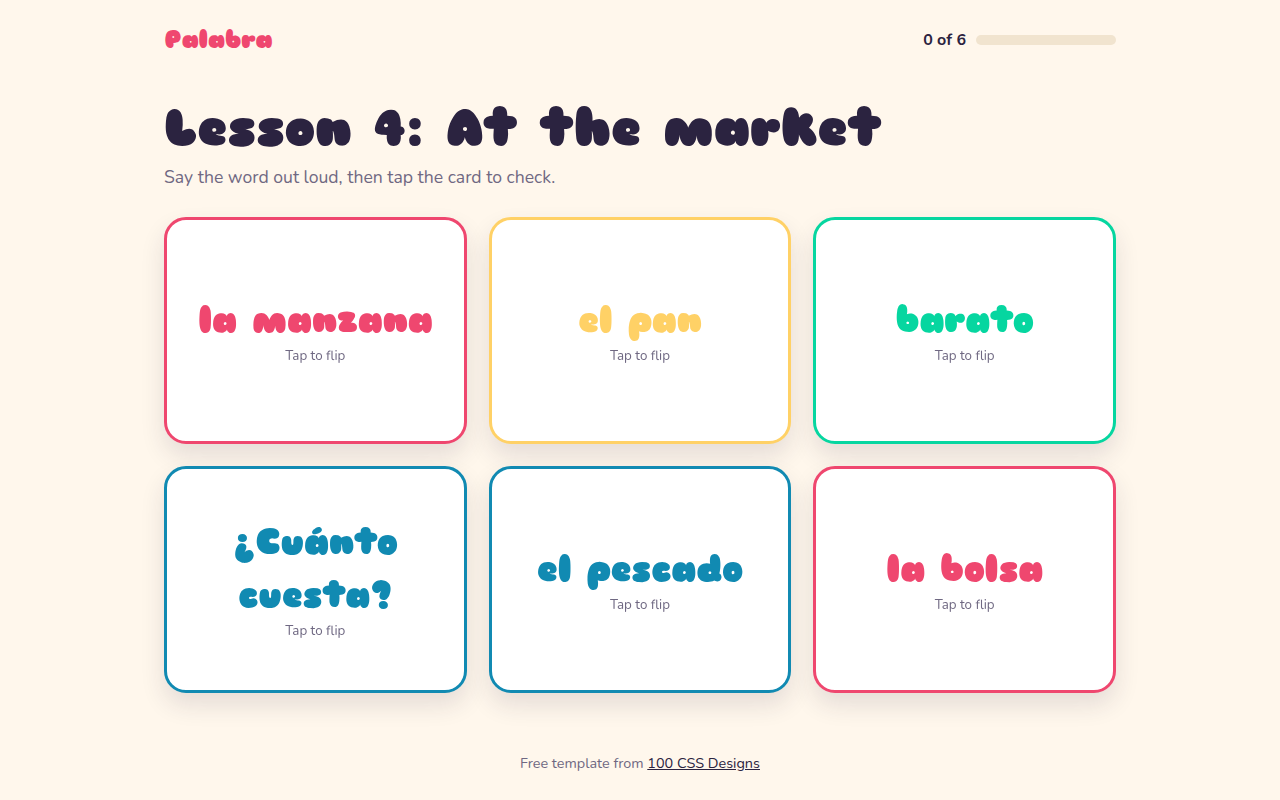
076. Flip Cards
Palabra, a Spanish flashcard app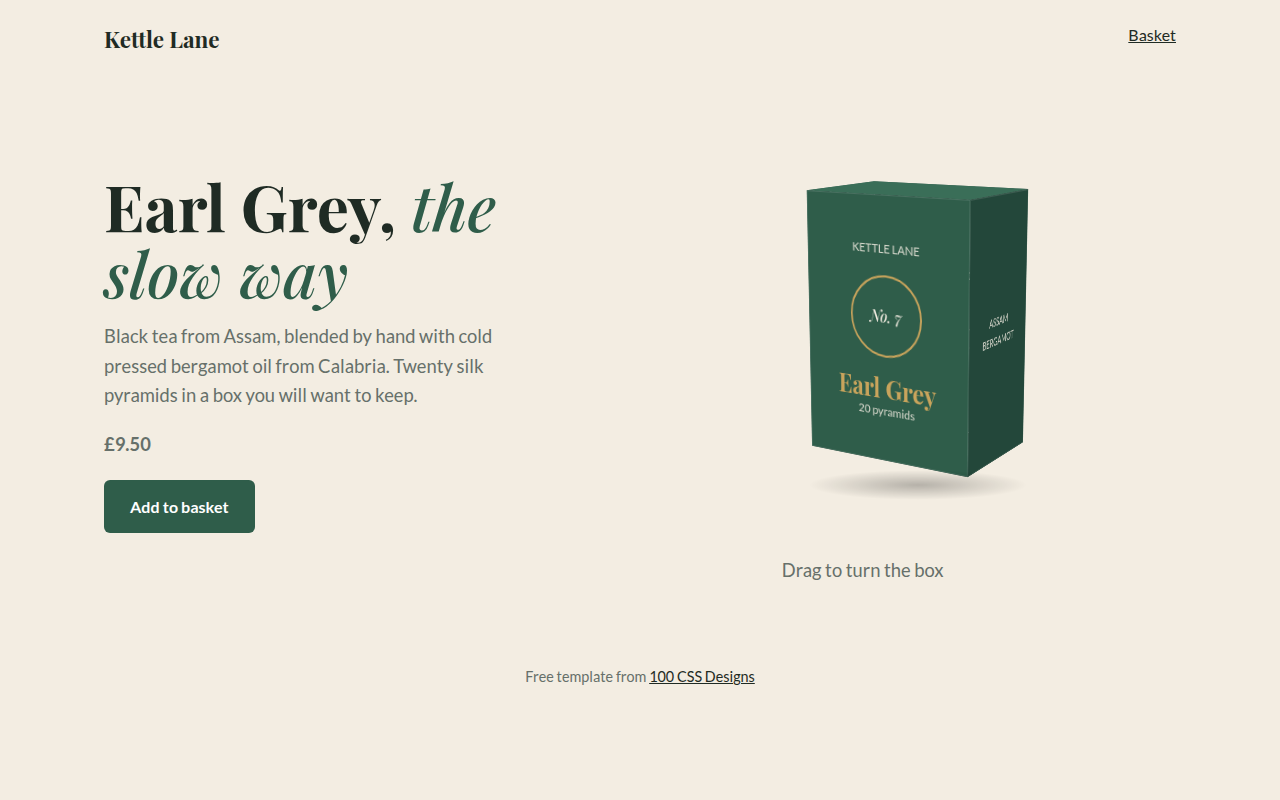
077. 3D Product Box
Kettle Lane, a tea brand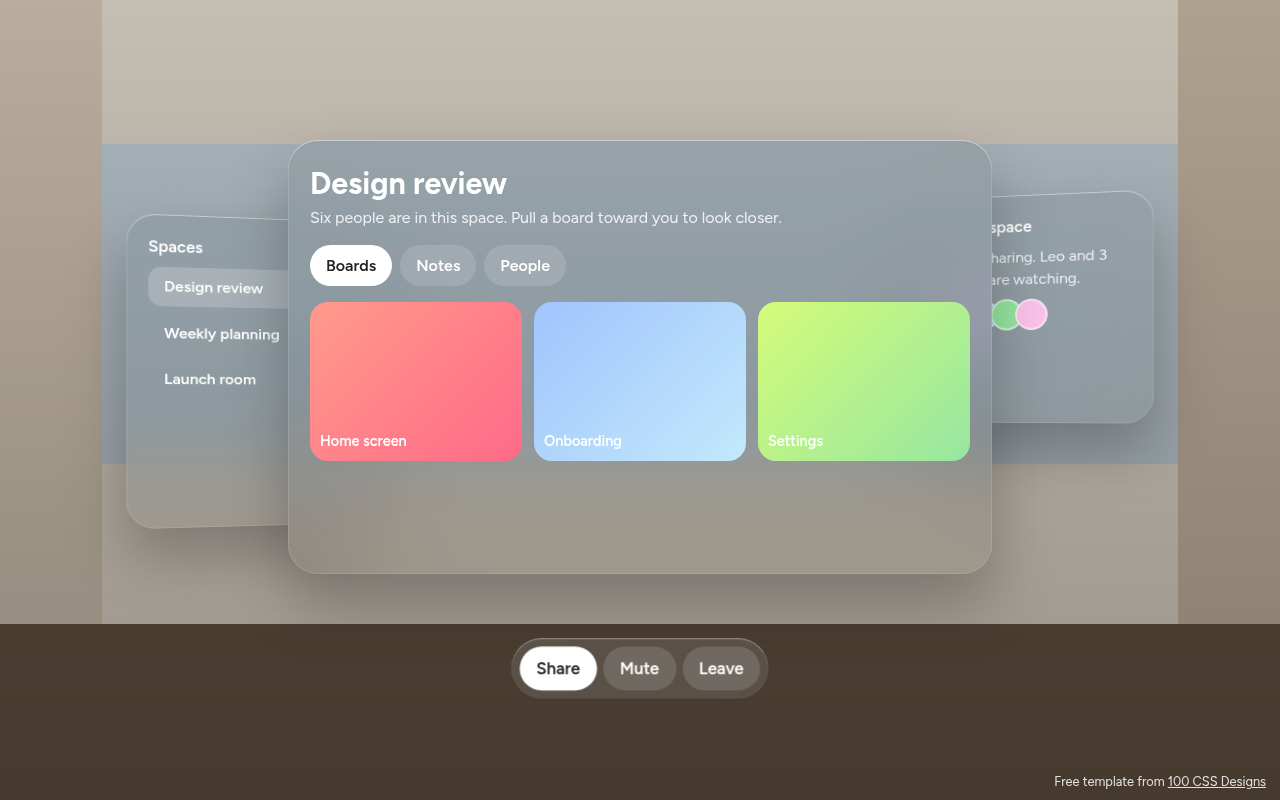
078. Spatial UI
Habitat, a spatial meeting workspace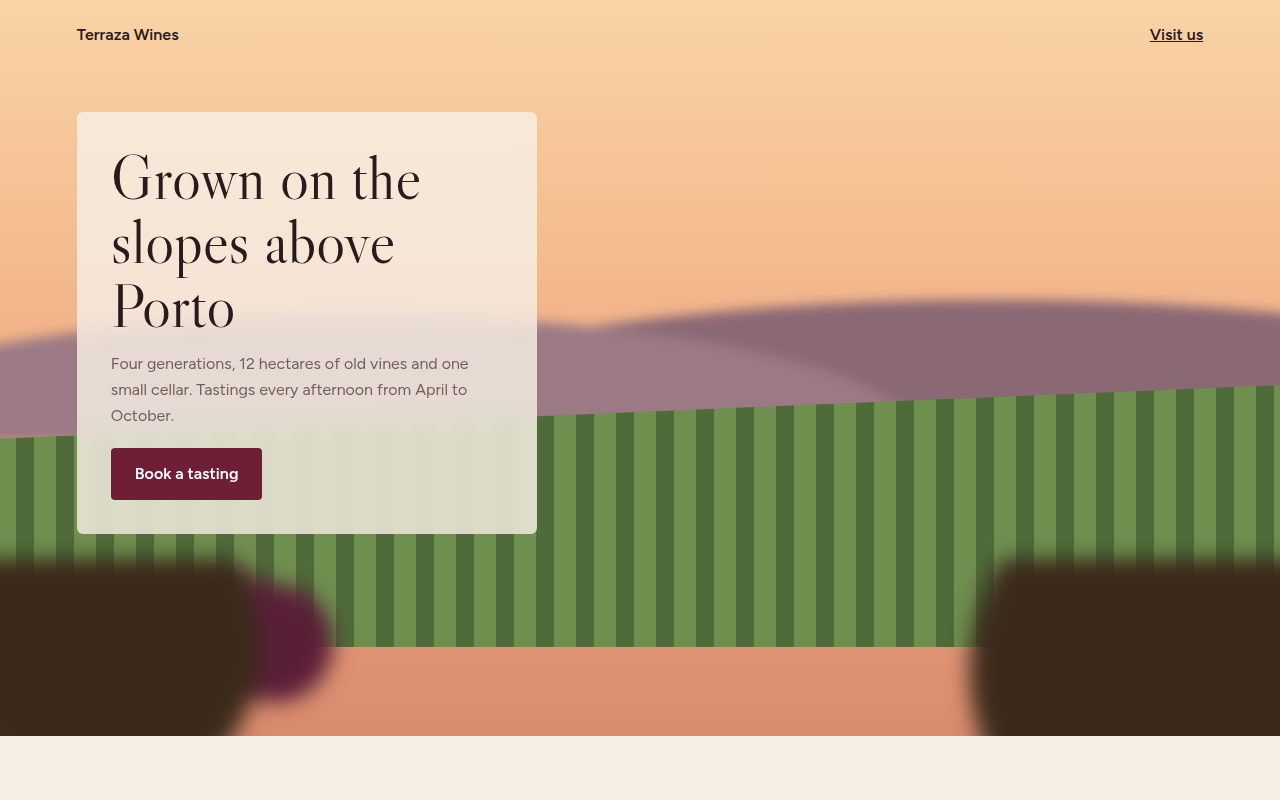
079. Depth Blur
Terraza, a family winery