Home / 3D and Depth / 3D Product Box
3D Product Box CSS Template, Free with Live Demo
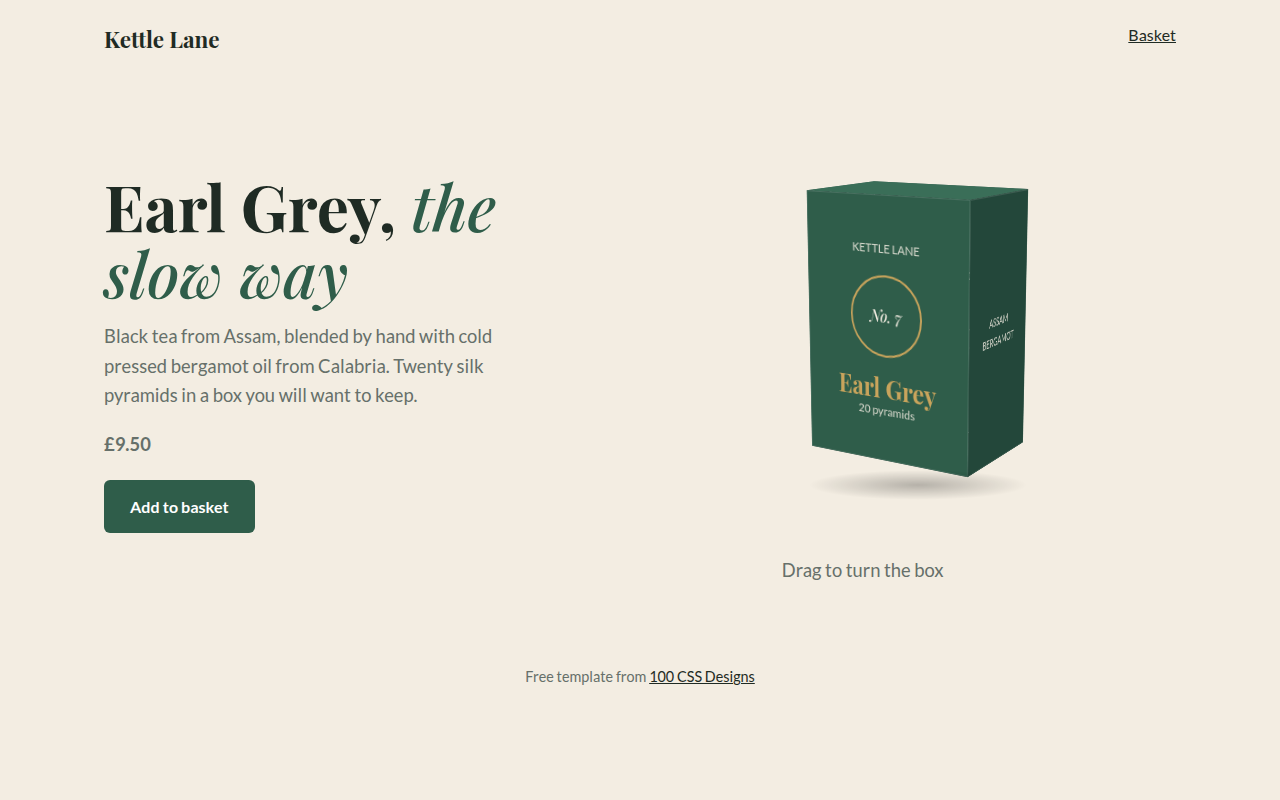
Free 3D product template for a tea brand. A real CSS 3D box with a label on every side spins slowly and turns when you drag it or use arrow keys. Live demo. The example is Kettle Lane, a tea brand.
What is 3d product box?
A 3D product box lets shoppers turn the packaging around and read every side, right on the product page. It is a real box made of six faces, not a picture, so the label text stays sharp and selectable.
Each face is placed with rotateY or rotateX and translateZ. The box spins slowly on its own, then stops when you grab it so you can turn it with the mouse, a finger or the arrow keys.
Good for
- Tea, coffee and food packaging
- Cosmetics and gift boxes
- Books and game boxes
- Packaging design portfolios
What you get in this template
- Six sided box built in pure CSS
- Box size set with three variables
- Slow automatic spin
- Drag, touch or arrow keys to rotate
- Soft ground shadow under the box
The key CSS
This is the part that makes the 3d product box look work. Copy it into your own project.
.box { --w: 180px; --h: 260px; --d: 120px; transform-style: preserve-3d;
  transform: rotateX(-12deg) rotateY(var(--ry, 30deg)); }
.fr { transform: translateZ(calc(var(--d) / 2)); }
.bk { transform: rotateY(180deg) translateZ(calc(var(--d) / 2)); }
.rt { width: var(--d); transform: rotateY(90deg)  translateZ(calc(var(--w) / 2)); }
.lf { width: var(--d); transform: rotateY(-90deg) translateZ(calc(var(--w) / 2)); }
How to use it
- Click Download HTML file above.
- Open the file in any code editor, like VS Code.
- Change the text, colors and links to match your project. Colors are at the top of the style tag.
- Upload it to any host, such as GitHub Pages, Netlify or your own server. It is one file with no build step.
Questions people ask
How do you make a 3D box in CSS?
Create six faces inside a container with transform-style: preserve-3d. Move the front and back out with translateZ, and rotate the sides and top into place before moving them out.
How does drag to rotate work?
On pointermove, add the horizontal mouse movement to a rotation value and apply it as rotateY on the box.
Can I put my own packaging design on it?
Yes. Give each face a background-image with your artwork, sized to that face.
More 3D and Depth designs
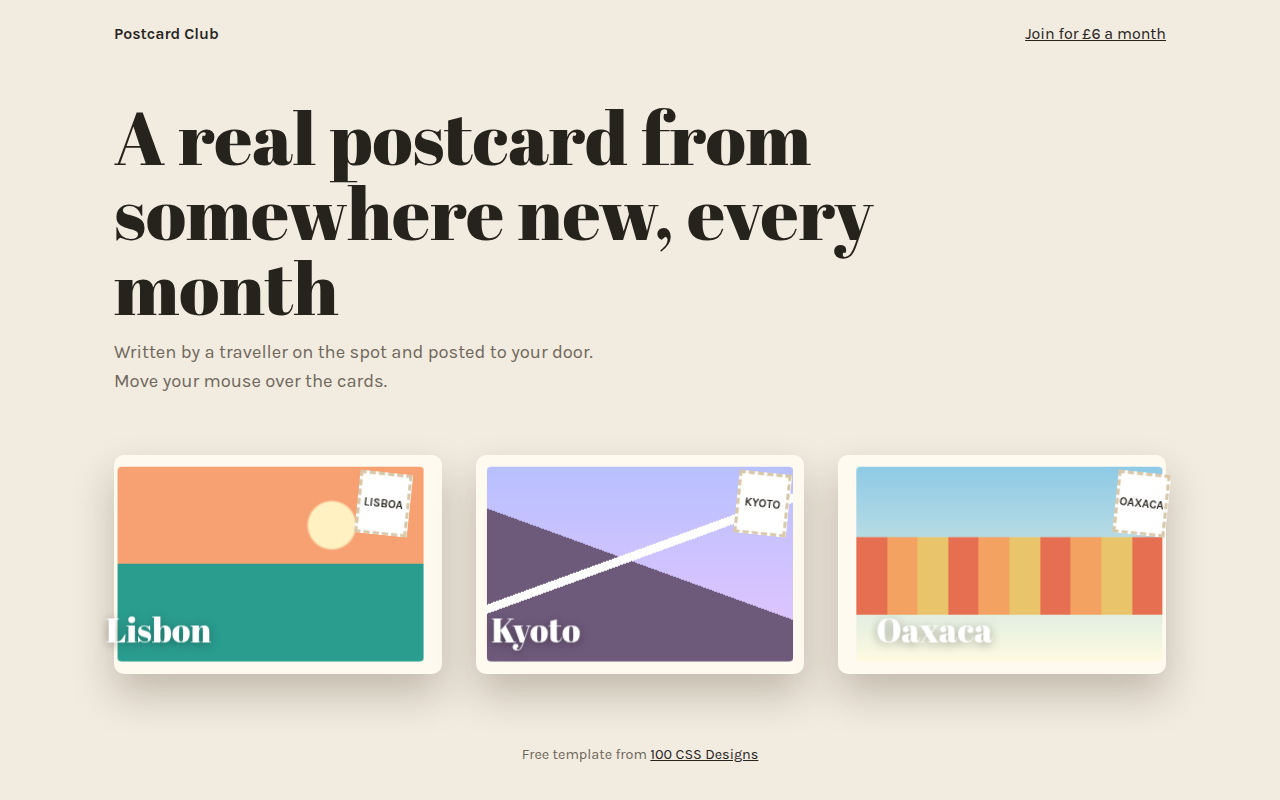
071. 3D Tilt Cards
Postcard Club, a postcard subscription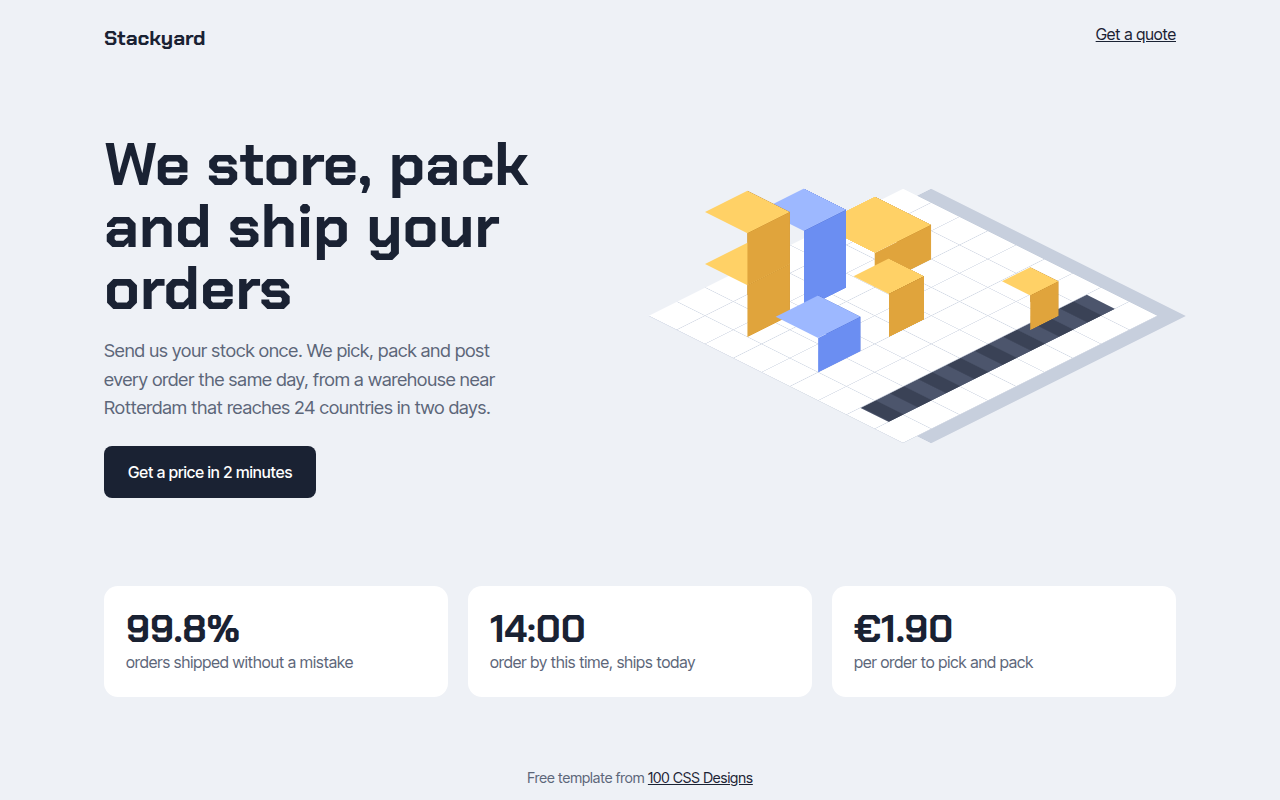
072. Isometric
Stackyard, a fulfillment warehouse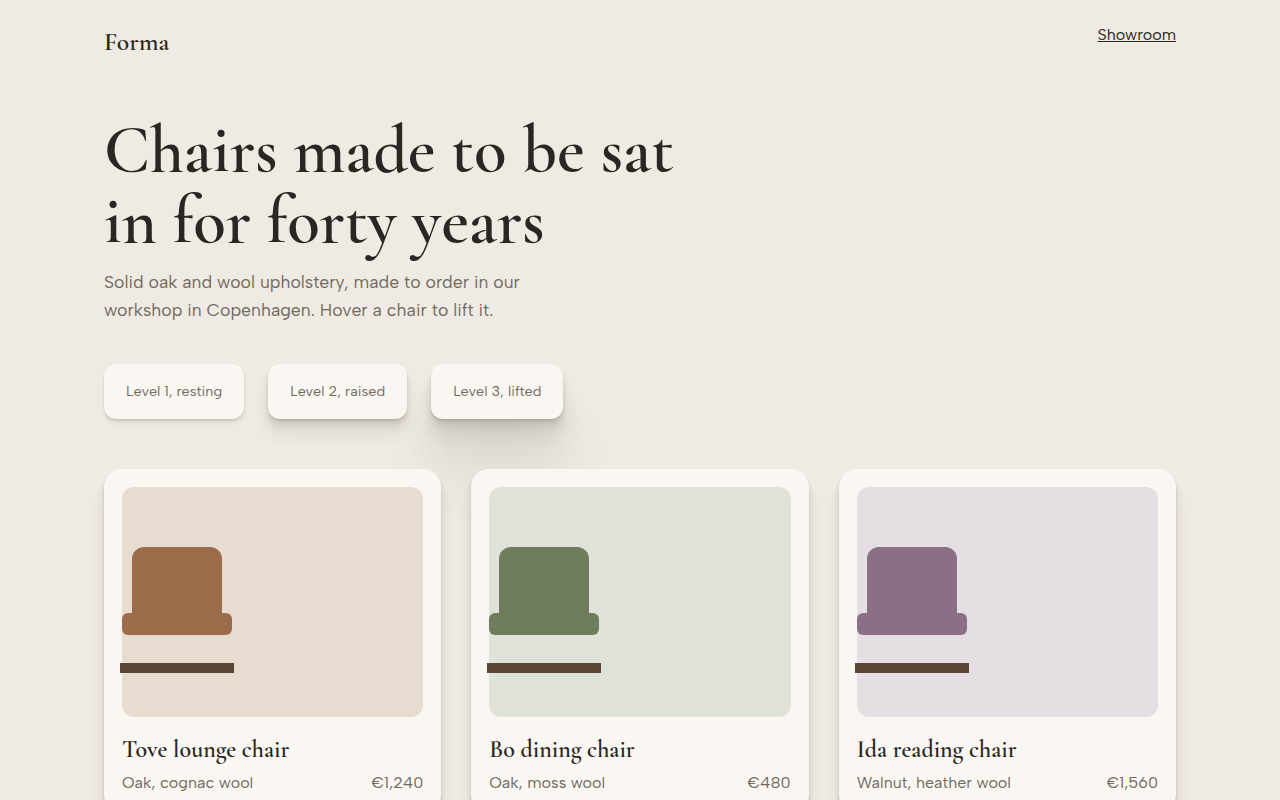
073. Layered Shadows
Forma, a furniture maker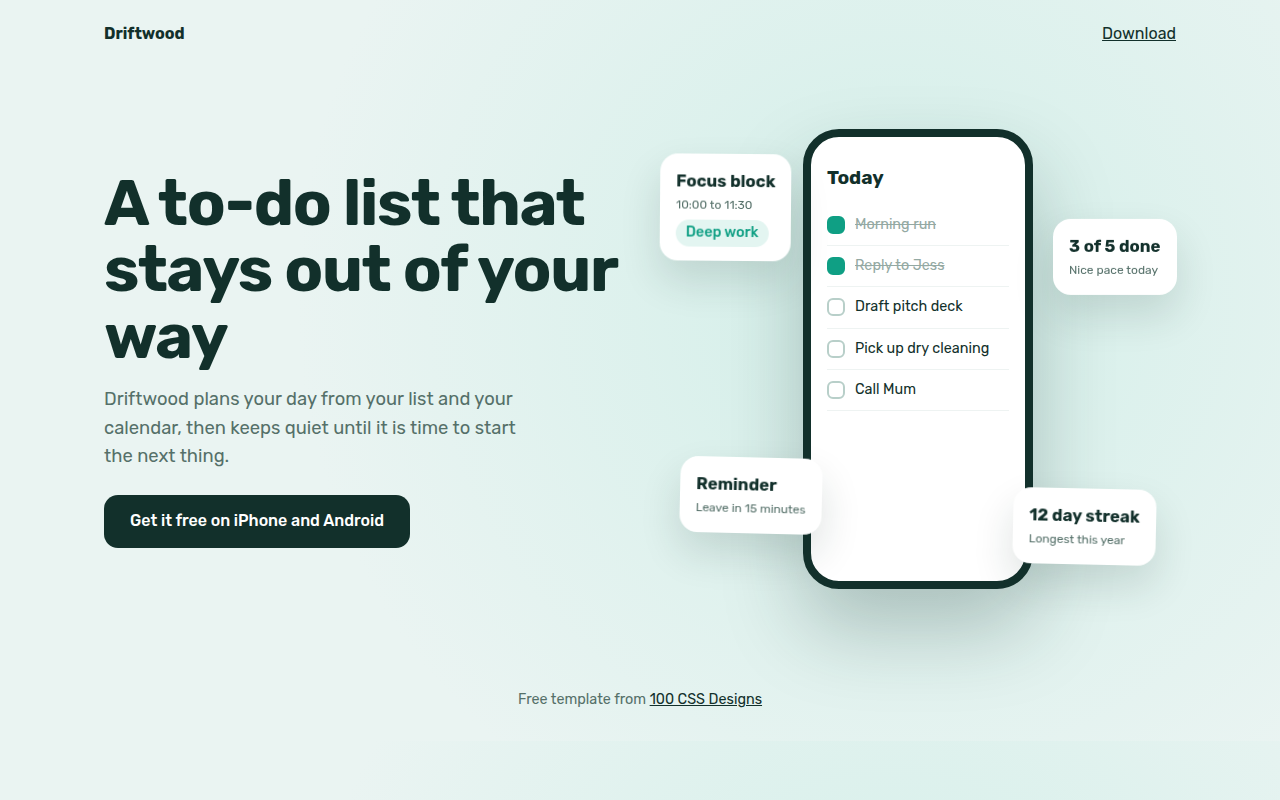
074. Floating Elements
Driftwood, a to-do app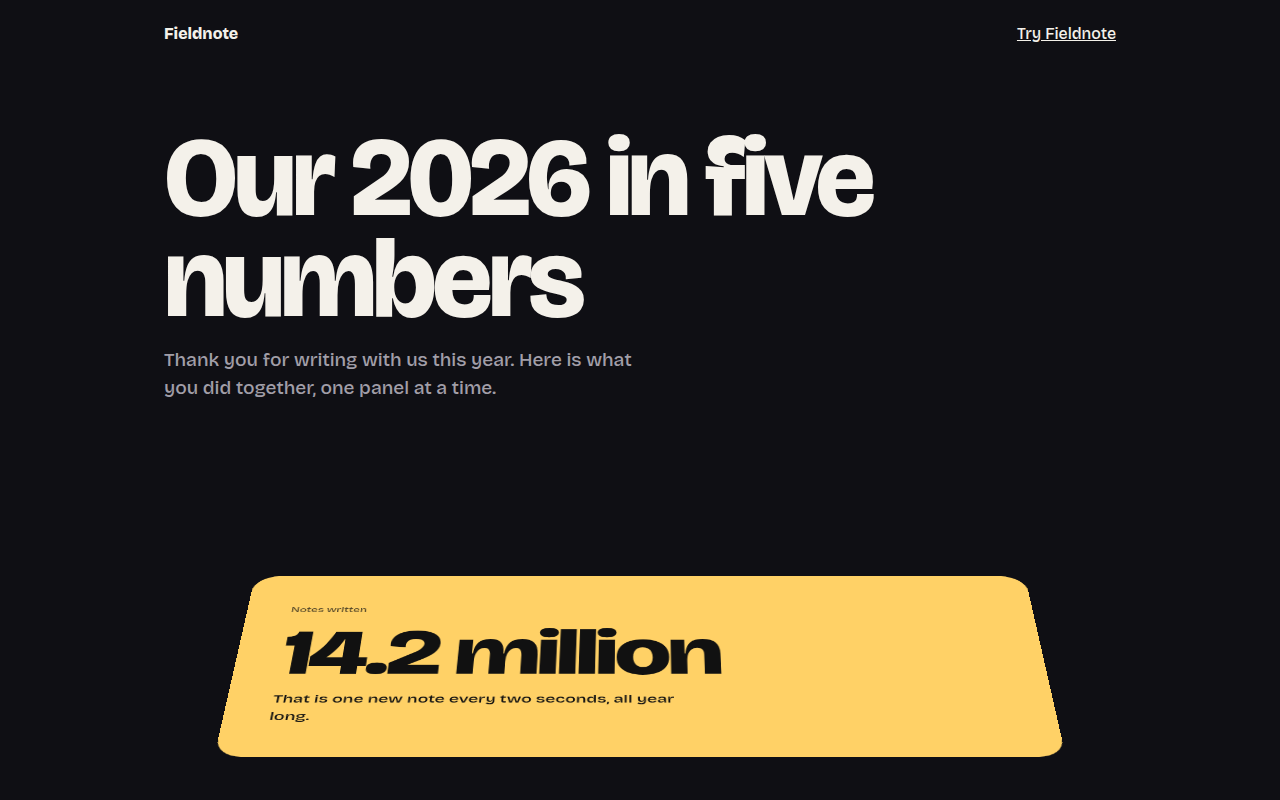
075. Perspective Scroll
Fieldnote, a year in review page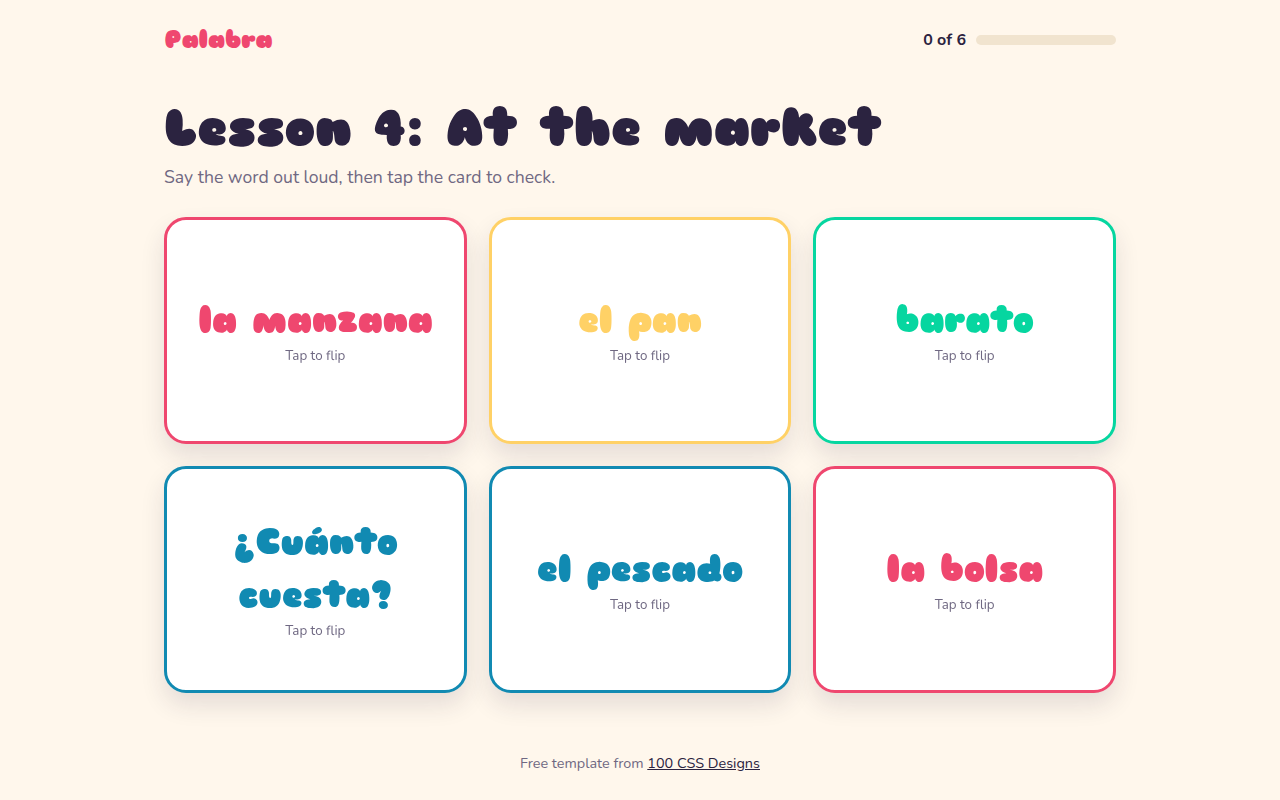
076. Flip Cards
Palabra, a Spanish flashcard app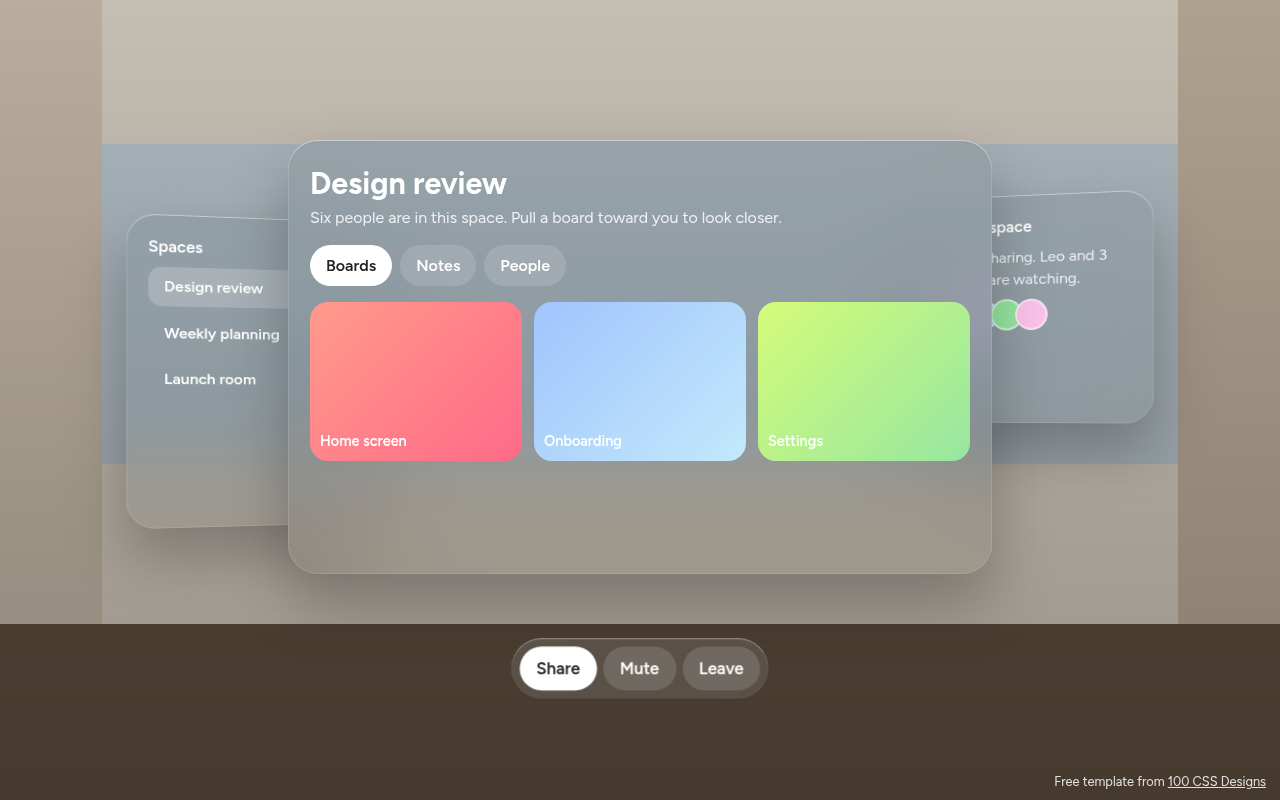
078. Spatial UI
Habitat, a spatial meeting workspace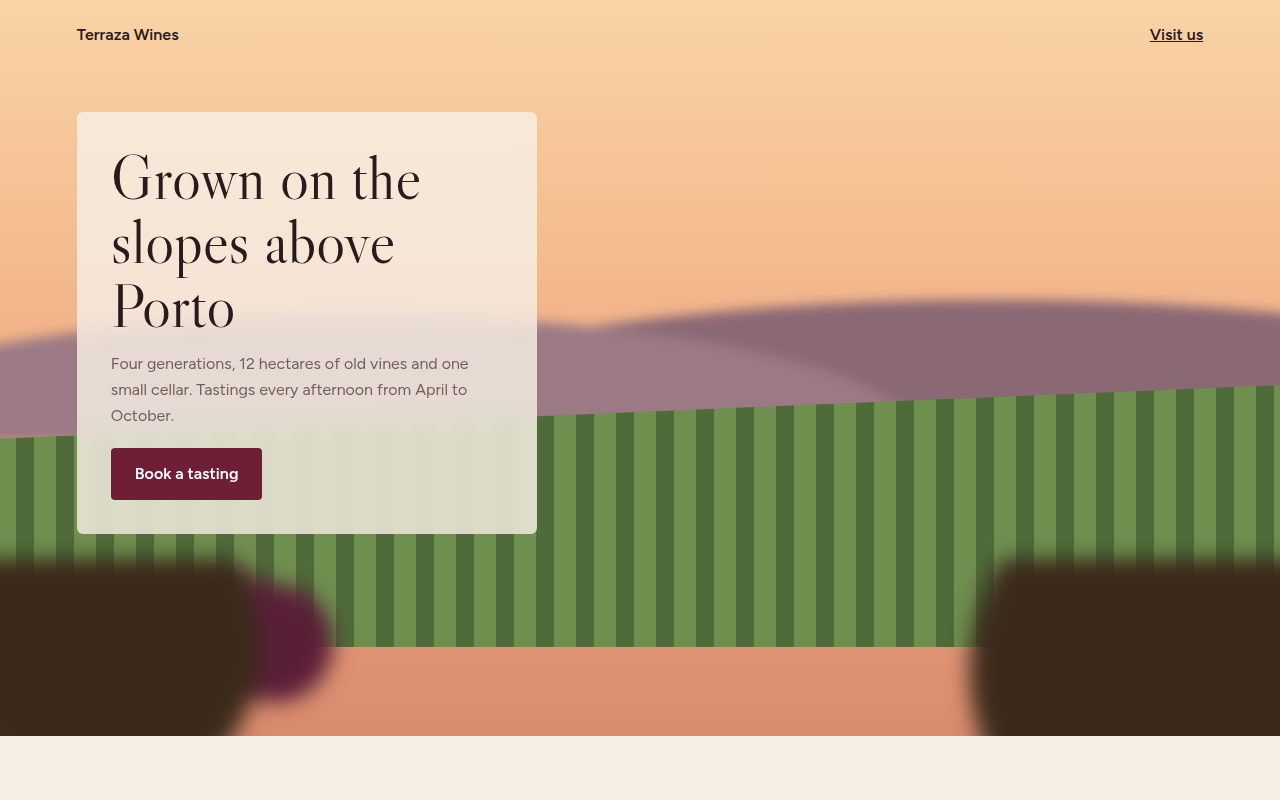
079. Depth Blur
Terraza, a family winery