Home / AI in the Browser / Speech to Text Notes
Speech to Text Notes in JavaScript, Free with Live Demo
Free speech to text notes app in plain JavaScript. Record your voice or upload audio and OpenAI Whisper turns it into text, right in the browser. No server, no API key.
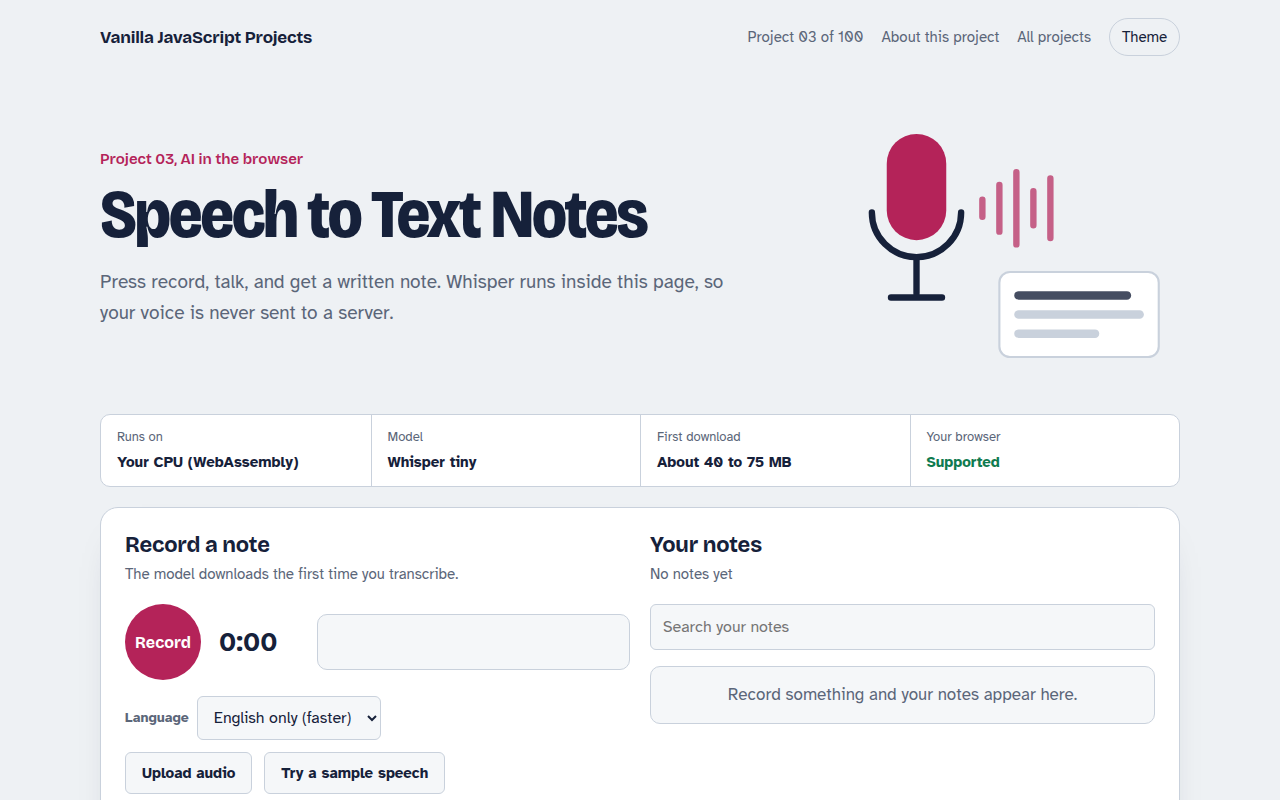
Runs on: Your CPU (WebAssembly). Chrome, Edge, Firefox and Safari. Microphone access needs HTTPS or localhost.
What is the Speech to Text Notes?
This project is a notes app you can talk to. Press record, say what is on your mind, and the words appear as a saved note. You can also drop in an audio file, like a voice memo or a short interview, and get a written copy.
The transcription comes from Whisper, the open speech model from OpenAI, running in the browser with Transformers.js. The page records audio with the MediaRecorder API, converts it to the format Whisper expects, and saves every note in your browser.
Good for
- Quick voice memos and meeting notes
- Turning short interviews into text
- Accessibility features for people who prefer speaking
- Learning how audio is processed in JavaScript
What this project does
- Record from the microphone with a live level meter
- Upload an audio file or try a sample speech
- English model or multilingual model
- Notes saved in your browser with search
- Copy a note or download it as a text file
How it works
- RecordMediaRecorder captures your microphone while an AnalyserNode drives the level meter.
- ResampleThe recording is decoded with the Web Audio API at 16 kHz, the rate Whisper expects.
- TranscribeWhisper turns the audio into text in 30 second chunks, then the note is saved locally.
The key JavaScript
This is the heart of the project. The full file has the rest, including the screen layout and error handling.
import { pipeline } from "https://cdn.jsdelivr.net/npm/@huggingface/transformers@3.8.1";

const transcribe = await pipeline("automatic-speech-recognition", "Xenova/whisper-tiny.en");

// Whisper needs mono audio at 16 kHz as a Float32Array
const ctx = new AudioContext({ sampleRate: 16000 });
const buffer = await ctx.decodeAudioData(await blob.arrayBuffer());
const audio = buffer.getChannelData(0);

const { text } = await transcribe(audio, { chunk_length_s: 30, stride_length_s: 5 });
console.log(text);
How to use it
- Click Download HTML file above.
- Open the file in a code editor, like VS Code.
- Run it from a local server with
npx serve .so the camera, microphone and AI features are allowed. - Change the text and colors, then upload it to GitHub Pages, Netlify or your own site. It is one file with no build step.
Questions people ask
Is Whisper in the browser as good as the paid API?
This project uses Whisper tiny so it loads fast. It is very good for clear English and decent for other languages. The paid API uses bigger models, which handle noise and accents better.
Does it work offline?
Yes, after the first visit. The model is cached in the browser, so recording and transcribing work without internet.
Which languages does it support?
The English model is the most accurate. The multilingual option understands about 100 languages, including Bengali, Hindi, Spanish and Arabic, with lower accuracy on short clips.
More AI in the Browser projects
001. Local AI Chatbot
A private chat assistant that runs on your graphics card
002. Image Classifier
Drop a photo and see what the AI thinks it is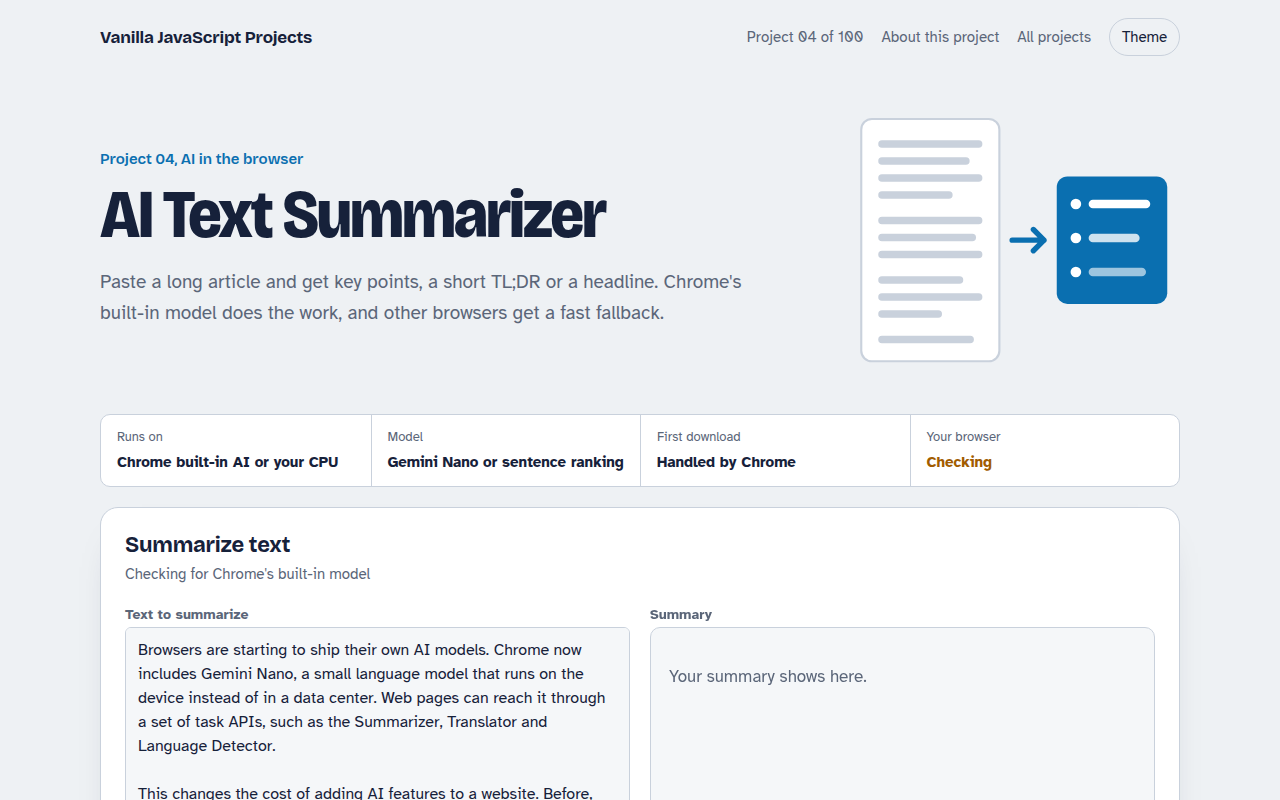
004. AI Text Summarizer
Paste a long article and get the key points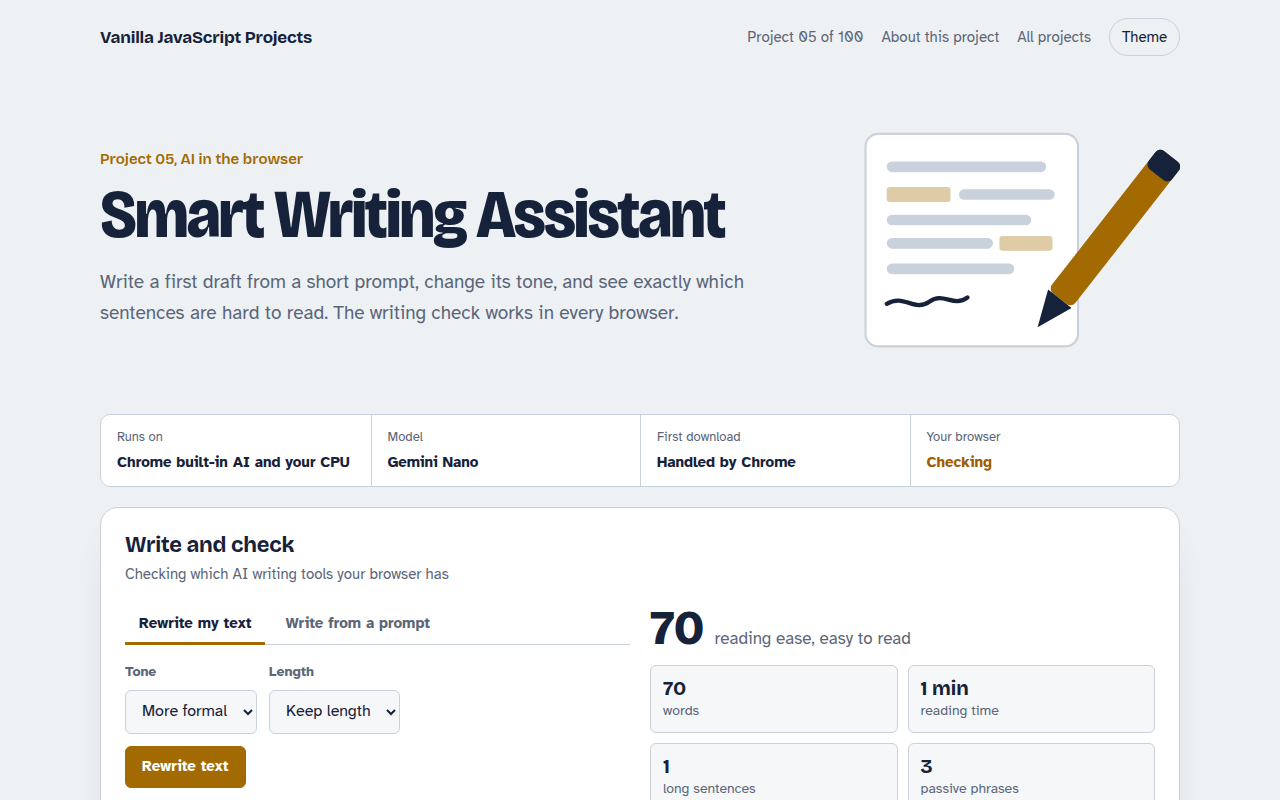
005. Smart Writing Assistant
A writing helper that drafts, rewrites and checks your text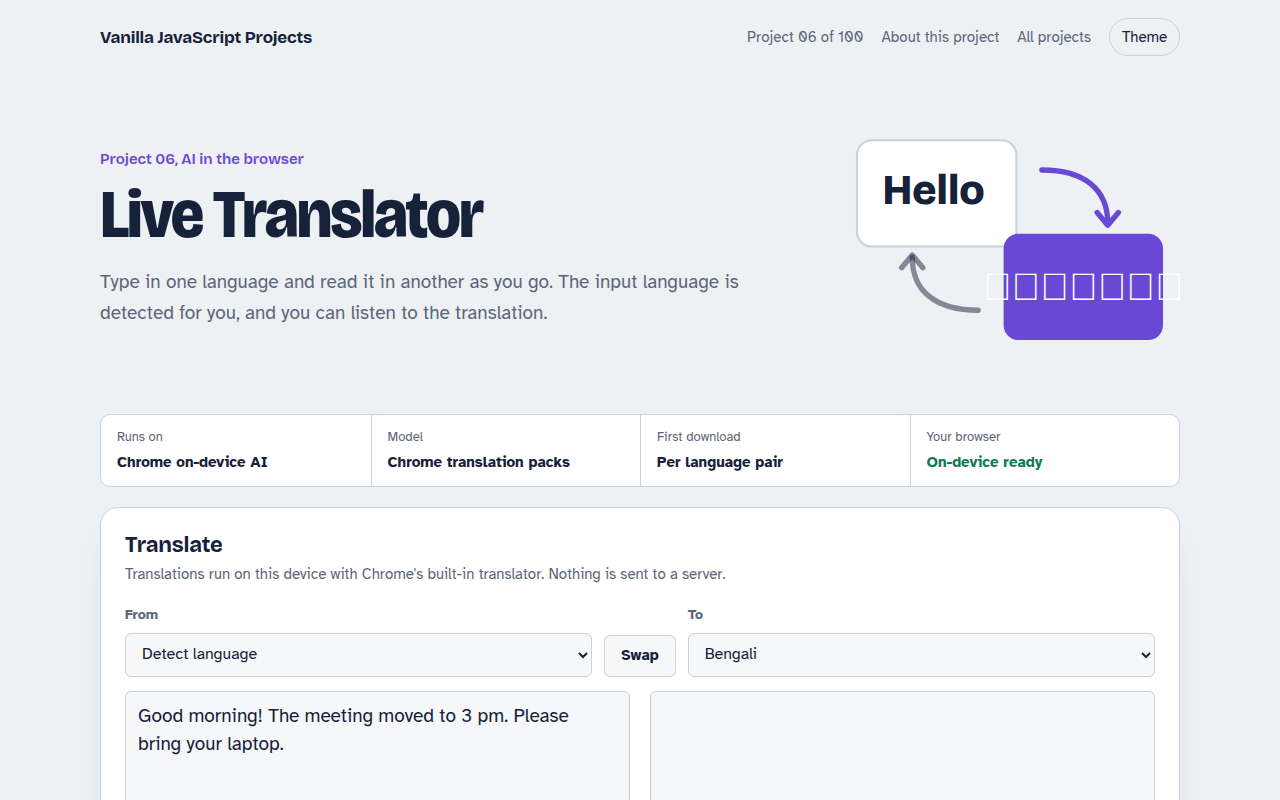
006. Live Translator
A translator that works as you type, in 15 languages