Home / AI in the Browser / Background Remover
Background Remover in JavaScript, Free with Live Demo
Free AI background remover in plain JavaScript. Drop a photo and get a clean cutout, then add a new color, blur or transparent background. Runs in the browser, no upload.
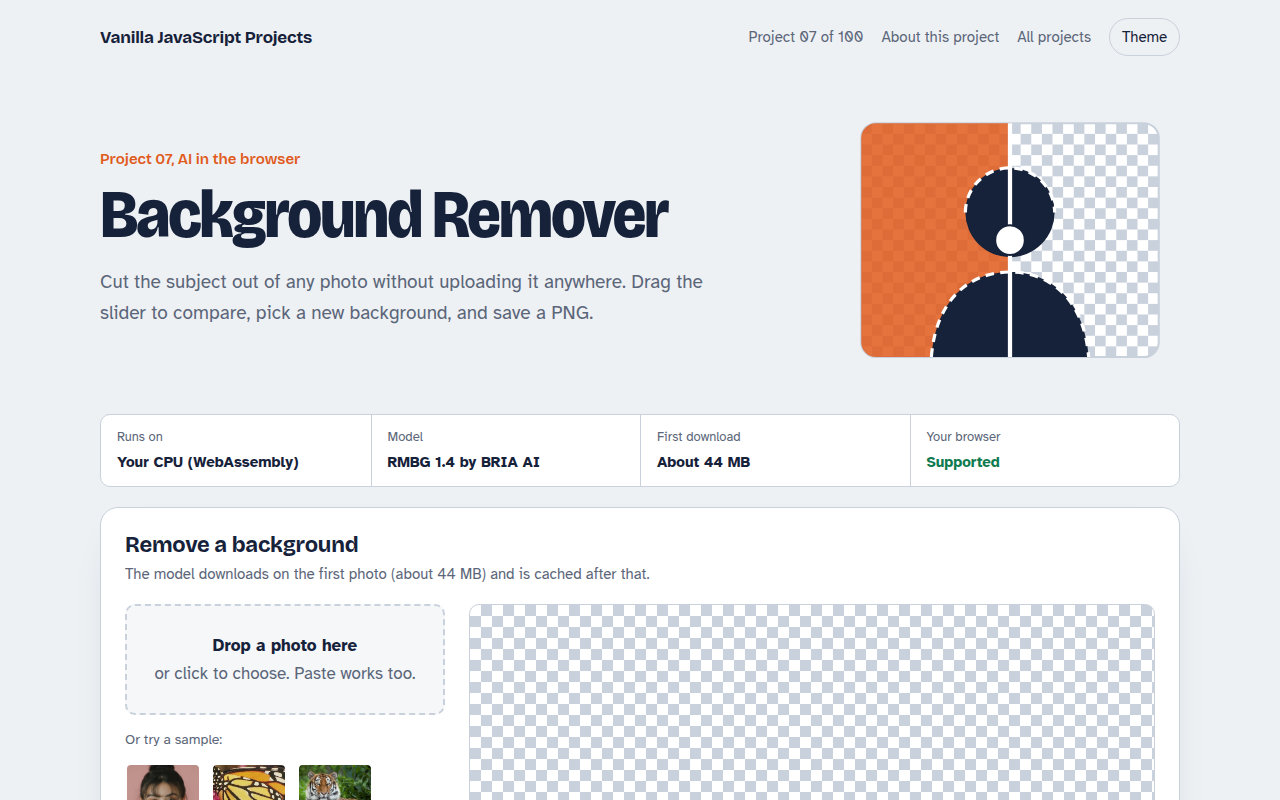
Runs on: Your CPU (WebAssembly). Any current desktop browser. Phones work but are slower on large photos. Note: RMBG 1.4 is licensed for non-commercial use; swap in another model for commercial projects.
What is the Background Remover?
Drop in a photo of a person, a product or a pet, and a few seconds later the background is gone. You can keep it transparent, fill it with a color, or use a blurred copy of the original for a portrait look.
The cutout comes from RMBG 1.4, an image segmentation model that marks every pixel as foreground or background. It runs in your browser with Transformers.js, and the page uses a canvas to build the final PNG at full size.
Good for
- Product photos for online shops
- Profile pictures and ID photos
- Quick social media graphics
- Learning image segmentation in the browser
What this project does
- Works on photos of people, products, animals and objects
- Before and after comparison slider
- New background: transparent, white, black, any color or a blurred copy of the original
- Download as PNG at full resolution
- Drag and drop, file picker or paste
How it works
- Find the subjectThe image is resized to 1024 by 1024 and the model returns a mask: white for the subject, black for the background.
- Apply the maskThe mask is scaled back to full size and copied into the alpha channel of the original pixels.
- ComposeThe cut-out is drawn over the background you picked, then exported as a PNG.
The key JavaScript
This is the heart of the project. The full file has the rest, including the screen layout and error handling.
import { AutoModel, AutoProcessor, RawImage } from "https://cdn.jsdelivr.net/npm/@huggingface/transformers@3.8.1";

const model = await AutoModel.from_pretrained("briaai/RMBG-1.4", { config: { model_type: "custom" } });
const processor = await AutoProcessor.from_pretrained("briaai/RMBG-1.4", { config: {
  do_normalize: true, do_resize: true, do_rescale: true, rescale_factor: 1 / 255,
  image_mean: [0.5, 0.5, 0.5], image_std: [1, 1, 1], size: { width: 1024, height: 1024 },
  feature_extractor_type: "ImageFeatureExtractor", resample: 2, do_pad: false } });

const image = await RawImage.fromURL(url);
const { pixel_values } = await processor(image);
const { output } = await model({ input: pixel_values });

// Grayscale mask, same size as the photo: use it as the alpha channel
const mask = await RawImage.fromTensor(output[0].mul(255).to("uint8")).resize(image.width, image.height);
How to use it
- Click Download HTML file above.
- Open the file in a code editor, like VS Code.
- Run it from a local server with
npx serve .so the camera, microphone and AI features are allowed. - Change the text and colors, then upload it to GitHub Pages, Netlify or your own site. It is one file with no build step.
Questions people ask
Is this background remover free for commercial use?
The code is MIT licensed, but the RMBG 1.4 model is licensed for non-commercial use only. For a paid product, swap in a model with a commercial license.
Are my photos uploaded?
No. The model runs on your device, so the photo stays in your browser the whole time.
Why does it take longer on the first photo?
The first run downloads the model, about 45 MB, and prepares it. After that it is cached and each photo takes a few seconds.
More AI in the Browser projects
001. Local AI Chatbot
A private chat assistant that runs on your graphics card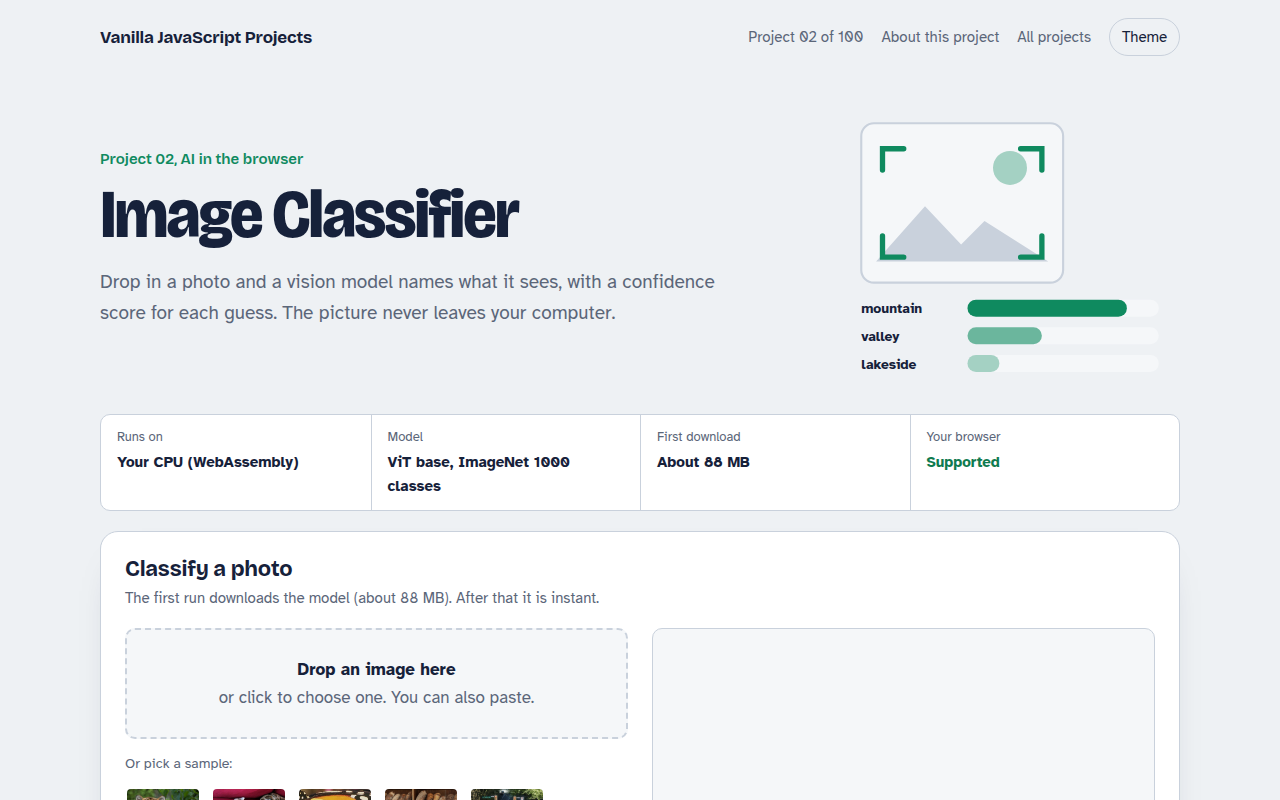
002. Image Classifier
Drop a photo and see what the AI thinks it is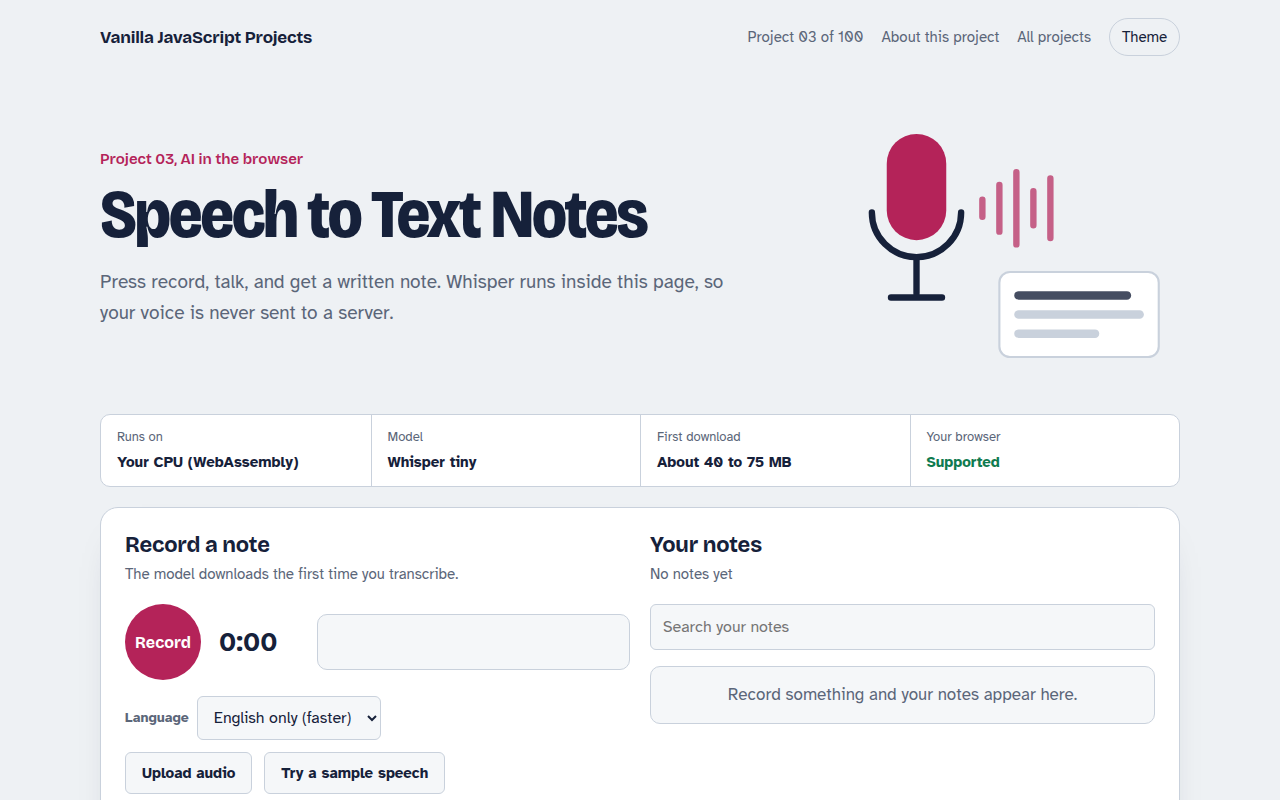
003. Speech to Text Notes
A voice notes app that writes down what you say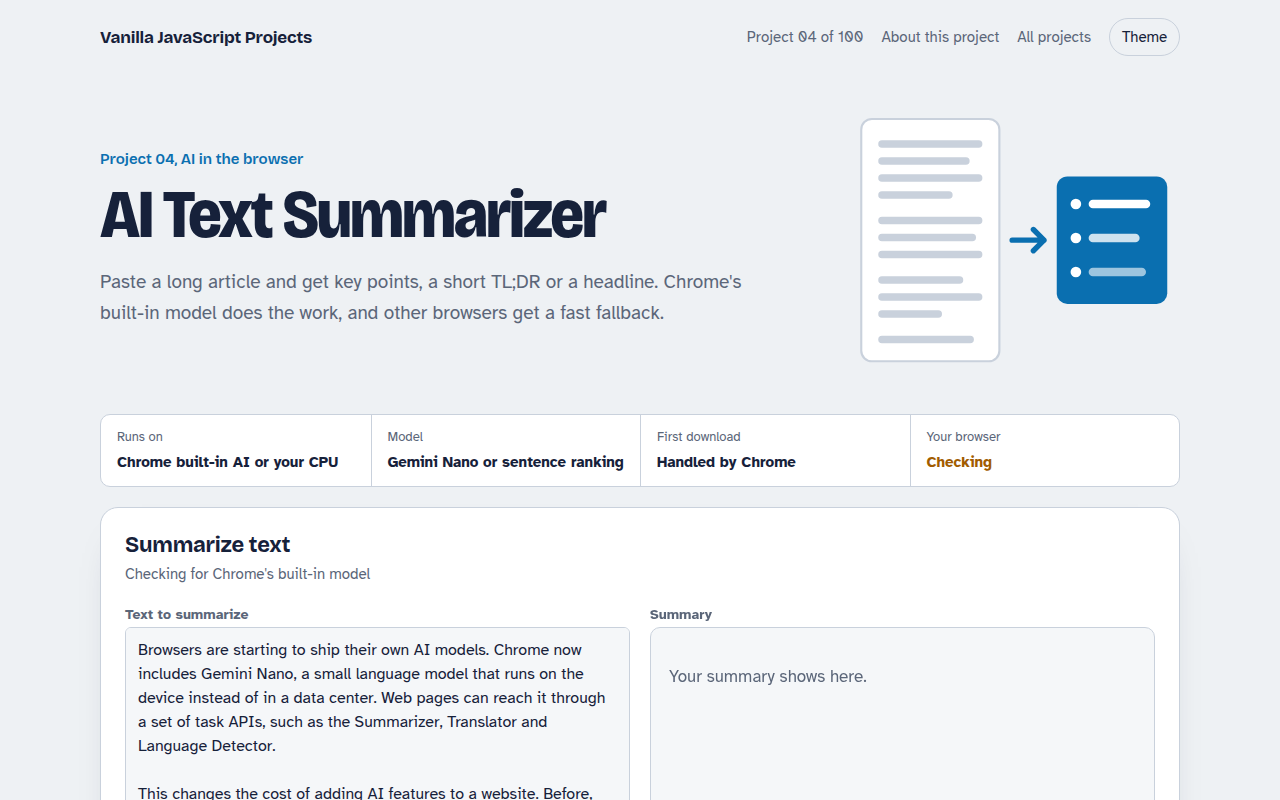
004. AI Text Summarizer
Paste a long article and get the key points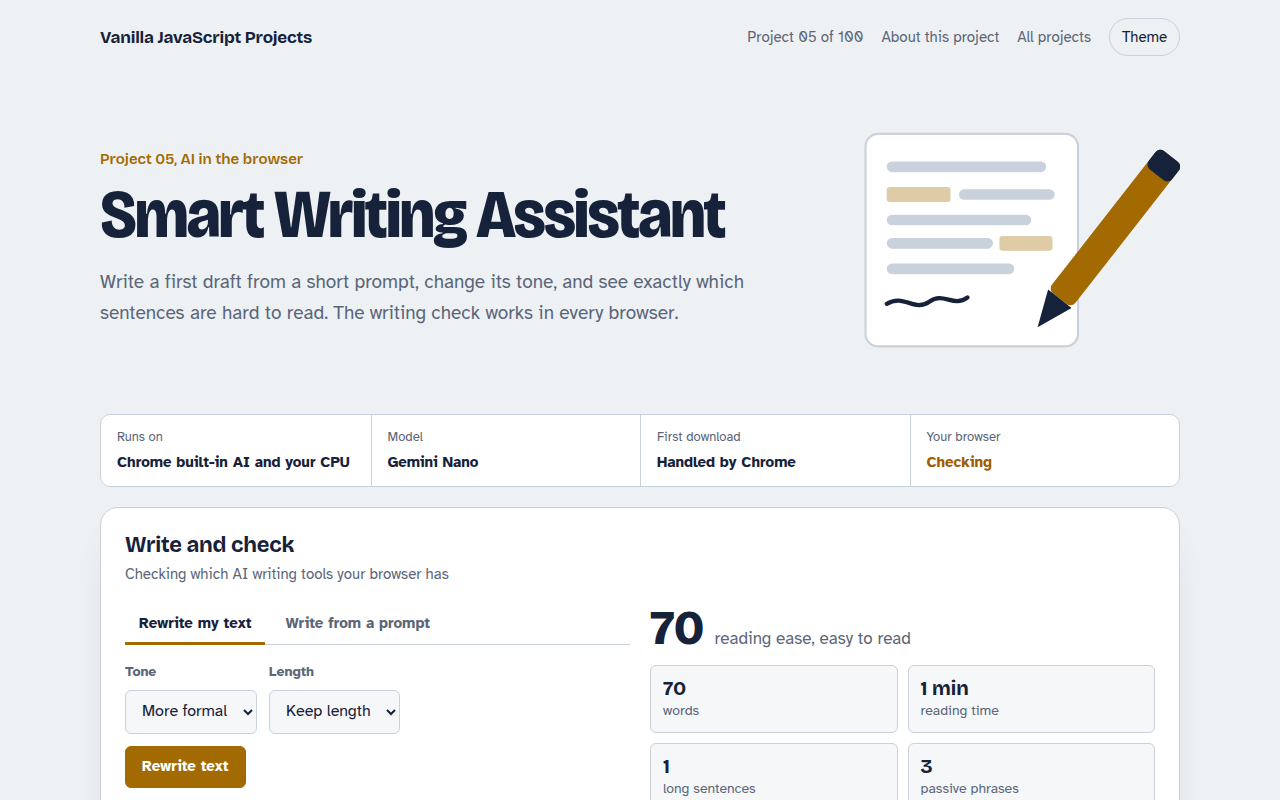
005. Smart Writing Assistant
A writing helper that drafts, rewrites and checks your text