Home / AI in the Browser / AI Text Summarizer
AI Text Summarizer in JavaScript, Free with Live Demo
Free AI text summarizer in plain JavaScript. Paste any article and get key points, a TL;DR or a headline using Chrome built-in AI, with a smart fallback for other browsers.
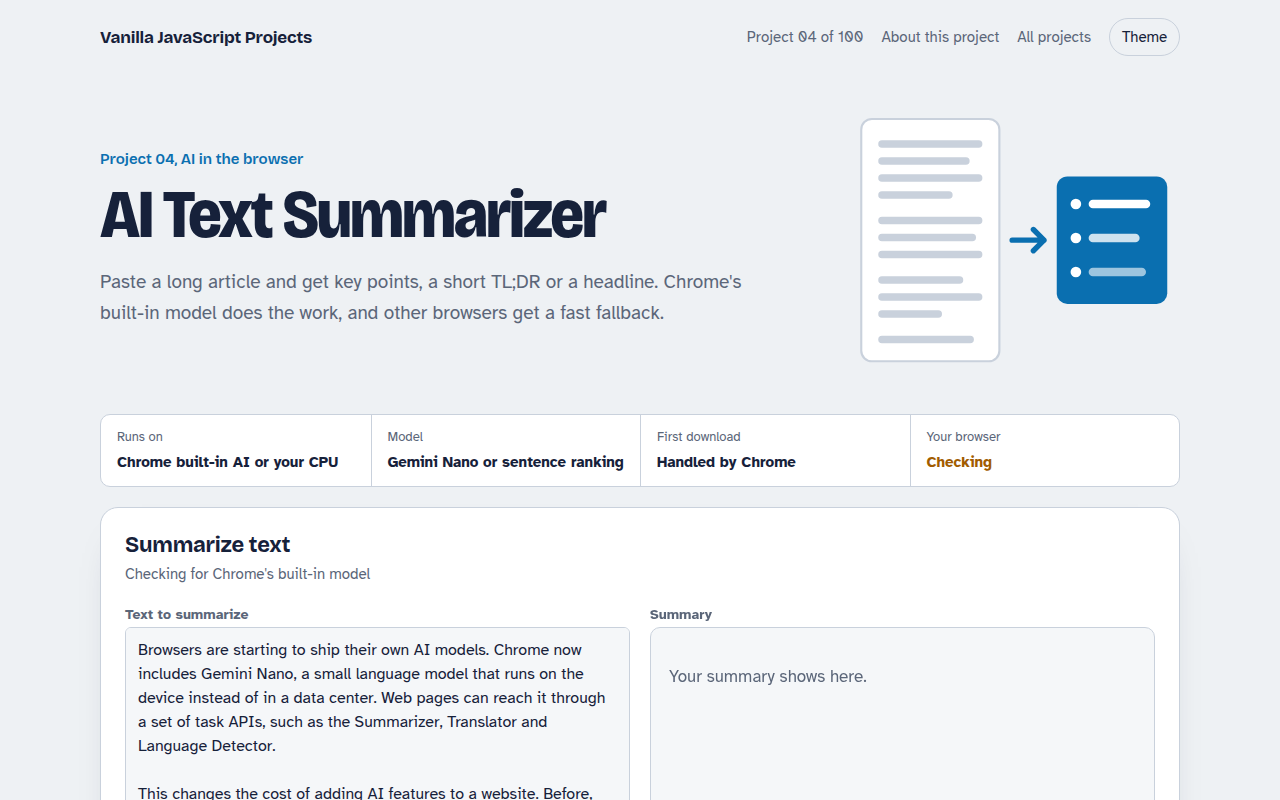
Runs on: Chrome built-in AI or your CPU. Built-in AI: Chrome 138 or newer on Windows, macOS, Linux or ChromeOS with about 22 GB of free disk space. Fallback: every modern browser.
What is the AI Text Summarizer?
Paste a long article, report or email thread and this tool gives you the short version: a few key points, a one line summary, a teaser or a headline. You choose the style and the length.
In Chrome it uses the new built-in Summarizer API, which runs Google's Gemini Nano model on your own computer. Other browsers get a fallback that scores each sentence and keeps the most important ones, so the tool works everywhere.
Good for
- Reading long articles and reports faster
- Writing headlines and social post teasers
- Summaries inside note taking or CMS tools
- Learning Chrome's new built-in AI APIs
What this project does
- Four summary types: key points, TL;DR, teaser and headline
- Short, medium or long output
- Uses Gemini Nano when Chrome has it, a local ranking method otherwise
- Word count before and after, with the reduction percentage
- Copy the summary with one click
How it works
- Check availabilityThe page calls Summarizer.availability() to see if Gemini Nano is ready, downloadable or missing.
- Create a summarizerIt creates one with your type, length and format, showing progress if Chrome needs to download the model.
- Fall back when neededWithout the API, sentences are scored by how many important words they share and the best ones are kept in order.
The key JavaScript
This is the heart of the project. The full file has the rest, including the screen layout and error handling.
// Feature-detect, then check if the on-device model is ready
if ("Summarizer" in self) {
  const state = await Summarizer.availability(); // "available", "downloadable", ...

  const summarizer = await Summarizer.create({
    type: "key-points", length: "medium", format: "markdown",
    monitor(m) {
      m.addEventListener("downloadprogress", (e) => console.log(e.loaded));
    },
  });

  const summary = await summarizer.summarize(longText);
}
How to use it
- Click Download HTML file above.
- Open the file in a code editor, like VS Code.
- Run it from a local server with
npx serve .so the camera, microphone and AI features are allowed. - Change the text and colors, then upload it to GitHub Pages, Netlify or your own site. It is one file with no build step.
Questions people ask
What is the Chrome Summarizer API?
It is a new JavaScript API in Chrome 138 and later. It gives web pages a summarizer backed by Gemini Nano, a small model that Chrome downloads once and runs on your device.
Is it free to use?
Yes. There is no API key and no cost per request, because the model runs on the user's computer, not on a server.
What happens in browsers without built-in AI?
The page switches to a local method that ranks sentences by how many important words they share with the rest of the text. It is less fluent but fast and private.
More AI in the Browser projects
001. Local AI Chatbot
A private chat assistant that runs on your graphics card
002. Image Classifier
Drop a photo and see what the AI thinks it is
003. Speech to Text Notes
A voice notes app that writes down what you say
005. Smart Writing Assistant
A writing helper that drafts, rewrites and checks your text
006. Live Translator
A translator that works as you type, in 15 languages