Home / AI in the Browser / Live Translator
Live Translator in JavaScript, Free with Live Demo
Free live translator in plain JavaScript. Translate as you type in 15 languages with language detection and read aloud, using Chrome on-device AI with an online fallback.
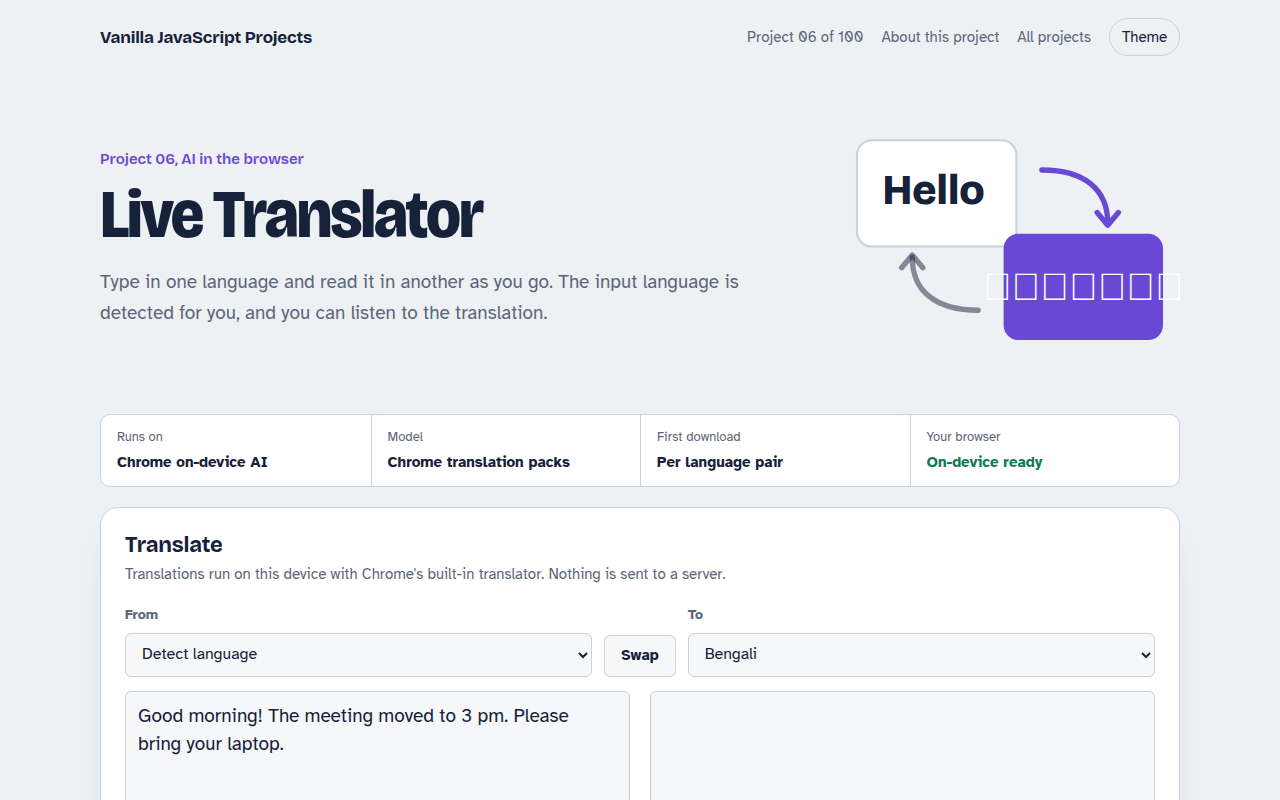
Runs on: Chrome on-device AI. On-device: Chrome 138 or newer on desktop. Fallback: any browser with internet (limited free daily quota).
What is the Live Translator?
Type or paste text in one language and see it in another as you type. The page also guesses which language you started with, shows how sure it is, and can read the translation out loud.
In recent Chrome it uses the on-device Translator and Language Detector APIs, so translations are private and work offline once a language pack is downloaded. Other browsers use a free online translation service as a fallback.
Good for
- Chat apps and support tools with global users
- Travel and study helpers
- Translating short product or menu text
- Learning Chrome's built-in AI APIs
What this project does
- Translates while you type
- Auto-detects the input language with a confidence score
- 15 languages including Bengali, Hindi, Arabic and Chinese
- Swap languages in one click
- Read the translation aloud
- Recent translations saved in your browser
- Online fallback (MyMemory) for browsers without the API
How it works
- Detect the languageLanguageDetector returns likely languages with confidence scores. Without it, the page guesses from the script, such as Bengali or Arabic letters.
- Get a translatorTranslator.create() prepares the language pair, downloading it once if needed. Each pair is cached for the session.
- Translate on pauseTyping is debounced, so a translation runs half a second after you stop.
The key JavaScript
This is the heart of the project. The full file has the rest, including the screen layout and error handling.
// Which language is this?
const detector = await LanguageDetector.create();
const [best] = await detector.detect("Good morning!");
// { detectedLanguage: "en", confidence: 0.98 }

// Translate English to Bengali on the device
const ok = await Translator.availability({ sourceLanguage: "en", targetLanguage: "bn" });
const translator = await Translator.create({ sourceLanguage: "en", targetLanguage: "bn" });
const text = await translator.translate("Good morning!");
How to use it
- Click Download HTML file above.
- Open the file in a code editor, like VS Code.
- Run it from a local server with
npx serve .so the camera, microphone and AI features are allowed. - Change the text and colors, then upload it to GitHub Pages, Netlify or your own site. It is one file with no build step.
Questions people ask
Which languages are supported?
The demo includes 15 languages, including English, Bengali, Hindi, Arabic, Chinese, Spanish and French. Chrome downloads each language pair the first time you use it.
Is the translation private?
With Chrome's on-device API, yes. The text never leaves your computer. The online fallback sends the text to the MyMemory service.
How good is the translation quality?
It is good for everyday sentences. For legal, medical or marketing text, have a fluent speaker check it.
More AI in the Browser projects
001. Local AI Chatbot
A private chat assistant that runs on your graphics card
002. Image Classifier
Drop a photo and see what the AI thinks it is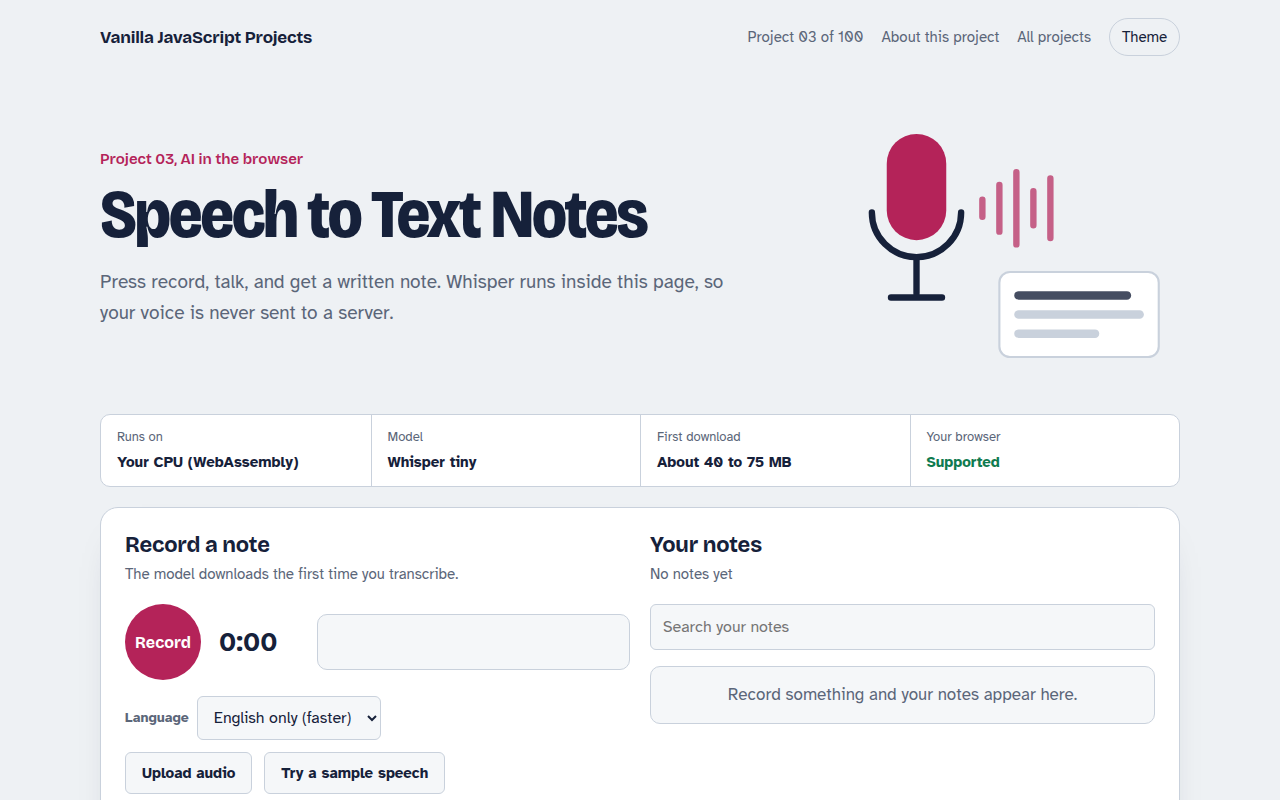
003. Speech to Text Notes
A voice notes app that writes down what you say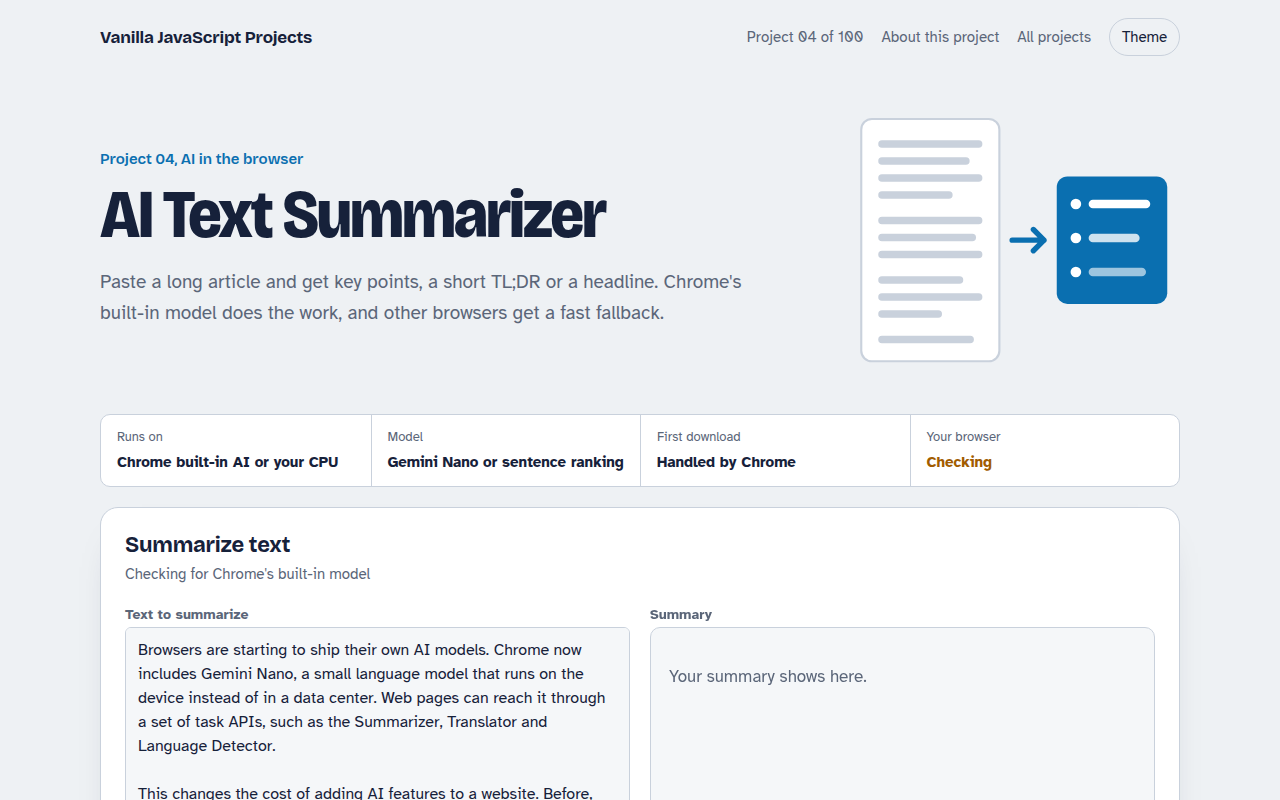
004. AI Text Summarizer
Paste a long article and get the key points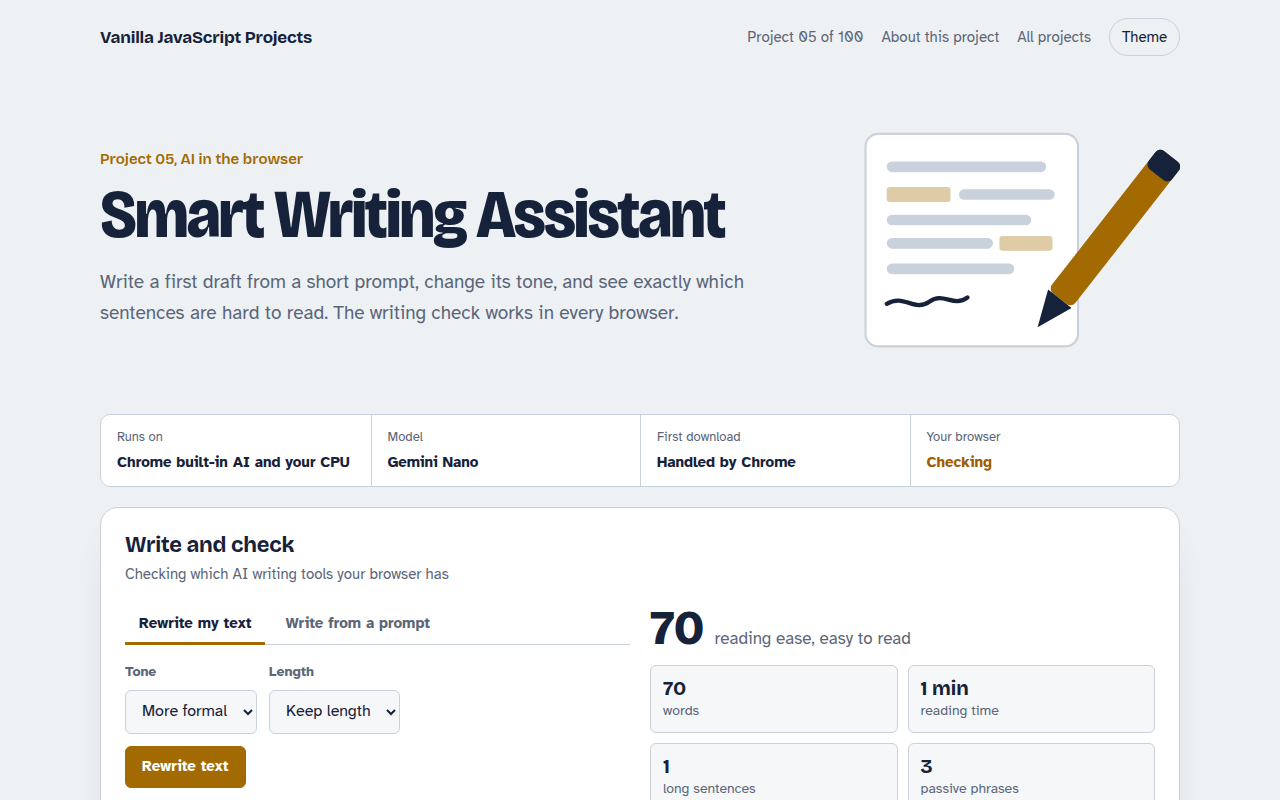
005. Smart Writing Assistant
A writing helper that drafts, rewrites and checks your text