Home / Hardware and Performance / Bluetooth Device Dashboard
Bluetooth Device Dashboard in JavaScript, Free with Live Demo
Free Web Bluetooth dashboard in plain JavaScript. Connect a heart rate strap or watch, see a live chart, battery and device info, or try the demo mode.
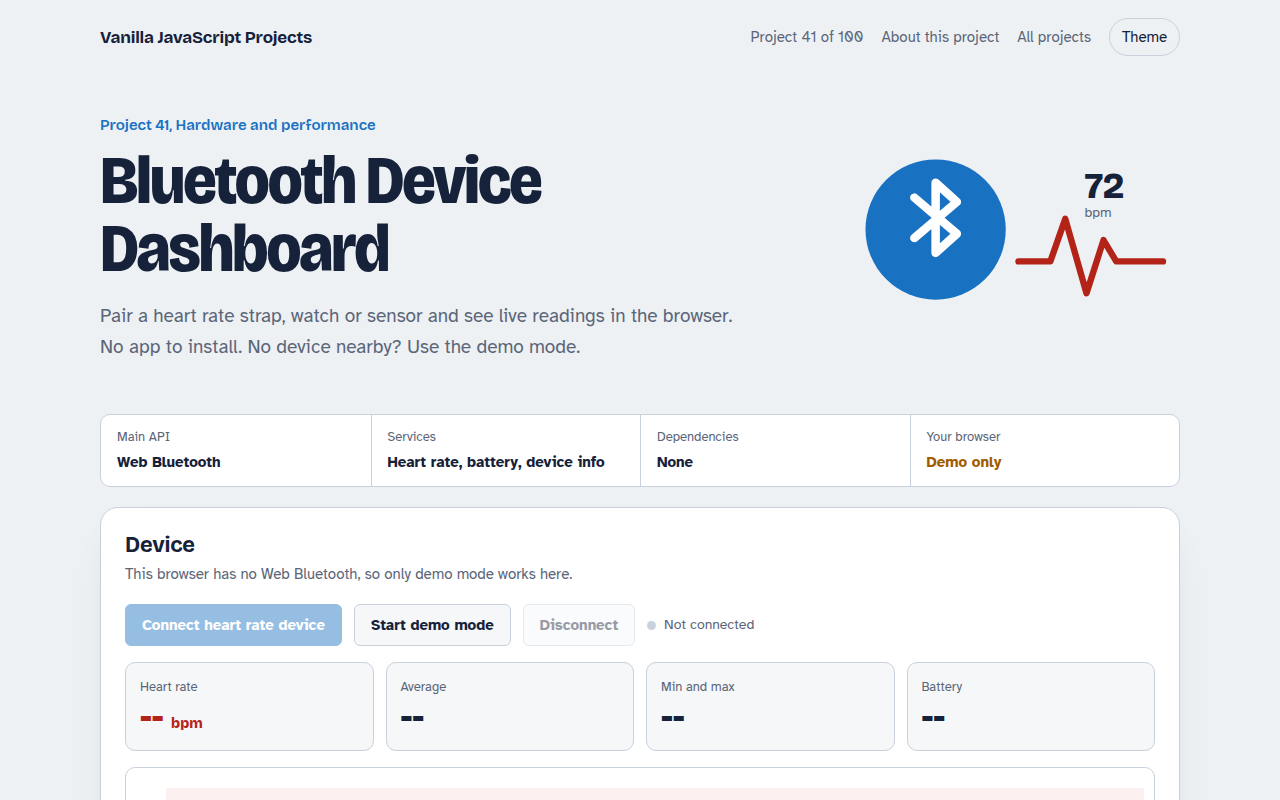
Runs on: Web Bluetooth. Chrome and Edge on desktop and Android, and Opera. Not available in Safari or Firefox. Needs HTTPS or localhost.
What is the Bluetooth Device Dashboard?
Pair a heart rate strap, fitness watch or sensor straight from the browser and see live readings with a 60 second chart, min, max and average, plus the battery level. No app to install.
The Web Bluetooth API opens the browser's device picker, connects to the device's GATT server and subscribes to notifications. Each heart rate reading arrives as a few bytes that the page decodes.
Good for
- Fitness and health dashboards
- IoT sensor tools
- Hardware hack days
- Learning Bluetooth Low Energy
What this project does
- Scan and pair with devices that offer the heart rate service
- Live heart rate with a 60 second chart, min, max and average
- Battery level with change notifications
- Manufacturer and model from the Device Information service
- Demo mode that simulates a workout
How it works
- Ask for a deviceThe browser shows its own picker, filtered to devices with the heart rate service. The page only gets the one you choose.
- SubscribeThe page connects to the GATT server and starts notifications on the heart rate characteristic.
- DecodeEach notification is a few bytes. The first byte says if the value is 8 or 16 bit, then the reading follows.
The key JavaScript
This is the heart of the project. The full file has the rest, including the screen layout and error handling.
const device = await navigator.bluetooth.requestDevice({
  filters: [{ services: ["heart_rate"] }], optionalServices: ["battery_service"],
});
const server = await device.gatt.connect();
const hr = await (await server.getPrimaryService("heart_rate"))
  .getCharacteristic("heart_rate_measurement");

hr.addEventListener("characteristicvaluechanged", (e) => {
  const v = e.target.value;                            // DataView
  const bpm = v.getUint8(0) & 1 ? v.getUint16(1, true) : v.getUint8(1);
  show(bpm);
});
await hr.startNotifications();
How to use it
- Click Download HTML file above.
- Open the file in a code editor, like VS Code.
- Run it from a local server with
npx serve .so the camera, microphone and AI features are allowed. - Change the text and colors, then upload it to GitHub Pages, Netlify or your own site. It is one file with no build step.
Questions people ask
Which browsers support Web Bluetooth?
Chrome and Edge on desktop and Android, and Opera. Safari and Firefox do not support it.
What devices can I connect?
Any Bluetooth Low Energy device with a standard heart rate or battery service, including most chest straps and many watches.
Can I try it without a device?
Yes. Demo mode simulates a workout so you can see the chart and numbers move.
More Hardware and Performance projects
042. Arduino Serial Monitor
Read and plot data from an Arduino or ESP32 over USB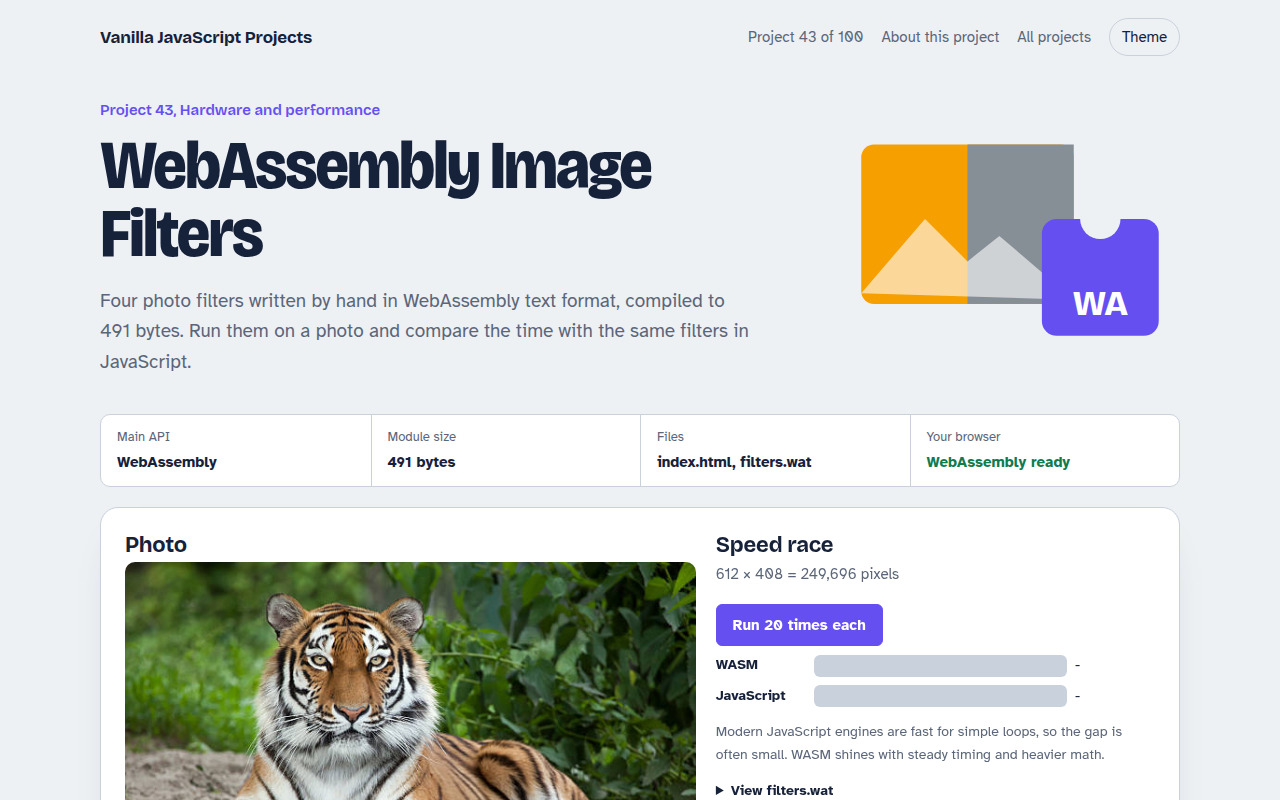
043. WebAssembly Image Filters
Photo filters in hand written WebAssembly, raced against JavaScript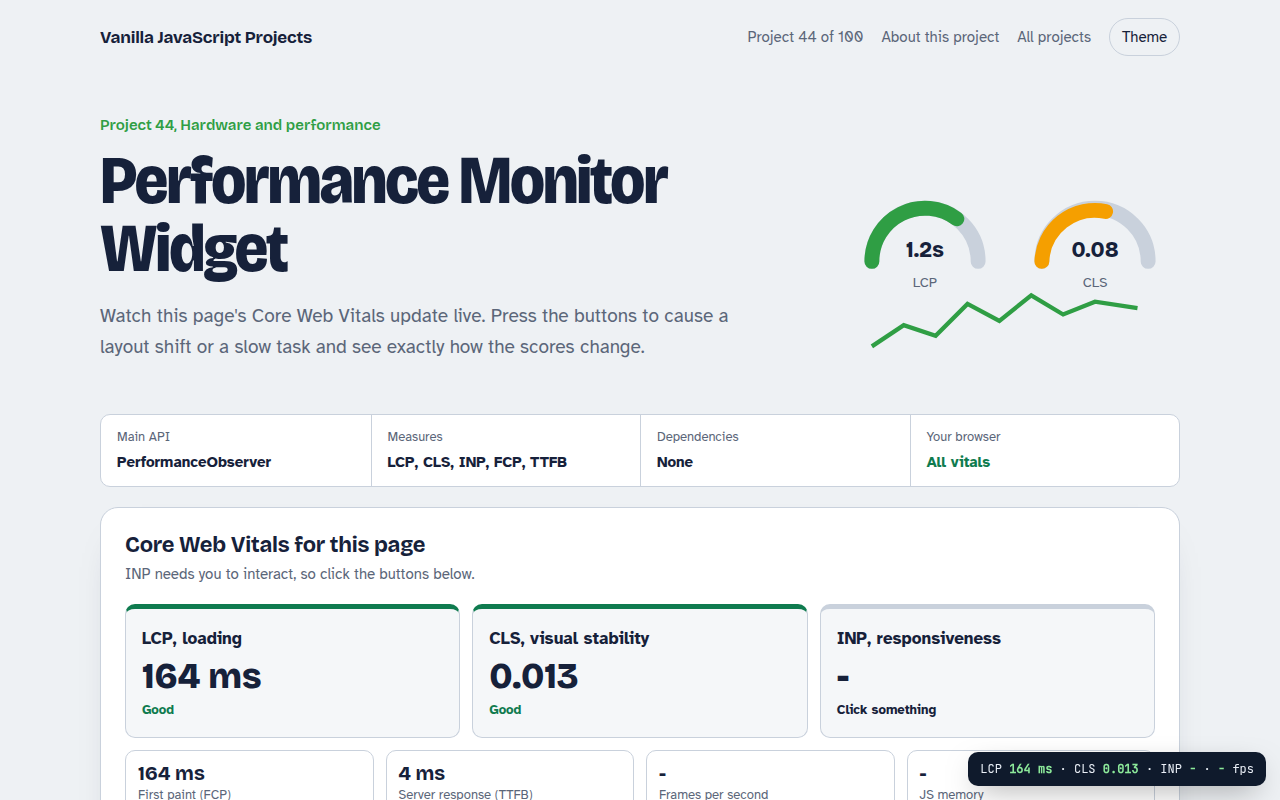
044. Performance Monitor Widget
A live panel for Core Web Vitals on any page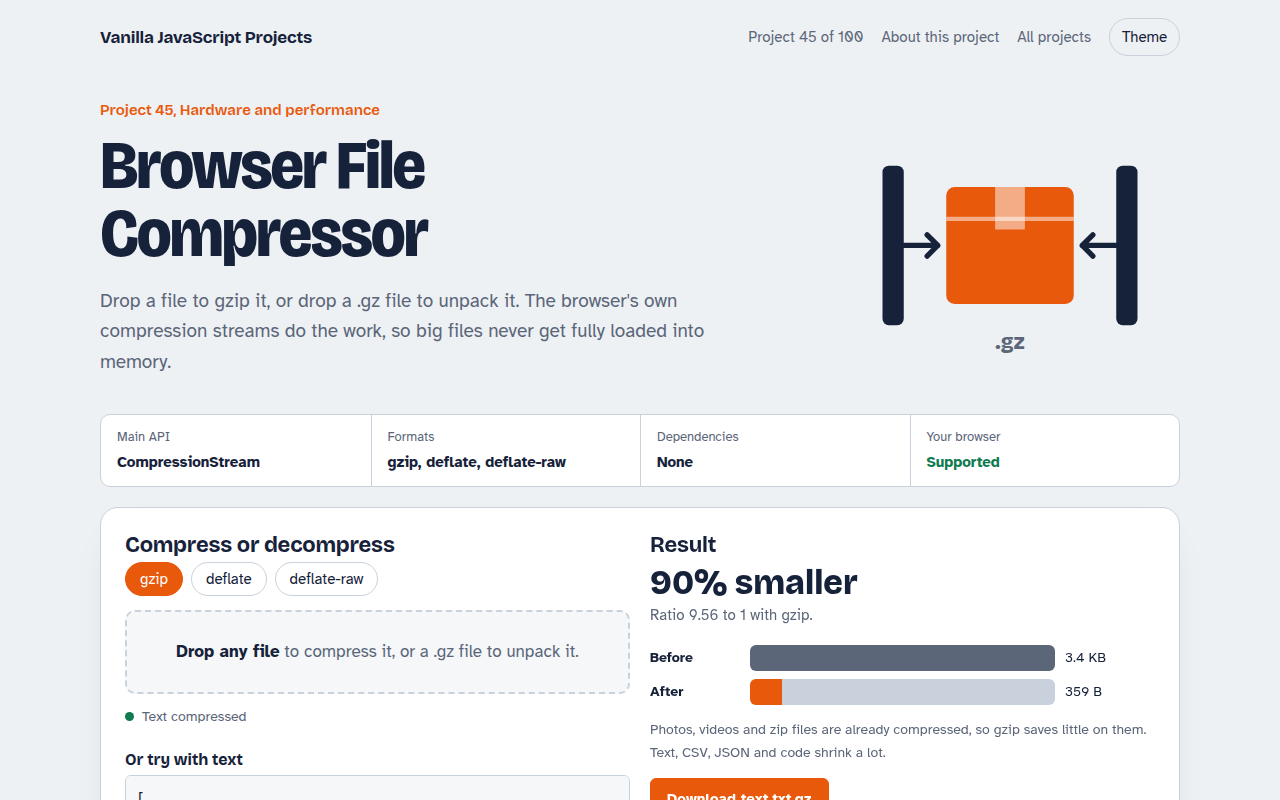
045. Browser File Compressor
Gzip any file or unpack a .gz right in the browser